

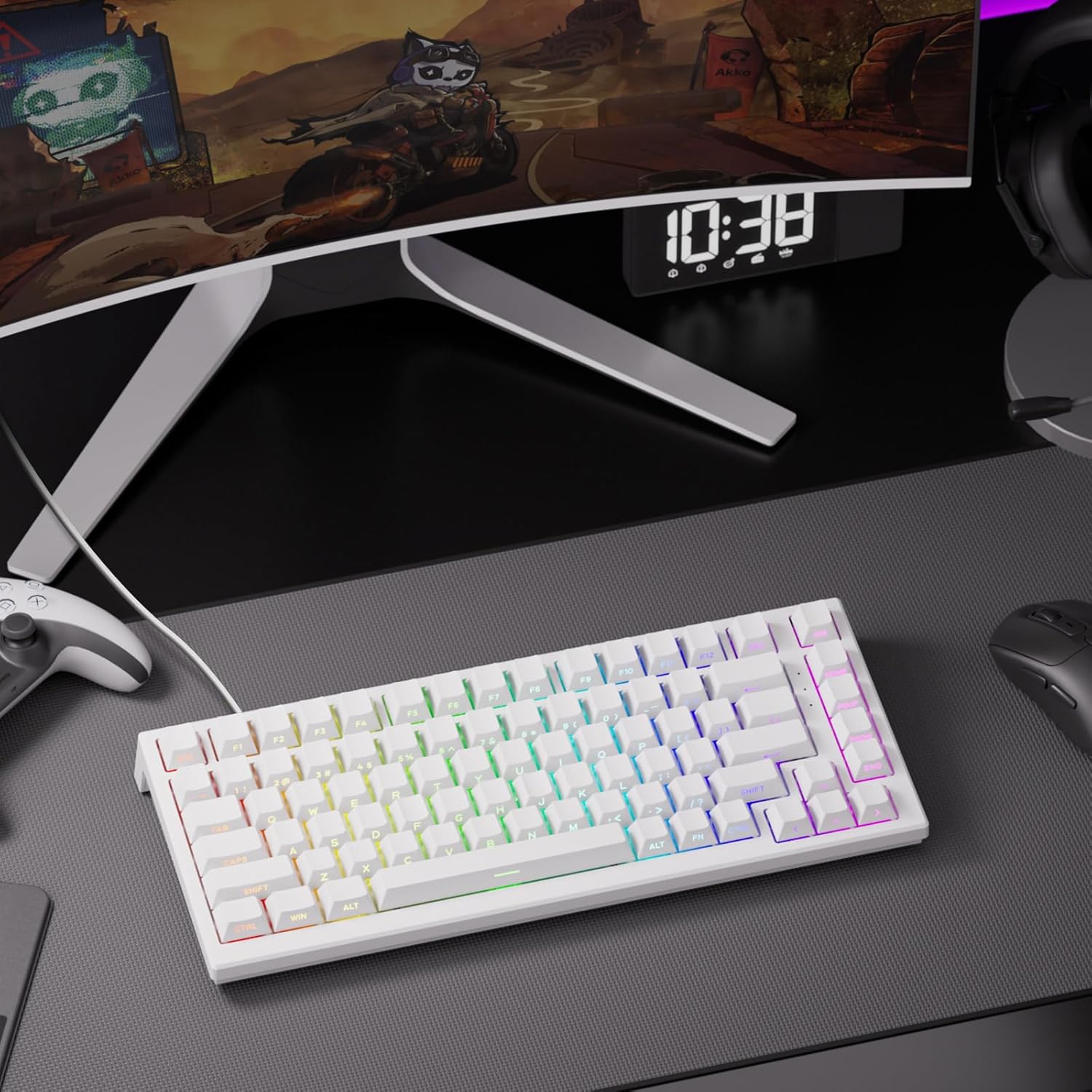
Akko TAC75 HE 8000Hz Rapid Trigger Keyboard
Product description
What is it and who’s it for
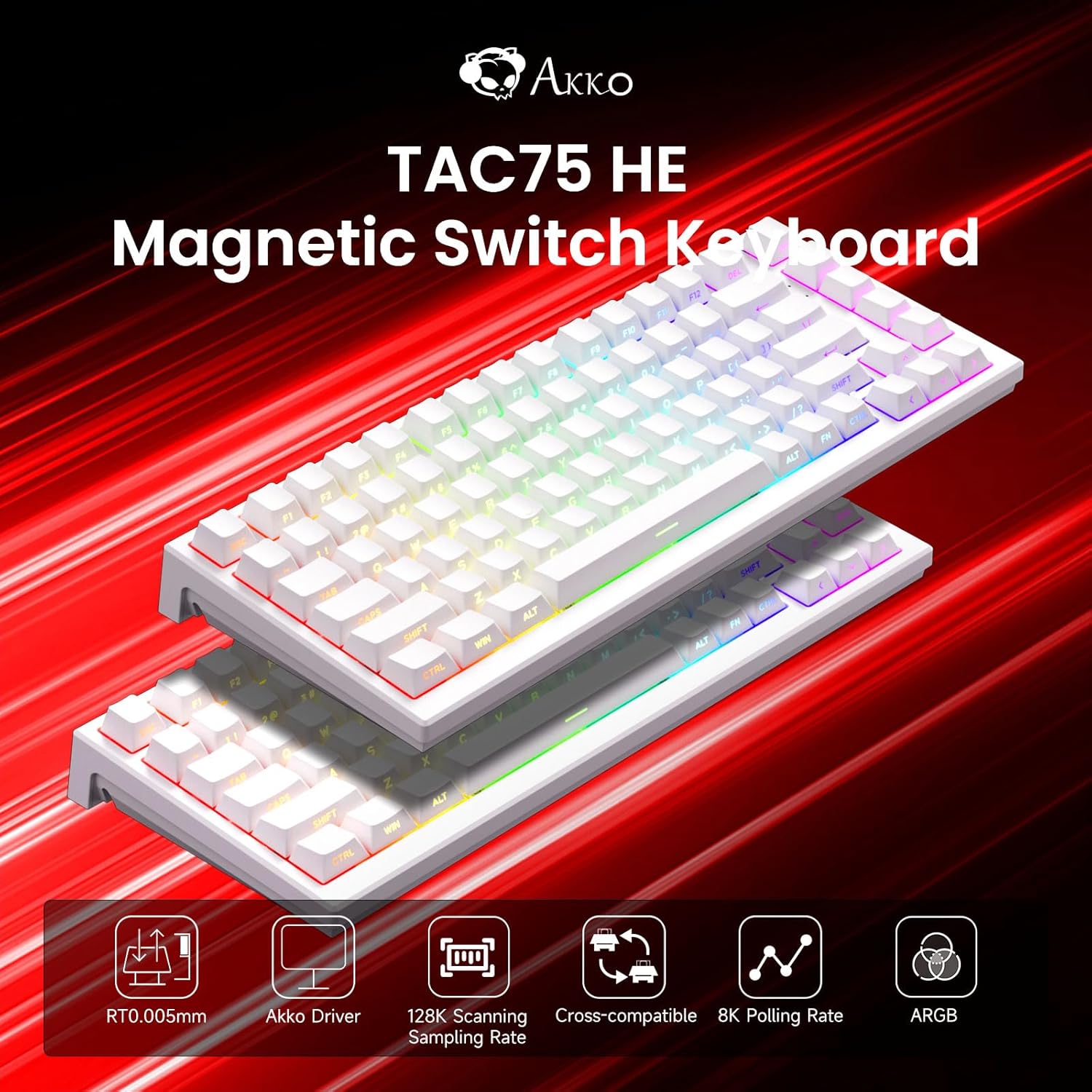
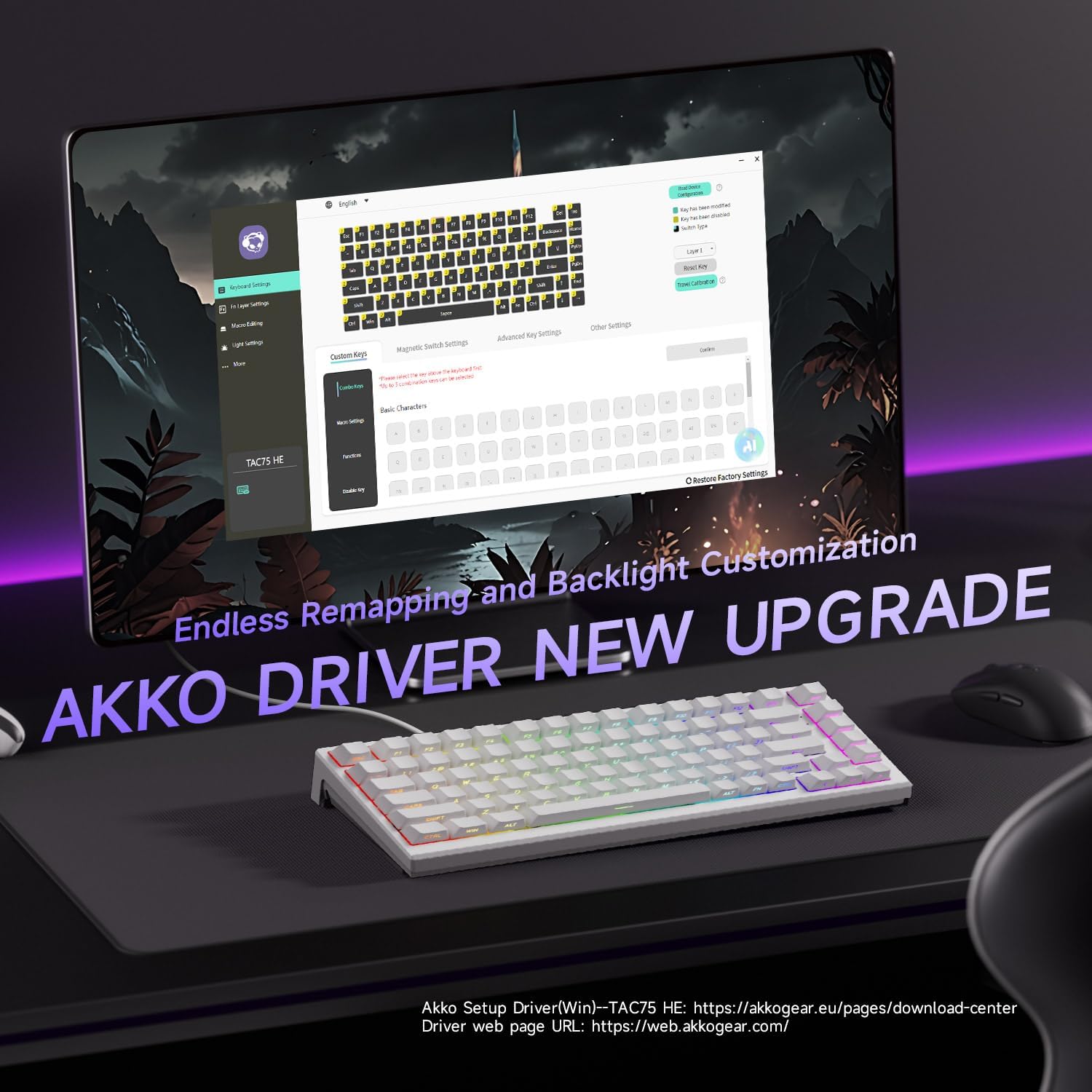
The Akko TAC75 HE is a 75% wired keyboard that centres on rapid trigger and precision. It combines a Hall effect magnetic switch layout with adjustable actuation for fine-tuning response, making it a sensible pick for gamers who want speed without sacrificing accuracy. If you prioritise customisation and a tidy footprint for desk space, this could be worth considering.
Performance on paper
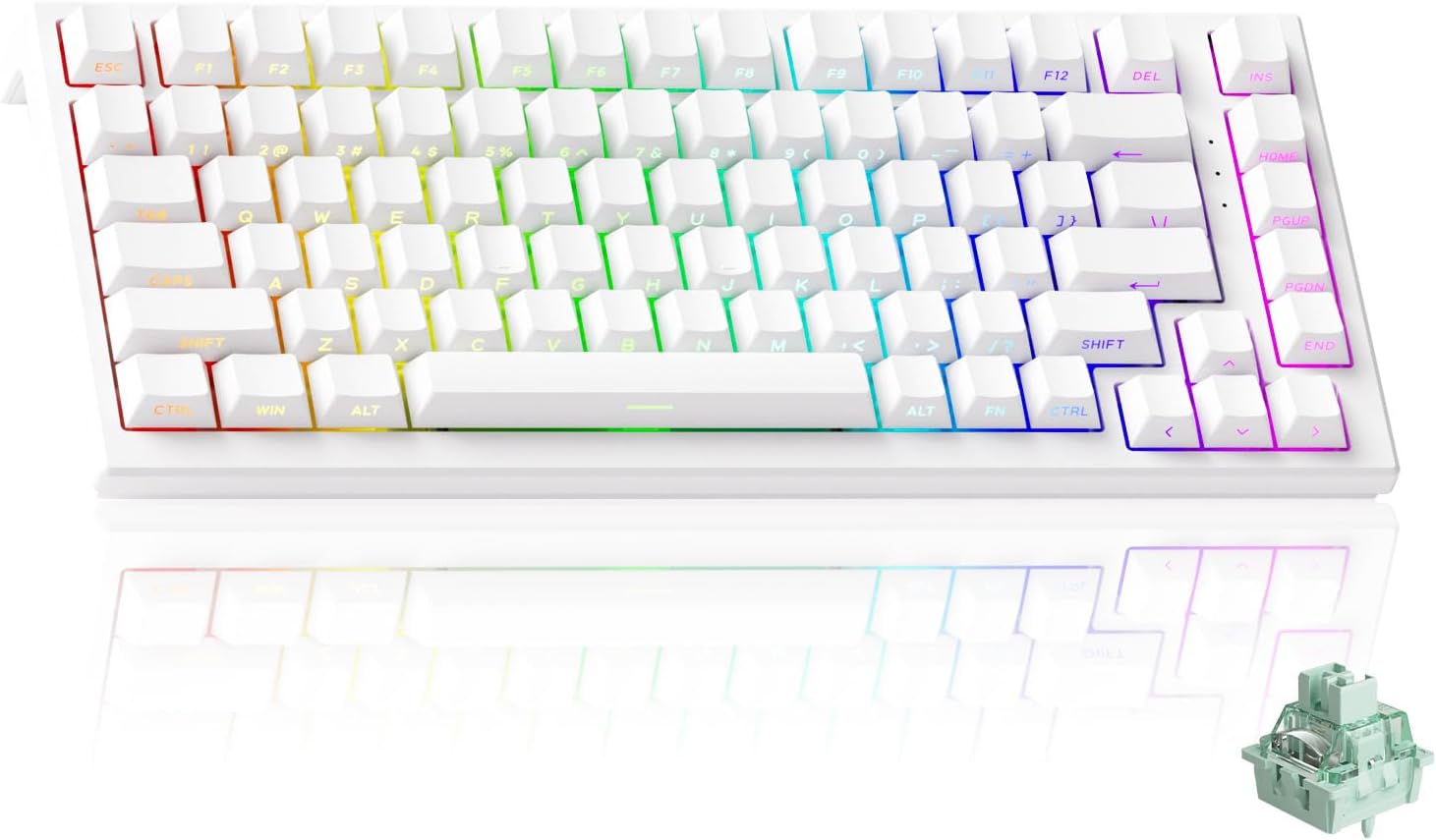
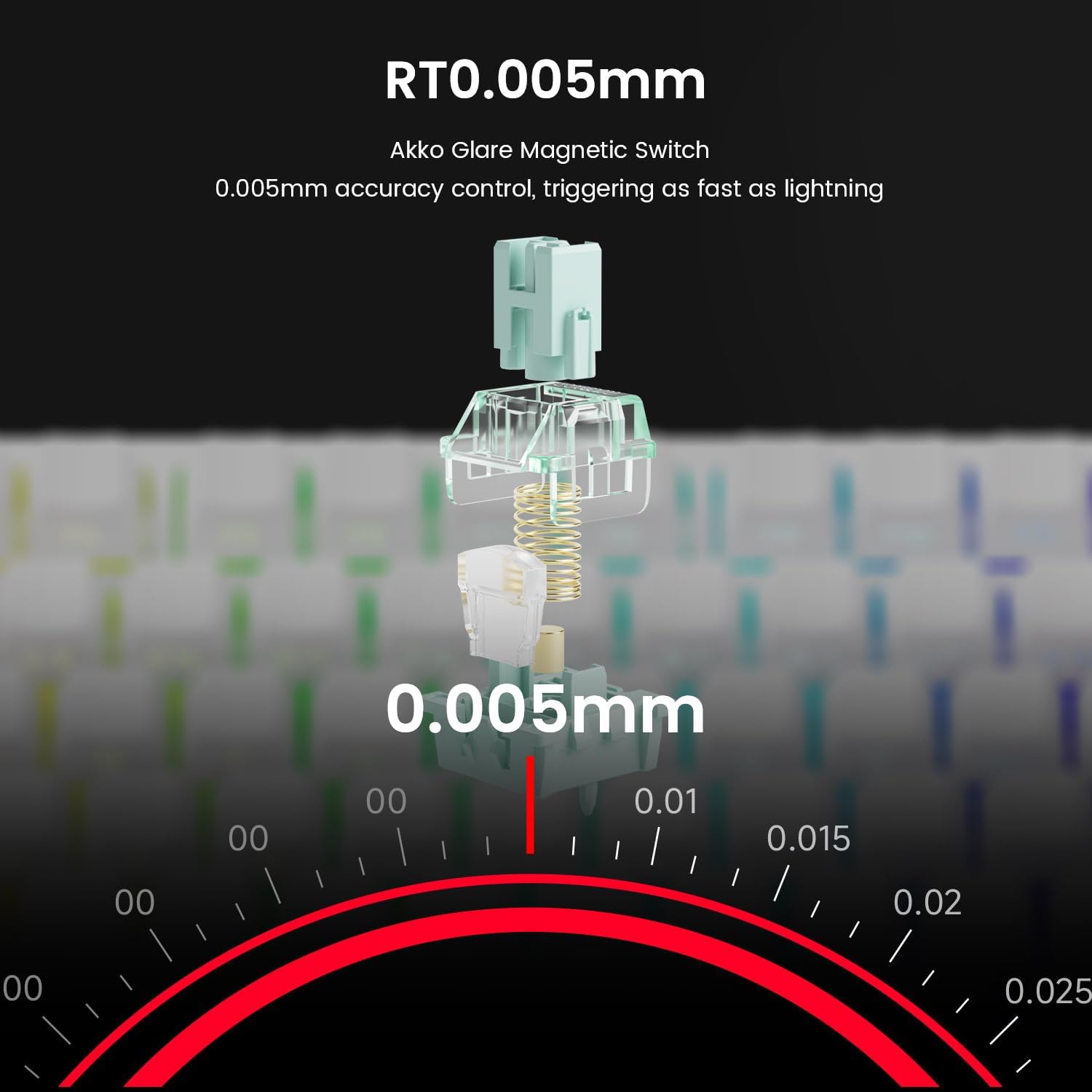
Key figures are bold: an 8K polling rate and 16K scan rate aim to cut input latency and ensure key changes are captured instantly. The actuation distance can be adjusted in 0.005 mm steps, with “ultra-precise” rapid trigger claimed at the same micro-scale. In practice, that level of adjustability may matter most in competitive scenarios where milliseconds count or when you want to tailor feel to specific games or tasks.
What stands out in use
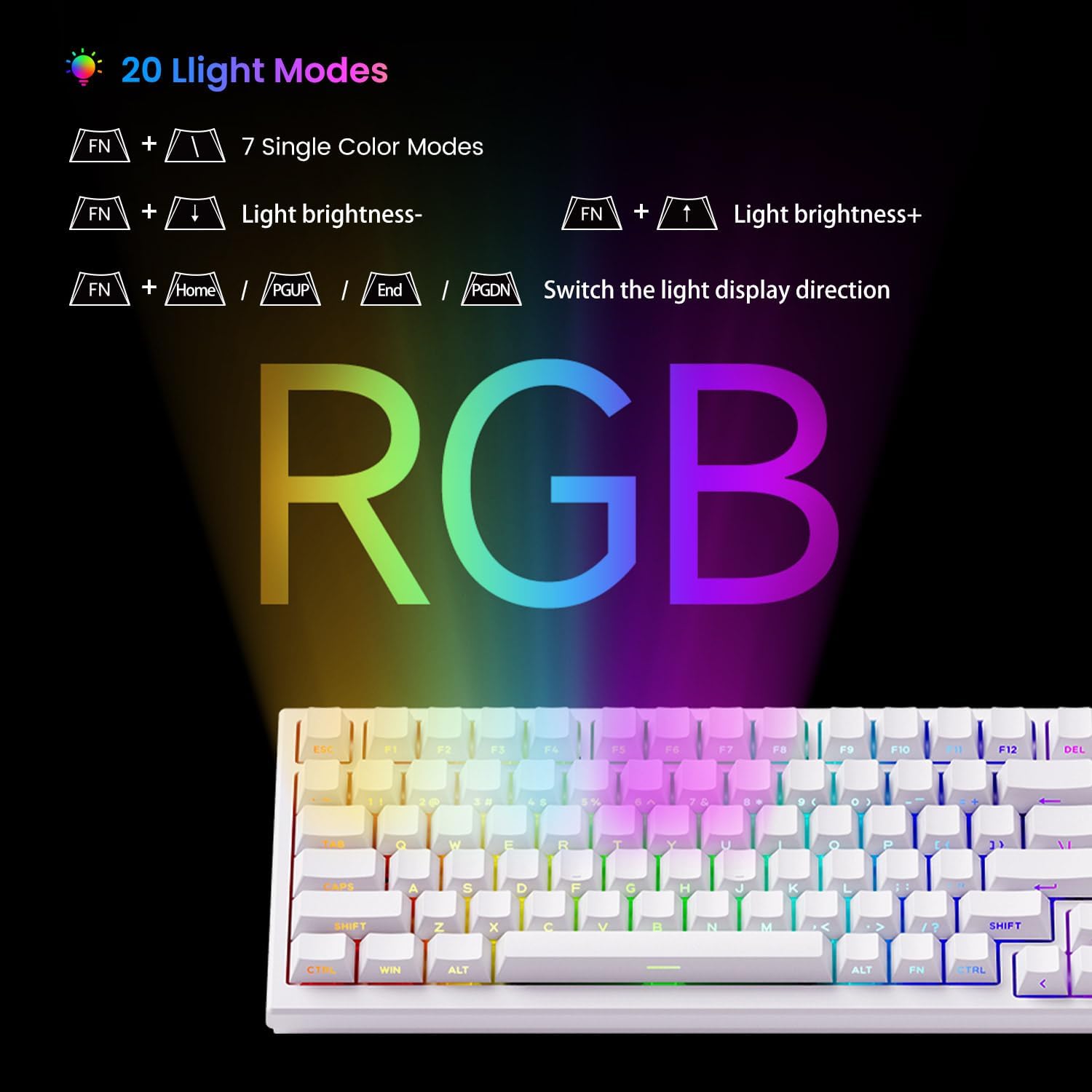
A distinctive feature is the ARGB lighting with south-facing LEDs, offering multiple dynamic effects through individual LED control. The lighting is designed to be smooth and flicker-free, which helps reduce eye strain during long sessions. The Snap Key implementation (SOCD style) prioritises the most recent input to support quick directional changes—useful in FPS and fast-paced titles.
Limitations and caveats
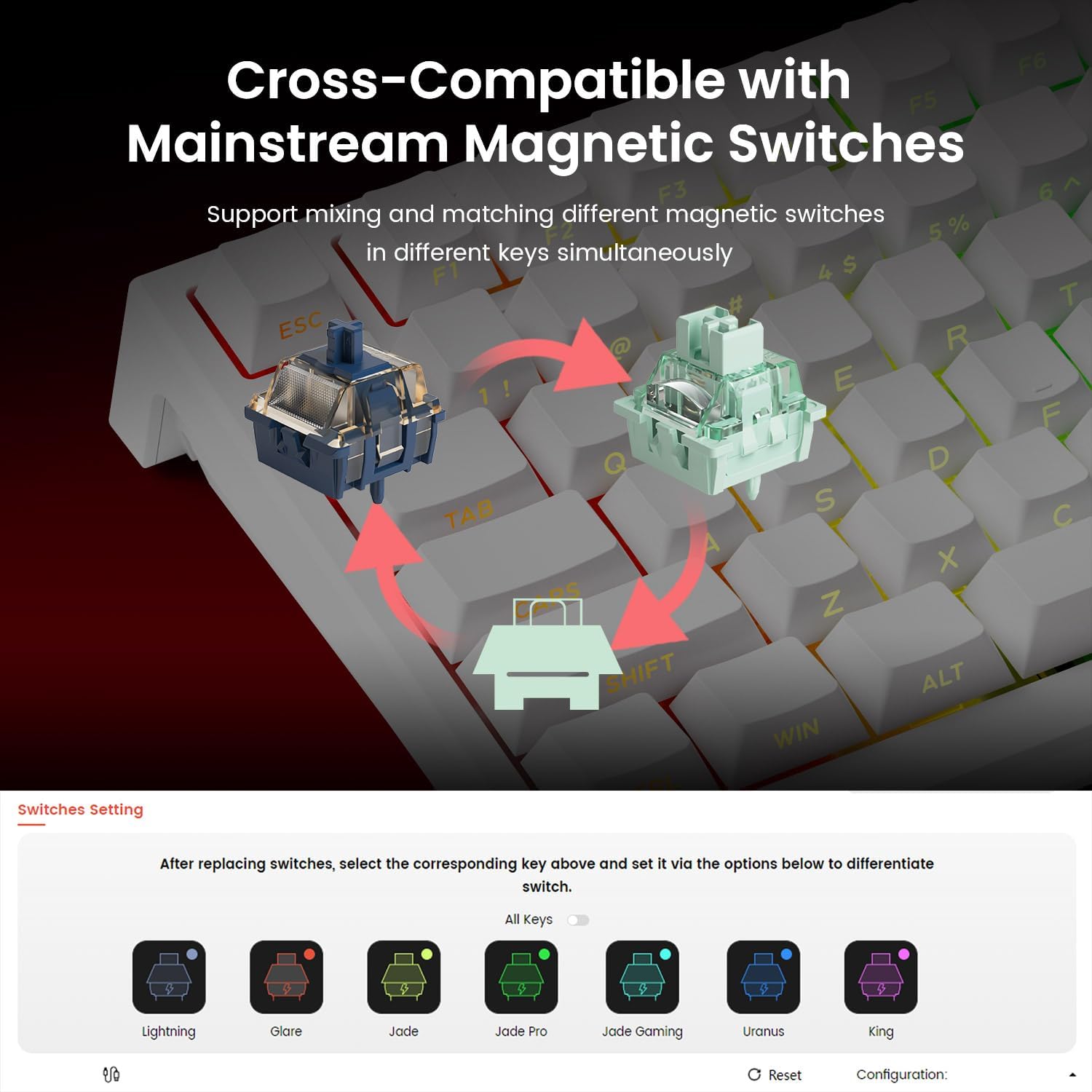
There’s a clear disclaimer: the magnetic keyboard works with most downward-facing N-pole magnet switches but may affect actuation precision and does not support mechanical switches. If you rely on traditional mechanical switches for specific tactile feedback, this model won’t offer that compatibility. Also, while the specs look impressive on paper, real-world gains depend on your setup and how you play.
Which setup it suits best
This keyboard seems well-suited for gamers who value a compact 75% form factor, highly customisable actuation, and a visually vibrant build. It may appeal to anyone building a sleek, modern desk rig where lighting and response time matter—but it isn’t aimed at users who want a traditional tactile switch experience.
Who it isn’t ideal for
If you specifically want a guaranteed mechanical switch experience or require full compatibility with standard switch types, this magnetic approach may not be the best fit. Also, if you’re sensitive to any potential variability in actuation due to magnet-based design, you might want to test before committing.
Practical considerations before buying
- Check how you value actuation adjustability: tiny steps can matter, but may require a period of familiarisation.
- Consider your preferred switch type, this model intentionally moves away from conventional mechanical switches.
- Confirm whether the downward-facing magnet alignment aligns with your existing peripherals and layout.
- Review the lighting in your workspace, ARGB is impressive, but ensure it doesn’t become a distraction.
How it compares to broader options
If you’re weighing up between compact 75% keyboards and larger layouts, the TAC75 HE prioritises speed and compactness over traditional switch feel. In practice, it’s a trade-off: you gain a smaller footprint and advanced sensor-like actuation, but you forego the familiar mechanical switch feel and broad compatibility with other switch types.
What to check before you buy
- Verify the actuation distance you’ll realistically use and whether the 0.005 mm steps are meaningful for you.
- Confirm that you’re comfortable with a magnet-based switch system and its limitations.
- Ensure your gaming or work scenario benefits from the 8K/16K performance claims rather than standard input rates.
Final decision
Should you buy it? It makes sense if you want a compact keyboard with highly adjustable actuation and rapid input handling, plus striking ARGB aesthetics. It’s less suitable if you require a guaranteed mechanical switch experience or absolute compatibility with all mechanical switch types.
FAQ
- How does the Snap Key affect gameplay? It aims to prioritise the most recent input for faster directional changes, which can help in high-speed gaming.
- Does it work with all magnet swaps? It’s compatible with most downward-facing N-pole magnet switches, but not with traditional mechanical switches.
- Is the lighting important for performance? The ARGB lighting is primarily for aesthetics and visual comfort, it doesn’t directly change keystroke timing but can enhance clarity in dark environments.