

Selore USB-C docking station 13-in-1
Product description
If your desk needs room for several screens and wired peripherals, a single dock can be tidier than connecting each device directly to the laptop. If you mainly need one extra display, though, this many-port setup may be more than you need.
The Selore 13-in-1 USB-C docking station combines display outputs, USB ports, Gigabit Ethernet, audio and power delivery. Its usefulness depends on whether your laptop’s USB-C port supports video output.
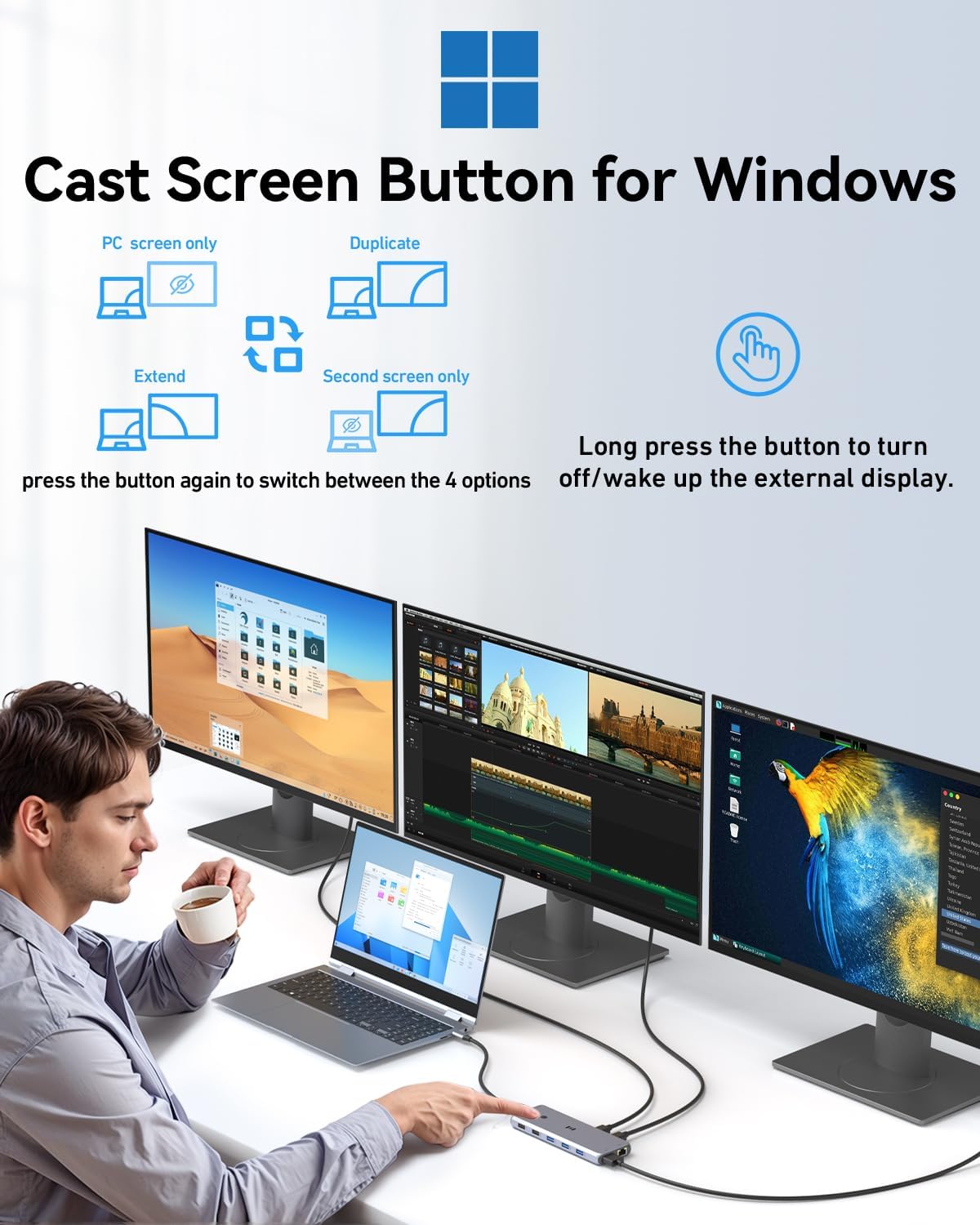
For a coding session, for example, you could keep separate project windows open across connected monitors while using the dock’s USB ports for peripherals. But will those screens extend your desktop as expected? The answer depends on your operating system and connection.
How it works
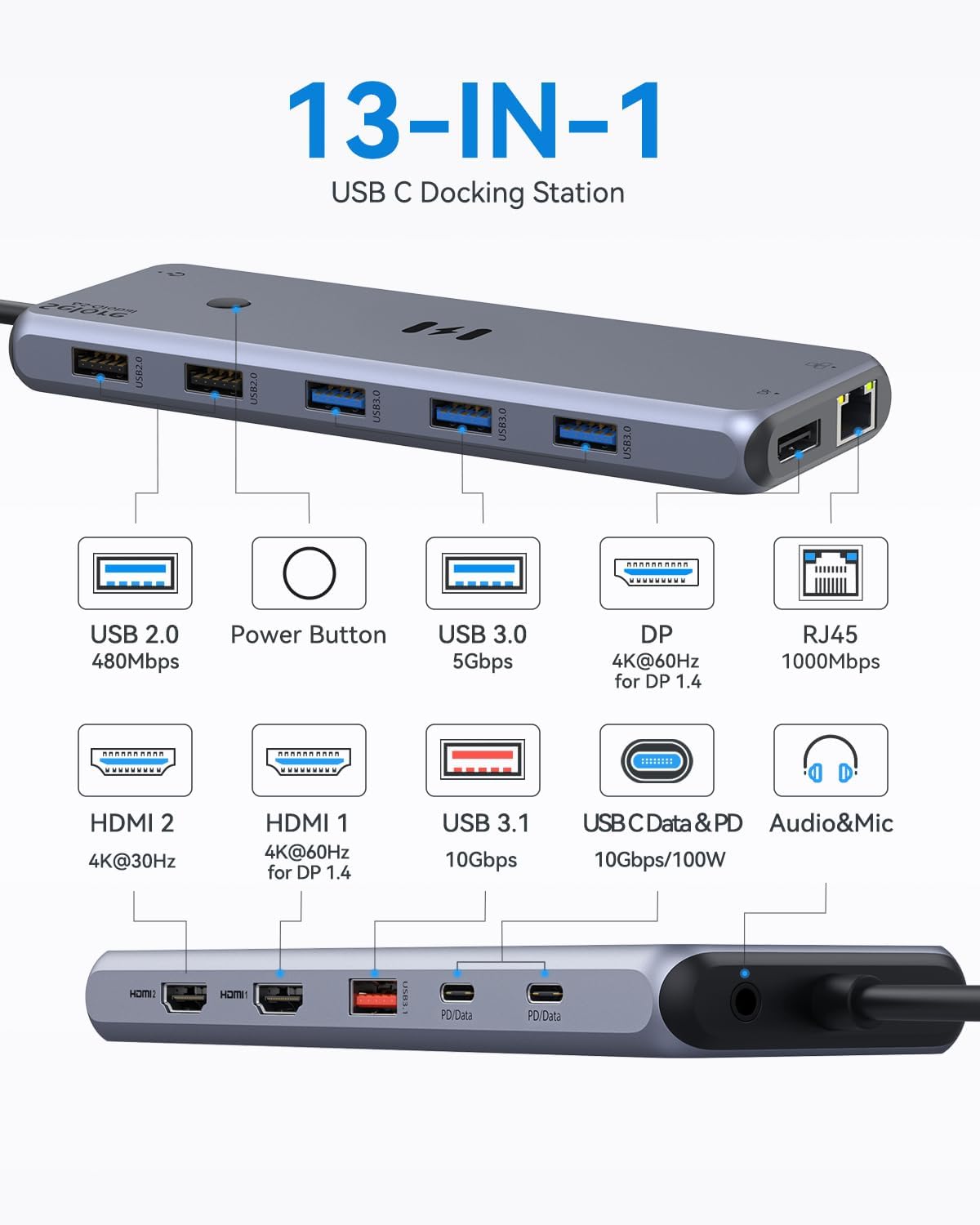
The dock has two HDMI outputs and one DisplayPort, and supports extended or mirrored displays. The listing gives up to 4K at 60Hz for HDMI 1 when used on its own, and up to 4K at 30Hz for HDMI 2 with a DP 1.4 source. For two displays over HDMI, it lists 4K at 30Hz and 2K at 60Hz. When DisplayPort is part of a dual- or triple-display setup, the stated output is 1080p. These distinctions matter: “triple monitor” does not mean every connected screen will run at the same resolution.
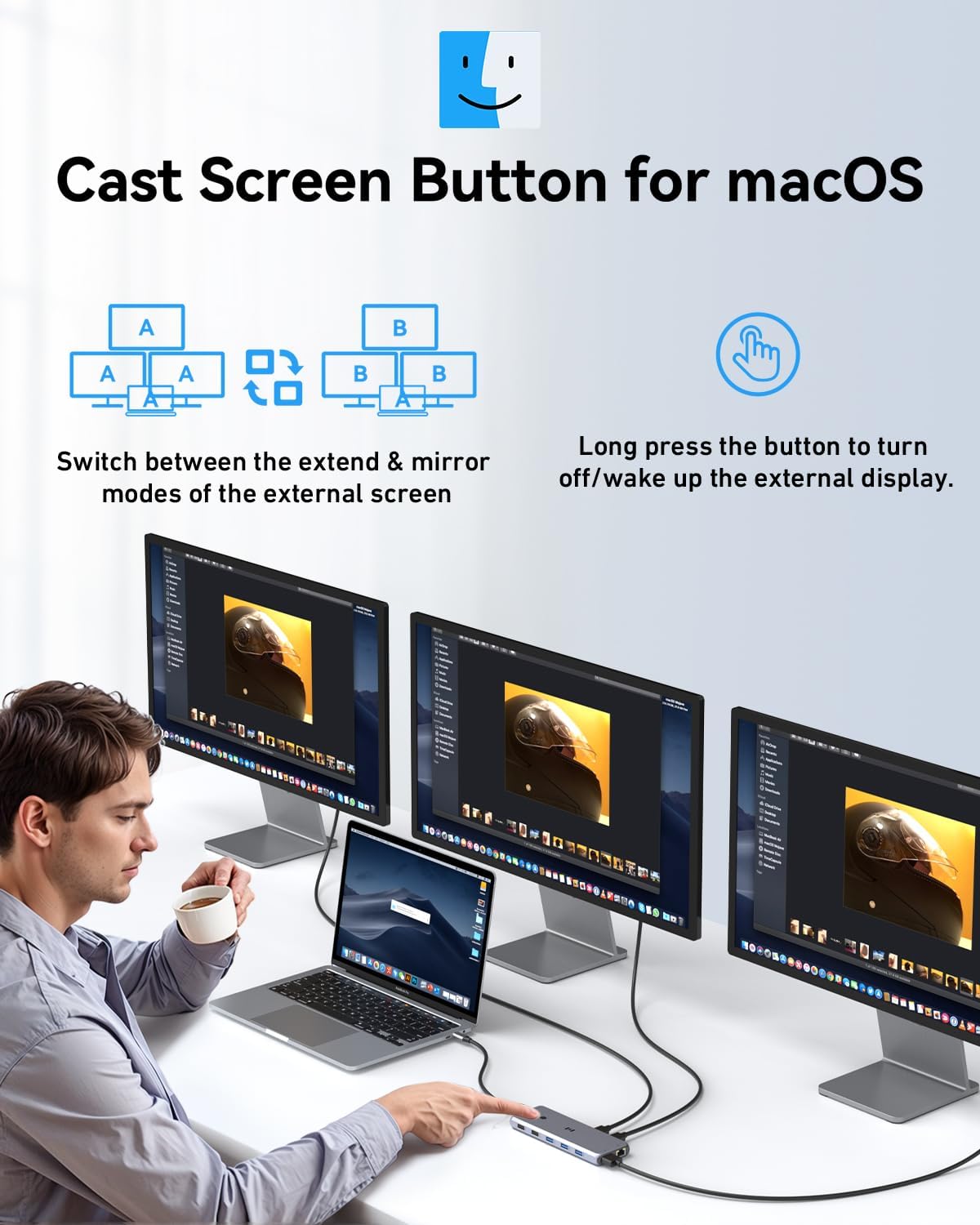
There is another important catch for Mac users: macOS supports mirroring only, according to the product information, rather than extending different desktop content across the displays. A compatible USB-C port with video transmission, such as DisplayPort Alt Mode, is also required. The dock’s USB-C data port is for data, not video or charging.
Pros
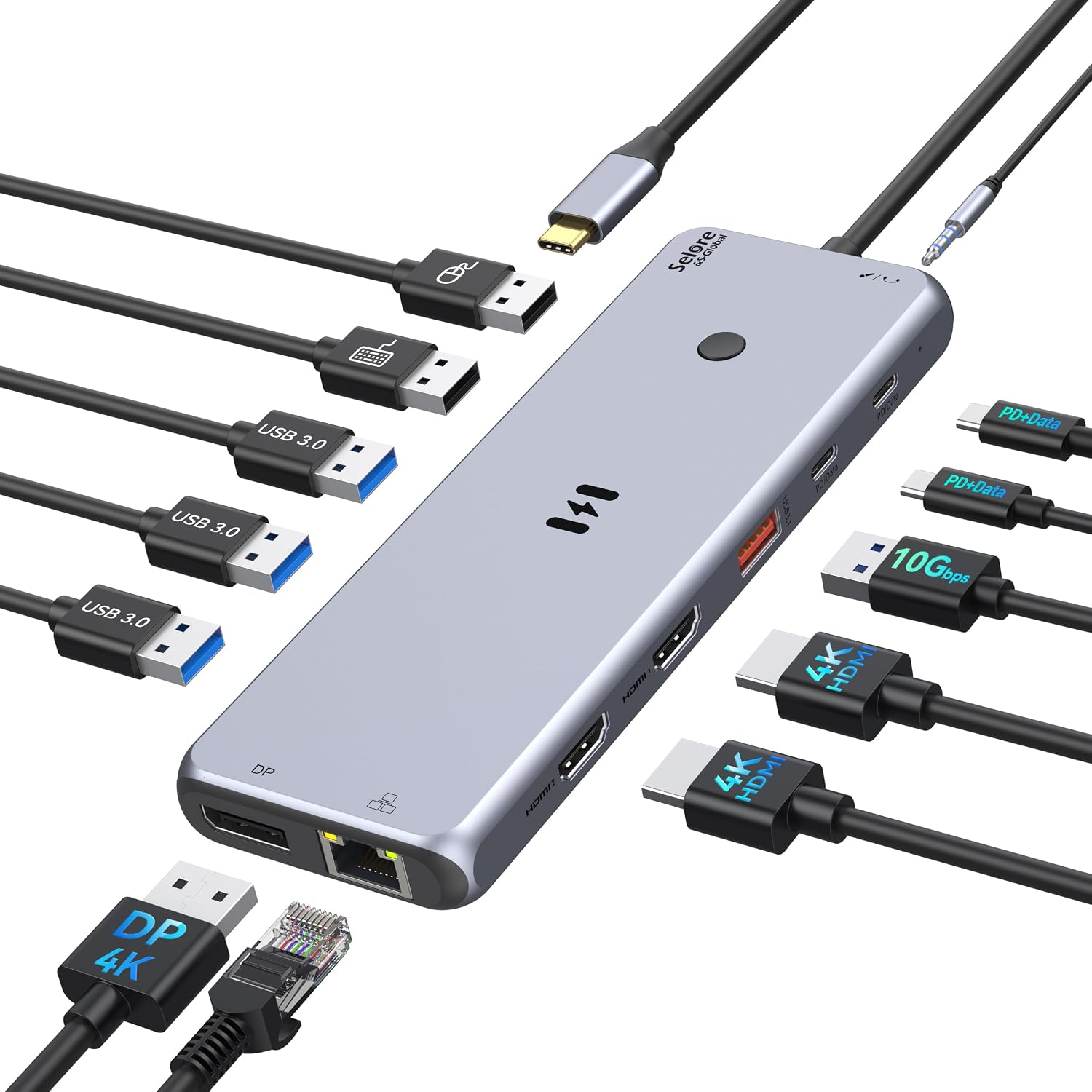
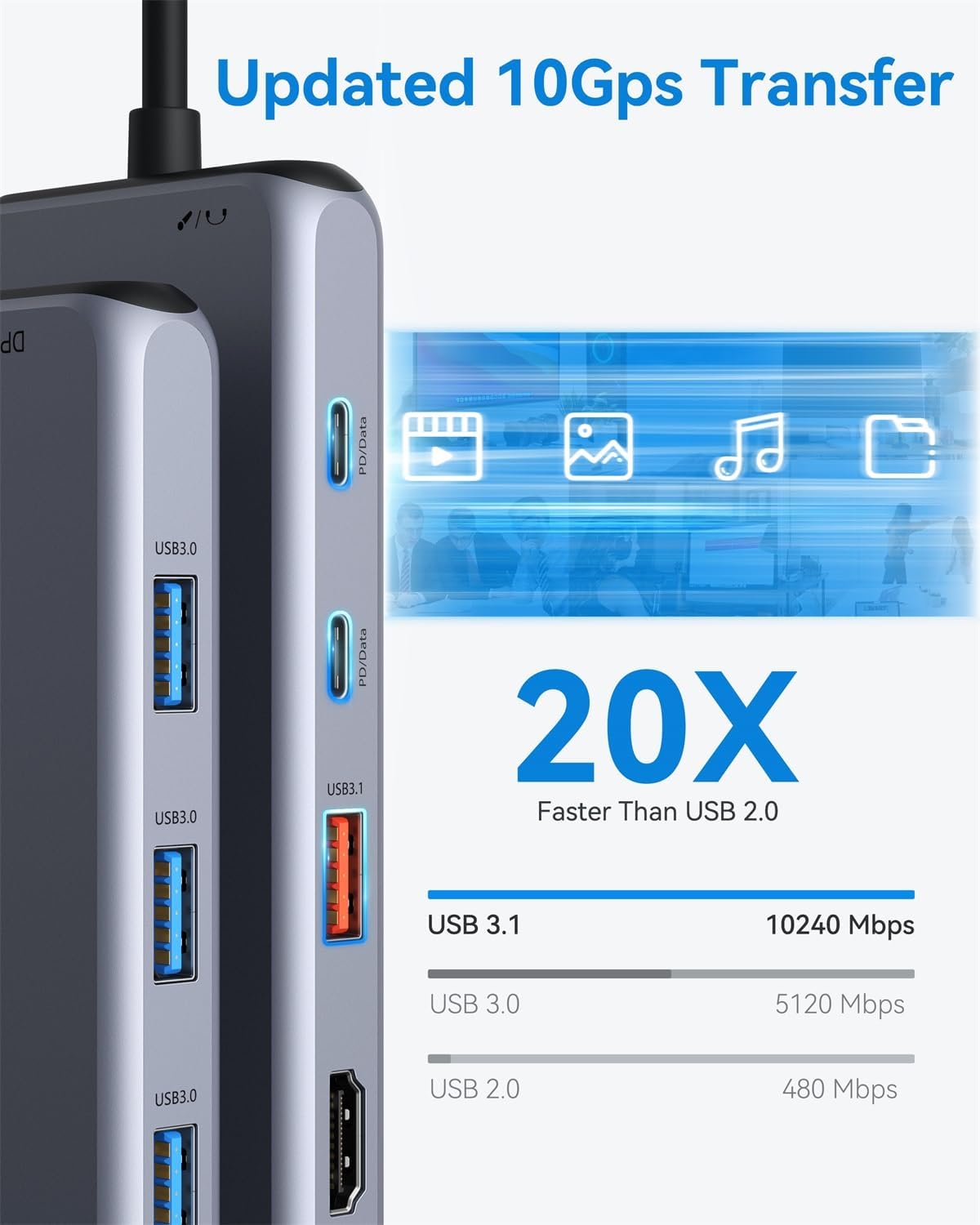
The appeal is consolidation. Alongside the display connections, the dock provides a USB 3.1 port and a USB-C data port listed for transfers up to 10Gbps, plus three USB 3.0 and two USB 2.0 ports. That gives you ways to connect storage, a printer, a mouse and other USB devices without relying on the laptop’s own ports alone.
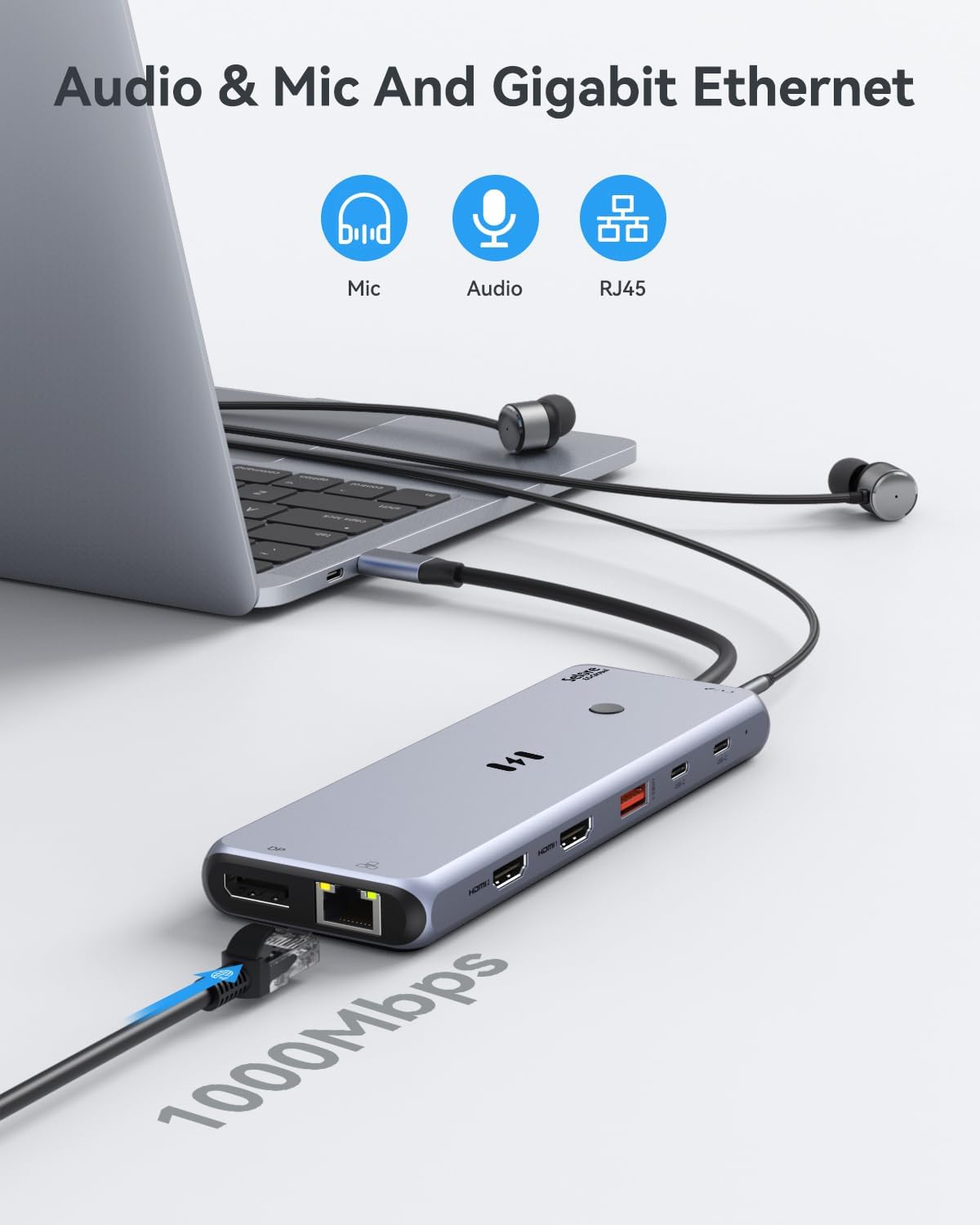
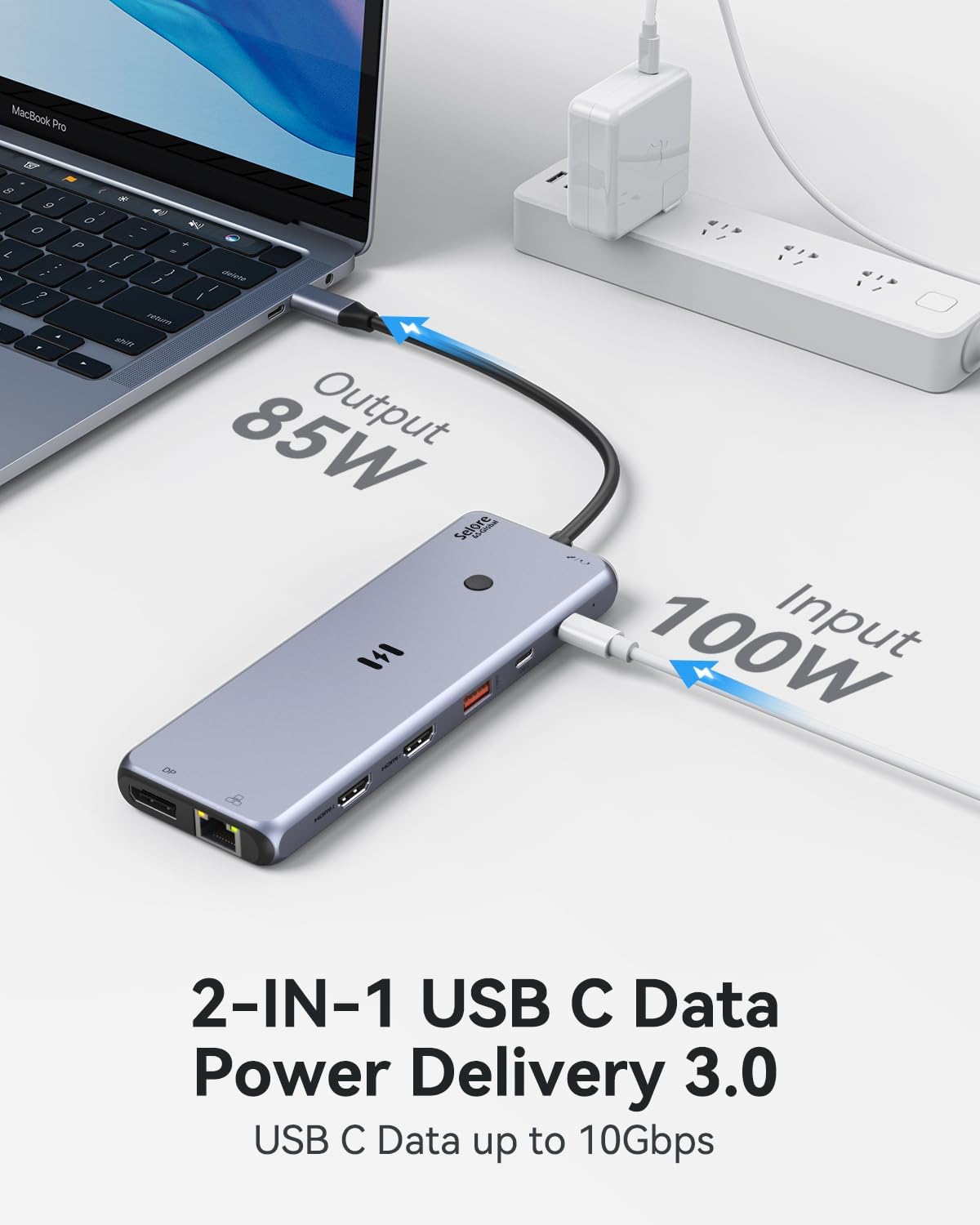
Gigabit Ethernet is rated up to 1000Mbps, and the 3.5mm audio port supports microphone and audio-out functions. USB-C Power Delivery 3.0 is rated at 100W for a compatible laptop. Given its design, this is most useful as a desk hub for someone who wants display connections and everyday accessories in one place, rather than a small adapter for occasional use.
It suits you if your laptop supports video over USB-C and you want a wired, multi-display workspace with Ethernet and several peripheral connections. The plug-and-play claim may be convenient, but it does not remove the need for compatible video output from the laptop.
Spec sheet
- Type: 13-in-1 USB-C docking station
- Displays: 2 HDMI and 1 DisplayPort, extended or mirrored mode
- Data: USB 3.1 and USB-C data ports listed up to 10Gbps, 3 USB 3.0 and 2 USB 2.0
- Power delivery: USB-C PD 3.0, up to 100W
- Network: Gigabit Ethernet, up to 1000Mbps
- Audio: 3.5mm microphone and audio-out port
- Compatibility requirement: Thunderbolt or full-featured USB-C with video transmission
What I’d decide
Choose this Selore dock if you need several connection types at your desk and have checked that your laptop’s USB-C port can send video. It offers a broader setup than a basic USB hub, particularly if wired Ethernet and multiple screens are part of your routine. The trade-off is that display resolution varies with the connection, and macOS is limited to mirrored displays. Skip it if you need extended displays on a Mac or your laptop’s USB-C port does not support video, extra ports cannot work around those limits.