

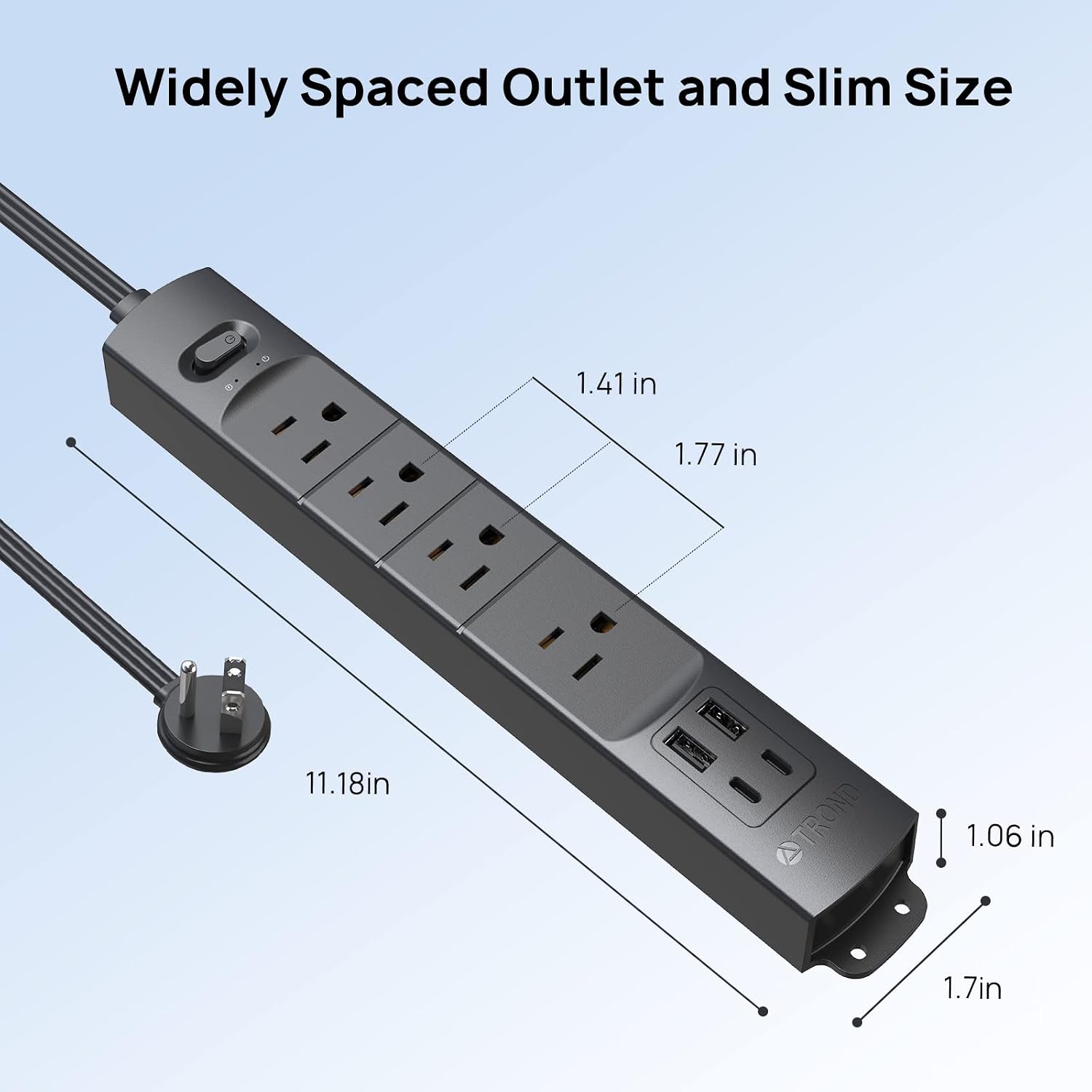
TROND Power Bar with 2 USB-C Ports
Product description
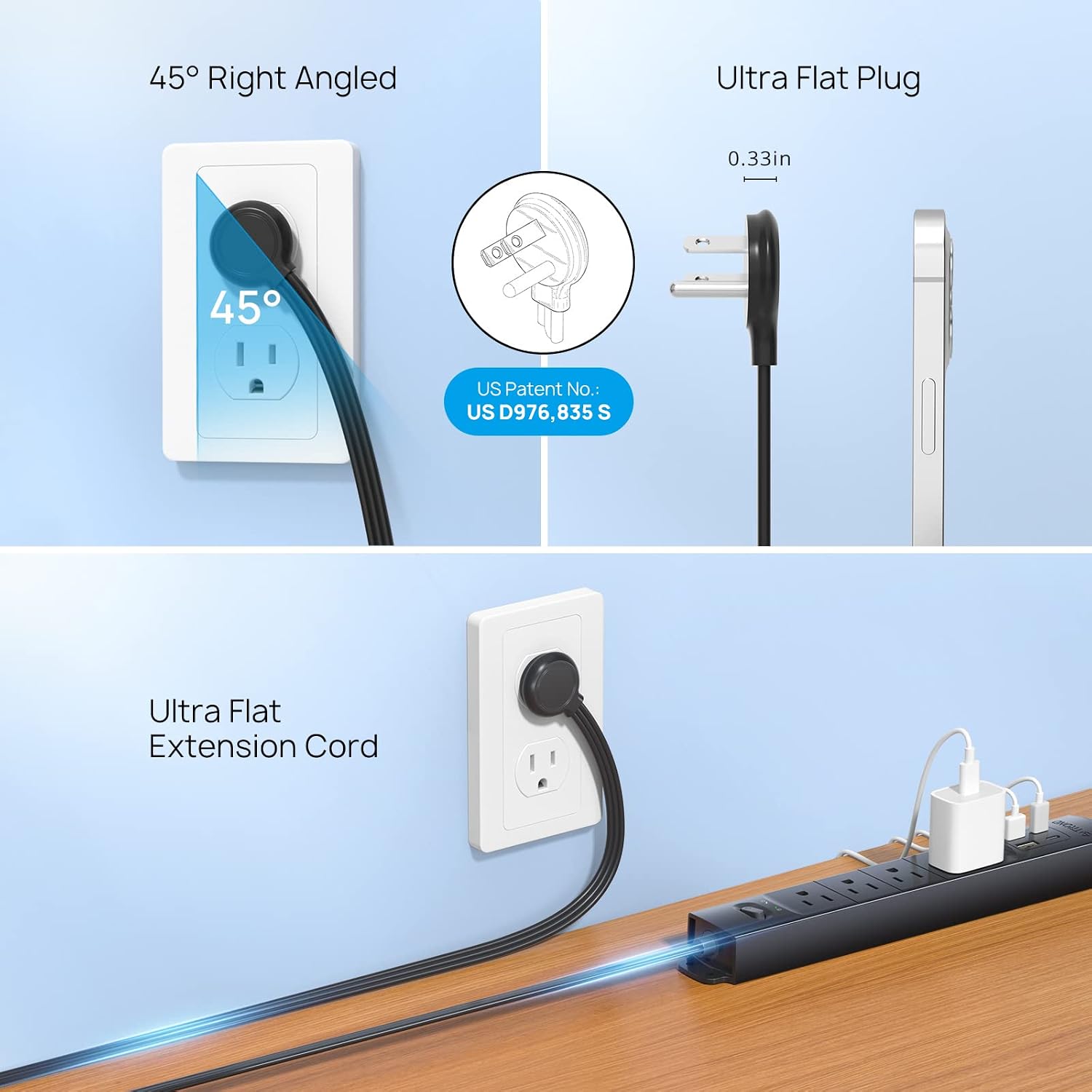
When desk space is tight or a wall outlet sits behind furniture, a bulky plug can be awkward to use. This TROND power bar pairs a low-profile plug with a flat extension cord, so it’s designed for those harder-to-reach spots.
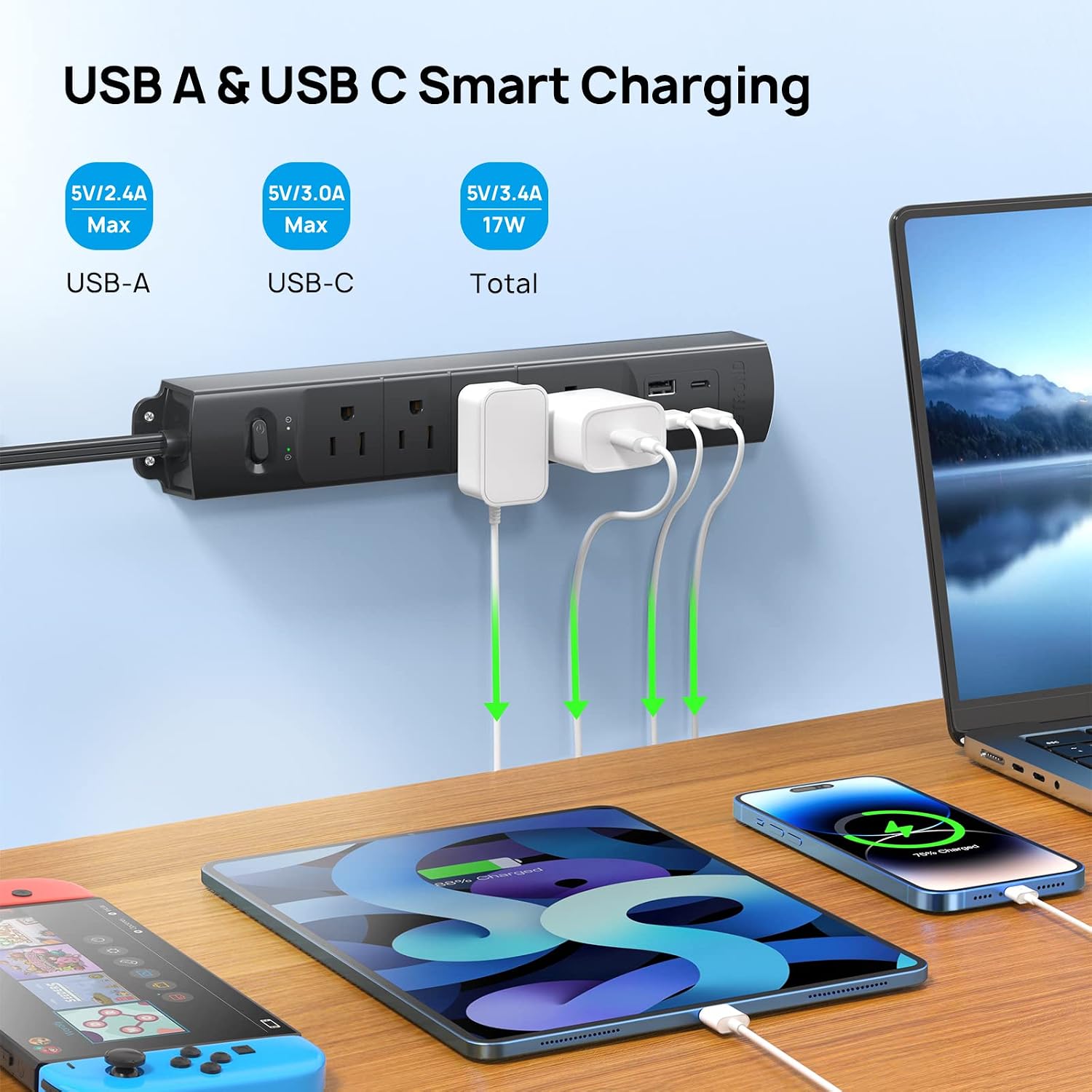
It provides four AC outlets, two USB-C ports and two USB-A ports for charging and powering devices in one place.
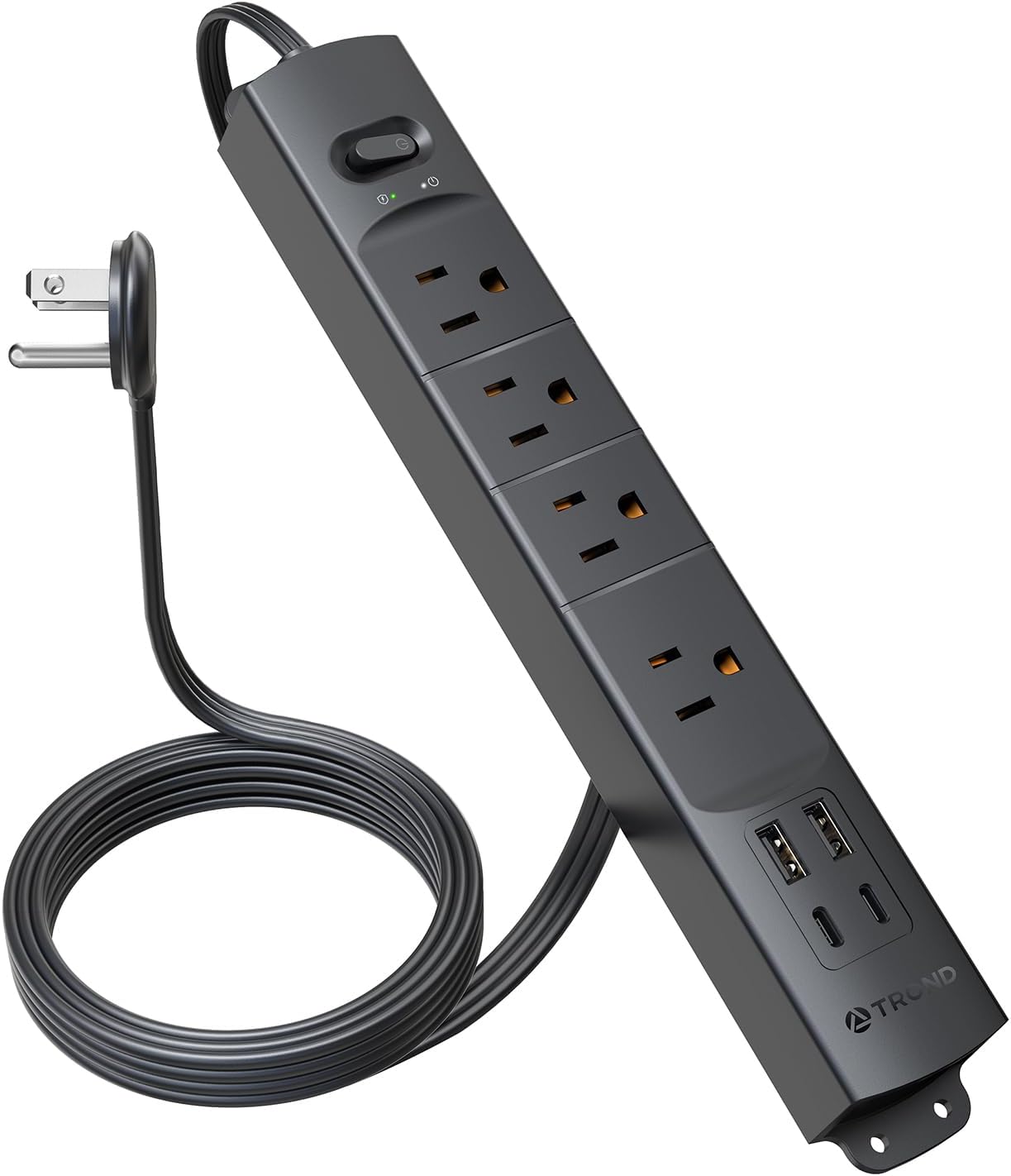
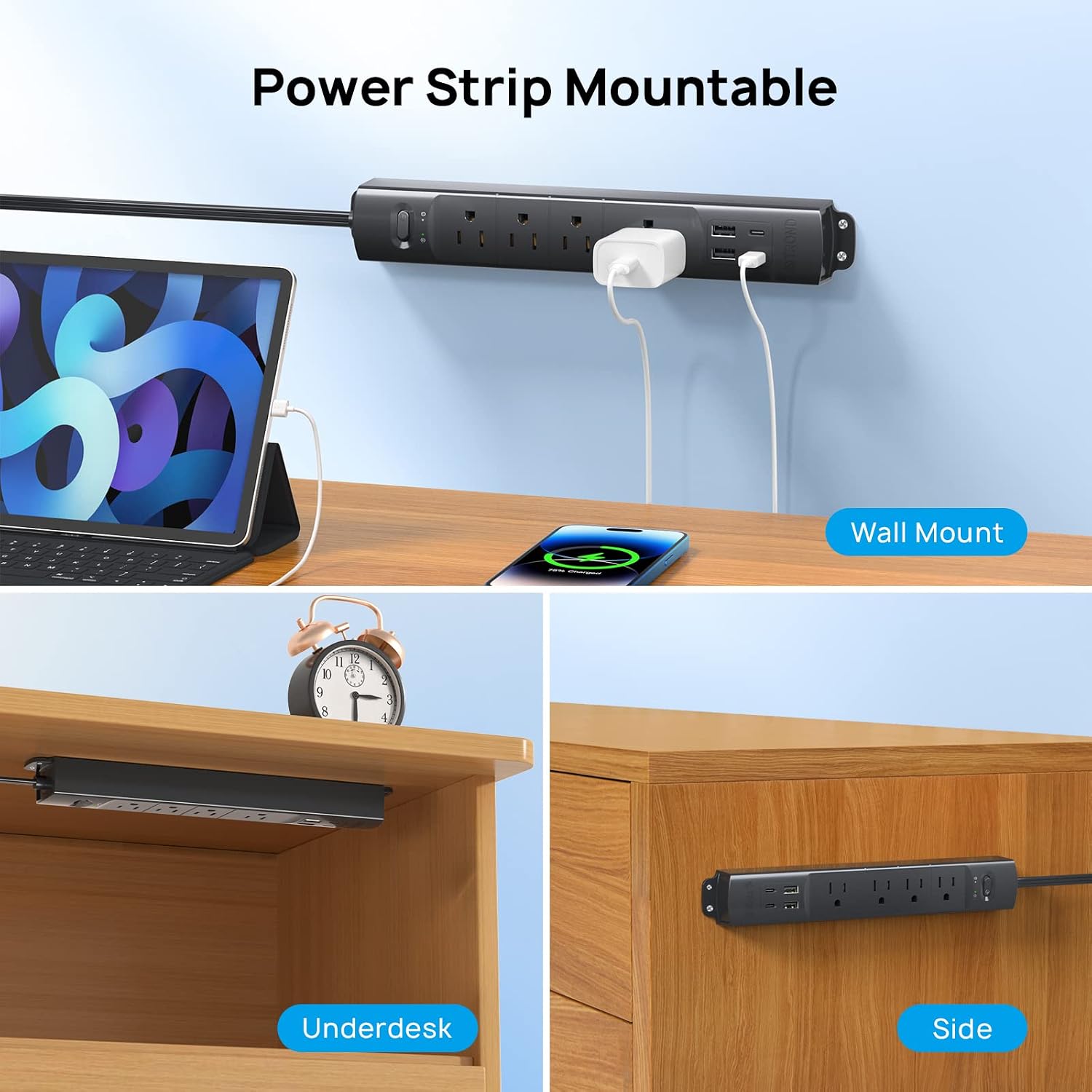
The 5 ft cord is intended for bringing power to a desktop, while the bar can also be mounted under a counter or desk. Its usefulness depends on having a suitable nearby outlet.
How to use it
Think of it as a compact charging station for a home office, dorm room or entertainment area. For example, it could sit beneath a desk with a computer and other plugged-in equipment in the four AC outlets, while USB devices charge from the built-in ports. The widely spaced AC outlets are meant to leave room for larger adapters, which can be an advantage over a basic strip where plugs crowd each other.
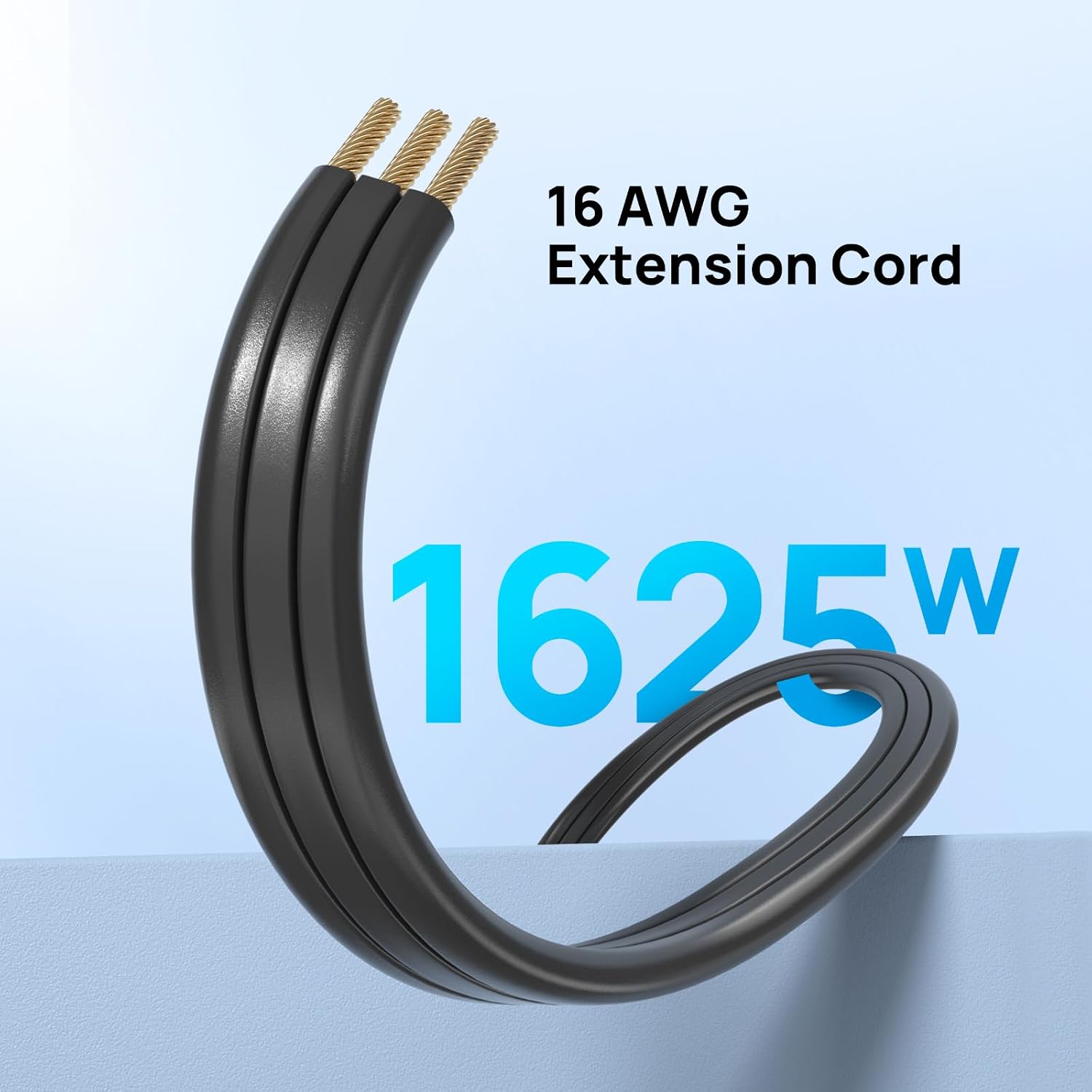
The plug is 0.33 inches thick and has a right-angle, flat design, the extension cord is 0.15 inches thick. That shape is intended to help the cord run around corners or tuck beneath a rug, though routing it neatly still depends on the room and furniture. The product is for indoor use, and its 5 ft reach may be limiting if the outlet is far from the desk or cabinet.
Would you rather have a simple extension cord, or keep USB charging and several AC connections together? This bar suits the latter approach, especially where mounting it out of the way matters. It has visible mounting ears at each corner and comes with four screws, rather than relying only on keyhole mounts. Two LED status lights are also listed.
Pros
- Four AC outlets, two USB-C ports and two USB-A ports in one power bar.
- Widely spaced outlets are intended to accommodate larger adapters.
- Flat, right-angle plug and thin cord can be useful behind furniture or along a corner.
- Wall-mounting hardware is included, with visible ears at each corner.
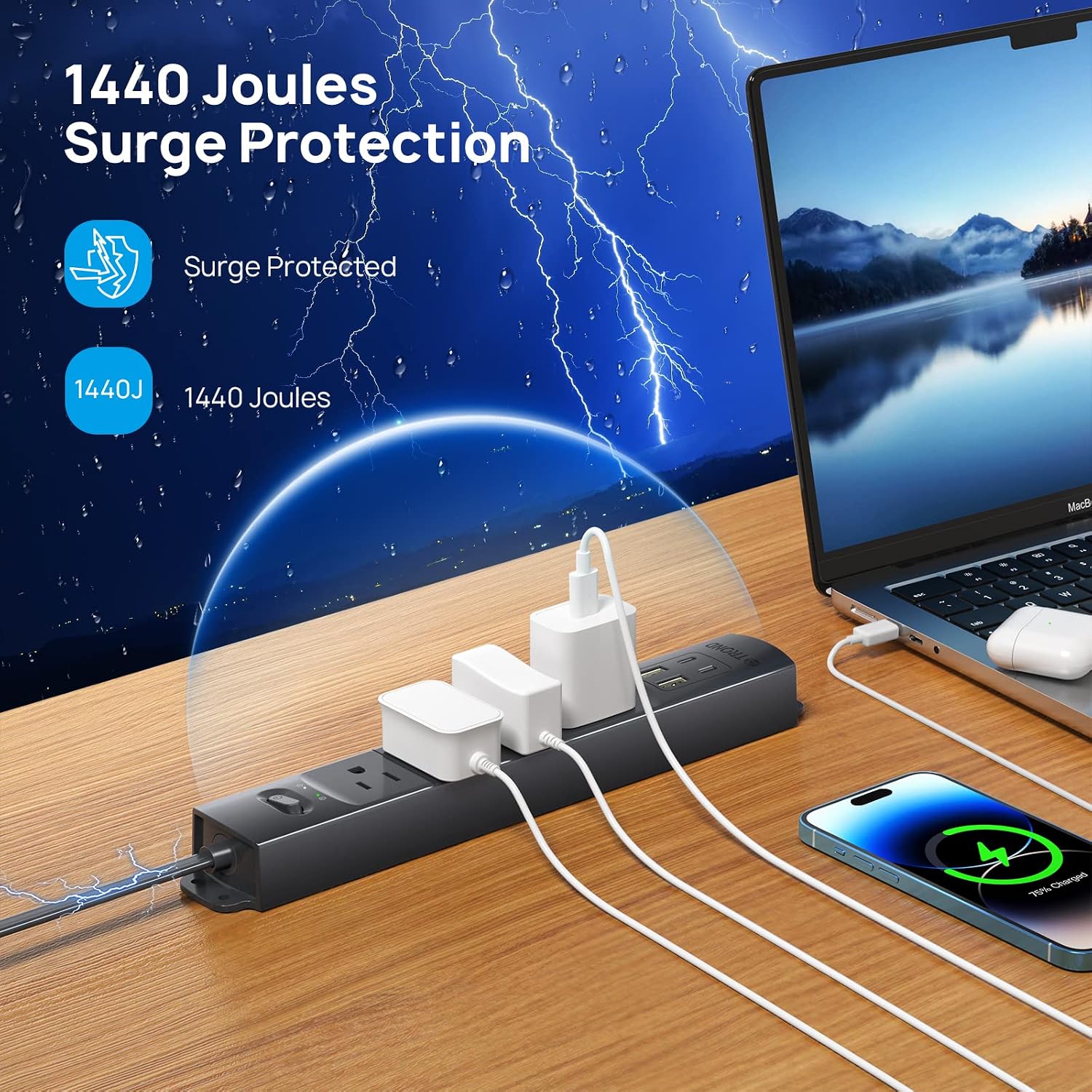
- Listed as ETL certified, with 1440 joules of surge protection.
It makes sense if you want a mounted charging spot for a desk, dorm room or TV area, and the outlet layout matches your devices. The USB-C ports are rated at 5V/3A in the supplied details, no separate output information is given for the USB-A ports. Better to avoid it if you need a longer reach, more than four AC outlets, or detailed USB-A charging specifications before choosing.
Spec sheet
- Type: Surge protector power bar
- Outlets: 4 AC outlets
- USB: 2 USB-C ports (5V/3A), 2 USB-A ports
- Maximum power: 1625W
- Surge protection: 1440 joules
- Cord length: 5 ft
- Plug: 0.33-inch low-profile, right-angle flat plug
- Cord: 0.15-inch thin extension cord
- Mounting: Visible mounting ears and 4 screws
- Certification: ETL listed
- Other details: 2 LED status lights, indoor use
The product is described as compatible with 100V–250V, but the available information doesn’t specify how the USB-A ports divide their output or give further device-level compatibility details. Given its design, its main draw is fitting several everyday connections into a low-profile, mountable setup—not providing a long cable run or a detailed charging specification for every port.
What I would decide
Choose it if you can use the four AC outlets, want USB ports close at hand and expect the flat plug or mountable body to solve a real space problem. It’s a more organised alternative to a basic extension cord when charging and surge protection are priorities in the same spot. Skip it if the 5 ft cable won’t reach, or if your setup calls for more AC outlets or clearer USB-A output details.