

USB-C Hub HDMI Adapter, 7-in-1
Product description
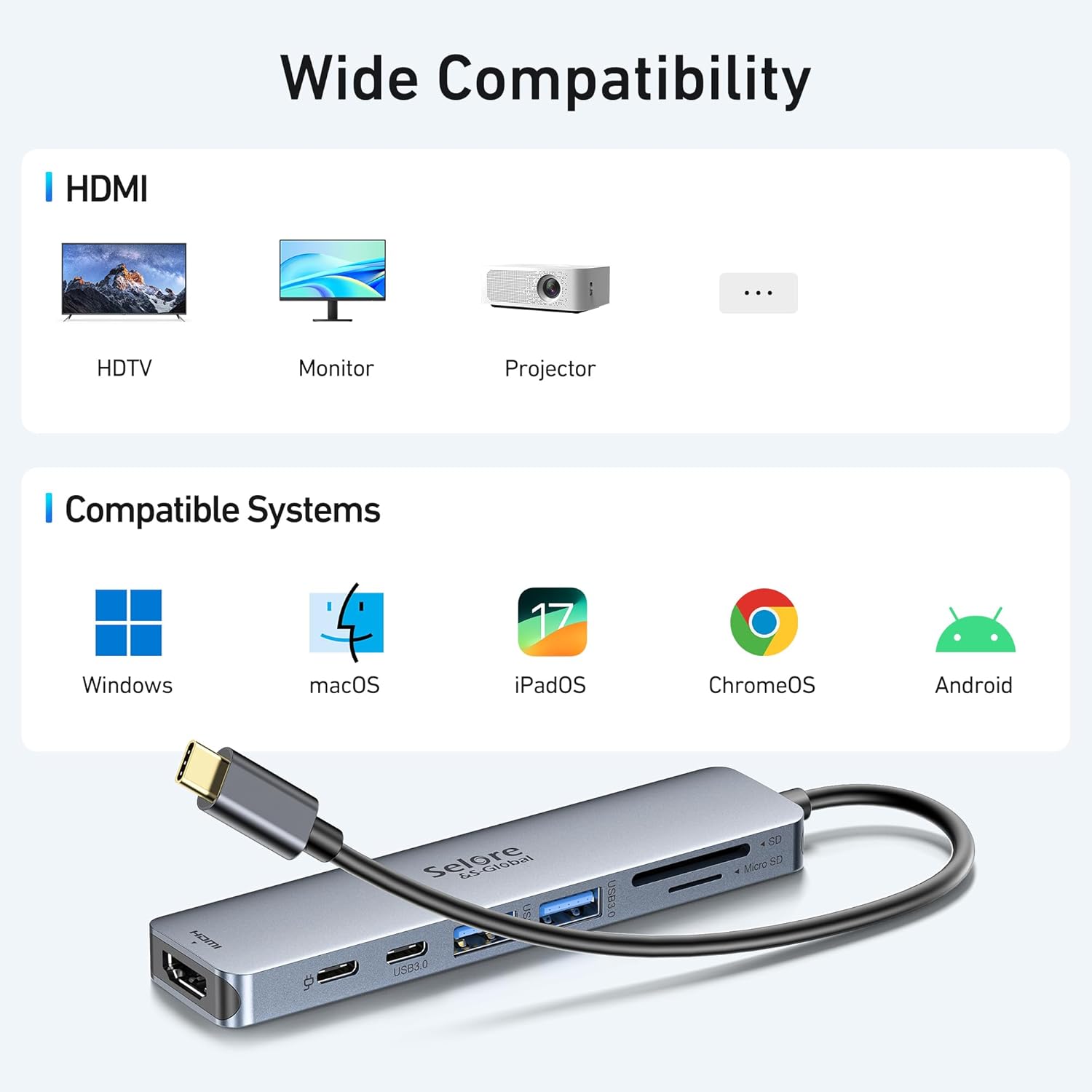
If you mainly need to add a monitor, card reader and a few wired accessories to a USB-C laptop, a multiport hub can save desk space, if you only need one extra connection, a simpler adapter may be less to manage. This 7-in-1 USB-C hub combines HDMI, USB ports, card slots and pass-through charging, so it suits a compact work setup or a quick photo-transfer session. The listed compatibility includes MacBook Pro and Air, Dell XPS and Lenovo ThinkPad, among other USB-C devices, though compatibility can depend on the device and how its USB-C port is configured.
Where it shines
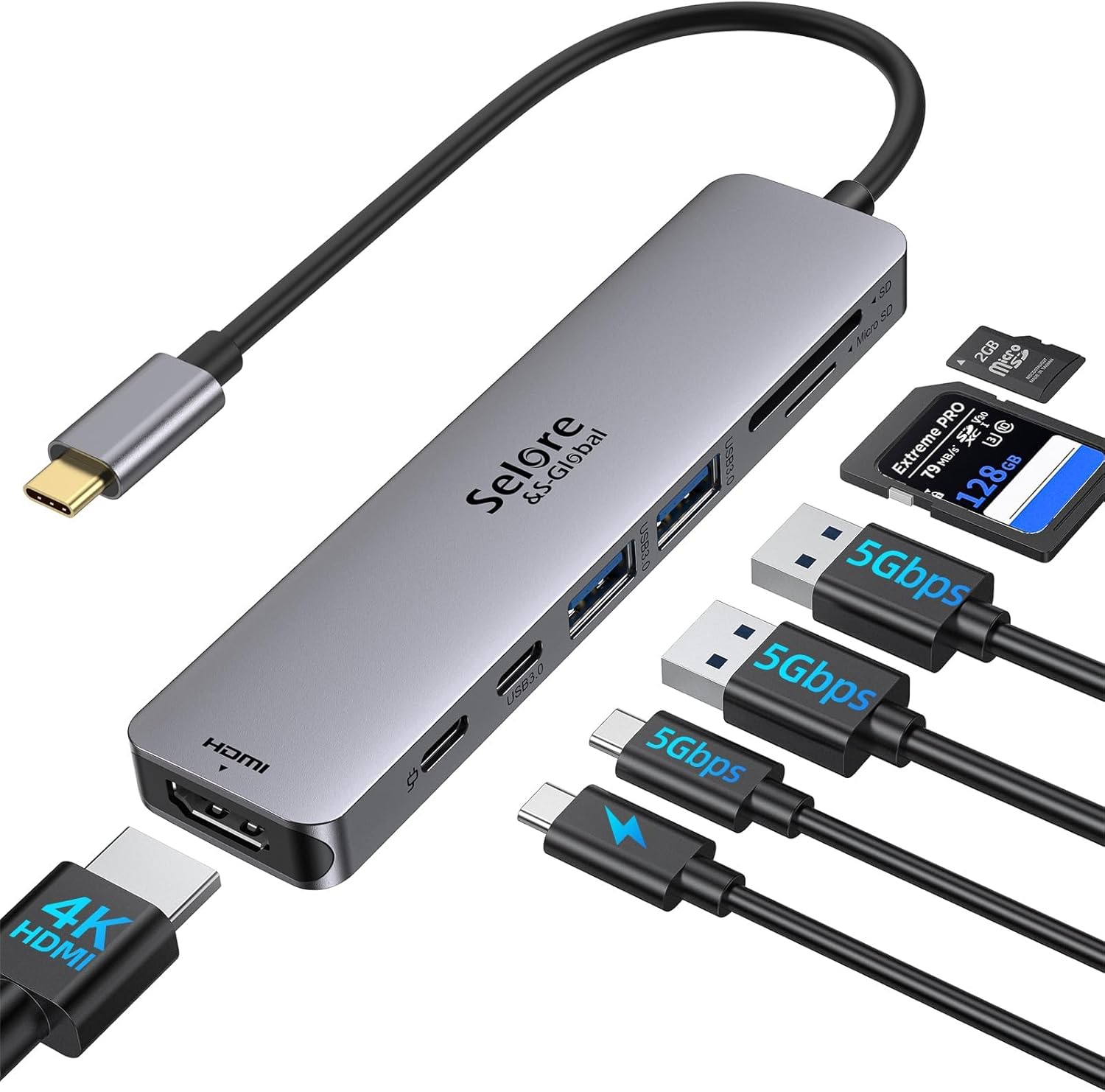
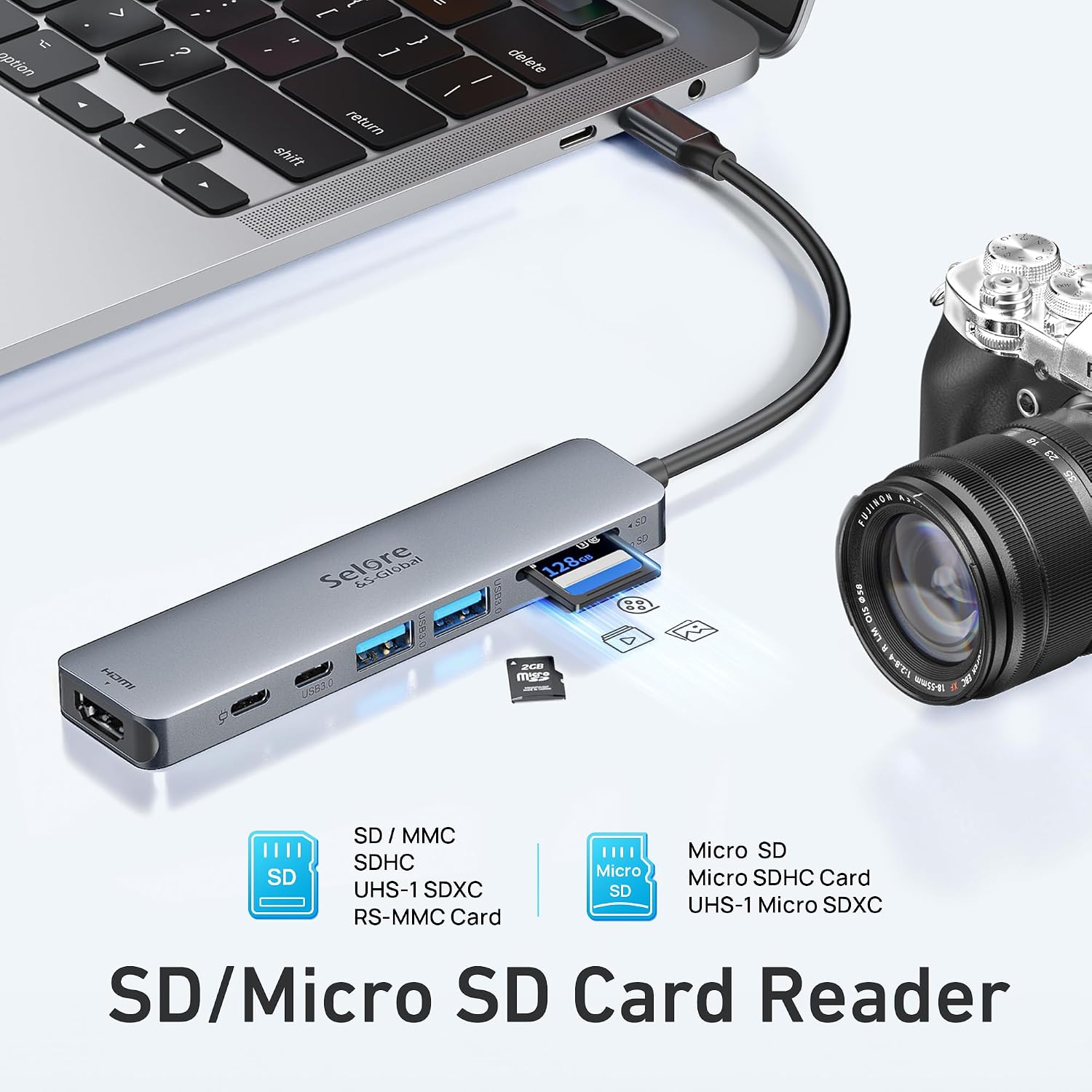
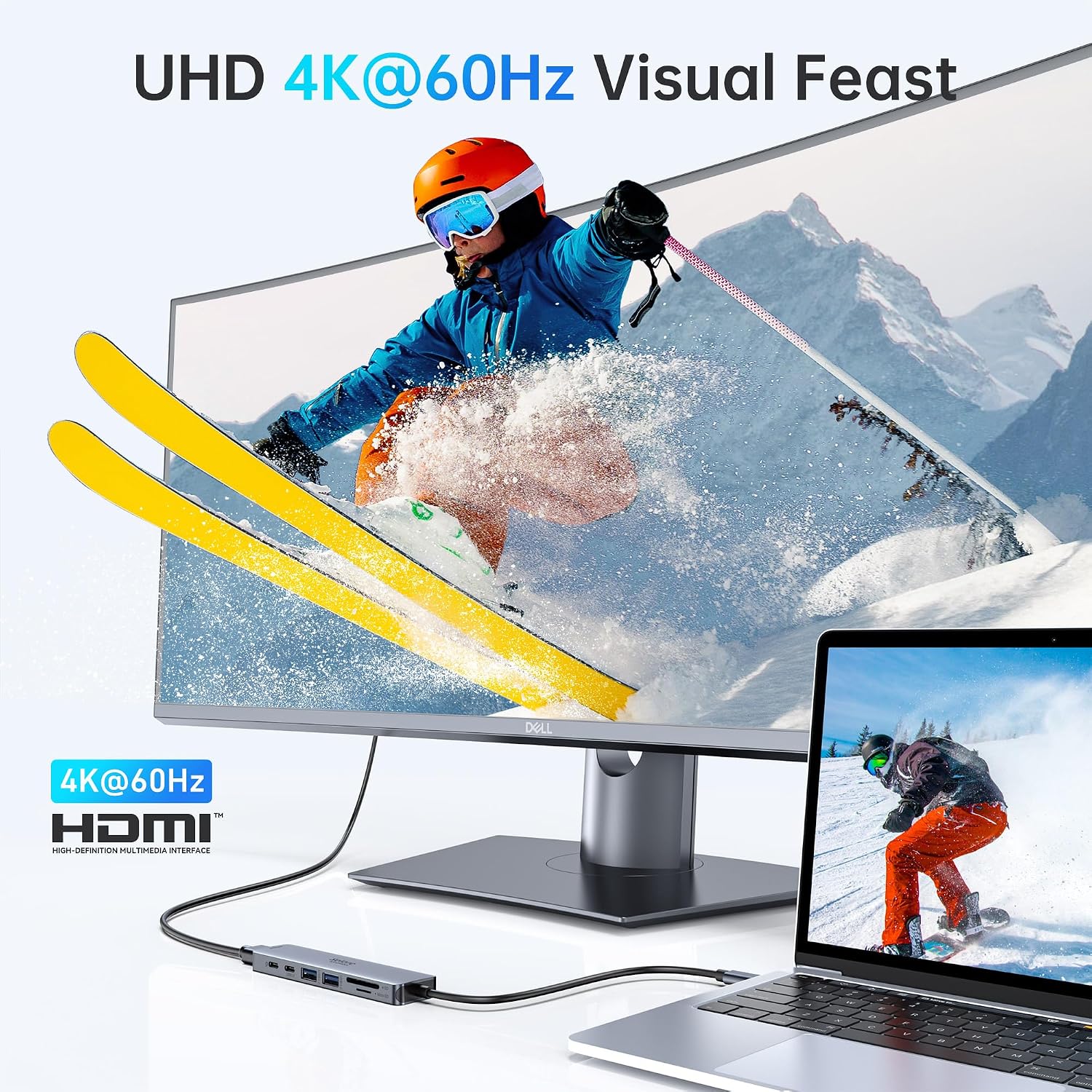
The HDMI port is specified for 4K video at 60Hz, for connecting a compatible laptop to a monitor, television or projector. That can be useful when you want a larger workspace for editing, presentations or everyday tasks without relying on a separate video adapter. A practical example: connect a monitor, plug in a mouse, then use the SD or TF reader to bring photos onto your computer, all while keeping the hub at the desk.
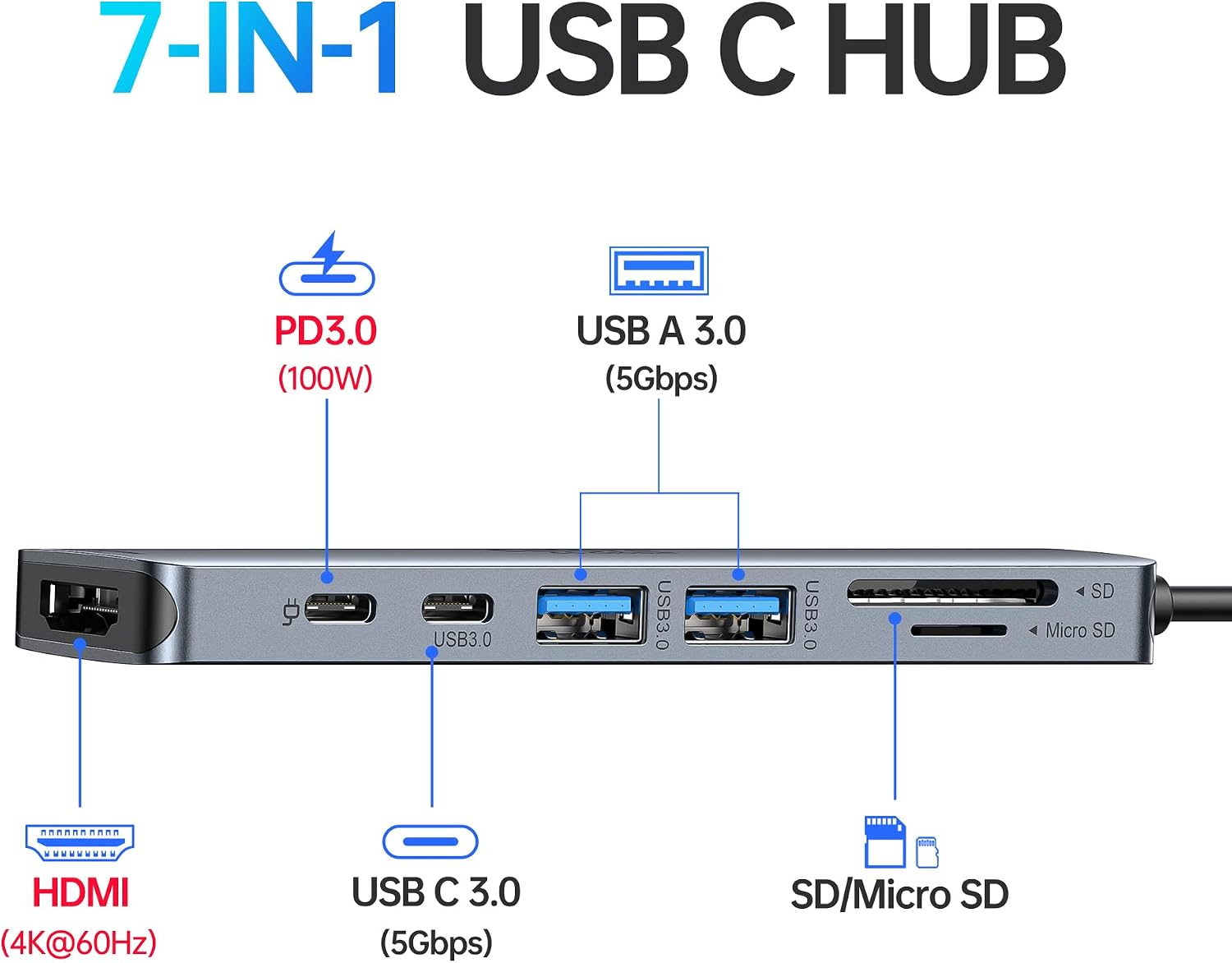
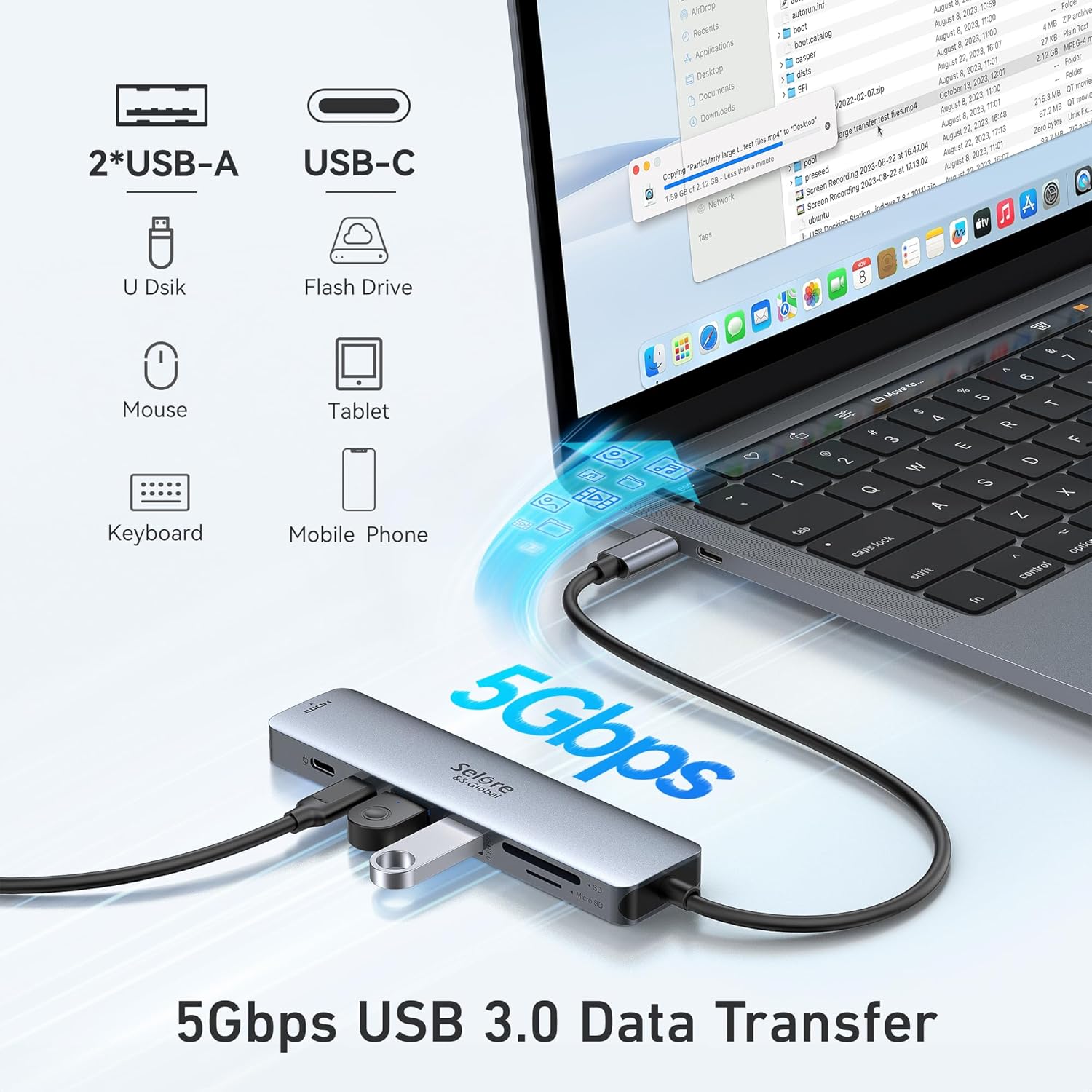
There are two USB 3.0 ports for accessories such as a keyboard, mouse or storage drive, plus a USB-C data port. The USB 3.0 connections are rated for data transfer up to 5Gbps and are backward compatible with USB 2.0 and earlier. The card reader gives photographers and designers a direct way to access SD or TF media rather than carrying a separate reader. If you prioritize several connections in one compact accessory, this layout is more useful than a basic single-purpose adapter, if you prefer a minimal setup, some of its ports may go unused.
Highlights
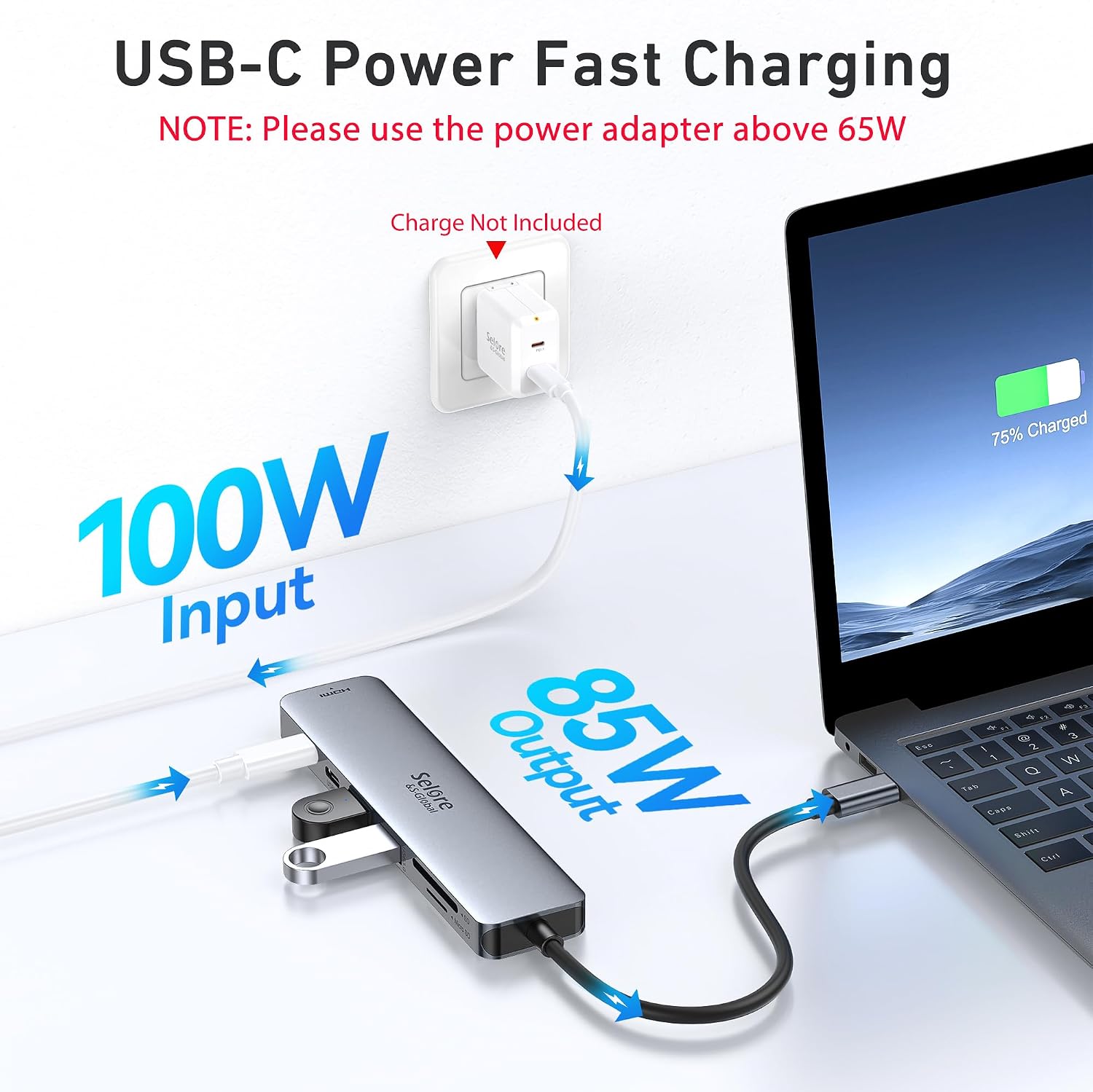
The separate 100W PD port accepts power input to charge a connected laptop while the hub is in use. The stated power output to the laptop is limited to 87W for safety, so it does not pass the full 100W through as charging output. Keep that distinction in mind if charging capacity is a deciding factor. Based on the listed details, the hub is designed to combine charging with data and display connections rather than act as a high-power workstation dock.
One important storage limit is explicit: it supports connecting only one HDD or SSD, since those drives can need more power. It also does not support the Apple USB SuperDrive. It makes sense if you want a single hub for a monitor, everyday USB accessories and SD/TF transfers, and can work within those limits. It won't suit you if your setup depends on multiple external drives or an Apple USB SuperDrive.
Best use cases
This hub is aimed at turning a USB-C laptop into a more connected work or travel setup: add a screen for a presentation, leave a keyboard and mouse attached, or copy files from a camera card while power is connected. It is a practical middle ground between carrying separate adapters and buying a more demanding dock. Before choosing it, match the ports you actually use to the hub’s layout, particularly if you need more than one external drive or expect charging output above 87W.
Bottom line
Choose this 7-in-1 hub if HDMI at 4K@60Hz, USB-A accessories, one USB-C data connection, SD/TF access and pass-through charging cover your routine. Look elsewhere if you need multiple HDDs or SSDs connected at once, Apple USB SuperDrive support, or more than 87W of laptop charging output. Its appeal is practical port consolidation, its limits are specific enough to check against your own desk setup before buying.