

Samsung LS24F320GANXZA 24-inch FHD IPS Monitor, 120Hz, 5ms
Product description
For shoppers who need a screen for everyday work and casual gaming, the Samsung LS24F320GANXZA brings a 24-inch FHD display and a 120Hz refresh rate together. It offers a different focus from a basic monitor built mainly for routine viewing: game picture settings and higher refresh are part of the package. If your priority is detailed work at a resolution above FHD, a higher-resolution display may suit you better.
Key specifications
- Name: Samsung LS24F320GANXZA
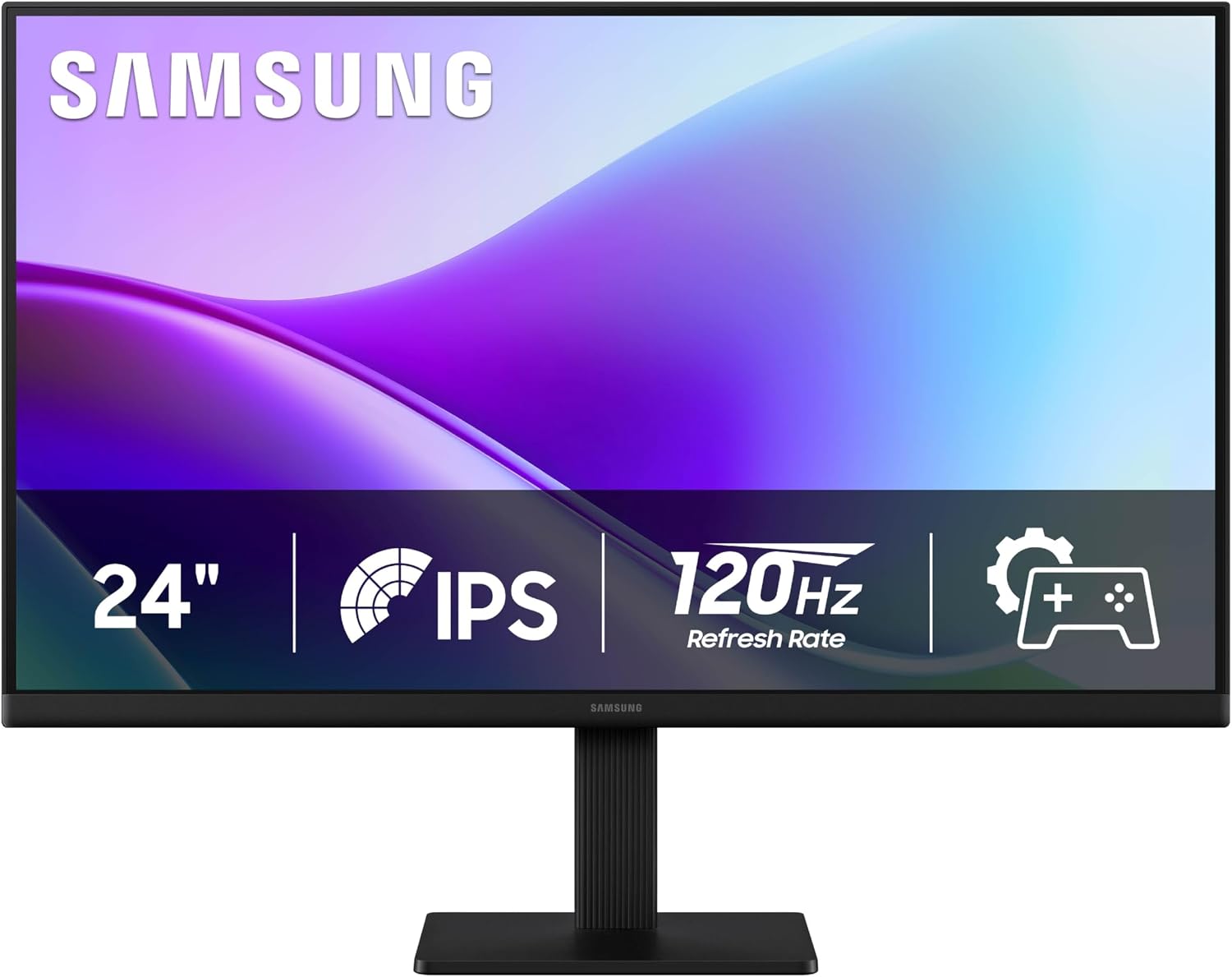
- Type: Flat-screen monitor
- Size: 24 inches
- Resolution: FHD 1080p
- Aspect ratio: 16:9
- Display: IPS panel with matte screen surface
- Refresh rate: 120Hz
- Response time: 5ms
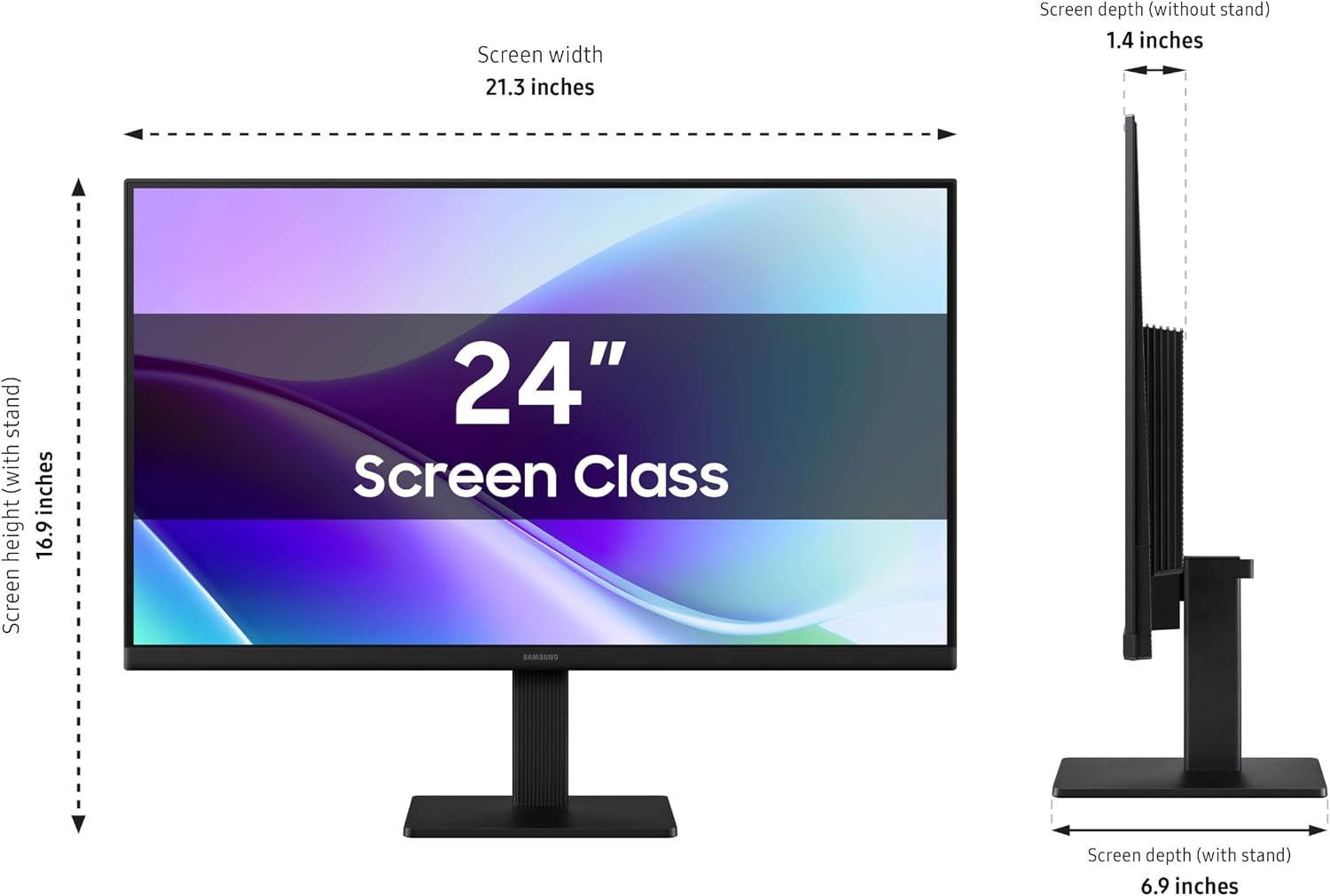
- Dimensions: 17.5 x 54.05 x 32.03 cm
- Weight: 2.4 kg
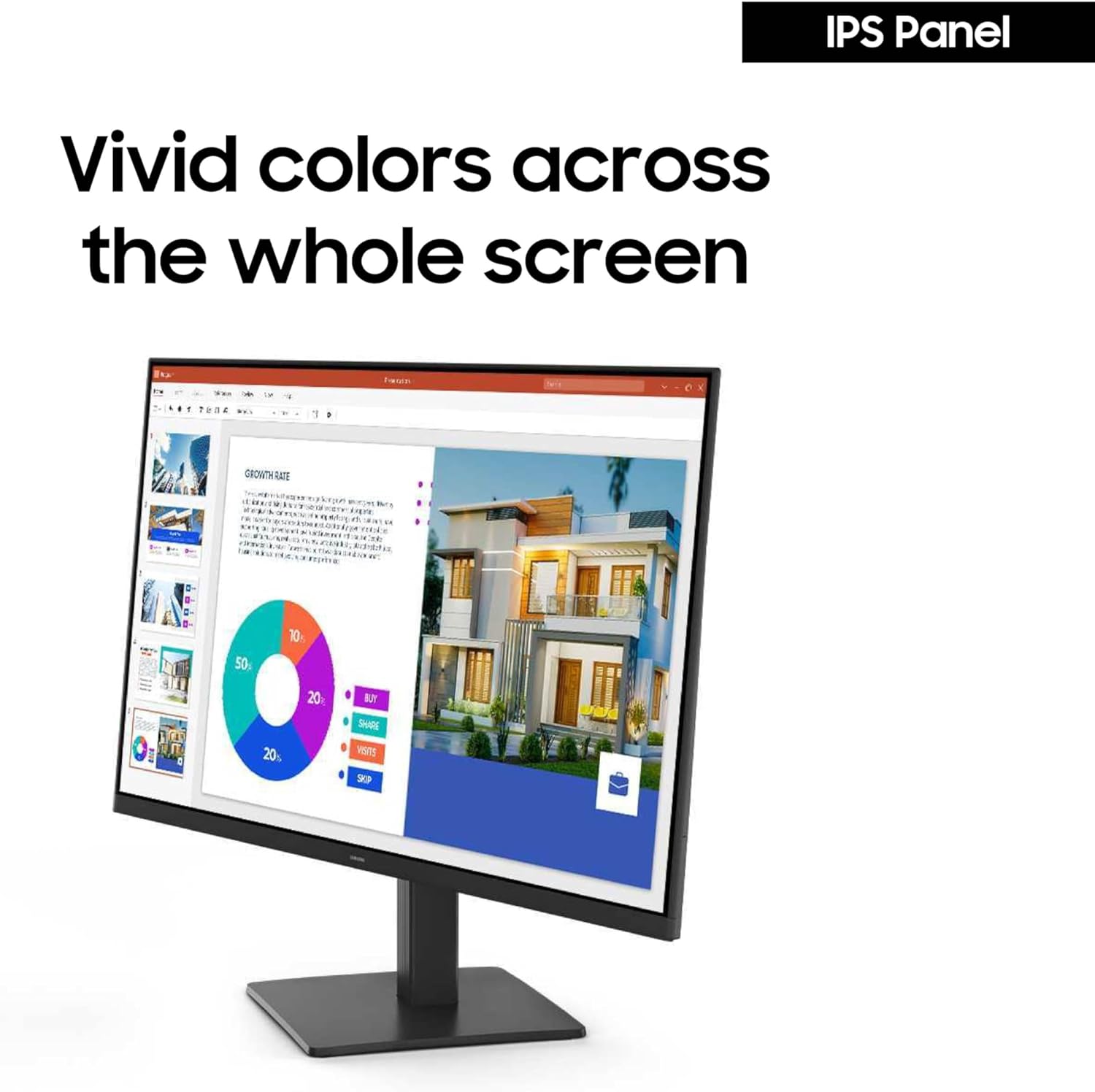
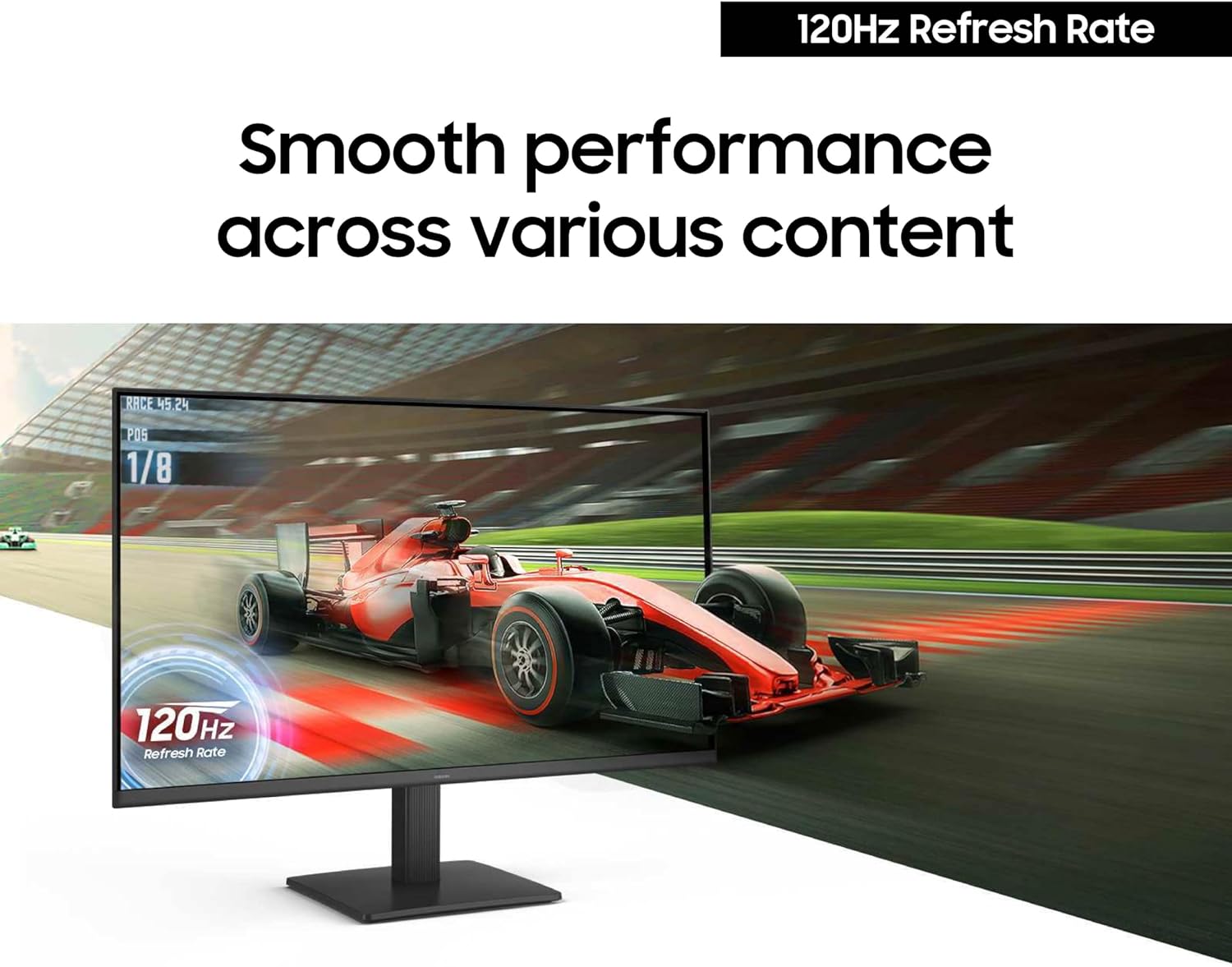
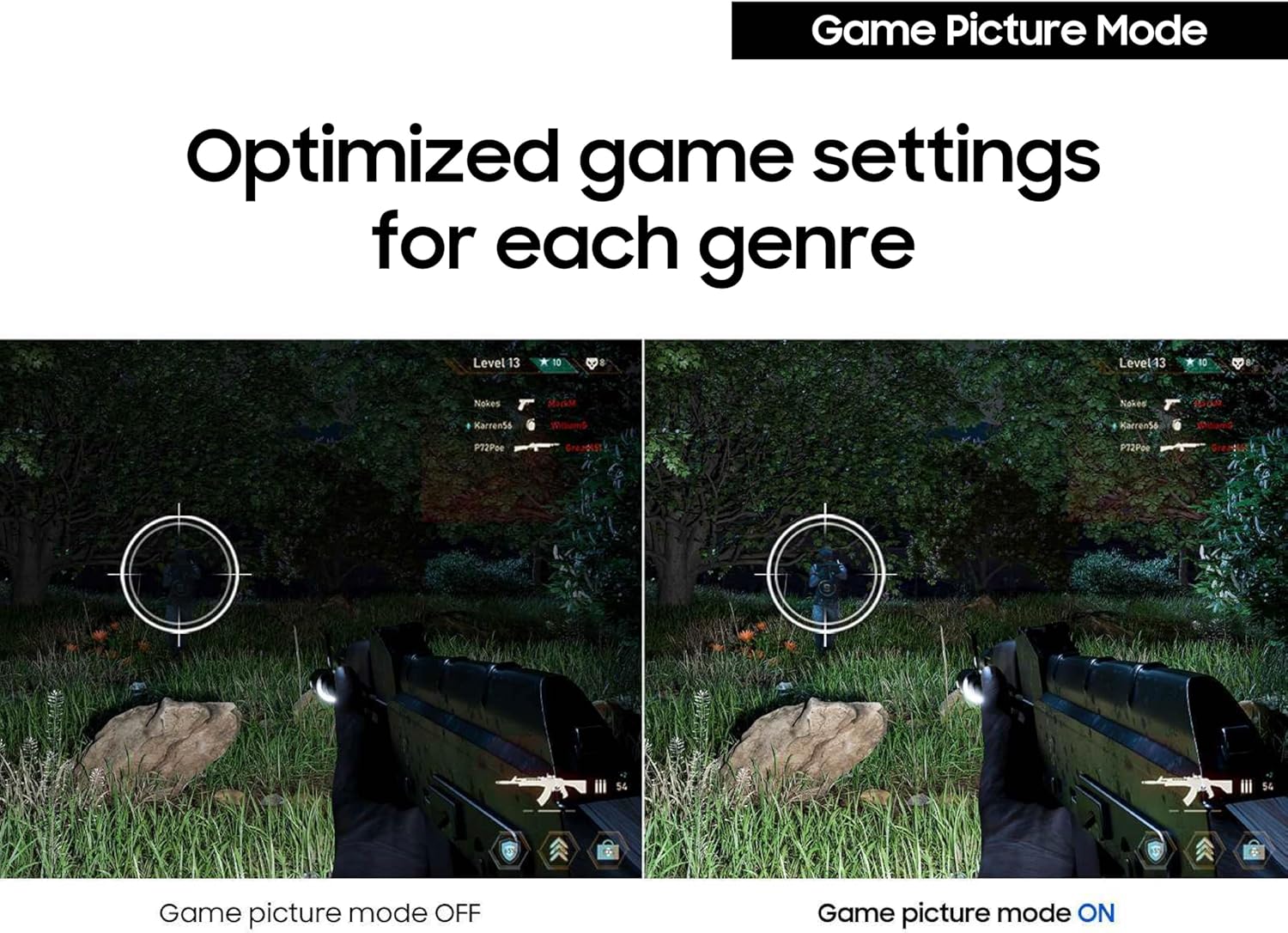
The IPS panel is intended to keep colour and brightness more consistent when viewed from different angles. For movement in games or video, 120Hz is the more distinctive feature compared with a basic display with a lower refresh rate, Game Picture Mode also lets you adjust colour and contrast for game scenes. Eye Saver Mode and reduced screen flickering are included for sessions that involve extended viewing. The product details provided do not specify connection ports or stand adjustments, so those requirements will depend on information beyond these listed specifications.
Tips for day-to-day use
This screen can serve as a single display for browsing, documents, video and gaming, while its 16:9 format suits common video content. A practical setup might place it at a desk used for both work and play: use the standard picture for everyday tasks, then try Game Picture Mode when darker scenes or contrast matter. The matte surface may also be a useful detail to consider when choosing a screen for a room with ambient light, though the listed information does not quantify glare performance.
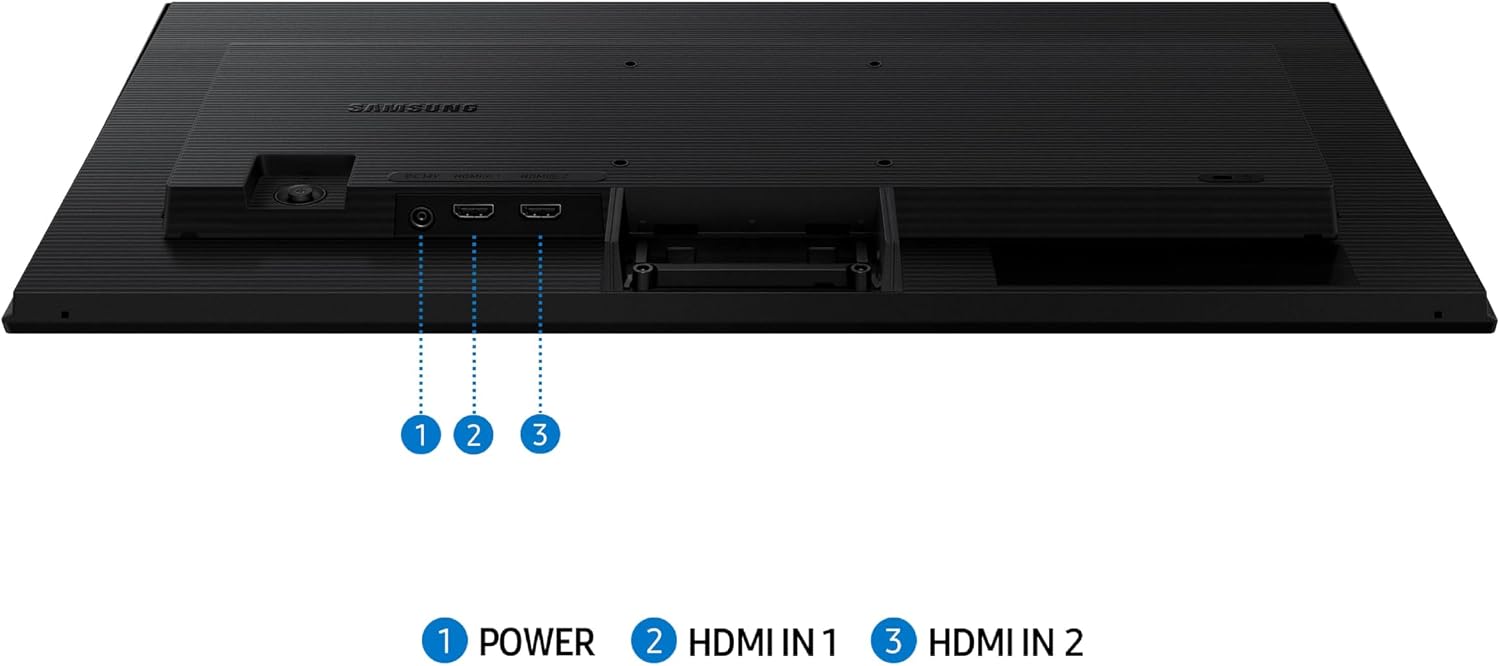
The slim design and narrow bezels are intended to keep the monitor visually unobtrusive on a desk. Before settling on a spot, compare the stated dimensions with the space available, especially if the screen will sit beside other equipment. Since the connection options are not listed here, make sure the monitor’s inputs suit the devices you plan to connect before making a decision.
Usage tips
Use the 120Hz mode when the connected device and content can make use of a higher refresh rate, the monitor’s specification alone does not establish what another device will support. For longer stretches of work or viewing, Eye Saver Mode and reduced flickering are intended to make viewing more comfortable. They are comfort features, not a substitute for taking breaks or adjusting your screen position to suit your workspace.
Buyer comments commonly praise the picture, vibrant colour, brightness, appearance, screen size and straightforward setup. Feedback is not unanimous, however, with one customer expressing disappointment. These impressions can help frame expectations, but they do not replace checking whether the screen’s resolution and connections meet your particular needs.
Buying verdict
Worth considering if you want a 24-inch IPS monitor that combines FHD resolution with 120Hz refresh and a game-specific picture mode, without making the setup’s main appeal a higher resolution. It might not be a great match if your work depends on detail beyond 1080p, or if you need connection or adjustment features not confirmed in the supplied specifications. For mixed everyday use, video and gaming, its clearest buying case is the combination of viewing-angle-conscious IPS, matte finish and faster refresh.