

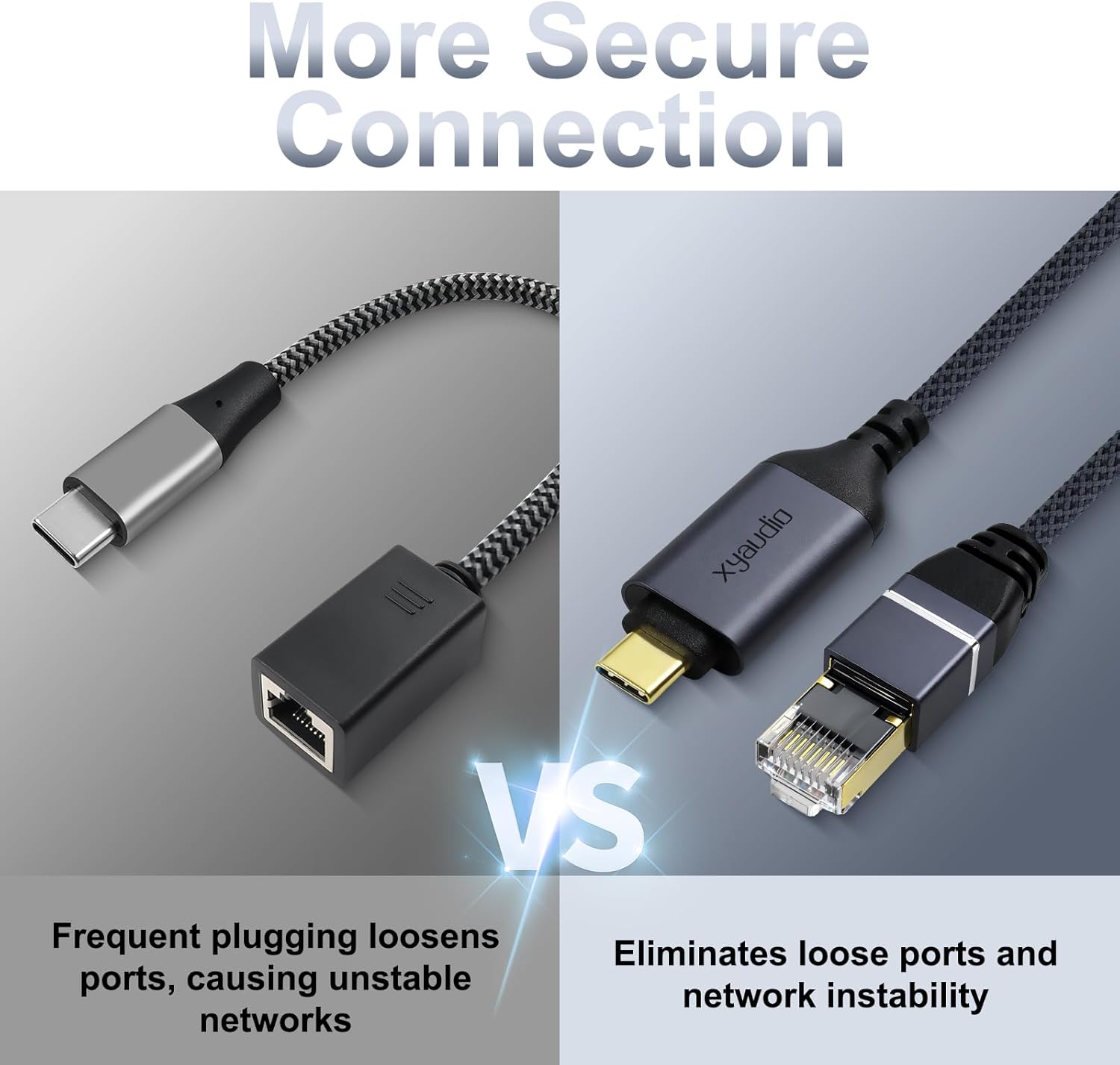
xyaudio USB-C to Ethernet Cable: Slim Gigabit LAN Adapter for Mac, iPad, and Galaxy Laptops
Product description
What it is
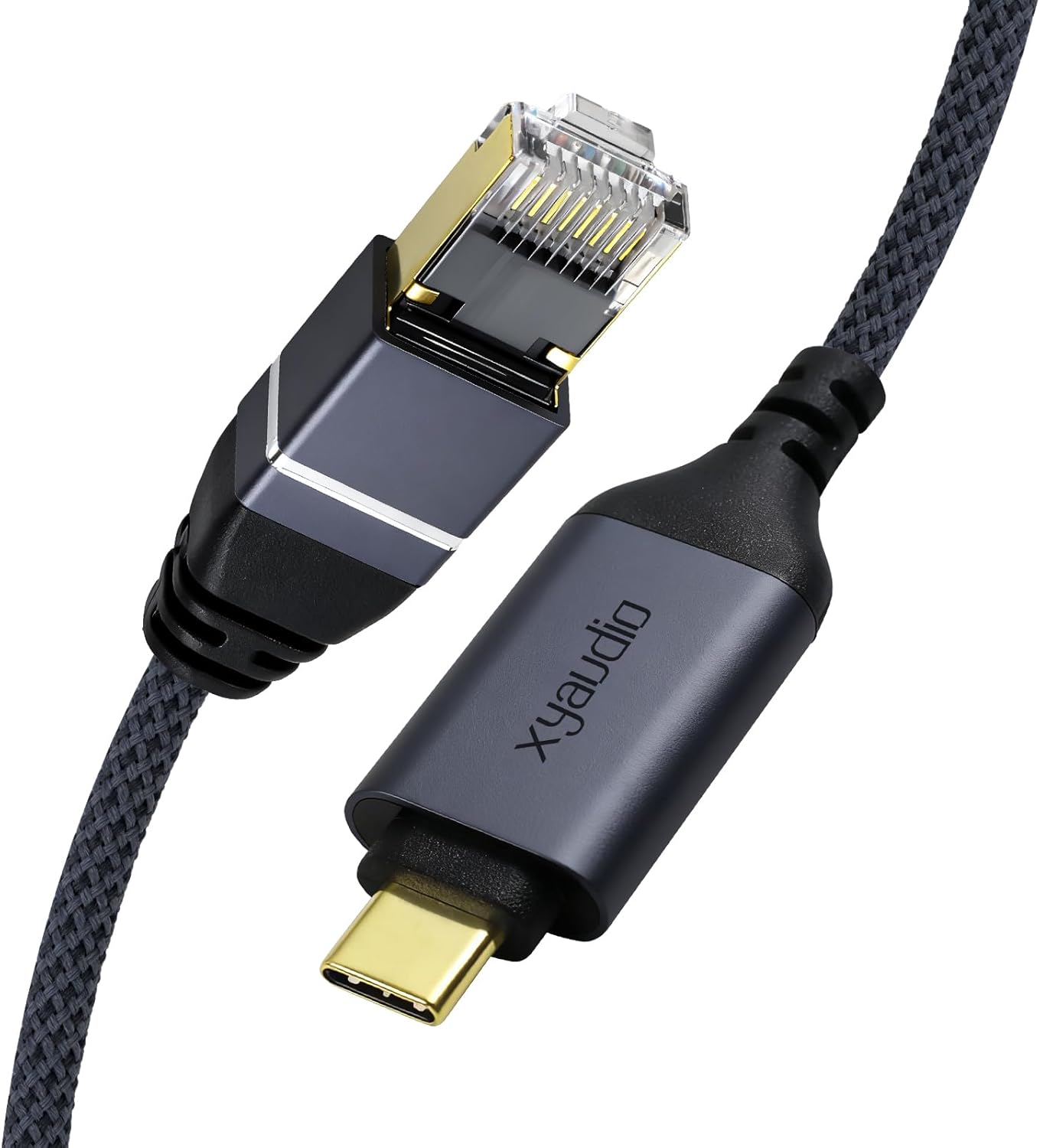
The xyaudio Ethernet to USB-C Cable is a single integrated USB-C to RJ45 solution designed to add a wired Gigabit LAN connection to devices without an Ethernet port. It combines the adapter and cable in one compact cord, so you can plug directly into routers, modems, or switches for a faster, more stable network experience.
Who it’s for
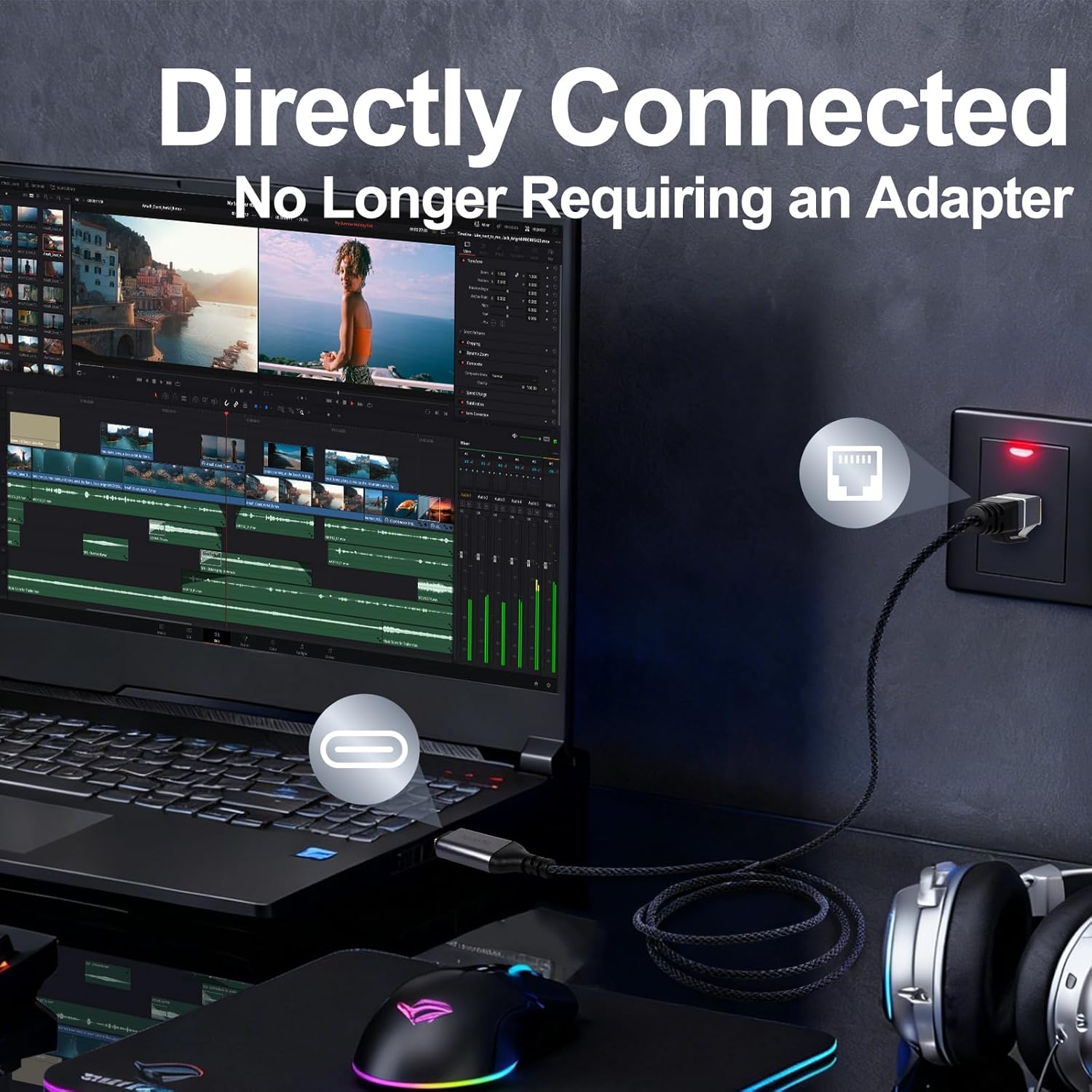
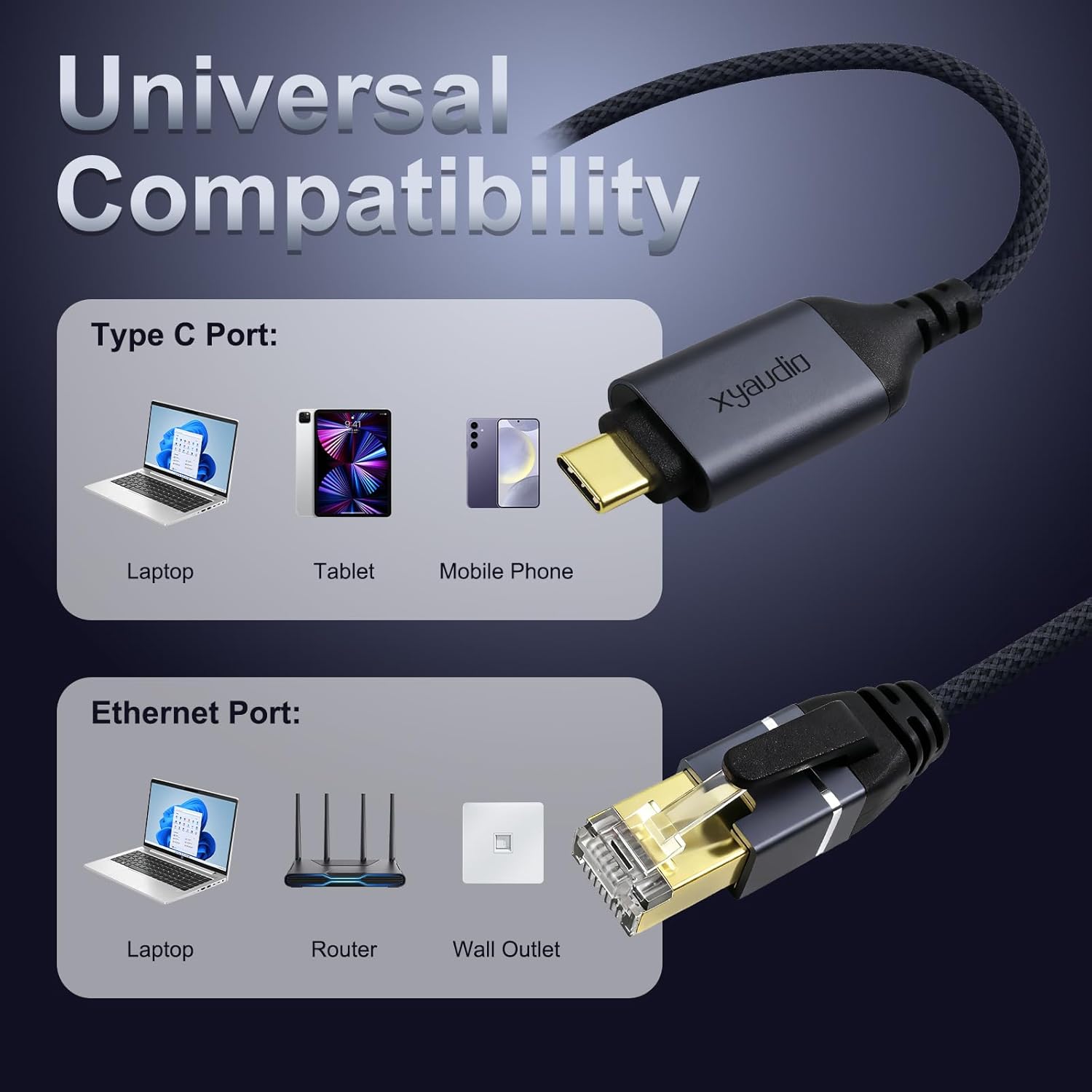
This cable targets users who rely on reliable wired connectivity on USB-C devices like MacBook Pro, MacBook Air, iPad Pro, iPhone 15 series, and various Galaxy laptops. It’s especially useful when Wi‑Fi is spotty, congested, or when you need consistent throughput for video calls, large file transfers, or online gaming. Note: it’s not intended as a console cable.
Key features
- 1‑port USB-C to RJ45 with integrated cable design for streamlined setup
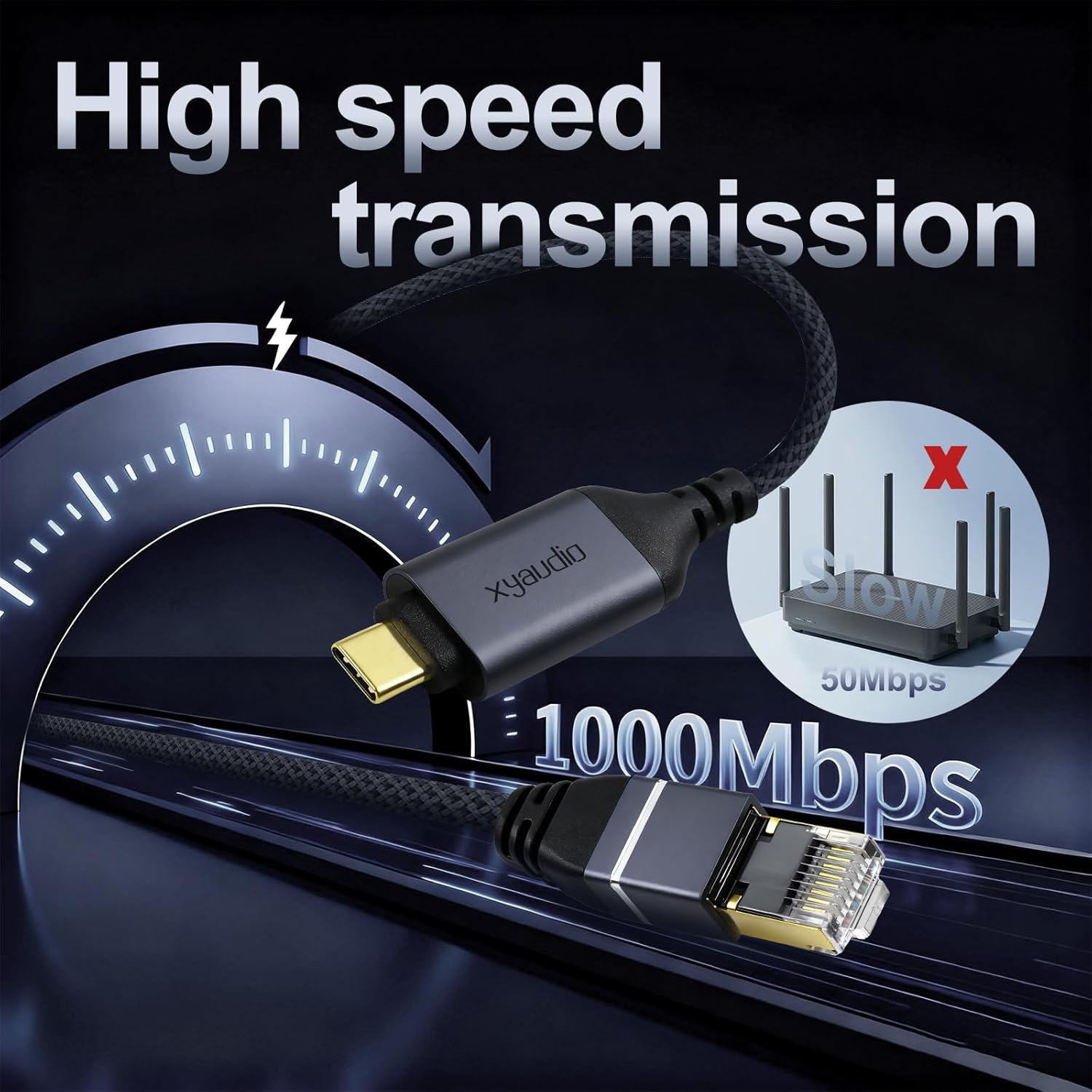
- Supports Gigabit Ethernet up to 1000Mbps and is backward compatible with 100Mbps/10Mbps networks
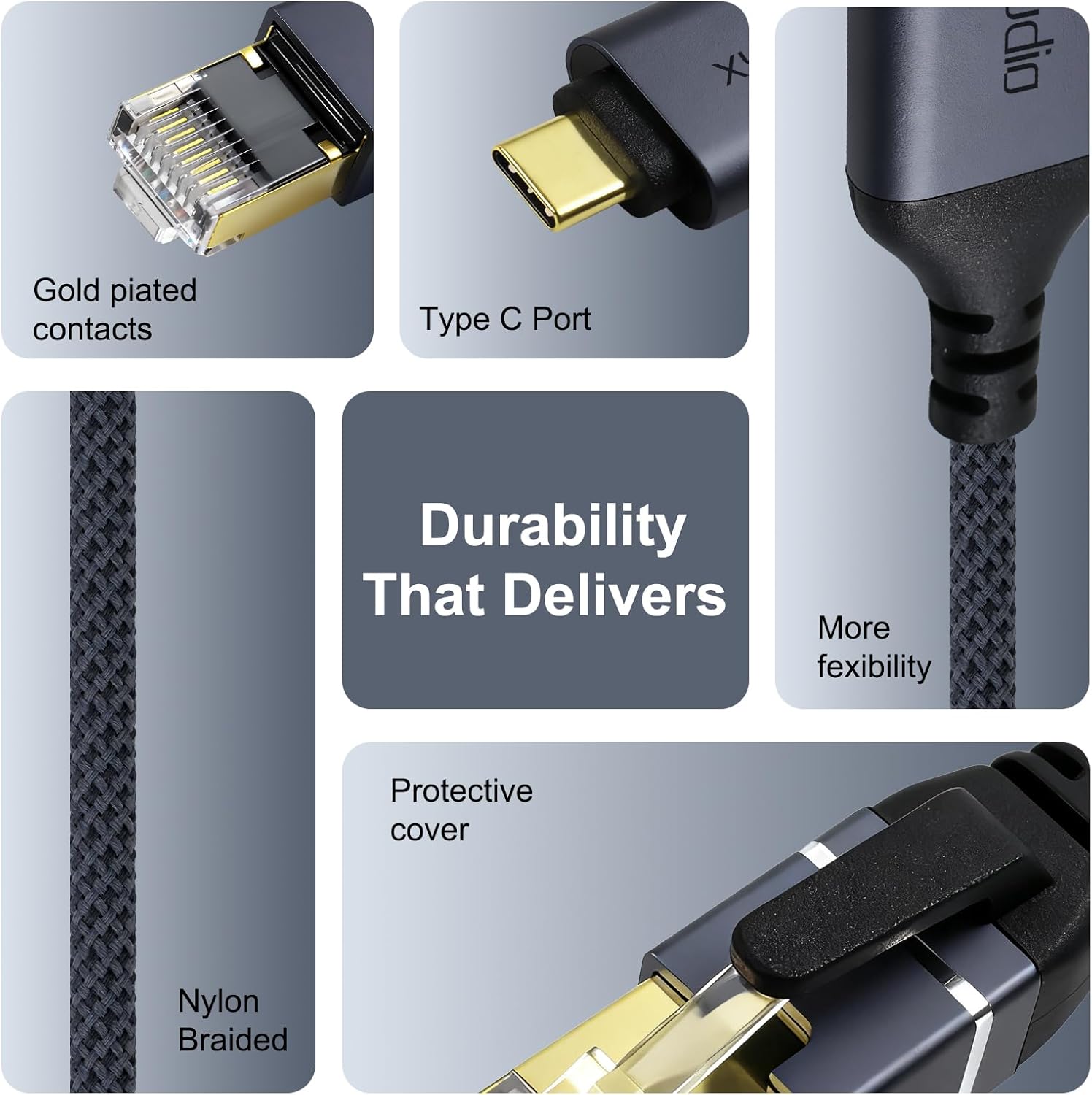
- Pure copper wiring and a high‑quality aluminum shell on the USB‑C end for better transmission and a premium feel
- Nylon woven exterior adds durability for daily use and travel
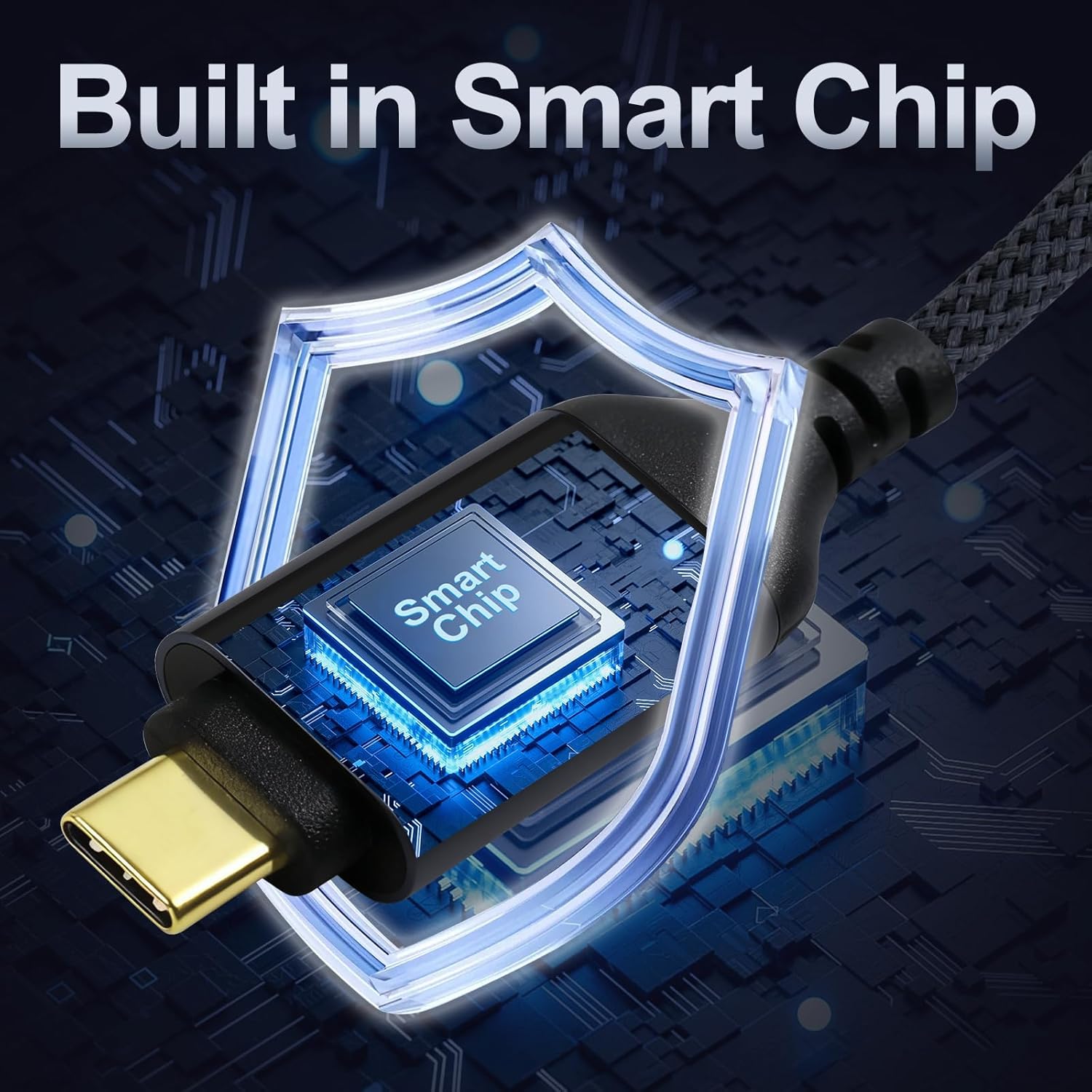
- Built‑in smart chip in the USB port helps stabilize transmission
- Broad compatibility: Windows, Mac OS, Chrome OS, and Linux, works with most USB‑C and Thunderbolt 3 devices (e.g., MacBook Pro/Air, iPhone 15 series, iPad Pro, Galaxy laptops, etc.)
What to know before you buy
- For 1Gbps performance, ensure your USB port is version 3.0 or above
- While it provides a wired alternative, you should verify your network setup supports Gigabit speeds end‑to‑end
- This is a direct cable solution, not a traditional detachable dongle setup
- Availability and performance can vary by device and operating system version
Pros and cons in practice
Pros: straightforward plug‑and‑play, one‑piece solution, solid build quality, good stability, broad OS compatibility. Cons: real‑world speed depends on the host USB‑C port and network hardware, not all devices may achieve the full 1Gbps, and the product is not a universal fix for all network issues.
Who should consider it versus alternatives
- If you prioritize a compact, integrated connector that removes extra adapters, this cable makes sense.
- If you already rely on a dock or Ethernet dongle, you might prefer a model with multiple ports or additional USB features.
- If you mainly use Wi‑Fi and don’t need wired reliability, this may be optional.
How to use it day to day
Plug the USB‑C end into your device and the RJ45 into your router or switch. For best results, connect to a Gigabit port on the network gear and ensure the device recognizes the network interface. A practical scenario: editing and transferring large files from a network drive, where a stable connection reduces interruptions compared with a busy wireless network.
Technical snapshot
- Cable type: USB-C to RJ45 Ethernet, integrated design
- Speed: up to 1000Mbps (gigabit), backward compatible with 100Mbps/10Mbps
- Construction: copper wires, aluminum USB‑C shell, nylon weave for durability
- Compatibility: Windows, Mac OS, Chrome OS, Linux, USB‑C and Thunderbolt 3 devices
Final verdict
Is it worth it? It makes sense if you need a reliable wired connection on a USB‑C machine and want a simple, slim solution without extra adapters. It may not be the best pick if you already own multiple USB dongles, or if your device’s USB‑C port is limited to lower speeds. Overall, for users seeking a direct, durable, plug‑and‑play Gigabit edge, this cable offers a practical upgrade over unstable wireless connections.
FAQ
- Will this work with my iPhone or iPad? It’s listed as compatible with USB‑C devices like iPhone 15 series and iPad Pro, but actual usefulness depends on the device’s OS support for Ethernet via USB‑C.
- Can I achieve 1Gbps on all networks? You’ll reach 1Gbps when both the device USB port and network path support Gigabit speeds, otherwise speeds will scale down to the available bandwidth.
- Do I need any software drivers? The product description highlights a built‑in smart chip for stable transmission, with no explicit driver requirements noted, some platforms may automatically recognize the interface.