

UGREEN AXE5400 WiFi 6E USB Adapter for Desktop PC
Product description
What this is and what it’s for
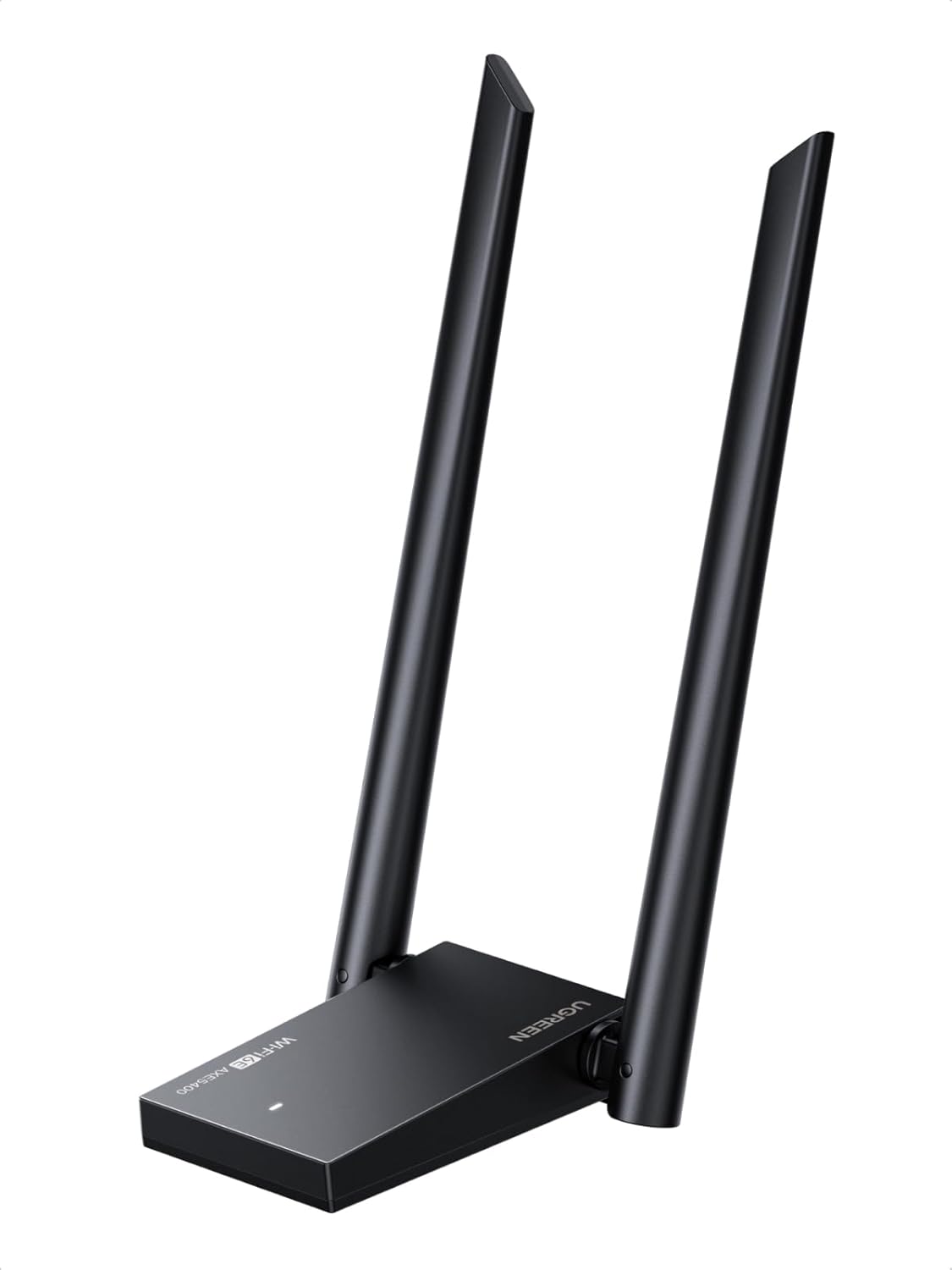
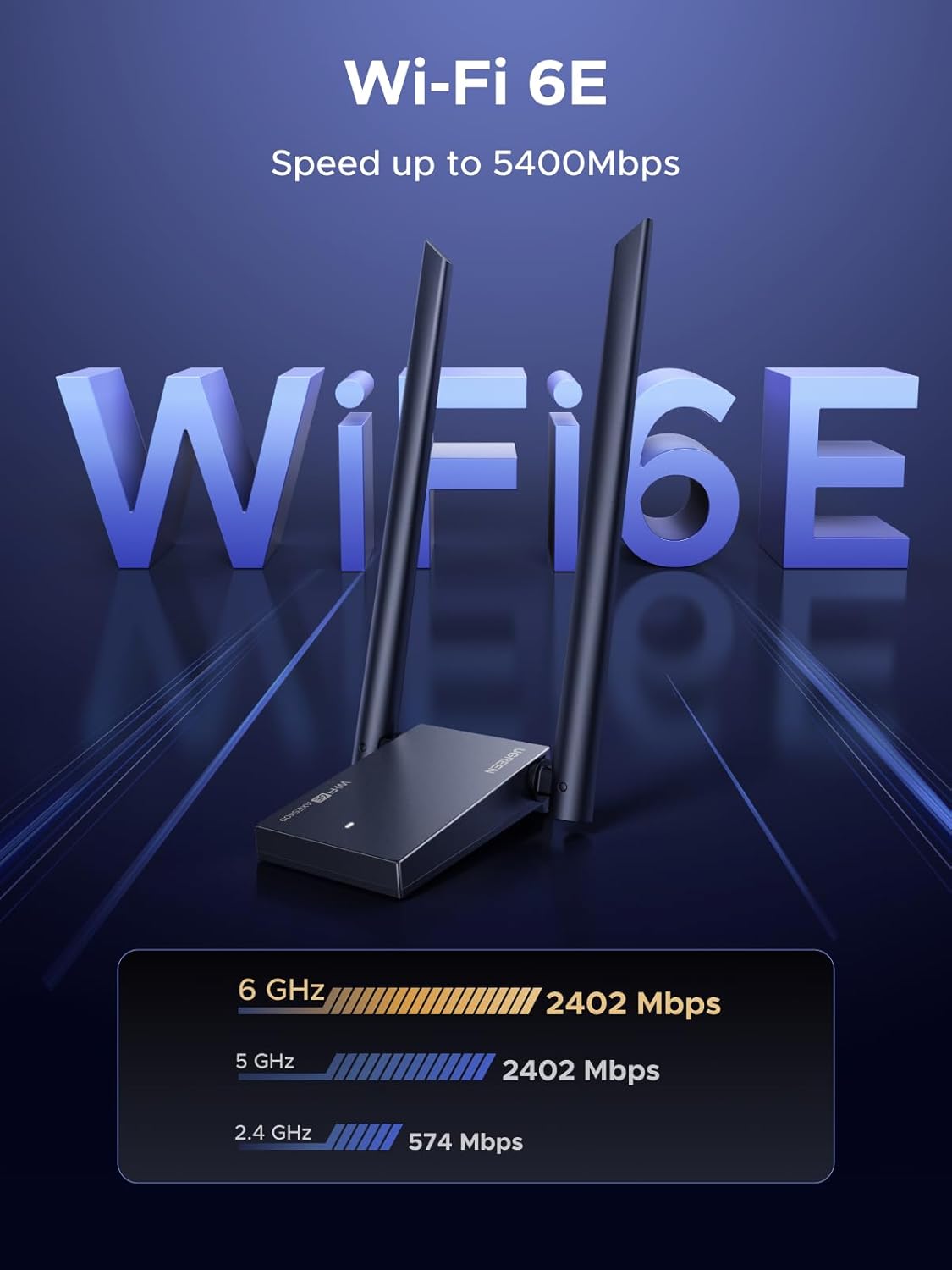
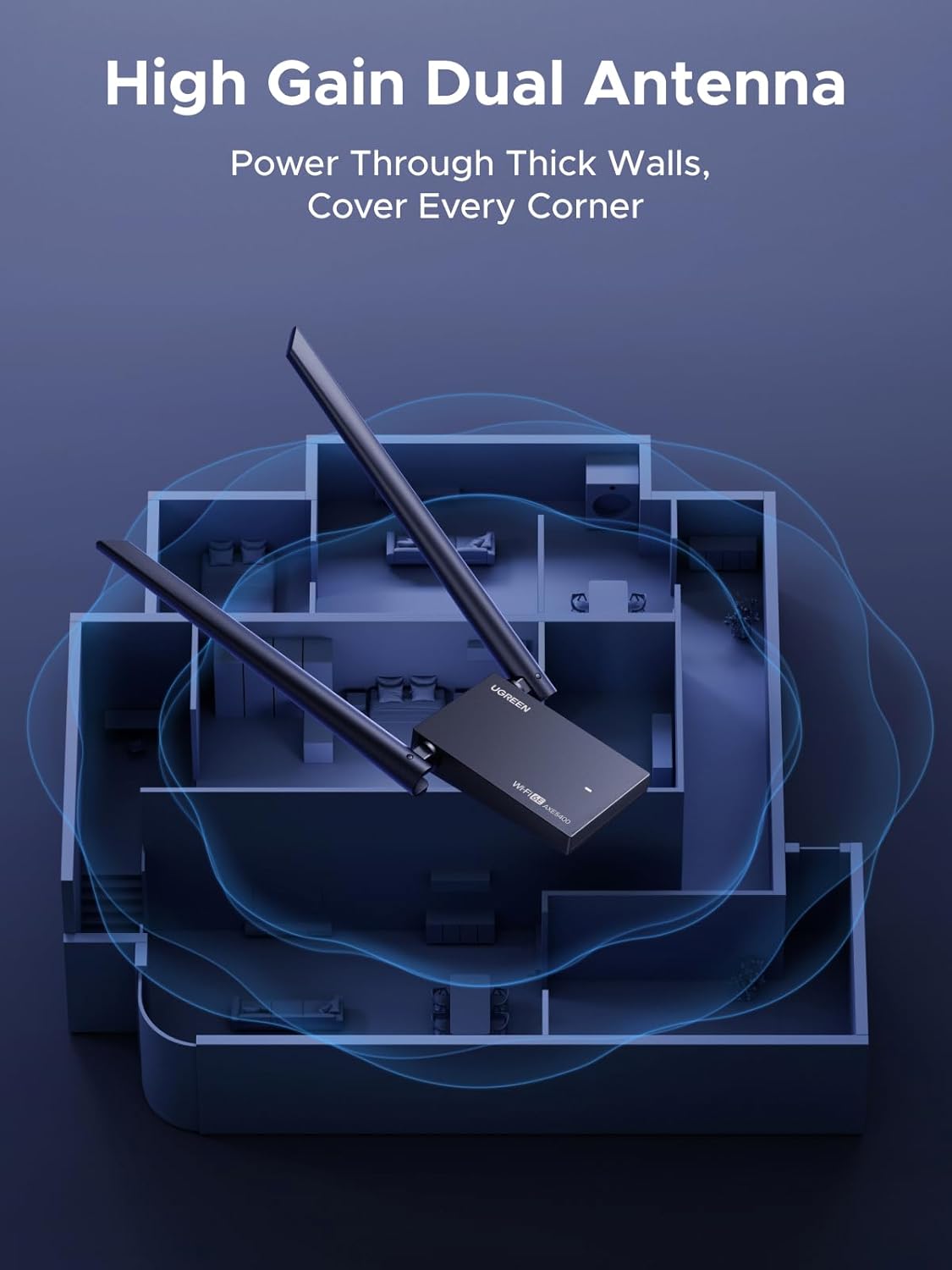
The UGREEN AXE5400 is a USB WiFi 6E adapter designed to upgrade a desktop PC with tri-band wireless performance. It aims to deliver faster wireless speeds across 6GHz, 5GHz, and 2.4GHz bands, making it a candidate for gaming, streaming, and professional work that benefits from a steadier connection and higher throughput. On paper, the device combines a USB 3.0 interface with dual high-gain antennas to extend coverage and improve signal stability in typical home or small office setups.
How it performs in real use
Tri-band capability promises a spread of bandwidth: 6GHz and 5GHz bands operate at higher speeds, while 2.4GHz provides broad compatibility with older devices and farther reach. The dual 5dBi antennas are intended to increase reception and transmission efficiency, which can matter in environments with wall interference or a busy network. The adapter supports OFDMA and MU-MIMO, technologies that can help with multi-device networks by reducing contention and latency.
Security and privacy considerations
Security features include WPA3, which is a modern standard designed to help protect sensitive data on wireless networks. This matters more as home networks add more connected devices and potential entry points. The entry-level takeaway is that you get contemporary encryption without extra steps, but keep in mind that security also depends on your router and network practices.
Compatibility and setup
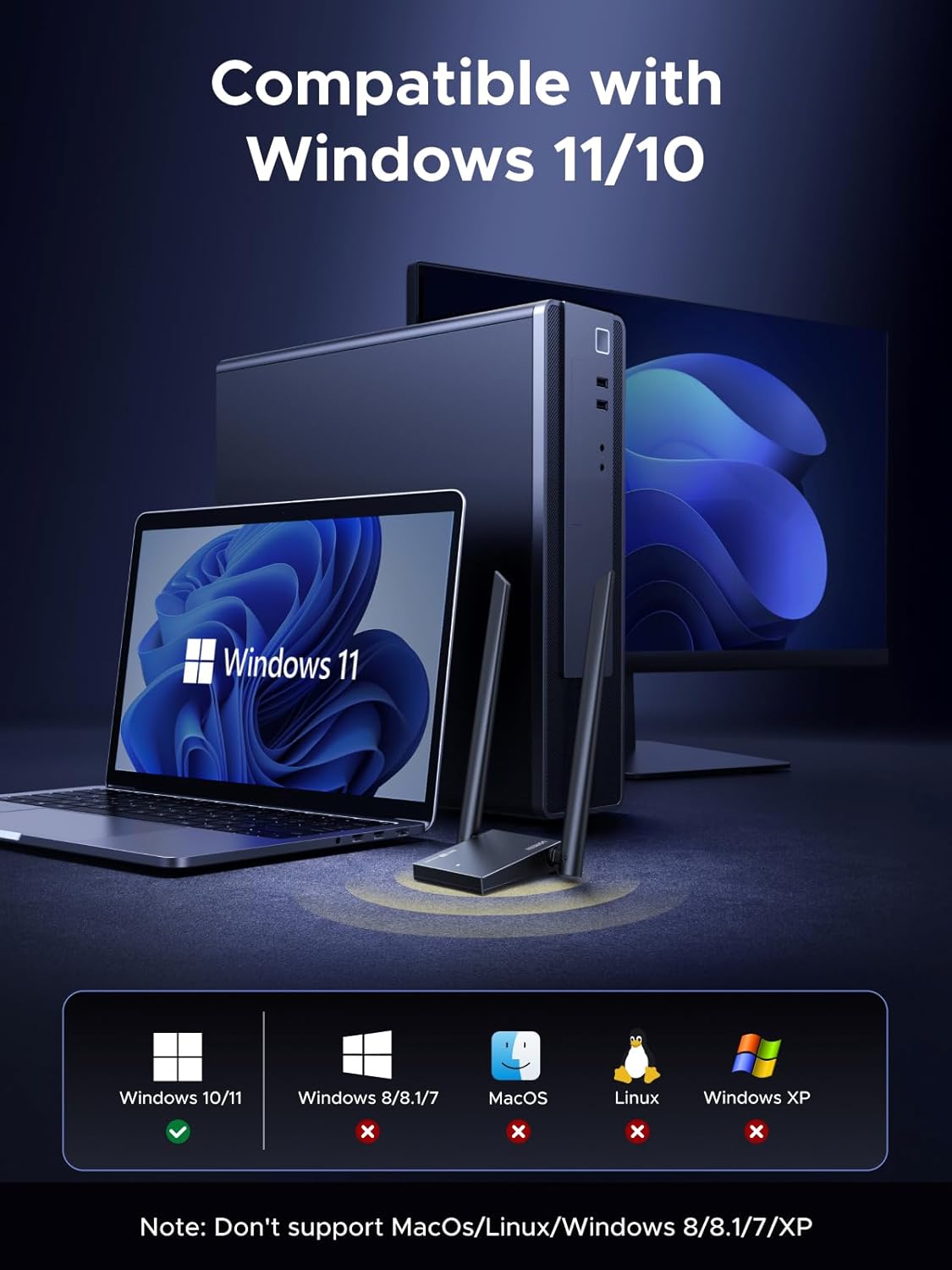
According to the available information, installation is straightforward on Windows 10 and Windows 11, with drivers provided to simplify setup. If you rely on a clean plug-and-play experience, you’ll want to verify driver availability and system updates before purchase.
What’s strong here
- Tri-band architecture with a possible benefit in networks that can leverage 6GHz and MU-MIMO under light-to-moderate congestion.
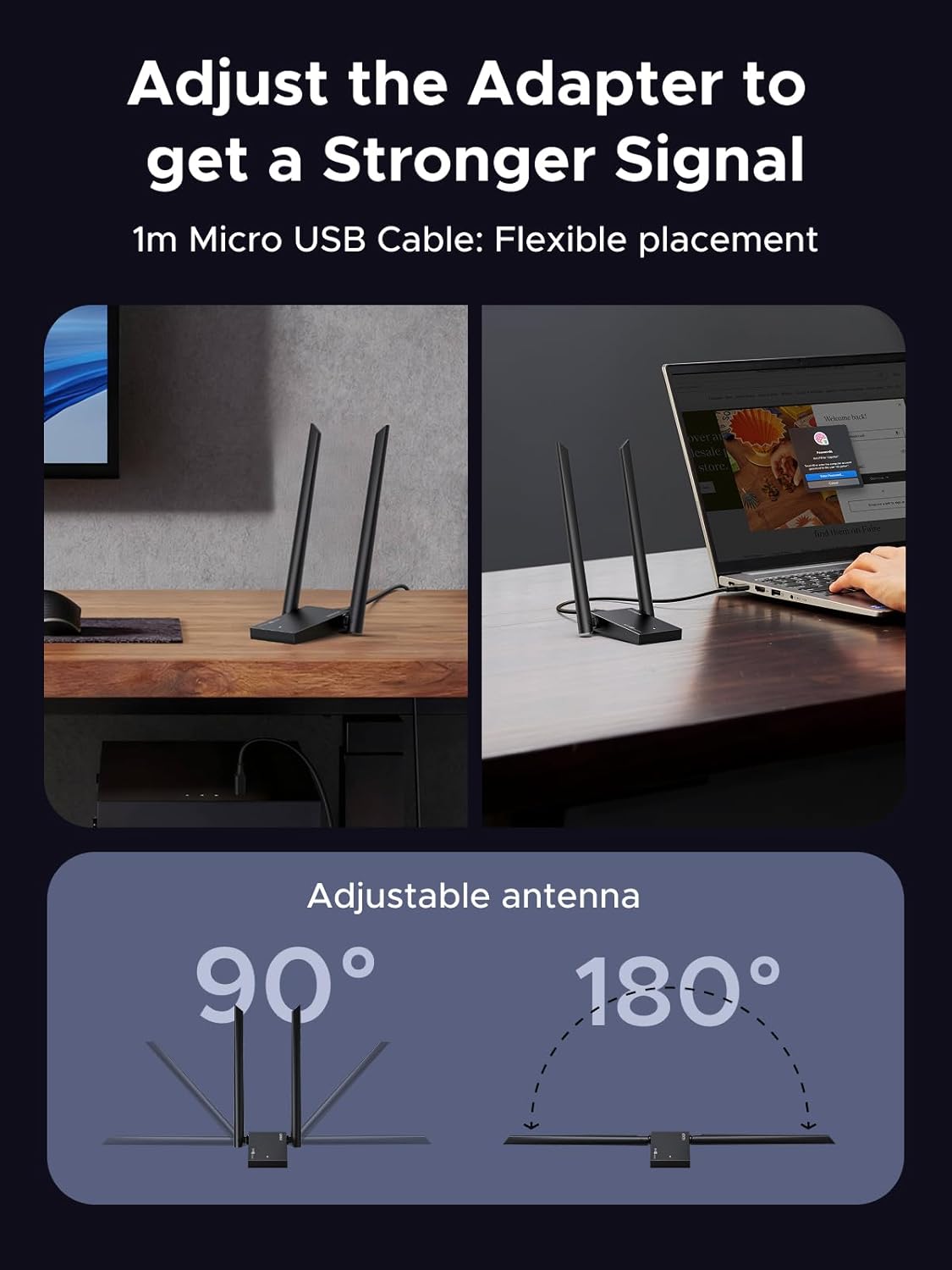
- Dual high-gain antennas may help with in-room coverage and stable connections in typical desk setups.
- WPA3 security to safeguard wireless activity.
- USB 3.0 interface and Windows driver support for a relatively quick setup.
What might give you pause
- The device is advertised as compatible only with Windows 10/11, macOS, Linux, or older Windows versions aren’t listed as supported, which limits versatility if you switch systems.
- Real-world speeds are highly dependent on your router, network congestion, and presence of 6GHz bands in your environment, if your router or space doesn’t leverage 6GHz effectively, you may not see the top-end figures.
- The claim of OFDMA/MU-MIMO is promising, but performance gains require compatible client devices and configuration.
Who it’s for
This adapter could appeal to PC users who want a more robust wireless setup for gaming, video calls, or file-heavy work from a desktop, especially if they already have a Windows 10/11 machine and a router that supports WiFi 6E.

Who it isn’t ideal for
If you’re not on Windows 10/11, or if you rely on a macOS/Linux environment, this device won’t provide a supported path. It may also be less compelling if your space lacks 6GHz availability or if you don’t need ultra-fast peak throughput and can live with a simpler 2.4/5GHz setup.
When it makes sense to buy
- You want an upgrade path for a desktop to leverage modern WiFi 6E features on a Windows system.
- You have a router that supports 6GHz and want to test the benefits of tri-band connectivity in a constrained space.
- You value WPA3 security and a straightforward Windows installation with drivers.
Things to review before buying
- Confirm your router supports WiFi 6E (6GHz) and MU-MIMO/OFDMA utilization in your typical usage space.
- Check that your PC has available USB 3.0 ports and that Windows 10/11 drivers are verified for your build.
- Consider your environment: wall materials and device placement can affect antenna performance even with dual high-gain antennas.
Practical example of use
Imagine a home office where a gaming PC streams a high-bitrate video call while downloading large files. With the AXE5400, you might notice steadier connections and lower latency compared to a basic USB WiFi adapter, thanks to the 6E spectrum and MU-MIMO scheduling, assuming your router and environment support those features.
FAQ (brief)
- Q: Does this work on macOS? A: Not listed as supported, primarily marketed for Windows 10/11.
- Q: Do I need special software? A: Drivers are provided for Windows, setup is described as intuitive.
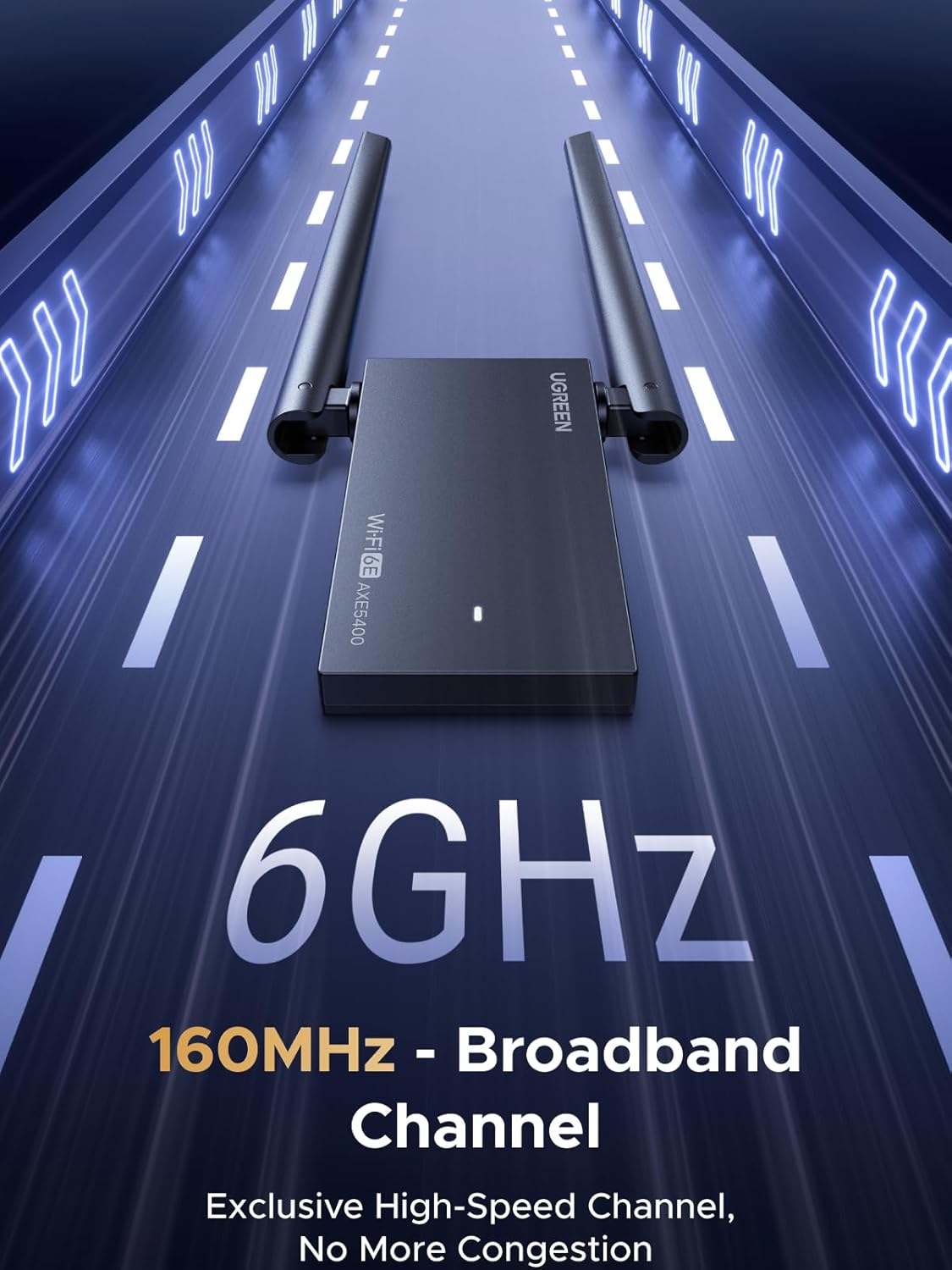
- Q: Will I see 6GHz speeds at home? A: That depends on your router and space, 6GHz often provides lower range but higher capacity in ideal conditions.
Decision and final thoughts
Is it worth it?
It can be a solid choice if you’re targeting a Windows desktop setup and have access to a WiFi 6E router. It isn’t guaranteed to dramatically outperform a high-quality WiFi 6 adapter in every environment, especially if 6GHz isn’t available or if your PC ecosystem isn’t aligned with 6E features. If your priority is compatibility with Windows 10/11 and you want modern security plus a drive toward lower latency under load, this dongle offers a credible path. If you depend on cross-platform use or non-6E networks, you might want to compare alternatives.
Quick FAQ
- What’s the main benefit of the AXE5400? A tri-band capability with 6GHz support and MU-MIMO, aimed at reducing congestion and boosting throughput in busy setups.
- Who should consider this over a simpler adapter? Users prioritizing modern security, higher potential speeds on a 6E network, and a Windows-only workflow.
- Any caveats to keep in mind? Availability of 6GHz, router compatibility, and Windows driver support are key factors to confirm before buying.