

Download app on Google Play


Imagen de BrosTrend AX1800 WiFi Adapter 📶 en OfertitasTOP
New offer
Thumbnail principal de BrosTrend AX1800 WiFi Adapter 📶
Thumbnail 1 de BrosTrend AX1800 WiFi Adapter 📶
Thumbnail 2 de BrosTrend AX1800 WiFi Adapter 📶
Thumbnail 3 de BrosTrend AX1800 WiFi Adapter 📶
Thumbnail 4 de BrosTrend AX1800 WiFi Adapter 📶
Thumbnail 5 de BrosTrend AX1800 WiFi Adapter 📶
Thumbnail 6 de BrosTrend AX1800 WiFi Adapter 📶

BrosTrend AX1800 WiFi Adapter 📶

amazon US
Reviews
4,1
+4.040

Reviews

4,1
+4.040 reviews

Price

$34.99$26.99-23%
View in store
amazon US
Price evolution · Historical minimum: $26.99

Product description

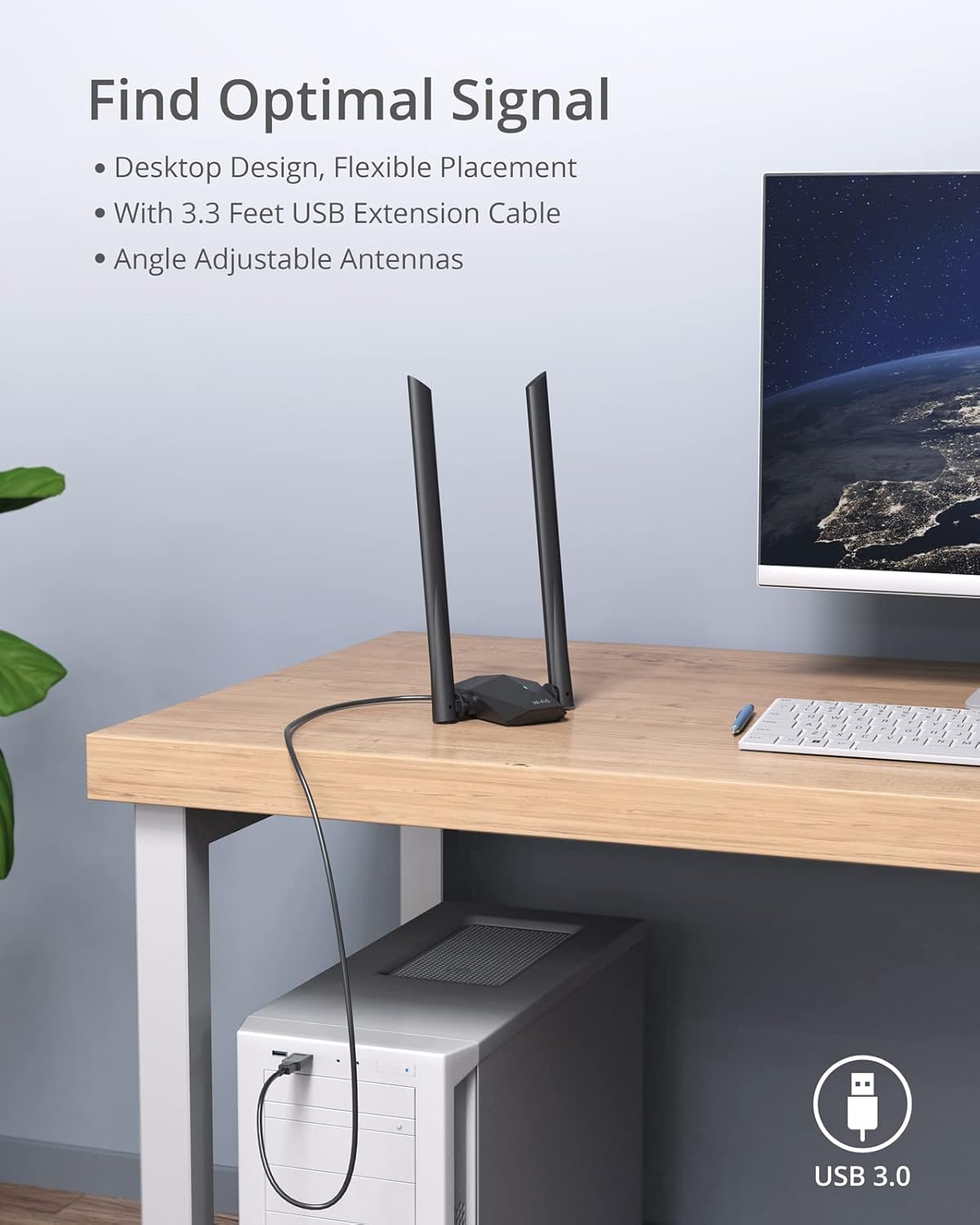
This compact USB WiFi 6 adapter brings faster, more reliable wireless to a desktop or laptop, making HD streaming and gaming smoother with less lag. The BrosTrend USB WiFi 6 Adapter AX1800 uses dual-band connections to balance speed and range, and it ships with a desktop base plus a 3.3-foot USB 3.0 extension cable for flexible placement. Keep in mind that Linux is not supported and the adapter works with Windows 11 and Windows 10 only.

Key points
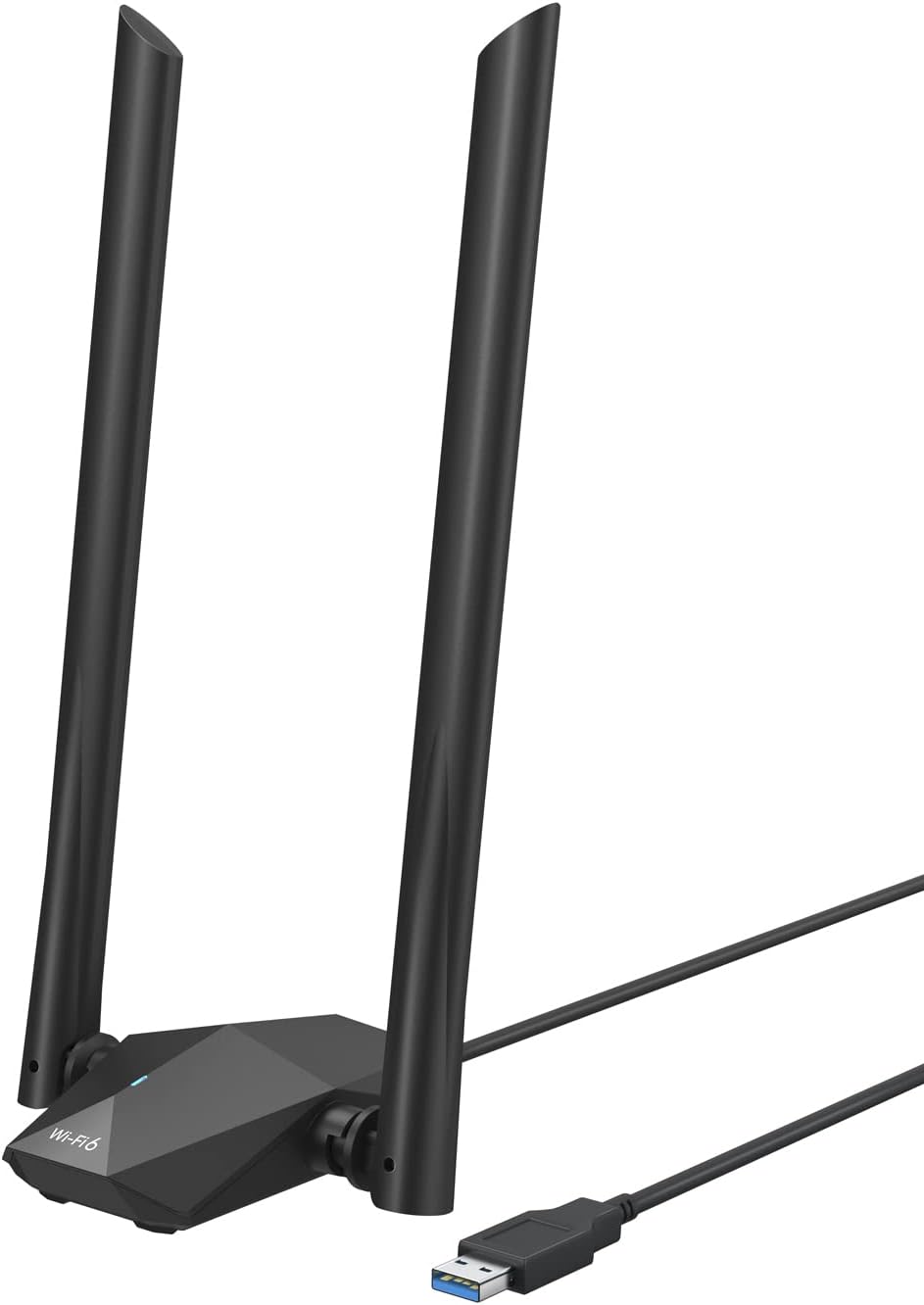
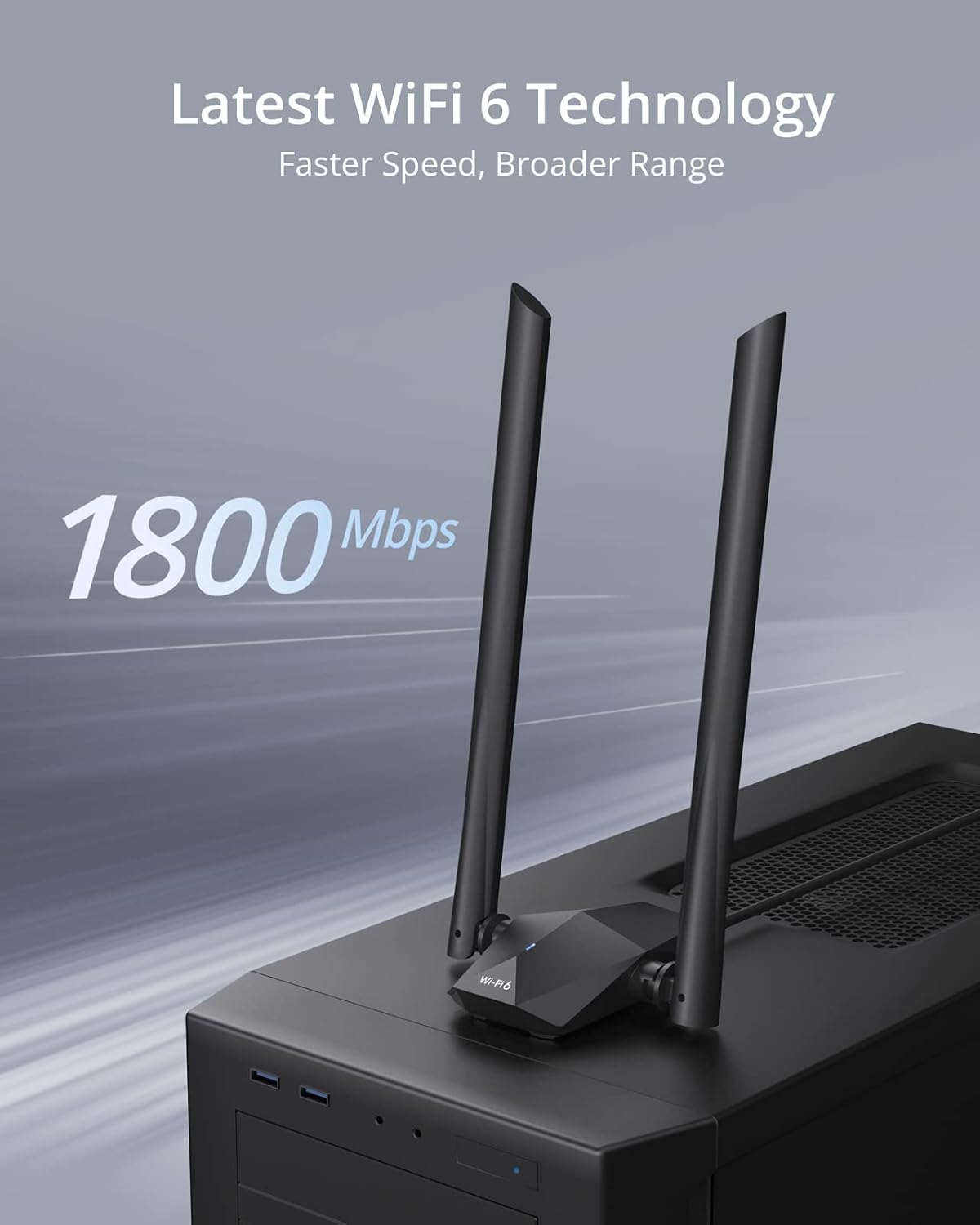
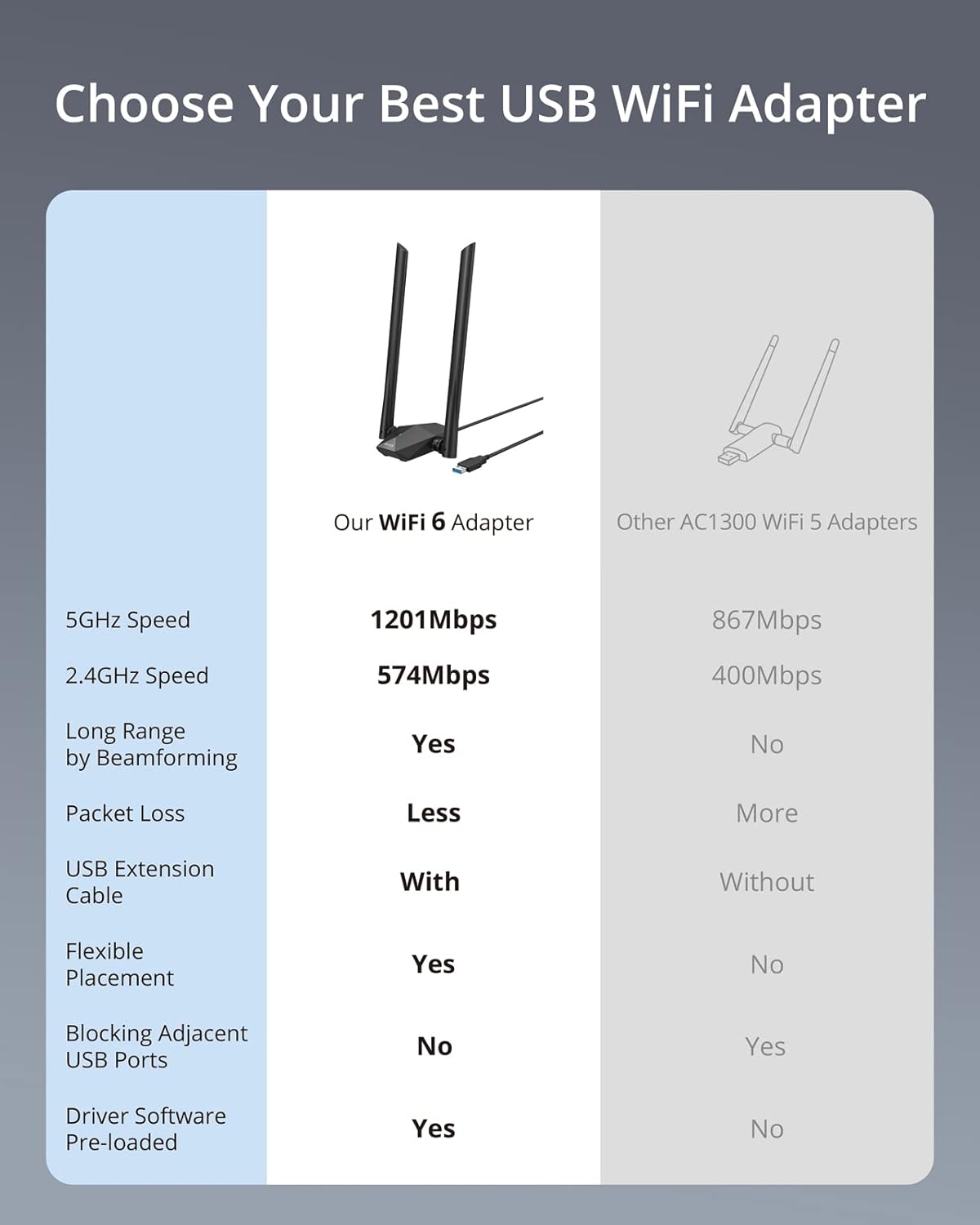
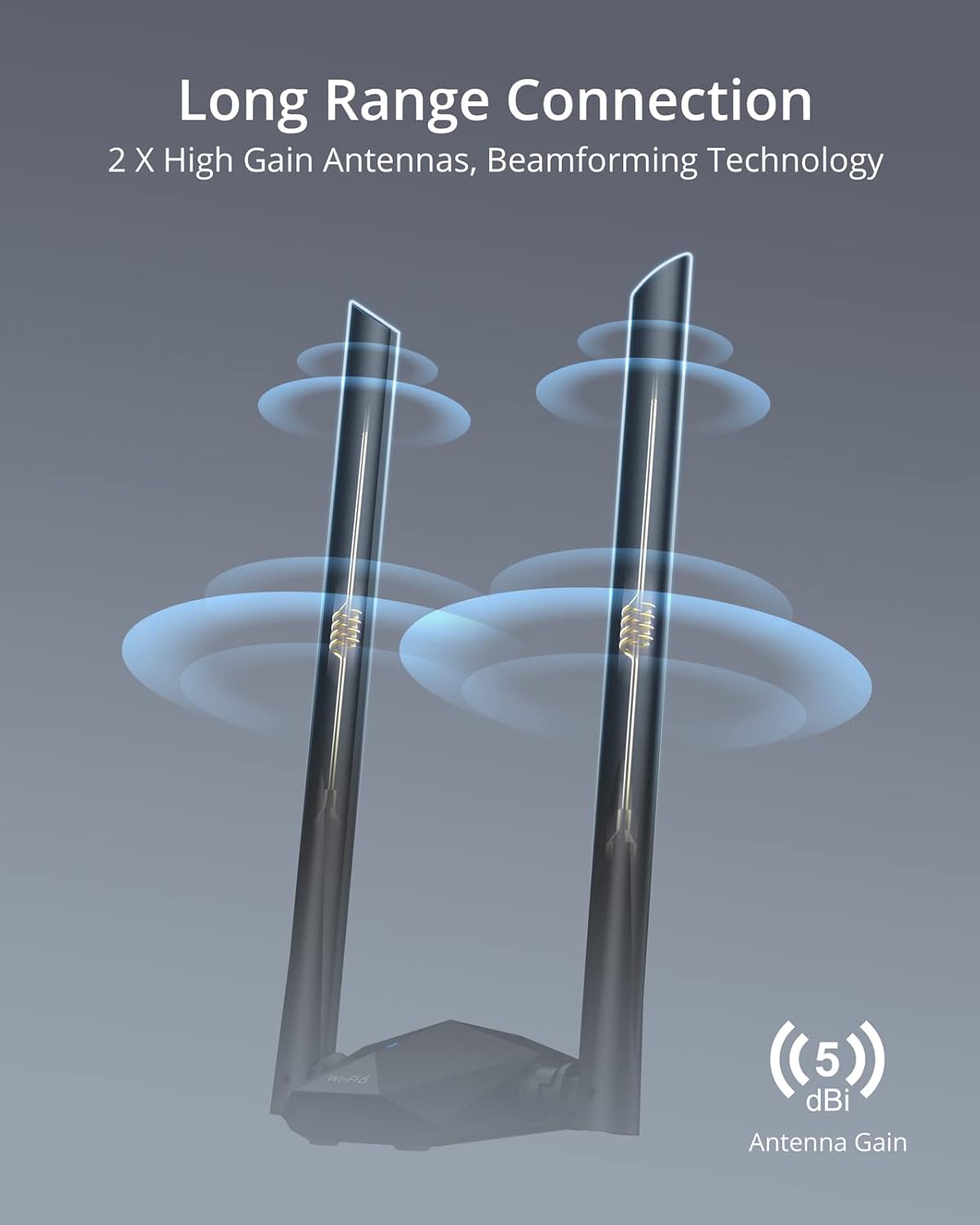
The adapter targets users who want a simple way to upgrade a PC without opening the case. It supports 5GHz at 1201Mbps for high throughput tasks and 2.4GHz at 574Mbps for broader coverage, so you can stream, video call, and game with fewer interruptions. The package includes two external high gain antennas for improved reception through walls, and beamforming helps focus signal toward your device for steadier connections. The setup is straightforward with a preloaded driver, so you do not need a CD to get started. 📶
Tech specs

  • Type: BrosTrend AX1800 USB WiFi 6 adapter
  • Connectivity: Dual-band 5GHz/2.4GHz over USB3.0
  • Compatibility: Windows 11, Windows 10
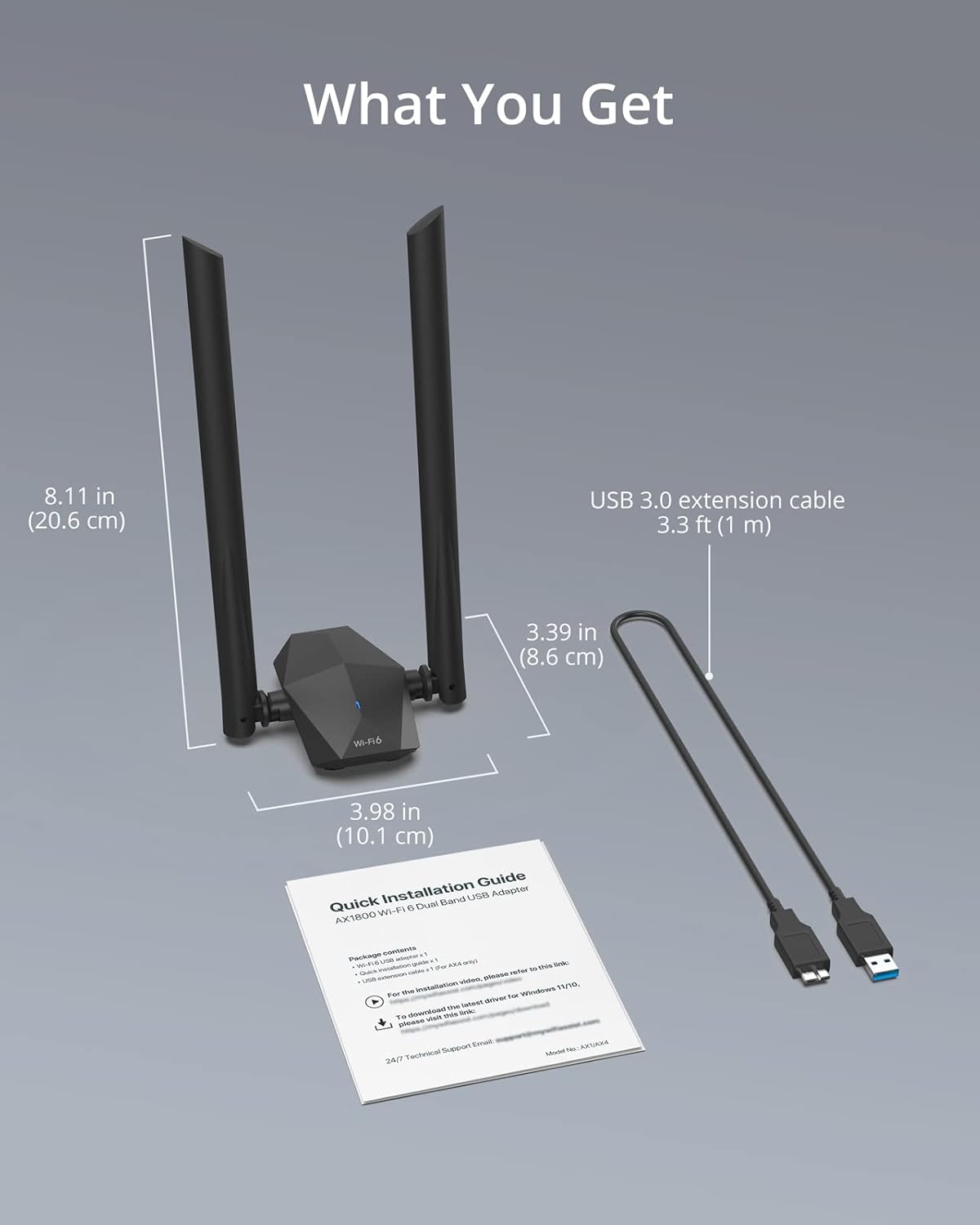
  • Size: Desktop design with 3.3-foot USB 3.0 extension cable
  • Antenna: 2x high gain external antennas

Who it’s for
It makes sense if you need a quick wireless upgrade for a PC, want better streaming and gaming performance, or have a desktop positioned where internal cards would struggle to reach the router. The external cable and antennas give placement options that often improve signal over onboard WiFi.

It’s not for you if you rely on Linux or need native support for older Windows versions, or if you prefer an internal PCIe solution for maximum throughput and minimal desk clutter. Also note that peak speeds are theoretical according to the manufacturer and depend on your router and network conditions. 💻

What you’ll notice day to day

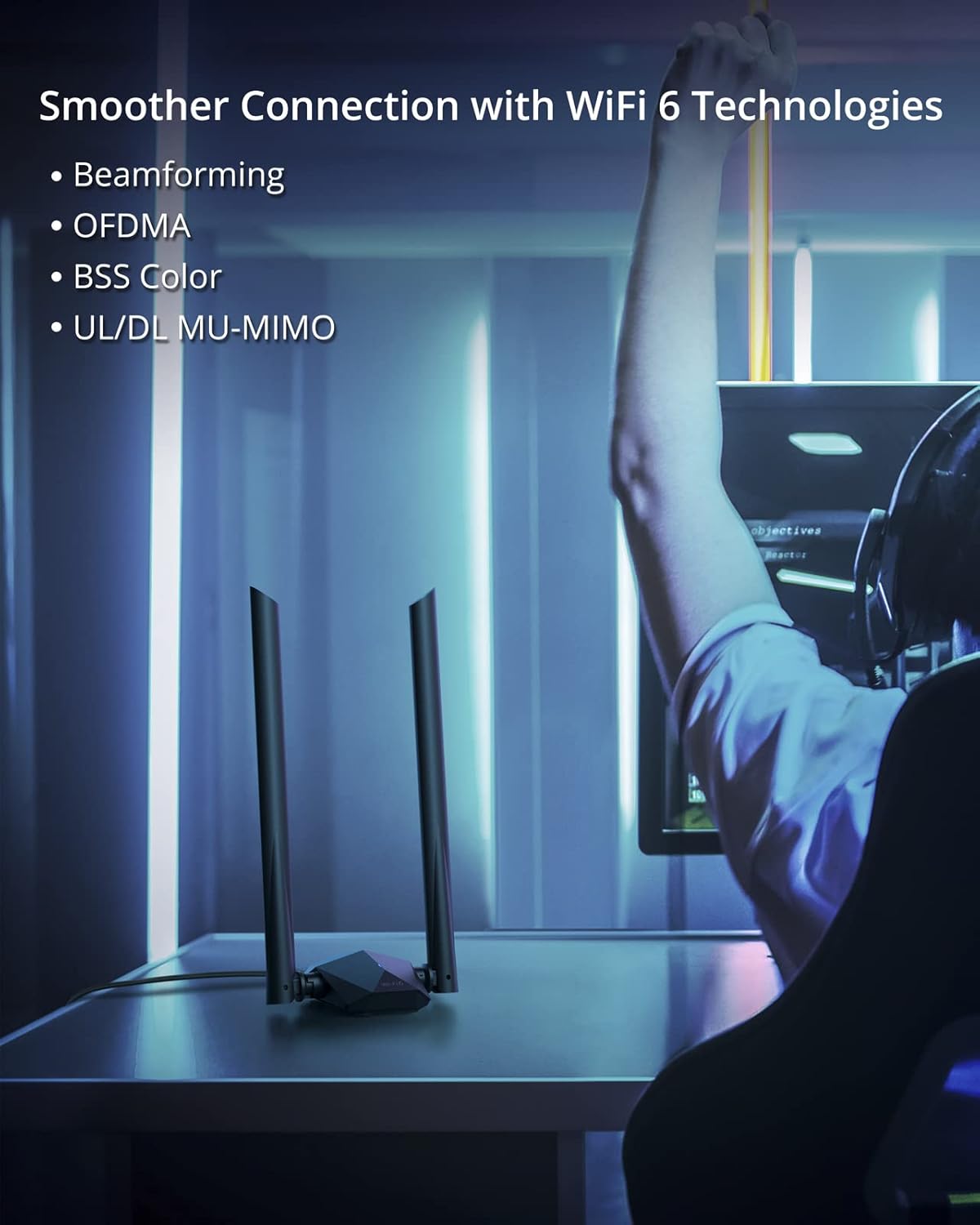
Expect fewer buffering pauses during HD video and more consistent multiplayer sessions when connected on the 5GHz band, and a more reliable range on the 2.4GHz band when moving around the house. The MU-MIMO and OFDMA features help keep multiple devices responsive on the same network, so other household traffic is less likely to interrupt a single device. 🔌.

View in store

Price evolution

Historical minimum: $26.99

Description:

This compact USB WiFi 6 adapter brings faster, more reliable wireless to a desktop or laptop, making HD streaming and gaming smoother with less lag. The BrosTrend USB WiFi 6 Adapter AX1800 uses dual-band connections to balance speed and range, and it ships with a desktop base plus a 3.3-foot USB 3.0 extension cable for flexible placement. Keep in mind that Linux is not supported and the adapter works with Windows 11 and Windows 10 only.

Key points

The adapter targets users who want a simple way to upgrade a PC without opening the case. It supports 5GHz at 1201Mbps for high throughput tasks and 2.4GHz at 574Mbps for broader coverage, so you can stream, video call, and game with fewer interruptions. The package includes two external high gain antennas for improved reception through walls, and beamforming helps focus signal toward your device for steadier connections. The setup is straightforward with a preloaded driver, so you do not need a CD to get started. 📶

Tech specs

  • Type: BrosTrend AX1800 USB WiFi 6 adapter
  • Connectivity: Dual-band 5GHz/2.4GHz over USB3.0
  • Compatibility: Windows 11, Windows 10
  • Size: Desktop design with 3.3-foot USB 3.0 extension cable
  • Antenna: 2x high gain external antennas

Who it’s for
It makes sense if you need a quick wireless upgrade for a PC, want better streaming and gaming performance, or have a desktop positioned where internal cards would struggle to reach the router. The external cable and antennas give placement options that often improve signal over onboard WiFi.

It’s not for you if you rely on Linux or need native support for older Windows versions, or if you prefer an internal PCIe solution for maximum throughput and minimal desk clutter. Also note that peak speeds are theoretical according to the manufacturer and depend on your router and network conditions. 💻

What you’ll notice day to day

Expect fewer buffering pauses during HD video and more consistent multiplayer sessions when connected on the 5GHz band, and a more reliable range on the 2.4GHz band when moving around the house. The MU-MIMO and OFDMA features help keep multiple devices responsive on the same network, so other household traffic is less likely to interrupt a single device. 🔌.