

Upperizon 18.5-inch Portable Monitor (FHD) with 100Hz IPS, 125% sRGB, USB-C & HDMI
Reviews
Price
Product description
The essentials
If you want a second screen that actually travels with you, Upperizon’s 18.5-inch portable monitor is built around that idea: a compact FHD (1080p) IPS display, a 100Hz refresh rate, and the kind of connectivity you can use for work and play on the go. It’s the sort of monitor you’d bring to coffee shops, use in a spare room setup, or keep in a bag for flights and client visits where a full desktop display just isn’t practical.
That said, it’s not perfect for every scenario. The experience depends a lot on whether your device can deliver enough power over USB-C and whether you’re connecting through the right port type (the product specifically calls out Thunderbolt 3/4/5 or a full-featured USB-C port). If you’re expecting it to work with any USB-C port without checking, you might run into limitations.
What you’ll notice day to day
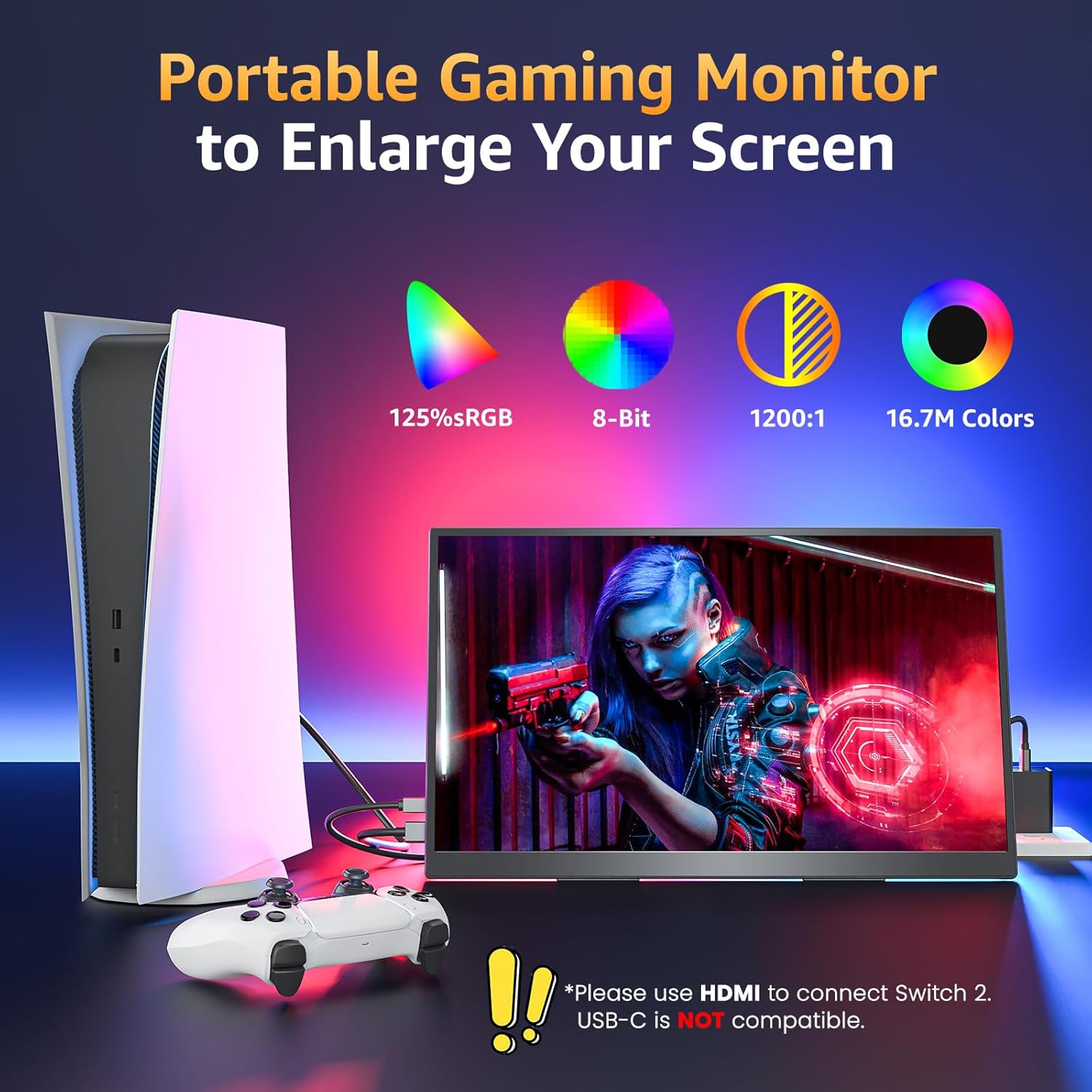
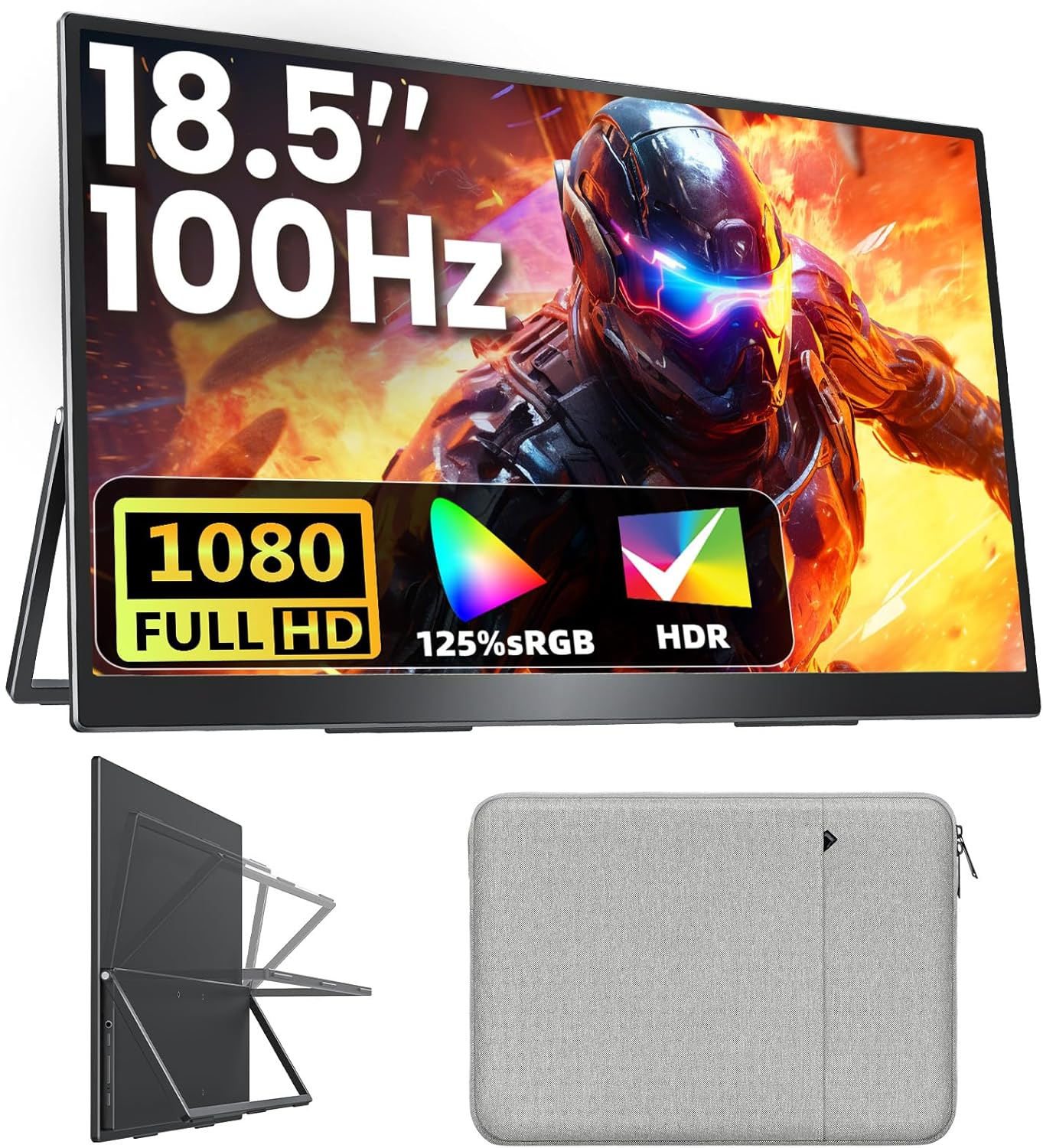
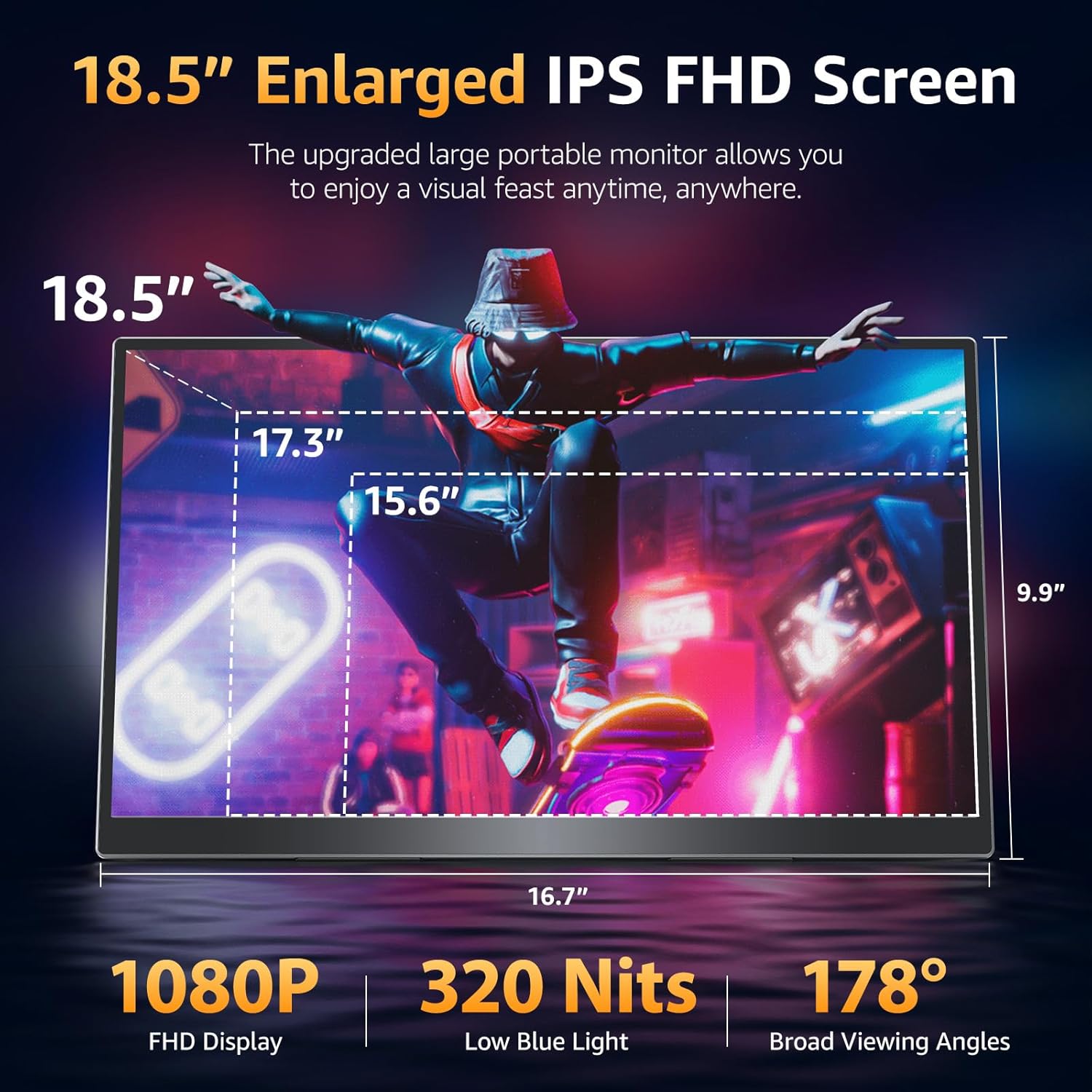
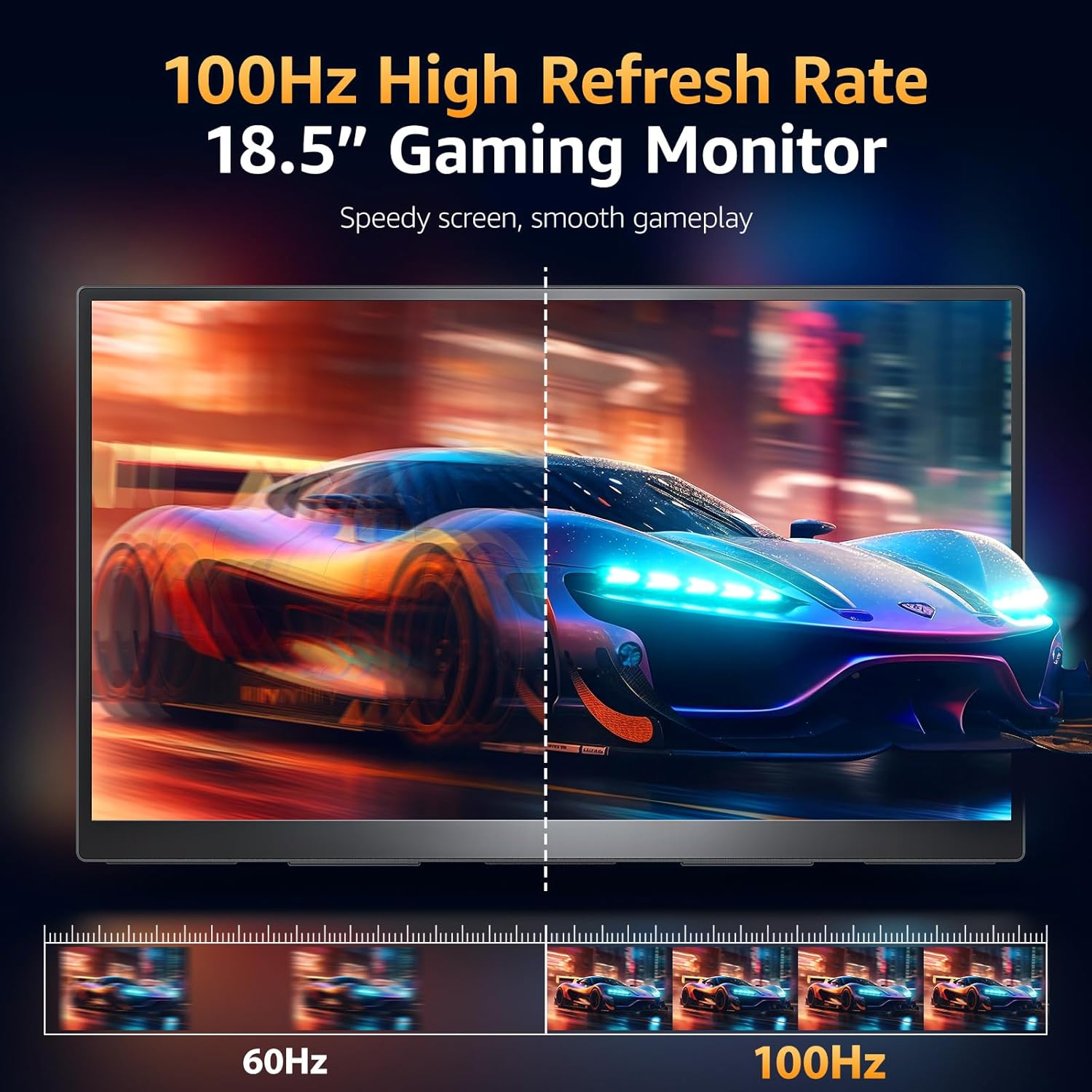
The biggest day-to-day hook is the screen spec mix: an 18.5-inch IPS panel with 1080p FHD resolution and a listed 100Hz refresh rate. On paper, that combination aims at smoother motion (think scrolling, UI movement, and gameplay) compared with typical standard refresh portable displays. It also includes a 125% sRGB coverage rating and 8-bit color depth with 16.7M colors, which matters if you care about colors looking consistent rather than washed out.
The 1200:1 contrast ratio and IPS approach are also there to support clearer images from different viewing angles than you might get with more basic display types. And if eye comfort is part of your decision, this monitor includes a blue light filter, an anti-glare coating, and a flicker-free function.
For a quick real-life example: imagine you’re working on a laptop away from your desk and you want to keep a video call on one side while editing documents on the other. This kind of dual-display setup can make it feel less like “laptop-only” and more like a real workspace—without adding a heavy monitor to your luggage.
Key features that support travel and setup
This is a slim, aluminum alloy portable monitor with a 3-sided frameless design. The build matters because it’s listed at about 2.7 lb, which is light enough to toss into a backpack without it feeling like a brick. There’s also a sleeve case included, so you’re not improvising storage.
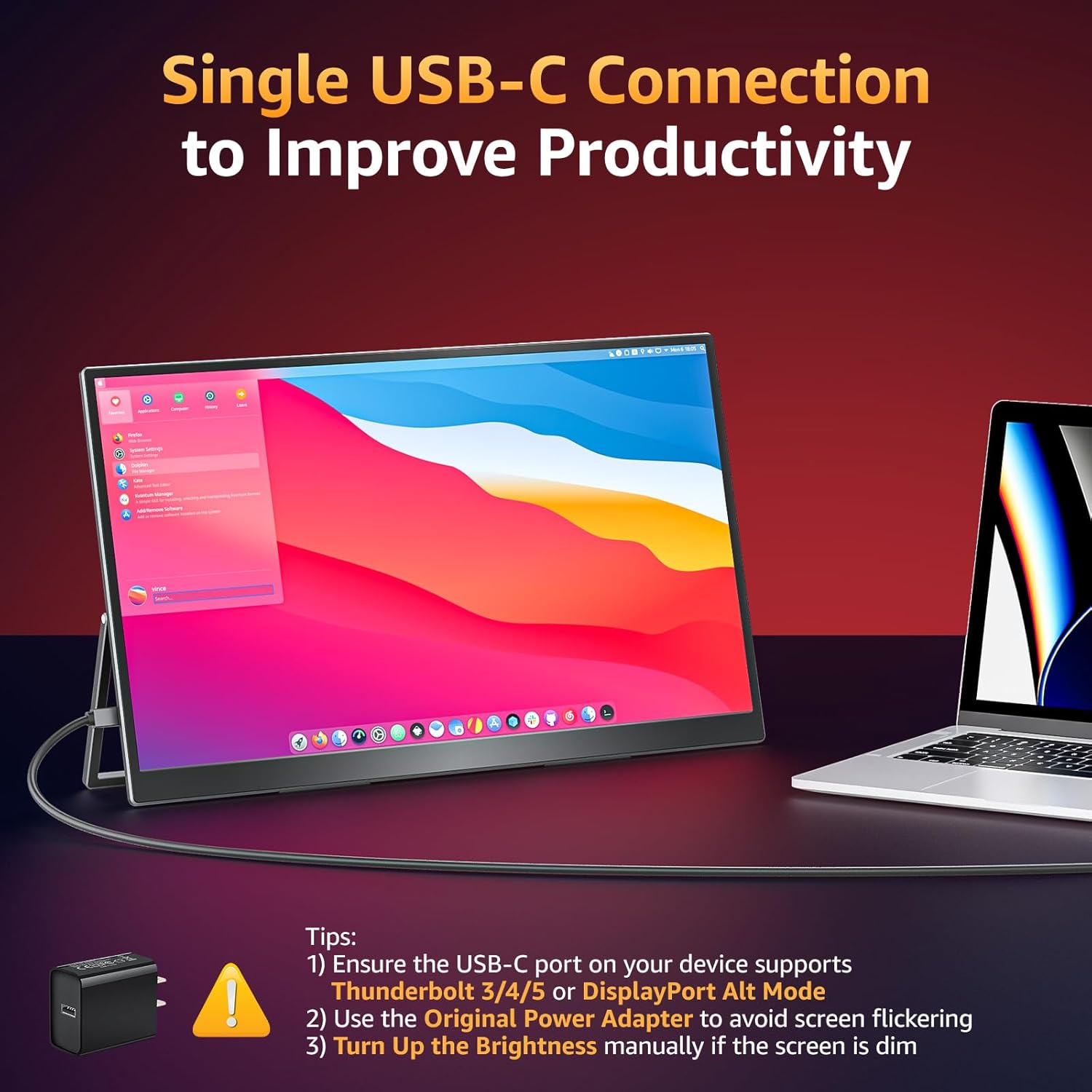
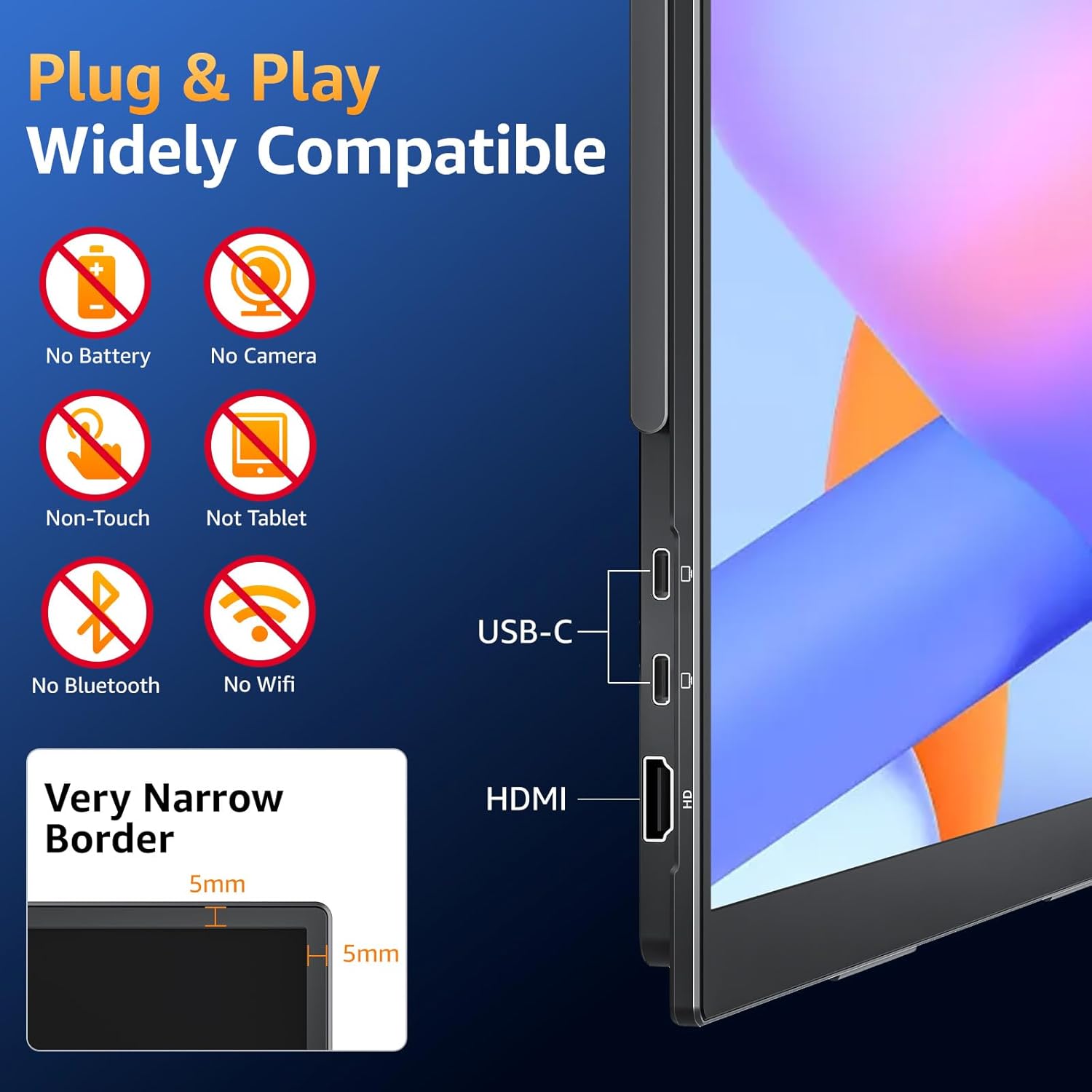
Connectivity is flexible, but it’s also specific. You get two USB-C ports and one HDMI port. The convenience angle is that you can use a single USB-C to USB-C cable for plug-and-play—assuming your source device meets the requirement: it must have Thunderbolt 3/4/5 or a full-featured USB-C port.
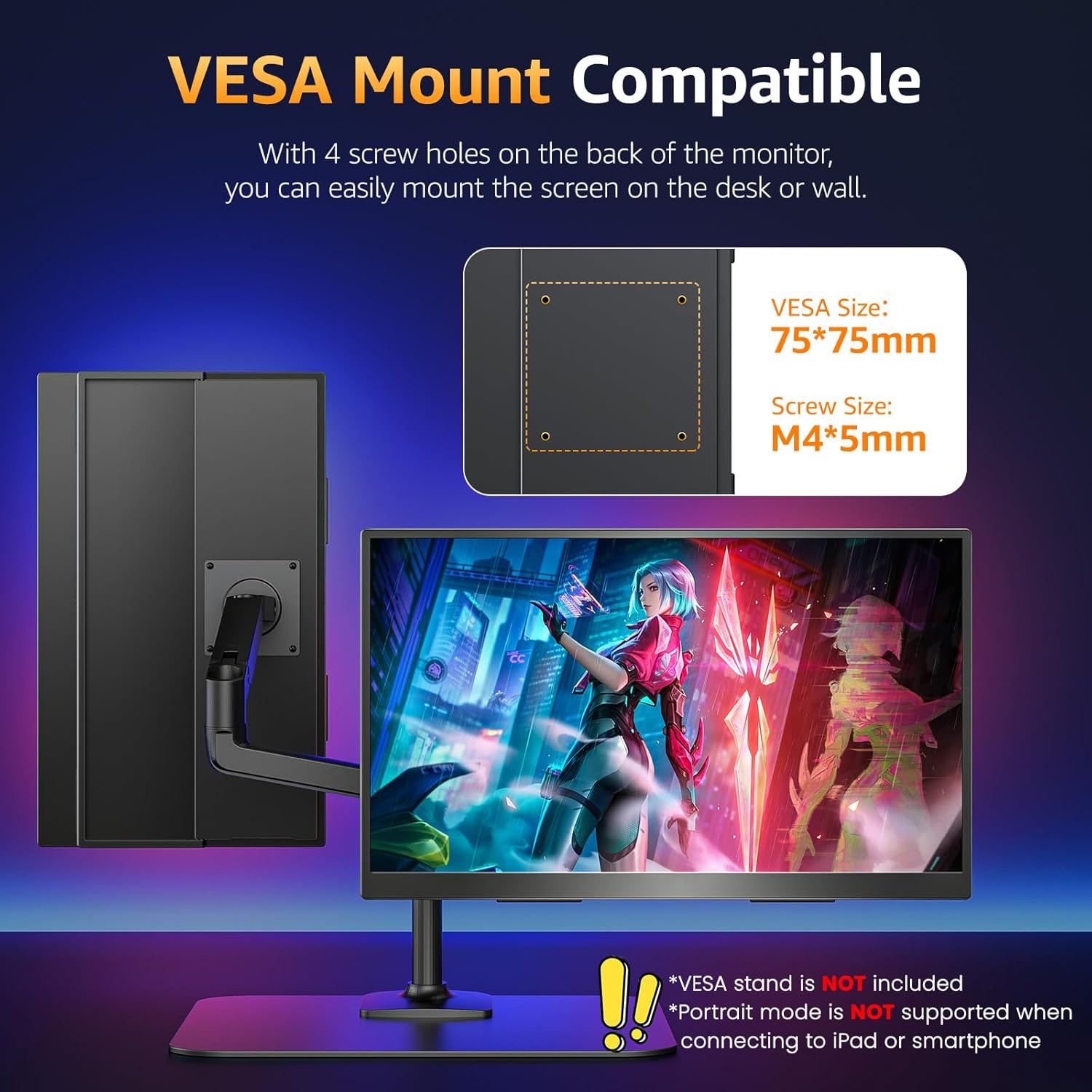
There’s also VESA compatibility plus an adjustable kickstand. That gives you options for desk life: you can use it on the built-in stand, or attach it to a monitor arm or stand. The product also notes the display can be used vertically or horizontally, so you can adapt it to spreadsheets, documents, or gaming layouts.
Tech specs (so you can judge fit)
- Display size: 18.5 inch
- Resolution / format: 1080p FHD
- Panel type: IPS
- Refresh rate: 100 Hz
- Color coverage: 125% sRGB (88% NTSC)
- Contrast ratio: 1200:1
- Color depth: 8-bit (16.7M colors)
- Ports: 2× USB-C, 1× HDMI
- Connectivity note: USB-C support requires Thunderbolt 3/4/5 or full-featured USB-C
- Speakers: built-in
- Flicker-free: yes
- VESA compatibility: yes
- Included: sleeve case
Where it shines—and where it can fall short
It shines if you want a compact external display that’s genuinely portable, with a smoother 100Hz refresh rate and color specs that aim beyond “just good enough.” If you do a mix of office work, browsing, light creative tasks, and casual gaming while traveling, the IPS panel + 125% sRGB target reads like an attempt to make the screen more pleasant for everyday use, not just a temporary second monitor.
However, you should be cautious if your setup relies on a specific USB-C behavior. The monitor’s own guidance points to flickering being caused by insufficient power supply, and it also requires Thunderbolt 3/4/5 or full-featured USB-C for USB-C plug-and-play. If your laptop or tablet’s USB-C port isn’t full-featured, you may need to rethink how you connect.
Also, keep expectations grounded: an 18.5-inch portable panel is still an external screen meant to travel, so it won’t replace a large desktop display for people who want big real estate.
Who should buy it (and who should skip)
It makes sense if you travel often, work between locations, or want a second screen without buying a heavy display. You’ll appreciate the kickstand and VESA option if you like flexible desk setups, and the built-in speakers can be convenient when you’re not bringing headphones.
It might not be the best match if you’re trying to connect it to a device with a USB-C port that isn’t Thunderbolt or full-featured, or if you’re sensitive to flicker issues and don’t want to troubleshoot power delivery. And if you only care about basic browsing and don’t need the smoother 100Hz motion, you may find you’re paying for features you won’t notice much.
Best way to decide before you buy it
Before committing, double-check your connection method. Confirm your device has Thunderbolt 3/4/5 or a full-featured USB-C port for the clean one-cable USB-C setup. If you plan to use HDMI, make sure you have the right cable path for your laptop or console setup.
Also consider how you’ll use it day to day: if you want vertical orientation for document work, the VESA/kickstand flexibility could matter. If eye comfort is a priority, the blue light filter, anti-glare coating, and flicker-free function are the specific features to lean on.
Final verdict
Worth considering if you want a lightweight 18.5-inch portable monitor with FHD IPS visuals, 125% sRGB color coverage, and a 100Hz refresh rate—especially for travel setups where a traditional monitor isn’t realistic. You may want to skip it if your USB-C port situation isn’t clear or if your devices don’t meet the Thunderbolt/full-featured requirement, since that’s where the experience can get messy.
Mini FAQ
Can I connect it with one USB-C cable?
The product is designed for plug-and-play with a single USB-C to USB-C cable, but it specifies that your device must have Thunderbolt 3/4/5 or a full-featured USB-C port.
Does it support both USB-C and HDMI?
Yes. It lists two USB-C ports and one HDMI port, so you have options depending on what your device supports.
What does “flicker-free” mean here?
It includes a flicker-free function, plus blue light filtering and an anti-glare coating. The listing also notes flickering can happen with insufficient power supply, so power delivery still matters.
Can I mount it to a desk setup?
Yes. It is VESA compatible and also includes a built-in adjustable kickstand, with support for vertical or horizontal use.
Does it have built-in speakers?
Yes, it includes built-in speakers for audio alongside the video feed.