

CRUA 27" 4K Gaming Monitor with Dual-Mode 160Hz/320Hz, IPS, and Ergonomic Stand
Product description
What this monitor is and who it’s for
The CRUA 27" is a dual-mode gaming monitor designed to give you two distinct ways to play on one screen: a true 4K UHD experience at 160Hz for detailed visuals, or a blazing 1080p HD mode at 320Hz for speed-focused gameplay. If you’re into FPS, esports, racing simulations, or fast-paced console titles, this monitor targets the mix of sharp image quality and rapid reaction time you might want. It also includes built-in speakers and a stylish, gamer-oriented design, making it a practical choice for setups that don’t want to juggle multiple devices.
How the dual modes work on paper
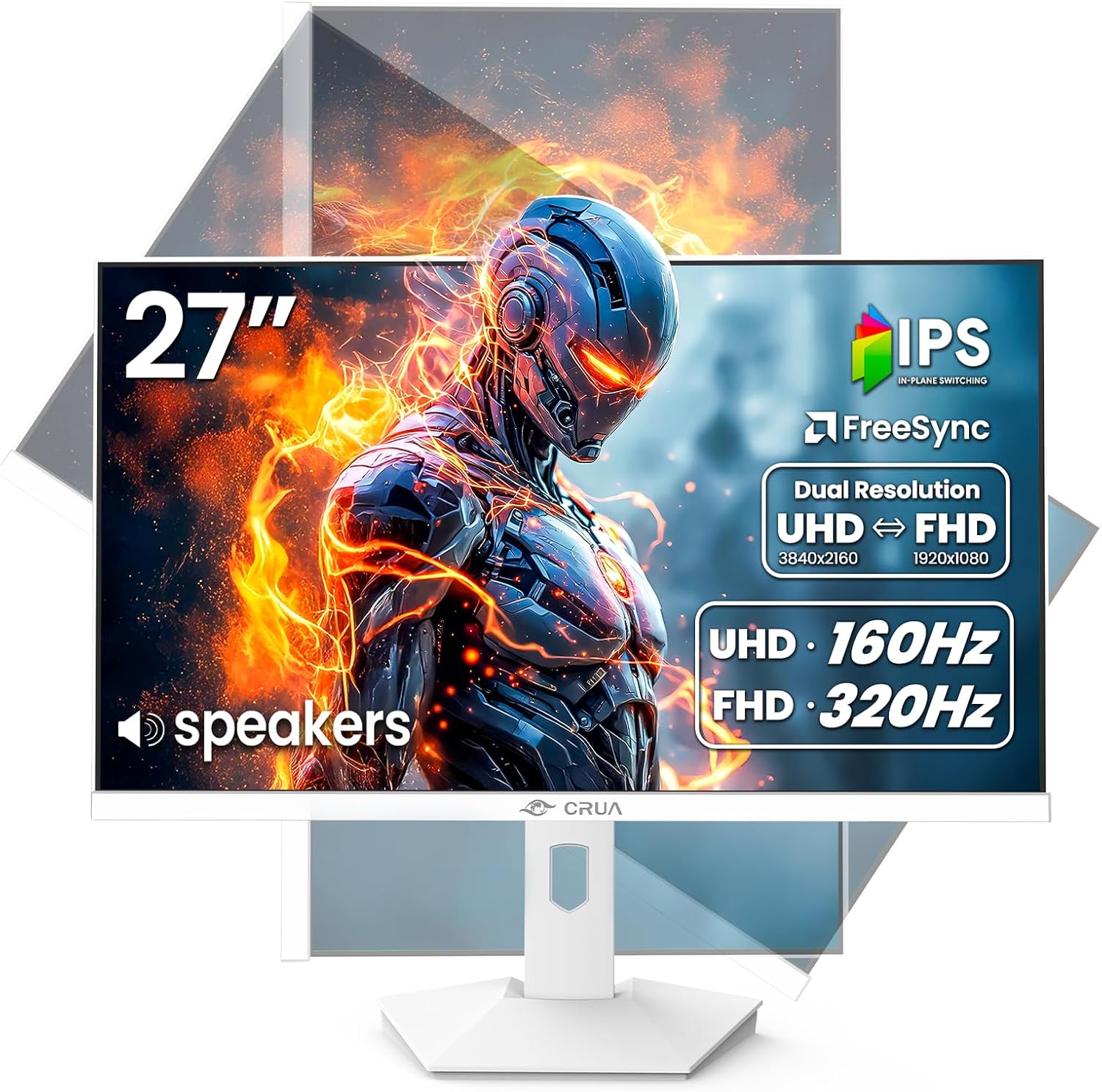
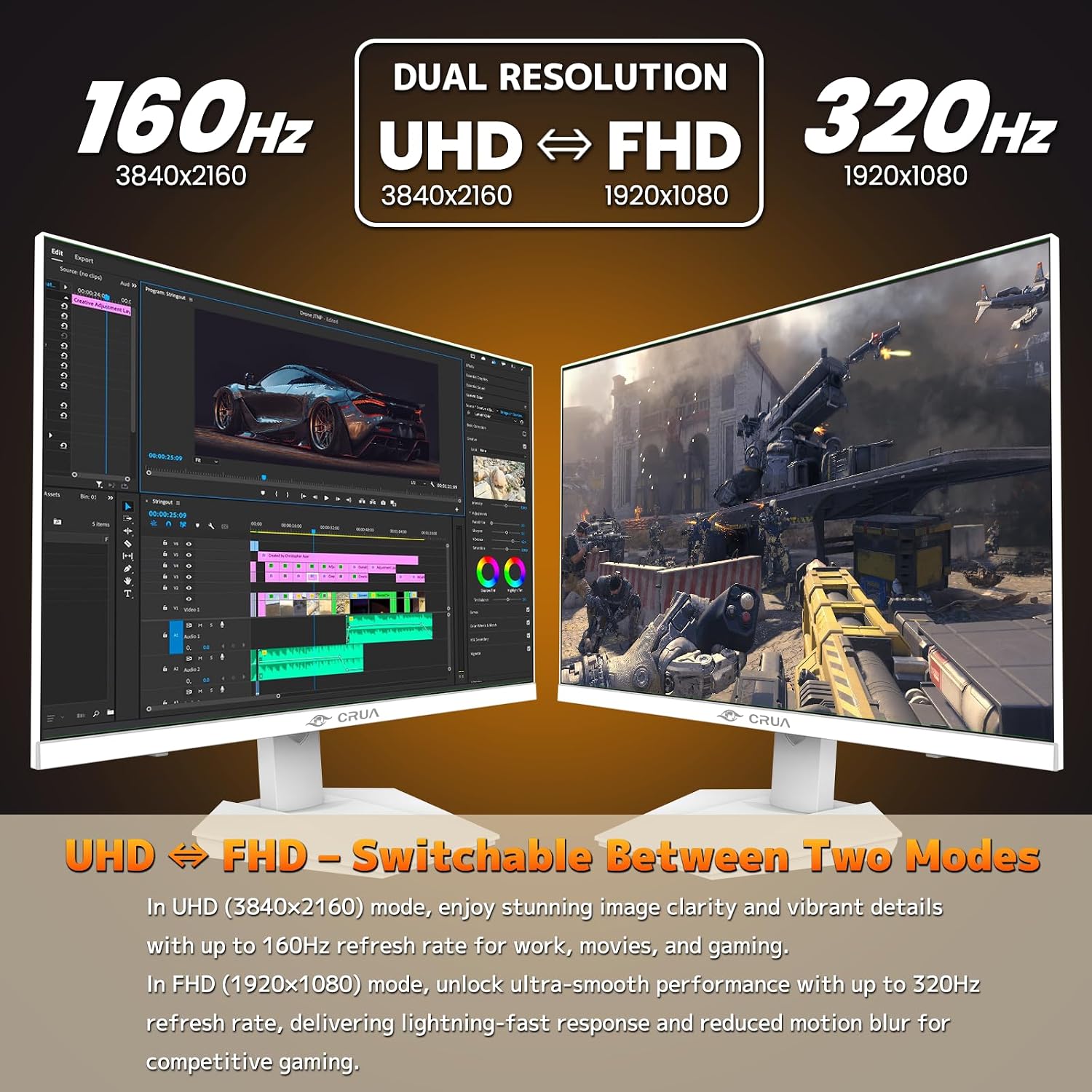
Switching between 4K 160Hz and FHD 320Hz is presented as an instantaneous toggle, giving you the flexibility to adapt to different games or tasks without changing hardware. On the surface, this is appealing for users who want both rich detail in some titles and ultra-smooth motion in others. It’s worth noting that you’ll be balancing two very different operating modes on a single panel, which can be convenient but may require some adjustments to your expectations depending on the mode you choose.
Visual experience and color performance
The panel uses IPS technology to deliver wide viewing angles and color fidelity. The stated color coverage (120% sRGB, 92% DCI-P3) and 1.07 billion colors suggest vibrant, punchy visuals with solid accuracy for general multimedia and creative work. In practice, IPS panels excel at scene clarity and consistency from different angles, which can help during long gaming sessions or multi-monitor workflows. However, real-world color accuracy and brightness can vary by unit, and you’ll want to calibrate if color precision matters for your tasks.
Multitasking and content creators
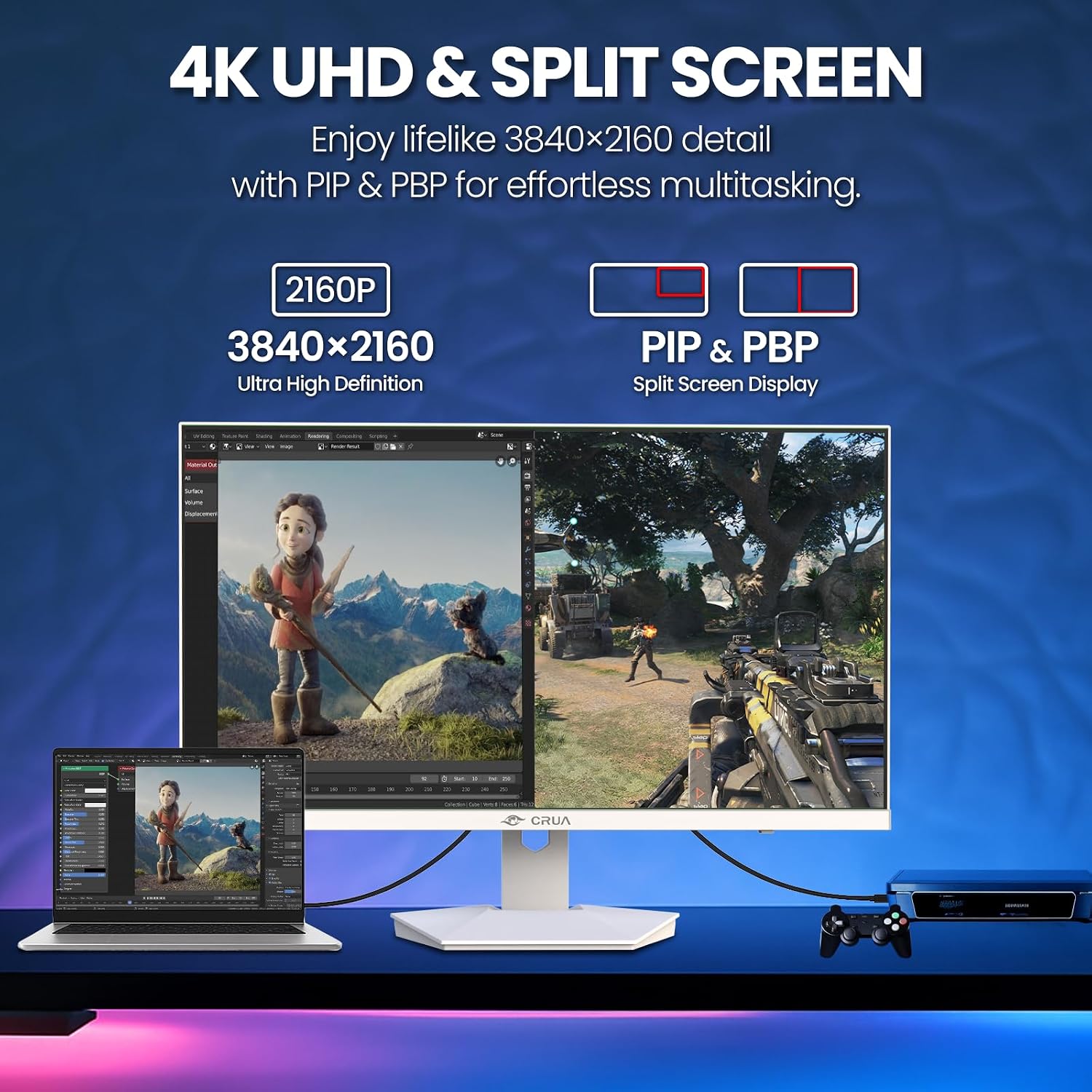
PIP and PBP features let you view multiple sources at once, which is handy for streaming, content editing, or monitoring feeds while gaming. This is a practical benefit if you frequently juggle inputs or need to keep an eye on a secondary device. The built-in speakers add value for quick media playback, though they aren’t likely to replace a dedicated audio setup for critical listening.
Ergonomics and adjustability
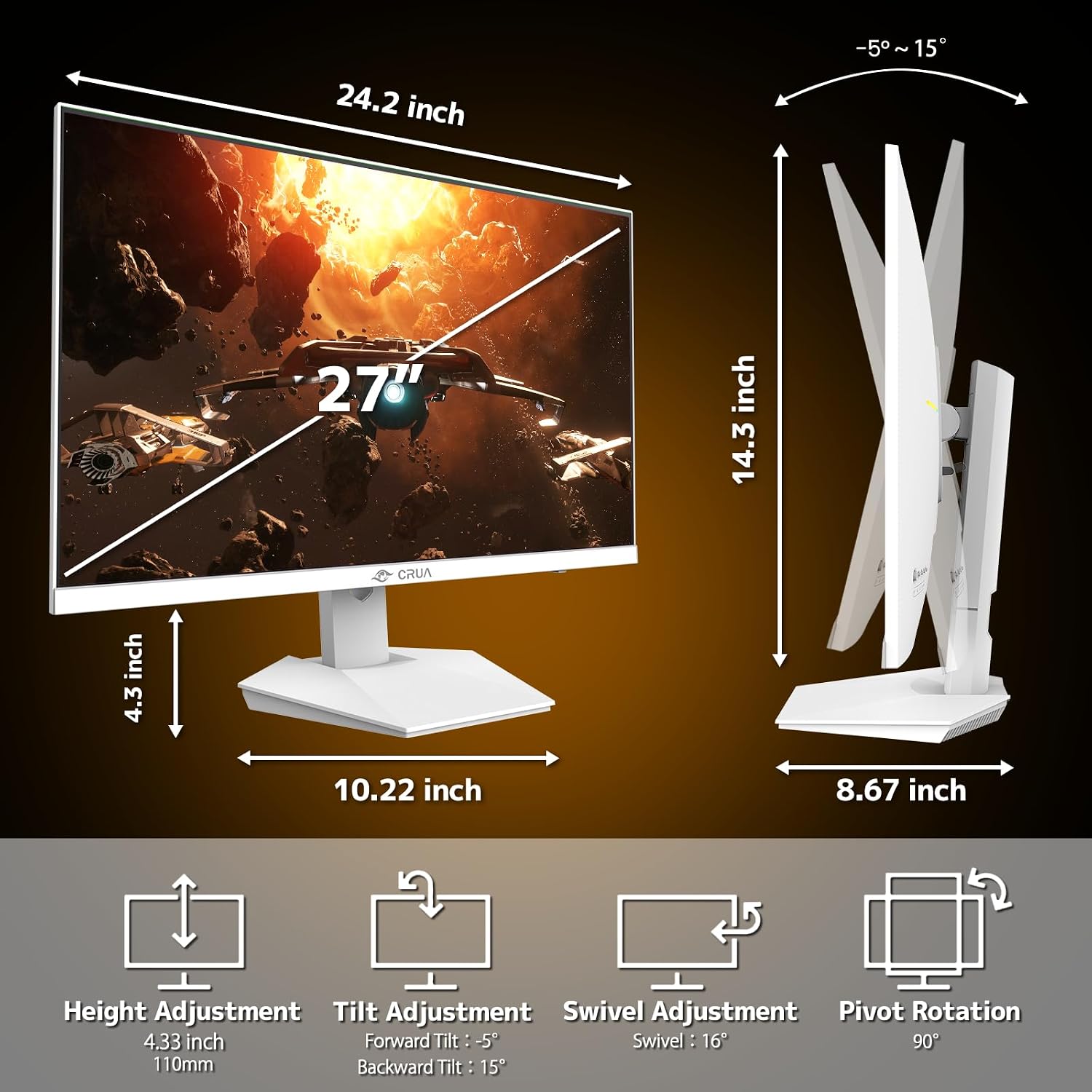
The stand offers substantial adjustability: tilt, swivel, height, and a 90° pivot for vertical orientation. This helps reduce neck strain and enables a more comfortable long-session setup, whether you’re gaming, coding, or editing. A 110mm height range and pivot capability can be especially helpful if you frequently switch between landscape and portrait workflows.
Connectivity and design cues
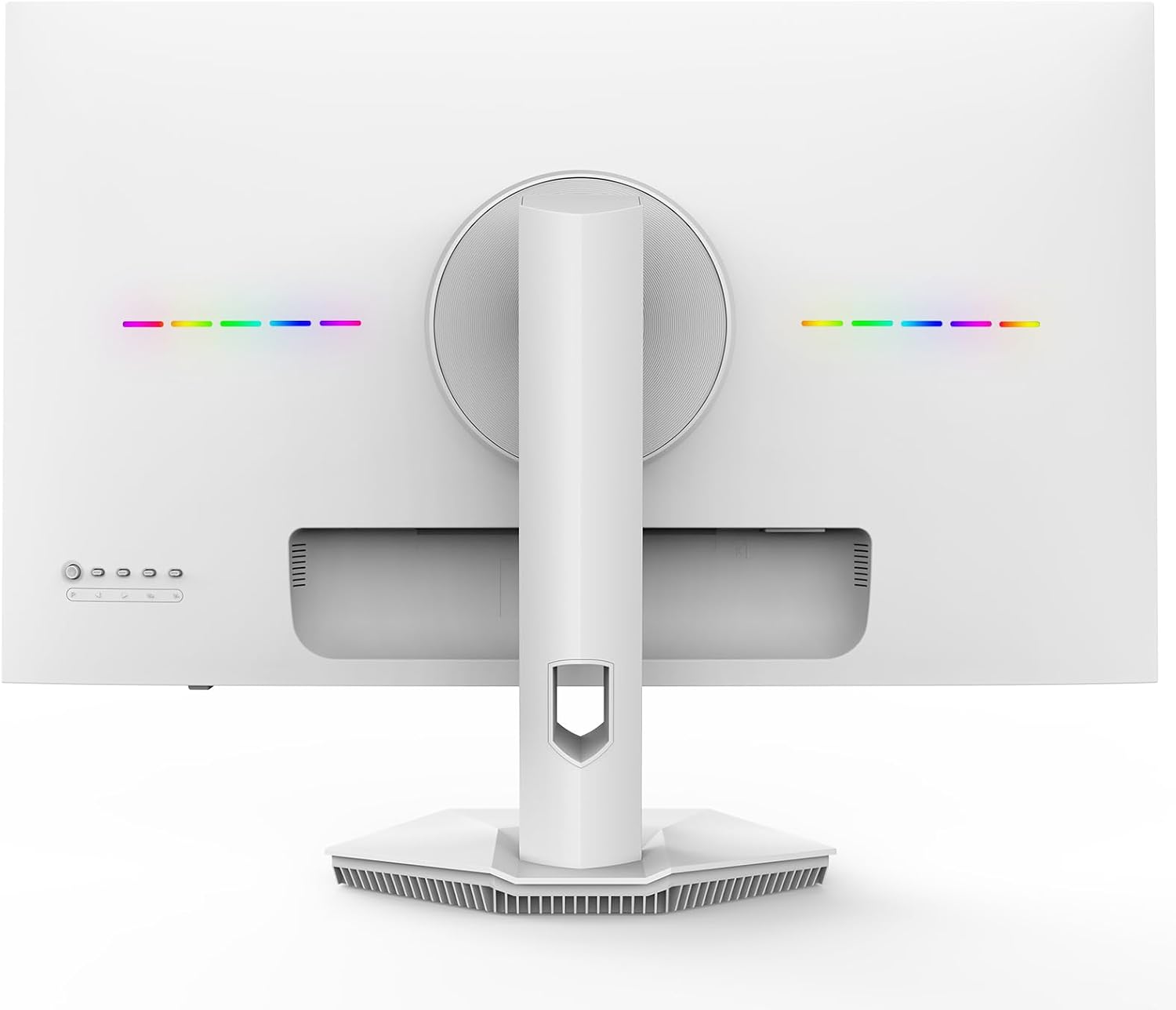
With two HDMI 2.1 ports and DP 1.4, you should have flexible options for current generation consoles and GPUs, plus a 3.5mm audio jack and built-in speakers. The rear breathing light and a 75×75 mm wall-mountable pattern round out the design for space-conscious desks. Note that the actual experience may depend on your installed cables and source devices, and you may want to verify compatibility with your setup before purchasing.

What to watch out for
You’ll want to consider how often you’ll actually use 4K at 160Hz versus 1080p at 320Hz. The higher refresh mode is ideal for competitive titles, but content and GPU power significantly influence the perceived benefit. If your priority is ultimate image fidelity for cinematic games or productivity at 4K, you may find yourself in the 4K mode more than you expect. Also, while built-in speakers are convenient, they won’t match dedicated audio hardware for immersive sound.
Who this monitor is best for

- Gamers who want the flexibility of two modes in one panel.
- Creators who benefit from PIP/PBP to monitor multiple sources without multiple monitors.
- Desk setups that value adjustable ergonomics and a clean aesthetic. Not the best pick if you need top-tier color accuracy out of the box without calibration, or if you require ultra-heavy graphics that push 4K at peak settings consistently across all titles.
Quick tips before you buy
- Check your GPU and HDMI/DP outputs to ensure you can reach either 4K at 160Hz or FHD at 320Hz.
- If color-critical work is part of your workflow, plan for color calibration and possibly a separate audio solution.
- Consider your space: the 27" size is versatile, but the combination of 4K detail and high refresh requires appropriate viewing distance for the best comfort.
What to compare against (in your mind)
Think of this as a flexible all-in-one option versus buying separate high-refresh 1080p monitor for speed and a 4K monitor for detail. If you prioritize peak 4K color accuracy and color-critical work, you might lean toward a dedicated 4K panel with calibrated color. If you prioritize speed and multitasking on one screen, this dual-mode design becomes more compelling.
Final decision
Is it worth it?
It’s worth considering if you prize versatility in a single screen: the ability to switch between ultra-sharp 4K at 160Hz and ultra-fast FHD at 320Hz, coupled with PIP/PBP and ergonomic adjustability. If your use cases include both gaming and content creation on one desk, the CRUA 27" offers a practical balance. It may not be the best pick if you need out-of-the-box color accuracy for professional editing or if you want the absolute simplest setup with no mode switching.