

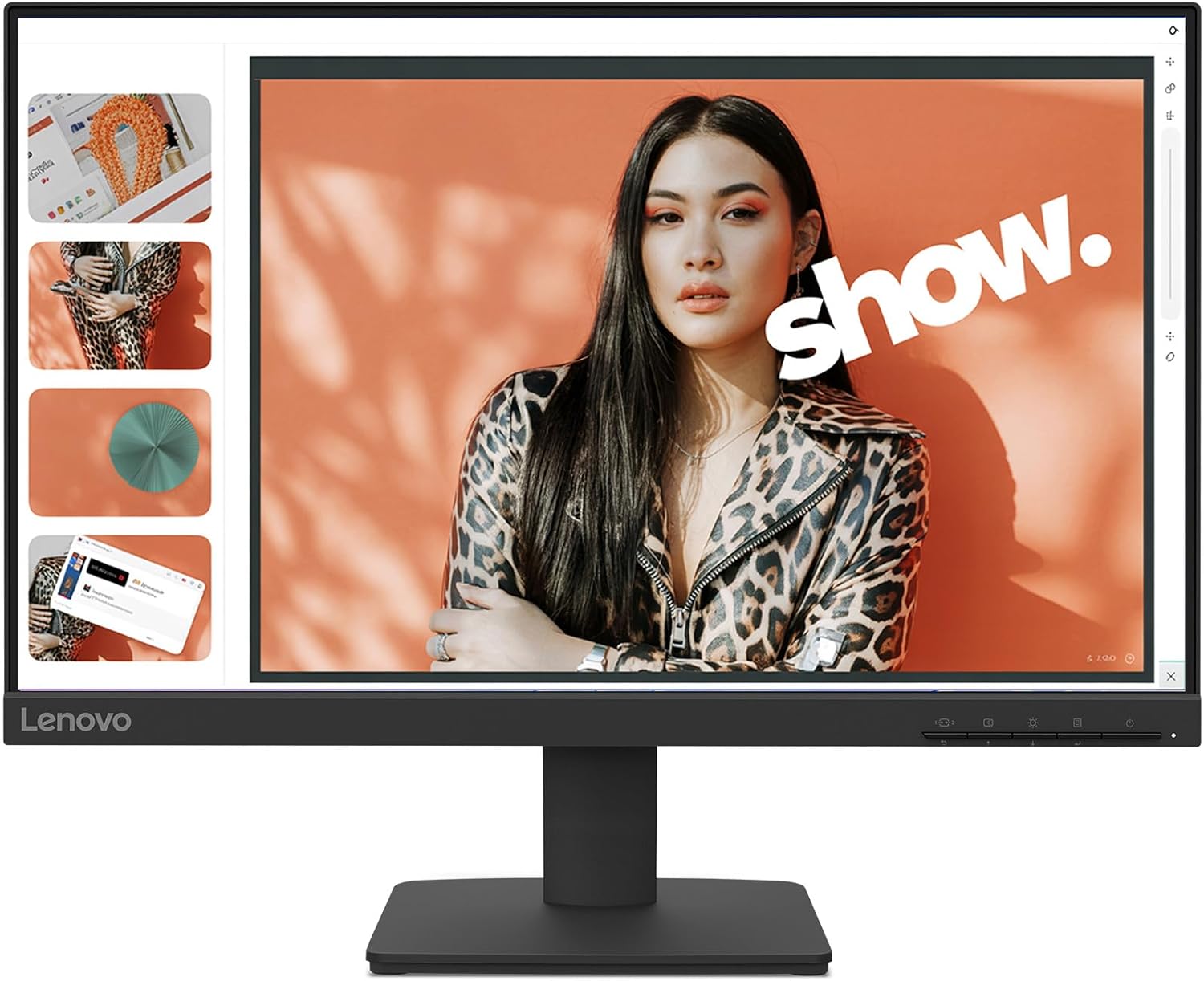
Lenovo L27-4e Monitor — 27" IPS, 1080p, 100Hz, 4ms, HDMI 1.4
Product description
What it is
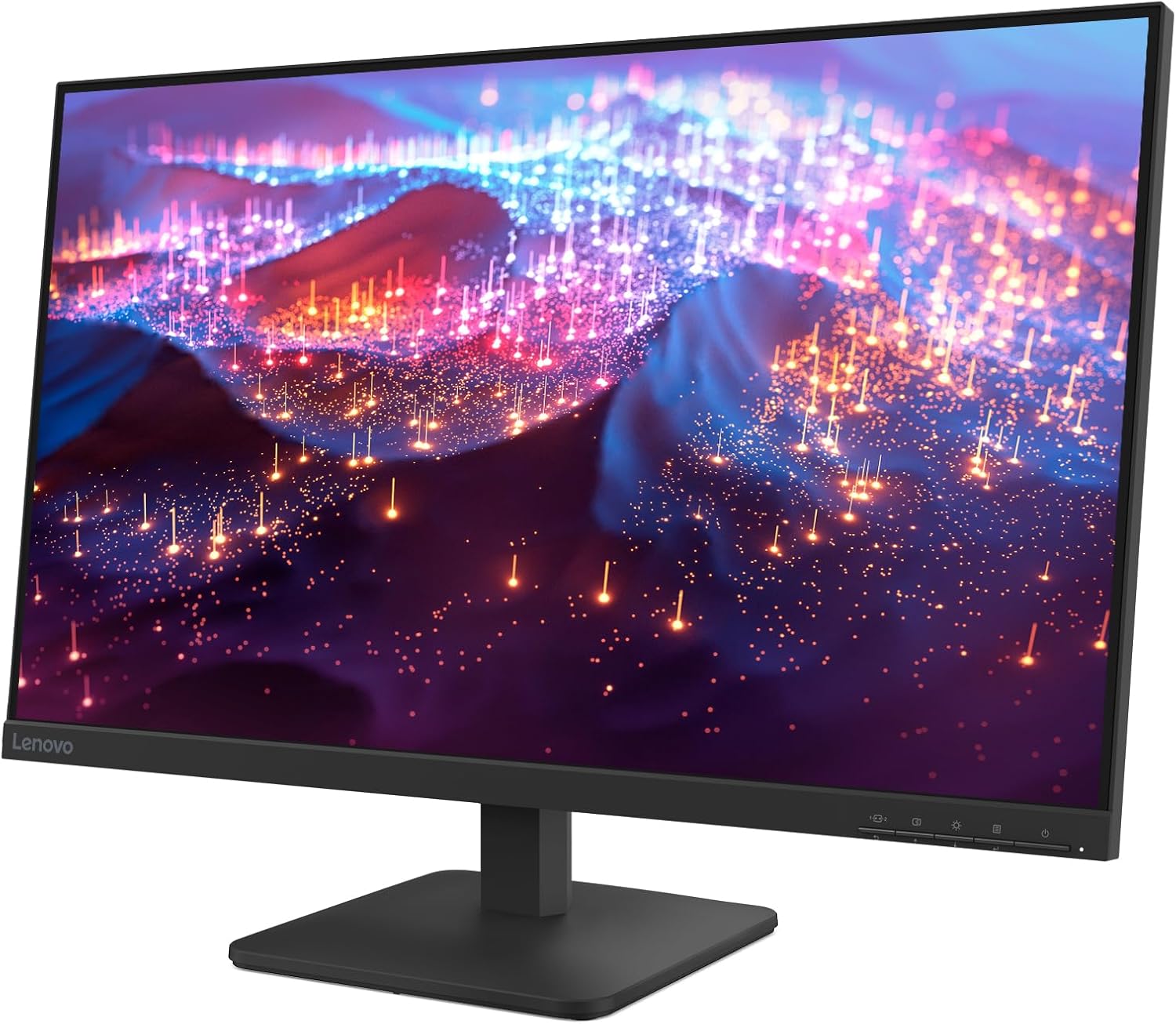
The Lenovo L27-4e is a 27-inch flat IPS monitor designed to balance everyday productivity with casual entertainment. It sticks to Full HD (1920×1080) resolution and a 16:9 aspect, aiming for clear text, decent color accuracy, and comfortable viewing for long sessions.
What matters most
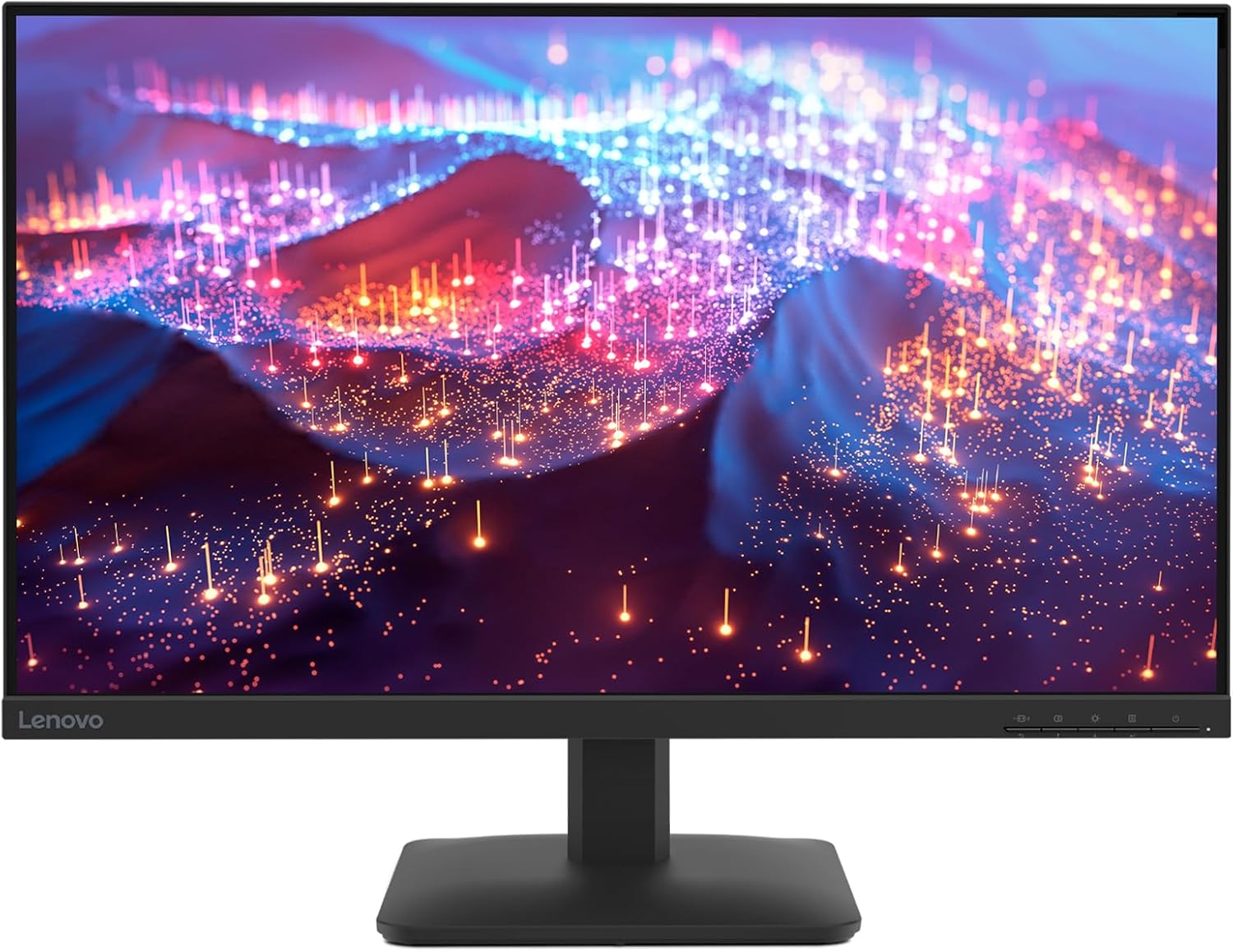
On paper, its strengths are an immersive 3-sided near-edgeless IPS panel, 178° wide viewing angles, 99% sRGB coverage, and 300 cd/m² brightness. That combination helps colors feel consistent across a wide seating range and makes it suitable for tasks that benefit from stable color, such as document work, web browsing, and light multimedia.
Real-world use and practicality
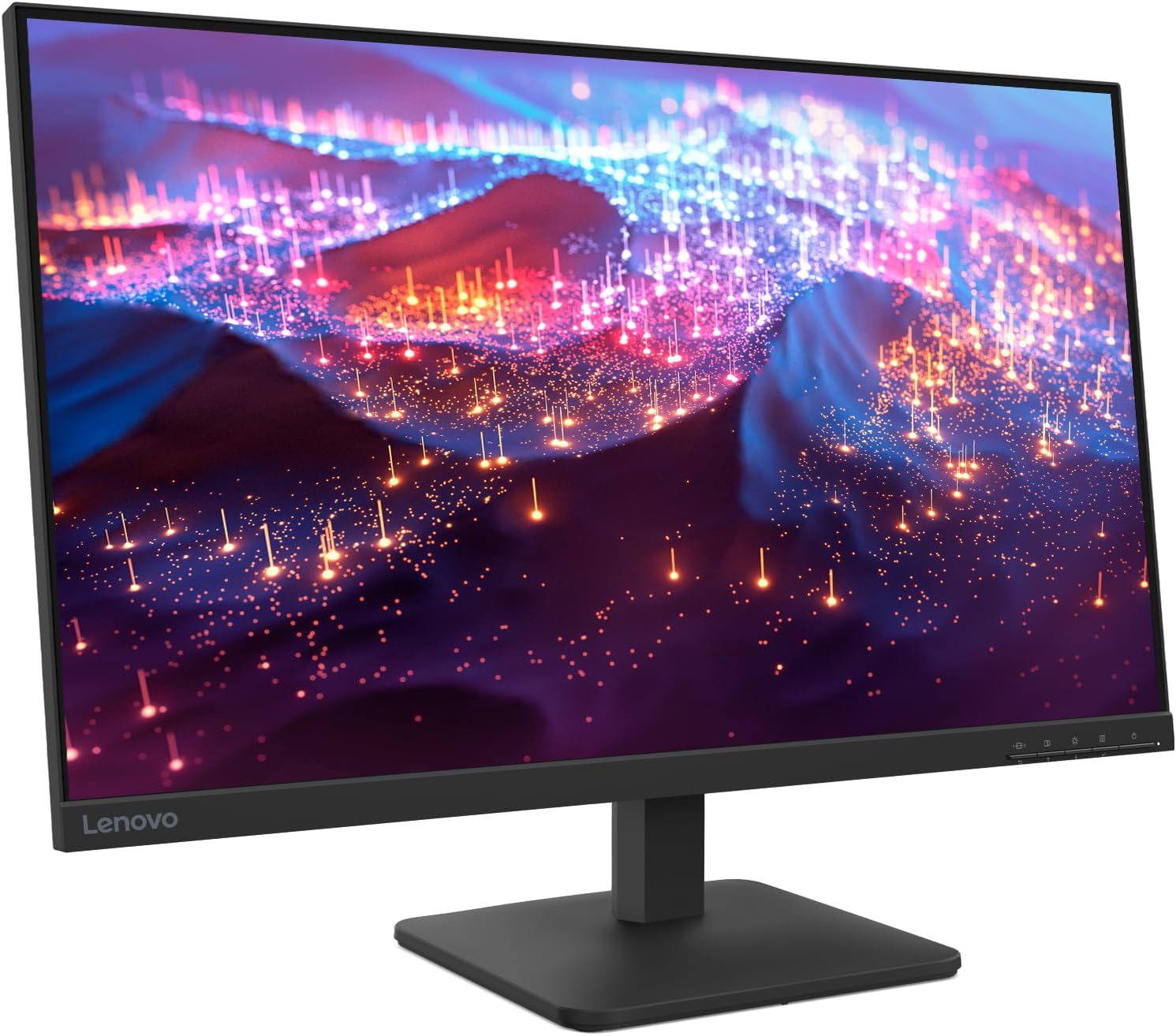
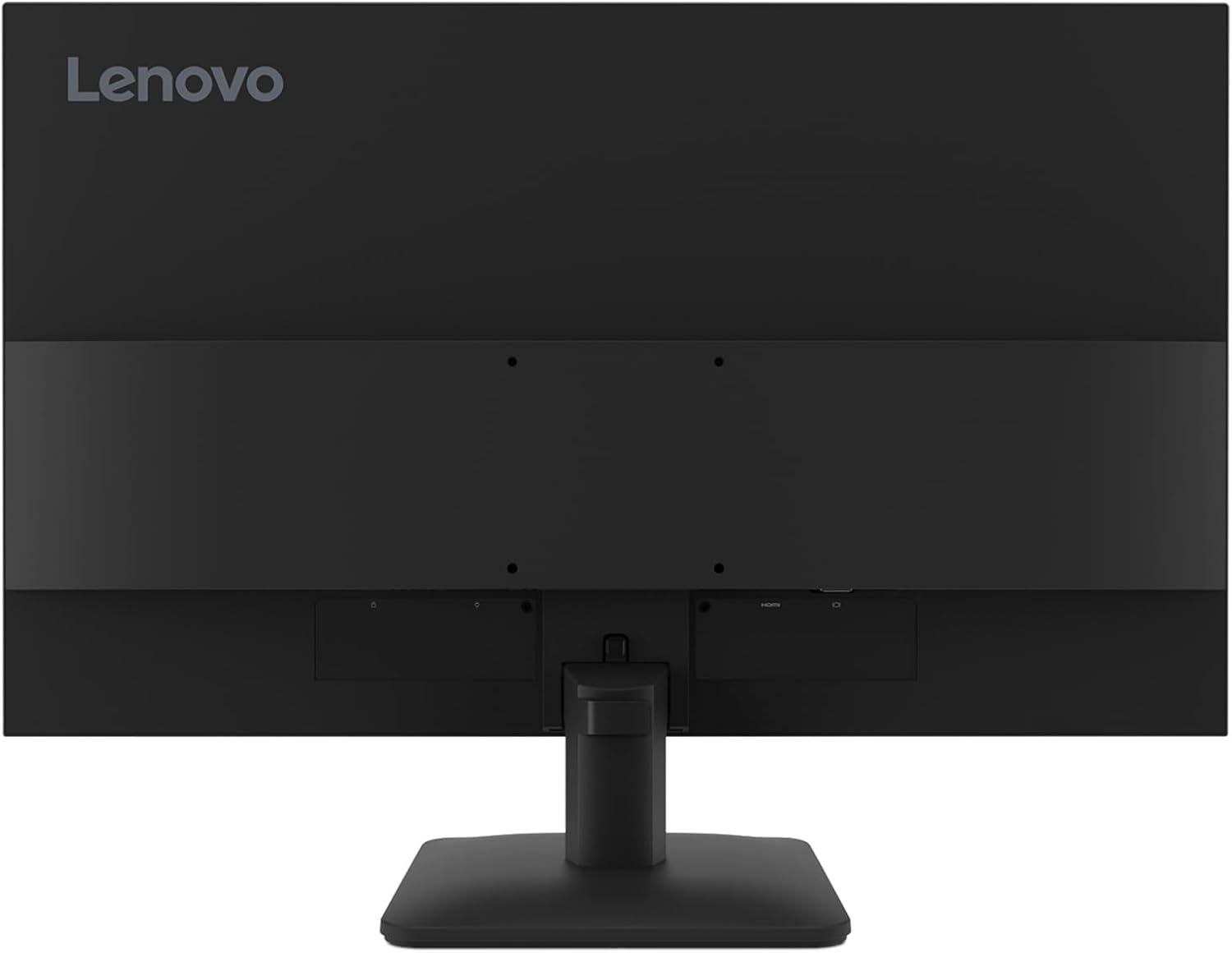
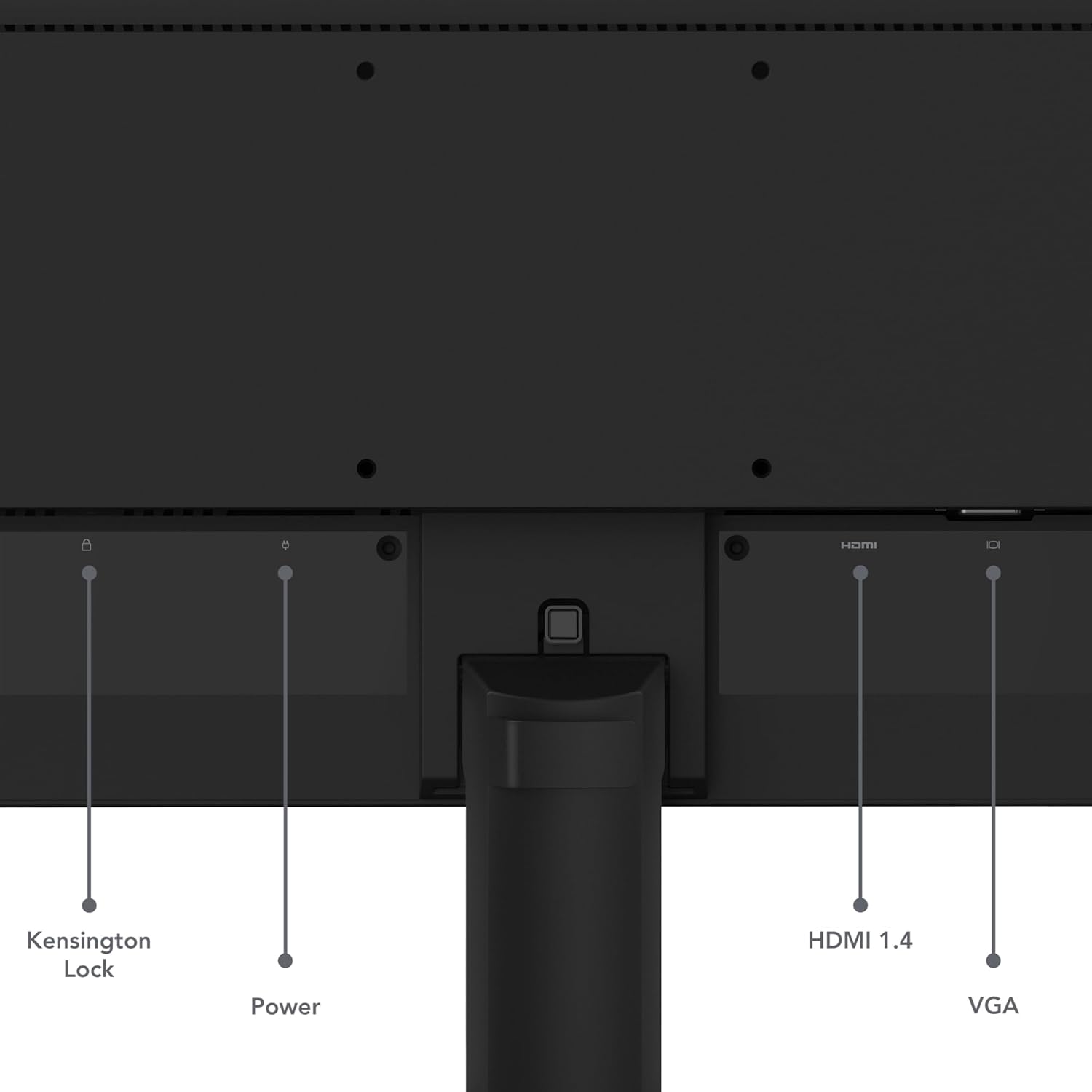
The 100Hz refresh rate and 4ms response time translate to smoother motion for general use and light gaming, though it isn’t pitched as a high-end gaming monitor. Connectivity is straightforward with HDMI 1.4 and VGA, which keeps setup simple if you’re plugging in older devices or multiple sources. The tilt stand provides basic ergonomic adjustment, and the option to mount via VESA can free up desk space if you have a dedicated mounting plan.
What’s strong, what’s limited
Pros include a bright, color-consistent panel for daily tasks, solid viewing angles, and approachable connectivity. The near-edgeless bezel helps with a more immersive feel without a premium price tag. If you prioritize a calm, work-focused display with easy setup, this model fits well.
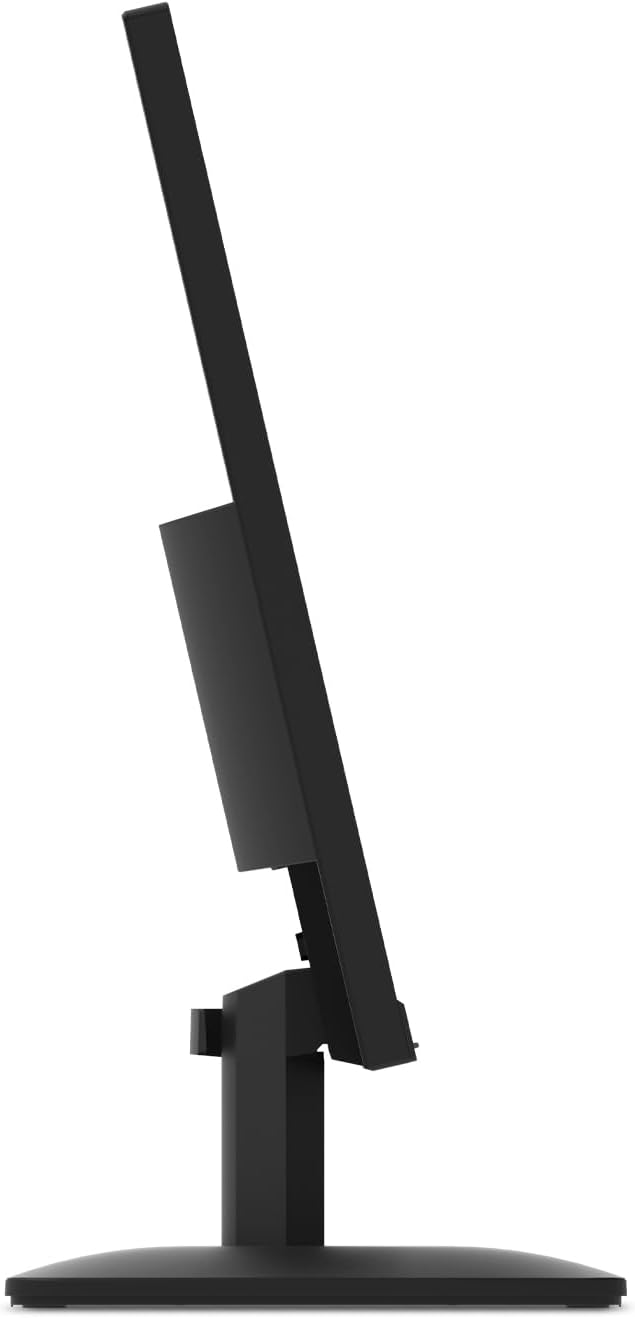
Cons to consider: Full HD at 27 inches isn’t going to satisfy everyone, especially if you’re coming from a high-res or multi-monitor setup. The HDMI version is 1.4, which is fine for most casual use, but you won’t get the bandwidth-friendly features of newer standards. There’s no built-in speakers, and while the stand offers tilt, it lacks swivel or height adjustability unless you pair it with a VESA mount.
Who it’s for
If you’re building a home workstation or a secondary display for productivity, streaming light content, or basic gaming, and you want a straightforward, trustworthy panel, the L27-4e checks a lot of boxes. It’s especially appealing if you value a compact footprint and environmentally minded packaging from Lenovo.
Who it isn’t for
This monitor isn’t the best pick if you need 1440p or 4K clarity, or if you’re chasing top-tier gaming performance with higher refresh rates. If you require robust height/pivot adjustments or built-in speakers, you might want to look elsewhere.
What to check before you buy
- Confirm that your devices support HDMI 1.4 and VGA as intended. If you’re consolidating new tech with older inputs, this is convenient, but future-proofing could require adapters.
- Consider whether you’ll benefit from a VESA mount to optimize desk space and posture.
- If color-critical work is part of the plan, note the 99% sRGB spec and judge if you’ll outgrow this panel as your needs evolve.
How it compares, in context
This model sits solidly in the mainstream segment: a practical choice for everyday computing and light multimedia without chasing premium specs. If you’re weighing options for a balanced desk setup, you’ll likely appreciate the simplicity and reliability here versus more specialized gaming or professional-grade panels. The decision often comes down to resolution and adjustability vs. budget and space.
Practical example of use
Imagine a quiet home office: you’ve got email, spreadsheets, and a few browser tabs open, plus a streaming window for background news. The L27-4e’s color stability helps keep text readable and images clear without eye fatigue on long mornings. When a quick scan of a video or game comes up, the 100Hz refresh feels noticeably smoother than a 60Hz panel, though you won’t get ultra-fast motion response.
Final verdict
Is it worth it? A solid pick if you want a dependable 27" IPS panel for everyday work and light entertainment, with straightforward setup and modest environmental packaging. It won’t wow with ultra-high resolution or advanced gaming features, but it delivers comfort, clarity, and convenience at a reasonable price point. If you prioritize simple usability and a clean desk setup, the Lenovo L27-4e deserves a closer look.
FAQ
- What’s the main benefit of a 27" IPS panel with 178° viewing angles? It offers broad visibility and consistent color from different angles, which helps in collaborative settings or multi-monitor layouts.
- Does 4ms/100Hz matter for my use case? For general productivity and casual gaming, yes, it smooths motion compared to a 60Hz panel, but it’s not designed as a high-end gaming monitor.
- Can I mount this monitor on a wall or arm? Yes, there is VESA mounting support if you want to free up desk space and adjust positioning more freely.