

Upperizon 14-inch 4K OLED Portable Monitor (3840×2400) with USB-C/HDMI, Kickstand & Speakers
Reviews
Price
Product description
The essentials
A portable monitor sounds simple—until you’re the one editing photos, reviewing design drafts, or trying to keep work moving during travel. The Upperizon 14-inch 4K OLED travel monitor aims to solve that “small screen, big compromises” feeling with an OLED panel that’s designed for deeper blacks, bright highlights, and crisp contrast. On paper, it’s built for people who care about what colors look like, not just getting a second display working.
There’s also a practical angle here: it’s thin and light, includes a sleeve case, and brings built-in dual speakers plus a kickstand. That combo matters if you’re packing light or bouncing between rooms and locations.
Still, it’s not automatically the right pick for everyone—especially if your main priority is maximum portability above all, or if your laptop/USB-C setup doesn’t support the right video mode. You’ll want to confirm that before you commit.
What it’s for (and what you’ll notice)
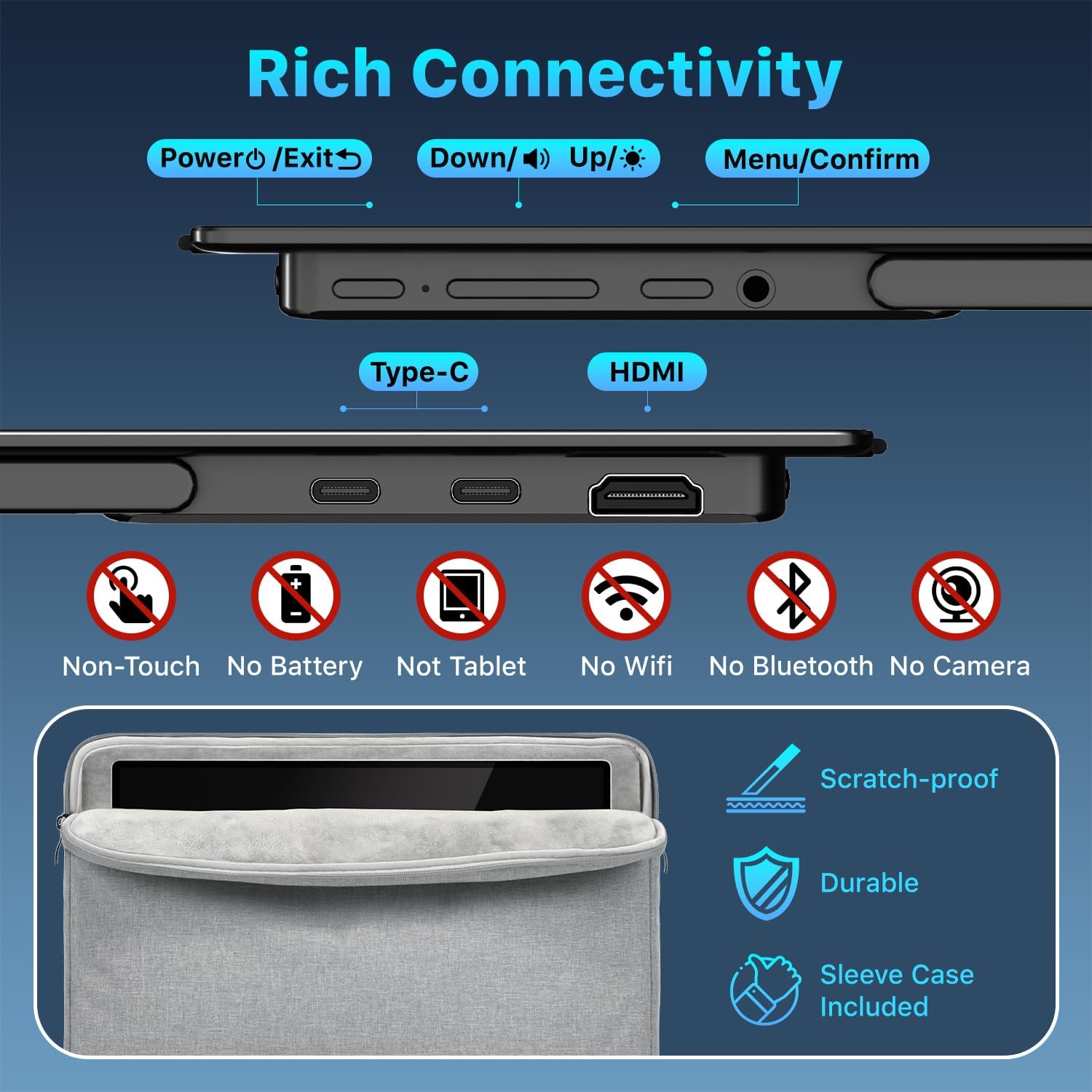
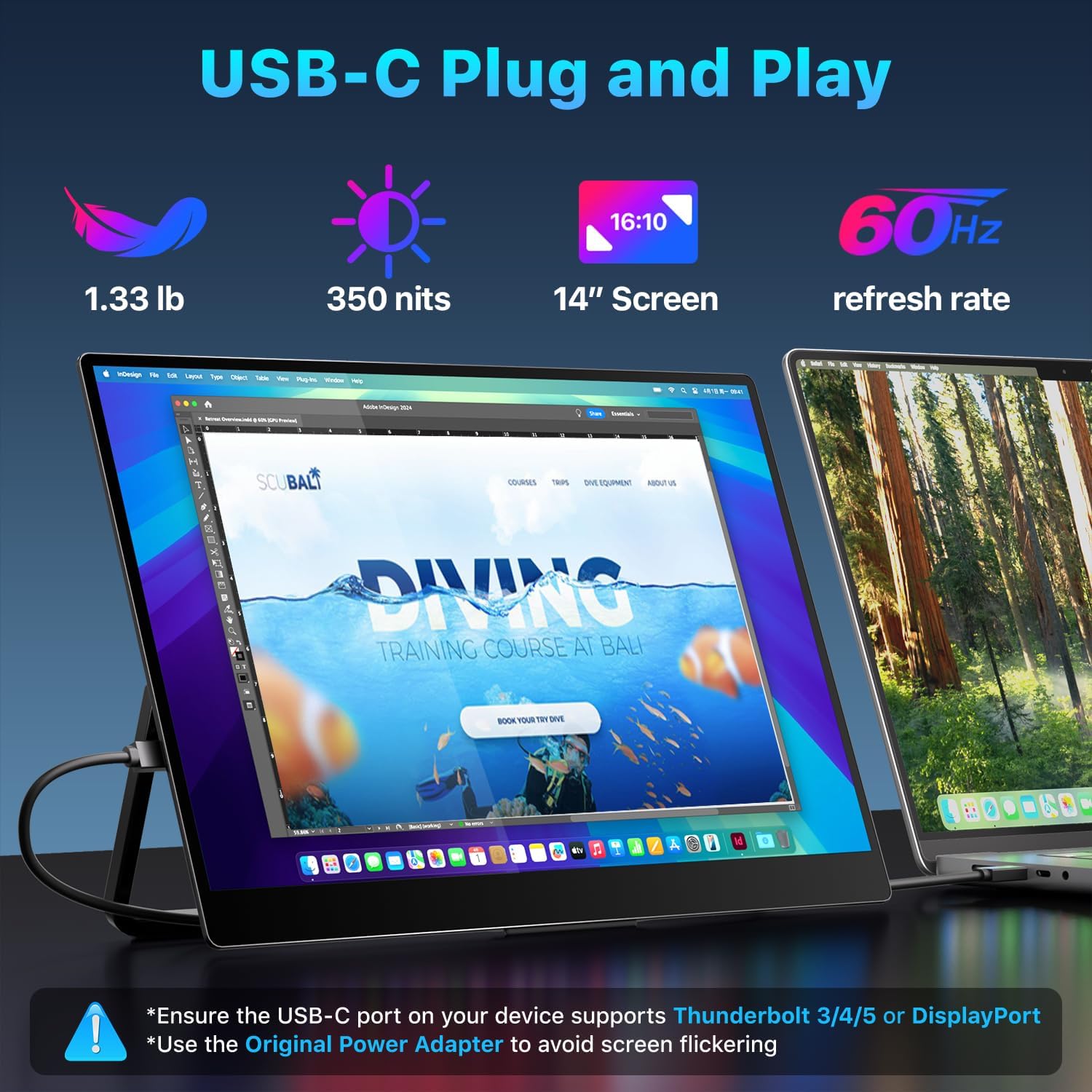
This is a 14-inch external monitor designed for using with laptops and game consoles on the go. It supports plug-and-play via USB-C and also includes an HDMI port, so you’re not limited to one device type.
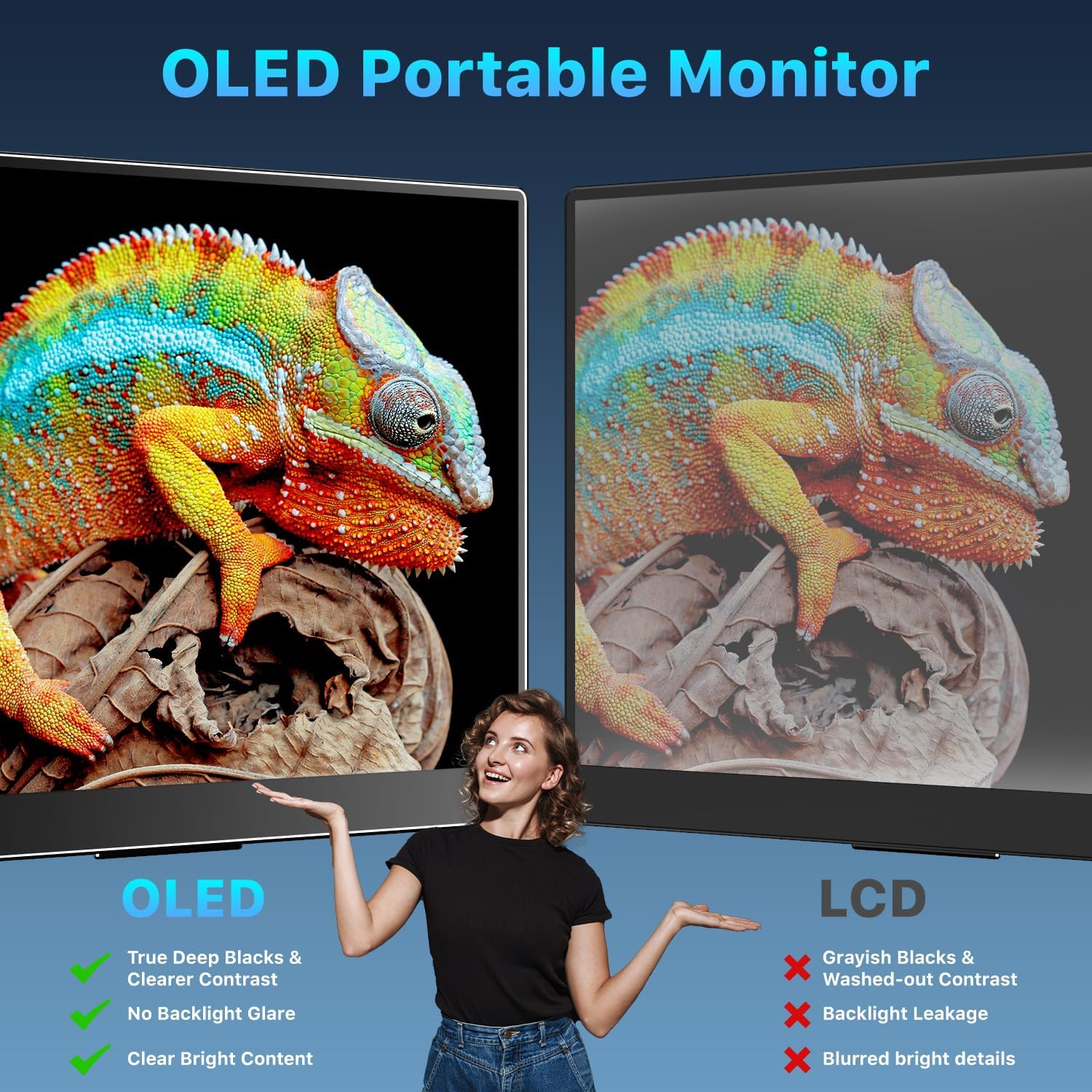
Where it tends to stand out is viewing experience: OLED self-luminous pixels are meant to eliminate the typical backlight behavior you’d find in conventional LCD designs. In plain terms, that’s supposed to translate into more striking contrast—think deeper blacks alongside brighter highlights—without the screen looking washed out.
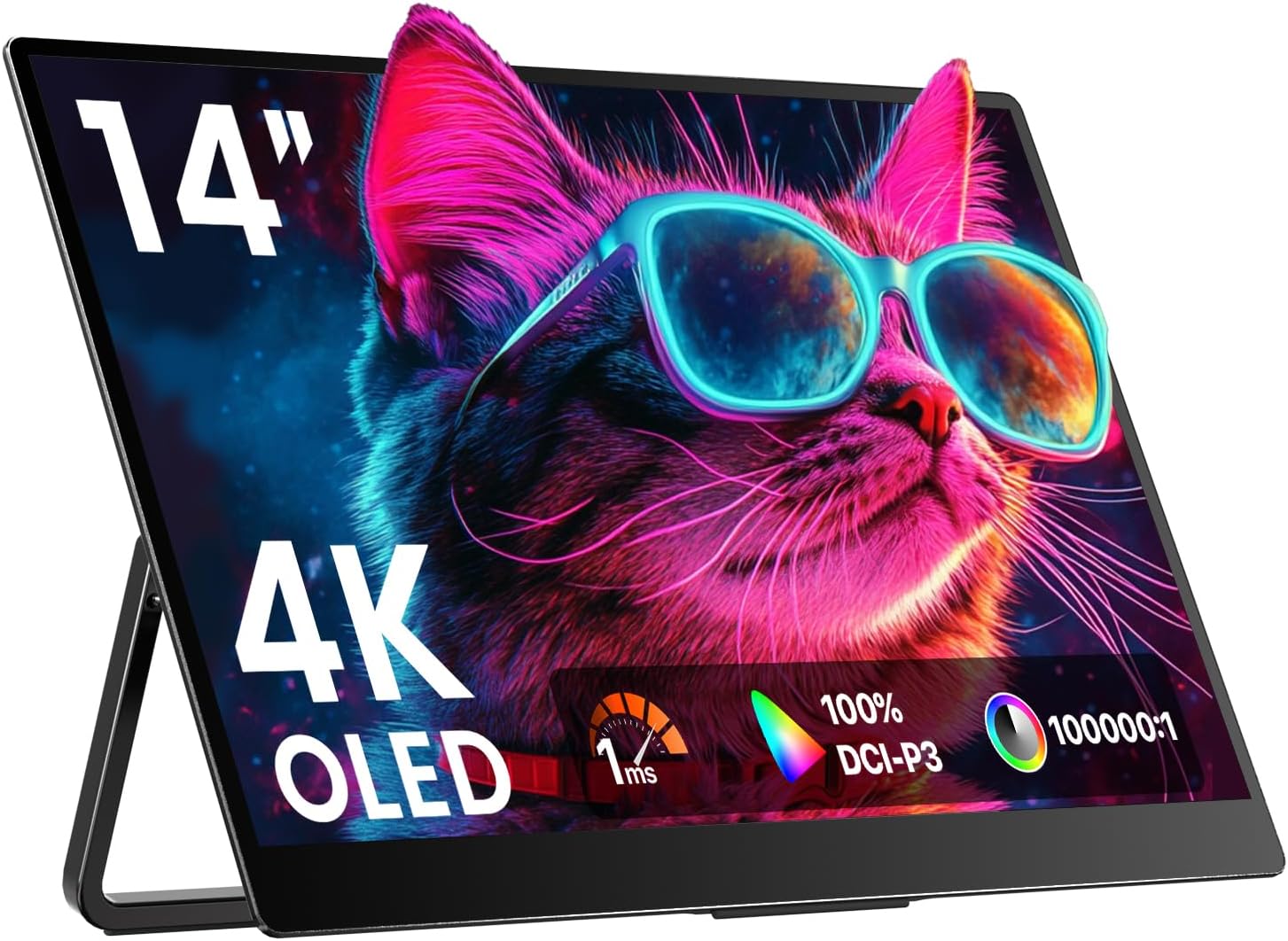
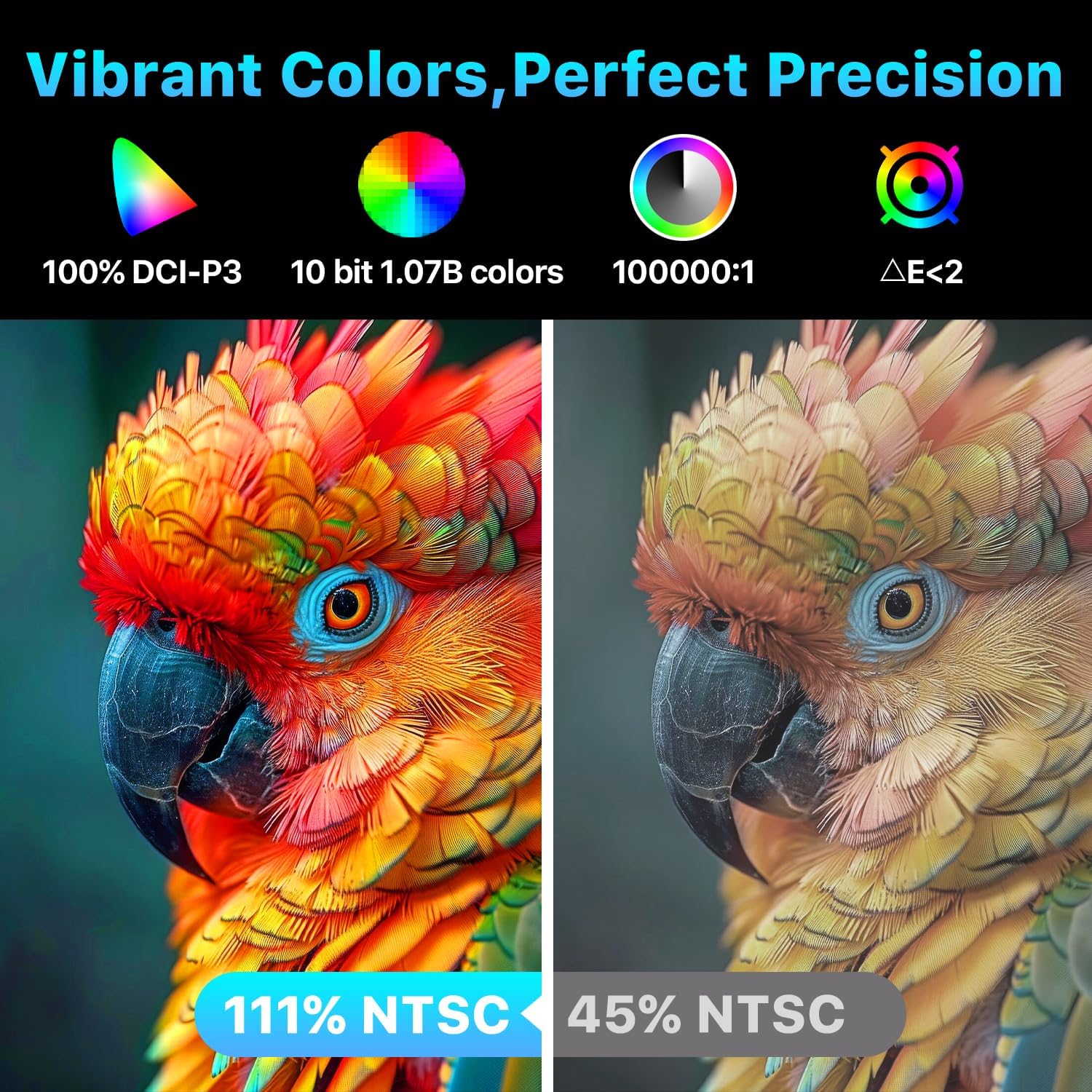
If you do creative work, the spec sheet focus is even clearer: it’s described as factory-calibrated with ΔE < 2 and covering 100% DCI-P3 (and 111% NTSC), plus 10-bit color depth for over a billion shades. That’s the kind of setup you’d look for when accuracy and smooth gradients matter (photo/video editing, graphic design, or color-sensitive review).
On the day-to-day side, the built-in dual speakers mean you’re not forced to pack extra audio gear just to watch something or take calls.
Key details that drive the buying decision
This monitor pairs several features that typically affect satisfaction more than people expect.
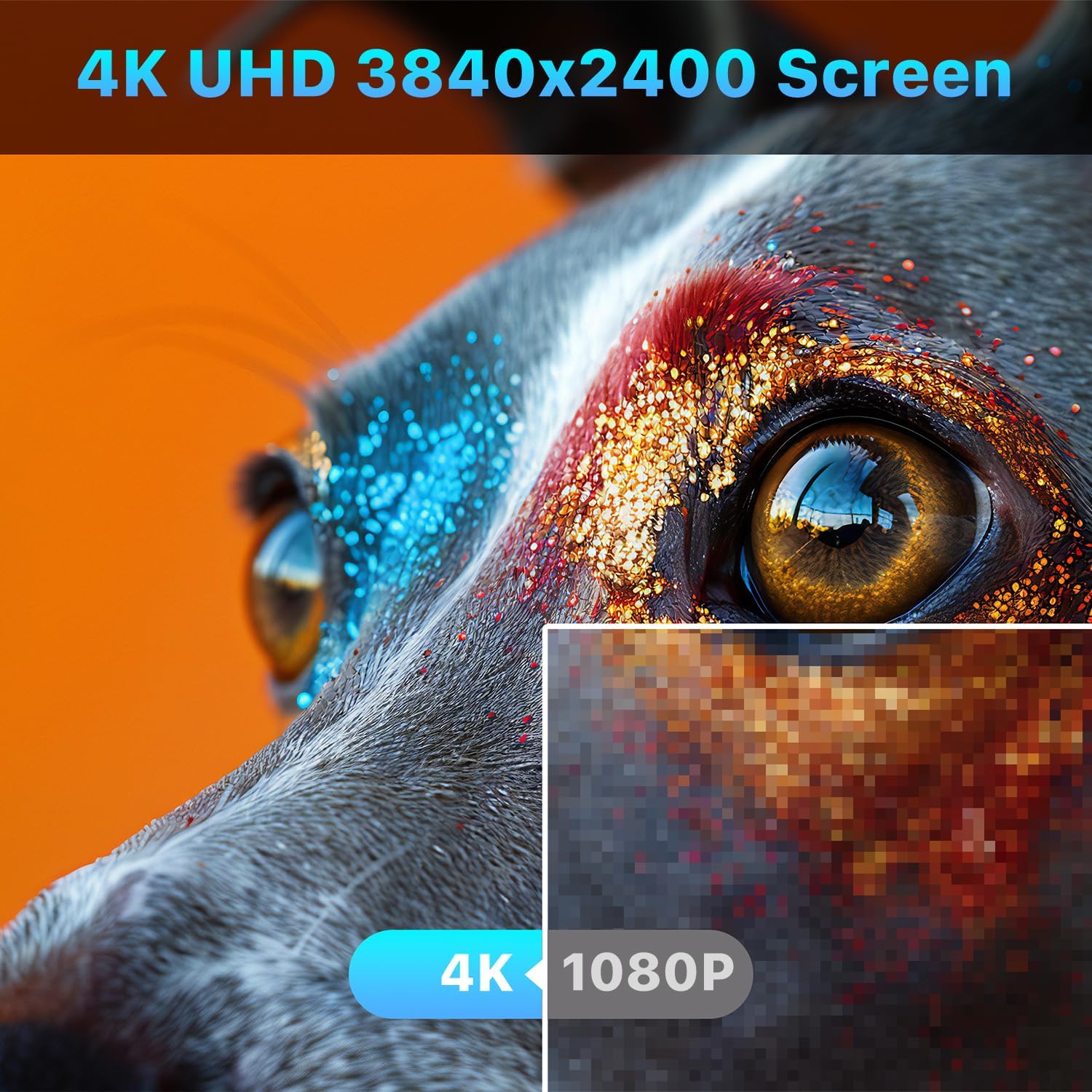
First, the resolution is high for a 14-inch class display (3840×2400). More pixels can help when you’re working with timelines, detailed layouts, or small UI elements. It won’t replace your main workstation screen for every workflow, but it can reduce the “I’ll just zoom in again” frustration.
Second, the brightness and contrast are listed as 350 nits and 100,000:1. That’s aimed at keeping the image readable and punchy, even when the room isn’t perfectly dim.
Third, motion response is addressed via a stated 1ms response time. If you’re using it for gaming or fast scrolling, that’s relevant—especially since it’s positioned as an OLED travel monitor rather than a basic office-only panel.
One more thing: you get both USB-C (two full-featured ports) and HDMI. That gives you options when you’re switching between a MacBook-style setup, a PC, or a console.
Compatibility & requirements
The big “check first” item is USB-C video support. The manufacturer notes that you should ensure your device’s USB-C port supports DisplayPort Alt Mode or Thunderbolt 3/4/5. If your USB-C doesn’t support that, the monitor may not work as a true video connection over a single cable.
They also mention a practical troubleshooting tip: if the screen flickers, you should use the original power adapter.
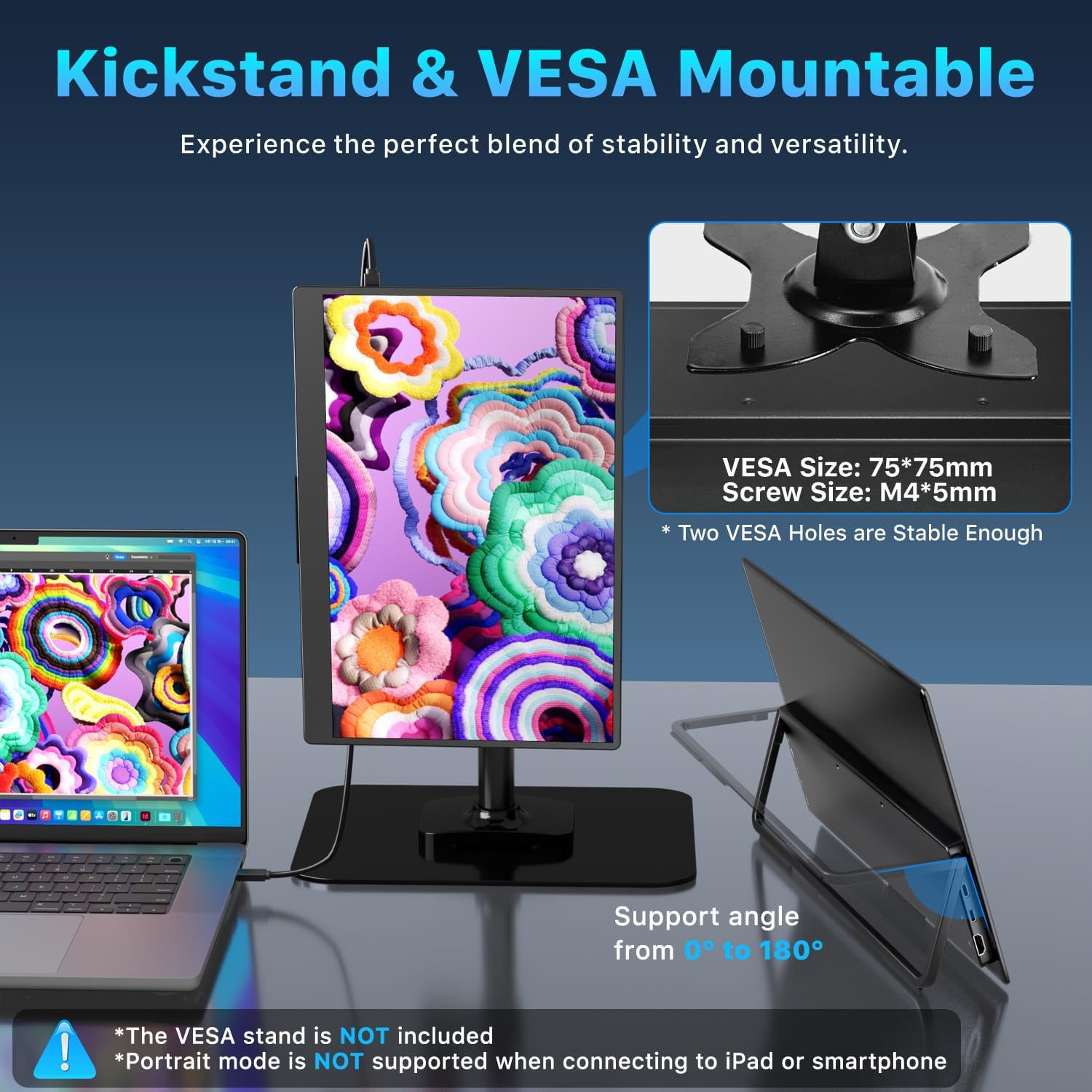
For setup flexibility, the monitor is also described as VESA compatible with two VESA holes. That’s useful if you’d rather mount it to a stand for a more stable desk layout or want landscape/vertical mounting options.
The good, the not-so-great, and who should buy it
The good: if you’re after a portable display that’s centered on color quality, OLED contrast, and high-resolution detail, this is clearly aiming at creators and designers rather than just “a second screen.” The included sleeve case, kickstand, and built-in speakers help it feel complete for travel.
The not-so-great part is simple: if your devices don’t support DisplayPort Alt Mode or Thunderbolt over USB-C, your experience may be more limited than expected. Also, as with any portable external monitor, you should still temper expectations if you’re looking for it to fully replace a large reference display—this is more of a mobile, workflow-supporting screen than a studio replacement.
It makes sense if: It’s a solid pick if you want a 14-inch OLED external monitor for color-focused work while traveling, and you already know your USB-C port supports the right video standard.
You may want to skip it if: It might not be a great match if your USB-C setup doesn’t support DisplayPort Alt Mode/Thunderbolt, or if you’re buying purely for basic office use and don’t care about the color and OLED-focused specs.
Tech specs
- Type: OLED self-luminous portable monitor
- Display size: 14 inch
- Resolution: 3840×2400
- Contrast ratio: 100000:1
- Color gamut: 100% DCI-P3 (111% NTSC)
- Color depth: 10-bit (1.07 billion colors)
- Brightness: 350 nits
- Response time: 1 ms
- Ports: 2× USB-C (full-featured) and 1× HDMI
- Weight: 1.33 lb
- Thickness: 0.13 inches (at its slimmest point)
- Stand/mounting: built-in adjustable kickstand (180°) and VESA-compatible (two VESA holes)
- Audio: built-in dual speakers
Is it worth it?
If your goal is a travel-friendly 14-inch OLED external monitor with strong color-oriented claims, the Upperizon checks the boxes that usually matter to creators: OLED contrast, high resolution for the size, and specs positioned around DCI-P3 coverage and calibrated color accuracy. It also feels designed for real portability—thin, light, and packed with a sleeve case, plus speakers and a kickstand.
But it’s not a buy-it-blind product. Confirm your laptop or device’s USB-C supports DisplayPort Alt Mode or Thunderbolt so you can actually take advantage of plug-and-play with a single USB-C cable. If that compatibility isn’t there, you’ll lose the smooth experience this monitor is banking on.
For the right buyer, it’s the kind of portable display you can justify because it reduces compromise during editing, reviewing, or design work away from your desk.