

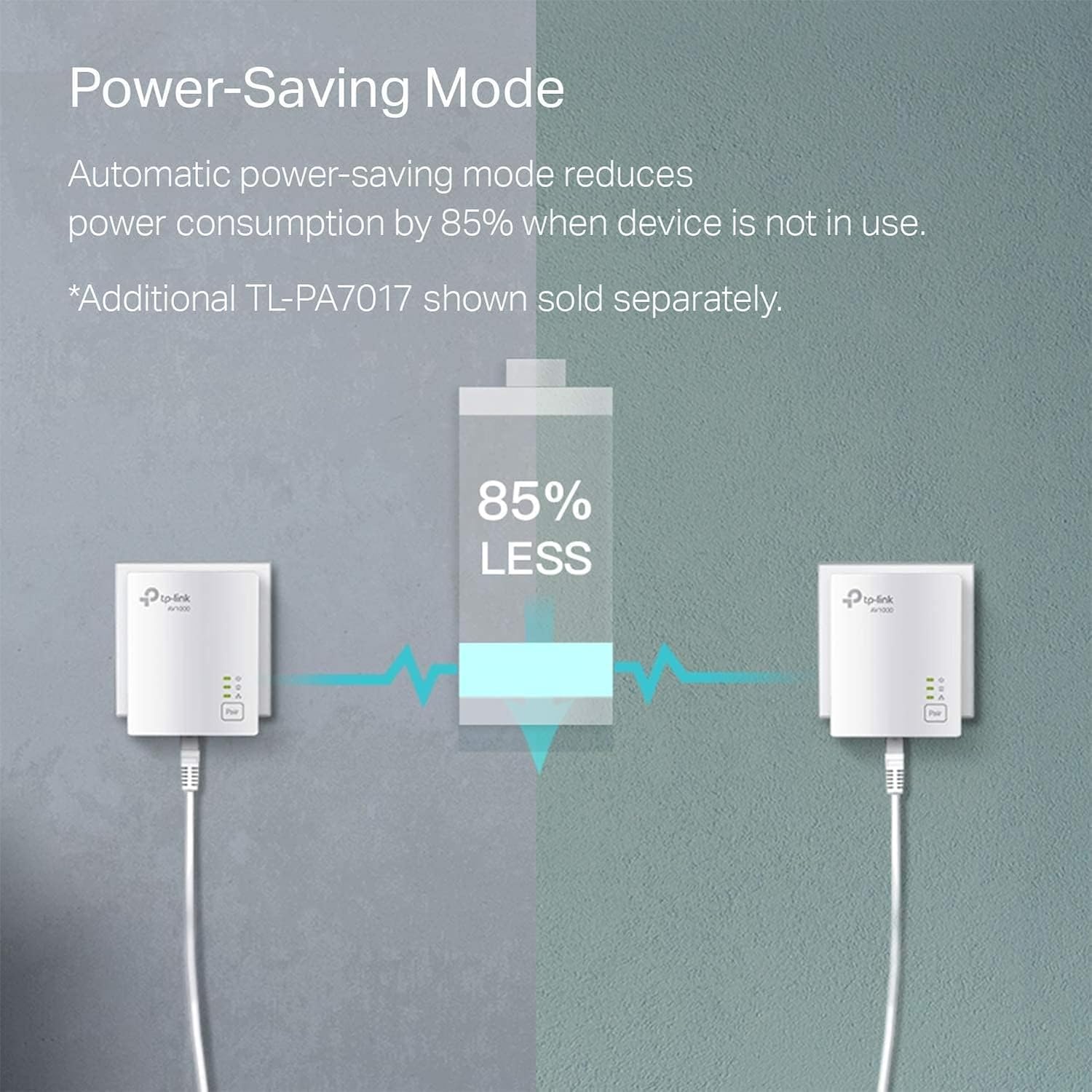
TP-Link AV1000 Powerline Ethernet Adapter (TL-PA7017) — Nano Size Gigabit Port Plug-and-Play
Product description
If you can’t reliably reach Ethernet everywhere in your home, powerline networking is one of those “it makes sense on paper” solutions. The TP-Link AV1000 Powerline Ethernet Adapter (TL-PA7017) is designed to extend a wired connection through your existing electrical wiring, aiming to give you a stable spot for devices that don’t do well on Wi‑Fi at the far end.
The essentials: what it is and why people buy it
This is a wired powerline adapter with a Gigabit Ethernet port. Instead of running new Ethernet cables from your router (or hoping a range extender can carry everything), it uses your home’s electrical system to create a powerline network. The brand positions it for situations where coverage is the problem—basements, multi-story layouts, garages, attics—places where Wi‑Fi can feel inconsistent.
A key point, though: powerline speeds can’t exceed the limits of your internet plan, and real-world performance can vary with wiring quality, distance between adapters, and interference. It’s not magic, but it can be a practical way to “get Ethernet where Wi‑Fi struggles.”
Key features that matter in daily use
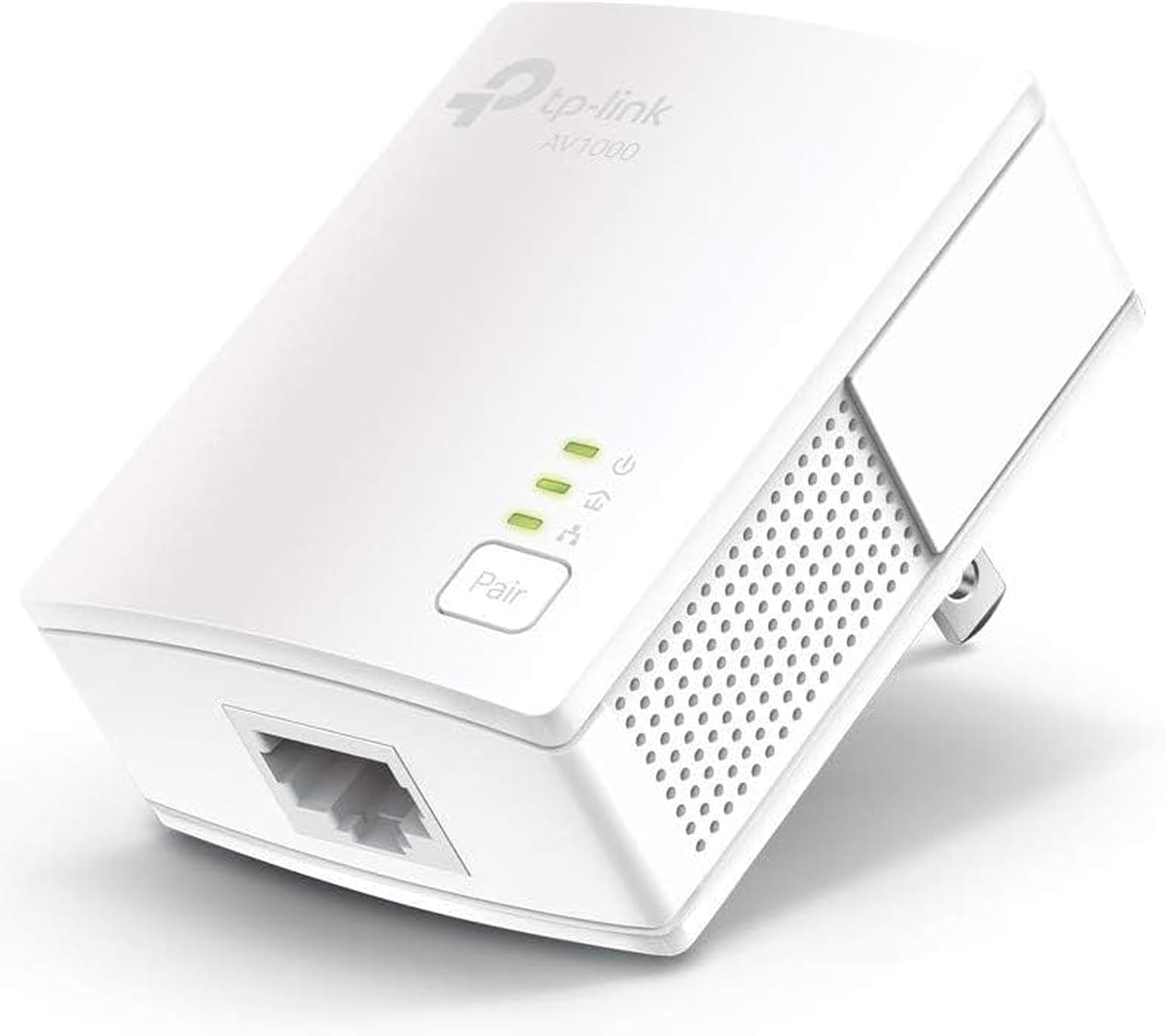
The TL-PA7017 is built around a few straightforward goals: keep setup simple, provide a wired Ethernet endpoint, and support a secure powerline setup.
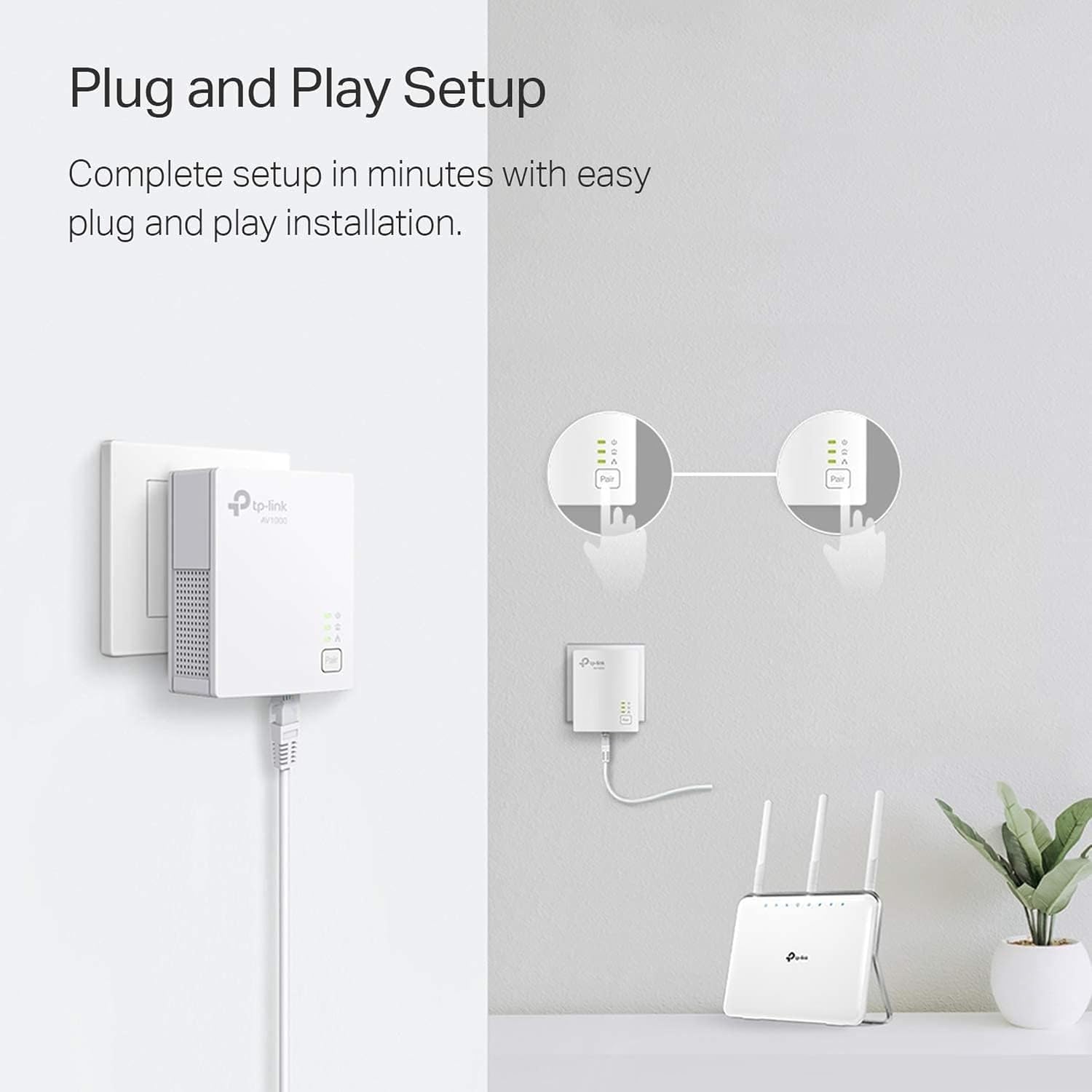
- Plug Pair & Play is the convenience play here. The idea is quick pairing for a secure powerline network, without configuration steps.
- It includes an Ethernet cable, so you can connect the adapter to a desktop, smart TV, or game console right away.
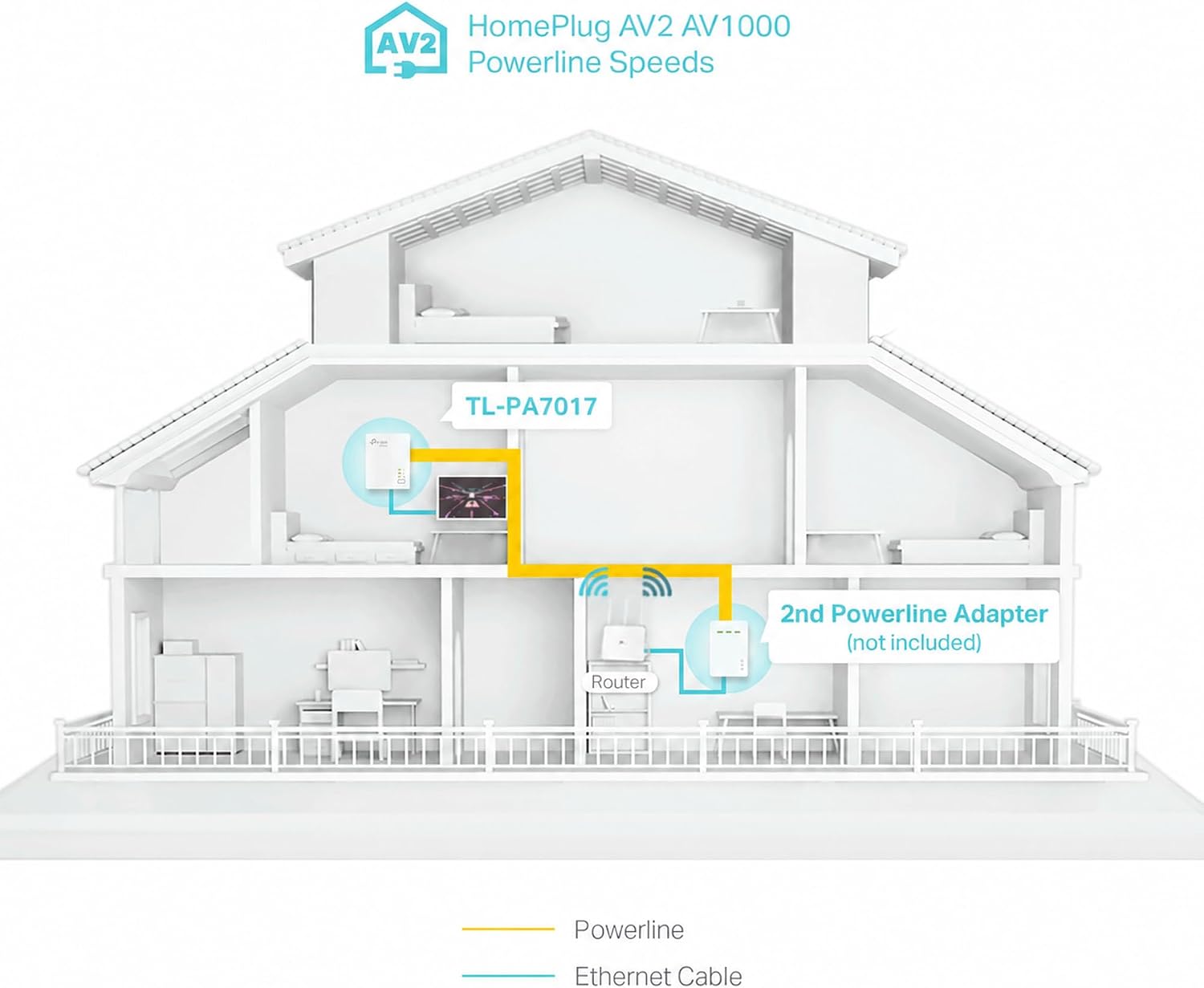
- The model is part of a broader HomePlug AV2 approach (the listing describes AV1000 powerline speeds up to a certain range over existing wiring). In other words, it’s meant for typical home electrical runs rather than new cabling projects.
Where you’ll feel the difference most is with devices that benefit from a wired connection—think lag-sensitive gaming, smart TVs buffering less, or a PC that needs a more consistent link than Wi‑Fi.
What to know before buying (the limitations people forget)
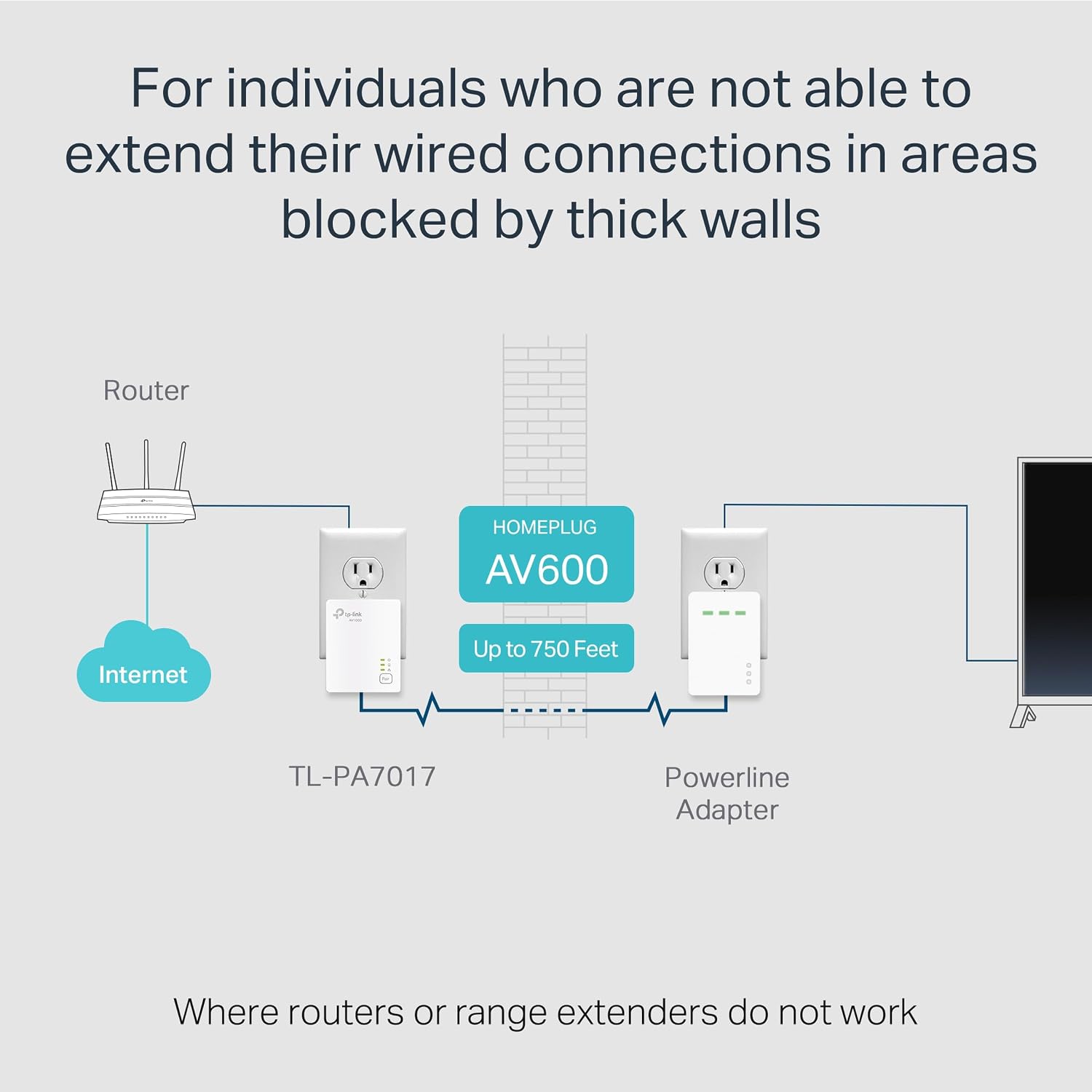
Powerline networking has rules, and this adapter includes some important ones:
First, adapters need to be on the same electrical circuit for connectivity. That can be the difference between “it works great” and “it’s not connecting how I expected.” Also, it requires a direct outlet plug, it’s noted that it does not work with surge protectors.
Second, powerline adapters must be installed in sets of two or more. You can’t treat a single adapter like a standalone miracle—you’ll need at least the sending/receiving setup.
And third, speeds may drop depending on wiring quality, adapter distance, and network interference/conditions. So while it’s rated for AV1000-class performance, the experience can land more in “solid mid-range” territory if your home wiring is less ideal.
Compatibility and security considerations
The listing says you can add TL-PA7017 to an existing powerline network and that it’s compatible with all TP-Link powerline adapters. That’s helpful if you’re expanding rather than starting from scratch.
On security, TP-Link notes alignment with the U.S. Cybersecurity and Infrastructure Security Agency (CISA) Secure-by-Design pledge, with advanced security as a core requirement. On the practical side, that means you’re not only buying for speed—you’re also buying with an emphasis on secure design and ongoing maintenance.
Best use cases (and when it may not suit your setup)
Worth considering if you need wired Ethernet in areas where router Wi‑Fi coverage is weak and you don’t want to run new cables.
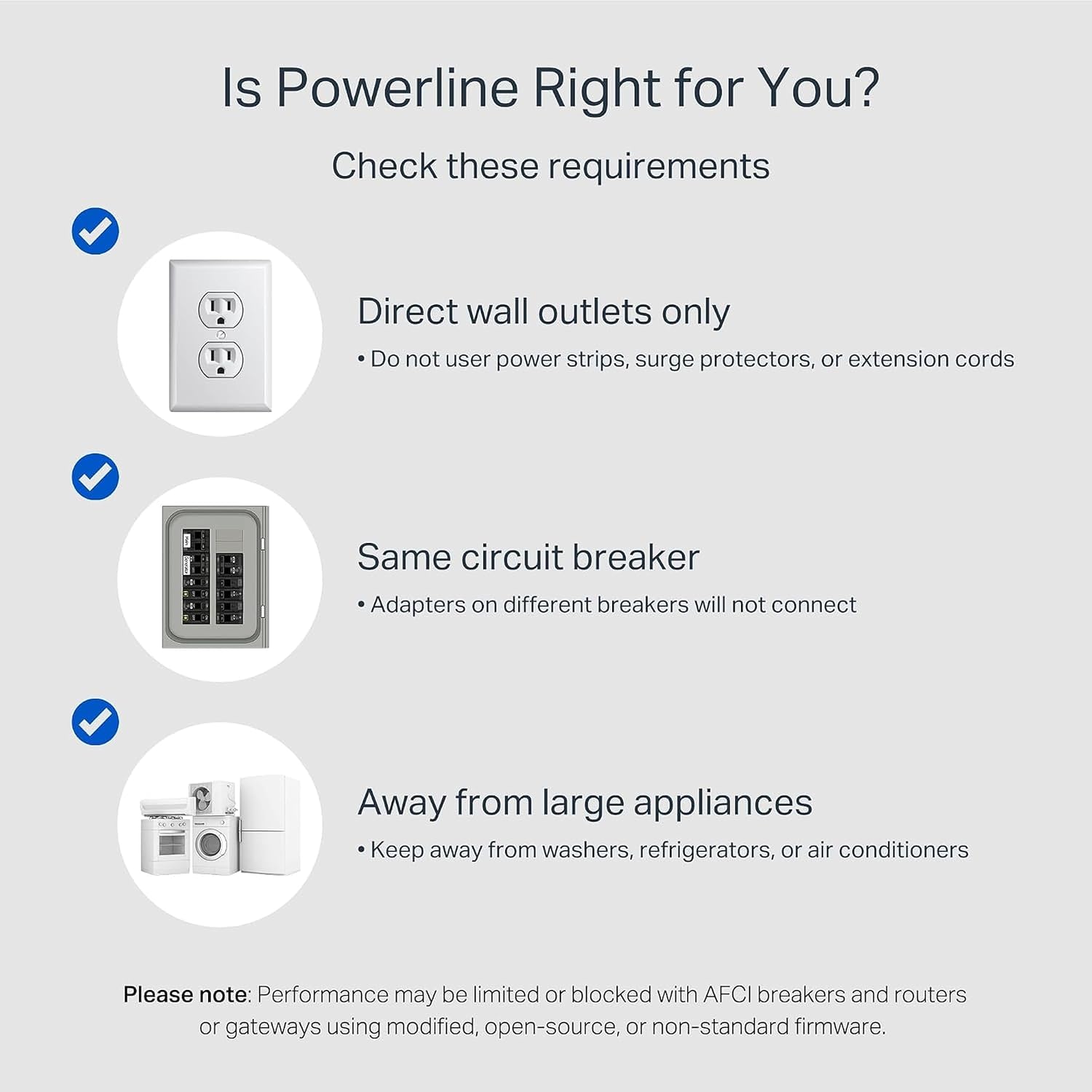
It may not be a great match if you don’t have compatible electrical circuit placement, if you were planning to use it through a surge protector, or if your environment is highly unpredictable for powerline performance. In those cases, it can get frustrating fast because the “works everywhere” promise doesn’t really apply—powerline depends on your home’s electrical realities.
A quick, realistic example: imagine your router is on the main floor, and you want a wired connection for a gaming console in a basement. If the adapter pairing is on the same circuit and plugged directly into the wall, you can connect Ethernet from the TL-PA7017 straight to the console and skip Wi‑Fi troubleshooting entirely.
Tech specs
- Type: Powerline Ethernet Adapter
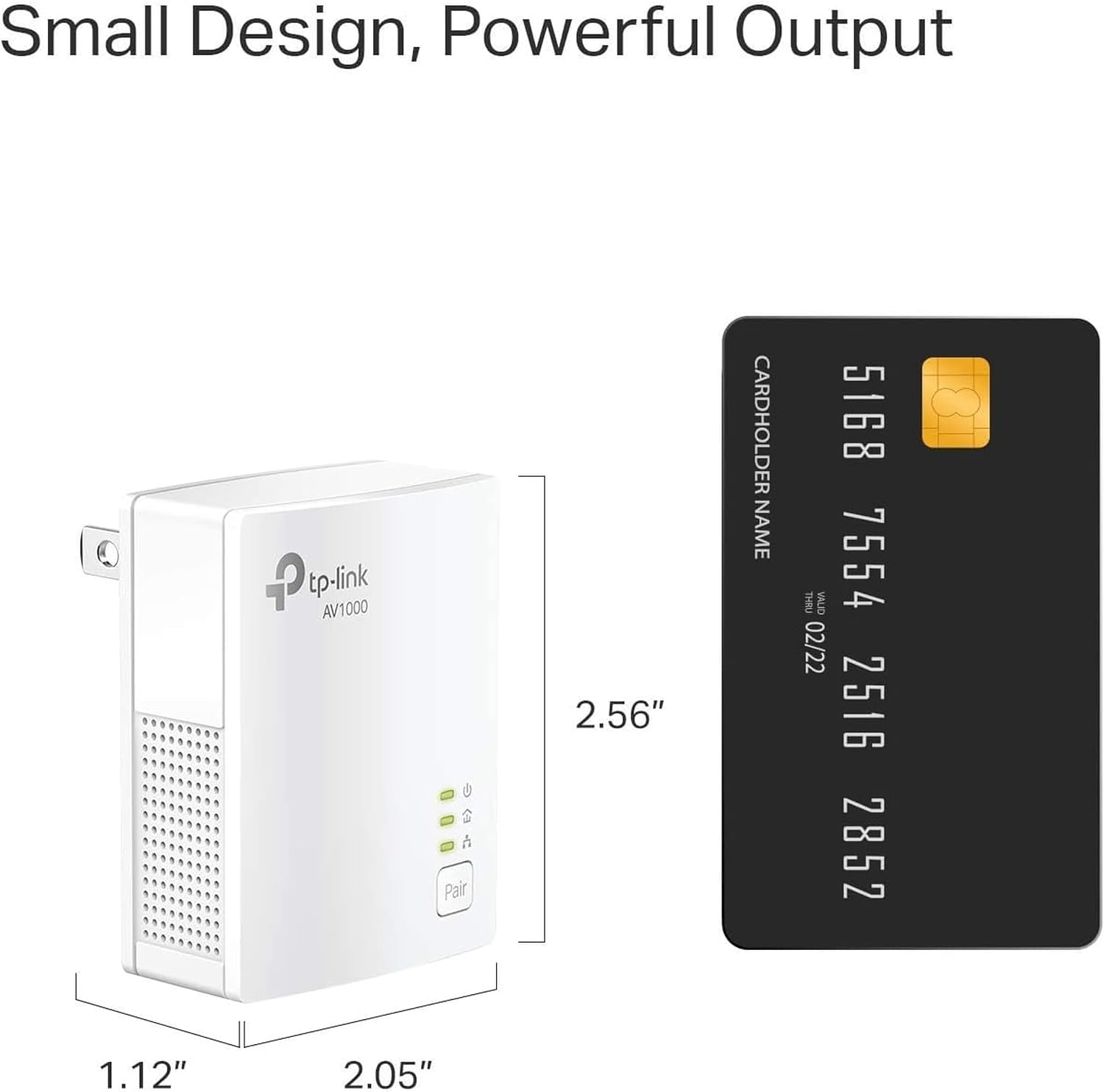
- Format: Nano Size
- Name: TL-PA7017
- Ethernet port speed: Gigabit Port
- Networking approach: Ethernet over Power (HomePlug AV2)
Is it worth it?
It’s worth buying if you’re trying to add wired Ethernet in a hard-to-reach room without pulling new wires, and you’re willing to respect the setup requirements (same electrical circuit, direct outlet plug, and using adapters in pairs or more). If that matches your home, this can be a straightforward way to improve day-to-day connectivity for wired devices.
Skip it if you need it to work through surge protectors, if you can’t place adapters within the same circuit, or if you’re expecting consistent top speeds regardless of wiring conditions. Powerline is convenient, but it’s not the same as fresh cabling.
Quick FAQ
Quick FAQ
Do I need more than one adapter?
Yes. The listing notes that powerline adapters must be installed in sets of two or more.
Can I use a surge protector instead of a direct wall outlet?
No. It does not work with surge protectors, and it requires a direct outlet plug.
Will it increase my internet speed beyond my plan?
No. Speeds cannot exceed your internet plan’s limit, and powerline performance may vary based on wiring quality and conditions.
What devices does the Gigabit port help?
The listing calls out desktops, smart TVs, and game consoles—basically devices that benefit from a stable wired Ethernet connection.
Is it compatible with other TP-Link powerline adapters?
According to the description, it’s compatible with all TP-Link powerline adapters and can be added to an existing powerline network.