

BENFEI 000425black 7-Port USB 3.0 Hub with 3.3-ft Cable and Switches
Reviews
Price
Product description
Choosing a USB hub depends on whether you need a few extra connections or a way to organize several accessories around one computer. This BENFEI model adds seven USB 3.0 ports for peripherals and storage devices.
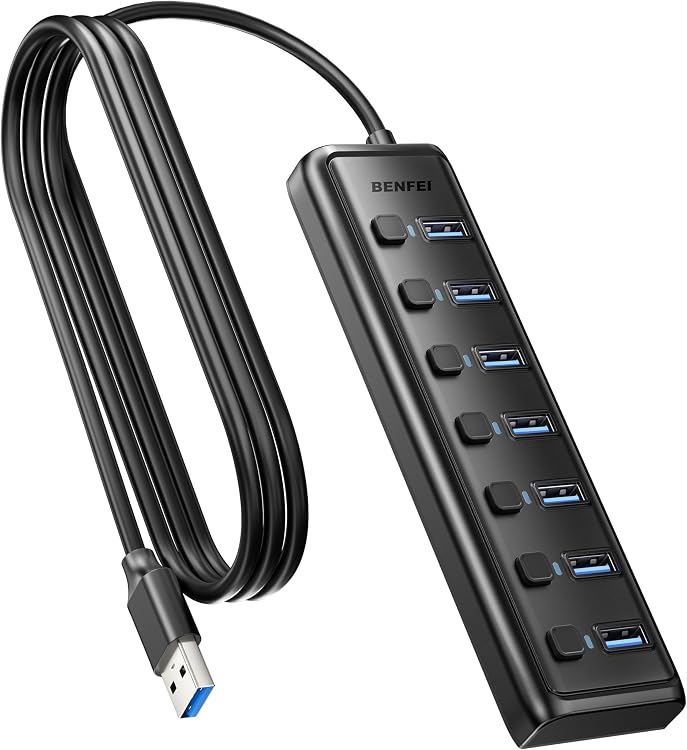
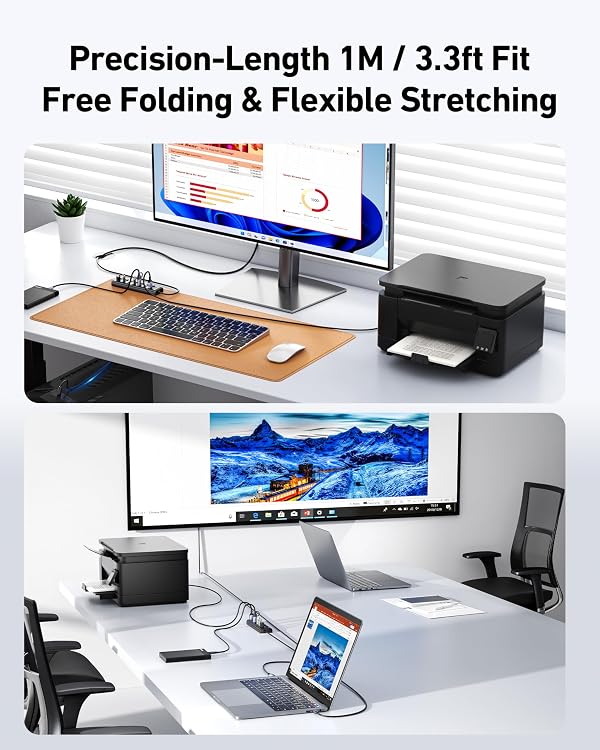
Its 3.3-ft cable gives you some flexibility in where the hub sits on a desk, while individual switches let you turn ports on or off.
The key distinction is purpose: this is for connecting USB devices and transferring data, not for charging phones or other devices.
What to know
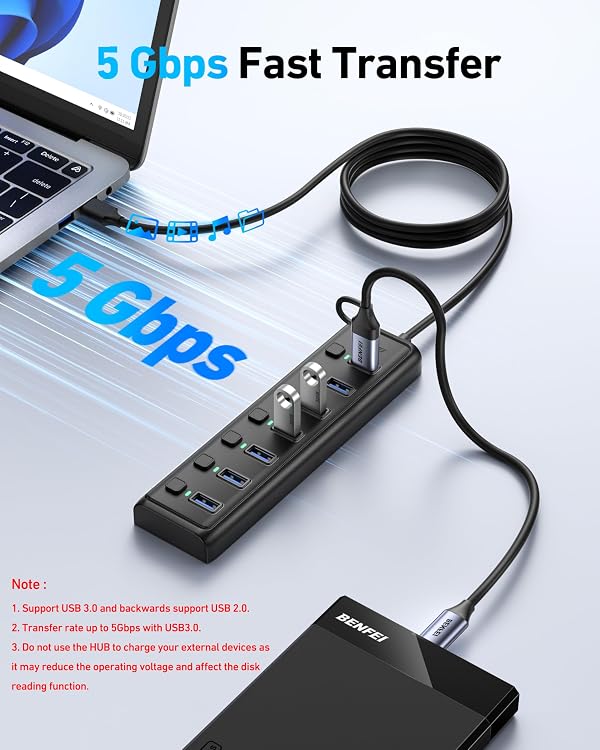
The BENFEI 000425black expands one USB connection into seven USB 3.0 ports. The listed transfer rate is up to 5Gbps, and the hub is backward compatible with USB 2.0 and USB 1.0 devices. Actual transfer performance can depend on the connected device and setup, the listed rate is not a promise that every file transfer will reach that speed.
It is intended for data use and has no charging port. That matters if your main reason for buying a hub is to charge a phone or power several accessories. Buyers describe the port controls as useful and the cable length as convenient, while feedback about power output is mixed. The product details do not specify a separate power supply, so it makes sense to think of it primarily as a way to connect peripherals rather than as a charging solution.
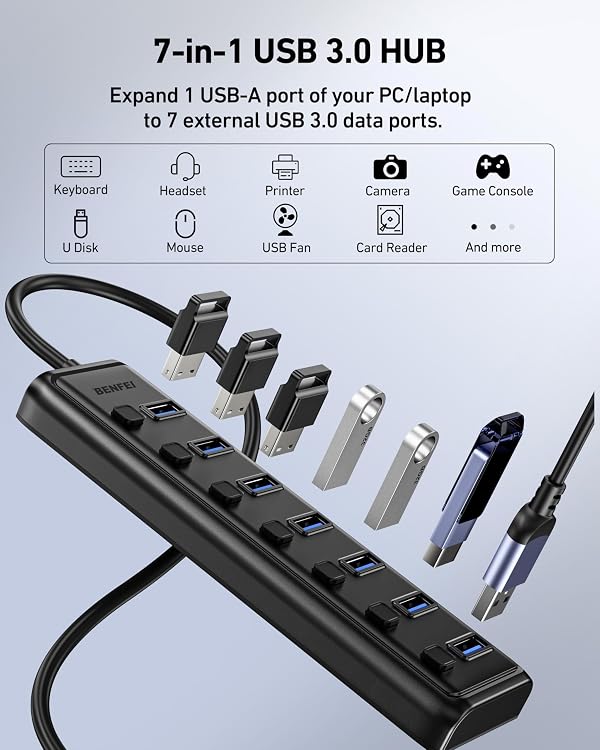
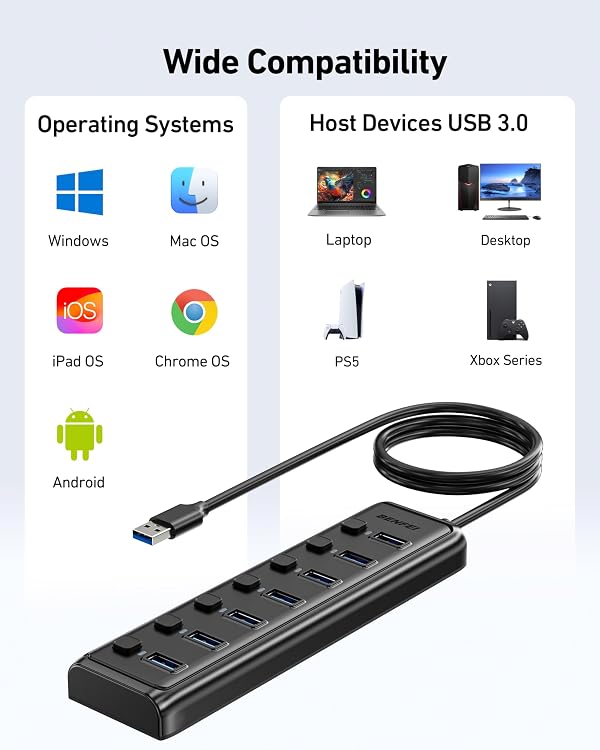
The listed compatible systems include Windows, Mac OS X, Linux, and Chrome OS. Examples of supported devices include laptops, desktops, gaming consoles, printers, keyboards, mice, card readers, cameras, flash drives, and hard drives. Compatibility can still depend on the device and its available USB connection.
How to use it
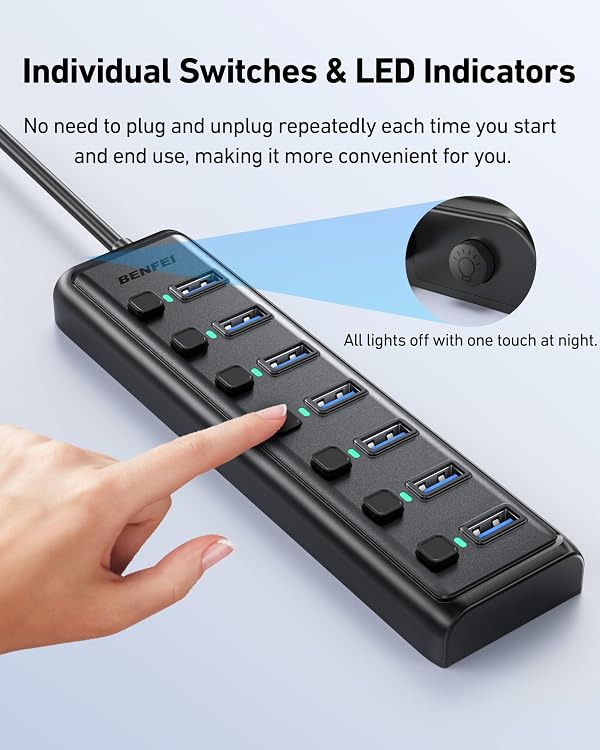
Connect the hub to a computer or other compatible host, then attach your USB peripherals to its ports. Each port has its own on/off switch and an LED indicator, which can help you leave only the connections you need active. For example, a desk setup could keep a keyboard, mouse, printer, and flash drive connected without repeatedly swapping devices at the computer.
Compared with a simple adapter that adds only a small number of ports, this hub is aimed at setups with several peripherals. A dedicated charging hub is the more relevant approach when charging is the priority, this model is specifically described as data-transfer-only.
Everyday use
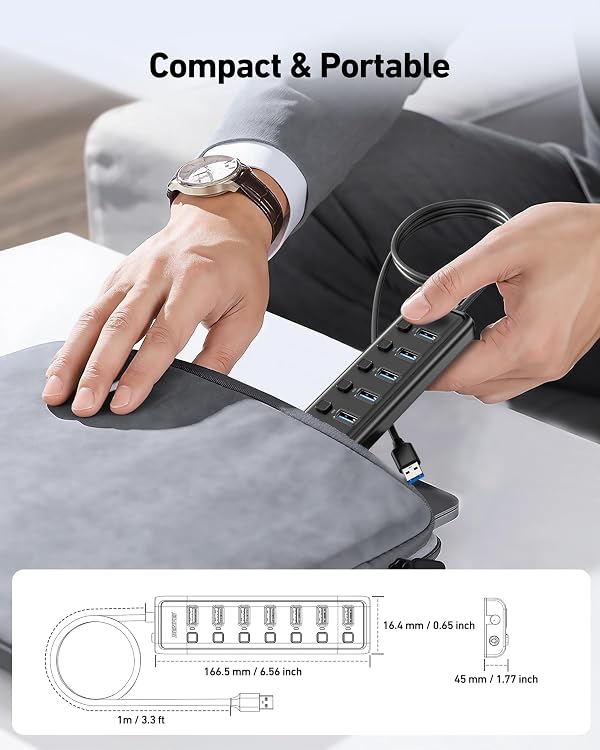
The 3.3-ft cable can help place the hub within reach instead of directly beside the computer. Buyers also mention using its design to keep a gaming setup looking neater. Its plastic enclosure and portable, slim design suit a desk or a bag, although the provided details do not give exact dimensions.
The individual switches are useful when you want to disconnect a peripheral without removing its cable. That is a practical distinction from hubs with no per-port controls, particularly when several devices stay plugged in. It suits you if you need multiple data connections, want individual port controls, and use a listed compatible system. Better avoided if you need the hub to charge devices, since charging is not supported.
Practical questions
Can it charge a phone? No. The product is specified for data transfer only and has no charging port.
Will older USB devices work? It is backward compatible with USB 2.0 and USB 1.0 devices, though transfer rates depend on the connected device.
Can you turn off one port without unplugging it? Yes. Each of the seven ports has an individual on/off switch and an LED indicator.
Final verdict
The BENFEI 000425black is a practical fit when the goal is to connect several USB peripherals through one hub, with the added convenience of per-port switches and a 3.3-ft cable. Its seven ports and broad listed OS support make it relevant for mixed desk or gaming setups. Choose a different type of hub if charging is part of the job, the defining trade-off here is extra data connections, not device charging.