

TP-Link Deco WiFi 6 Mesh System (Deco X20) 2-Pack (covers up to 4,000 sq. ft.)
Reviews
Price
Product description
Key takeaways
If your home Wi‑Fi has become a game of “where’s the signal good?”, the TP-Link Deco X20 is built to smooth that out with a whole-home mesh setup. On paper, it’s meant to replace the usual router + extender approach by creating one more consistent network as you move room to room.
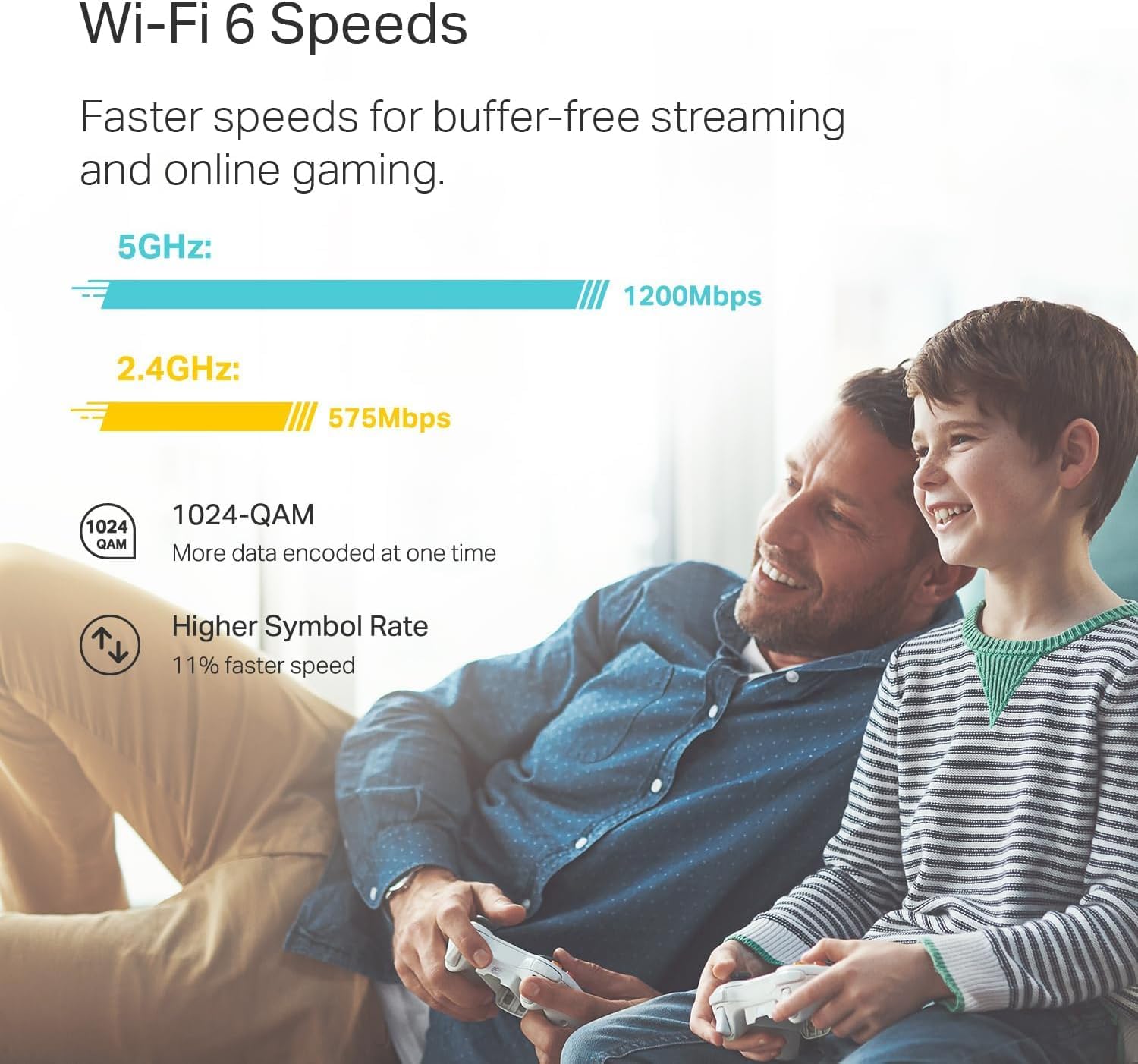
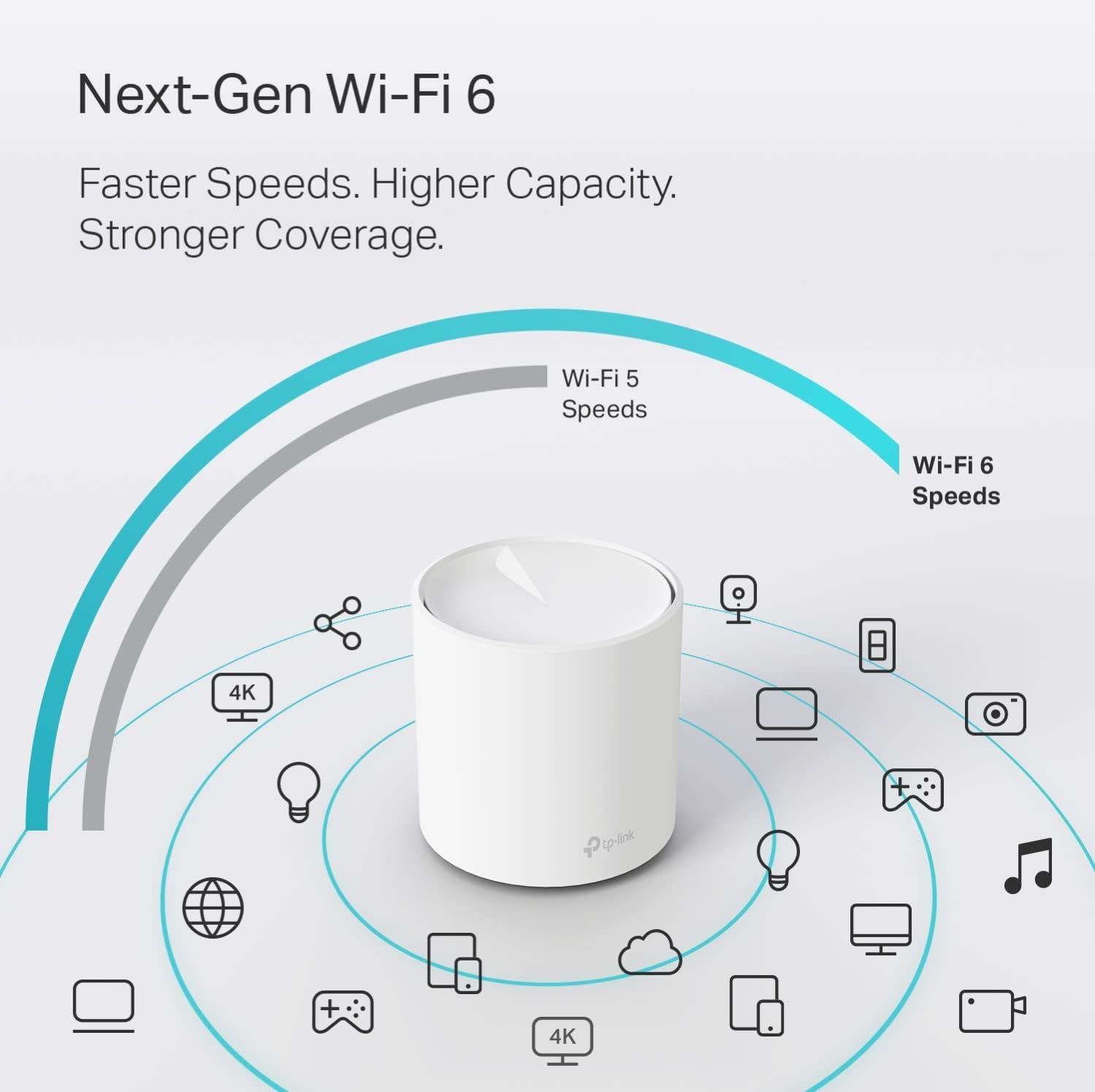
This 2‑pack is rated to cover up to 4,000 sq. ft., and each Deco unit includes gigabit Ethernet ports. It also leans on Wi‑Fi 6 (AX1800) features like OFDMA and MU‑MIMO to help handle more connected devices at once—useful for busy households with phones, tablets, streaming devices, and smart home gear.
You also get a more “hands-on” control layer through the Deco app, plus parental controls and TP-Link HomeShield security features. The setup experience is one of the more practical reasons people choose this kind of system, even if it’s not the most advanced mesh option available.
What to know before you buy
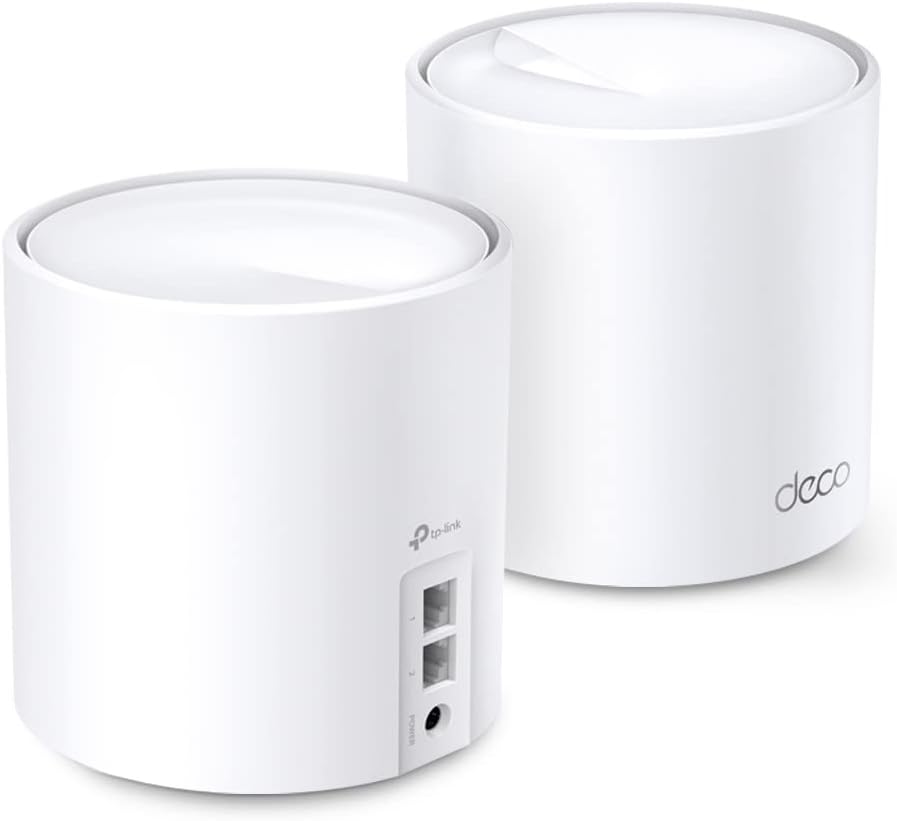
A mesh system like this works by placing multiple Deco units around your home. The goal isn’t just boosting range—it’s reducing weak spots and buffering caused by coverage gaps. If your current setup struggles in certain rooms (basements, upstairs corners, garage-adjacent areas), this can be the cleaner fix compared to adding another extender that often creates a second, inconsistent network.
That said, there are a couple of real-world limitations to keep in mind. Coverage is stated as “up to,” so the actual result depends heavily on your home layout and walls. Also, the system requires a modem for most ISP setups, and you’ll need to consider how you’ll connect the Decos—either wirelessly or with wired Ethernet backhaul support (the product notes that Wired Ethernet Backhaul can improve speeds).
Here’s a quick example of the day-to-day difference: imagine you’re watching a show on a streaming stick in the living room, then you walk into the kitchen and kitchen-adjacent bedroom. With a mesh setup, the connection quality is designed to stay more stable as you move, instead of dropping to a weak extender signal.
Key features that drive the day-to-day experience

Whole-home mesh coverage
The Deco X20 is positioned as an all-around mesh Wi‑Fi 6 system. The listing emphasizes up to 4,000 sq. ft. coverage for the 2‑pack, with the intention of eliminating dead zones and reducing buffering compared with traditional booster/extender setups.
Capacity for more devices
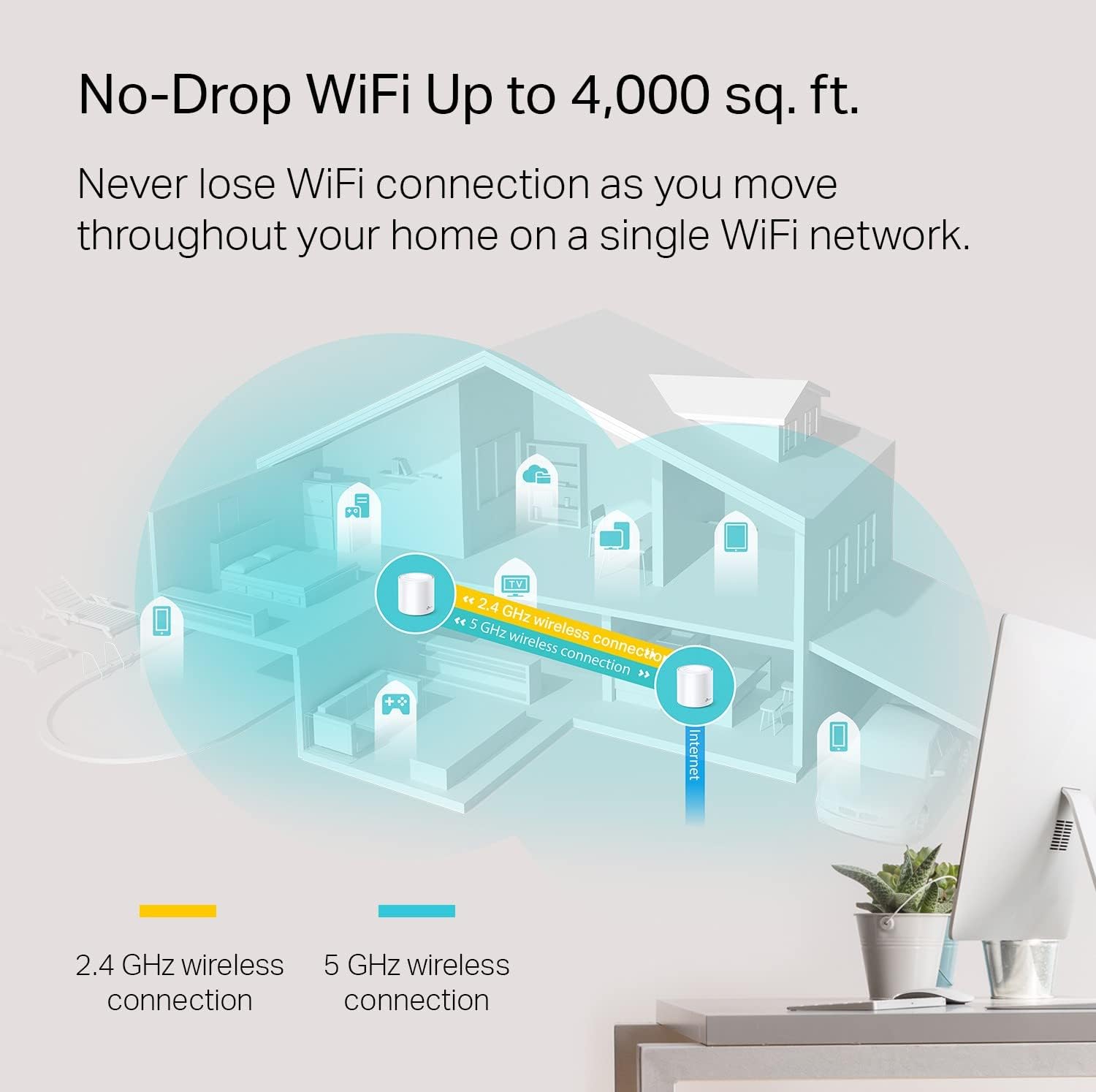
It includes OFDMA and MU‑MIMO, which are aimed at increasing capacity by enabling simultaneous transmission to more devices. If your household is “always connected” (multiple phones online, smart speakers, gaming consoles, and streaming at the same time), this is exactly the kind of spec that tends to matter.
Wired options for better performance
Each Deco X20 unit has 2 gigabit Ethernet ports (so 4 total for the 2‑pack). The system also supports wired Ethernet backhaul, which is called out for better speeds. If you can run Ethernet between locations (or already have it available), you can often get a more reliable mesh performance than relying on wireless backhaul alone.
Parental controls and security layer
The product includes parental controls that let you limit and monitor internet use with profiles for each person and device. There’s also TP-Link HomeShield security support, described as including network and IoT protection, security scan/IoT device identification, quality of service, and basic reports.
It’s not a full substitute for advanced security setups, but it’s a meaningful add-on when you want basic protection and visibility without extra tools.
Compatibility & setup reality check
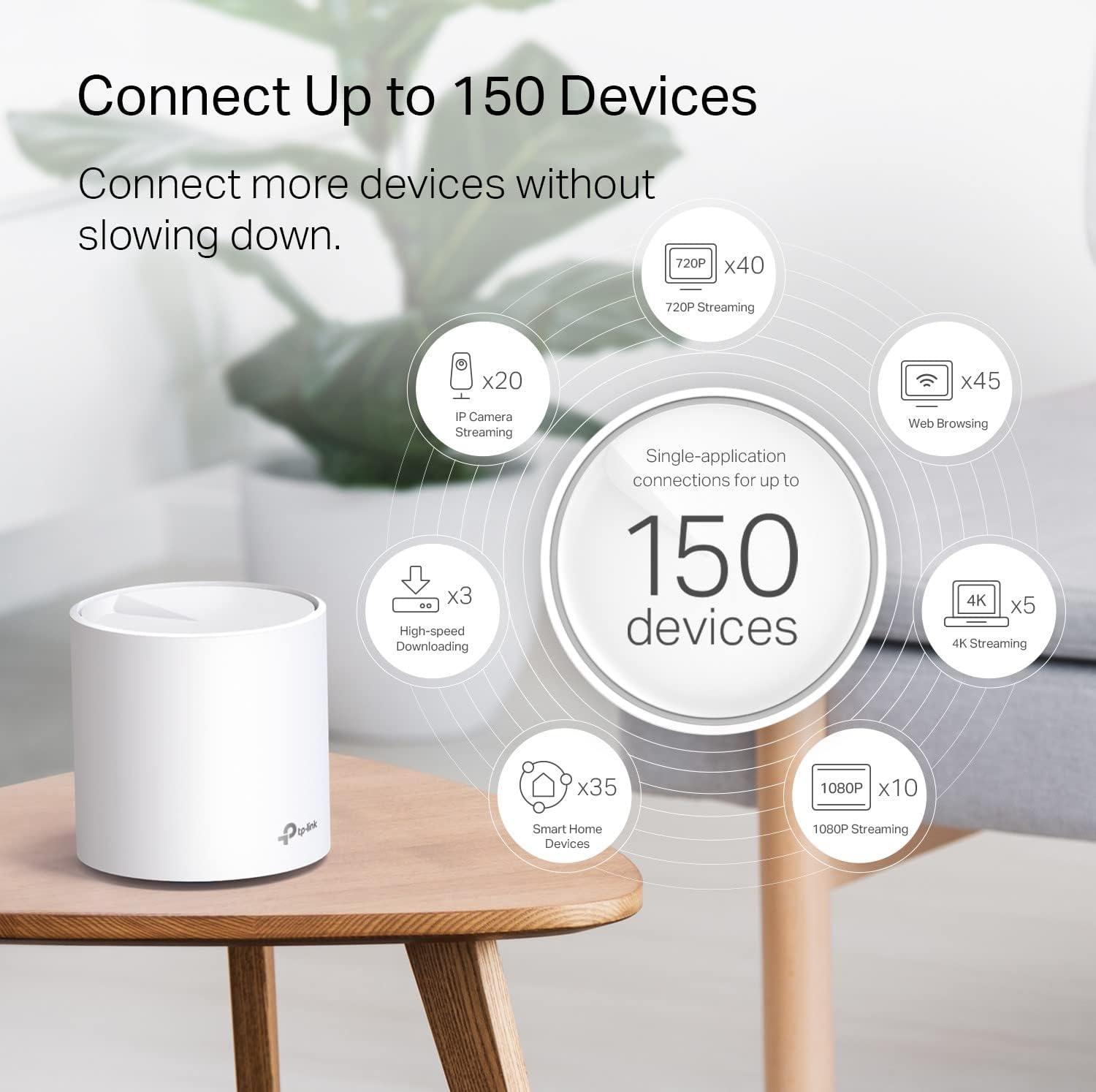
The Deco X20 is described as universally compatible and backward compatible with all Wi‑Fi generations, which helps if you don’t have every device upgraded to Wi‑Fi 6 yet. It’s also noted to work with internet plans up to 1 Gbps and with any internet service provider modem setup (a modem is required for most ISPs).
In terms of flexibility, the listing says any Deco unit can work as a Wi‑Fi router. That can simplify deployment if you’re rethinking your current network layout.
It also supports an Alexa integration for turning guest Wi‑Fi on/off via voice commands, and the app is positioned as guiding setup “in minutes” with clear visual instructions.
One practical question to ask yourself: do you already have a modem/router you want to keep? The product notes it replaces wireless routers/extenders, and for most ISP configurations you’ll be working with your modem as the source.
Is it worth it?
A solid pick if you want one Wi‑Fi network across your home, especially if you’re tired of weak corners, dead zones, or buffering that shows up when you move between rooms. It makes sense if you have a moderate-to-large space (the 2‑pack is rated for up to 4,000 sq. ft.), multiple devices competing for bandwidth, and you’d like parental controls plus a built-in security layer without adding separate software.
You may want to skip it if your home layout makes mesh placement difficult, or if you’re expecting unlimited top-tier performance regardless of walls and distance—coverage is “up to,” not guaranteed. It might not be the best match if you only need coverage for one small area and don’t want a multi-node system, since you’d be paying for whole-home design.
For many households, this lands in the practical “whole home Wi‑Fi upgrade” category: Wi‑Fi 6 support, capacity features, app-based management, and optional wired backhaul support, all within a setup that’s meant to be approachable.

Quick FAQ
How does a mesh system differ from a Wi‑Fi extender?
A mesh system uses multiple units to create more consistent coverage as you move. The listing explicitly positions the Deco X20 as better than traditional booster/extender setups for reducing dead zones and buffering.
Do I need a modem to use the Deco X20?
For most internet service providers, yes—a modem is required. The Deco units work with the modem and are described as compatible with any ISP modem setup.
Can I use wired Ethernet between Deco units?
Yes. The listing states it supports Wired Ethernet Backhaul, and notes it can help deliver better speeds.
Does it work with older Wi‑Fi devices?
According to the listing, it’s backward compatible with all Wi‑Fi generations, so older devices should still connect.
Are there parental controls and security features?
Yes. The product mentions parental controls for limiting/monitoring internet use by profiles, and HomeShield security features including basic network security, IoT device identification, quality of service, and basic reports.