

PRISMXR Puppis S1 Lite VR Router Replace Link Cable for Meta Quest 3S/3/2/Pro (Wi‑Fi 6, up to 1500 Mbps)
Product description
If your VR streaming keeps getting interrupted by Wi‑Fi hiccups, a “cable-free” setup only works as well as the network behind it. The PRISMXR Puppis S1 Lite is designed to act like a dedicated link between your PC and compatible VR devices, using Wi‑Fi 6 dual-band wireless and a router-style setup.
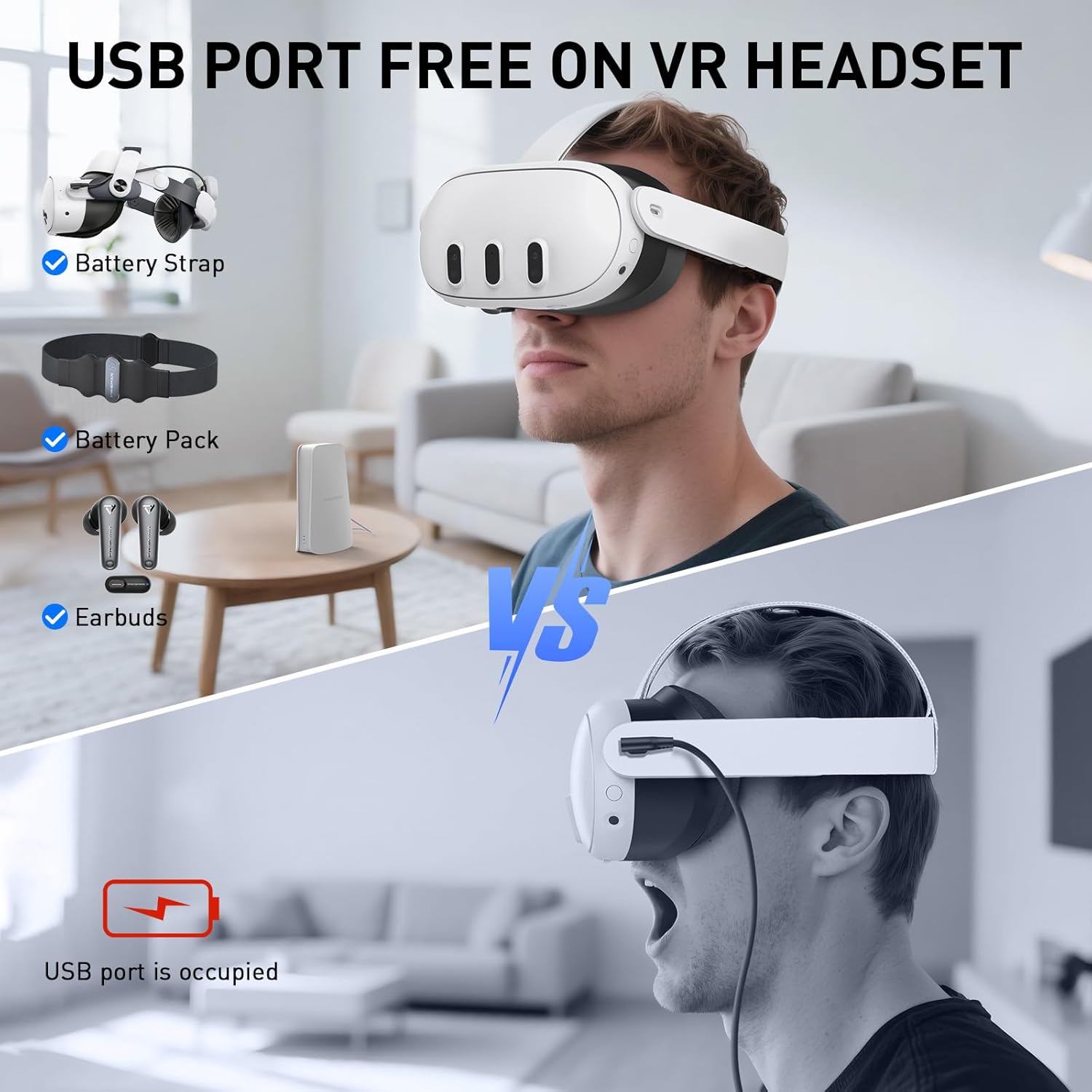
It’s not perfect for every home layout, and you still need decent space and a reasonable Wi‑Fi environment—but on paper, this is the kind of device that can make PC-to-VR feel more consistent, with less cable clutter. If you’re tired of Link cables taking over your USB port or your desk, this kind of replace-link approach is worth a closer look.
The essentials (what it’s for)
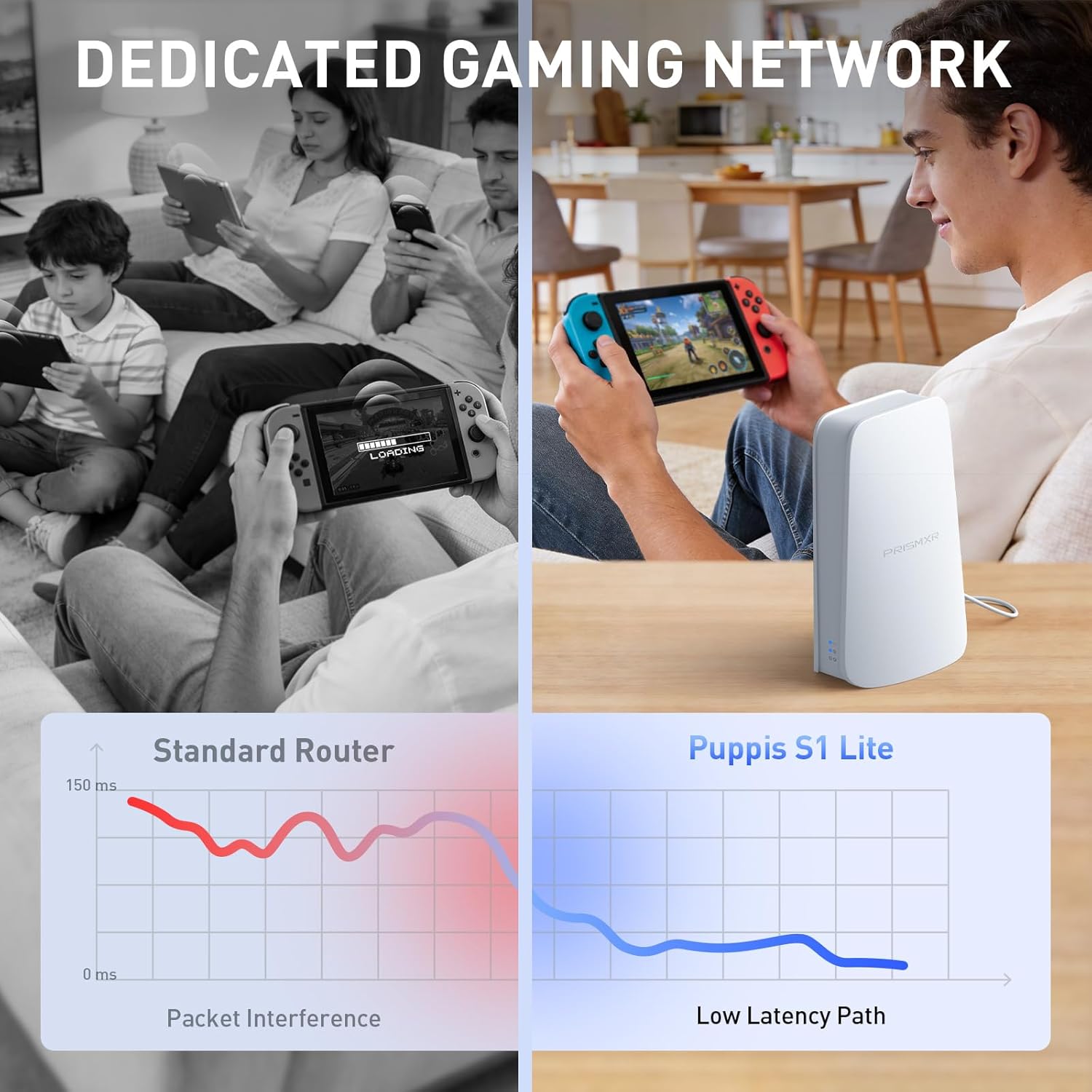
The Puppis S1 Lite focuses on wireless PC-to-VR streaming. Instead of routing everything through your regular Wi‑Fi network, it creates a dedicated connection path for streaming using “PrismPulse Mode.” The goal is straightforward: reduce interference and help you keep latency steadier while you play.
It’s positioned for people who use common PC-to-VR streaming tools (it’s stated to work with Virtual Desktop, Steam Link, and other major tools) and want a more stable day-to-day connection without constantly reconfiguring settings.
Key features that affect real streaming
Wi‑Fi 6 dual-band is the big promise here: up to 1500 Mbps total network speed, with up to 1200 Mbps on 5GHz and up to 300 Mbps on 2.4GHz. In practice, that’s aimed at higher throughput on the 5GHz band where most streaming benefits usually come from.
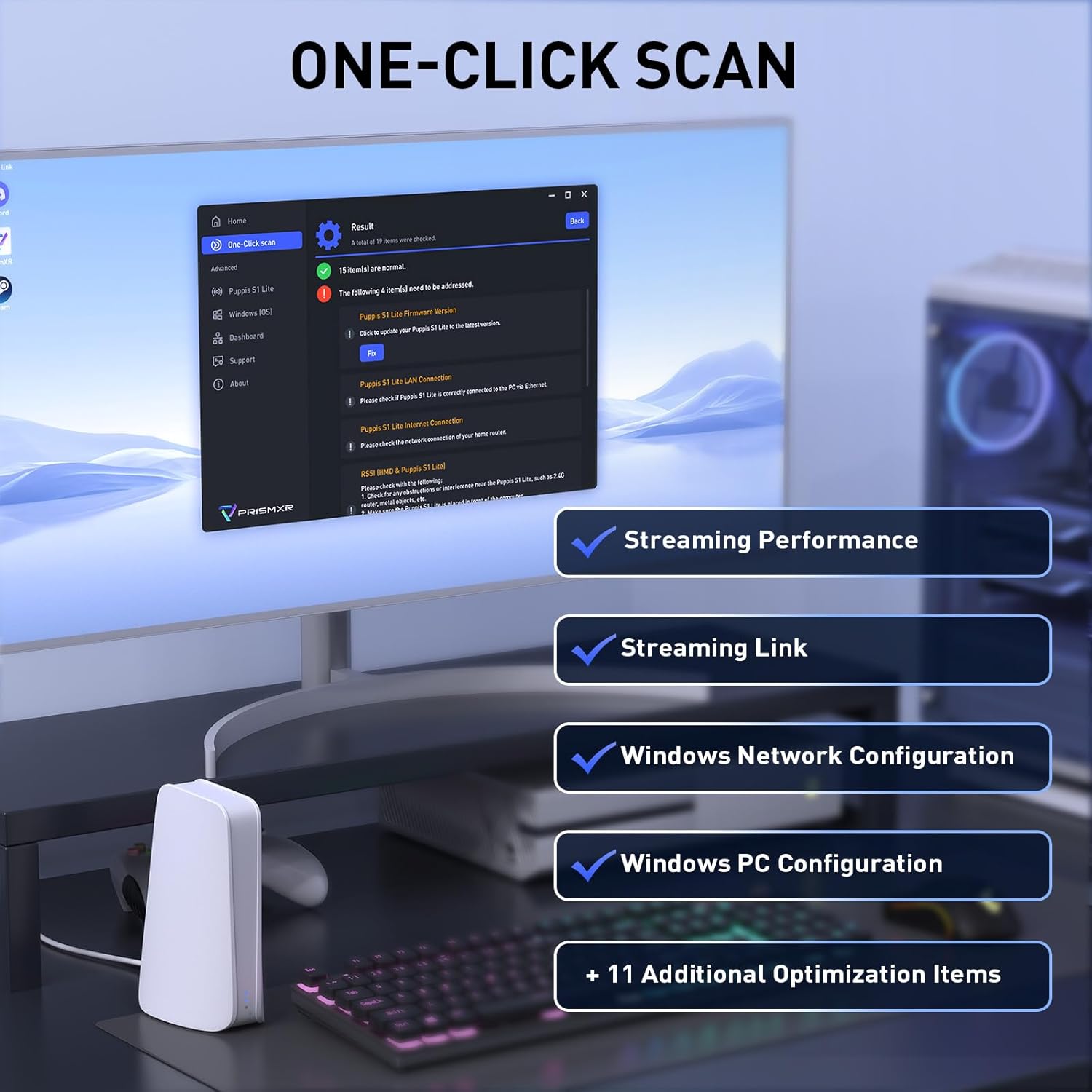
On top of the connection hardware, it includes software support via the PrismXR Desktop App. The “One-Click Stream Check” performs real-time monitoring with 19 item checks and can generate up to 30 detailed recommendations. That matters if you tend to troubleshoot yourself—because it’s meant to help you spot the cause of streaming problems faster than guessing.
There’s also a “One-click Game Boost Mode” described as an instant optimization for lag-free gameplay. Whether you feel that immediately depends on your PC, your settings, and your room—but as a concept, it’s the right kind of tool for people who don’t want to spend every session tweaking.

Setup and everyday experience (plug-and-play, mostly)
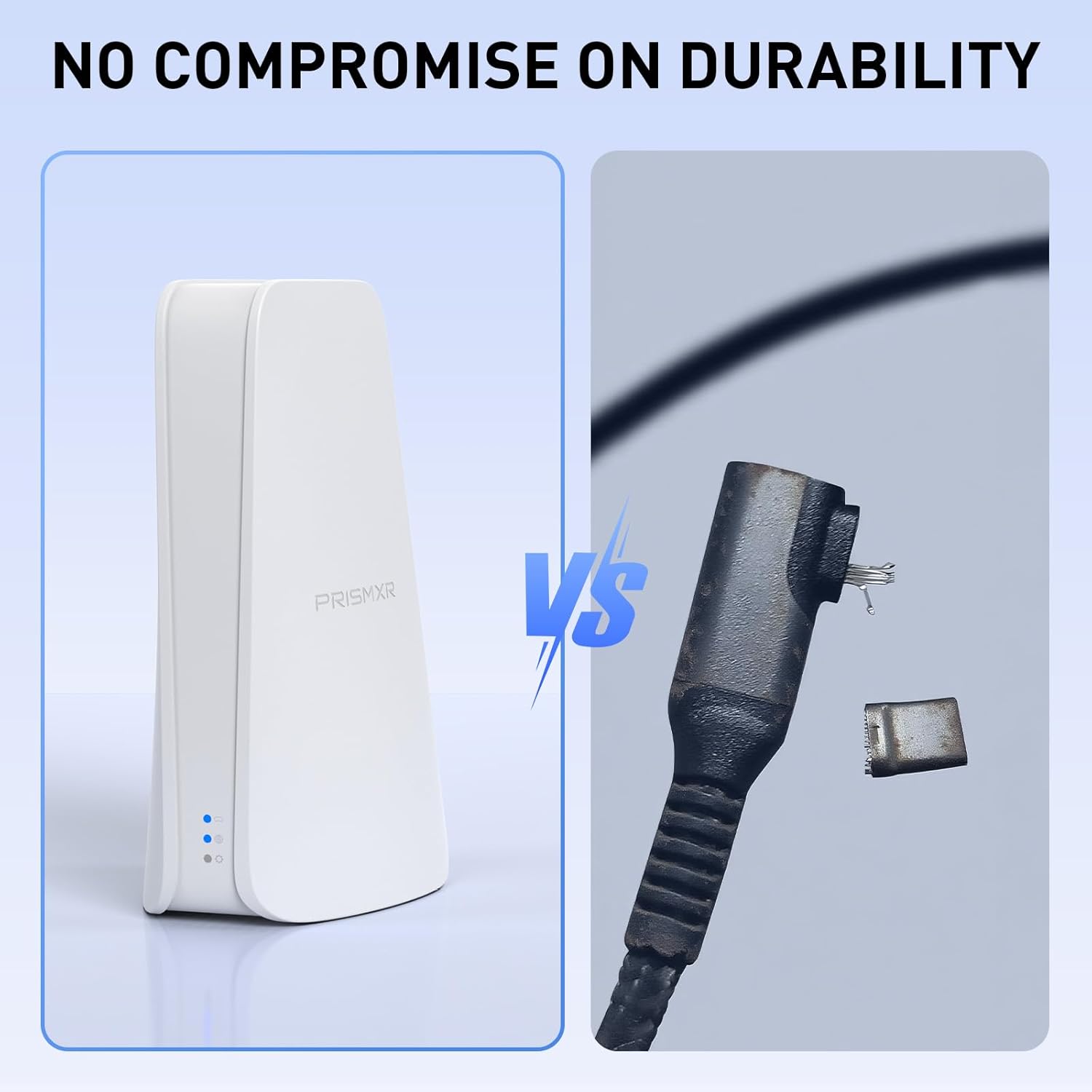
This router is described as plug-and-play: you plug in power and Ethernet cables, and it instantly creates a dedicated link between your PC and VR headset without extra streaming software configuration.
That’s a meaningful ease-of-use angle. If your current approach involves multiple steps—configuring streaming apps, adjusting network settings, and then trying to trace what changed—having a “ready to stream” setup can save time.
That said, keep expectations realistic. “Instantly” can still mean you need to confirm your PC and headset connect to the right network and that you’ve chosen reasonable streaming settings in your VR software.
Tech specs at a glance
Tech specs
- Name: PRISMXR Puppis S1 Lite (VR router replace link cable)
- Type: Dedicated wireless link router for PC-to-VR streaming
- Wi‑Fi standard: Wi‑Fi 6 dual-band
- Max network speed: up to 1500 Mbps total (up to 1200 Mbps on 5GHz, up to 300 Mbps on 2.4GHz)
- Features: One-Click Stream Check (19 item checks), Game Boost Mode, PrismPulse Mode (dedicated streaming link), beamforming to help reduce Wi‑Fi interference
- Compatibility notes: Compatible with Switch, Steam Deck, Quest and Pico4 headsets, stated support for Virtual Desktop and Steam Link, Windows 10/11
Where it shines—and where it may fall short
Where it shines is in setups that prioritize wireless PC-to-VR streaming stability and want to avoid the physical cable workflow. If you already run PC-to-VR wirelessly and you notice interference, inconsistent performance, or frequent “something’s off” moments, a dedicated-link router approach can be a smart way to reduce variables.
It may be less ideal if your home Wi‑Fi environment is extremely constrained or if your room layout makes it hard for the headset to maintain a strong 5GHz connection. Also, if you’re someone who prefers the simplest possible path and already has a rock-solid streaming setup, this could feel like an extra box rather than a necessity.
Worth considering if you want fewer cables and a system built around monitoring and quick recommendations when streaming quality dips. Better avoided if you’re expecting guaranteed performance across every game, every PC, and every room without any setup or tuning.
Should you buy it?
This is a solid pick if you want a dedicated Wi‑Fi 6 streaming link for PC-to-VR, especially if you’re working with compatible headsets like Meta Quest 3S/3/2/Pro and you’re tired of Link cable clutter. It makes sense if you value plug-and-play setup, beamforming to reduce interference, and the idea of an app that helps you pinpoint streaming issues using one-click checks.
You may want to skip it if you already have a consistently stable wireless setup and don’t want to add hardware. It might not be a great match if your environment can’t reliably support the 5GHz connection where the higher throughput is expected, or if you’re mainly looking for a simple adapter rather than a dedicated streaming router.
Practical tips for using it well
Start by treating placement like part of the setup: keep the router in a sensible position relative to where you play, rather than tucked away out of sight. Then, if you run into stutter or drop-offs, use the One-Click Stream Check to guide what you adjust first—rather than changing multiple settings at once.
One microexample: if a particular session starts fine but becomes glitchy after a while, instead of immediately switching streaming settings, run the stream check and follow the top recommendations it generates. That approach tends to be faster than random trial-and-error.
Mini FAQ
Mini FAQ
Is this meant to replace a Link cable?
Yes—based on the product framing as a “replace link cable” VR router, it’s intended to support wireless PC-to-VR streaming without relying on Link cables.
Does it work with Meta Quest headsets?
The listing states compatibility with Quest headsets, and it’s specifically described as compatible with Meta Quest 3S/3/2/Pro (also mentioned alongside other headsets).
Do I need to configure streaming software?
The setup is described as plug-and-play for creating the dedicated link. It’s still smart to confirm the headset and PC are using the intended connection, but the idea is that you shouldn’t need extra streaming-software configuration for the router itself.
What does the “One-Click Stream Check” do?
It monitors in real time using 19 item checks and provides up to 30 detailed recommendations to help identify and resolve streaming issues.
Is it compatible with Windows 10/11?
Yes, Windows 10/11 is listed as supported.