

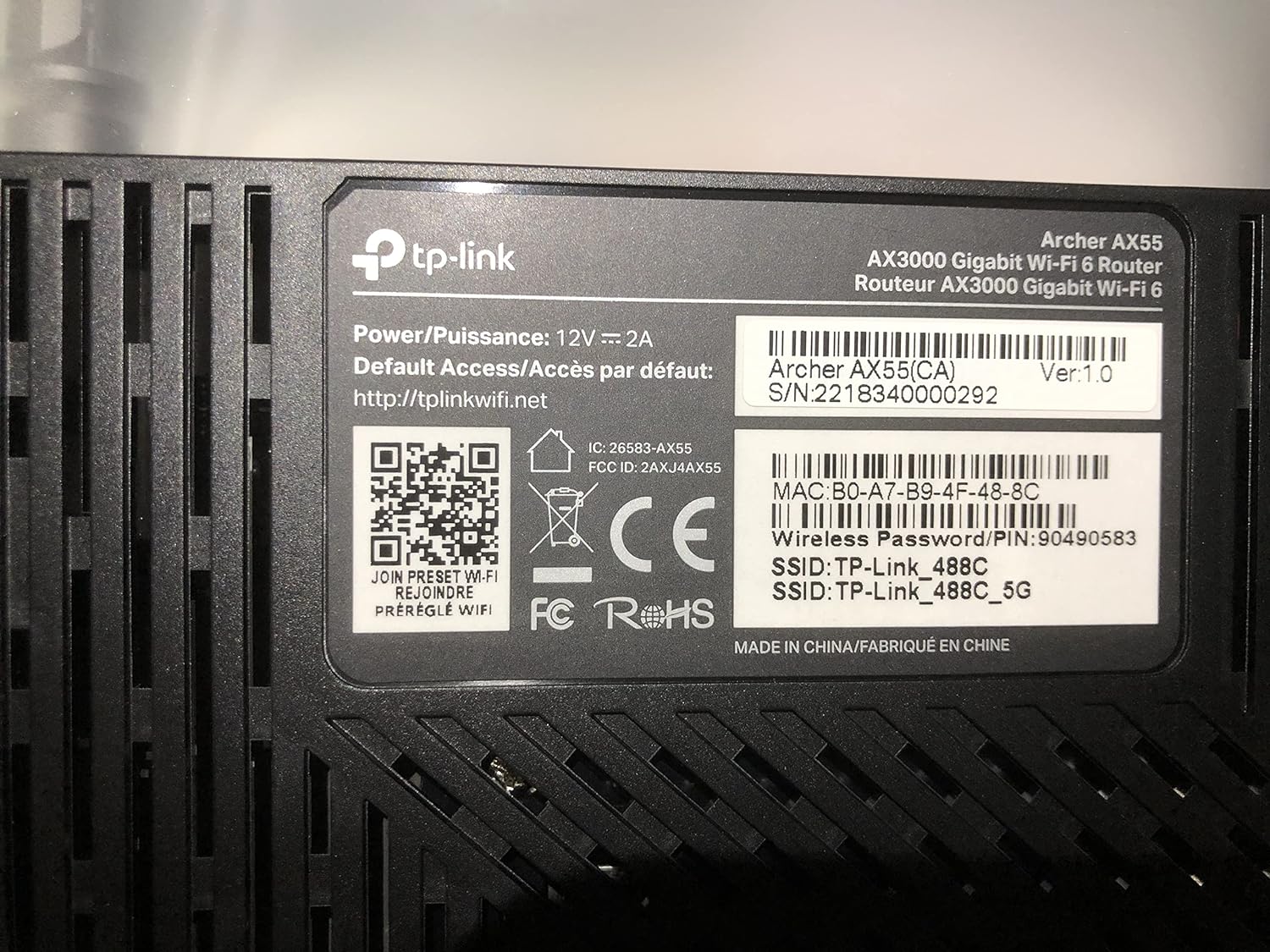
TP-Link Archer AX55 AX3000 Wi‑Fi 6 Router
Product description
This dual-band Wi-Fi 6 home router boosts multi-device performance and cuts latency for everyday streaming and gaming. It targets households that need reliable gigabit connections and better device battery life thanks to Target Wake Time, and it supports both VPN client and server for remote access. If you want a responsive home network, this router improves traffic handling without adding complexity.
At a glance
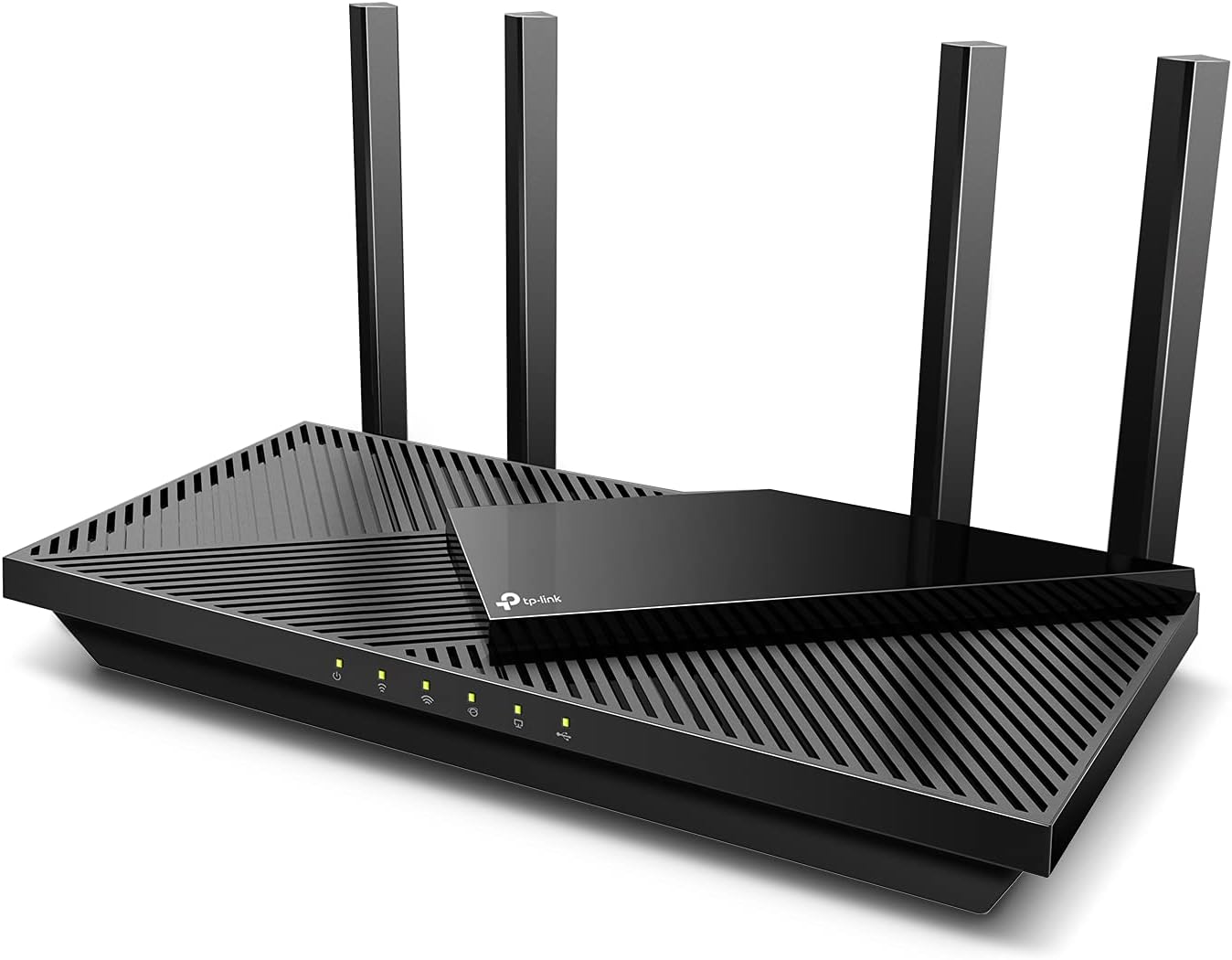
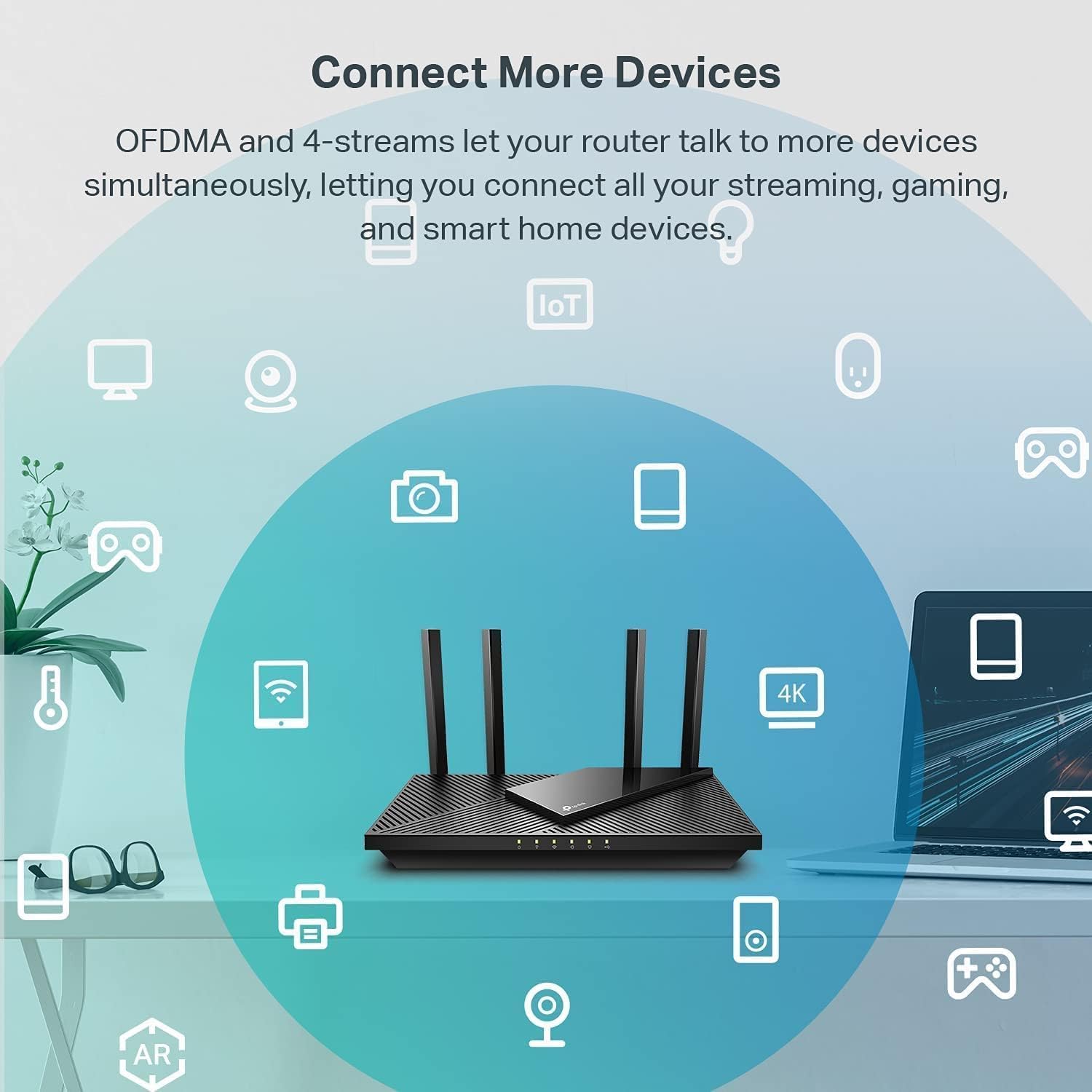
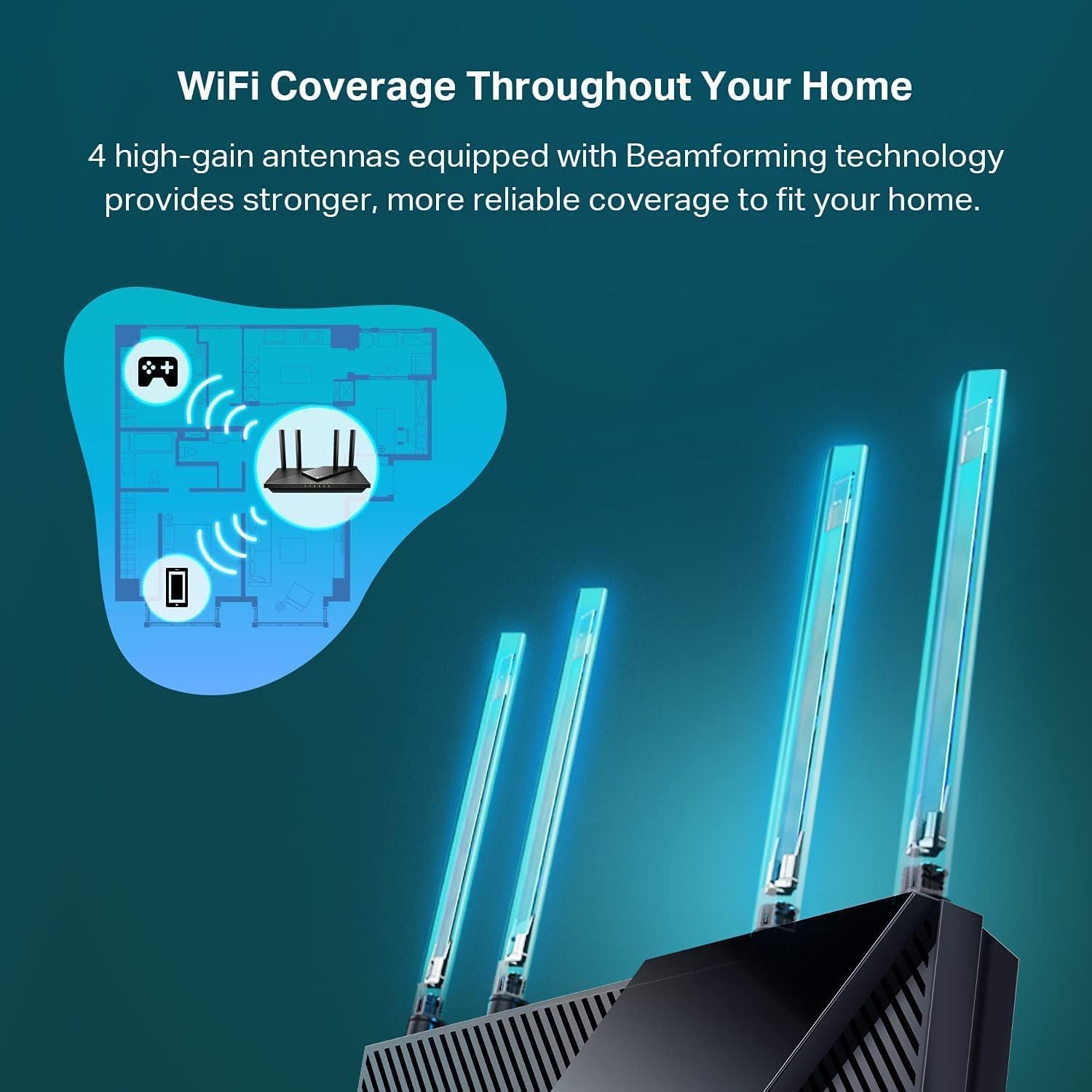
The Archer AX55 focuses on real-world benefits such as smoother 4K streams and reduced lag for online games. It uses OFDMA and MU-MIMO to let multiple clients share bandwidth more efficiently, so video calls stay stable even when several devices are active 📺. Beamforming and four external high-gain antennas extend coverage across larger rooms and help keep signal strength consistent.
Product specs
- Name: TP-Link Archer AX55
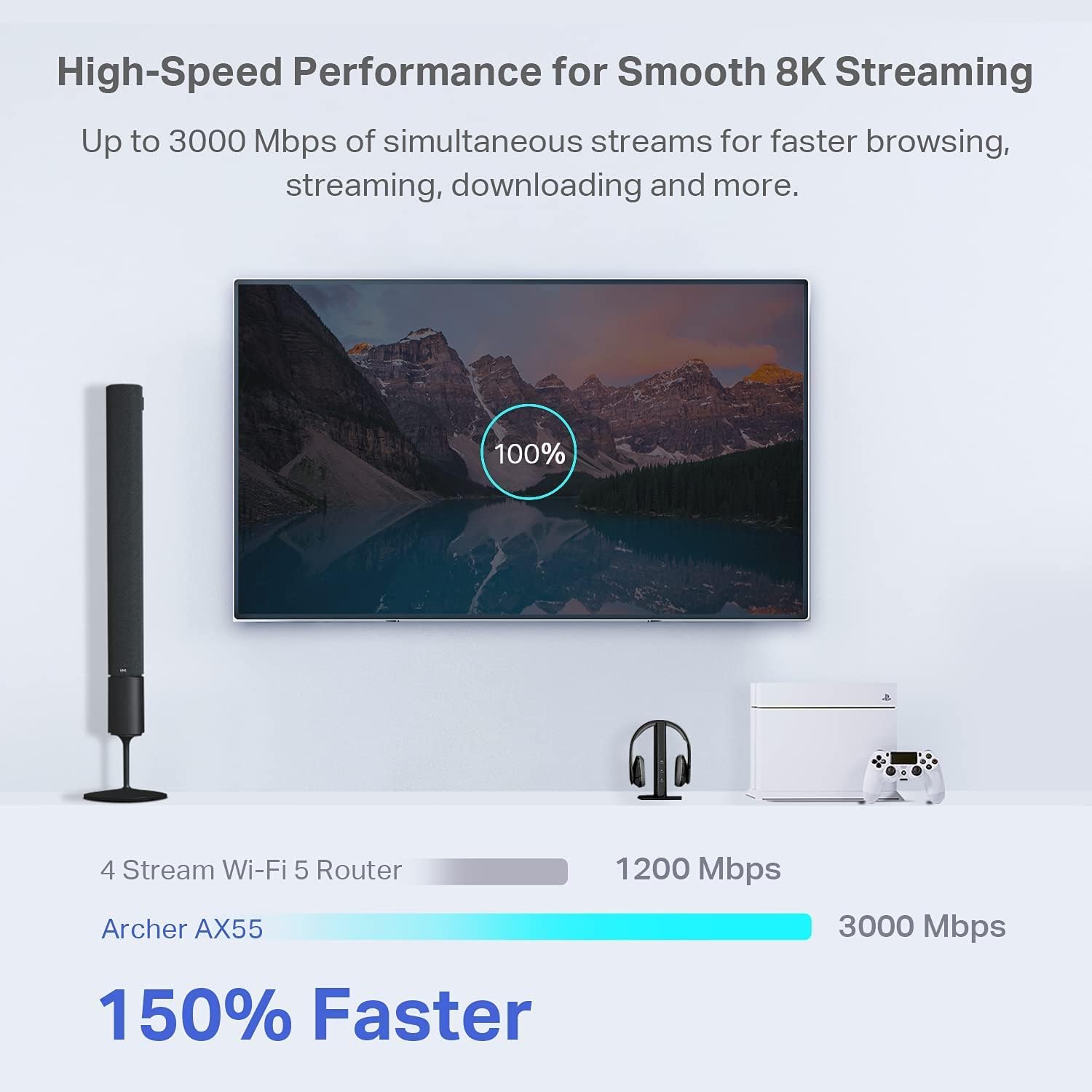
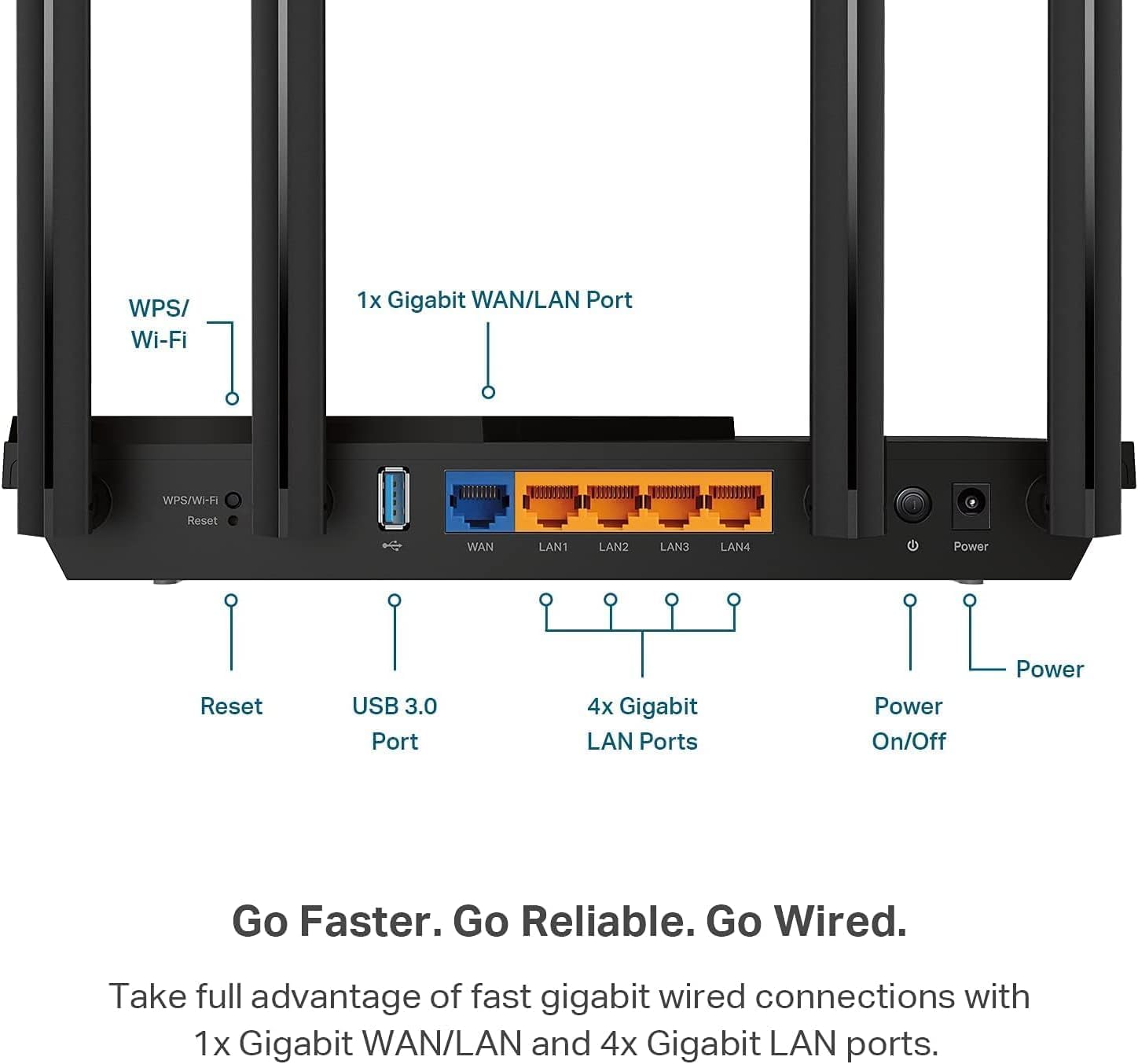
- Connectivity: Dual-band Wi-Fi 6 with 2402 Mbps on 5 GHz and 574 Mbps on 2.4 GHz, Gigabit Ethernet ports, USB 3.0
- What’s included: Router unit, power adapter, quick install guide
- Reference: Archer AX55
Where it shines

You get a mix of speed management and smart features without a steep learning curve. HomeShield provides baseline network security and parental controls, and Quality of Service helps prioritize traffic for gaming or conferencing. The updated cooling design aims to keep performance steady under load, and Alexa compatibility adds voice convenience 🎛️.
Who it’s for
It makes sense if you want a modern home router that eases congestion when many devices stream or game at once, you value built-in basic security and parental controls, and you may need VPN client or server functions for remote access. The Archer AX55 fits households running smart home devices and those who stream high-resolution content regularly.
You may want to skip it if you require enterprise-grade firewall features or advanced managed Wi-Fi tools beyond the HomeShield basic tier, or if you need a mesh kit included rather than EasyMesh compatibility only.
How to use it
Set the router as your primary gateway and place it centrally to maximize coverage. Enable OFDMA and MU-MIMO for dense device environments, and configure QoS rules for gaming or streaming devices. Use the USB 3.0 port for local file sharing if needed, and activate HomeShield basic features to monitor IoT devices and network health 🛡️.