

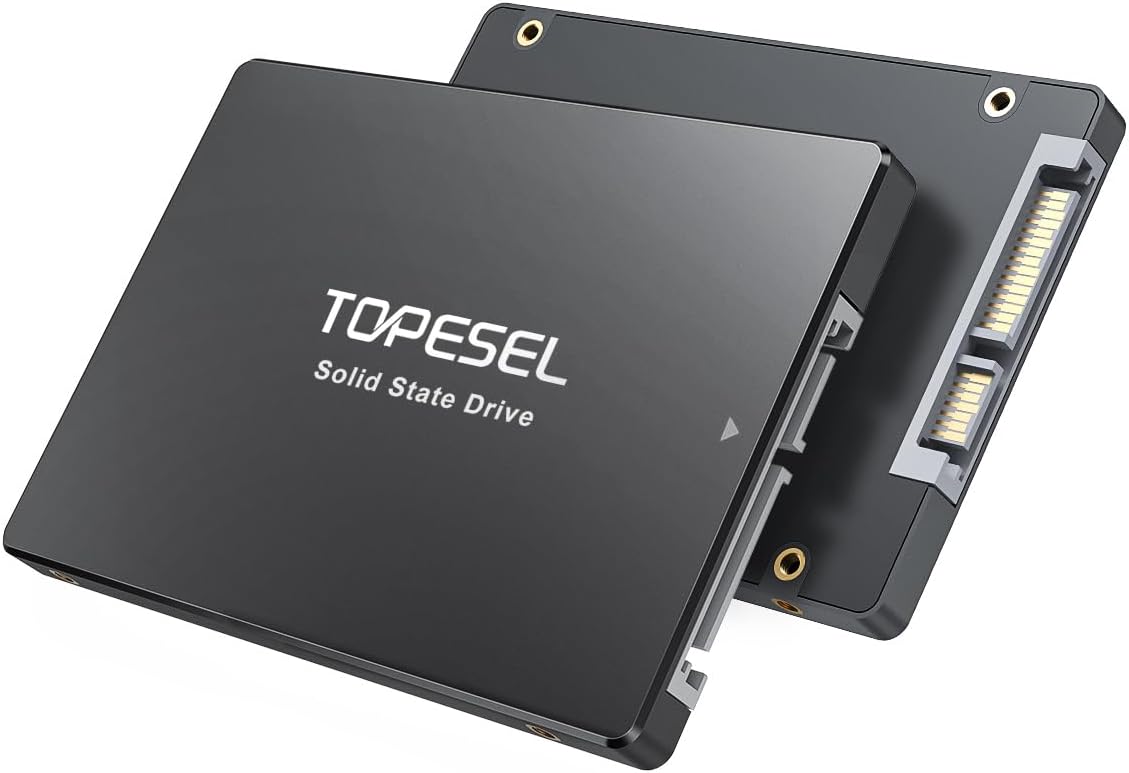
TOPESEL 2.5-inch SATA SSD 1TB
Product description
Where it shines
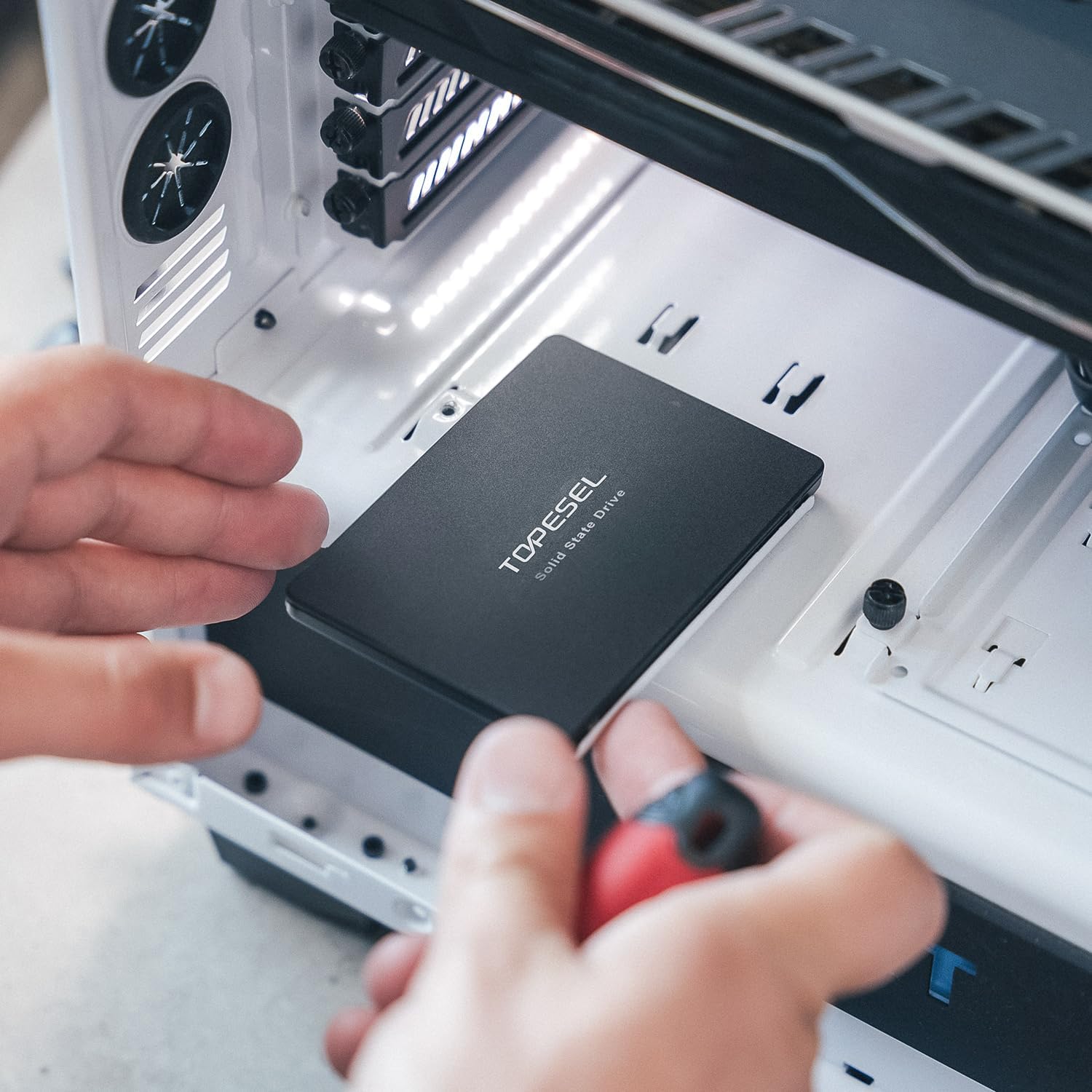
Its 2.5-inch SATA III format makes this TOPESEL SSD a straightforward upgrade candidate for a compatible laptop or desktop that still uses a hard drive. Moving everyday files and applications to an SSD can make a system feel more responsive, while the 1TB capacity gives you room for a broad mix of work files, apps, and media.
The listed speeds are up to 550MB/s read and 450MB/s write, according to the maker. Actual transfer speeds can vary with the drive capacity, computer hardware, software, and operating system, so treat those figures as a reference rather than a guaranteed result.
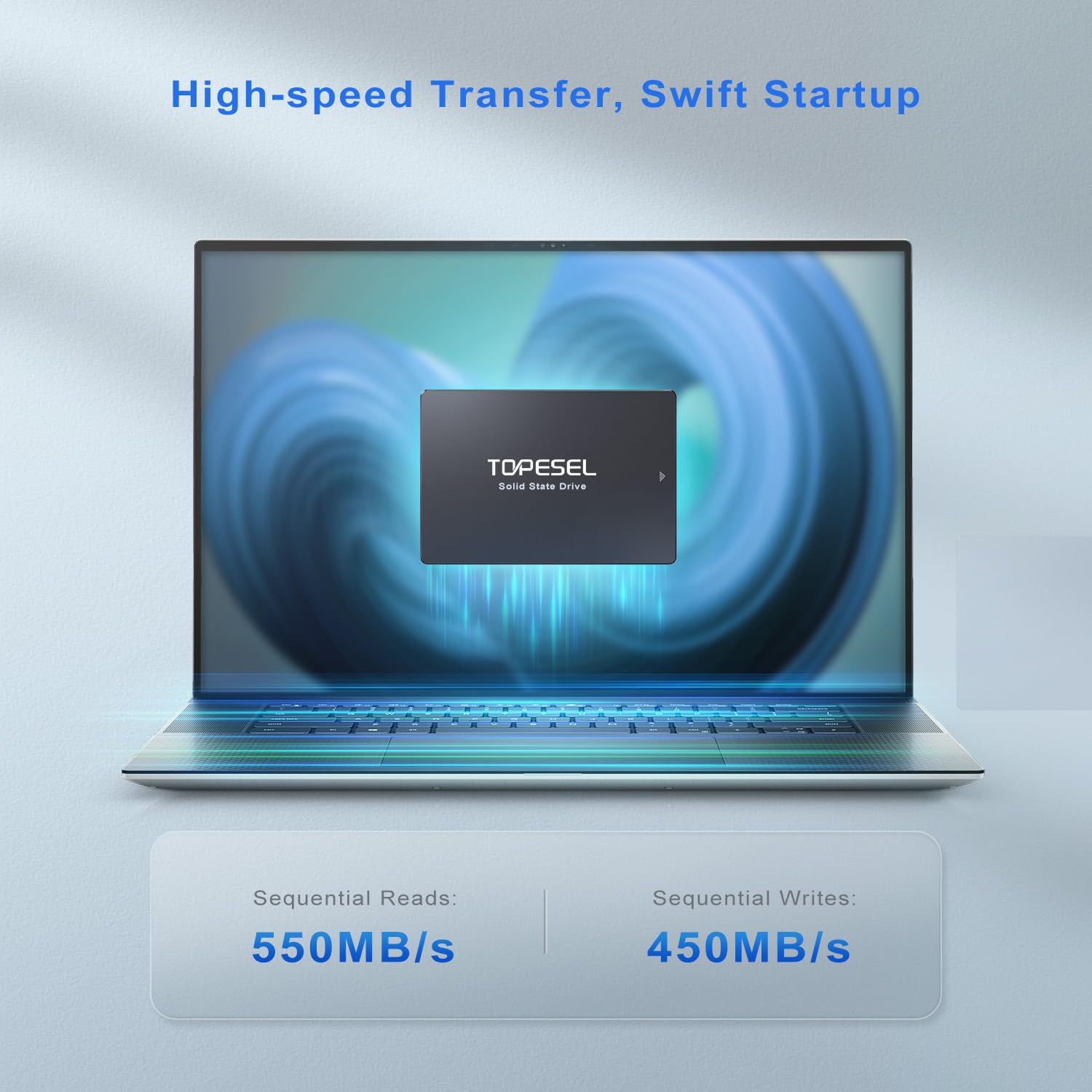
Picture replacing an older laptop drive before a workday: the goal is a more responsive machine for launching programs and handling everyday tasks, not a promise that every demanding game or editing workflow will run flawlessly. If you prioritize a familiar internal-drive format, this is worth considering, if you prefer a simpler external storage option that does not require opening a computer, this is a different kind of purchase.
Key points
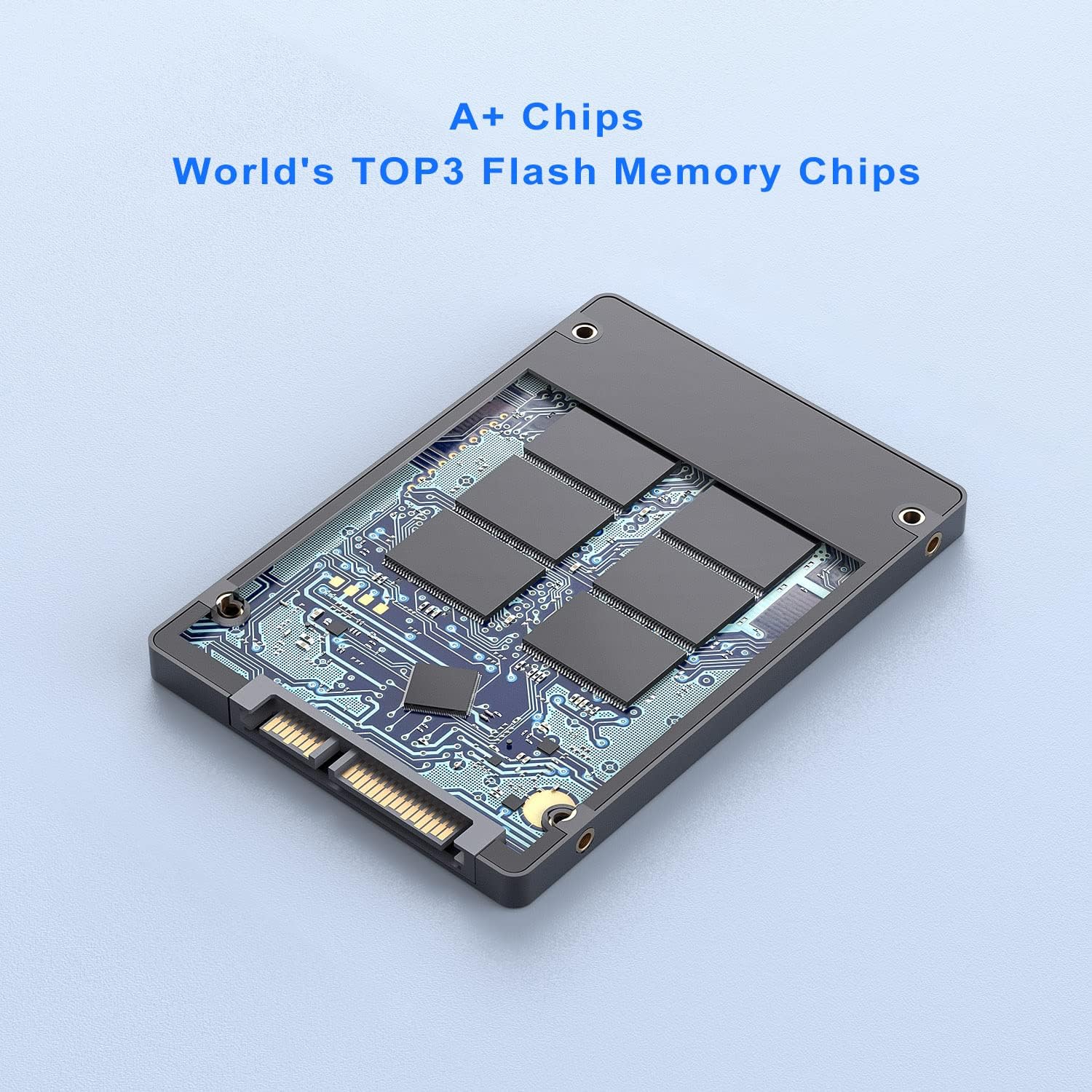
The drive uses 3D NAND TLC flash and a standard 2.5-inch SATA III connection. The maker lists compatibility with mainstream operating systems and says it fits most desktops and laptops, but that does not confirm compatibility with every computer. Check that your device has a suitable 2.5-inch bay and supports SATA before choosing it, the product details do not specify a particular laptop or desktop model.
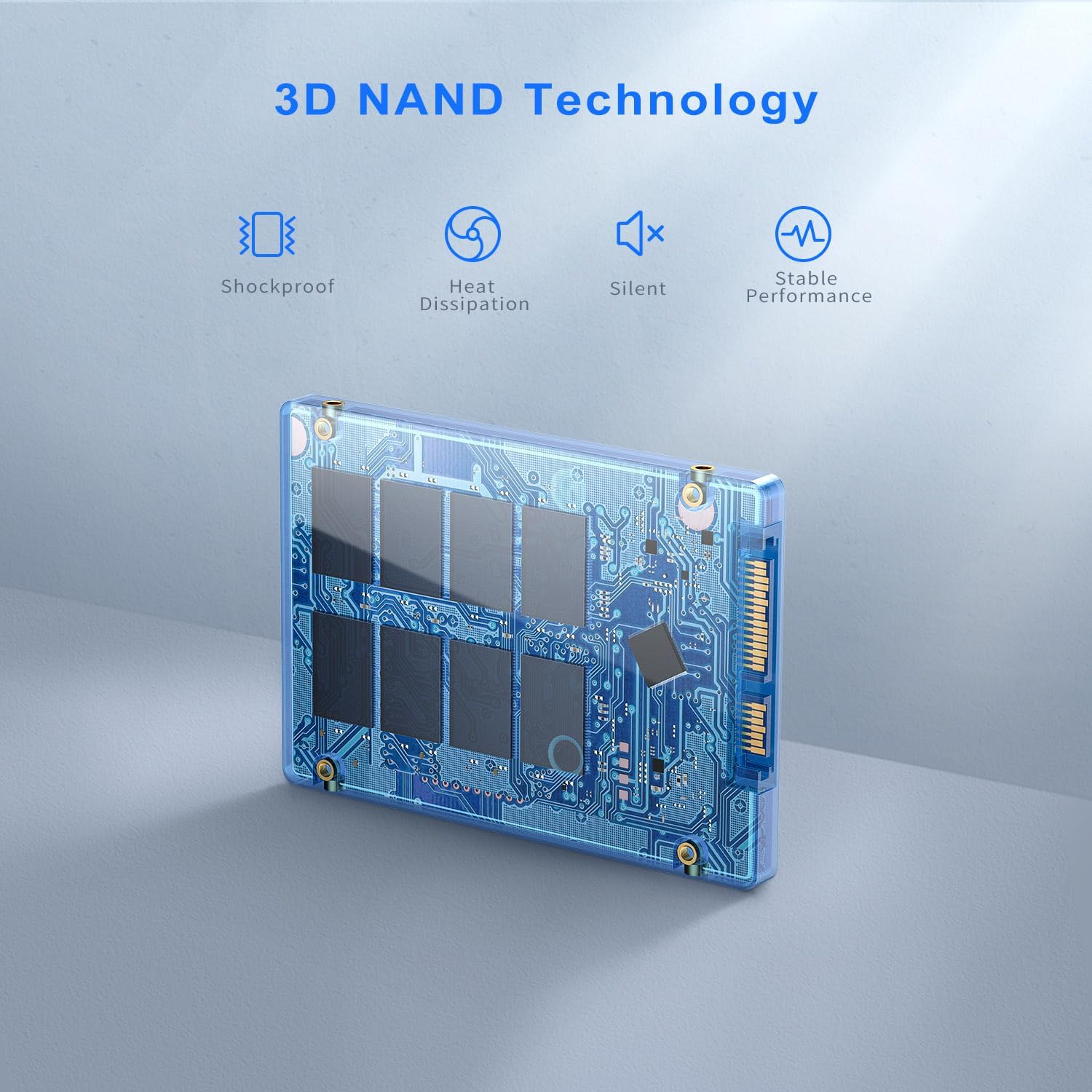
A 1TB drive may appear as about 921.6GB of usable space on a device, as the listing explains. That difference is worth factoring in if you are replacing a drive and expect the displayed capacity to match the number on the package. The package includes the SSD and a user manual with installation instructions, no additional installation accessories are listed.
It’s a great fit if you want an internal SATA SSD for a compatible computer and have checked the physical fit and connection. It may not suit you if your system requires a different drive format or interface, or if you need a stated guarantee of performance for a specific creative or gaming workload.
Best use cases
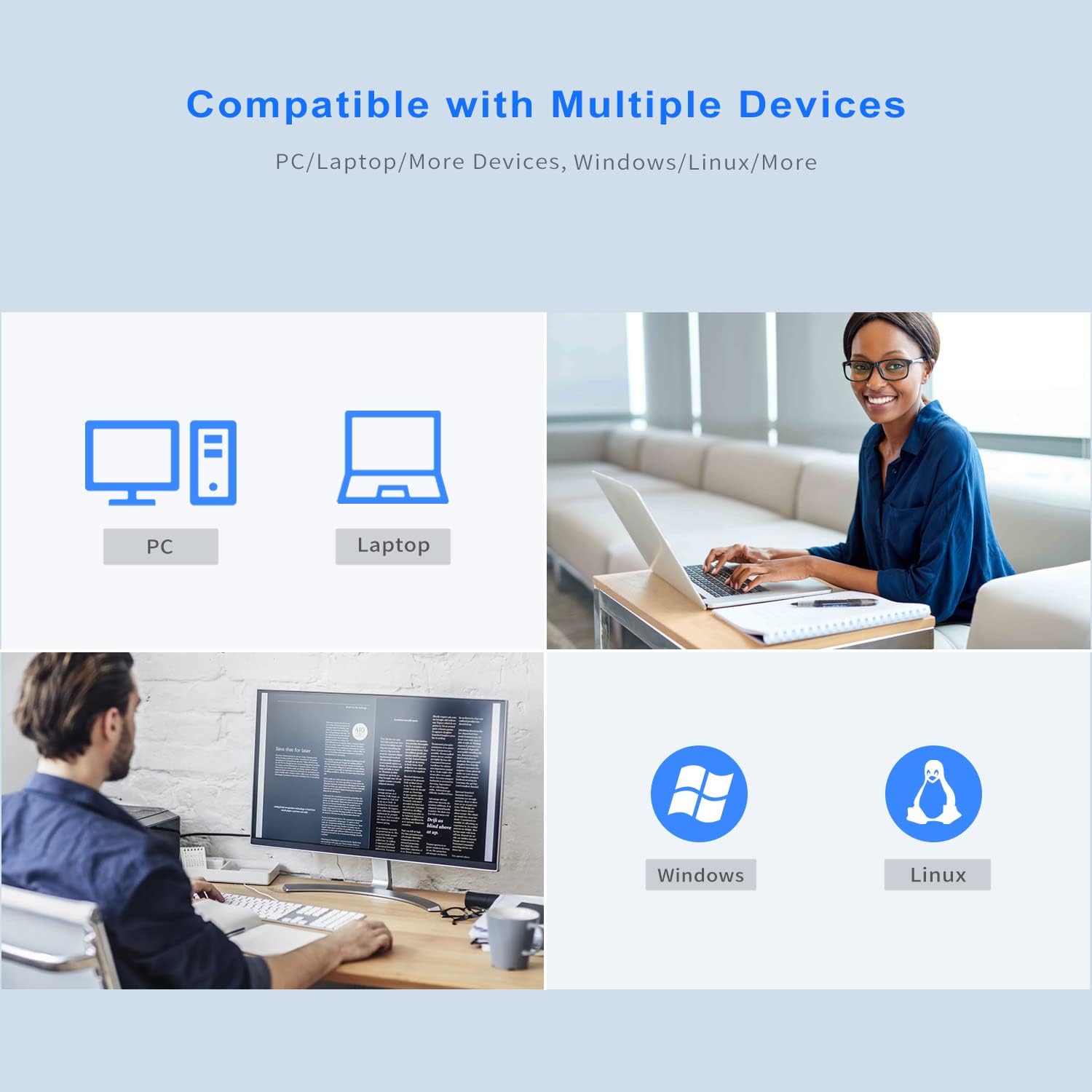
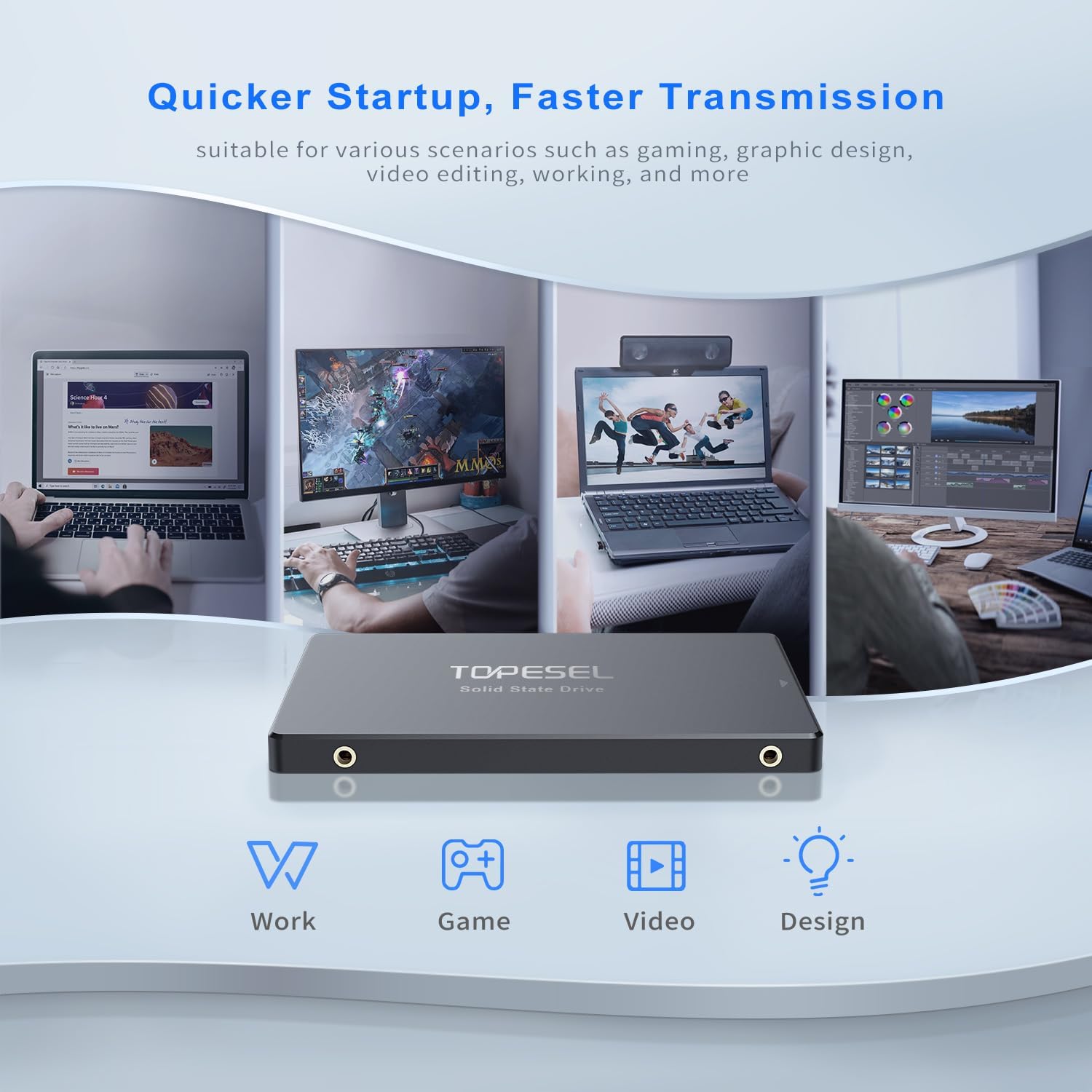
This drive is aimed at general laptop and desktop upgrades, with the listed capacity suited to keeping programs and frequently used files together. It may also be considered for multitasking, graphic design, video editing, or gaming, but the listing does not provide workload-specific benchmarks. For those demanding uses, the computer itself and the rest of the setup still matter, an SSD alone cannot establish how a particular application will perform.
Before installation, identify the existing drive’s size and connection and make sure the computer can accept a 2.5-inch SATA drive. That small check helps avoid buying a drive that cannot fit or connect, especially when replacing a component in a compact system.
When it makes sense
Choose this TOPESEL model when your computer supports a 2.5-inch SATA III SSD, you want 1TB of listed capacity, and an internal upgrade is preferable to adding external storage. It is less compelling when you cannot confirm the drive bay or interface, need more usable space than the device will report, or are looking for specific verified results in a demanding application. The practical decision is compatibility first, then whether the listed capacity and speed figures match what you need from an everyday system upgrade.