

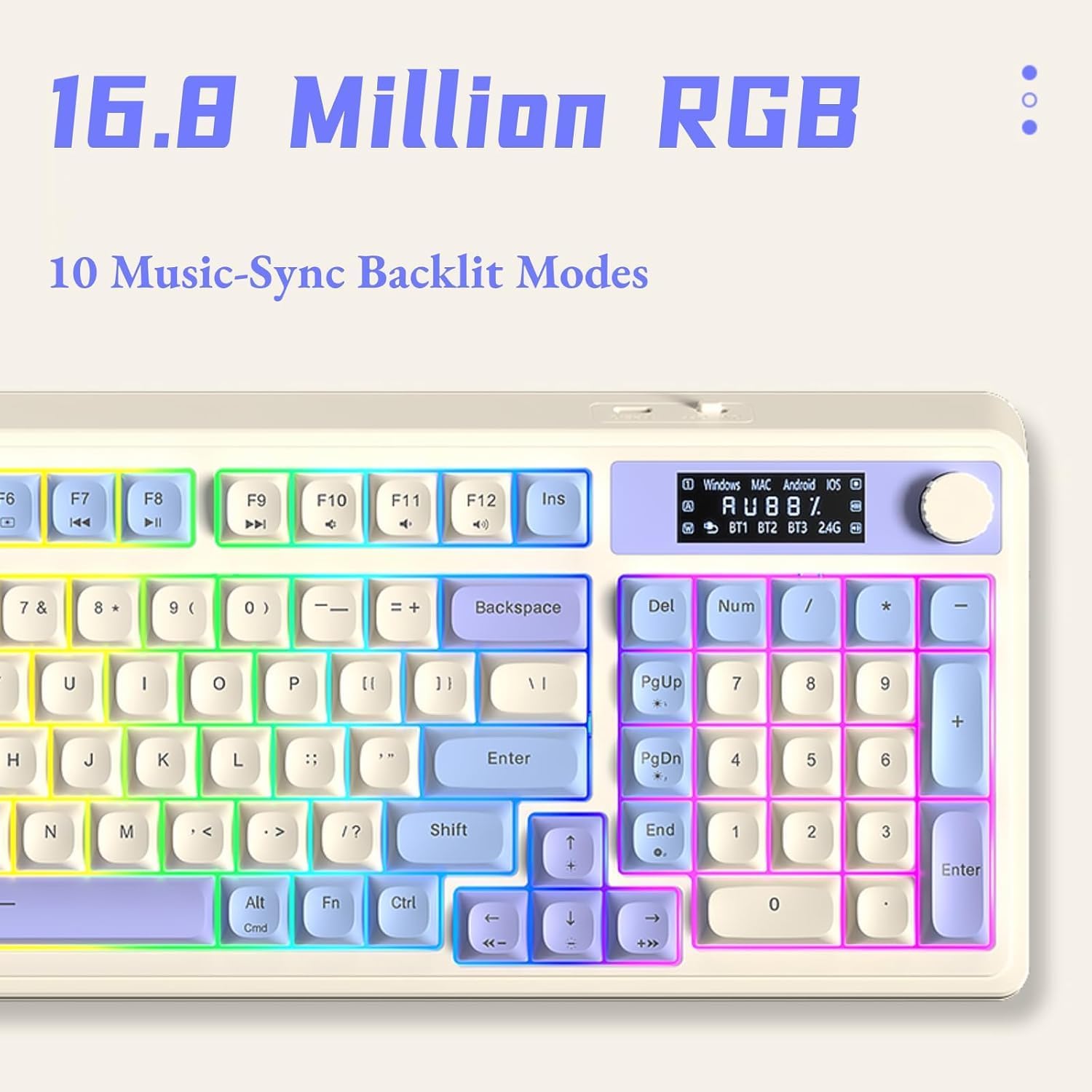
AULA S99 Pro Wireless Keyboard: 3-Mode Connectivity, Macro Customization, and RGB Backlit Typewriter Style
Product description
Overview
The AULA S99 Pro Wireless Keyboard is a membrane, compact 99-key keyboard designed to bridge gaming and everyday typing. It combines a dedicated rotary knob with an LED display that shows battery level, connection status, and system compatibility. On paper, the setup aims to deliver both gaming-grade customization and comfortable office typing, all in a creamy blue-and-white aesthetic that stands out on a desk.
Connectivity and versatility
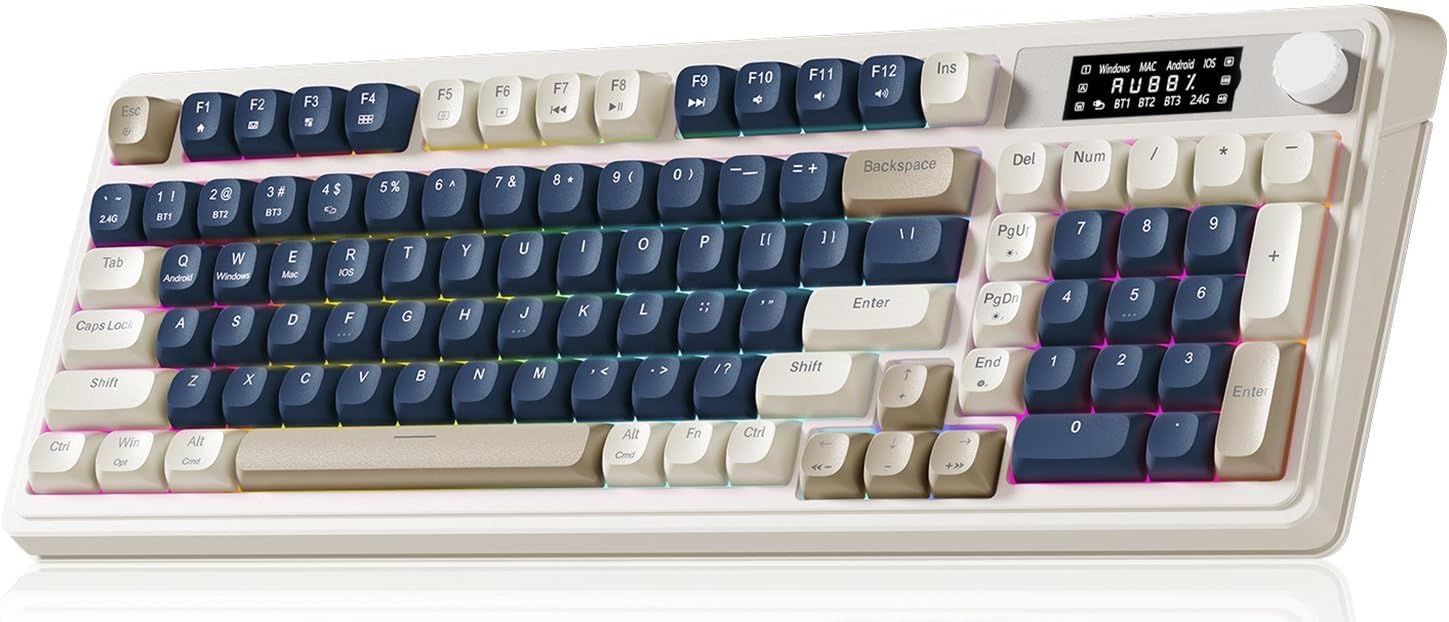
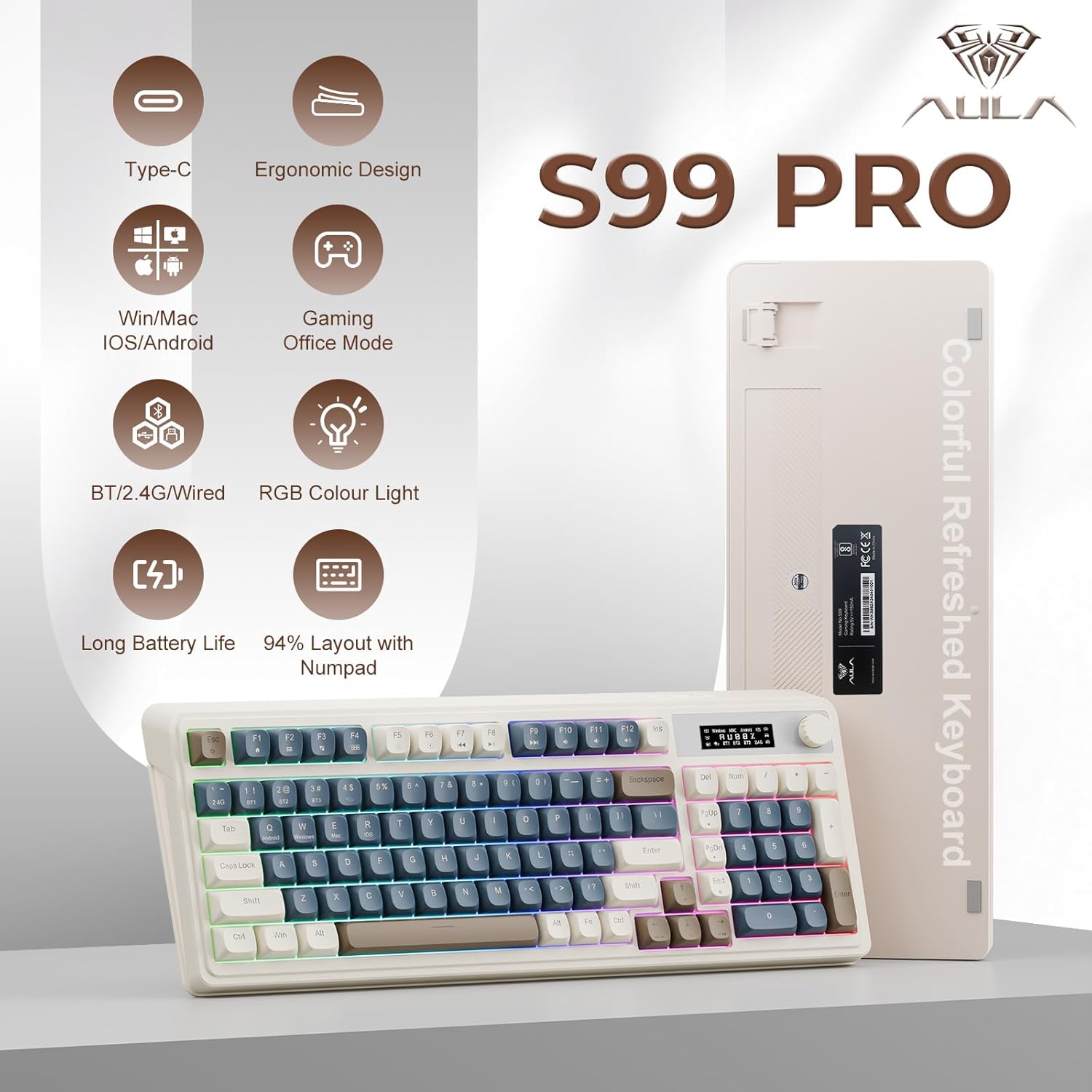
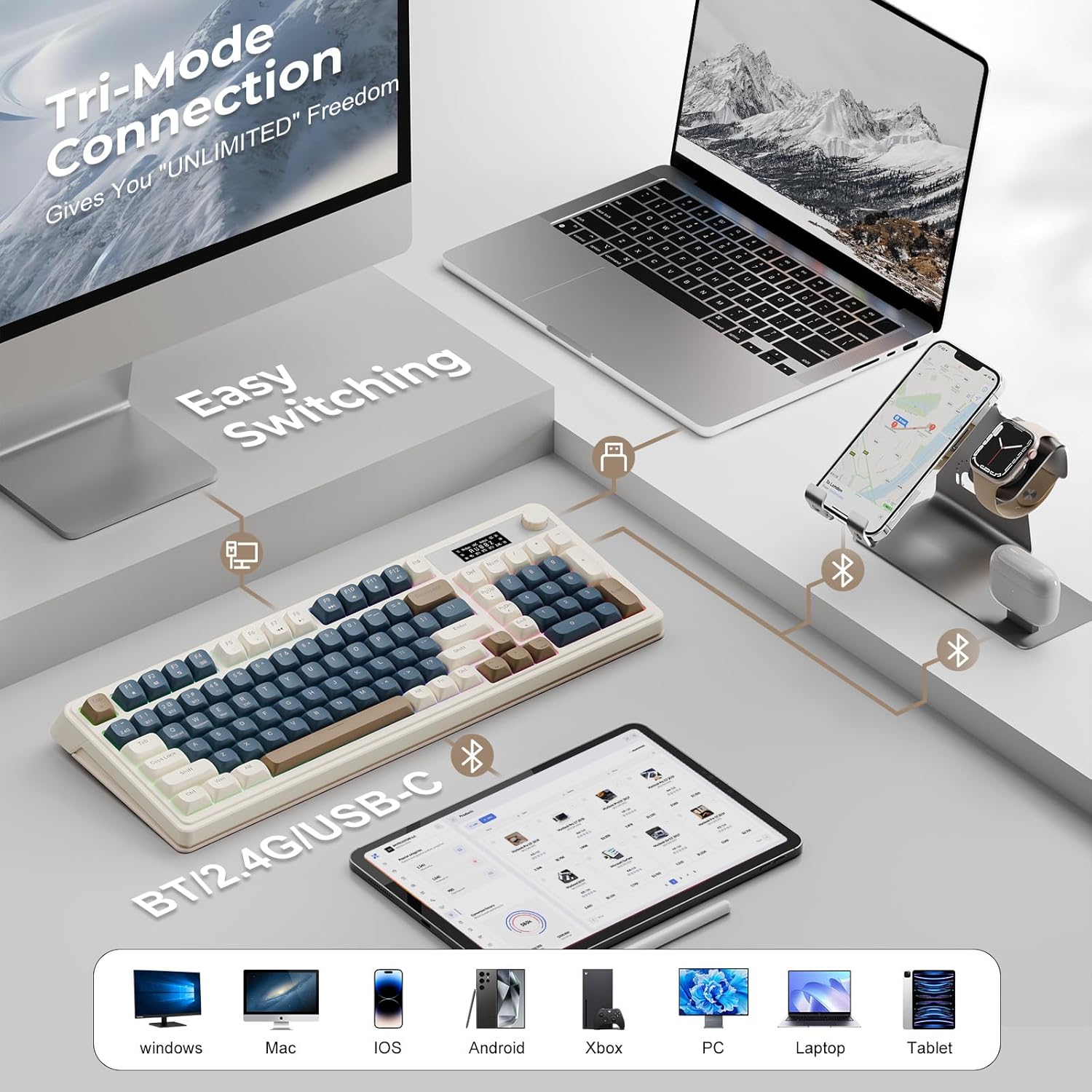
One of the core ideas behind the S99 Pro is flexibility. It supports three connection modes—Bluetooth 5.0, 2.4GHz wireless, and USB-C wired—so you can switch to the most appropriate setup for a given moment. The keyboard can pair with up to five devices at once, with a simple FN+ key combo to toggle between them. If you multitask across devices, this kind of seamless switching can be a real time saver.
Customization without compromise
All keys are macro programmable, enabling you to record and assign macro sequences to individual keys. This is especially appealing for gamers who want quick macros for complex actions, or for productivity workflows that benefit from one-key automation. The dual-mode rotary knob handles volume, audio, and lighting adjustments, and can be used to tune lighting effects, brightness, or macro behavior on the fly. The RGB system supports 16.8 million colors with 16 preset effects, and brightness and speed are adjustable via the knob or FN+ shortcuts.
Design and comfort
The S99 Pro uses a membrane keyboard with a compact footprint, matched to a “creamy blue/white” colorway described as cute and modern. It includes two-height brackets to adjust the typing angle, which can help with ergonomics during longer sessions. While the keyboard’s form factor supports gaming aesthetics and casual use, it’s still intended to work with Windows, Mac, Android, iOS, and major consoles like Xbox and PlayStation.
Compatibility and everyday use
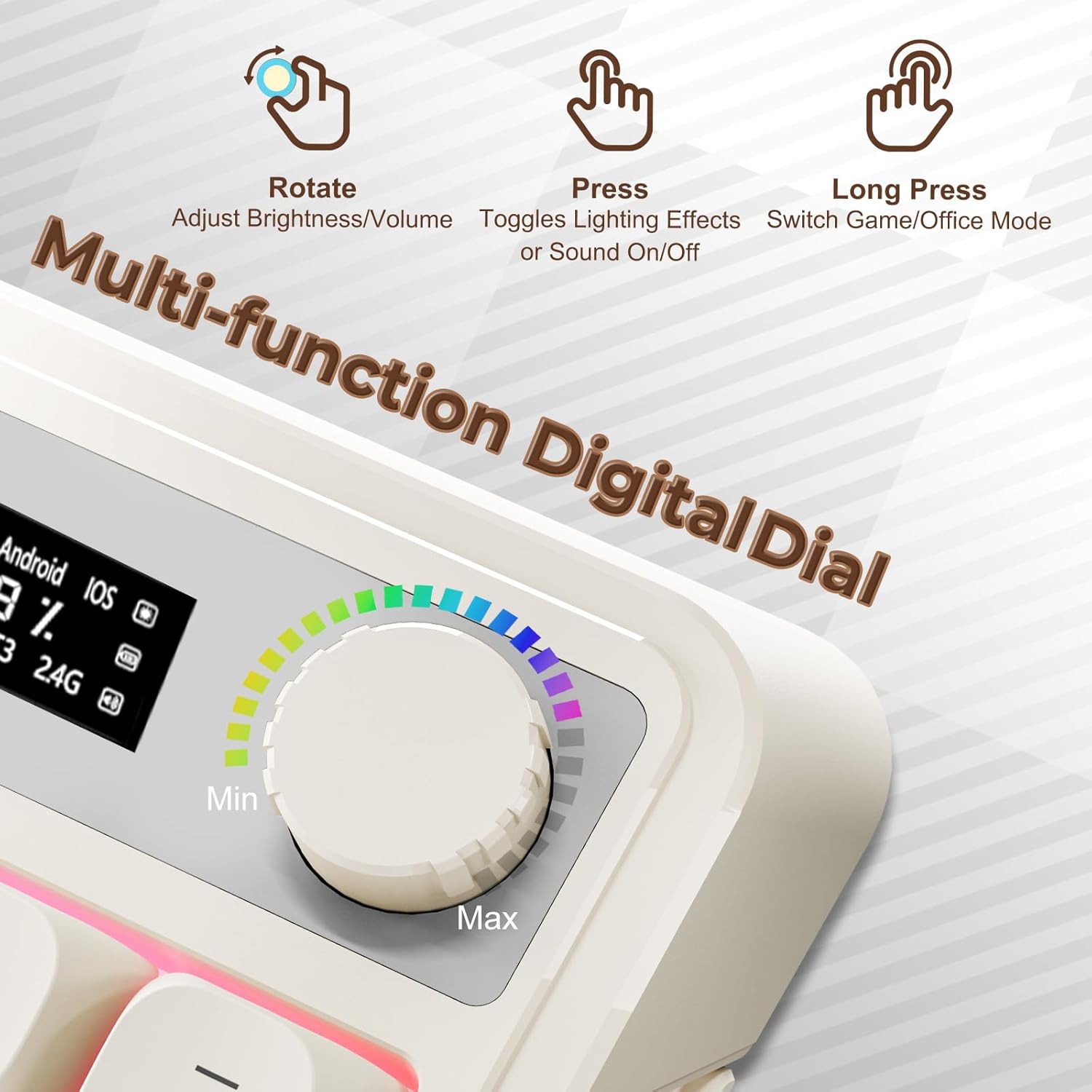
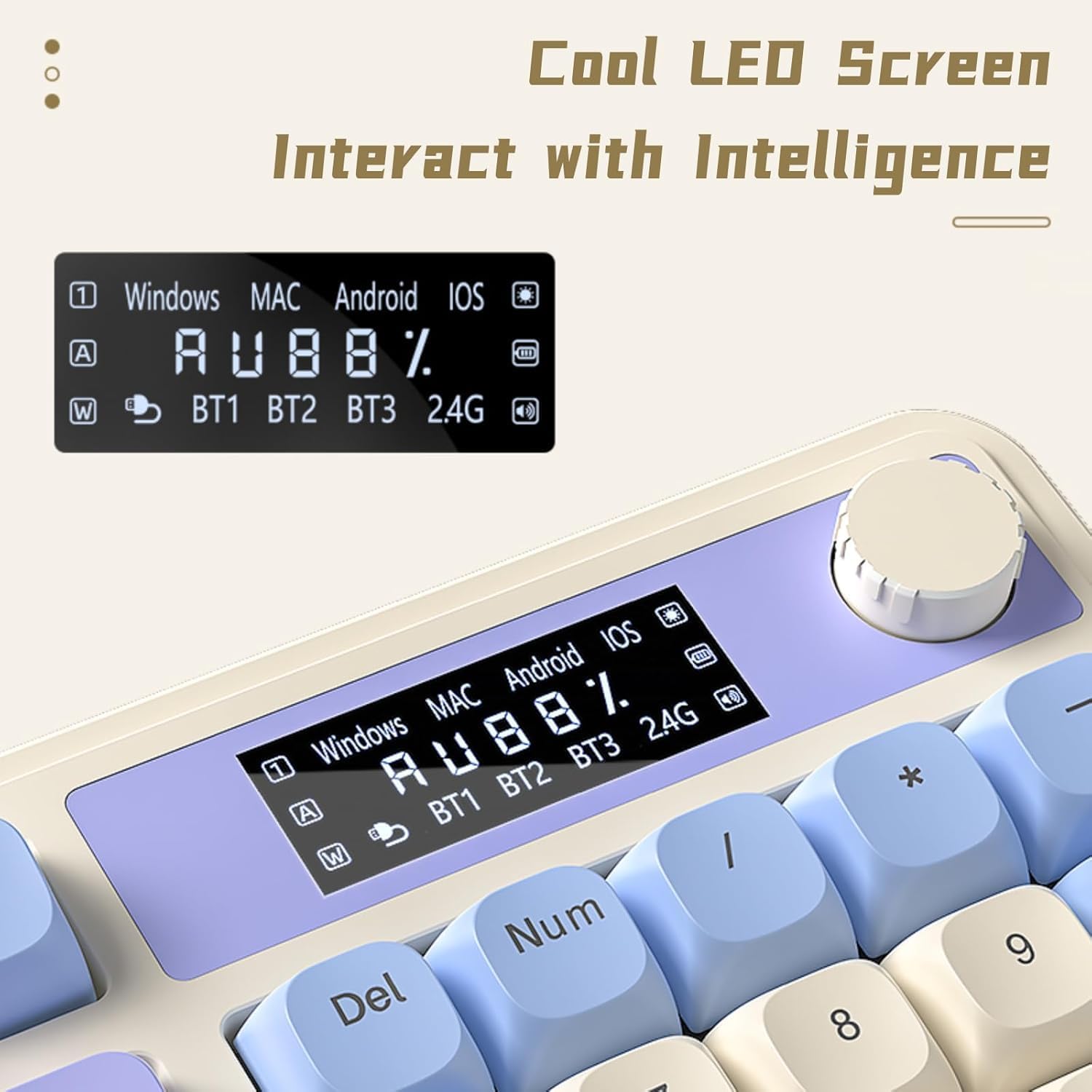
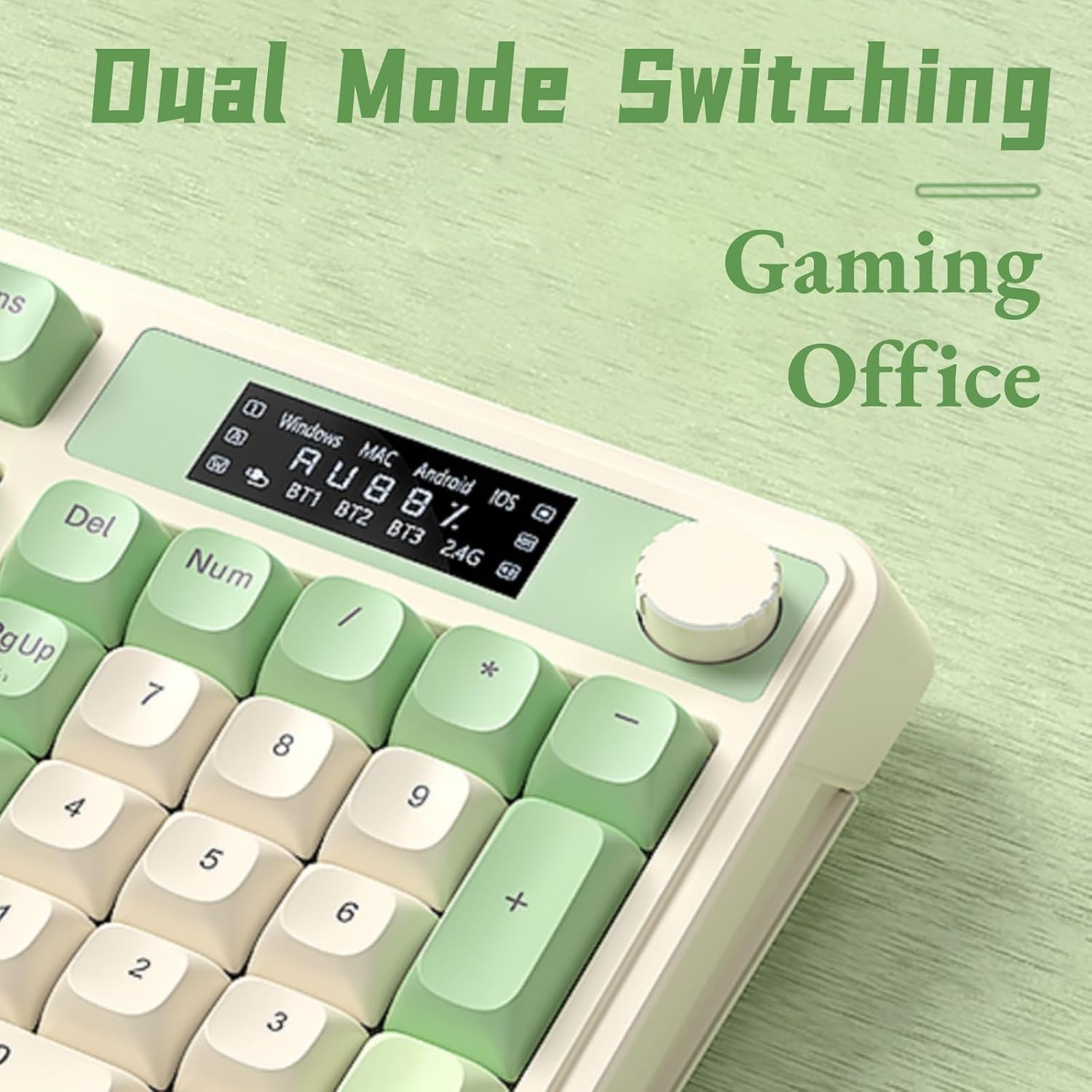
Compatibility is broad in scope—Windows, Mac, Android, iOS, and popular consoles are listed as supported, with a note that the keyboard is ready for cross-platform use. The display screen provides real-time status information, which can help you verify if a device is connected or if power is running low. This is handy for switching between work and play without second-guessing whether a device is properly connected.
What to consider before buying
If you prioritize a single-cord setup or a very compact layout, the S99 Pro’s 99-key design might be a trade-off compared with full-size boards. The screen is informative, but it’s not customizable beyond what’s shown—there’s an acknowledged limit to how much you can tailor the on-screen readout. Also, the keyboard uses a membrane mechanism, which may not satisfy users who prefer mechanical switches for tactile feedback and longer life. If you need ultra-quiet typing with traditional full-size key layouts, you might feel the form factor and membrane feel less premium than higher-end alternatives.
Practical use cases
- Gaming sessions on a PC with multi-device workspace: switch between devices quickly, trigger in-game macros, and tweak lighting to match the mood.
- Content creation or productivity tasks that benefit from macro shortcuts and quick volume/lighting controls without leaving the keyboard.
- Hybrid setups (work on Mac/Windows, game on console) where seamless device switching reduces setup friction.
What stands out vs. potential limits
Lo que realmente aporta es la combinación de modos de conectividad, macros y un knob multifunción en una carcasa de tamaño compacto, lo que facilita tener controles de volumen, iluminación y acción a mano sin sobrecargar el escritorio. No es perfecto si buscas una experiencia puramente mecánica o un teclado de tamaño completo con teclas numéricas, en ese caso, podría quedarse corto frente a opciones más grandes o con interruptores mecánicos.
FAQ (basado en lo que se sabe)
- ¿Puede conectarse a varios dispositivos a la vez? Sí, admite hasta 5 dispositivos y cambia entre ellos con una combinación FN+.
- ¿Qué tan personalizable es la iluminación? Soporta 16.8 millones de colores con 16 efectos preestablecidos, y puedes ajustar brillo y velocidad.
- ¿Qué tipo de uso es más adecuado? Es útil para quien quiere combinar gaming con productividad, especialmente si valora macros y un control rápido de volumen/iluminación.
Final decision
Is it worth it? Consider the S99 Pro if you value cross-device flexibility, macro customization, and an integrated periphery control (volume, lighting) in a compact form. It’s a solid mid-range option for multi-use setups, but not the best fit if you require a full-size keyboard with mechanical switches or top-tier typing feel.
Quick use example
Imagine you’re streaming and gaming: you can adjust game audio and lighting without leaving the keyboard, trigger a macro for a complex in-game sequence, and monitor battery and connection status on the built-in display. If you mainly type long documents and prefer a traditional feel, you might prefer a larger, mechanical keyboard, but for quick switching and macro workflows, this keyboard offers real convenience.