

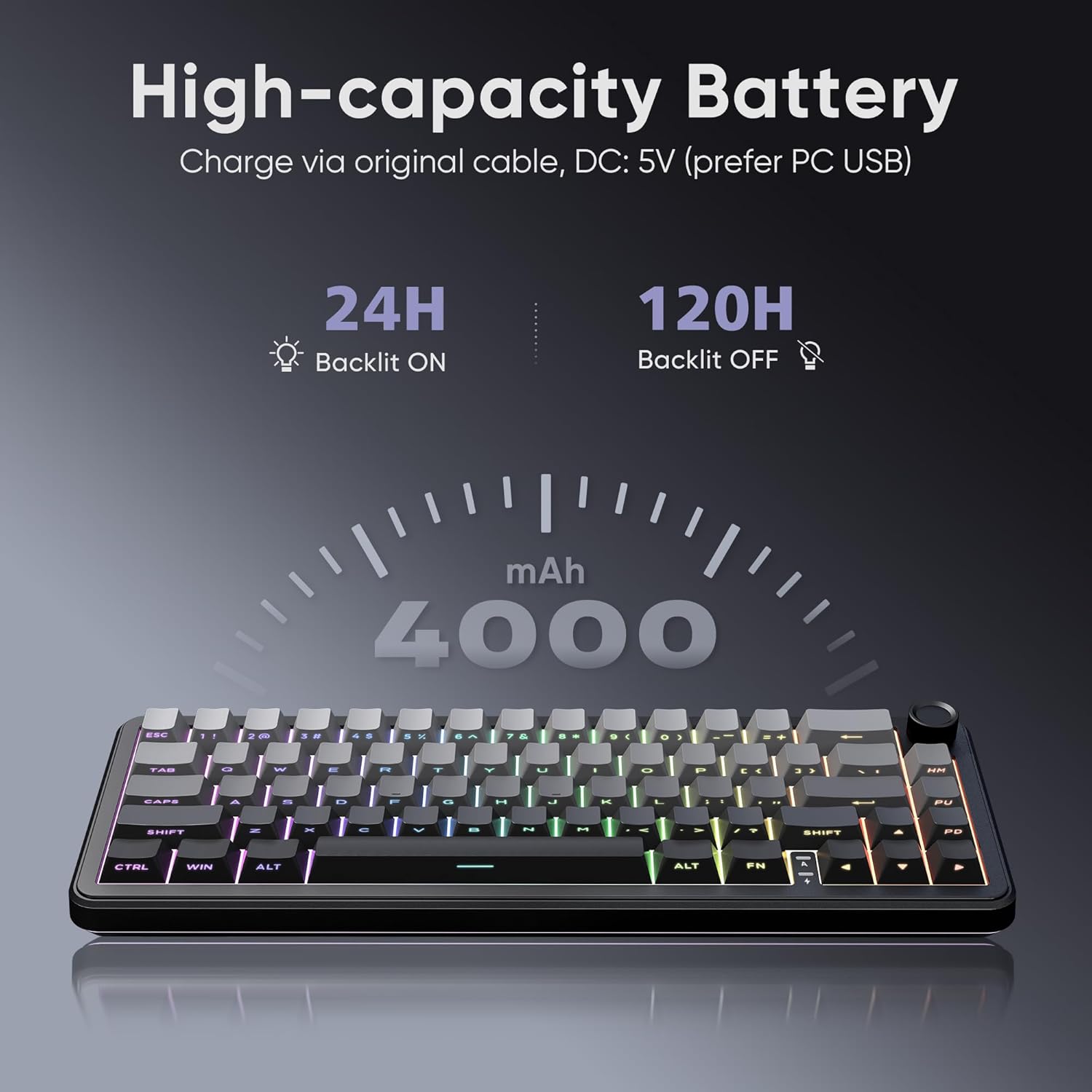
RedThunder K65 Wireless Mechanical Gaming Keyboard: 65% Gasket, Hot-Swap, Triple-Mode
Product description
What type of product is this
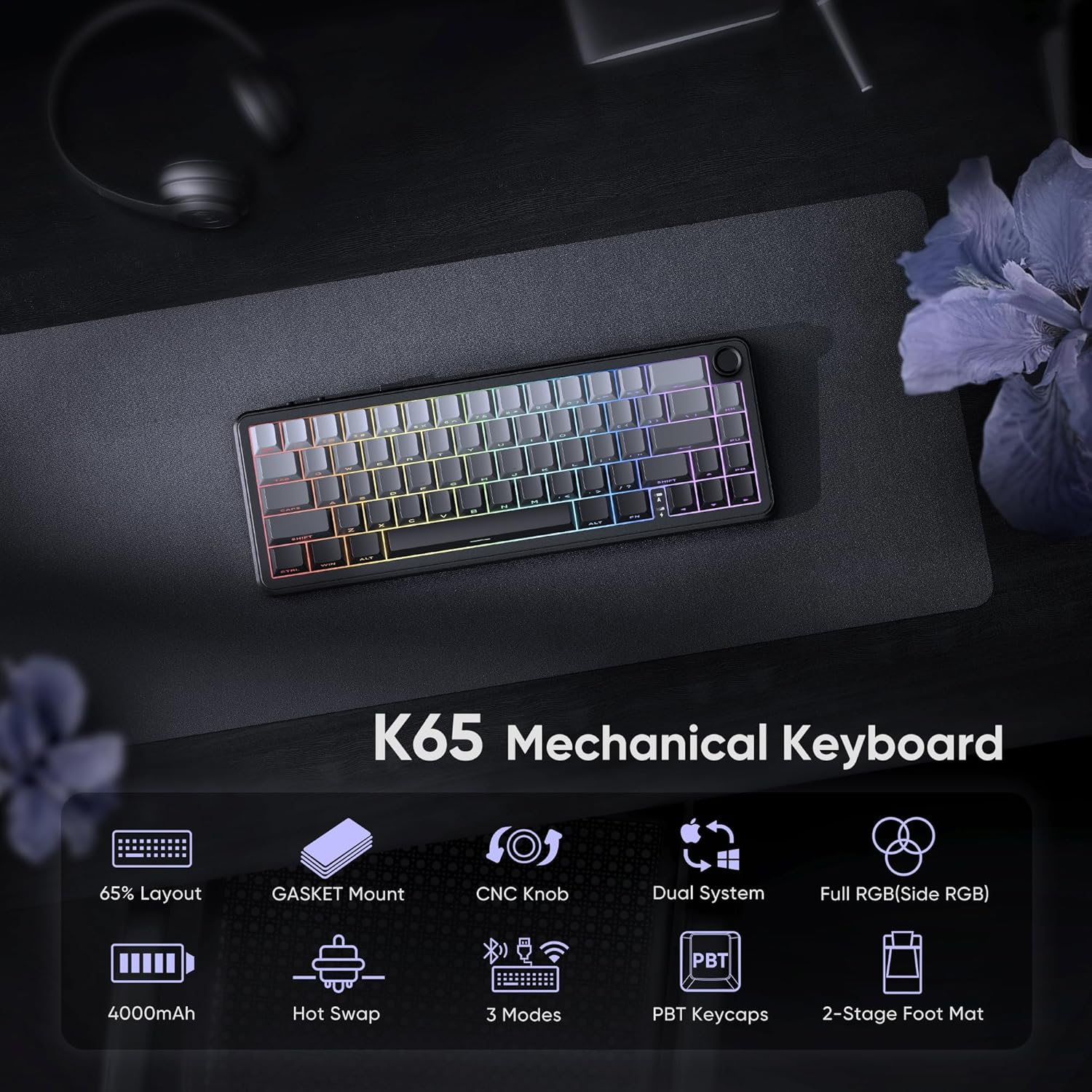
The RedThunder K65 is a 65% wireless mechanical keyboard designed for gamers and serious typists who value space efficiency without sacrificing core keys like arrows. It blends a gasket-style, multi-layered construction with hot-swappable switches and a robust wireless story, aiming to reduce clutter while keeping performance high. On paper, the combination of gasket dampening, pre-lubed switches, and a 4000mAh battery suggests a balanced focus on comfort and longevity. If you prioritizae compact layouts for tight desk spaces or remote setups, this model tries to deliver.
How the triple-mode connection works
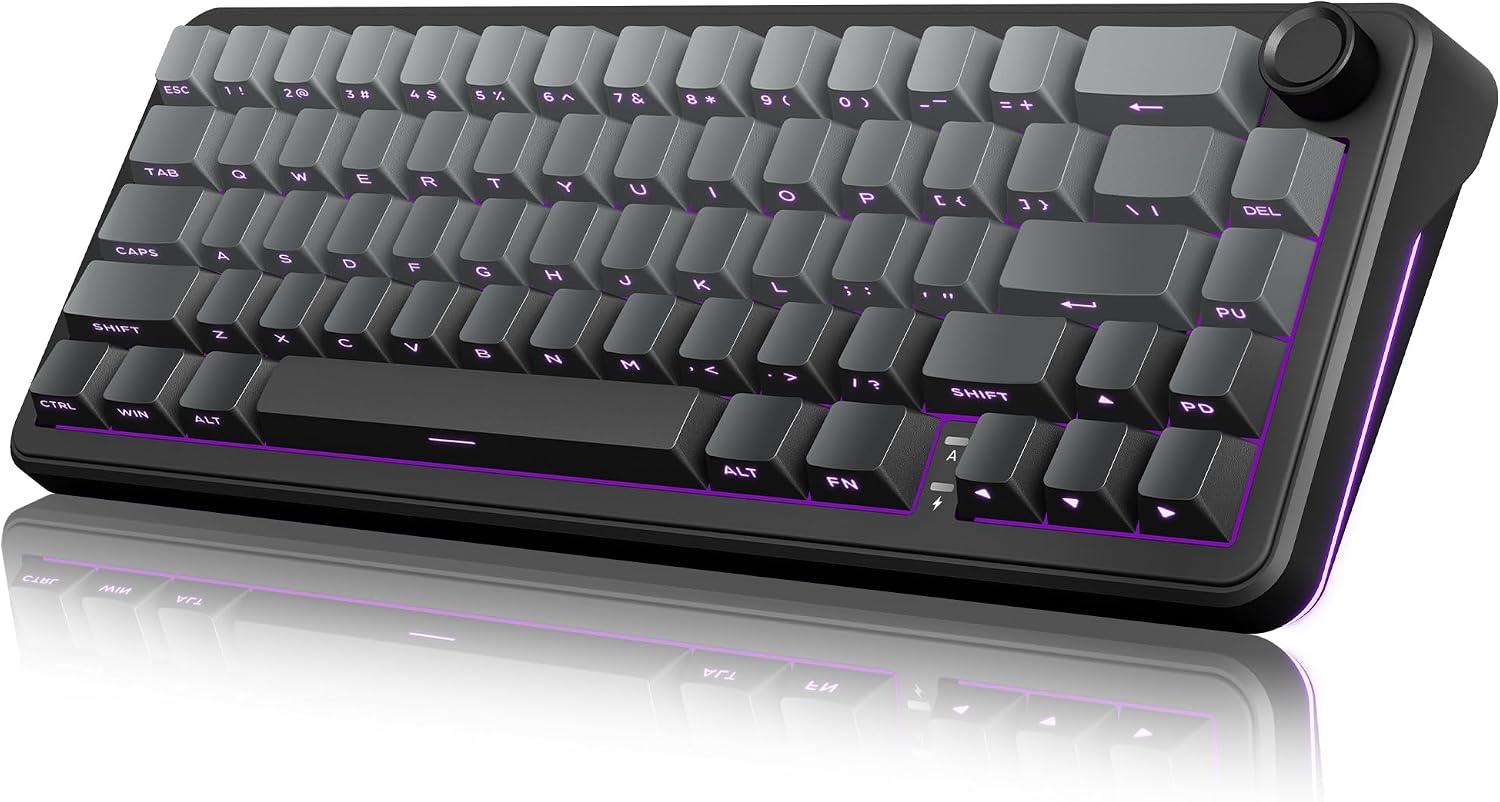
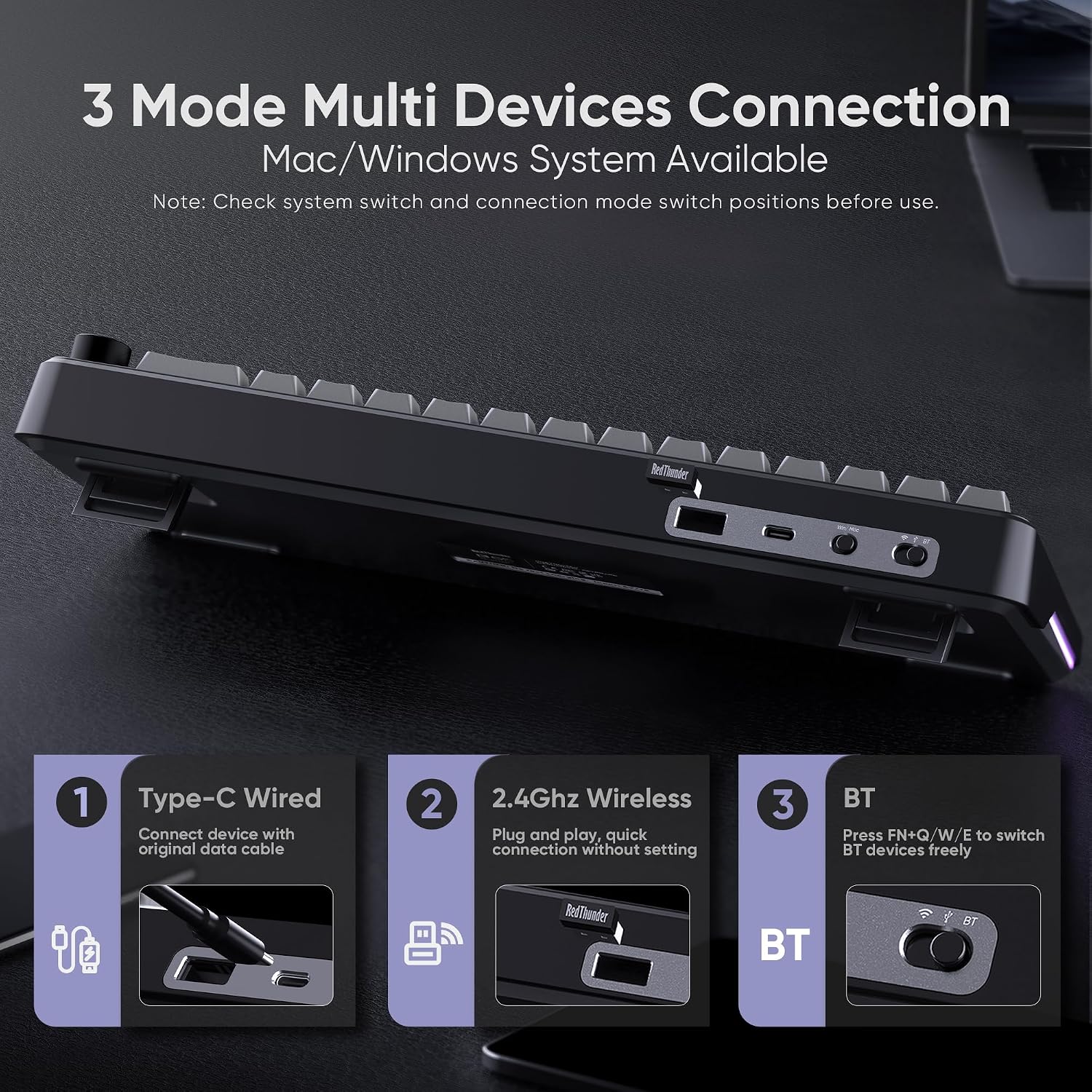
This board can connect across multiple ecosystems via Windows, MacOS, 2.4G wireless, wired, and Bluetooth. A quick switch on the top toggles between BT1/BT2/BT3 devices using FN+Q/W/E. In practice, that means you can switch between work and play devices without reconnecting, a potential time saver for multi-system users. It’s not a promise of perfect latency in every scenario, but the intent is clear: flexibility for mixed environments.
Build and typing feel
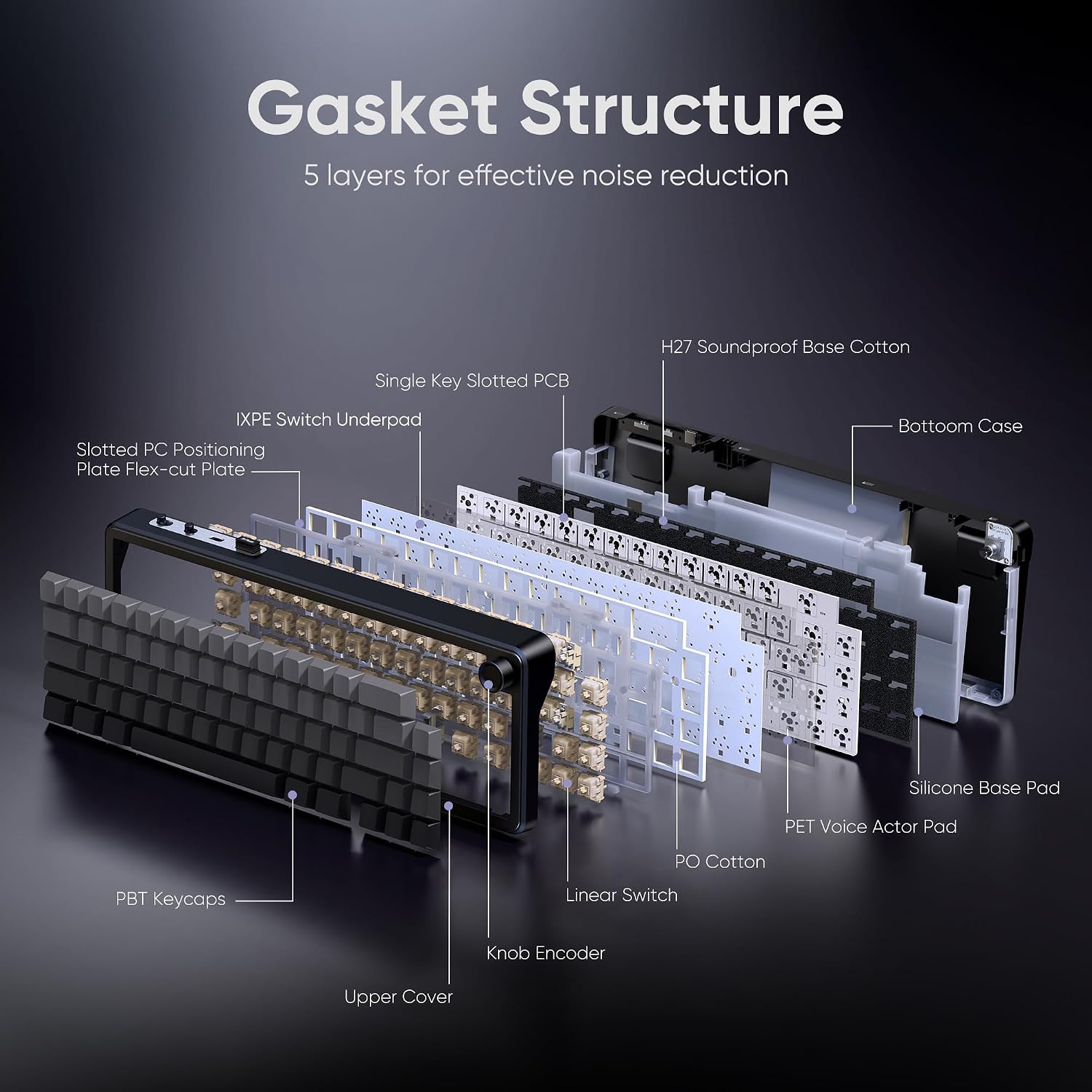
The gasket design is aimed at a softer keystroke with improved “even feel” across keys, plus full-key anti-ghosting. The keyboard ships with pre-lubed pink switches and has spare pre-lubed shafts, so you can experiment with feel—though it’s worth noting this isn’t marketed as an entry-level swap experience. For beginners, the process can be a bit fiddly, and the kit isn’t just plug-and-play. If you’re comfortable with DIY tweaks, you’ll have room to personalize the feel.
Layout and ergonomics
At 65%, the K65 keeps essential navigation and the arrow cluster while removing a number row. Dual-color PBT keycaps resist fading, and stepped keycaps aim to reduce fatigue during long sessions. A two-stage foot stand gives you options for angles, which helps when you’re gaming for hours or drafting documents.
Lighting and battery life
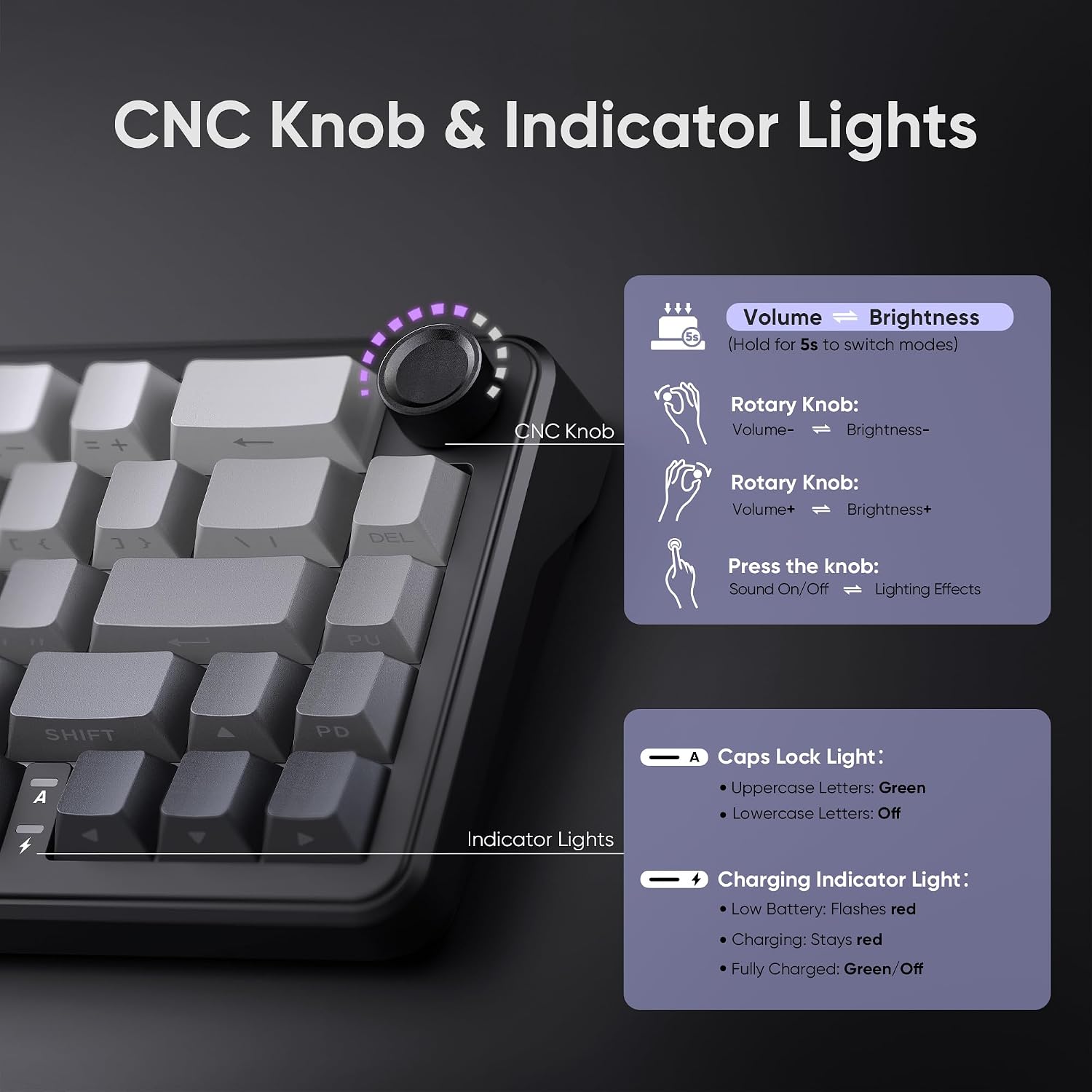
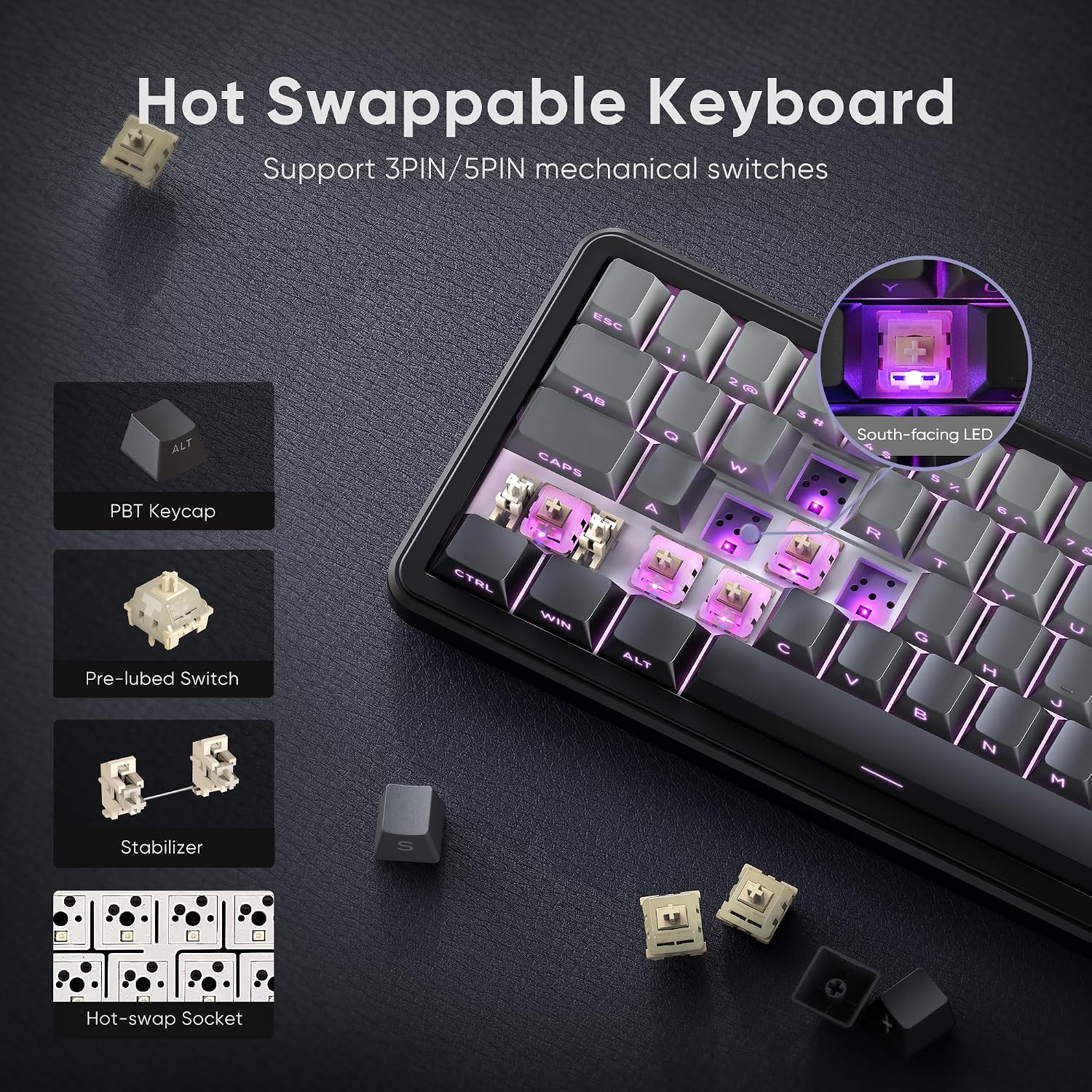
The keyboard supports up to 1.68 million RGB colors with a 4000mAh battery. You can control lighting via FN combos, a CNC knob, or dedicated software, with options for rhythm and side lighting. A charging indicator helps you gauge when to top up—use a standard USB connection, preferably with a data-capable cable. South-facing LEDs optimize visibility on side-engraved keycaps. If lighting matters for you, this model offers a wide palette and dynamic options, but you may find some effects drain the battery faster than others.
Software and customization
Programmable software enables deeper customization of functions. If you like mapping keys for games or productivity tasks, this is where you can tailor the keyboard to your workflow. The flip side is that software features can be dense and take time to learn, it isn’t a night-and-day change unless you’re someone who builds complex macros.
Versus the basics and what to watch
Compared to plain wired keyboards, the K65 trades a purely wired feel for convenience and flexibility. It’s not necessarily the most budget-friendly option, and the gasket architecture adds a different typing characteristic that may feel unusual if you’re used to a traditional top-mount keyboard. If you prize absolute simplicity and plug-and-play, you may prefer a more straightforward model. If you want a compact, feature-rich board with room to customize, this could be compelling.
Practical usage example
Imagine you’re swapping between a work laptop and a gaming PC. You can keep the K65 on your desk, switch devices with a couple of FN combos, and game with a wired-like feel when charging. The window for tweaking lighting and macros means you can create distinct profiles for work vs. gaming sessions, which helps keep contexts separate without a second keyboard.
What to review before buying
- Confirm you’re comfortable with a gasket-style keystroke and the multi-switch hot-swap approach. It’s not universal to all users.
- Check that your preferred switches align with the pre-lubed pinks and consider the spare shafts if you plan to swap types.
- Consider your lighting needs and whether the 4000mAh battery life aligns with your long sessions away from a charger.
- Ensure your devices and OS support the triple-mode connectivity you expect (Windows, MacOS, BT, 2.4G).
What it compares to in concept
If you want a space-saving option with modern conveniences, this keyboard sits between entry-level compact keyboards and mid-range DIY kits. It can be a sensible middle ground for players who value a gasket design and hot-swappability but don’t want to commit to a full-size or high-end custom build.
Is it worth it?
Is it worth it?
For users who crave a compact footprint with flexible connectivity, solid build quality, and room to customize feel and lighting, the RedThunder K65 offers a practical set of features. It isn’t perfect for everyone—beginners may find the hot-swap setup and gasket dampening less forgiving, and the software can be a learning curve. If you’re shopping for a 65% board that can double as a multi-device workhorse and a gaming companion, and you’re okay with occasional setup fiddling, this model stands out as a thoughtful choice.
FAQ
- Do the hot-swappable switches require soldering? No, it supports hot-swapping on a built-in PCB.
- Can I use it wirelessly for gaming? Yes, via 2.4G wireless or Bluetooth modes, with wired option for charging or latency-sensitive use.
- Is the typing experience consistent across the keyboard? The gasket design aims for even keystrokes, but long sessions may feel different depending on switch choice and keycap material.