

ACEMAGIC Mini PC Ryzen 5 7430U
Product description
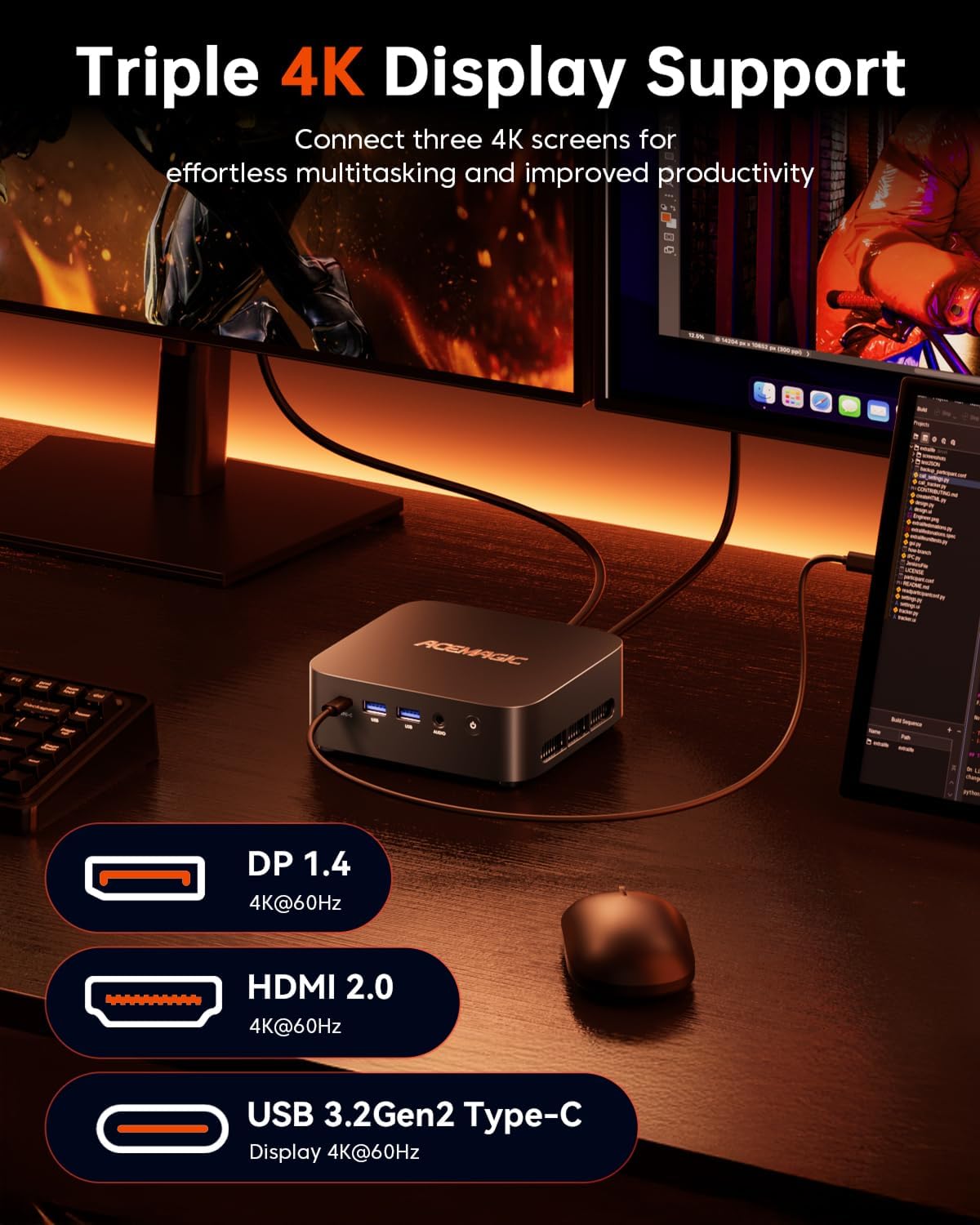
Three 4K displays at 60Hz are the standout feature of this compact ACEMAGIC mini PC: HDMI 2.0, DisplayPort 1.4, and USB-C let you spread work across separate screens rather than squeeze every window onto one. Its Ryzen 5 7430U, 16GB of DDR4 memory, and 512GB SSD are aimed at everyday office tasks, browsing, video calls, streaming, coding, and light gaming. Windows 11 Pro is preinstalled, and Linux is supported, so it can suit different desktop workflows. The tradeoff is that its listed graphics and use cases point to everyday computing and light gaming, not a system positioned for demanding gaming workloads.
Getting the most from it
A practical setup would be a compact desk with one screen for a video meeting, another for notes or a spreadsheet, and a third for reference material. The three-display support is useful when you regularly move between apps, if you mostly browse or write on a single monitor, that feature may not change your day much. Windows 11 Pro is ready for standard work and study tasks, while Linux support gives developers another operating-system option. The product details don’t specify which Linux distributions are supported, so users with a particular setup in mind should account for that.
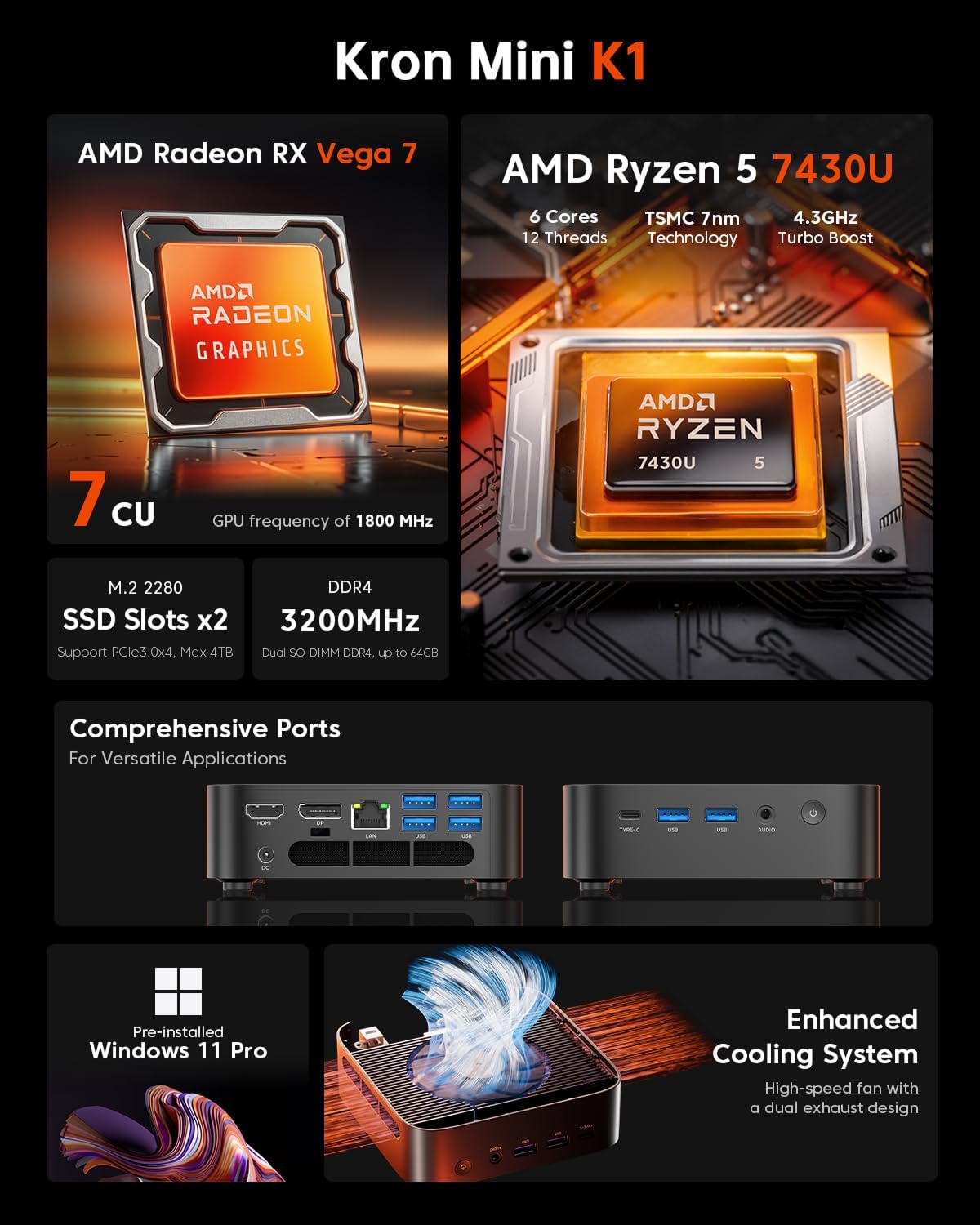
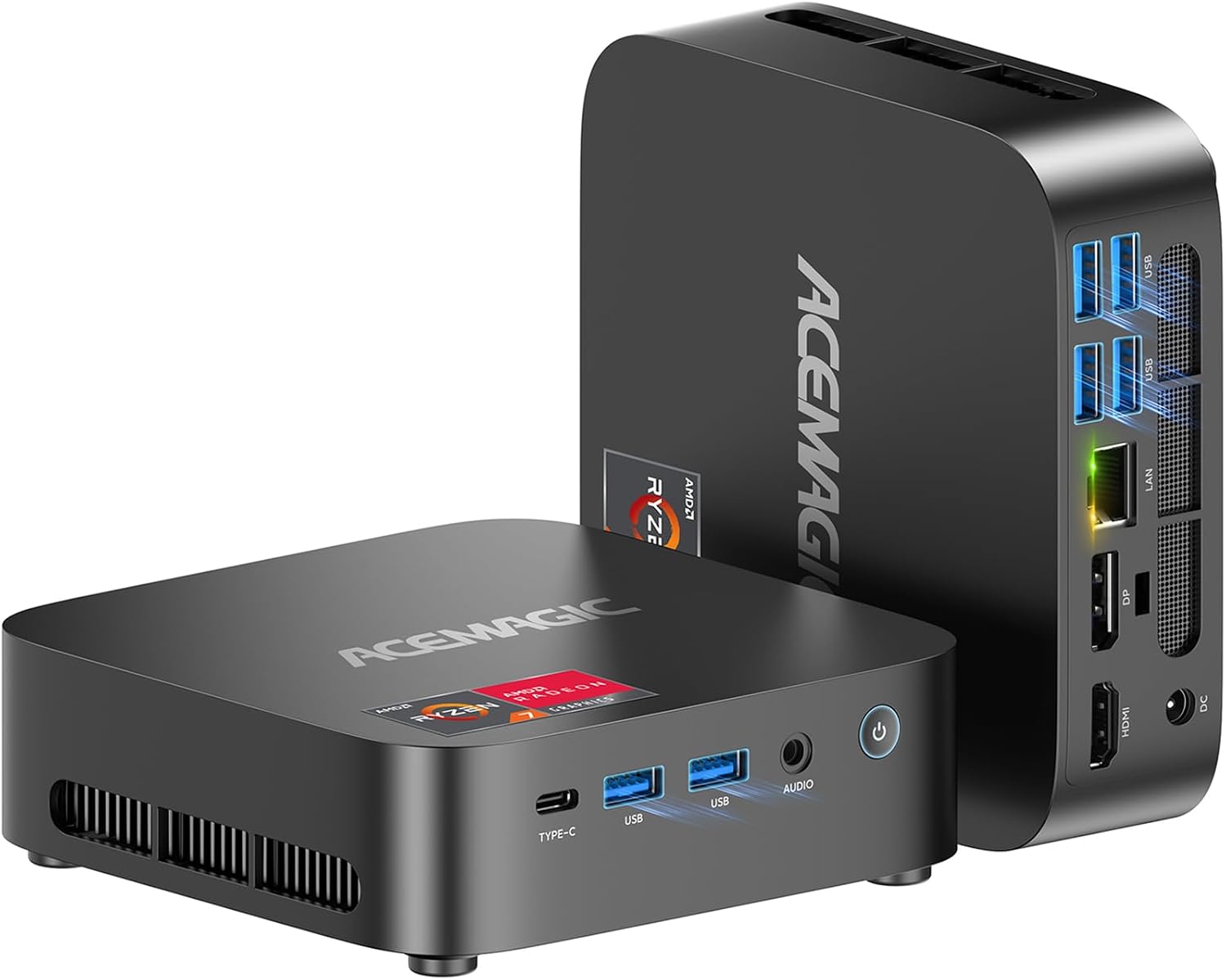
The small 5 × 5 × 1.6-inch body and 2.29-pound weight make it easier to place on a crowded desk or move between work areas than a traditional desktop tower. Its cooling is described as operating below 30dB, a useful detail for a shared room or a quiet home office. Still, sustained workloads can make cooling behavior more relevant, from the way it is set up, this is intended for comfortable everyday use, not a promise of silent operation under every task.
Why it’s worth it
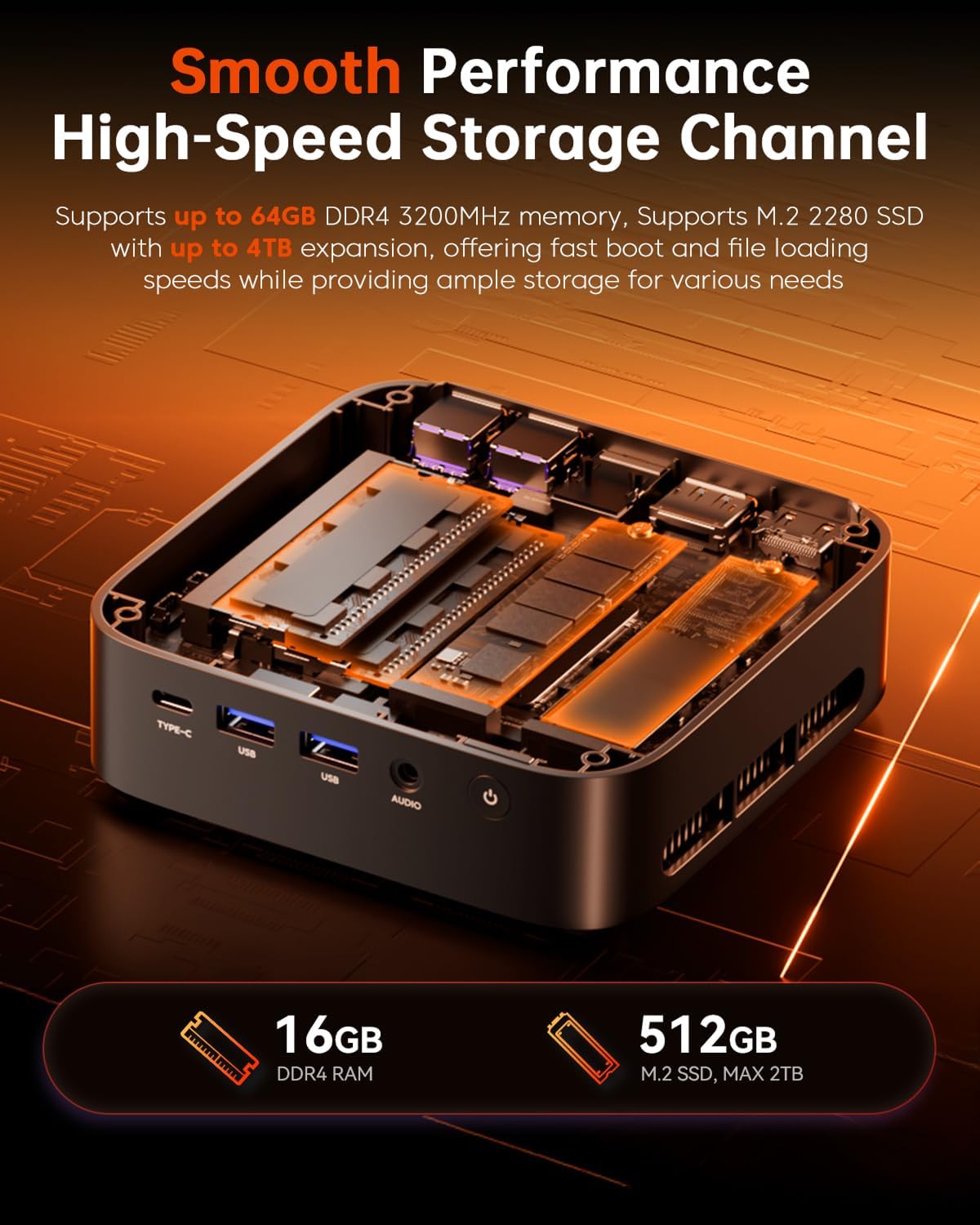
The appeal is a combination of compact size, three display connections, and room to expand. The 16GB RAM can be upgraded to 64GB, and two M.2 2280 slots support storage expansion up to 4TB. That gives buyers a path to add memory or storage later instead of choosing a larger desktop just to leave room for future files and workloads. The included 512GB SSD provides the starting capacity, but users who keep large project libraries or media collections may want to plan for expansion.
If you prioritize a small PC for office work, multitasking, and a multi-monitor desk, this setup has a clear use case, if you prefer a machine centered on demanding games or other high-performance graphics work, look for a system specified for that kind of workload. Worth considering if Windows 11 Pro, Linux support, and upgrade options matter more than a larger desktop’s room for components. Better avoided if you need confirmed compatibility with a specific Linux distribution or expect more than light gaming.
At a glance
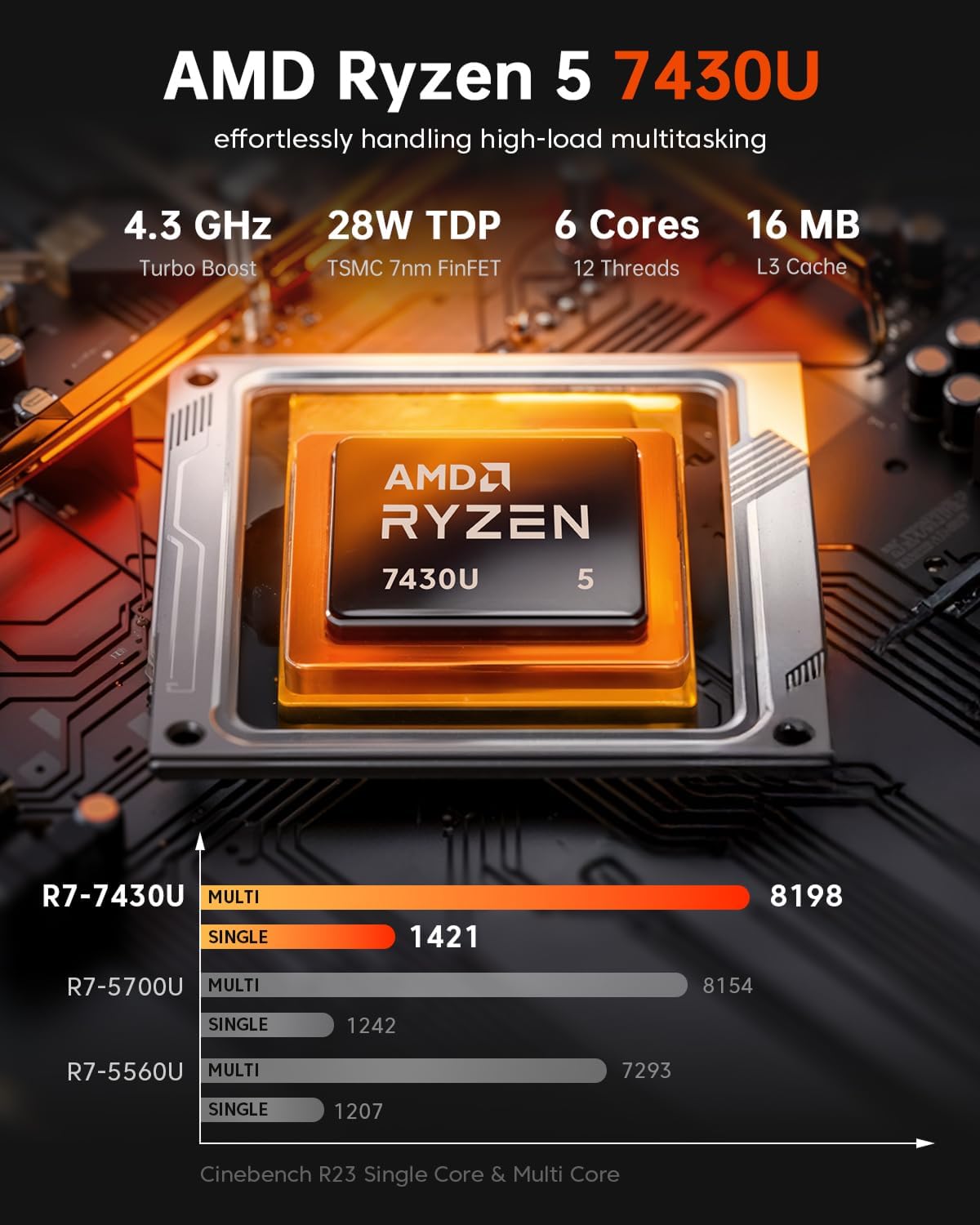
- Processor: AMD Ryzen 5 7430U, 6 cores and 12 threads, up to 4.5GHz
- Memory: 16GB DDR4, upgradeable to 64GB
- Storage: 512GB SSD, two M.2 2280 slots, with expansion support up to 4TB
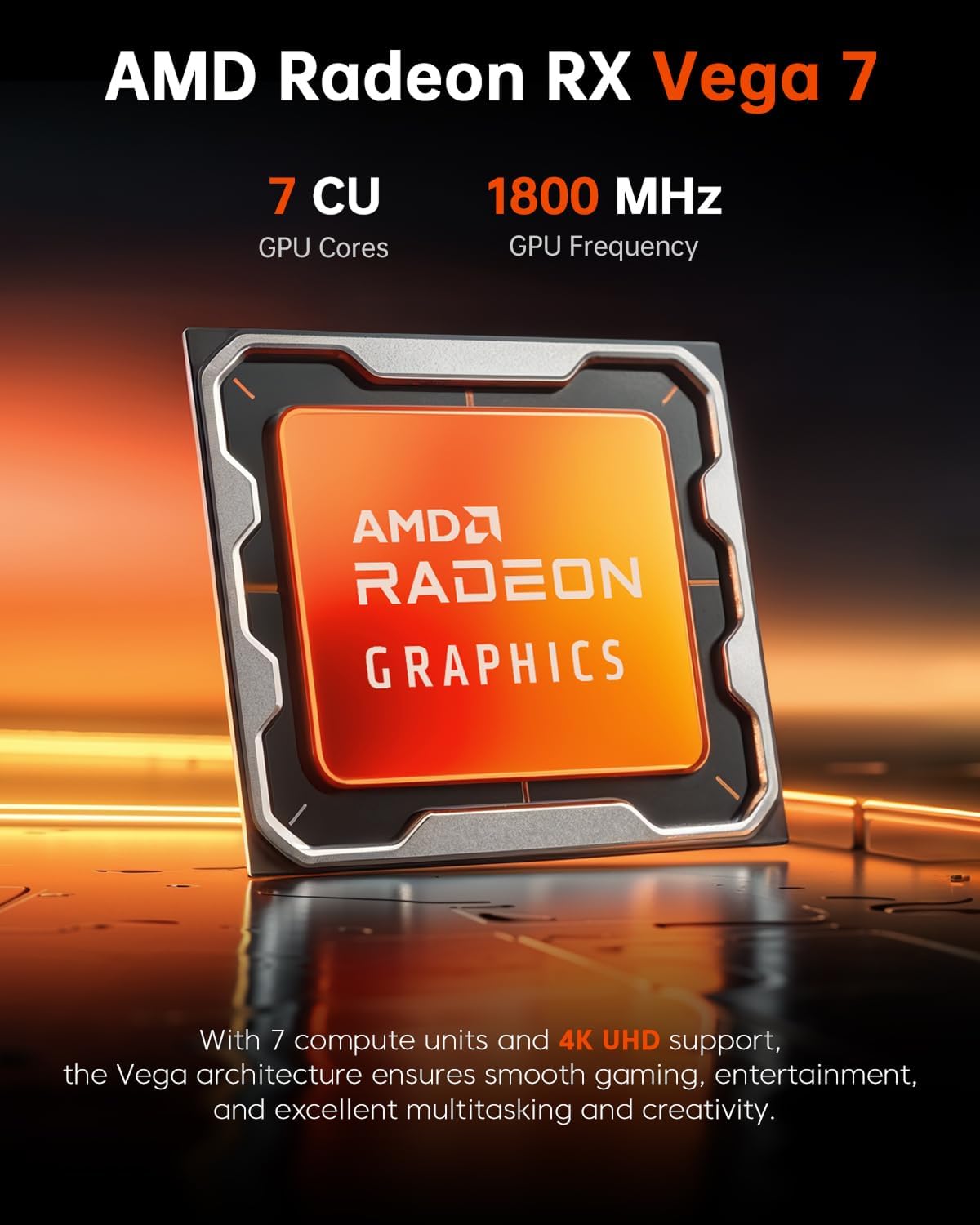
- Graphics and displays: Radeon Graphics, up to three 4K displays at 60Hz via HDMI 2.0, DisplayPort 1.4, and USB-C
- Operating system: Windows 11 Pro, Linux support
- Size and weight: 5 × 5 × 1.6 inches, 2.29 lbs
- Support: 1-year warranty and lifetime technical support
Should you buy it?
Choose the K1 if you want a small desktop for home-office tasks, online learning, business use, coding, or everyday multitasking, especially when three connected displays would make your workspace more useful. It also makes sense if you value upgradeable memory and storage in a compact system. Skip it if your priority is demanding gaming, or if you need detailed confirmation about a particular Linux distribution before setup. For a single-screen desk with basic needs, a simpler computer may be enough, the extra display support and expansion options are most useful when you’ll actually use them.