

Tenda AX900 WiFi 6 Dual-Band USB Adapter (U11Pro) with 6dBi Antenna for Windows
Reviews
Price
Product description
Quick overview
If your laptop or desktop Wi‑Fi feels a bit stuck—slow downloads, choppy video, or calls that lose stability—this Tenda AX900 USB WiFi adapter is built to address that with Wi‑Fi 6 on a dual-band setup. The pitch here is straightforward: faster 5GHz connections, strong reception help from an external 6dBi antenna, and a setup that’s meant to be painless on Windows.
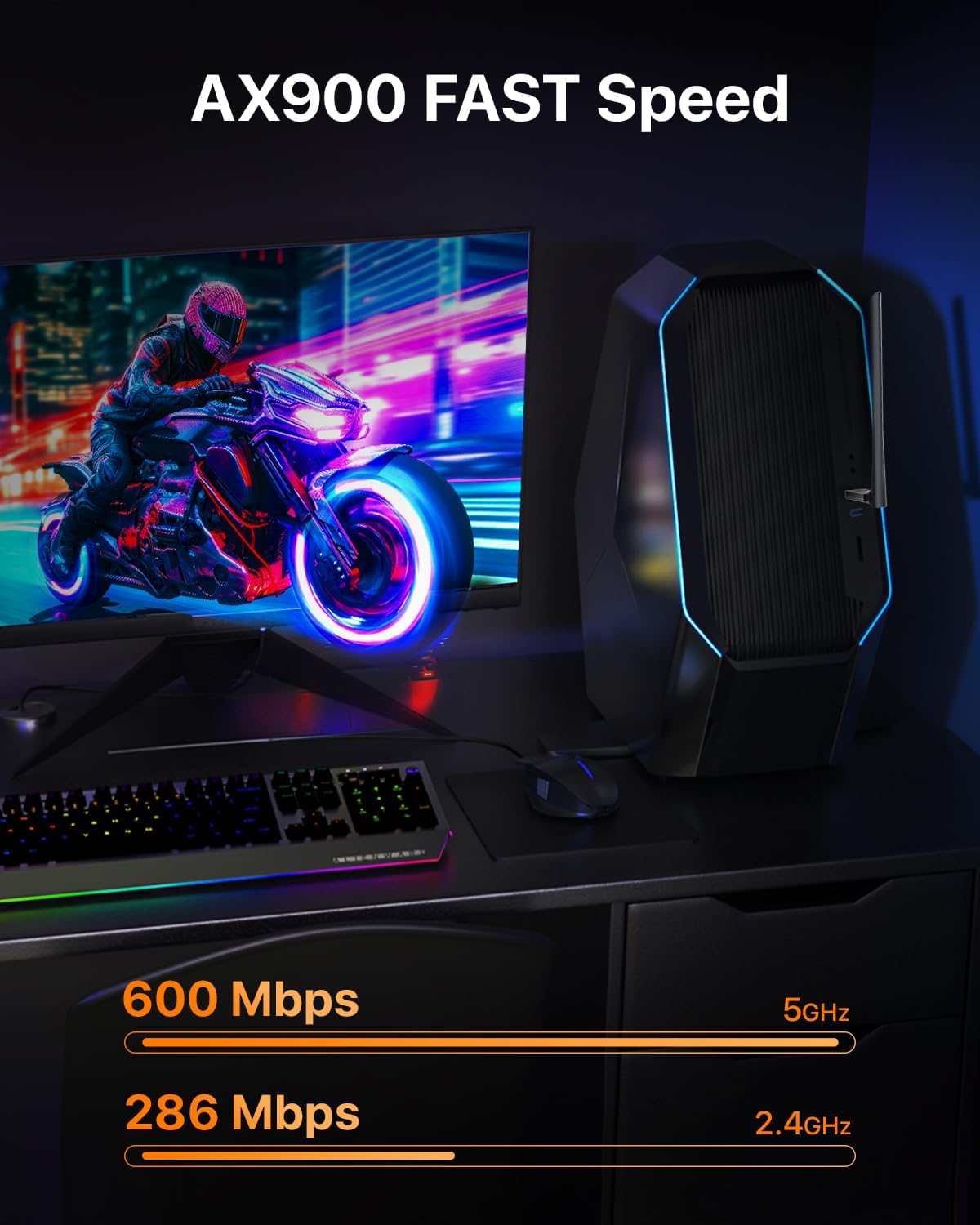
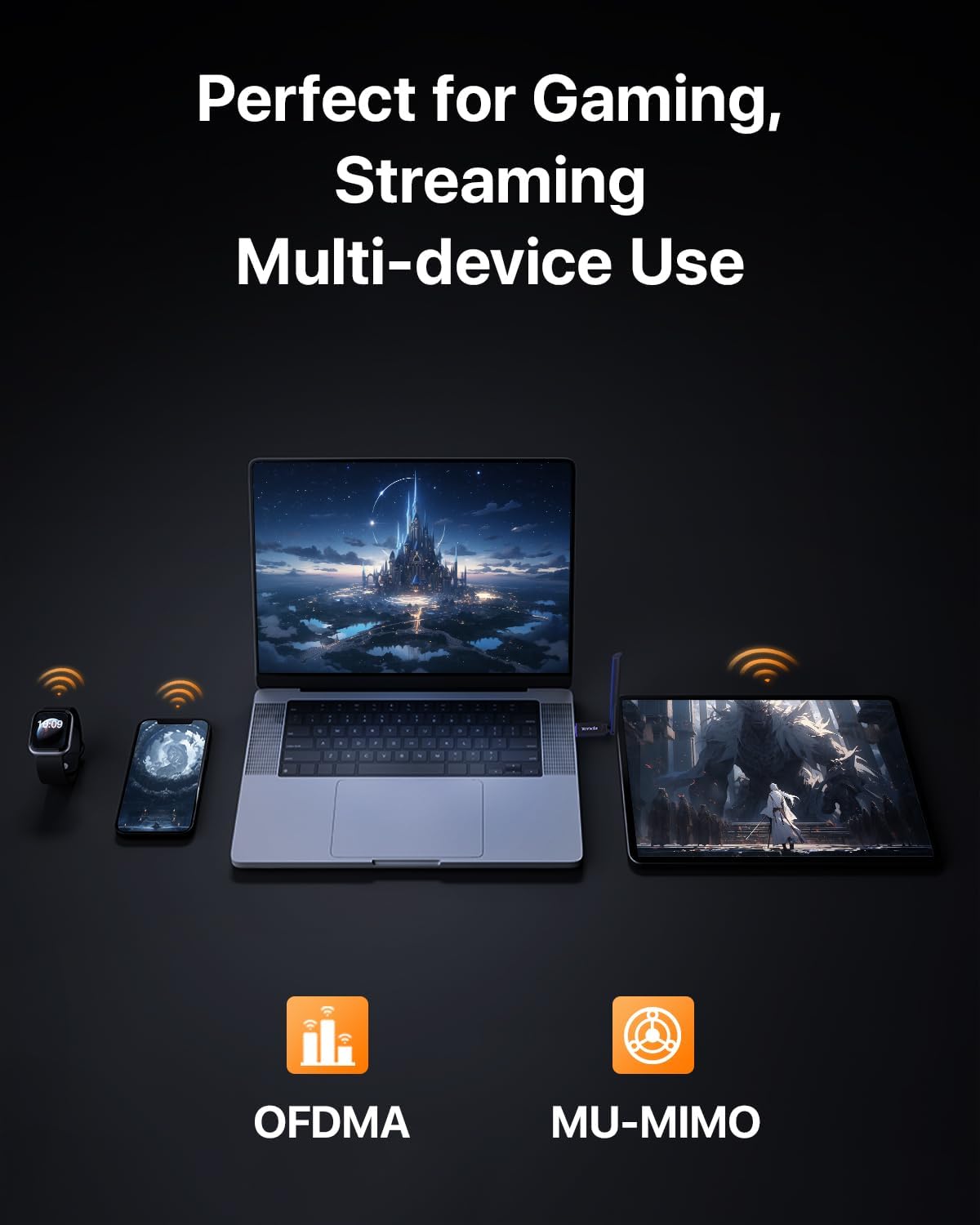
On paper, the U11Pro also leans into use cases where people notice lag and buffering the most, like 4K streaming, competitive gaming, and video conferencing. Still, it’s worth tempering expectations: adapter performance depends heavily on your router, signal strength, and local interference—no USB dongle can magically rewrite the laws of physics.
What you’ll notice day to day
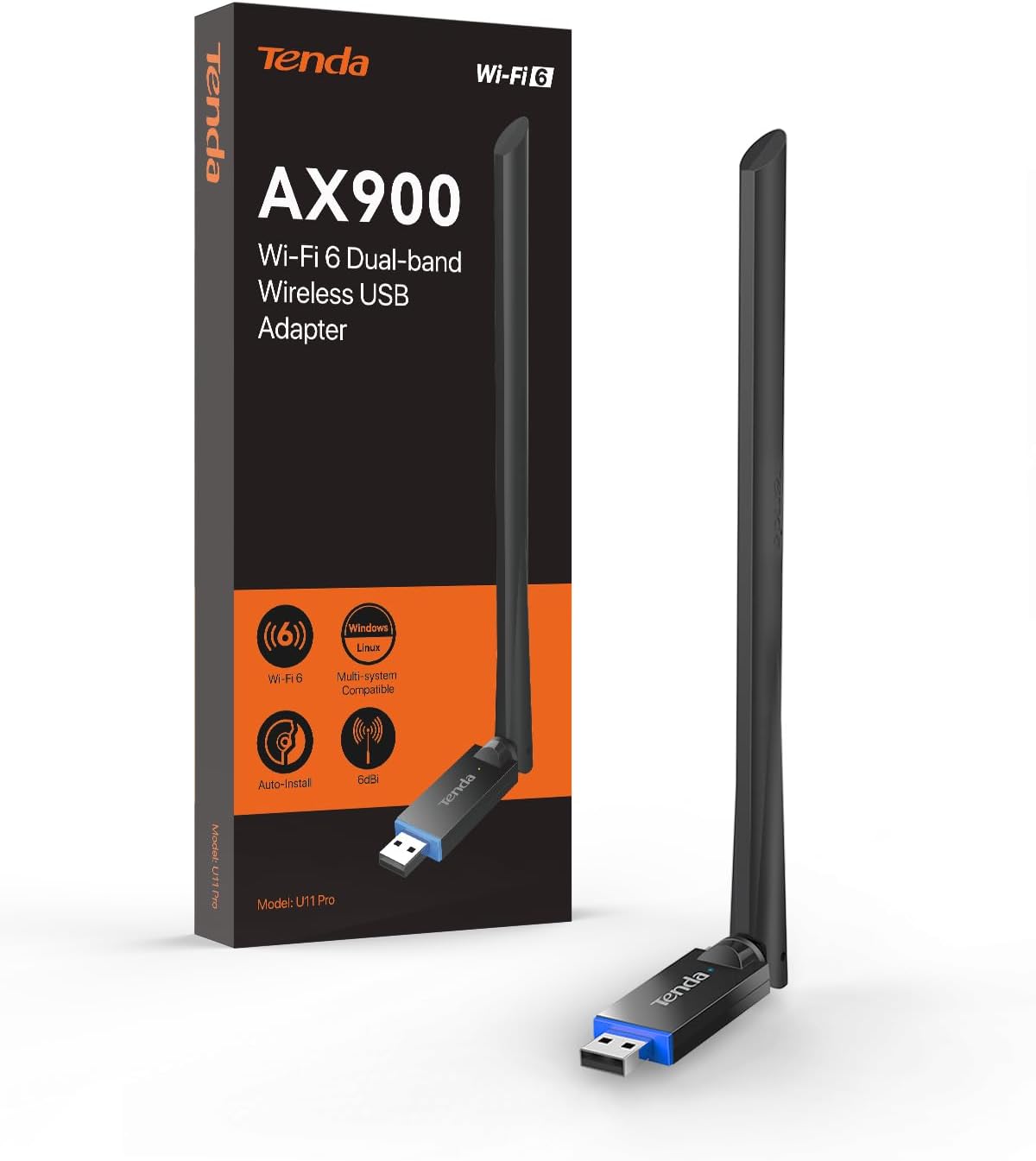
The headline specs focus on speed and band choice. This adapter is designed for Wi‑Fi 6 with dual-band operation, targeting up to faster 5GHz connections and stronger 2.4GHz connections than Wi‑Fi 5 adapters (the brand compares it to AC600-class Wi‑Fi adapters). That matters because most “real life” Wi‑Fi problems come down to congestion and signal quality—especially if your home uses a lot of devices.
A concrete, practical example: imagine you’re joining a video call in the evening while someone else streams on another device. With a stable 5GHz connection and better handling of wireless transmission (per the included intelligent algorithm claim), you’re more likely to keep audio and video consistent rather than dealing with sudden stutters.
The antenna advantage (and a key limitation)
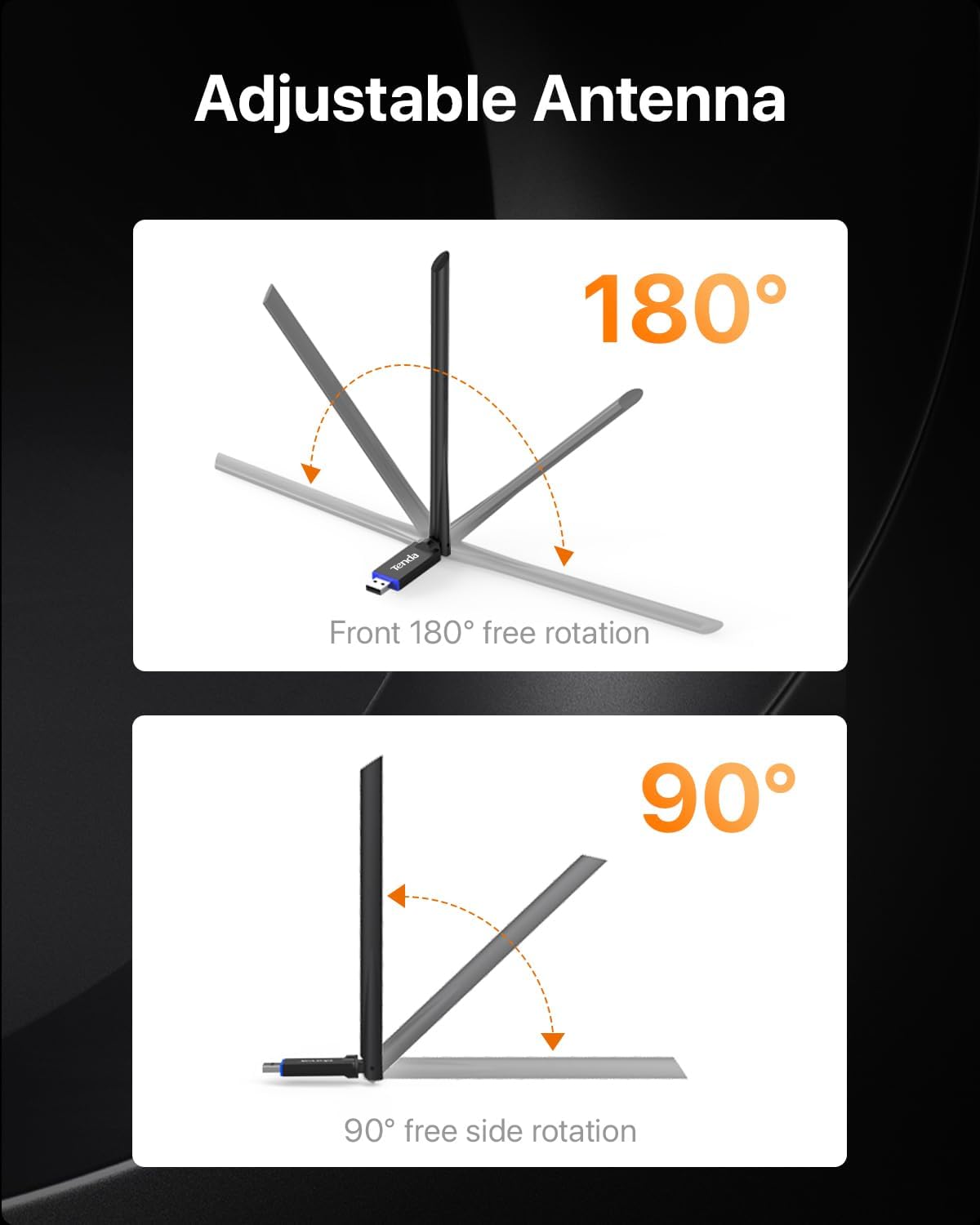
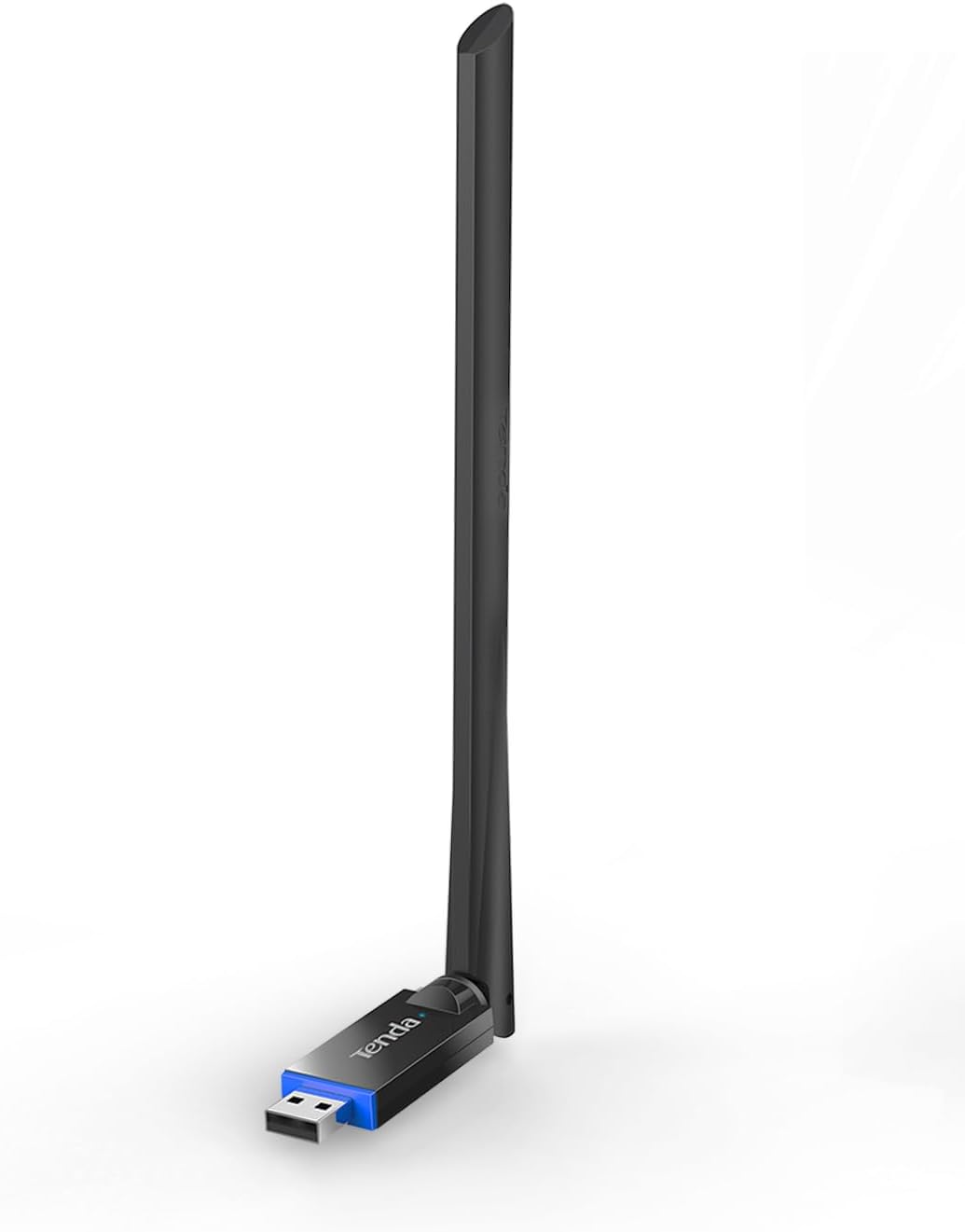
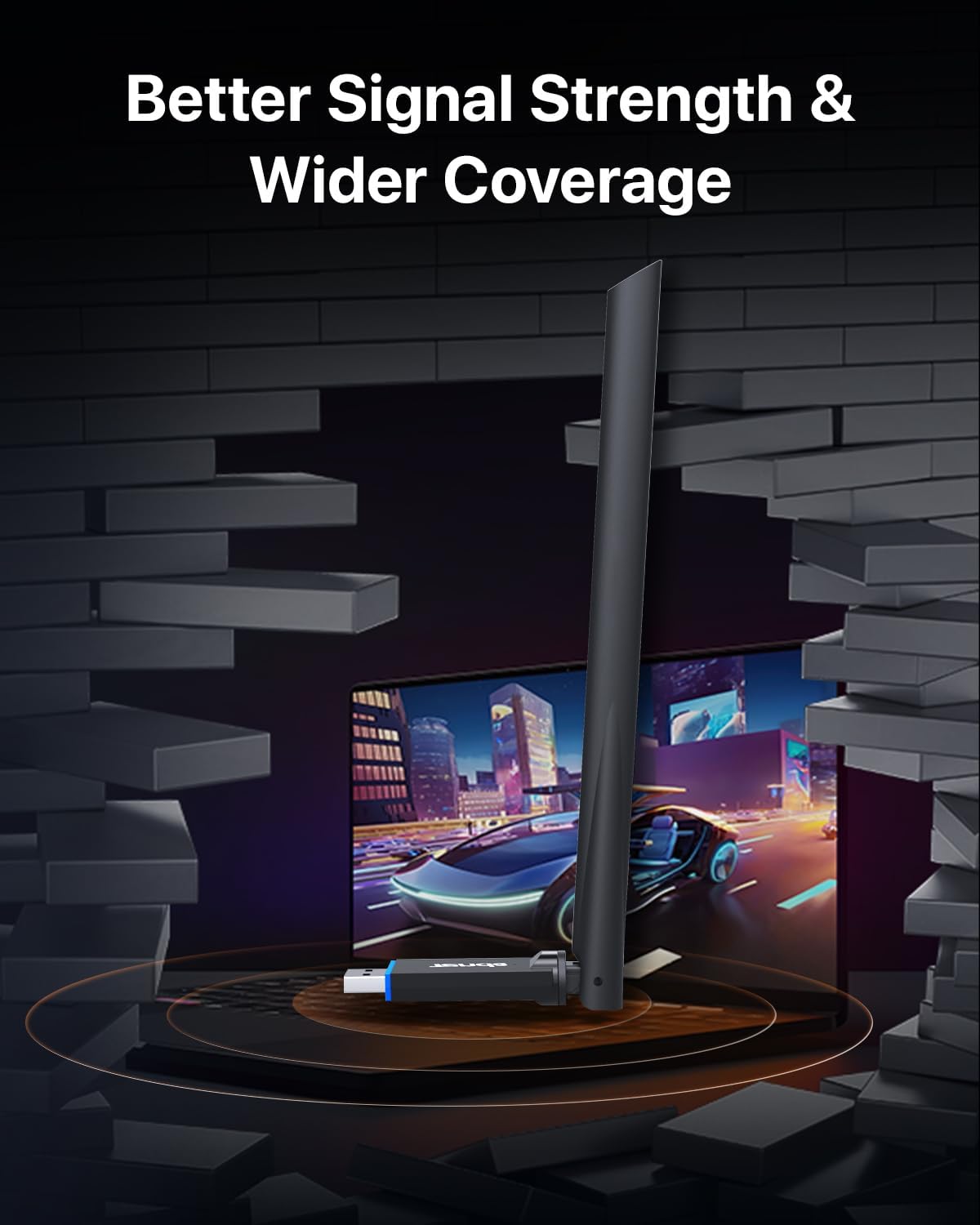
One of the more compelling elements is the external 6dBi high-gain, omnidirectional antenna. Unlike many built-in laptop antennas, an external one can be positioned—so if your desk setup isn’t aligned with your router, you may be able to rotate and improve weak-signal reception. That’s a real advantage in rooms where Wi‑Fi has to fight walls, distance, or interference.
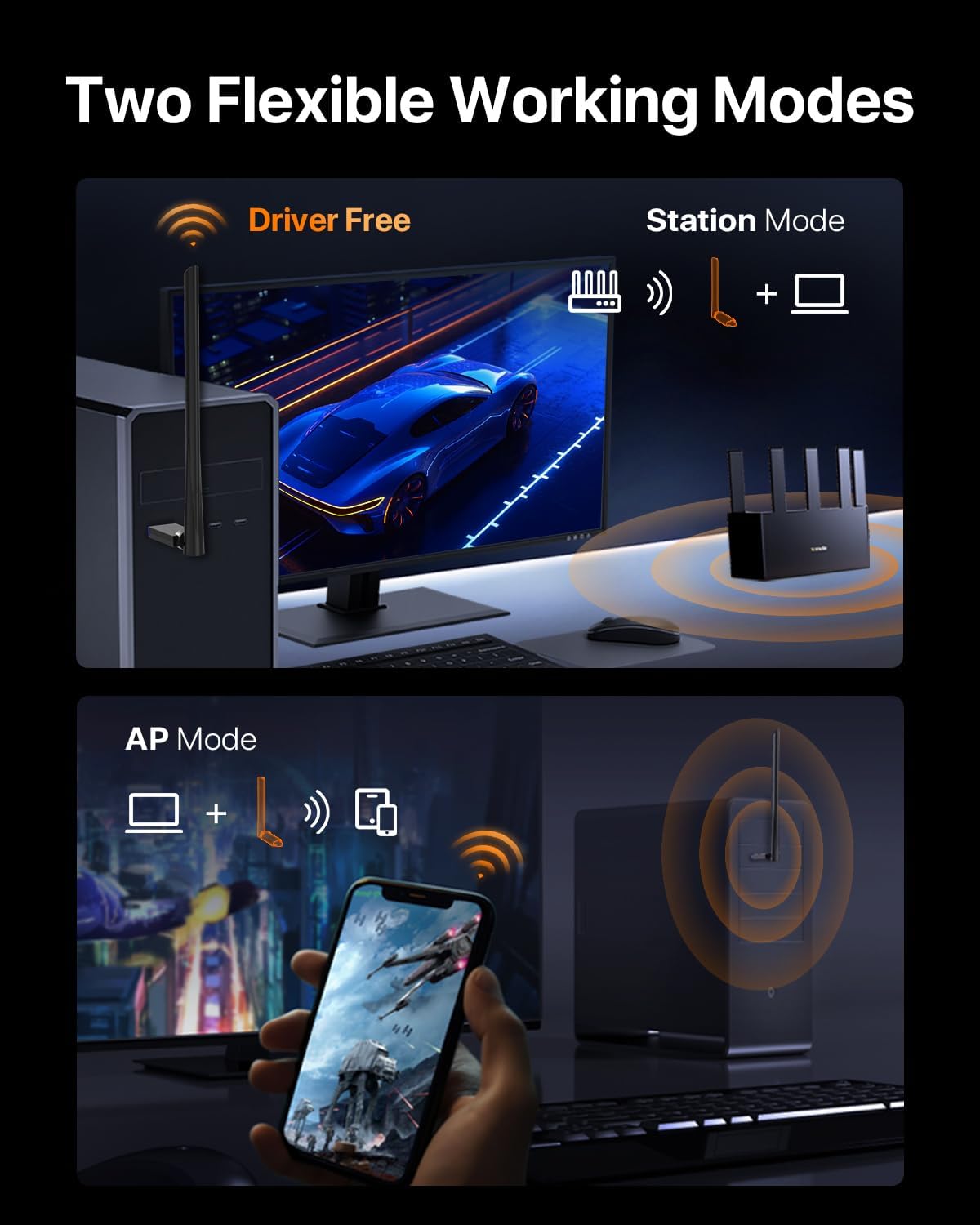
That said, take the AP mode limitation into account: AP Mode is mentioned as only supporting the 5GHz band. If you plan to use it as a hotspot for devices that only work on 2.4GHz, you may run into a mismatch. It’s not a dealbreaker for everyone, but it’s the kind of detail that can save you headaches later.
Installation and everyday use on Windows
The U11Pro is designed for quick setup on Windows 11/10/7 with preloaded drivers, with the brand stating you can be online in about 20 seconds. That makes it more “plug in and go” than adapters that require driver downloads or extra steps.
If you’re shopping because you don’t want to troubleshoot network drivers at midnight, this focus on easy setup is a plus. Just remember that first-time Wi‑Fi stability still depends on router settings and where the adapter antenna ends up during use.
AP Mode: turning your PC into a hotspot
This adapter includes AP Mode, allowing the PC to act like a Wi‑Fi hotspot. The brand states you can connect up to 8 devices, and again notes AP Mode only supports 5GHz.
In practice, AP Mode is handy when you want to share a connection from your computer—such as in a small office, a temporary setup, or when another device can’t join your main network for some reason. If your devices are mostly 5GHz-capable, it could be a convenient add-on. If you rely on 2.4GHz devices, you may want to double-check compatibility before expecting it to cover everything.
What to check before you buy
Before you commit, there are a few things that can make or break the experience:
- Your router and band availability: The adapter’s “best” performance benefits from a router that supports the relevant Wi‑Fi 6/dual-band behavior.
- Your signal path: The external antenna helps, but distance, walls, and interference still matter.
- AP Mode band needs: If you plan to use it as a hotspot, confirm your target devices can operate on 5GHz.
- Wi‑Fi expectations vs. actual environment: The marketing comparisons are useful context, but your local network can be the deciding factor.
Not the best choice if you need guaranteed performance in a far corner with heavy interference, or if you’re specifically depending on AP Mode for 2.4GHz-only clients.
Pros and limits to keep it real
What stands out: - External 6dBi omnidirectional antenna designed to improve weak signal reception through positioning/rotation. - Wi‑Fi 6 dual-band approach aimed at smoother streaming, gaming, and video calls. - Preloaded drivers for quick Windows setup. - AP Mode support (with the important 5GHz-only note) for hotspot-style use.
Where it can feel limited: - AP Mode only supporting 5GHz can be restrictive if you have devices that require 2.4GHz. - Like any wireless adapter, performance can be capped by your router quality and the strength of the signal where you use it.
Should you buy it?
A solid pick if you’re on Windows and want a USB Wi‑Fi adapter that focuses on Wi‑Fi 6 dual-band performance, benefits from an external 6dBi antenna, and doesn’t require a complicated driver setup. It also makes sense if you want optional AP Mode for a 5GHz-based hotspot and you care about stability for streaming or video calls.
You may want to skip it if your hotspot devices are mostly 2.4GHz-only, or if you’re expecting a dramatic upgrade in a location where Wi‑Fi signal is extremely weak regardless of antenna positioning. In that scenario, you’d typically get more predictable results by improving router placement or addressing coverage first.
Mini FAQ
FAQs
How fast is the Tenda U11Pro? The product listing states dual-band speed targets of up to 600Mbps, with a split of 5GHz and 2.4GHz figures, but real-world speeds depend on your router and signal conditions.
Does it work with Windows 11/10/7? Yes—drivers are described as preloaded for Windows 11/10/7.
Is the antenna removable and adjustable? It’s described as an external high-gain omnidirectional antenna, and the rotation idea is part of how it helps reception. The listing doesn’t clarify removability, so you’ll want to handle it as designed.
Can it create a Wi‑Fi hotspot for both 2.4GHz and 5GHz? AP Mode is stated to only support the 5GHz band.
Is it worth it for gaming and video calls? If your current Wi‑Fi struggles with stability, the adapter is specifically positioned for streaming, competitive gaming, and video conferencing—though your environment still plays a big role.