


ABLEWE USB 3.0 to Ethernet Adapter with 3-Port USB 3.0 Hub and Gigabit RJ45
Reviews
Price
Product description
If your laptop has USB ports but no Ethernet jack, this ABLEWE adapter is built for that exact “I need wired internet” moment. It turns a single USB 3.0 connection into a Gigabit Ethernet port plus three extra USB 3.0 ports, so you can plug in networking and keep your USB devices covered.
Still, it’s not magic—wired throughput and real-world stability depend on your cable and network setup. On paper, it’s a practical add-on for everyday work, especially when Wi‑Fi is flaky or you just want a more consistent connection.
Quick overview
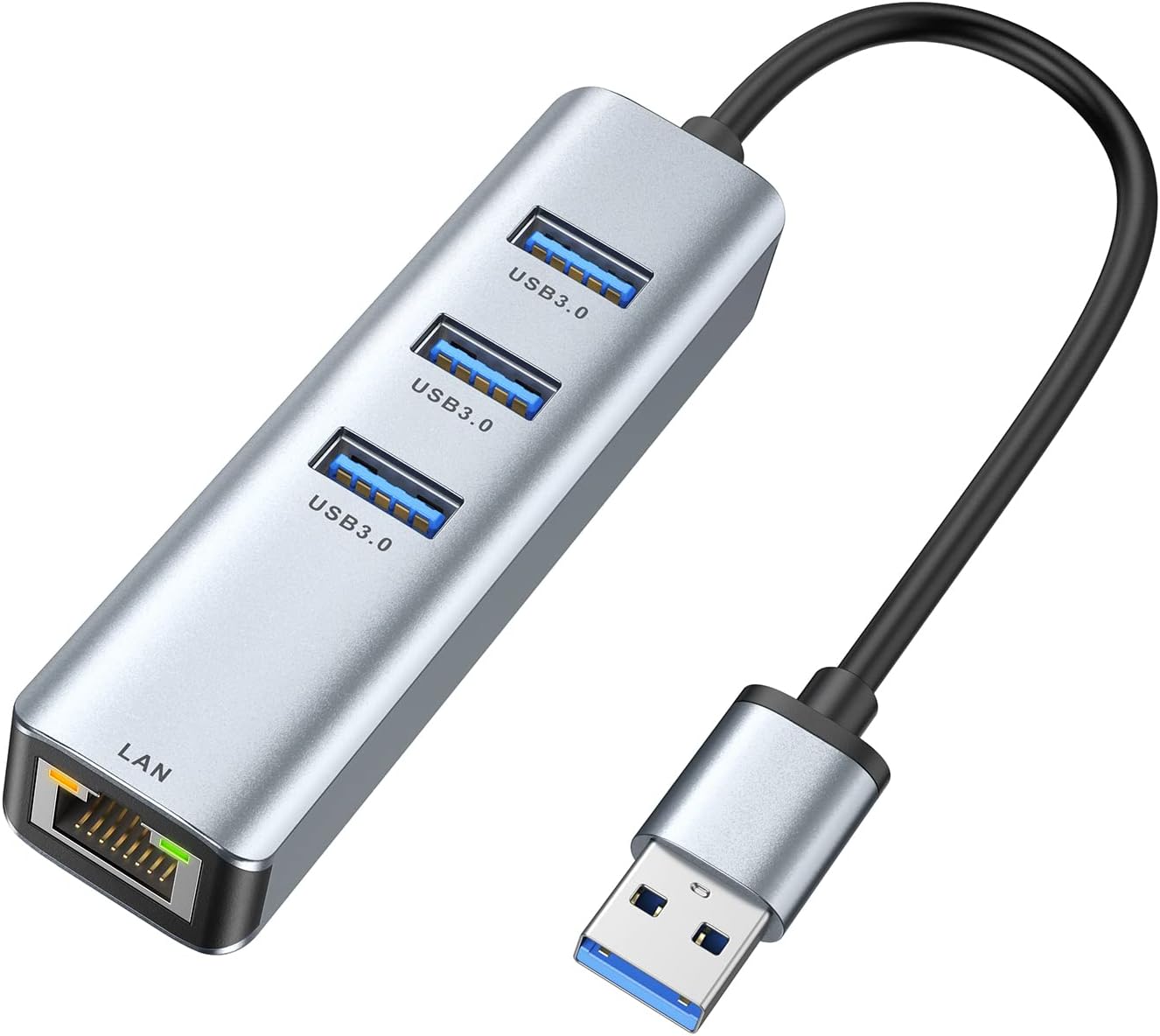
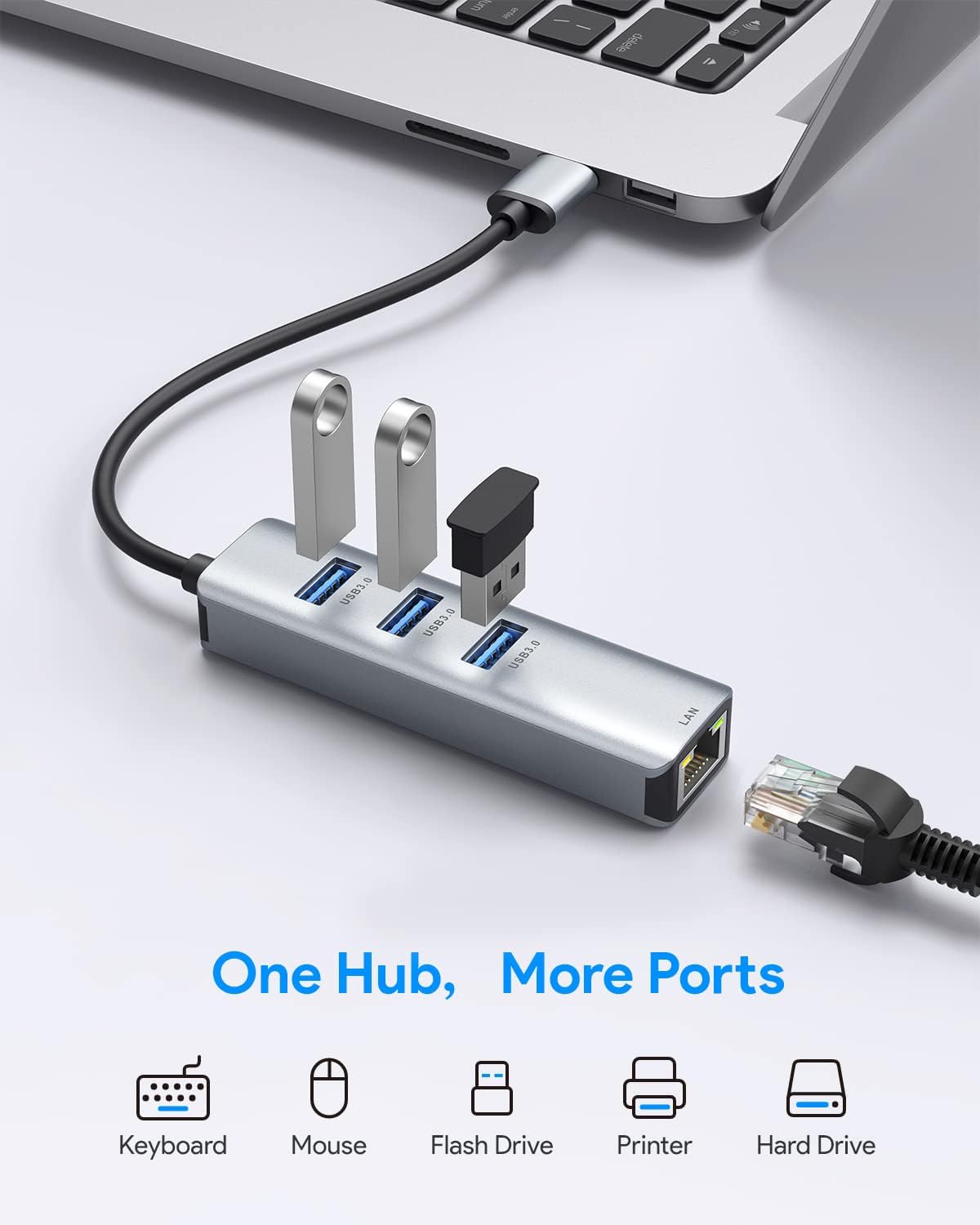
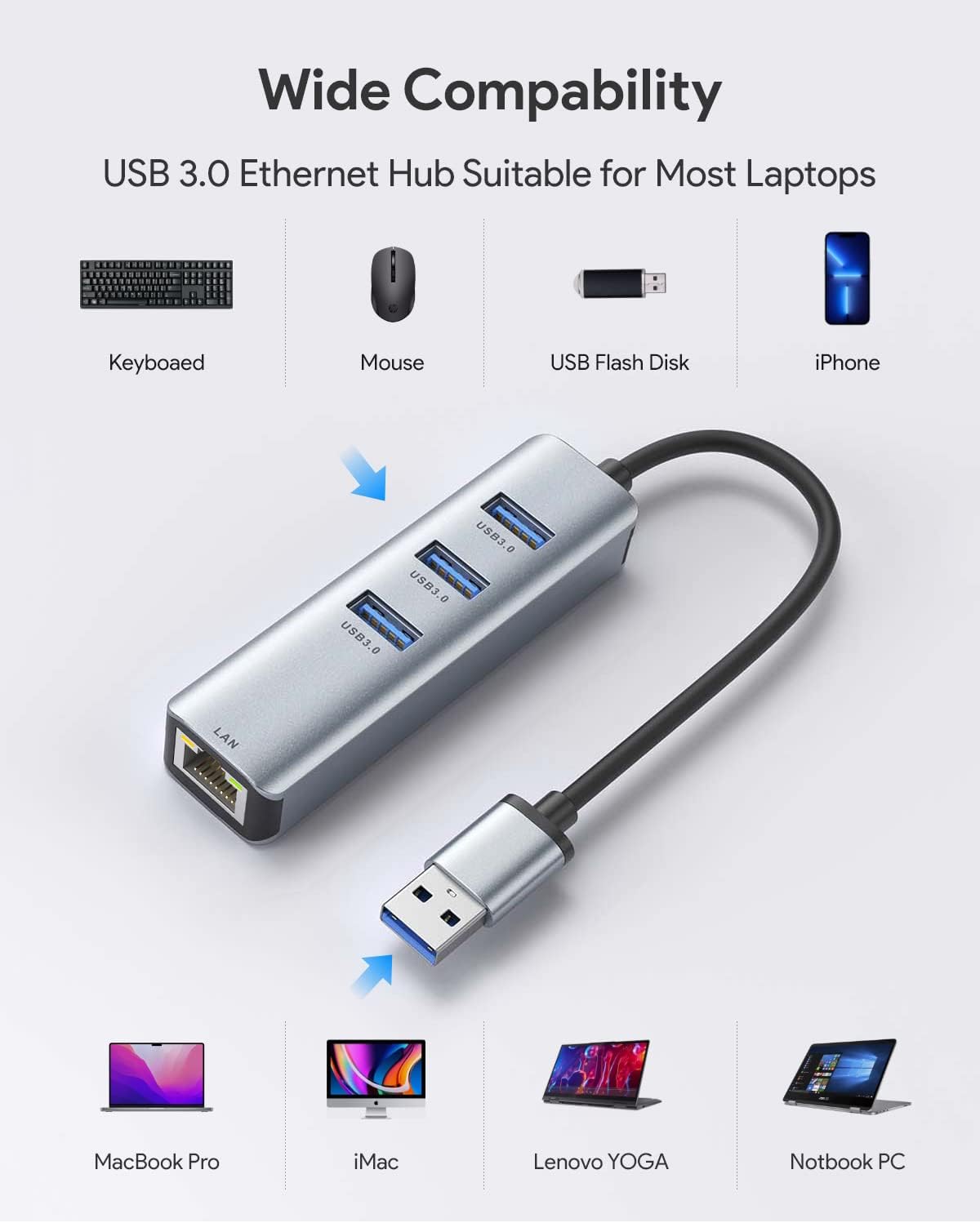
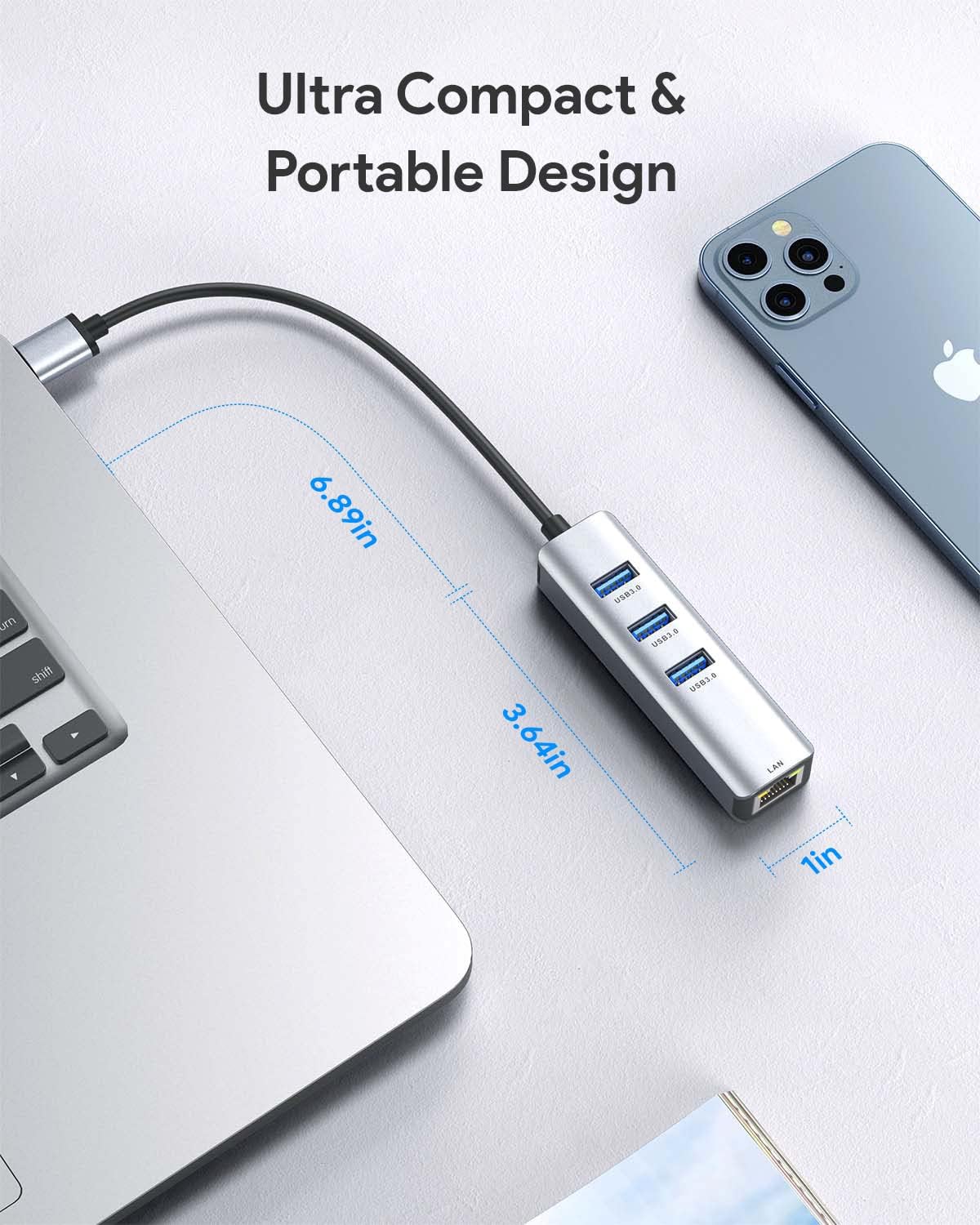
This ABLEWE adapter is a USB 3.0 to Ethernet solution with a built-in 3-port USB 3.0 hub. The Ethernet side uses a Gigabit RJ45 LAN port labeled up to 1000Mbps, with backward compatibility for older 10Mbps and 100Mbps networks. The hub side adds three USB 3.0 ports for connecting peripherals such as flash drives, keyboards, mice, printers, and more.
Because it’s described as plug-and-play with no stated need for driver installation and no external power supply requirement, it’s designed to be easy to deploy—less time fiddling, more time working.
What you’ll notice day to day
The most obvious benefit is consolidation. Instead of juggling a separate Ethernet adapter and yet another USB hub, you get one device that covers both needs at the same time. In daily use, that can feel small but important: one cable into your laptop, then Ethernet for stability, plus room for your mouse/keyboard/dongles.
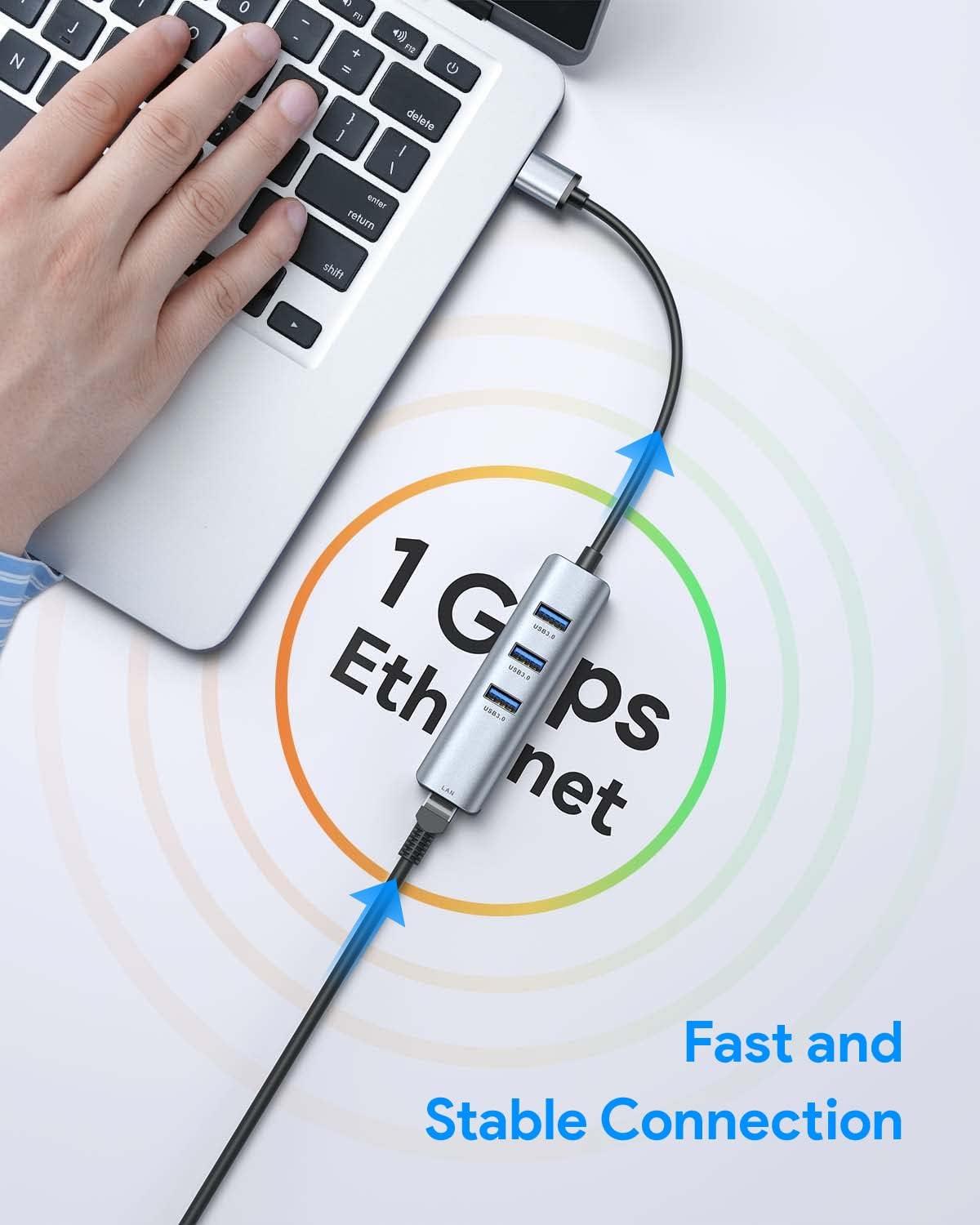
The Ethernet portion is positioned as Gigabit-capable up to 1000Mbps. There’s also a specific caveat that matters if you’re chasing full speed: to reach 1 Gbps, you’ll want a CAT6 Ethernet cable or better. If you’re using older cabling, you may not see the peak numbers you expect.
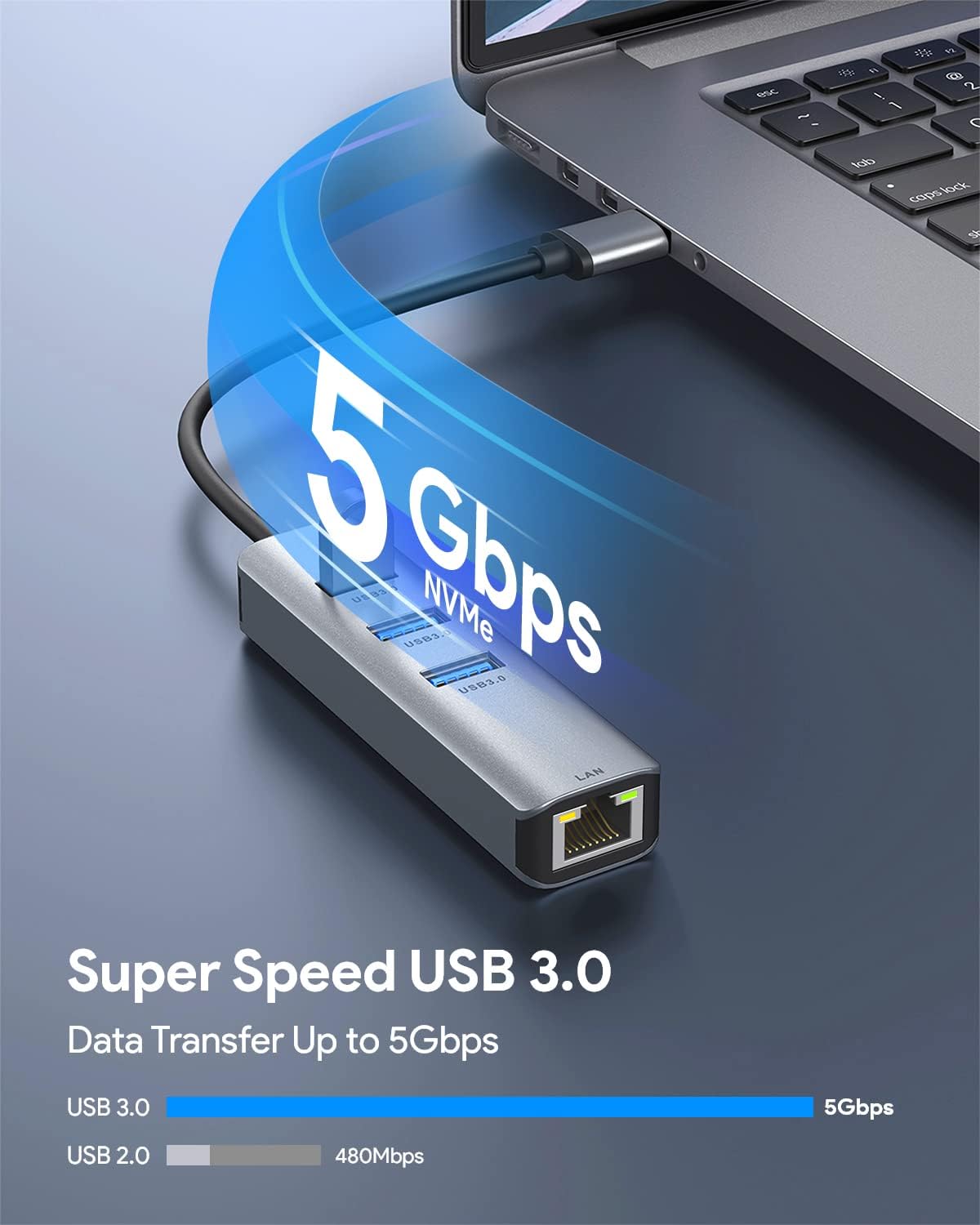
As for the USB hub, it’s rated for up to 5 Gbps transfer speed on the USB 3.0 side. That’s the kind of spec that helps with moving files to and from external storage, though real transfer rates can still vary by device.
Key features that matter for buyers
- Gigabit RJ45 Ethernet (up to 1000Mbps): Useful when you need wired internet, game stability, or more consistent uploads/downloads than Wi‑Fi.
- USB 3.0 hub with 3 extra ports: Helps when your laptop ports are already occupied.
- Backwards compatibility for Ethernet speeds: The adapter supports 10Mbps and 100Mbps too.
- Plug-and-play design: The listing states no driver installation and no power supply required.
Worth noting, this is still an add-on device relying on your laptop’s USB 3.0 port and your network environment. If your goal is maximum performance everywhere, you’ll need to line up the whole chain—especially the Ethernet cable side mentioned above.
Tech specs
- Type: USB 3.0 to Ethernet adapter with 3-port USB 3.0 hub
- Ethernet port: RJ45
- Ethernet speed: Up to 1000Mbps (Gigabit), compatible with 10Mbps and 100Mbps
- USB ports: 3 × USB 3.0
- USB data rate: Up to 5 Gbps
- Compatibility (listed): Windows 10/8.1/8/7/Vista/XP, Mac OSX, Chrome OS, and Linux
Who it’s for (and who should skip it)
It makes sense if you have a laptop with USB 3.0 but no built-in Ethernet. It’s especially practical for work setups (home office, desk docking), travel scenarios where you want a reliable connection, or anyone who uses multiple USB peripherals and hates port-hunting.
It might not be the best match if you only need occasional Ethernet and you’d rather keep your setup minimal, or if you’re already on a well-performing Wi‑Fi network and don’t have much USB device load to support the hub.
Also, if your network environment or cabling can’t realistically support Gigabit performance, you may not feel the “1000Mbps” advantage even though the adapter is built for it.
Getting the most from it
A quick, realistic setup flow: plug the adapter into a USB 3.0 port, connect your Ethernet cable to the RJ45 port, then add your USB devices (for example, mouse and keyboard, or a flash drive). If you’re trying to get the best networking speed, use a CAT6 or higher Ethernet cable as the listing recommends for hitting 1 Gbps.
One more thing to keep in mind: transfer speeds on the USB hub side can depend on the external devices you connect. The adapter can support up to 5 Gbps, but your flash drive or hard drive may be slower.
Should you buy it?
Buy it if you want a simple way to add wired Ethernet and extra USB ports using a single USB 3.0 connection—especially for Windows, Mac, Chrome OS, or Linux laptops that need plug-and-play style convenience.
Skip it if you only need one of the functions (Ethernet-only or hub-only) and you’d rather avoid carrying a combined dongle, or if your Ethernet setup isn’t in a position to take advantage of Gigabit speeds.
It’s a solid “everyday desk upgrade” device: not trying to be an advanced networking tool, but very focused on solving the common port and connectivity problem.
Mini FAQ
Does it require a driver installation?
The listing says it’s plug and play and does not require driver installation.
Can it support Gigabit Ethernet?
Yes, it’s described as up to 1000Mbps on the RJ45 LAN port, with compatibility down to 10Mbps and 100Mbps. For 1 Gbps, it specifically recommends using a CAT6 Ethernet cable or higher.
Will the USB ports and Ethernet work at the same time?
According to the description, all ports on the adapter can work at the same time.
What devices can I plug into the USB hub?
The description mentions USB peripherals such as flash drives, external hard drives, keyboards, mouse, printers, and more.
Which operating systems is it compatible with?
The listing states compatibility with Windows (including Win 10/8.1/8/7/Vista/XP), Mac OSX, Chrome OS, and Linux.