

SOOMFON Stream Controller Stream Control Deck with 15 Customizable LCD Macro Keys for OBS, YouTube, Twitch (PC & Mac)
Product description
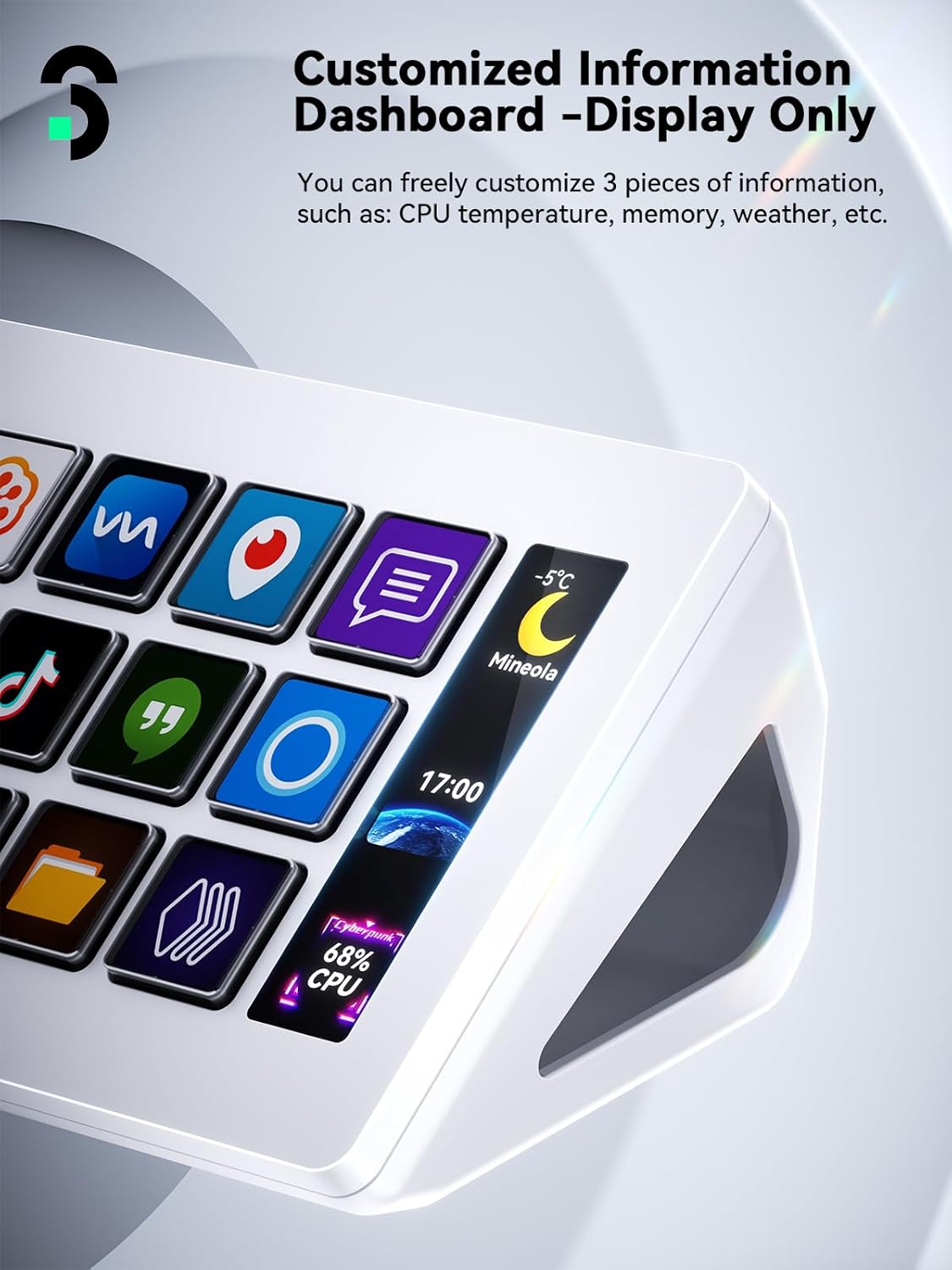
If you stream, edit videos, or run audio tools all day, constantly alt-tabbing gets old fast. The SOOMFON Stream Controller is built for one thing: triggering actions without moving windows. With 15 customizable LCD macro keys and a side dashboard that can show quick system info (like CPU and memory, as described), it’s meant to turn your most-used commands into physical, glanceable controls.
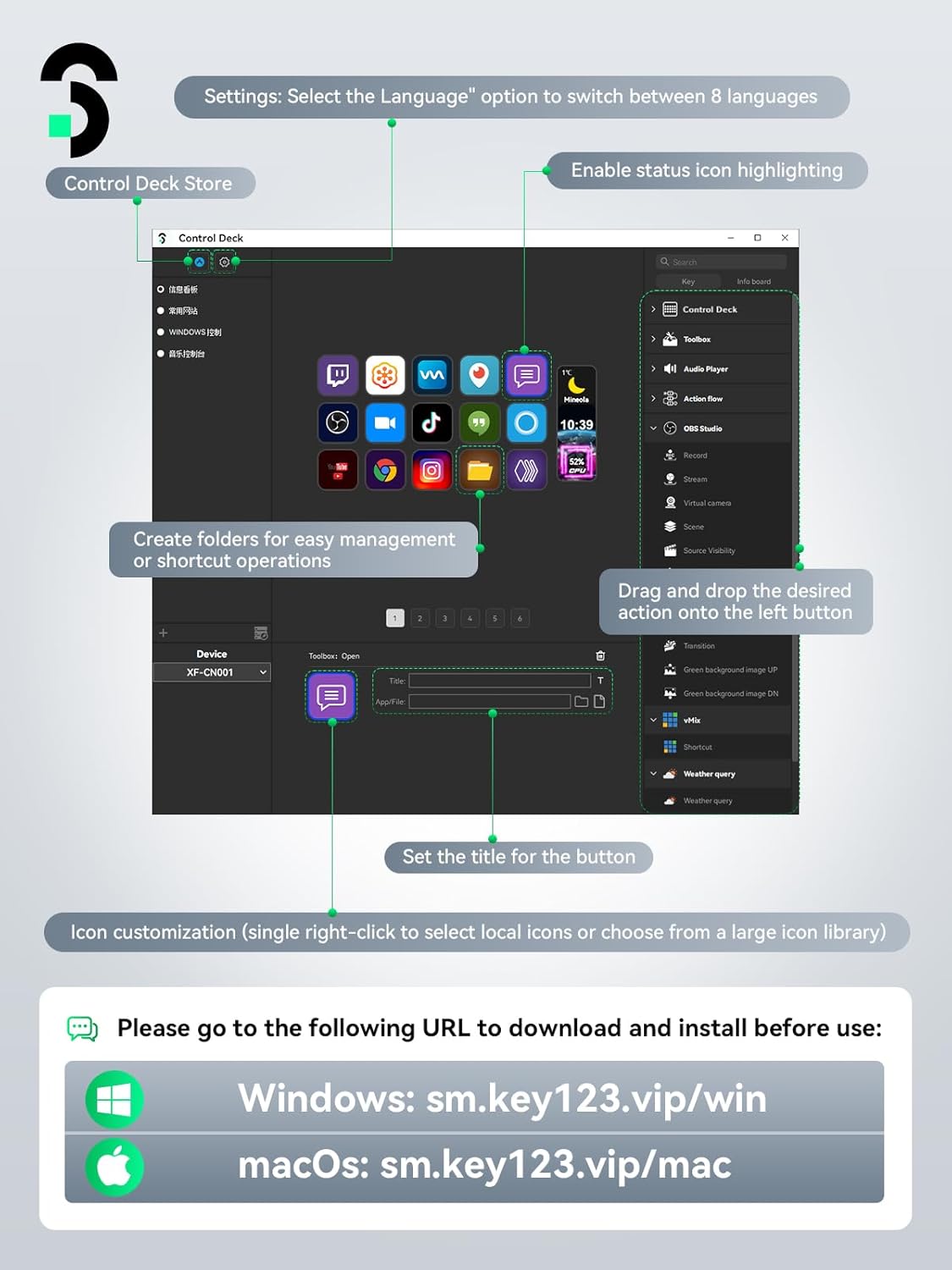
That said, it’s not a “plug-and-forget” device for every workflow. It leans on the included software and the idea that you’ll set up hotkeys and image layouts the way you like—so it’s best if you’re willing to spend a little time configuring once.
Key takeaways
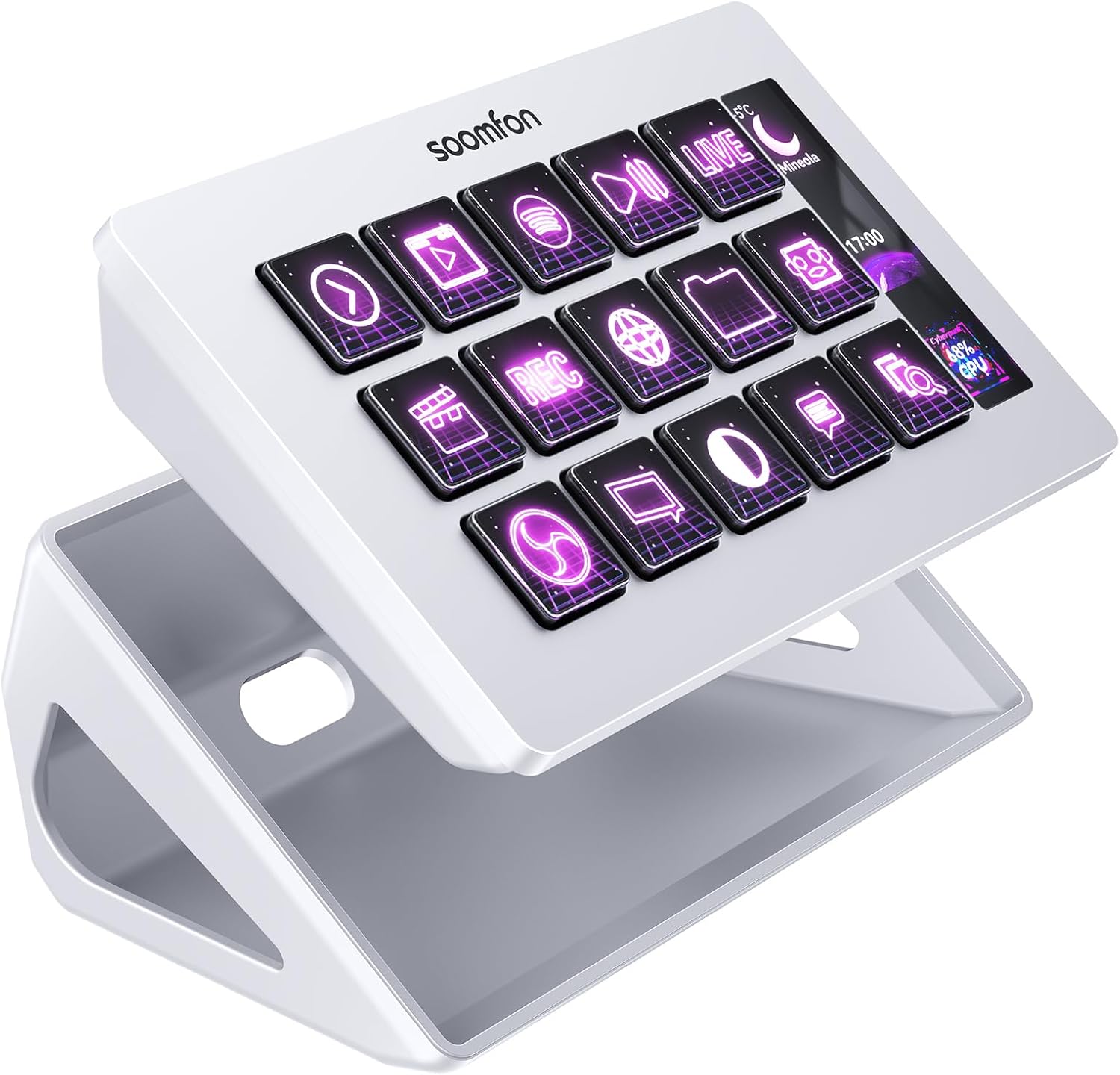
The big draw here is the 15 LCD macro keys you can customize with your own image files, so your controls don’t just work—they also make sense at a glance. It’s designed for hands-on streaming workflows, where you want quick actions like launching posts, adjusting audio, muting your microphone, or controlling lights, all with one touch.
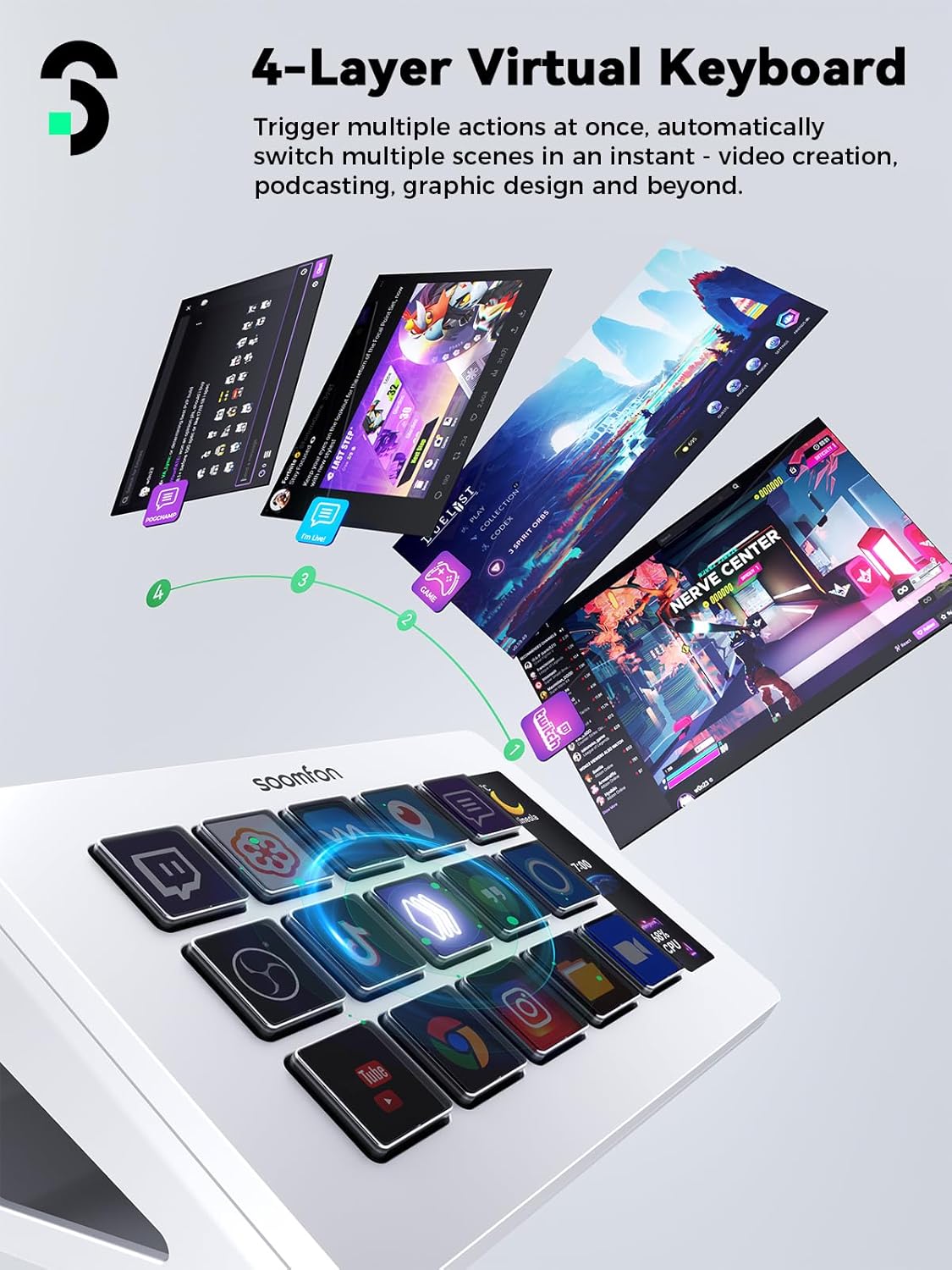
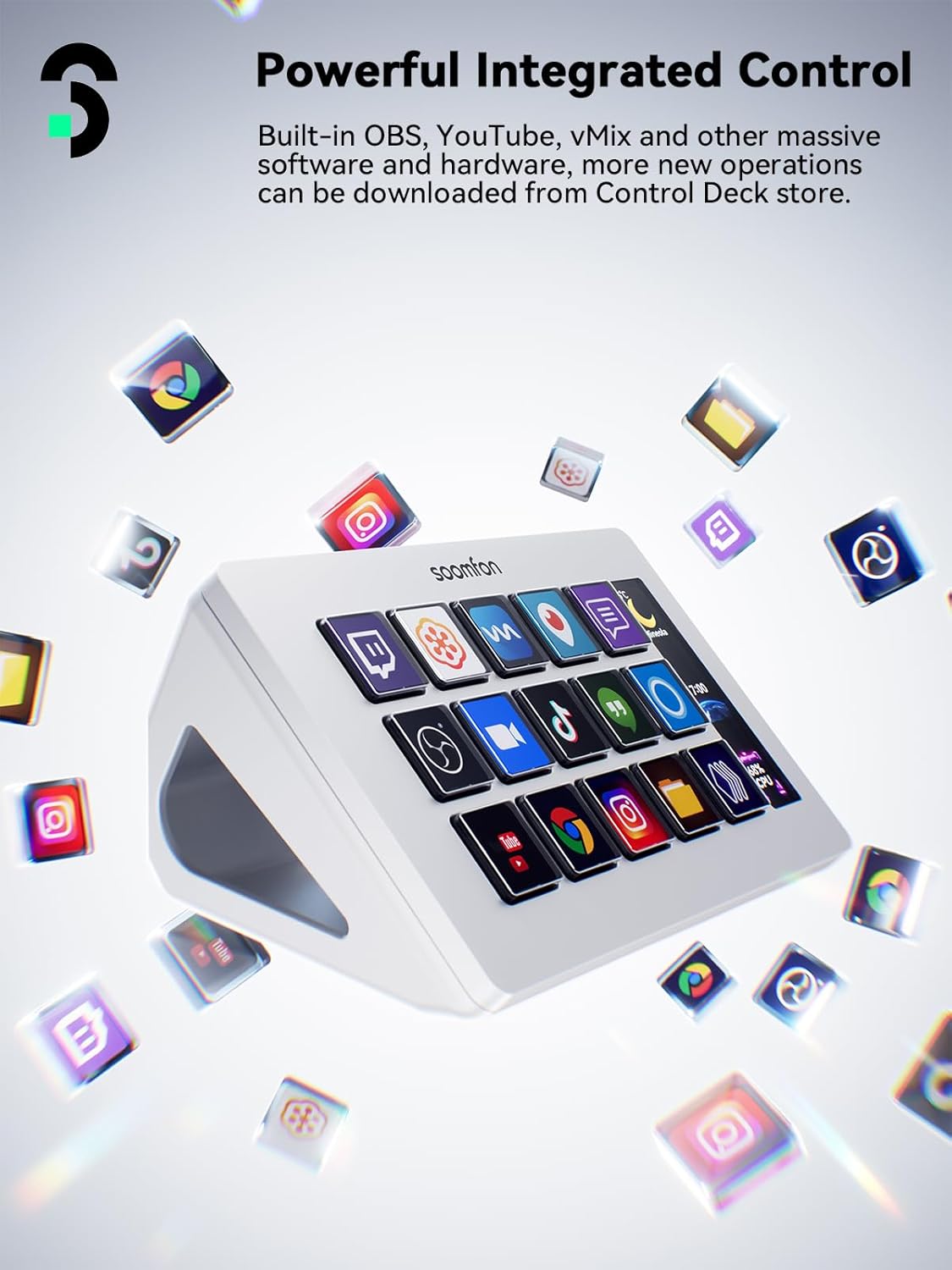
Also worth noting: the included support is positioned for popular streaming and creative platforms (including OBS Studio, Twitch, YouTube, and others named in the description). If your day-to-day setup is built around those tools, this deck can reduce friction and make your process feel more “instrument-like” than “keyboard-and-menus.”
Where it may fall short is flexibility versus deeper power-user setups. The description doesn’t spell out advanced integrations for every possible app, so if your workflow relies on very specific, unsupported software logic, you may end up using it more like a general hotkey panel than a fully custom control hub.
What stands out in everyday use
In use, the device is about immediacy. You press a key, and the action happens—whether that’s muting the mic, triggering a social post, adjusting audio, or managing common production tasks. That one-touch operation is the kind of quality-of-life improvement that shows up repeatedly during streams.
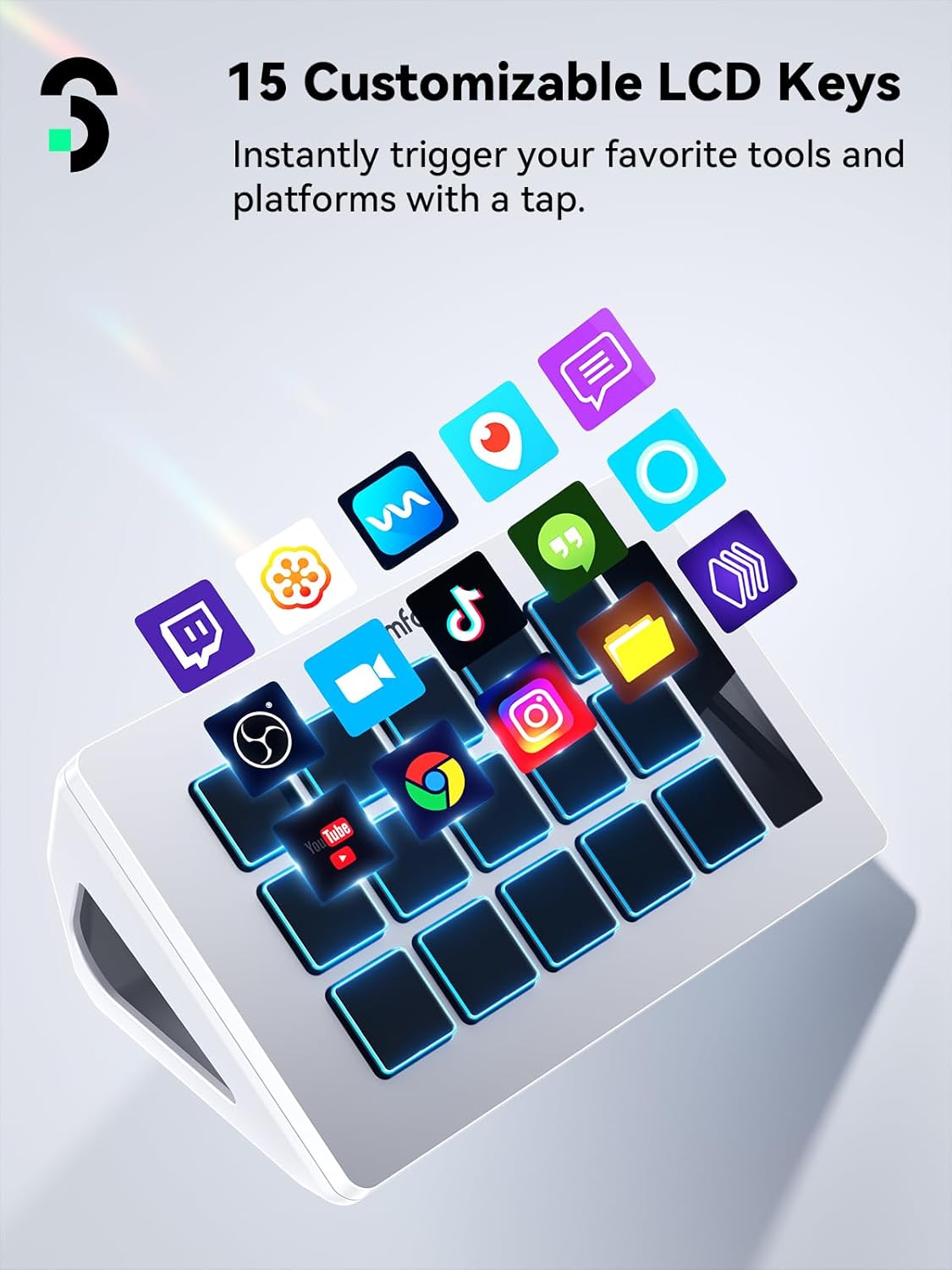
The LCD keys are also a practical touch. Instead of guessing which macro does what, you can map commands to custom images so the layout matches your brain, not just default labels. Depending on what you stream and how often you switch scenes or settings, this can save time and reduce mistakes.
A small detail that matters: the deck includes a removable stand, and rubber feet to help it stay put on your desk even when you’re not using the stand. That’s the kind of thing that keeps the device from becoming “a nuisance” during long sessions.
Compatibility and setup realities
The description says it’s compatible with PC and Mac, and it includes integrated support for OBS Studio with specific minimums: Windows 10 64-bit (or higher) and macOS Big Sur 11.0 (or higher). It also calls out support for Twitch, YouTube, Twitter, Discord, Spotify, Voicemod, and more.
There are a few important limitations to keep in mind. The notes mention that Spotify integration requires an active Spotify Premium account, so if you don’t have Premium, that part of the experience won’t be available. It also advises updating firmware from the official software download link and using the original data cable, connecting directly to a computer USB port while avoiding a hub for power.
So yes, it’s positioned as fairly easy to install and operate (per the description), but the smooth experience depends on following those setup steps and letting the software do its job.
Tech specs
- Name: SOOMFON Stream Controller Stream Control Deck
- Type: Stream control deck with LCD macro keys
- Capacity: 15 customizable LCD keys
- Compatibility: PC & Mac (includes OBS Studio support as described)
- Includes: removable stand, side dashboard for instant info (CPU/memory mentioned)
Who it’s for (and who should skip it)
This is a solid fit if you’re a content creator who lives in streaming and production tools—especially if you want a compact physical control panel rather than clicking through menus during live moments. If you frequently trigger actions in OBS and use mainstream platforms like YouTube or Twitch, having labeled LCD buttons can make your stream flow feel smoother and more consistent.
It’s also worth considering if you’re not strictly gaming-stream only. The description mentions video editing, music production, and photography workflows, which suggests it’s meant as a general hotkey launcher for creative tasks too.
You may want to skip it if your workflow is highly custom and doesn’t align with the integrations and hotkey approach described. It might also be less appealing if you dislike configuration work, because the value depends on setting up the macros and customizing the LCD images so the deck becomes genuinely useful to you.
Is it worth it?
Buying it makes sense if you want quick one-touch control for streaming and creative actions, and you’ll actually benefit from 15 customizable LCD keys with image mapping. It’s especially compelling on paper if your setup includes OBS Studio and you use the listed platforms often enough to justify building a workflow around the deck.
But it’s not the best match if you’re expecting a fully universal “it works with everything automatically” experience. The description points to software setup, firmware updates, and specific requirements (like Spotify Premium), so if you want zero-tinkering automation, you might be happier with a simpler hotkey approach or a setup that matches your current tools more directly.
Mini FAQ
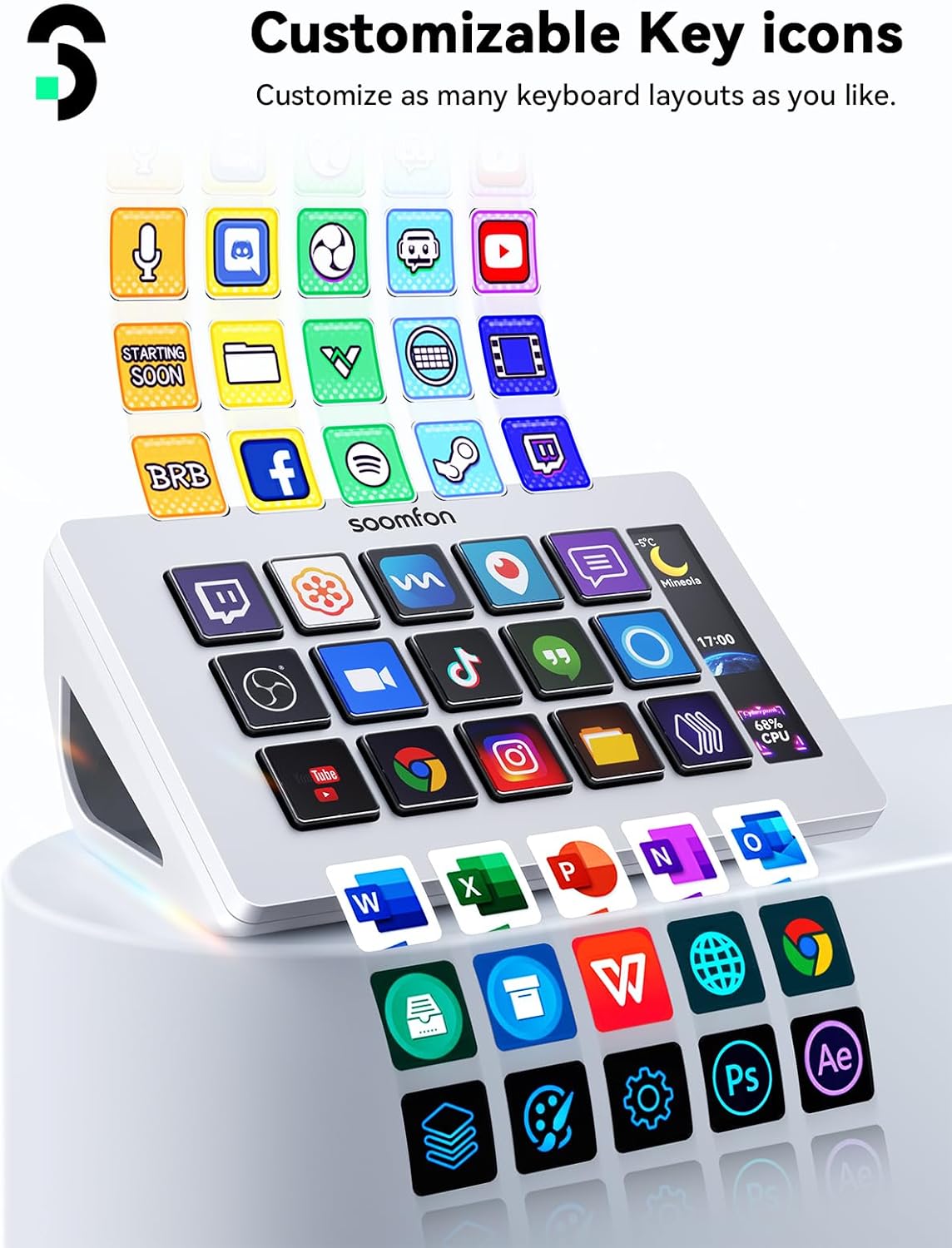
Can I customize the LCD keys with my own images?
Yes. The description states the LCD screens can be customized with your preferred image files.
Does it work with OBS Studio?
The description says it has integrated support for OBS Studio, with minimum OS requirements listed for Windows 10 64-bit and macOS Big Sur 11.0 or higher.
What platforms is it compatible with?
It calls out support for OBS Studio and names Twitch, YouTube, Twitter, Discord, Spotify, Voicemod, and more.
Do I need Spotify Premium to use Spotify integration?
Yes—according to the notes, Spotify integration requires an active Spotify Premium account.
Will it work through a USB hub?
The notes recommend using the original data cable and connecting directly to the computer’s USB port, avoiding a hub for power.