

GMKtec Mini PC M2 Pro S (Intel Core i7-1185G7) with 16GB DDR4, 512GB SSD, WiFi 6, USB4.0, BT 5.2
Product description
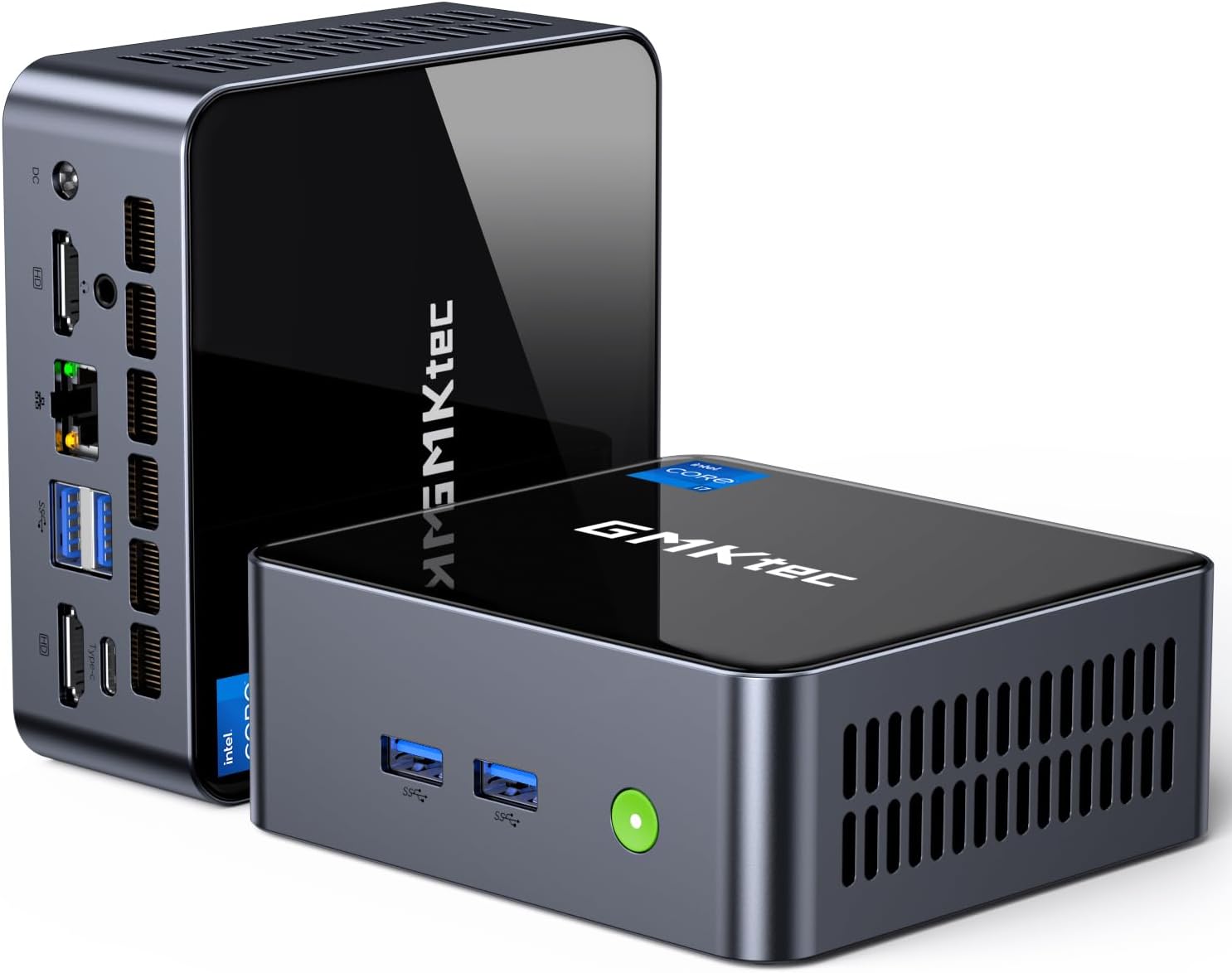
The essentials (and the part people actually care about)
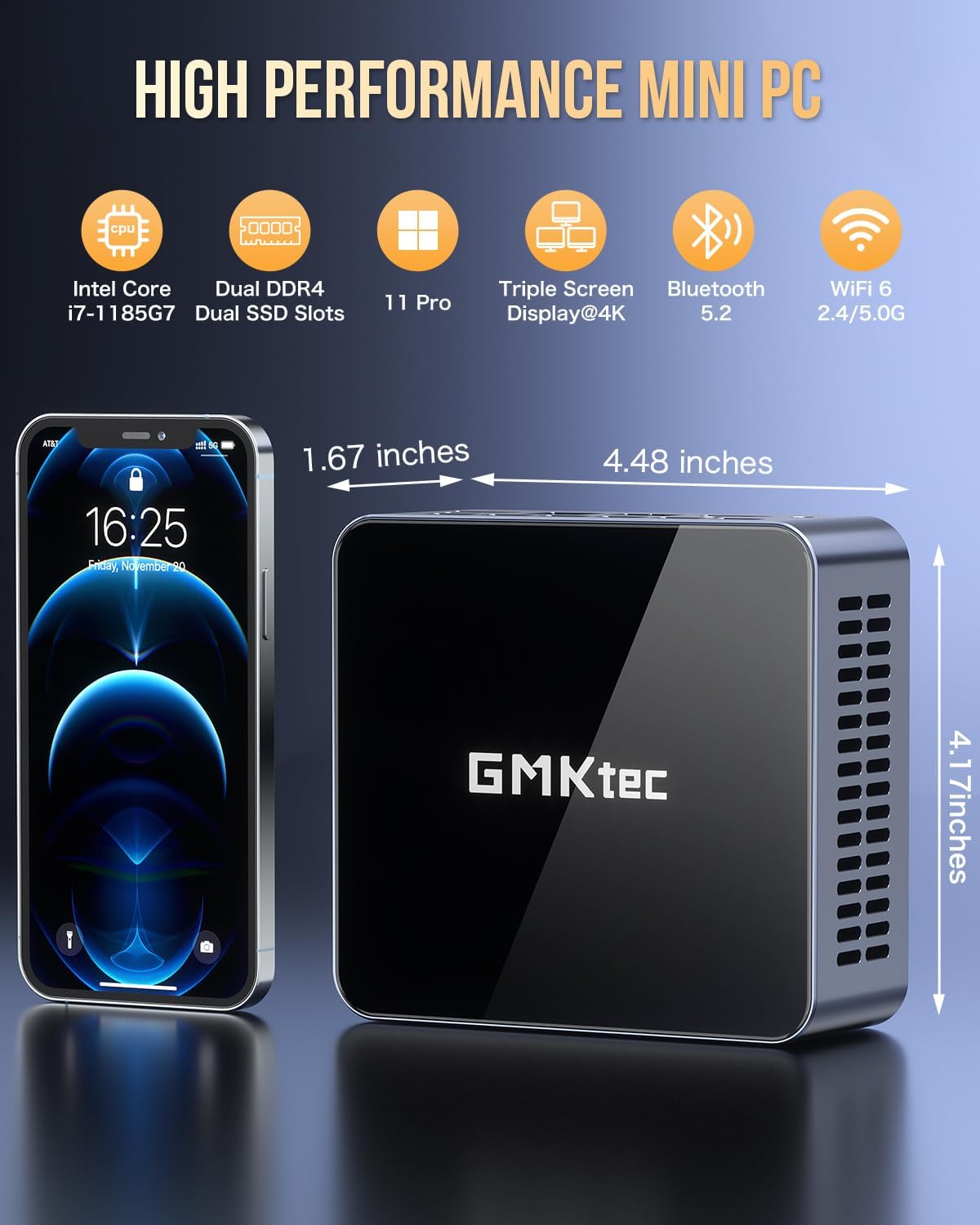
This GMKtec Mini PC M2 Pro S is built around an 11th-gen Intel Core i7-1185G7 processor and comes with 16GB DDR4 RAM and a 512GB M.2 NVMe SSD. On paper, that combo targets everyday productivity that feels more responsive than lower-end mini PCs, while still staying in a small, desk-friendly footprint.
Where it gets interesting for real buyers is the graphics angle. The system uses Intel Iris Xe Graphics G7 (96EU), and the listing frames it as a step up from entry-level integrated graphics. In practical terms, that’s the kind of mini PC you’d consider if you want smoother multi-monitor output, quicker media processing, and the option for lighter, casual gaming—not just “it turns on and displays something.”
Key specifications that shape performance
You’ll get a very specific set of capabilities here, and they matter more than the marketing language.
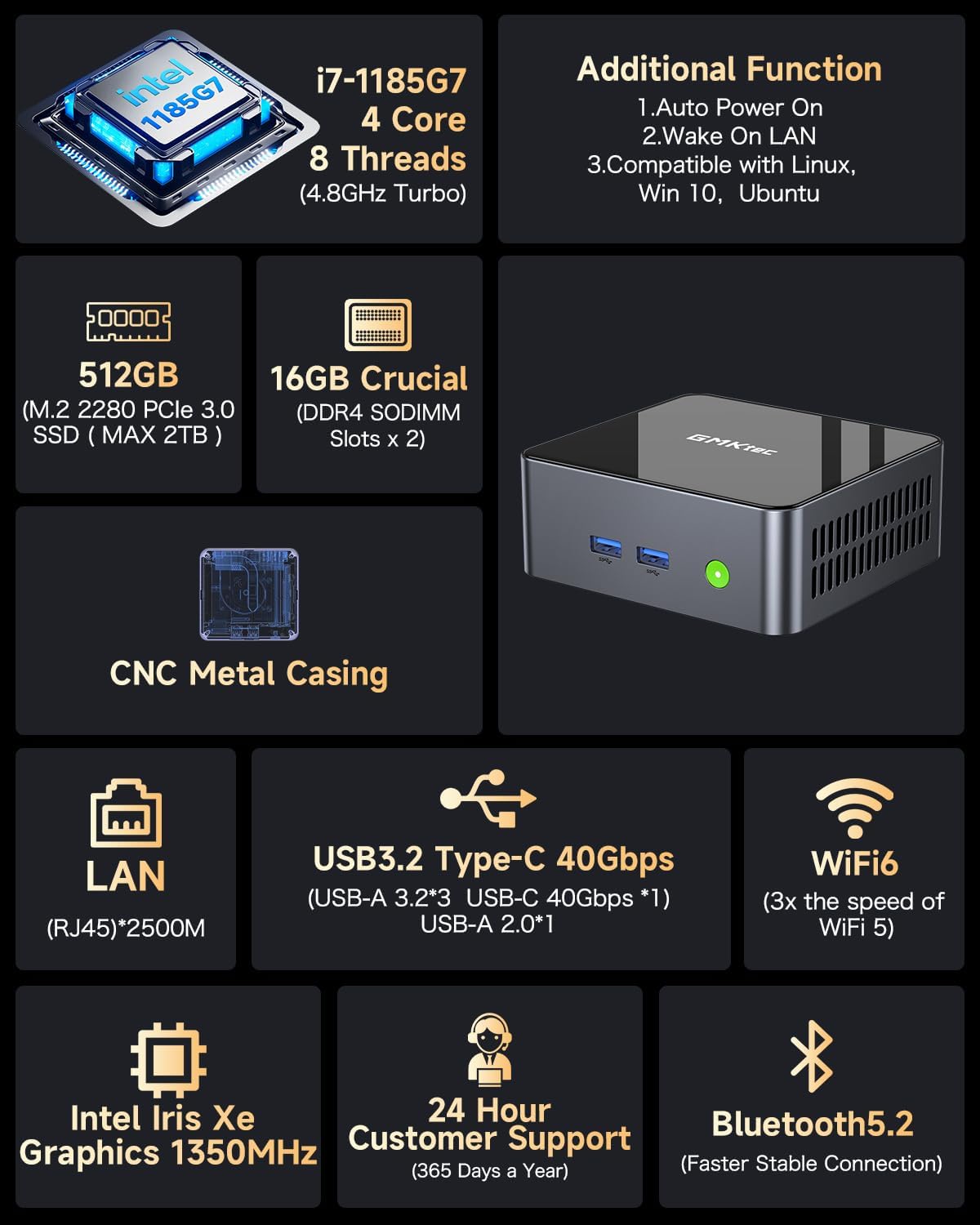
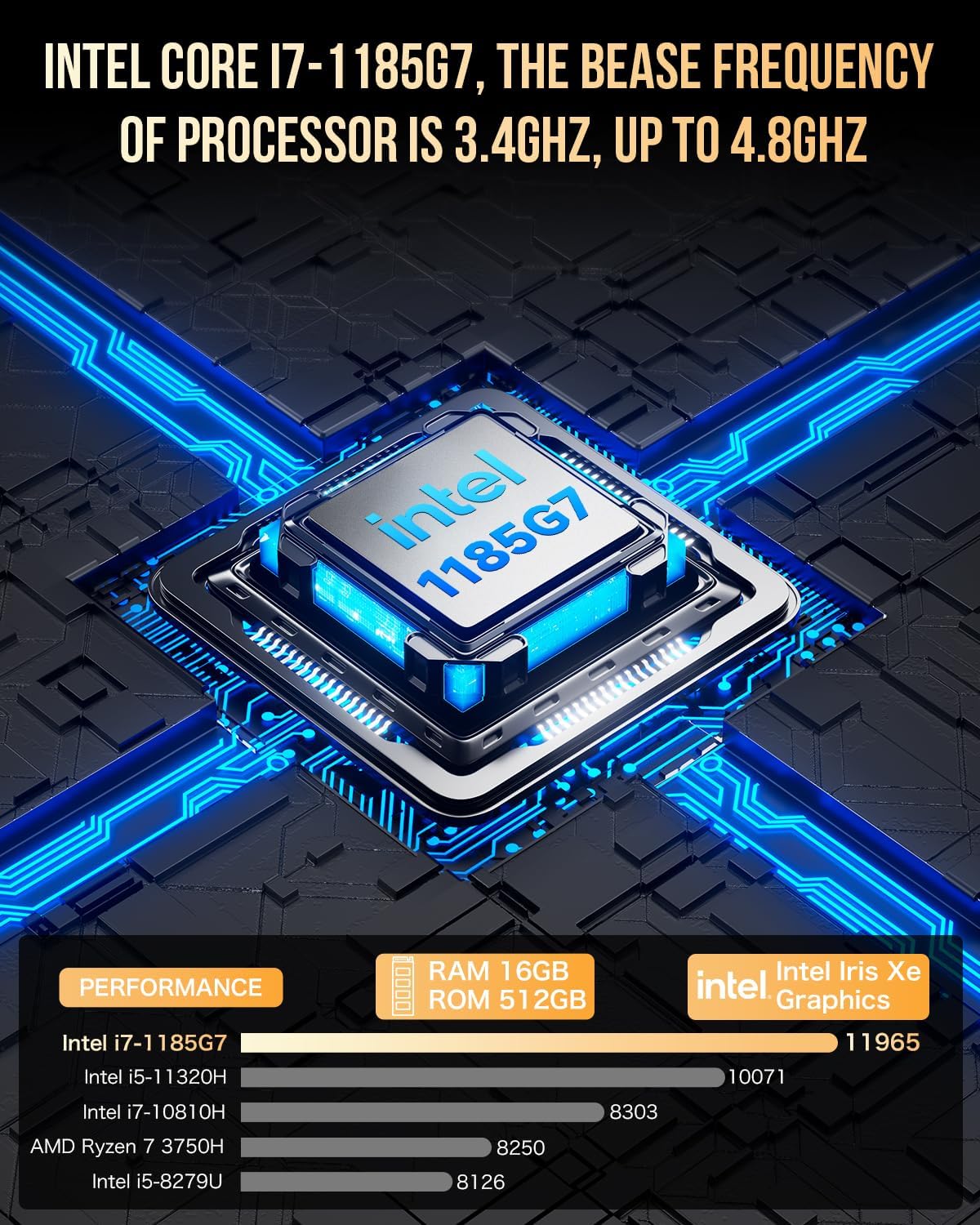
- Intel Core i7-1185G7 (Turbo up to 4.8 GHz), 4 cores / 8 threads, 12MB cache
- Intel Iris Xe Graphics G7 (96EU)
- 16GB DDR4 in dual-channel (SODIMM)
- 512GB M.2 2280 NVMe SSD (PCIe 3.0)
- Expansion support noted up to 64GB RAM
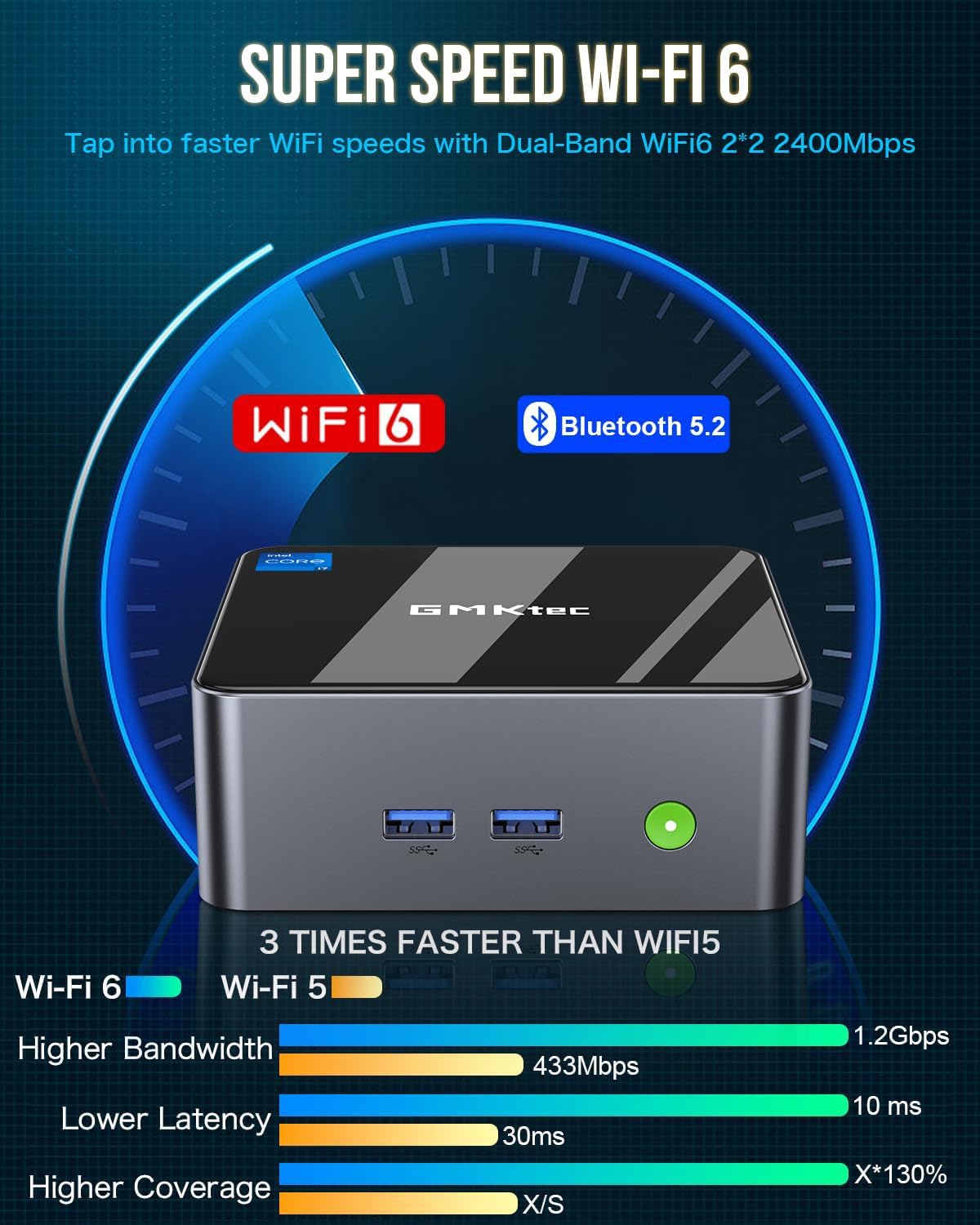
- WiFi 6, Bluetooth 5.2
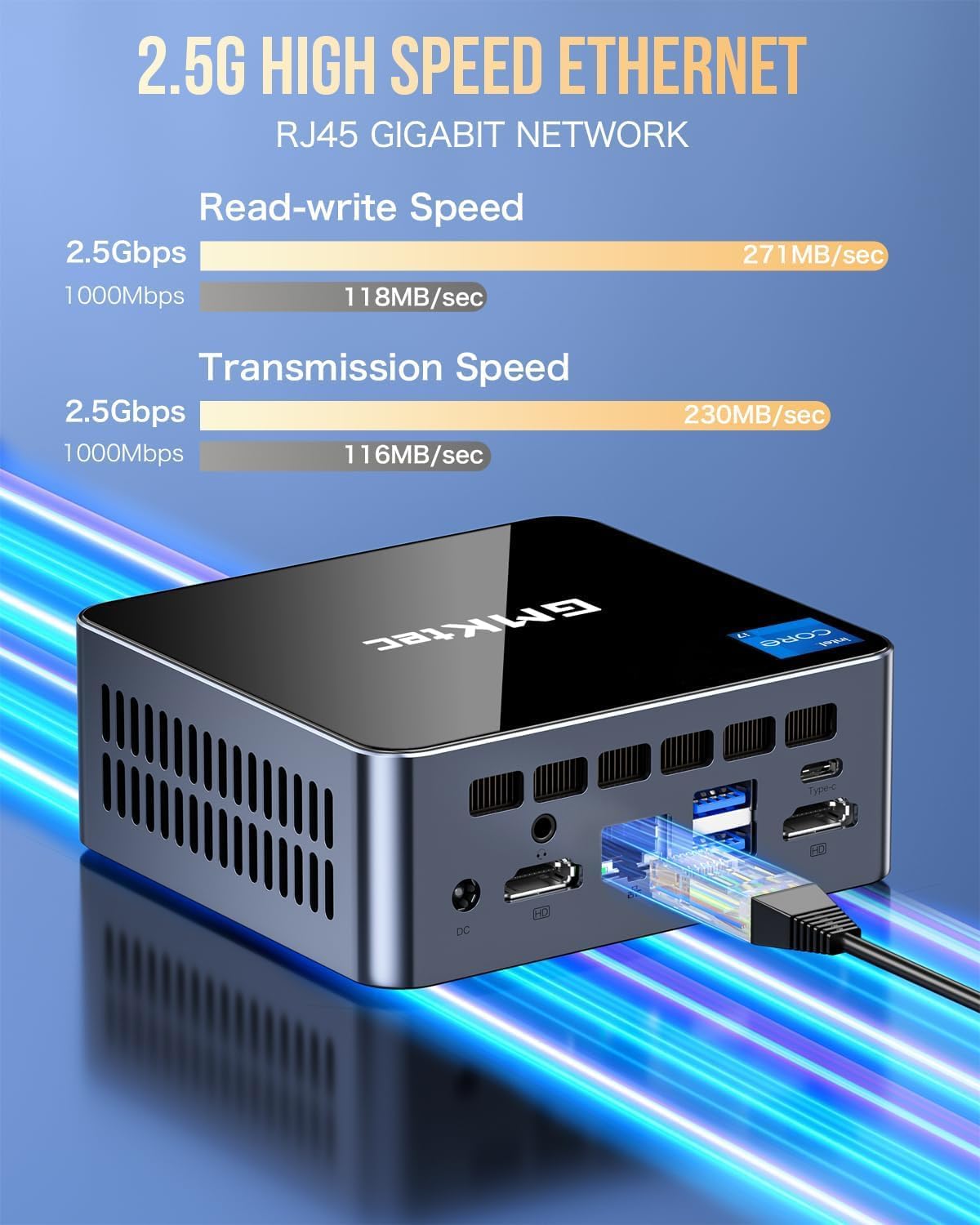
- Ports/cable options include USB4.0, DP, HDMI, and RJ45 2.5G
One detail worth keeping in mind: the provided information says the unit’s power is only 35W. That’s a nice fit if you care about efficiency, but you should still treat mini PC “performance expectations” as a balancing act versus full-size desktops.
What stands out in day-to-day use
This is the sort of mini PC that fits well into setups where desk space is tight and you still need a real workstation feel.
Think about a practical scenario: you’re working in a browser with multiple tabs, jumping between docs and spreadsheets, and then switching to something media-related like photo editing or video work. With the i7-1185G7 + 16GB RAM setup, the goal is fewer slowdowns when your workload ramps up. And if you’re running more than one display, the included outputs are set up for multi-monitor use.
The connectivity list is also strong for its class. WiFi 6 plus BT 5.2 covers wireless basics, and the RJ45 2.5G option is there if your internet or local network benefits from faster wired speeds. USB4.0 is useful if you want one modern port that can handle a range of peripherals.
Multi-monitor support: useful, but check your setup
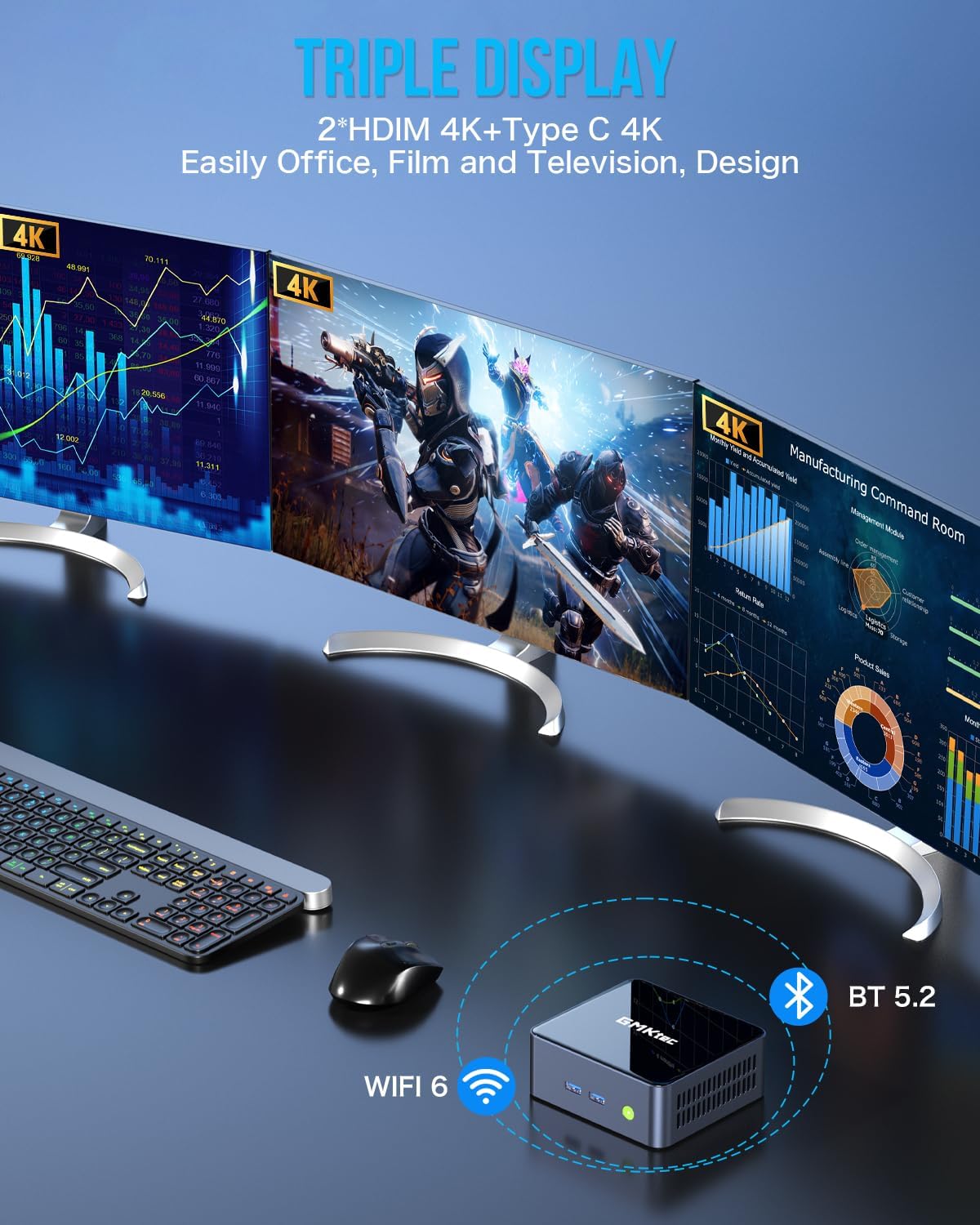
The listing states support for 3-screen output: 2 x HDMI (4K @ 60Hz) and 1 x USB Type-C (4K @ 60Hz), with the ability to independently display 4K screens on three displays at the same time.
That’s a compelling “yes” if you specifically want a compact triple-display work setup. Still, it’s worth planning carefully around your monitor cables and what each display will actually use (HDMI vs USB-C/DisplayPort-style output). Compatibility in the real world can come down to the specific monitor inputs you own.
Storage and expansion: good headroom, with a couple of caveats
Starting with 512GB NVMe is a sensible baseline for a mini PC, especially if you’re keeping your main files local while relying on external storage for bulk archives. The listing also mentions expansion paths: RAM can expand up to 64GB, and the SSD can expand up to 2TB. It even notes a secondary slot option (M.2 2242 SATA can be expanded to 2TB).
However, if you already know you’ll fill a drive fast (lots of large video projects, big libraries, or heavy game libraries), you’ll want to think about whether you’ll need expansion soon. You might not regret the purchase if you’re planning to upgrade later, but it can be a pain if you were hoping for “set it and forget it” storage.
Should you buy it?
It’s a solid pick if you want a compact mini PC that leans into real CPU performance (Core i7-1185G7), comes with 16GB RAM and 512GB SSD from the start, and you care about multi-monitor capability plus modern connectivity like WiFi 6, USB4.0, and RJ45 2.5G. On paper, the Intel Iris Xe Graphics G7 (96EU) angle is especially relevant if you’re doing productivity and creative tasks where an average integrated GPU might feel too limited.
It may not be the best match if your priority is maximum “gaming at high settings” or if you expect this class of mini PC to behave like a full-size enthusiast desktop. Also, if your workflow is highly specialized and depends on specific software acceleration features not mentioned here, you’ll want to confirm your exact requirements before committing.
For many buyers, this sits in a more performance-focused mini PC lane than the very basic office-only boxes. The 1-year limited warranty coverage from GMKtec is a helpful reassurance, but you should still verify the warranty terms with the seller page details when you buy.
Quick FAQ
Is the GMKtec M2 Pro S good for multi-monitor setups?
Yes, the listing specifically supports three screens at up to 4K @ 60Hz using 2 x HDMI and 1 x USB Type-C output.
What kind of performance should I expect from the i7-1185G7?
For day-to-day productivity, the Core i7-1185G7 with 4 cores / 8 threads and 16GB dual-channel RAM is designed to stay responsive. For GPU-heavy work, results will still depend on the integrated Iris Xe graphics limitations.
Does it have wired networking?
Yes—RJ45 2.5G is listed, which is useful if you want a more stable and potentially faster network connection than WiFi.
Can I upgrade RAM or storage?
The information provided says RAM can expand up to 64GB and the storage can expand up to 2TB, with additional SSD expansion options mentioned.
What’s the main trade-off of buying a mini PC like this?
The trade-off is that mini PCs are built for compact efficiency and practical performance, not for maximum heat/power headroom. If you push demanding workloads constantly, you may want to compare against larger systems designed for sustained performance.