

Trueque Wireless Keyboard and Mouse Combo full-size RGB Backlit
Product description
This full-size wireless keyboard and mouse combo combines RGB backlighting with rechargeable convenience for everyday computing, office tasks, and casual gaming. It offers soft, quiet typing and a compact wireless setup that works across Windows, Mac, Linux, and Chrome devices while helping maintain battery life with smart sleep modes.
Key Points
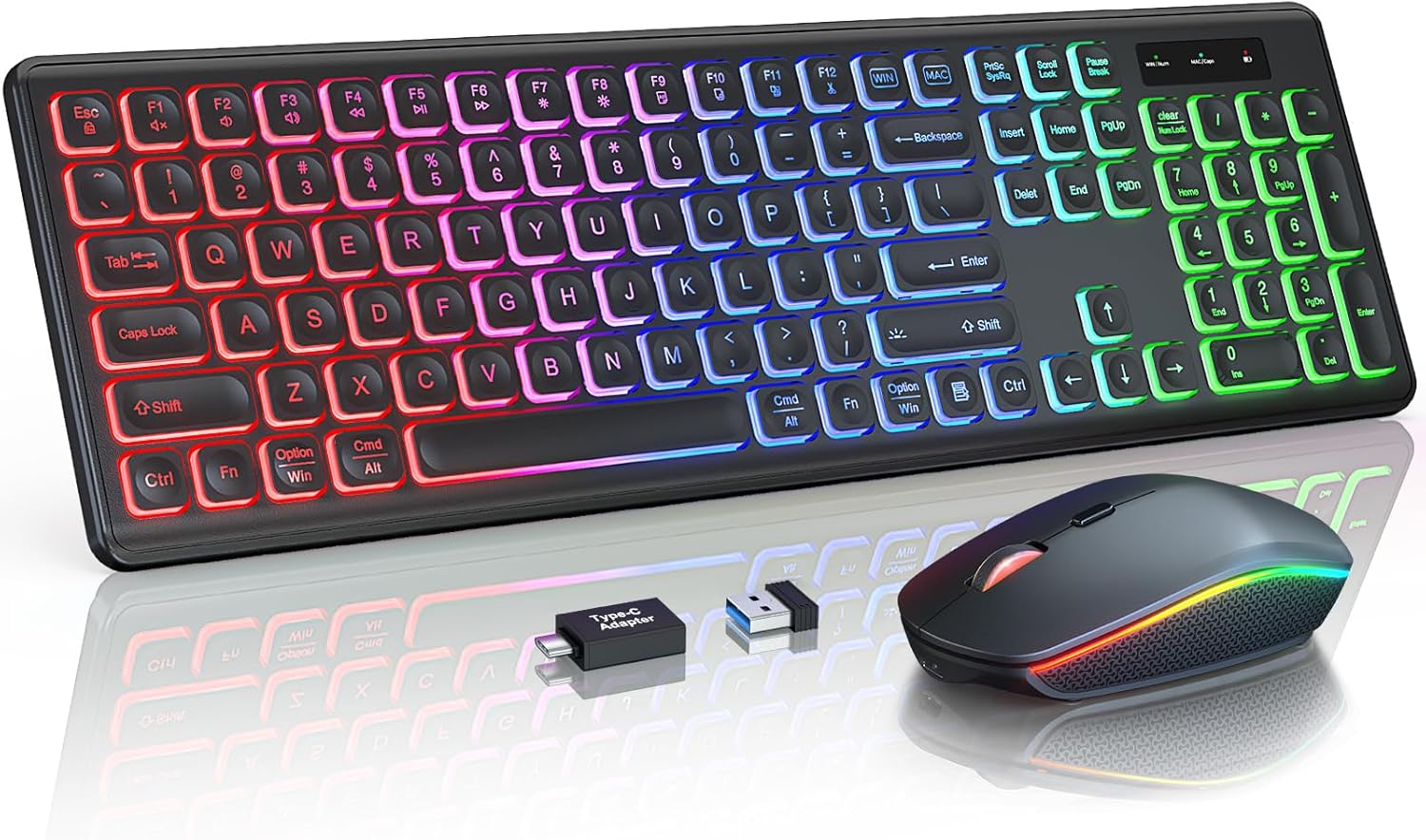
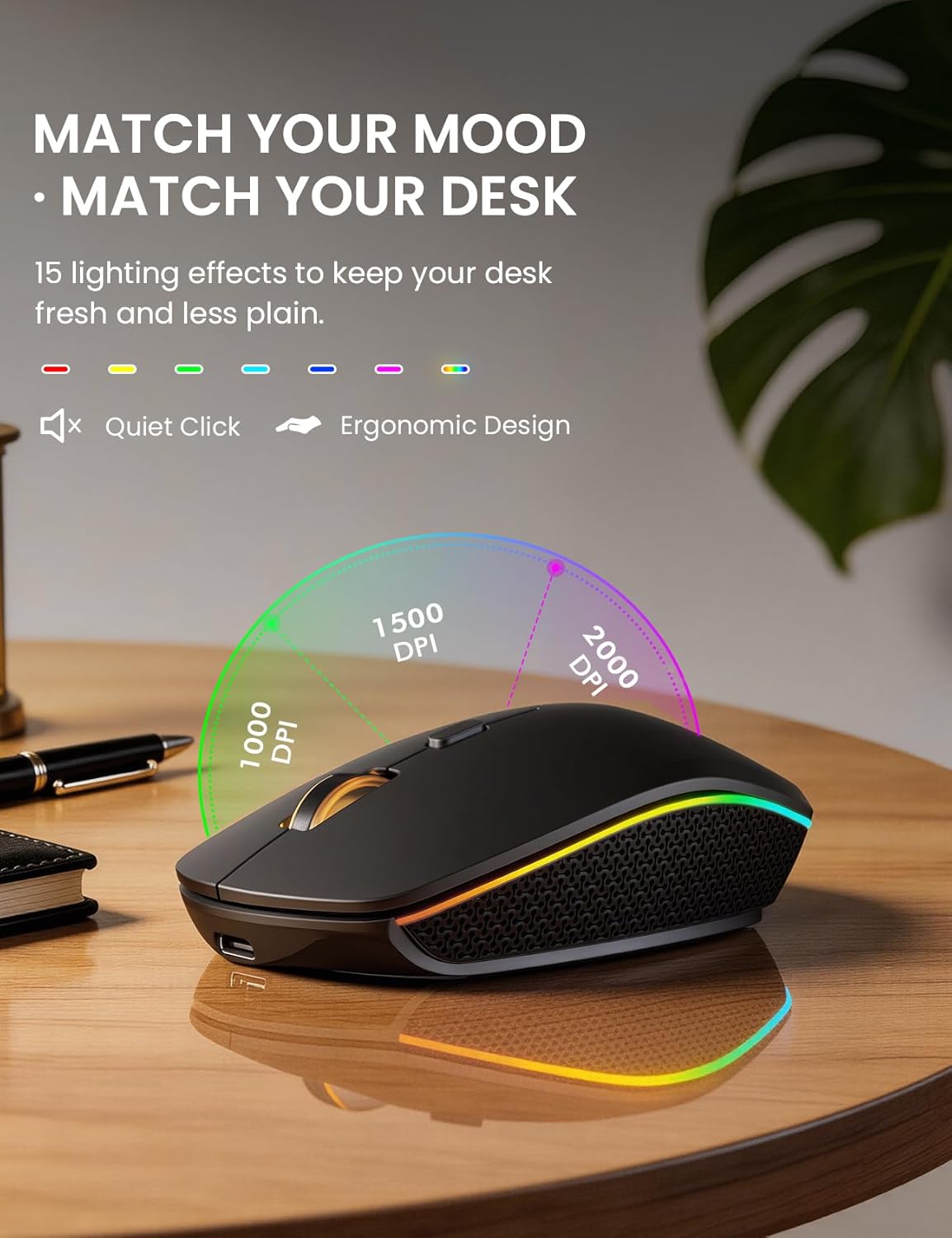
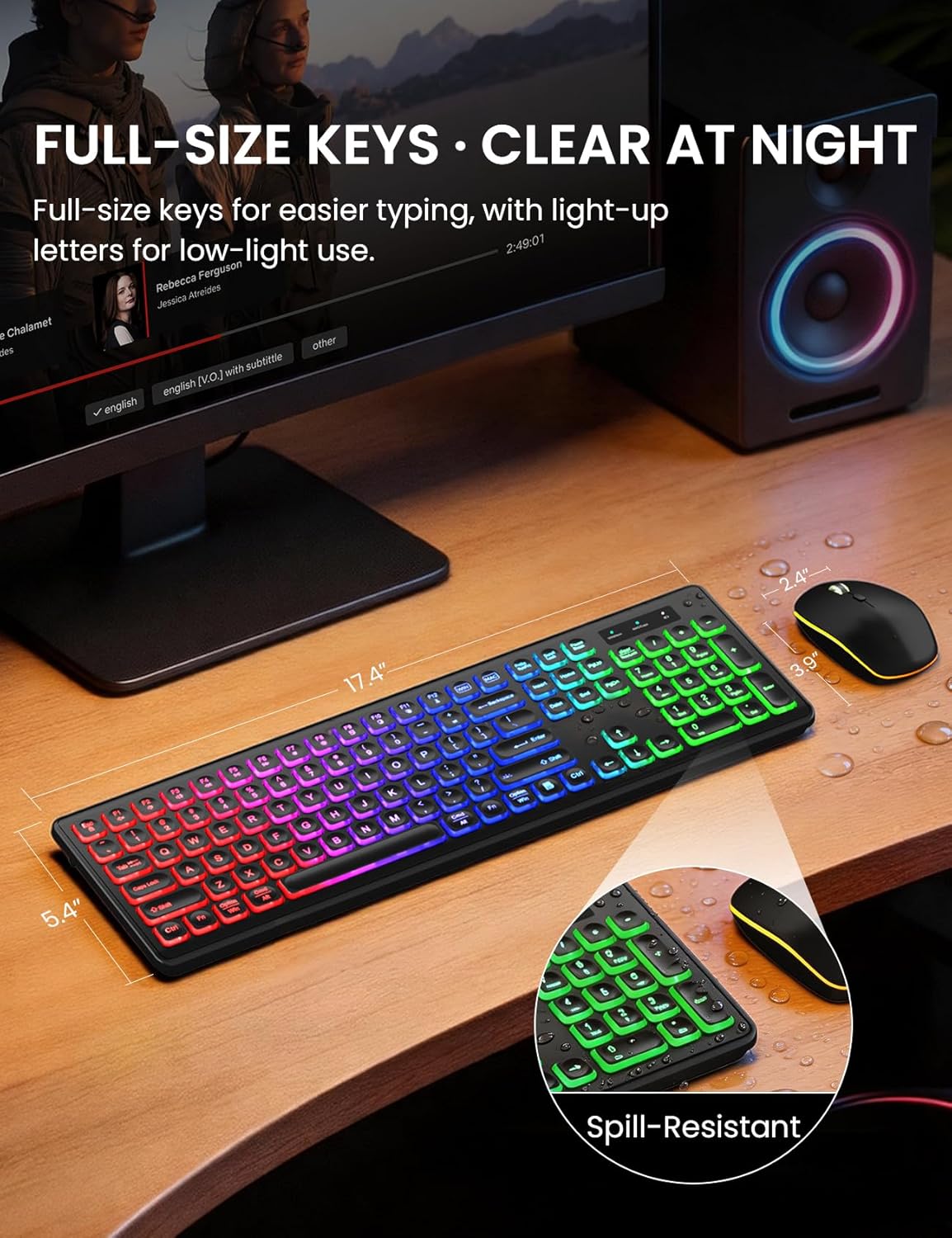
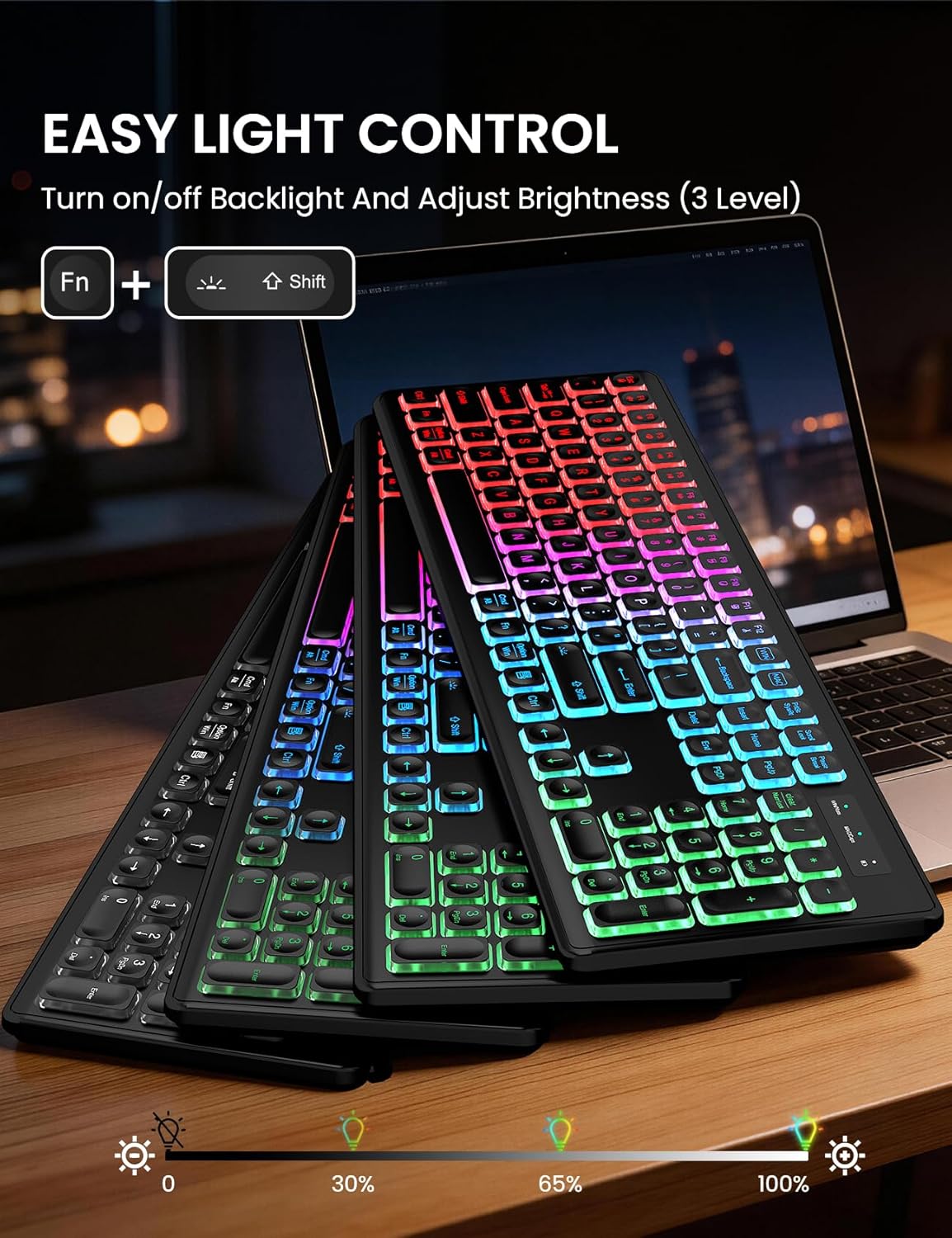
The keyboard features rainbow backlight with three brightness levels and light-up keycaps to make low-light typing easier. The mouse includes 15 switchable lighting effects to match the keyboard or create contrasting looks, and both units are rechargeable via the included USB-C cable. ⌨️
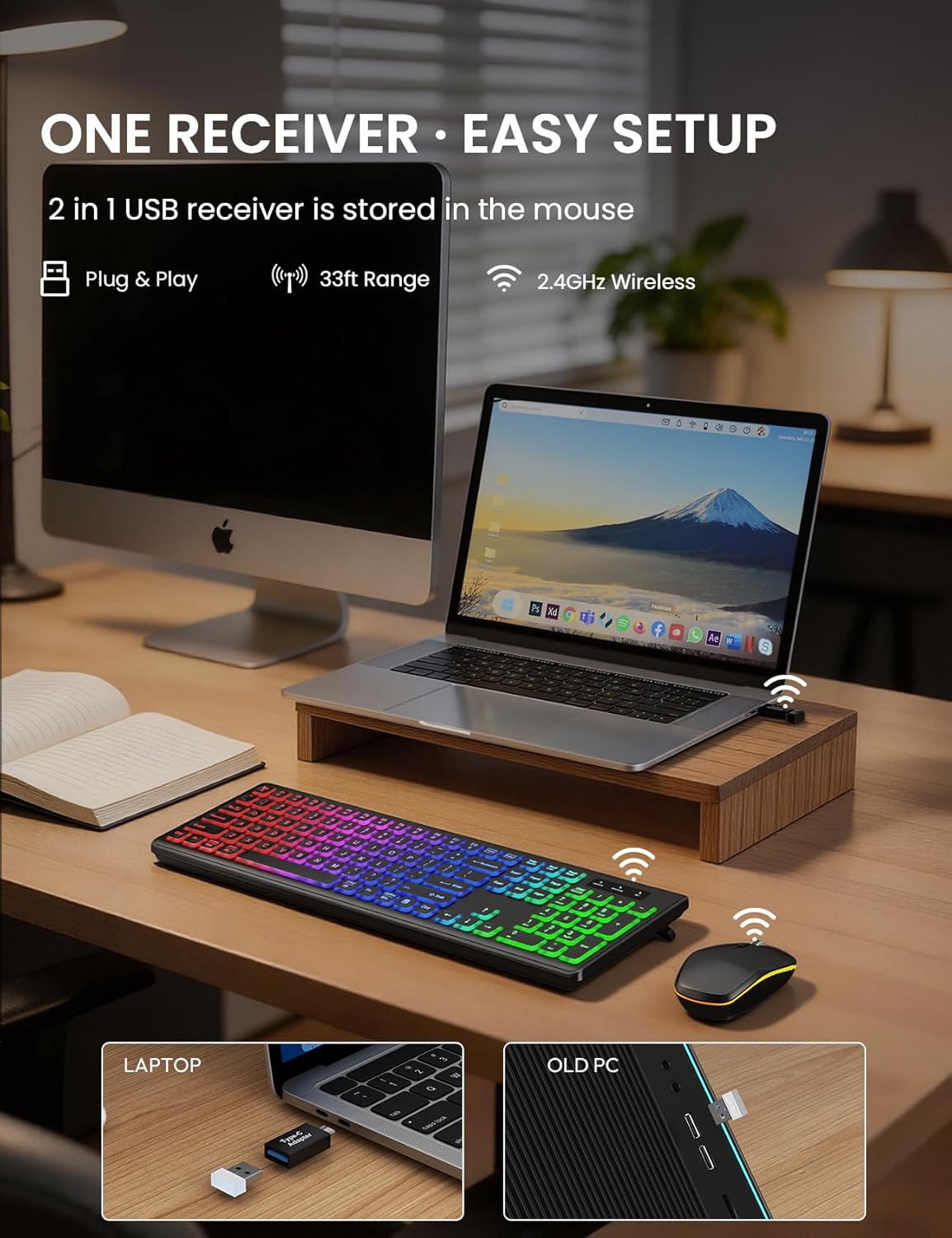
Connectivity is plug-and-play via a single 2.4 GHz USB receiver that supports up to 33 feet of wireless range without drivers. Switching the keyboard layout between Mac and Windows is done with one touch, and a USB-A to USB-C adapter is supplied to fit different host ports. The set aims for near-silent operation with quiet keys and soft mouse clicks, which can be beneficial in shared or quiet environments. 🖱️
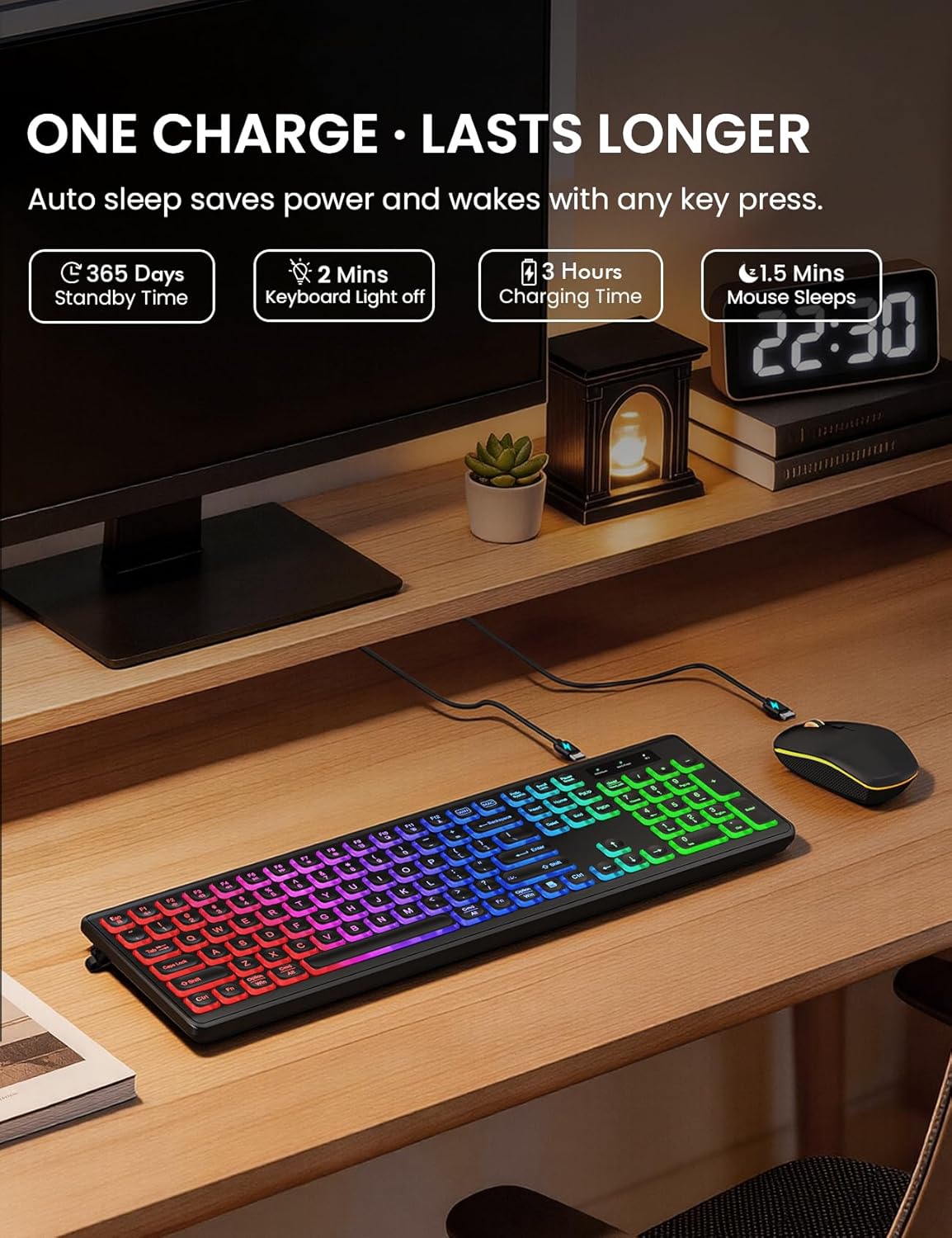
A practical energy-saving design puts the keyboard to sleep after 30 minutes of inactivity and the mouse after 90 seconds according to the manufacturer. Both devices include physical on/off switches for added power control. Consider that some multimedia keys may not be fully compatible with Mac OS systems.
Technical Specifications
- Name: Trueque Wireless Keyboard and Mouse Combo (Black)
- Backlight: RGB rainbow with 3 adjustable brightness levels
- Mouse lighting: 15 switchable effects
- Connection: 2.4 GHz wireless, single USB receiver, up to 10 meters (33 ft)
- Power: Rechargeable battery for keyboard and mouse, USB-C charging cable included
- Compatibility: Windows, Mac, Linux, Chrome (multimedia keys may have limitations on Mac)
Usage Recommendations
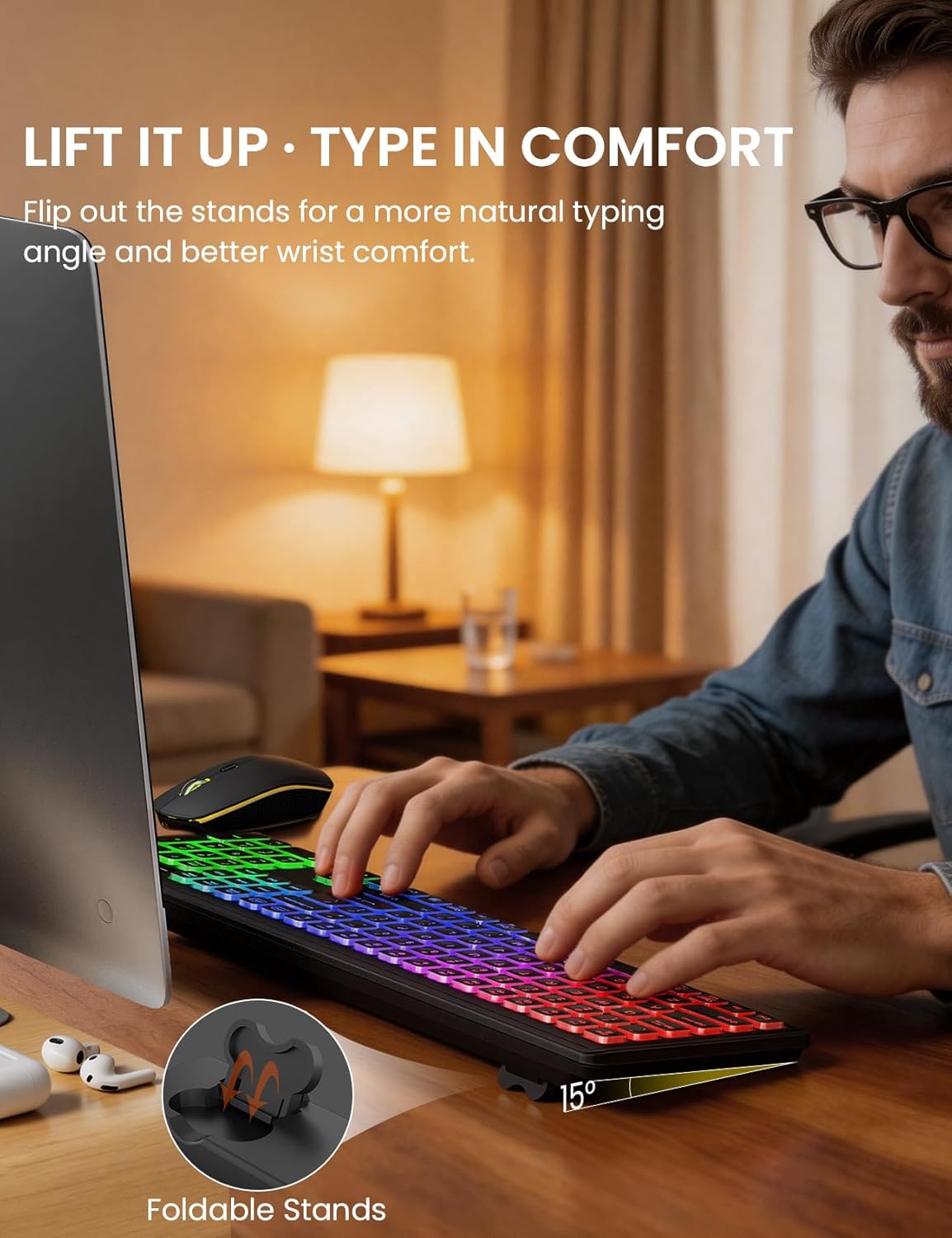
For desktop use place the USB receiver into an available port and ensure the devices are charged before first use. The foldable stands on the keyboard create a slight tilt which helps reduce wrist strain during longer typing sessions. The quiet key mechanism and muted mouse clicks make this combo suitable for late-night work or shared spaces without disturbing others.
If you frequently switch between macOS and Windows, use the single-touch layout switch and keep the USB-A to Type-C adapter handy for laptops with only USB-C ports. For gamers who prefer faster response or higher polling rates, note that this set focuses on comfort and lighting rather than pro-level gaming specs, according to the manufacturer.