

Samsung Odyssey G3 24-inch FHD Gaming Monitor
Reviews
Price
Product description
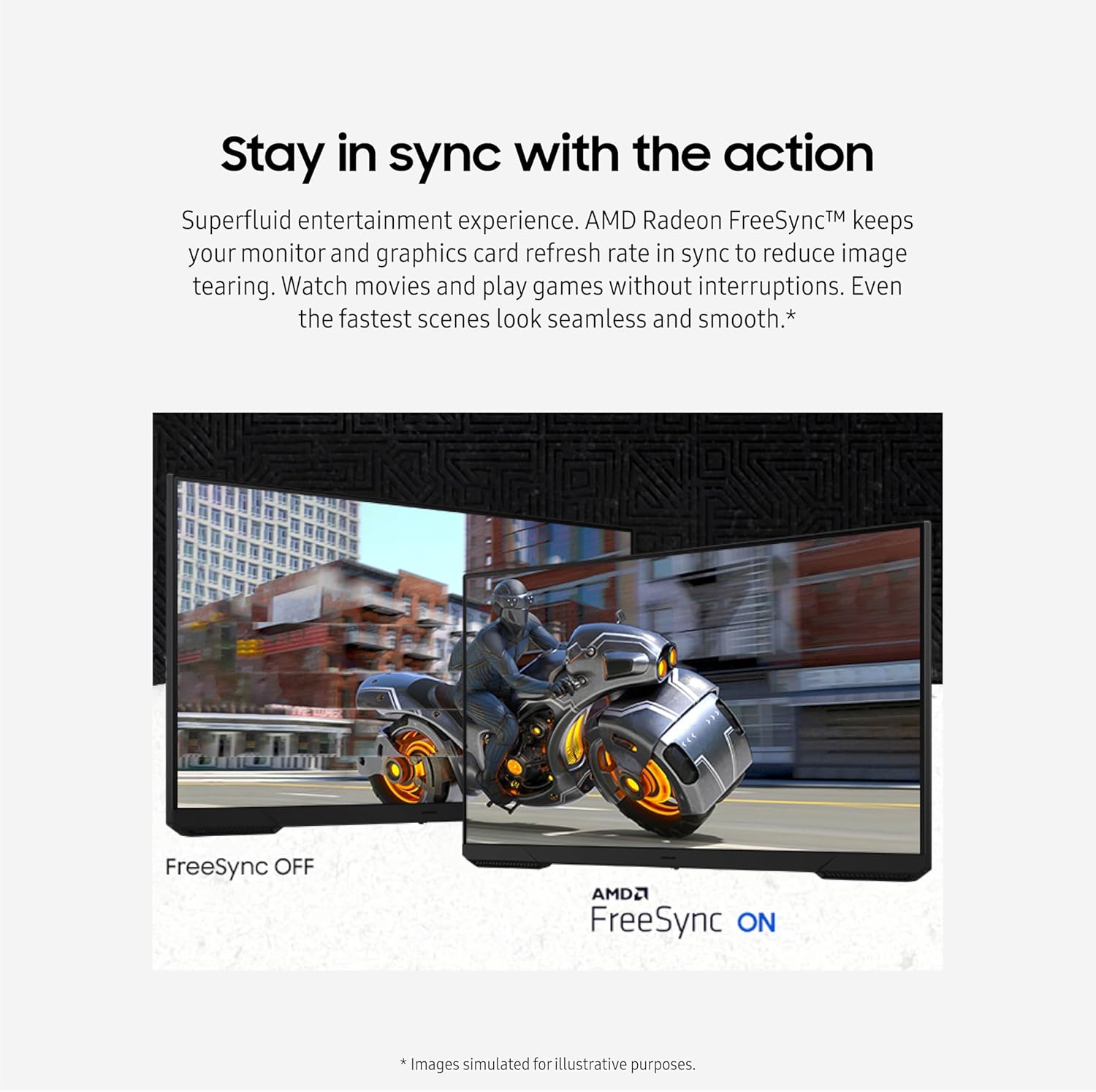
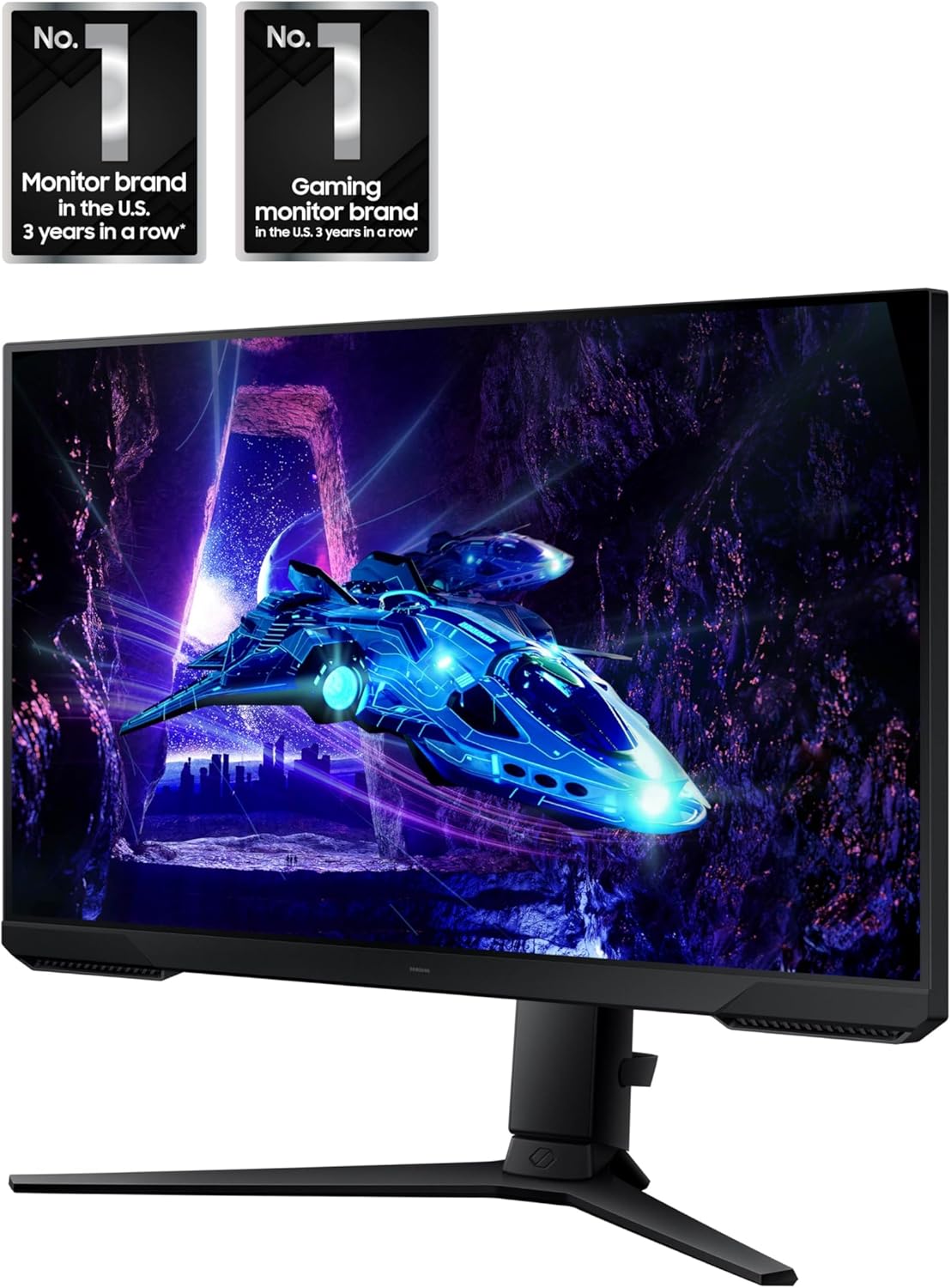
This Samsung Odyssey G3 24-inch FHD gaming monitor delivers a responsive and immersive experience for competitive gaming and media consumption. With a 180 Hz refresh rate and a 1 ms (MPRT) response time, it reduces motion blur and ensures smooth, real-time visuals—ideal for fast-paced action. The monitor supports AMD Radeon FreeSync to maintain seamless frame synchronization between your graphics card and display, minimizing screen tearing during gameplay.
Key Points
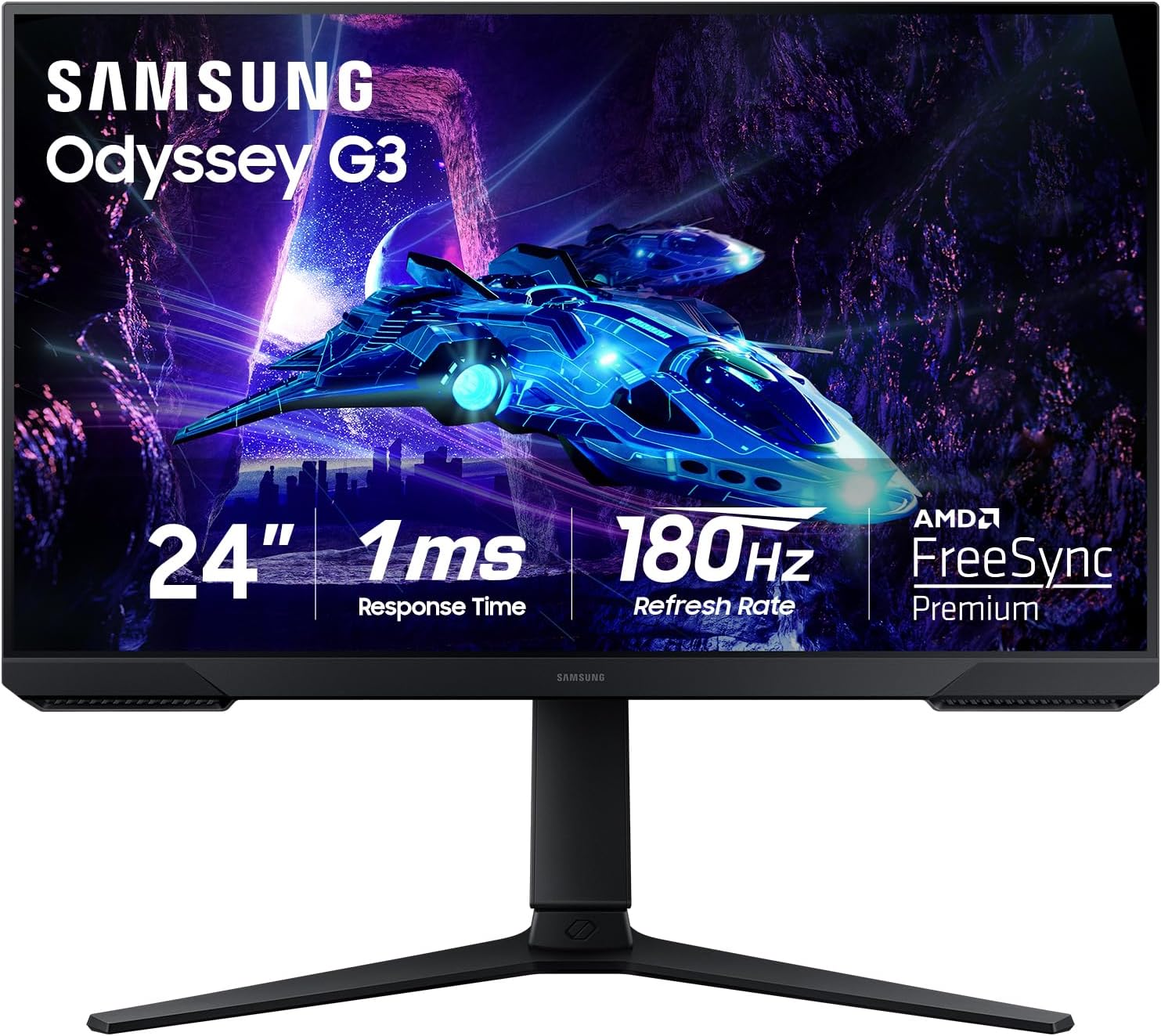
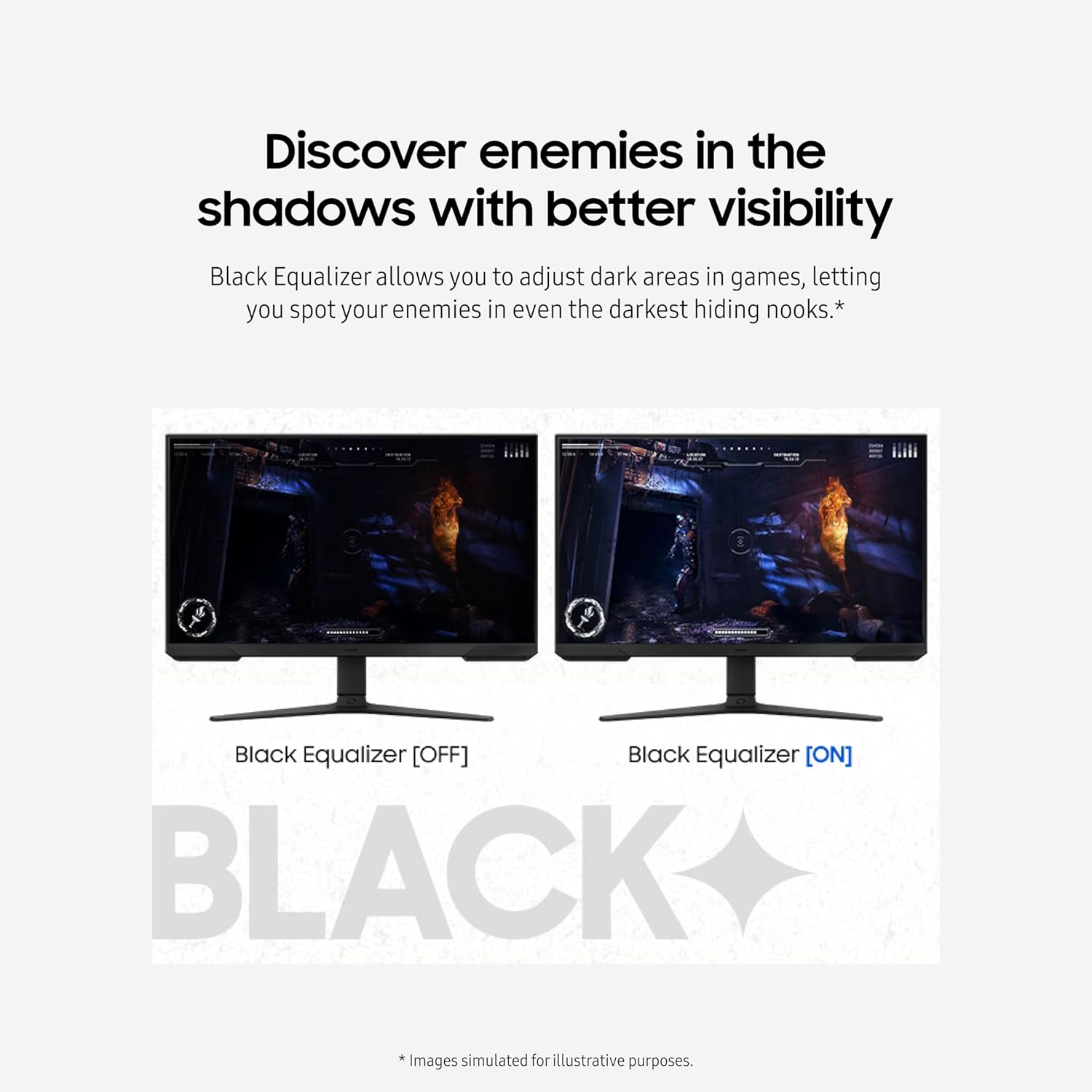
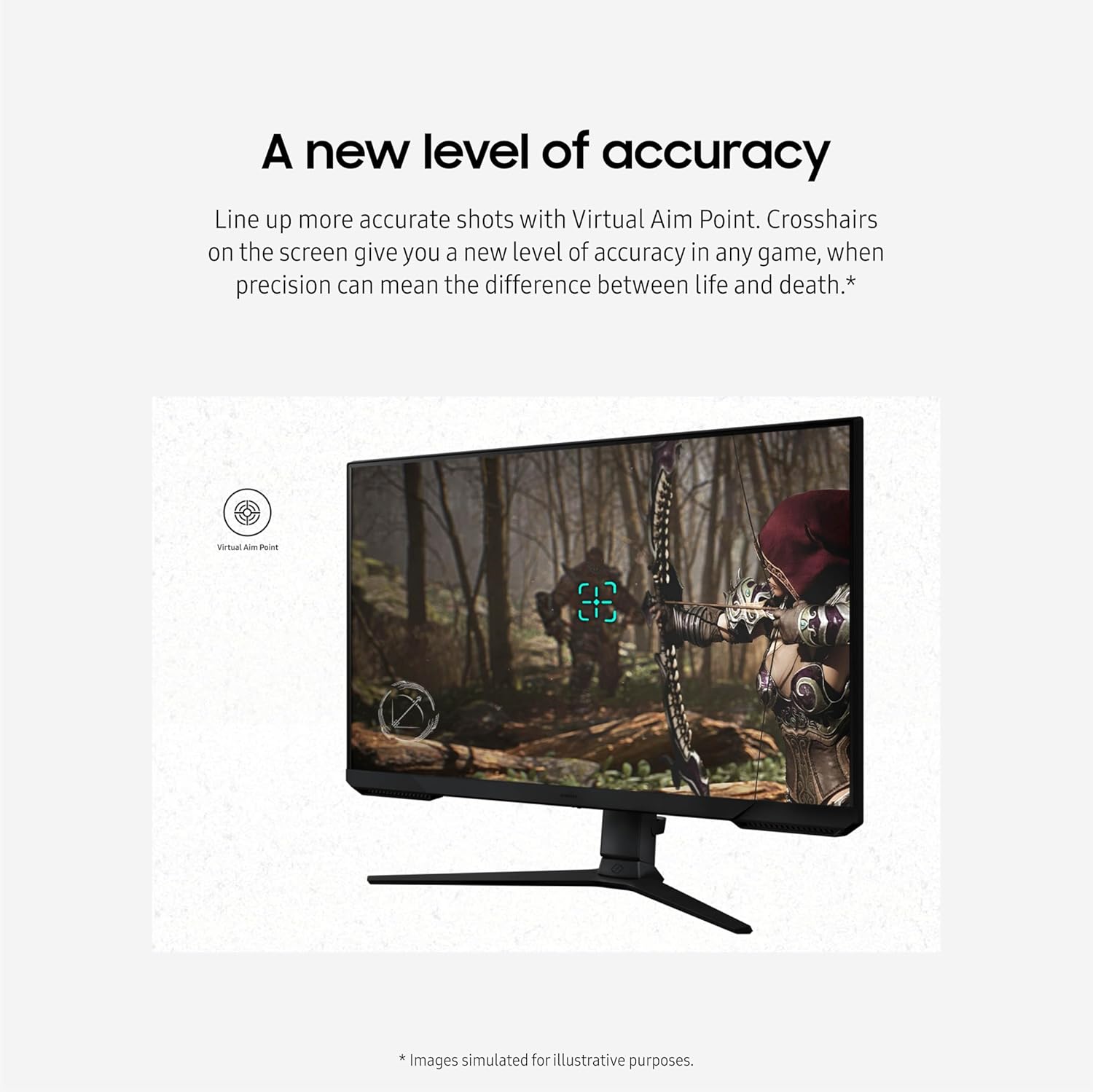
The Samsung Odyssey G3 combines high responsiveness with enhanced visual clarity, making it a strong choice for active gamers. It features a 180 Hz refresh rate that provides smoother motion compared to standard monitors. The 1 ms (MPRT) response time helps reduce image lag, allowing quicker reaction times during intense scenes. A built-in black level equalizer improves visibility in dark game environments, helping detect enemies in shadowed areas. The virtual reticle system enhances aiming accuracy, which can be critical in competitive settings. The Eye Saver mode reduces blue light output and eliminates screen flicker, supporting eye comfort during extended gaming sessions.
Technical Specifications
Brand + model: Samsung Odyssey G3 24-inch FHD Gaming Monitor
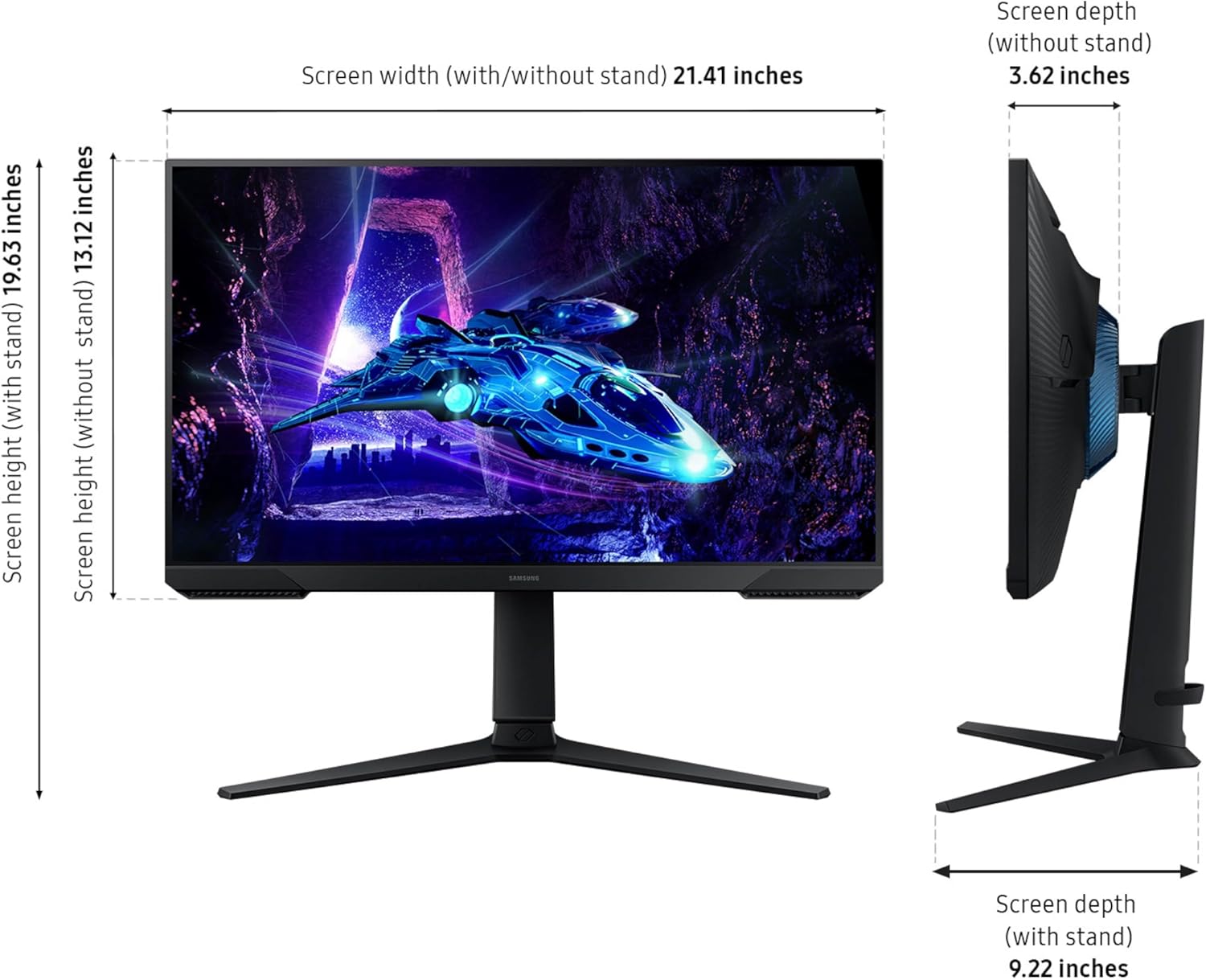
Screen size: 24 inches
Resolution: Full HD (1920 x 1080)
Refresh rate: 180 Hz
Response time: 1 ms (MPRT)
Connectivity: HDMI 2.0, DisplayPort 1.4
Input lag: Low, optimized for gaming
Color support: 16.7 million colors
Benefits
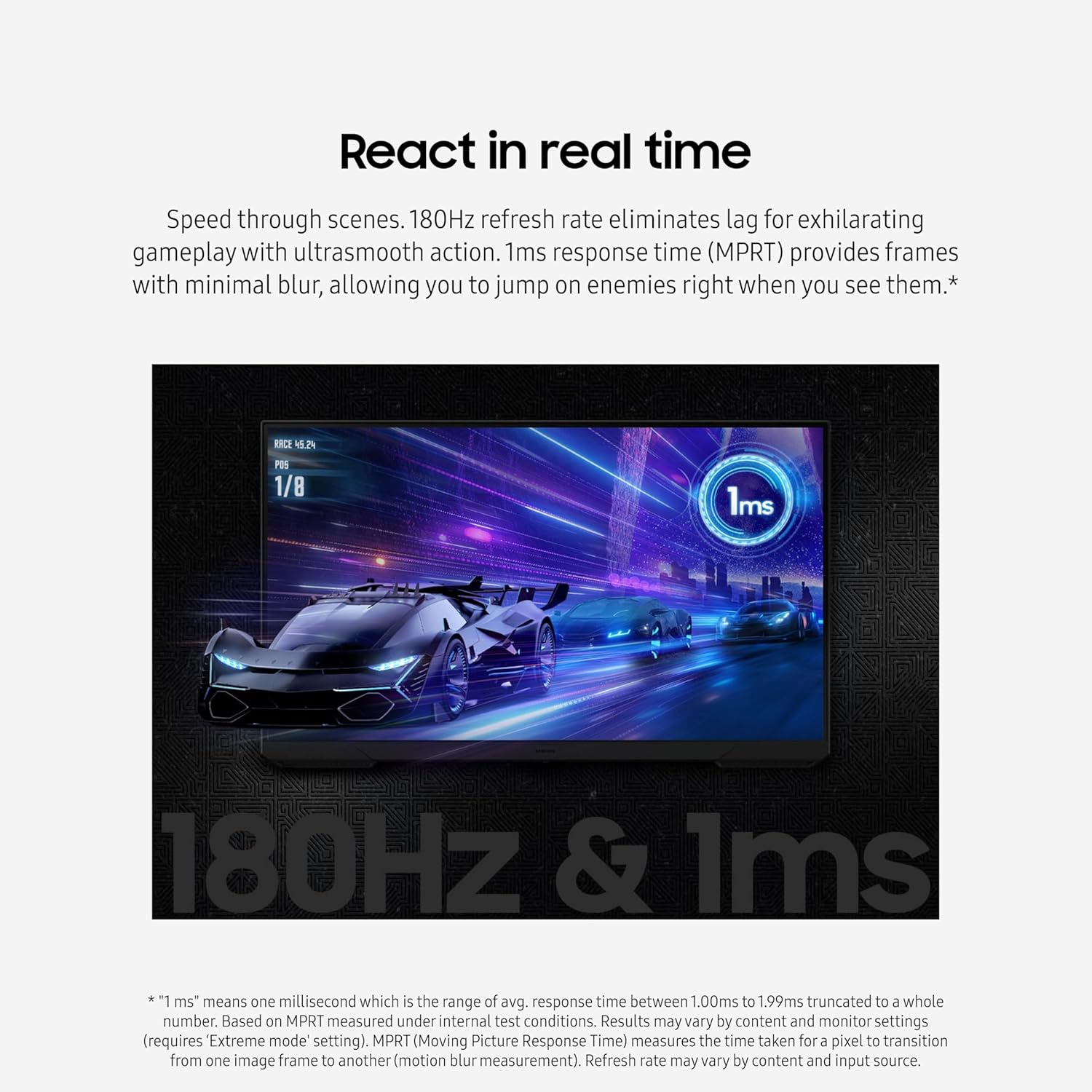
The monitor’s high refresh rate ensures that fast-moving scenes in games appear fluid and natural. FreeSync technology helps prevent visual stuttering, especially during high-frame-rate gameplay. The black level enhancement improves contrast in dark scenes, making it easier to spot enemies in shadow. The virtual reticle adds precision during aiming, which is especially useful in first-person shooters. Eye Saver mode is designed to reduce eye strain during long gaming sessions, offering a more comfortable viewing experience.
Usage Recommendations
Position the monitor at a natural viewing height to avoid neck strain. Adjust the screen tilt and swivel using the ergonomic stand to find a comfortable angle. Use the on-screen menu to fine-tune the black level and eye comfort settings based on your preferences. For multiplayer or split-screen setups, the bezel-less design allows for better alignment between dual displays. Keep the monitor in a well-lit environment to prevent glare, and avoid direct sunlight exposure for optimal viewing.