


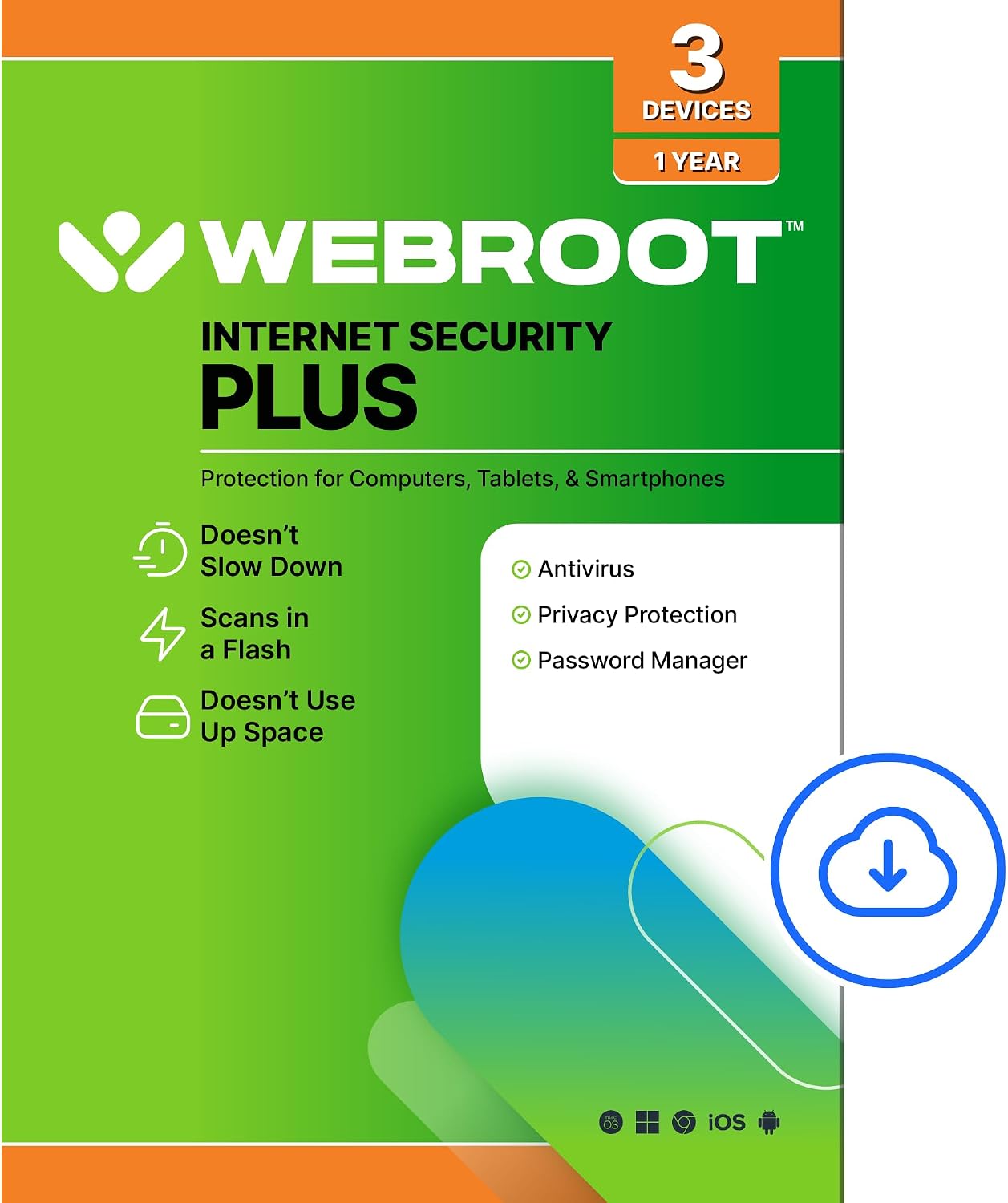
Webroot Internet Security Plus Antivirus Software 2026 – 3 Devices, 1 Year, Download for PC/Mac/Chromebook/Android/iOS + Password Manager
Product description
What this product is
Webroot Internet Security Plus is a cloud-powered antivirus and anti-malware solution designed to protect multiple devices across ecosystems (PC, Mac, Chromebook, Android, and iOS) with a lightweight footprint. It combines real-time threat detection, anti-phishing safeguards, and a built-in password manager to help simplify online security for households or small teams that rely on several devices.
How it protects you in real life
On paper, Webroot scans from the cloud rather than bogging down your device, which translates into faster scans and lower system impact. The service focuses on blocking new threats and guarding personal data from keyloggers, spyware, and phishing attempts. It also continuously checks billions of pages and files to decide what’s safe, aiming to keep you protected even as threats evolve throughout the day.
What stands out (pros and notable limits)
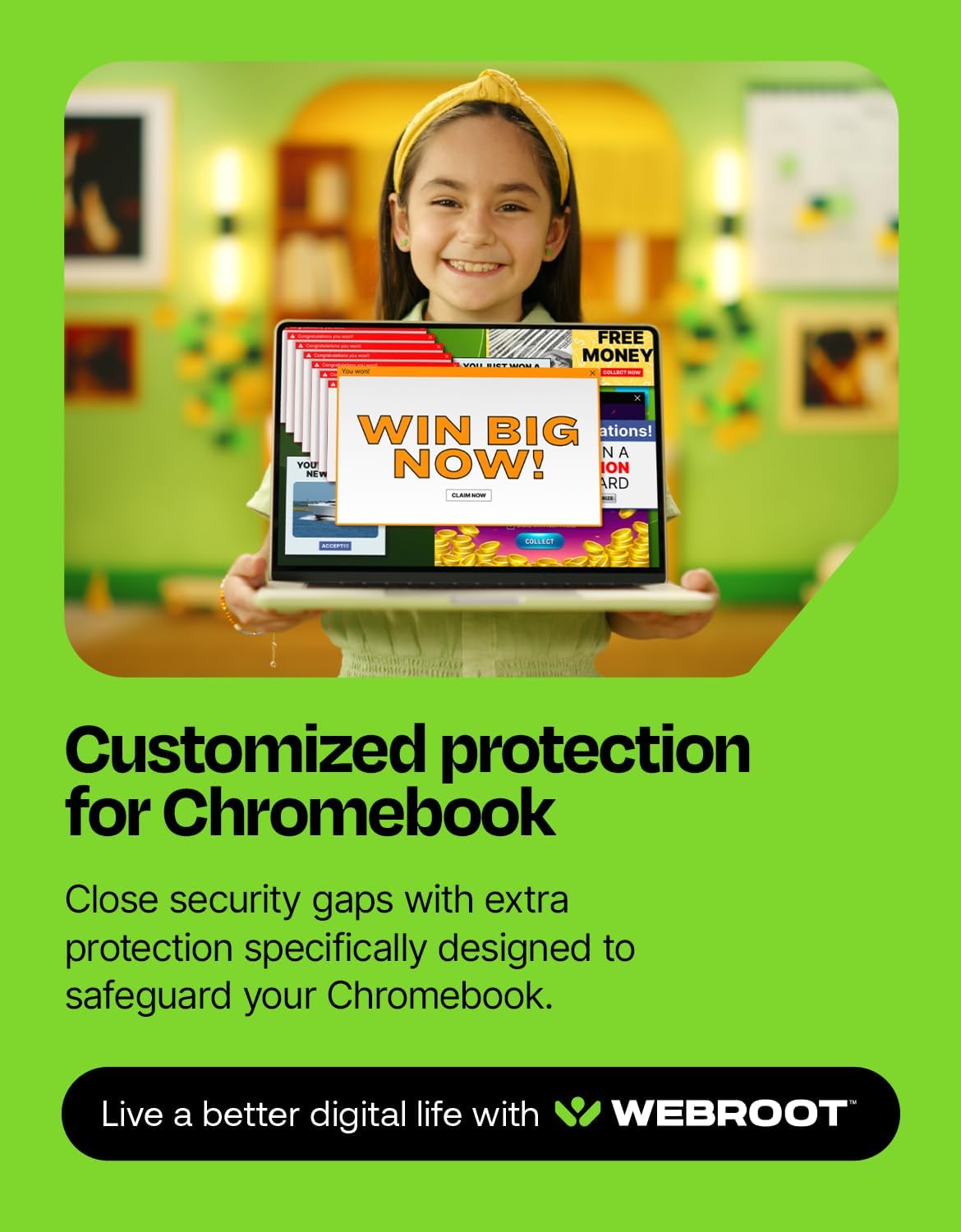
Pros: (1) Lightweight performance that doesn’t noticeably slow devices, (2) Cross‑platform coverage that includes Chromebooks and mobile devices, (3) Integrated password manager for encrypting and securing usernames, passwords, and credit card info. Cons: The protection relies on cloud-based analysis, so optimal results depend on internet access and periodic automatic updates. While Webroot emphasizes automatic enhancements, some users may still want more frequent, user‑controlled customization of scanning schedules or deeper tweakability found in other suites.
Who it’s for
If you manage multiple devices across family members or small teams and want a single subscription covering Windows, macOS, Chrome OS, Android, and iOS, this package is worth considering. It’s especially compelling for users who value a light system load and straightforward password management alongside antivirus protection.
Who might want a different option
Not ideal if you prefer extensive on-device scanning controls, aggressive multi-layer hardening, or a broader, component-heavy feature set (e.g., advanced firewall rules, VPN bundles, or dedicated threat hunting). If you prioritize granular customization and a wider suite of security tools beyond password management, you might explore alternatives.

When it makes sense to buy
Consider this plan if you want cross‑device coverage in a single year with a focus on fast performance and practical identity protection. It’s also sensible when you value a password manager integrated into your security suite and you’re okay with cloud-based threat assessment that updates automatically.
What to check before buying
Ensure your primary devices support the listed platforms (PC, Mac, Chromebook, Android, iOS). Confirm you’re comfortable with cloud-based threat analysis as the core protection model and that you want a bundled password manager in the same ecosystem.
How it compares to other approaches
If you’re weighing against a more feature-dense security suite, Webroot offers a lighter footprint with cloud‑backed protection, which can be a good trade-off if your priority is speed and minimal system impact. For users who need deeper customization or standalone VPN/advanced firewall features, a more traditional, heavier suite might be preferable.
Final purchase decision
Is it worth it? Final verdict: If you want cross‑device coverage with a fast, low‑overhead security layer plus password management, this Webroot plan can be a practical fit. It’s well suited for households or small setups that prioritize ease of use and everyday protection, while recognizing that cloud-based protection may not satisfy users seeking exhaustive on-device controls.
Quick usage tips
- Install on all intended devices to maintain synchronized protection.
- Enable automatic updates so threat intelligence stays current.
- Use the password manager to store and autofill credentials securely across devices.
FAQ (practical if data allows)
- Does this cover Chromebooks specifically? Yes, the package lists Chromebook compatibility.
- Is the password manager separate or included? It’s included as part of the package.
- How long is the license valid? The plan is shown as 1 year per 3 devices in this offering.