

Corel WordPerfect Office Home & Student 2021: A Practical Office Suite for Word Processing, Spreadsheets, and Presentations
Reviews
Price
Product description
What it is and what problem it solves
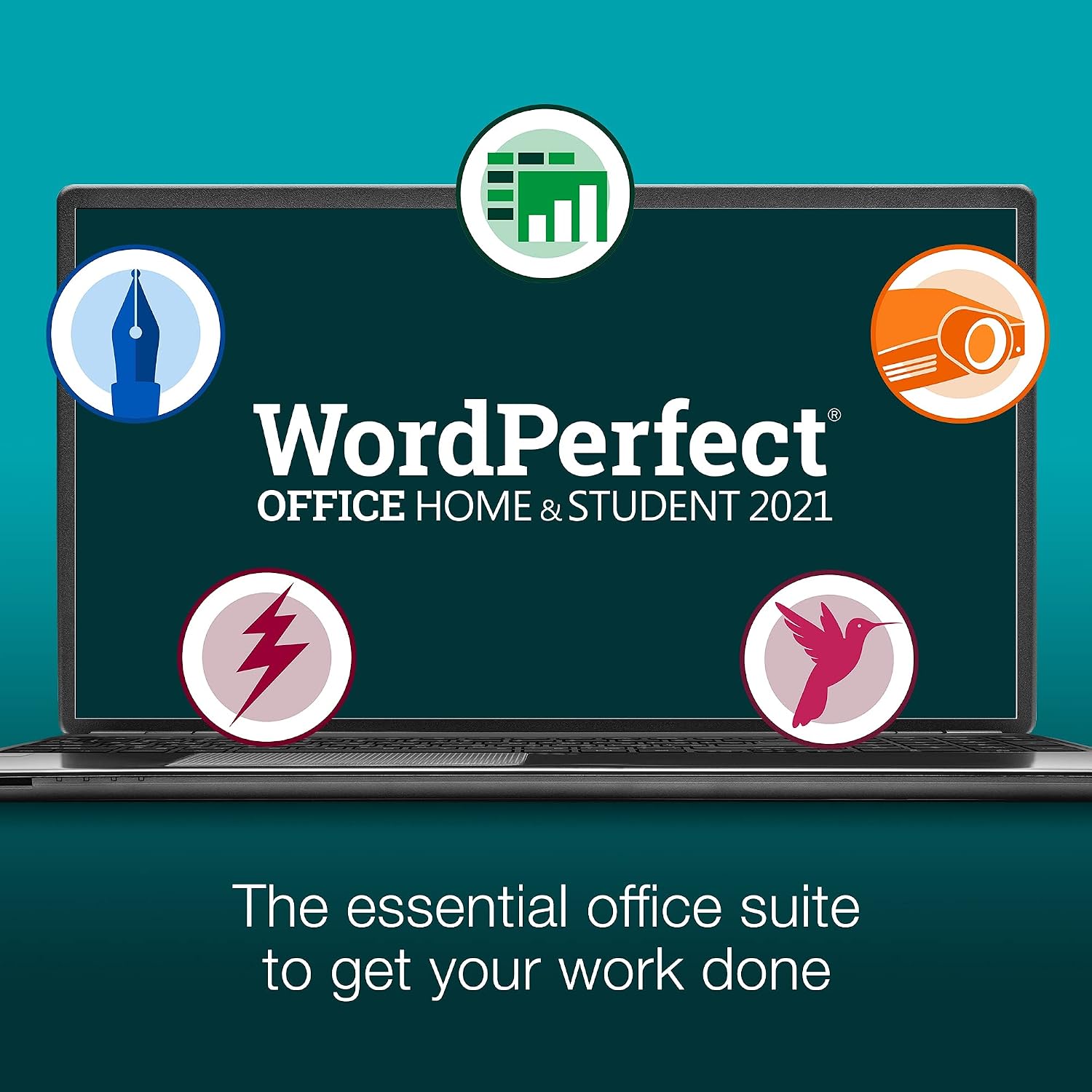
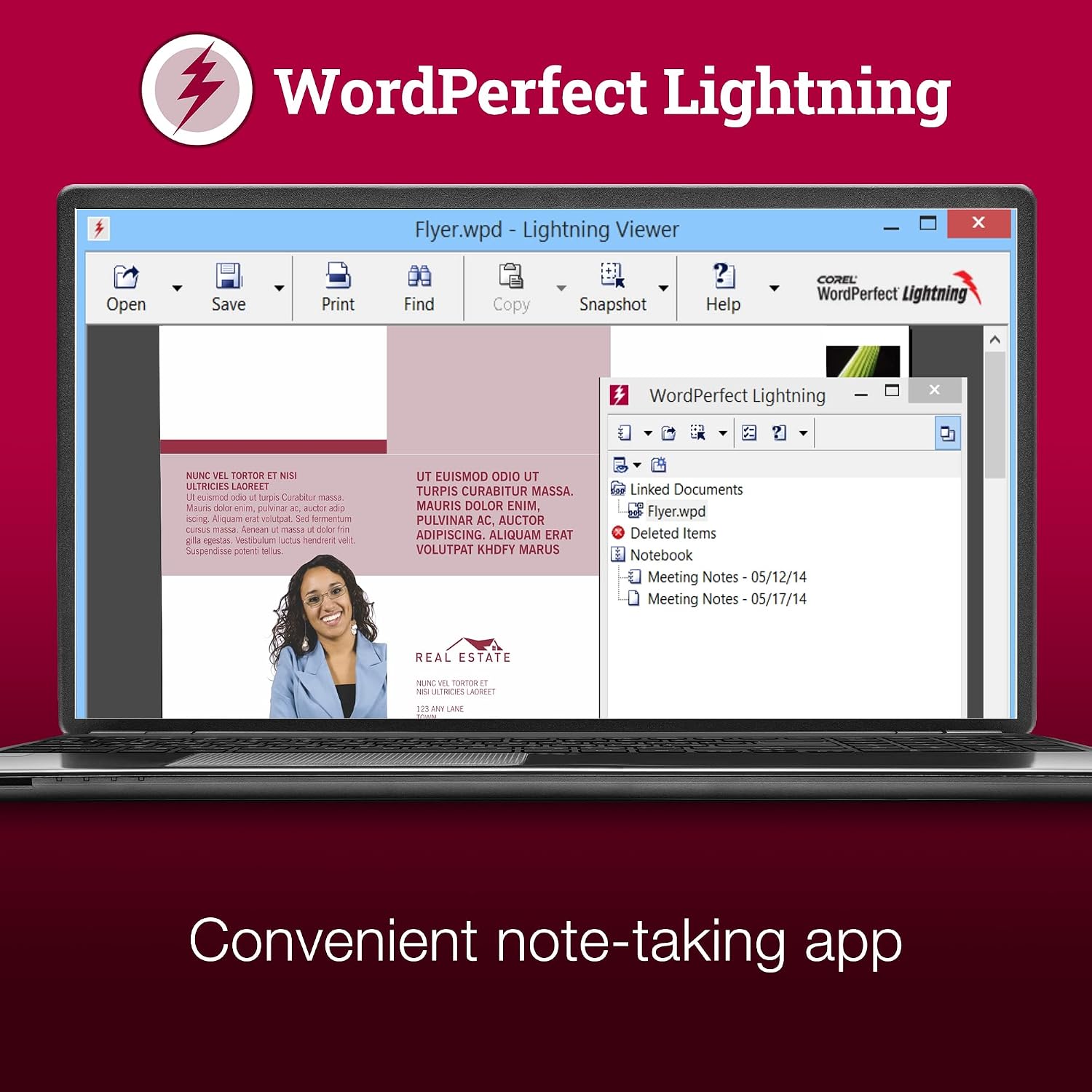
Corel WordPerfect Office Home & Student 2021 is a Windows PC office suite that bundles WordPerfect for word processing, Quattro Pro for spreadsheets, Presentations for slides, and WordPerfect Lightning for notes. It’s distributed digitally with an instant-access serial key, so there’s no physical disc to worry about. If you’re looking for a one-time purchase alternative to annual subscriptions, this suite positions itself as a complete, non-cloud-reliant option for basic to moderate office tasks.
On-paper value and practical use
On the surface, the value proposition is straightforward: a broad set of tools aimed at everyday document creation, data organization, and simple visual storytelling. It supports opening, editing, and sharing more than 60 file types, including Microsoft Word, Excel, and PowerPoint formats. The inclusion of thousands of fonts, clip art, templates, and photos adds a touch of versatility for basic document design and presentations without needing third-party assets.
What stands out and where it may fall short
What stands out is the one-time purchase model and the broad file compatibility, which can reduce friction if you frequently collaborate with users who rely on Microsoft formats. The Reveal Codes feature is a historically distinctive approach to formatting control, which can be a benefit for users who value granular formatting adjustments. However, it’s important to temper expectations: this suite is not marketed as a modern cloud-first workflow solution, and the design and UI conventions may feel dated compared to newer suites.
Who it’s for
This package suits students or home users who want a self-contained, offline-capable office experience and are comfortable with a traditional word processor along with basic spreadsheet and presentation apps. It’s potentially appealing if you prefer a one-time purchase over ongoing subscription fees and don’t require heavy cloud collaboration features.
Who it isn’t the best fit for

If your workflow relies on advanced collaboration, frequent cloud syncing, or cutting-edge real-time co-editing, this suite may feel limited. It’s also less ideal if you need deep data analysis, advanced spreadsheet automation, or modern design templates that are more common in newer or cloud-based offerings.
When it makes sense to buy
Consider this suite if you want a broad off-line office package with a one-time payment, solid compatibility with legacy documents, and a straightforward set of tools for word processing, basic spreadsheets, and presentations. It can be a sensible entry point for users who want to avoid recurring fees and don’t require heavy online collaboration.
What to review before you buy
- Verify system requirements for Windows PC and confirm digital delivery access.
- Consider whether WordPerfect’s unique features and formatting control align with your typical document needs.
- Check whether your usual workstyles (cloud storage, sharing, and real-time collaboration) align with what a traditional desktop suite offers.
- Think about future needs: if you anticipate growing into more advanced spreadsheet or presentation features, a more modern suite might be worth considering.
Practical use case in plain terms

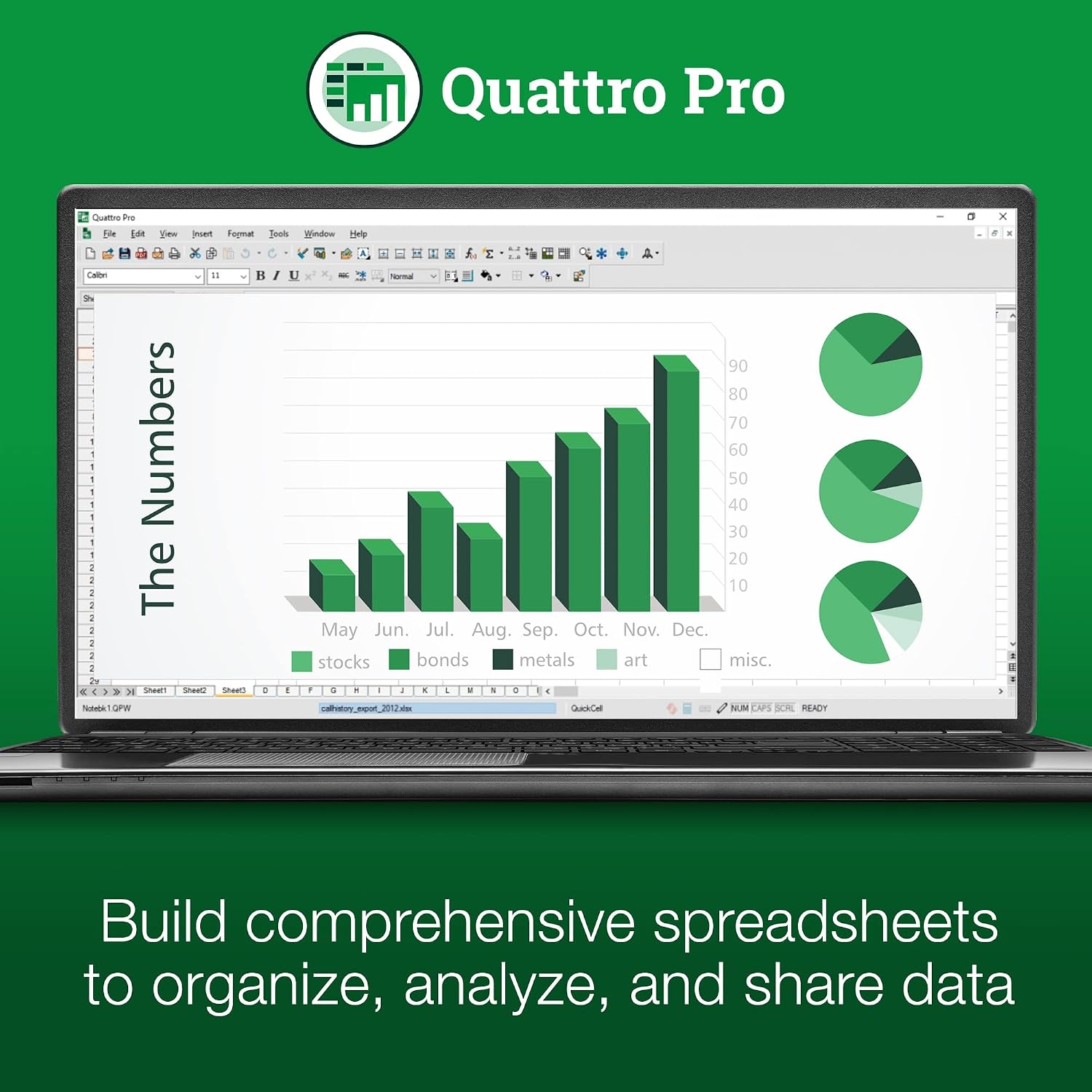
Imagine preparing a class handout, a budget sheet, and a simple slide deck in one sitting. You’d open WordPerfect for the document, switch to Quattro Pro for rows and charts, and drop into Presentations for slides. The ability to open Word, Excel, and PowerPoint files keeps you compatible with classmates and coworkers who rely on Microsoft formats, easing transitions during handoffs or edits.
What you’ll notice day to day
The suite delivers the core trio of document, data, and presentation work with a familiar offline workflow. It’s not aimed at heavy multimedia design or complex data modeling, so you’ll likely rely on clean templates and basic features rather than high-end tools.
FAQ
- Q: Is this a subscription or a one-time purchase? A: It’s a one-time purchase with digital delivery.
- Q: Can I use it on multiple devices? A: The data indicates a Windows PC delivery, there’s no explicit multi-device license listed.
- Q: Does it work with modern Microsoft Office formats? A: Yes, it supports opening and editing Microsoft Word, Excel, and PowerPoint formats.
- Q: Are cloud features included? A: The information focuses on offline usage and digital delivery, there’s no emphasis on cloud collaboration features.
- Q: What if I prefer newer features or better templates? A: If you prioritize up-to-date cloud-based workflows or advanced design assets, you might want to compare with newer offerings that emphasize those aspects.
Final decision
Is it worth it? If you want a traditional offline office suite with broad format compatibility and a one-time purchase, this Corel WordPerfect Office Home & Student 2021 could be a reasonable fit. It may not be the best choice if you need modern collaboration tools or cutting-edge templates—those needs often push buyers toward newer, cloud-first options.