

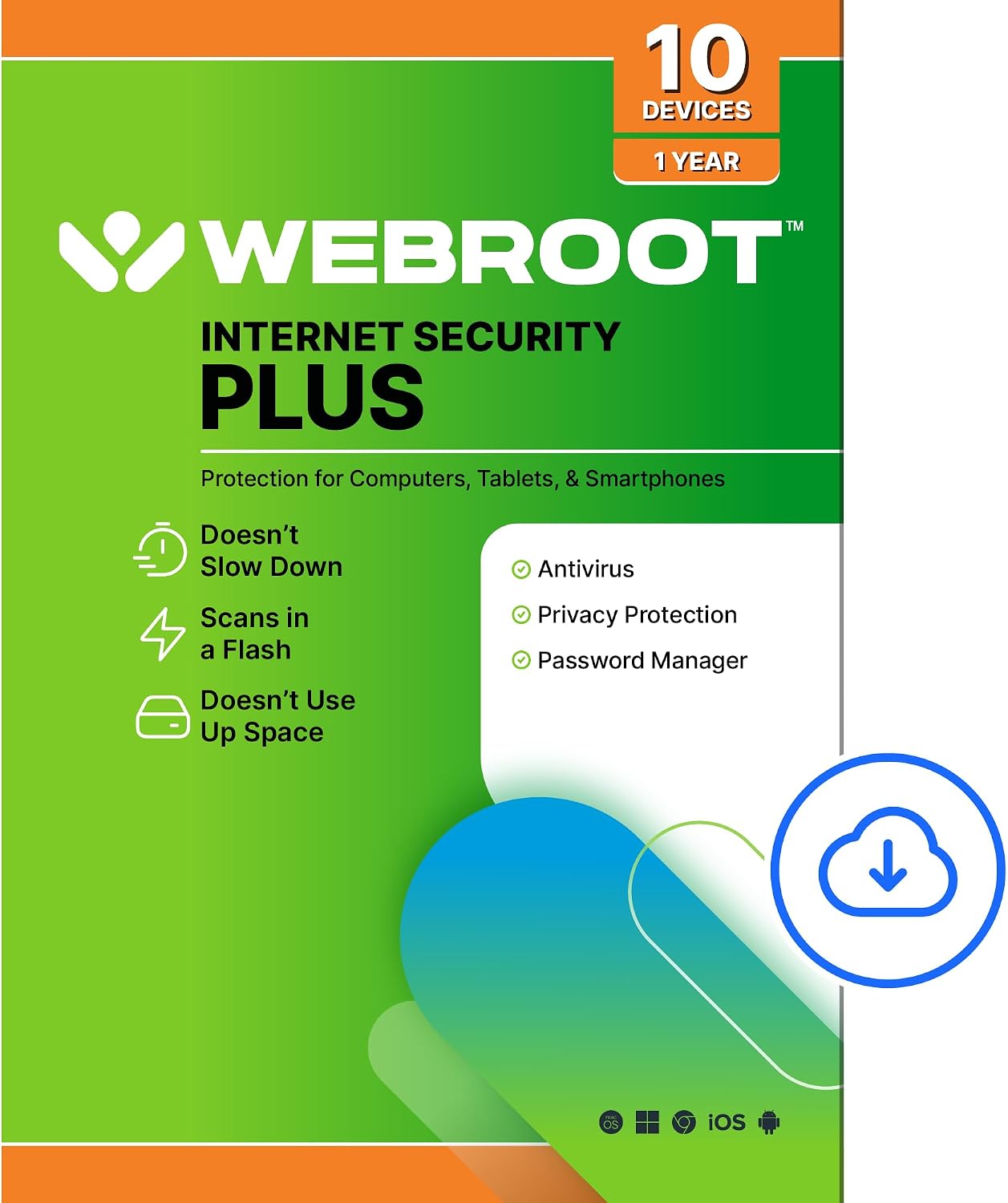
Webroot Internet Security Plus Antivirus Software 2026 — 10 Devices, 1 Year | PC/Mac/Chromebook/Android/iOS + Password Manager
Product description
What it is
Webroot Internet Security Plus Antivirus Software 2026 is an all-in-one security solution delivered as an online code. It aims to protect multiple devices from viruses, malware, and identity threats while offering a cloud-based approach that minimizes system impact.
What problem it solves
If you’re juggling several devices and worry about personal data, Webroot addresses real-world concerns like infections, phishing, and credential theft. The cloud-based scanning is designed to be fast and lightweight, so it doesn’t bog down performance while keeping your digital life safer.
How it works in practice
Protection runs in the cloud, which means local resources aren’t heavily taxed during scans. Real-time monitoring helps identify and block new threats as they emerge. Identity protection focuses on safeguarding usernames and financial details from keyloggers and spyware. The package also includes a password manager to securely store and encrypt passwords, usernames, and card information.
What stands out (pros)
- Cloud-based protection with a lightweight footprint, you’re less likely to notice slowdowns during scans.
- Identity theft safeguards against common online threats targeting sensitive data.
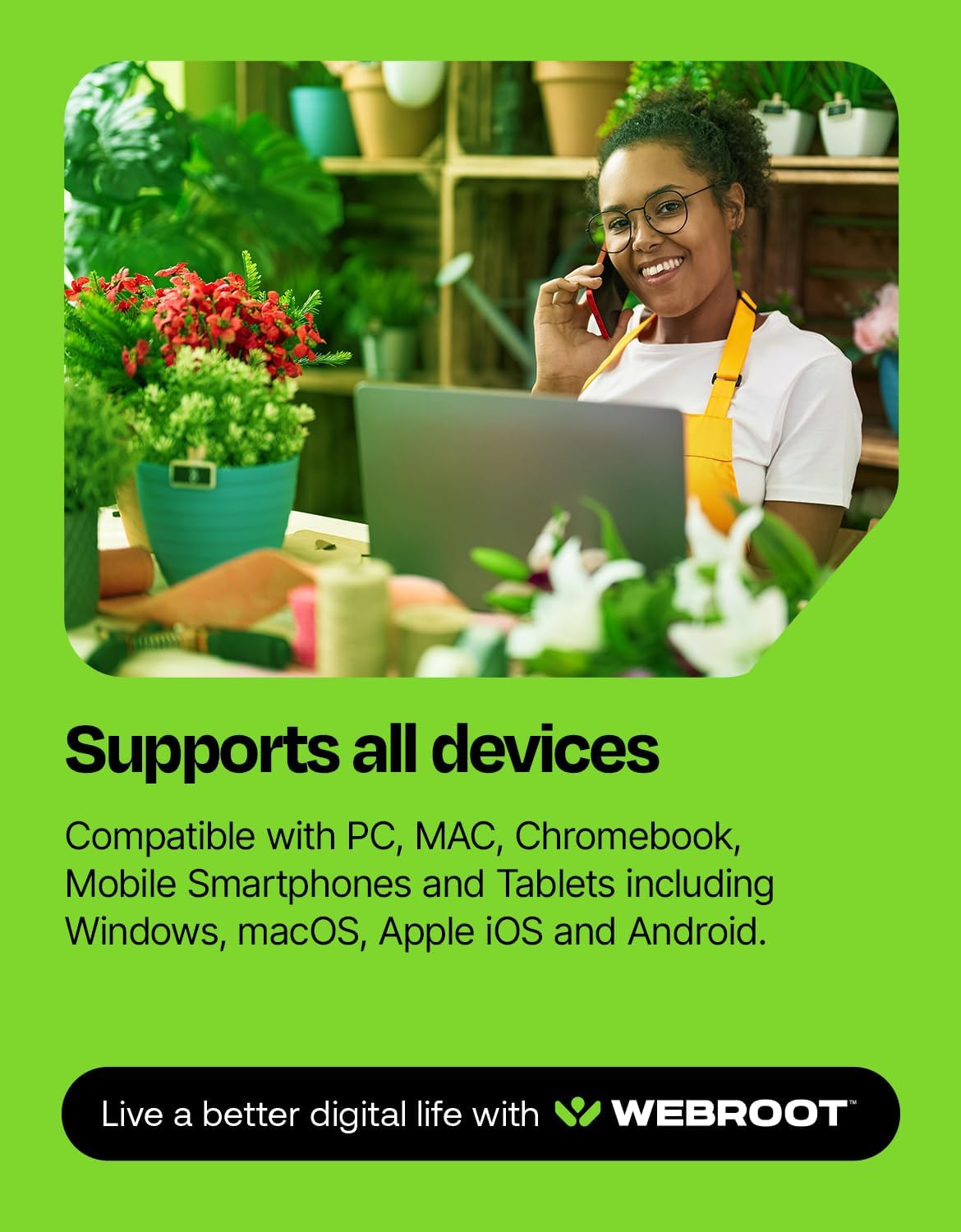
- Broad device compatibility: PC, Mac, Chromebook, iOS, and Android, covering most households.
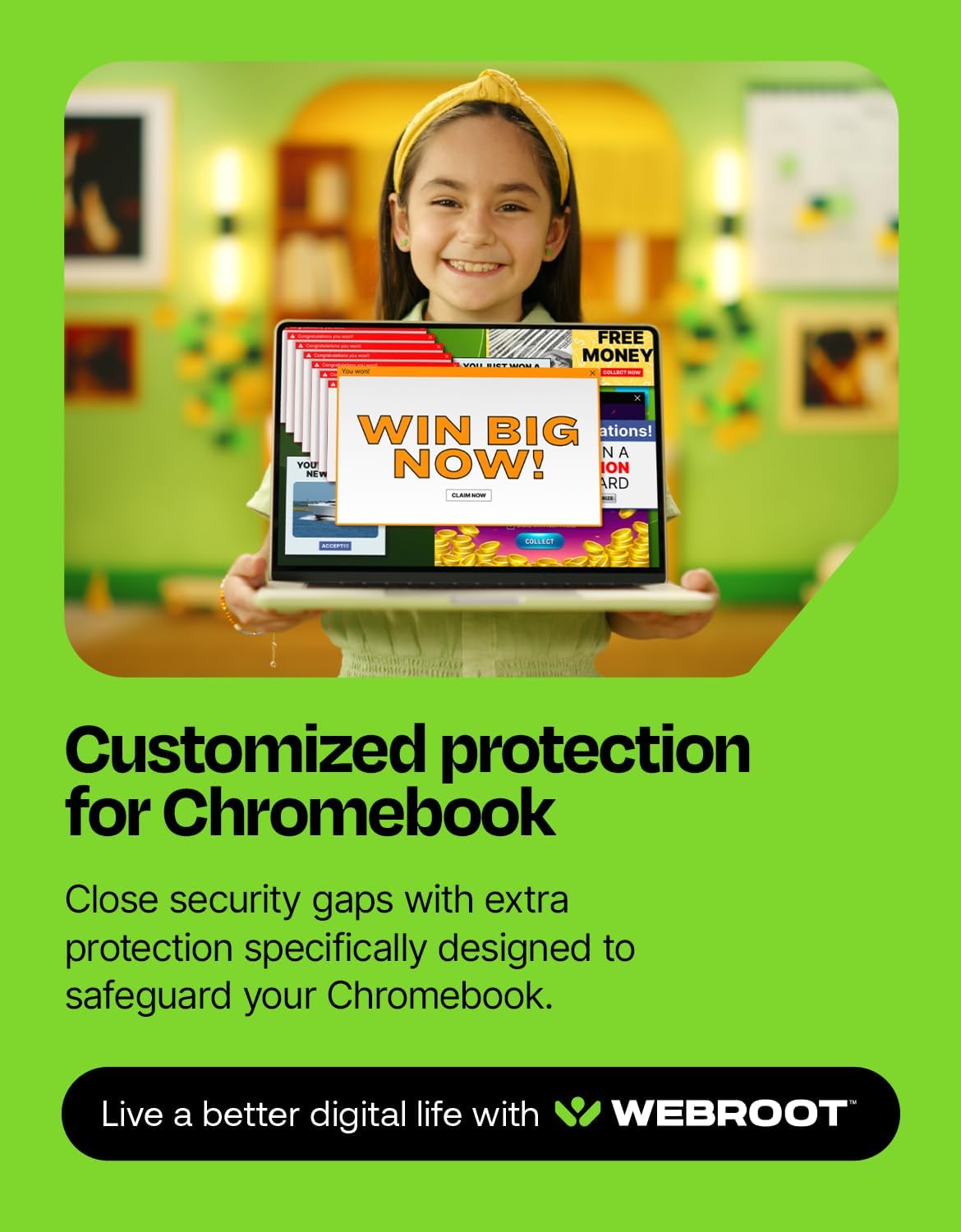
- Chromebook-specific security considerations acknowledge the unique risks associated with these devices.
- Included password manager helps centralize and secure credentials.
Potential limitations (cons)
- The protection relies on cloud scanning, this may feel less traditional to users who expect on-device deep scans.
- Features and performance notes are described at a high level, specific testing results aren’t provided here.
- If you primarily need advanced, multi-layer gadget-specific controls, you may want to compare with other options that emphasize standalone features.
Who it’s for
This product suits households or small teams needing broad, cross-device protection with a centralized password manager. It’s particularly relevant if you value lightweight performance and cloud-based threat detection across Windows, macOS, Chromebook, Android, and iOS.
Who it’s not ideal for
If your priority is deep, on-device scanning with aggressive quarantine rules, or you need niche security controls for specialized environments, this suite may feel limited relative to more specialized solutions.
When it makes sense to buy
Consider Webroot if you want a cross-platform solution with a focus on speed and minimal system impact, plus integrated password management. It’s a reasonable pick when you have multiple devices and want simple management under one license.
When to skip it
Skip if you require extensive, hands-on configuration options or if you rely on niche security features that aren’t clearly detailed here.
What to review before buying
- Confirm device count and year of license align with your needs (10 devices, 1 year).
- Consider how much you value cloud-based protection versus traditional on-device scanning.
- Check compatibility with all your devices and operating systems.
- Think about whether you want a bundled password manager and how it integrates with your workflows.
Practical usage example
Imagine a family with 2 Windows PCs, 1 Mac, 2 Android phones, and a Chromebook. You install the code on every device, benefits kick in with real-time threat blocking, and you manage shared passwords securely via the included password manager. If a phishing attempt appears, the system flags risky behavior and blocks it before credentials are exposed.
Quick comparison of approaches
If you’re weighing bundled cloud-based protection with password management against a standalone antivirus, this option offers convenience and cross-device coverage in one package. It may be preferable when you want a unified security layer across ecosystems without juggling multiple subscriptions.
What to expect in everyday use
You’ll likely notice smoother system performance during scans and fewer interruptions from security alerts on day-to-day tasks. The password manager adds a centralized, encrypted vault for usernames and card details, which can streamline logins and reduce password reuse risks.
FAQ (practical answers)
- Does it cover Chromebooks? Yes, including protection designed for Chromebooks to address extensions and web content risks.
- Is the password manager from a known provider? It leverages LastPass for secure password storage.
- How many devices are covered and for how long? Coverage for 10 devices over 1 year with download access.
Decision and next steps
Is it worth it?
Worth considering if you want cross-device protection with a built-in password manager and you value a lightweight, cloud-first approach. It may not be the best fit if you need highly specialized controls or longer license terms.