

Redragon MMO Gaming Mouse UP M901K: 12400 DPI, 19 Macro Buttons, 12 Side Buttons, Weight Tuning
Reviews
Price
Product description
What it is
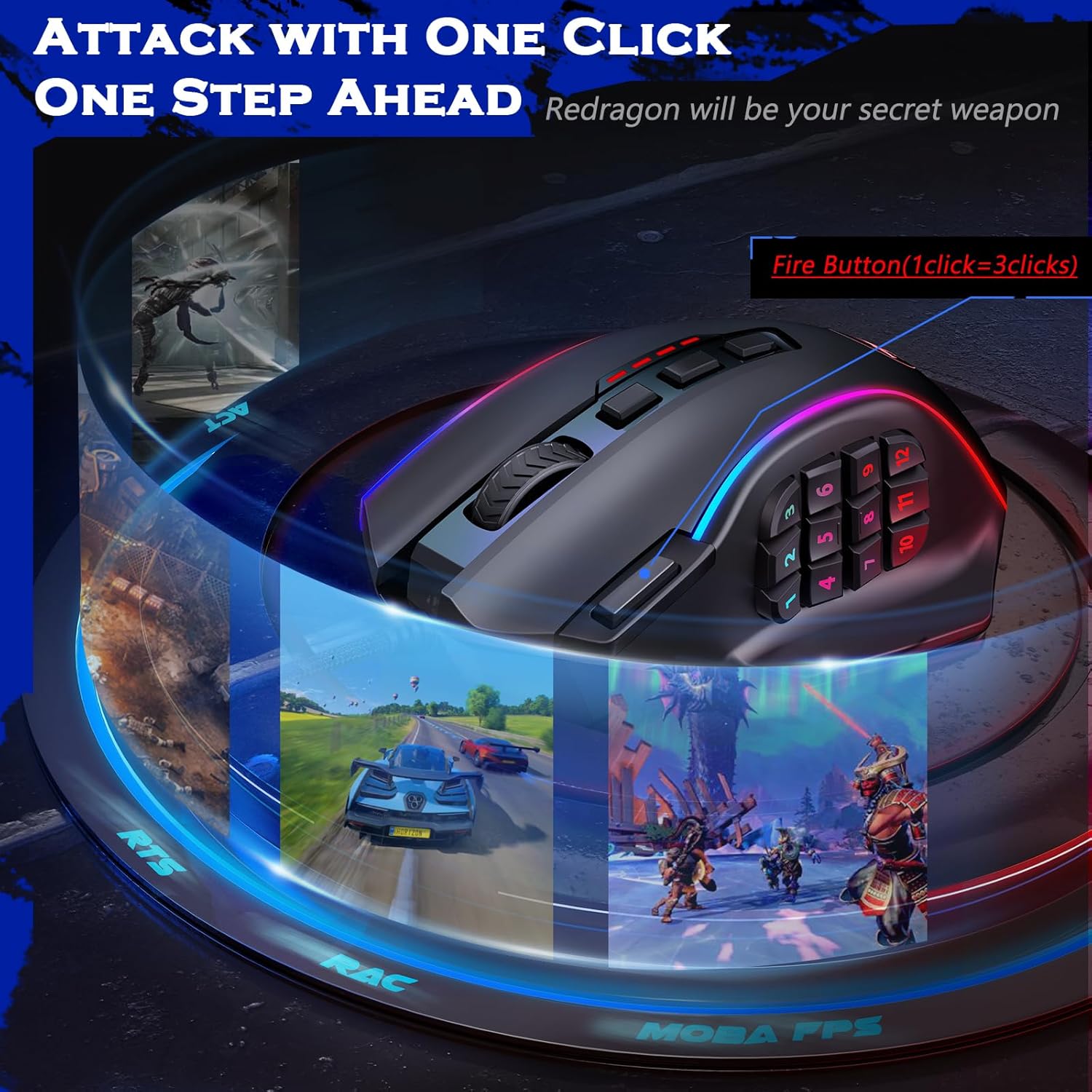
The Redragon MMO Gaming Mouse UP M901K is a high-performance gaming mouse designed to support MMO, MOBA, and FPS titles with a broad set of programmable controls and customization options.
Key features
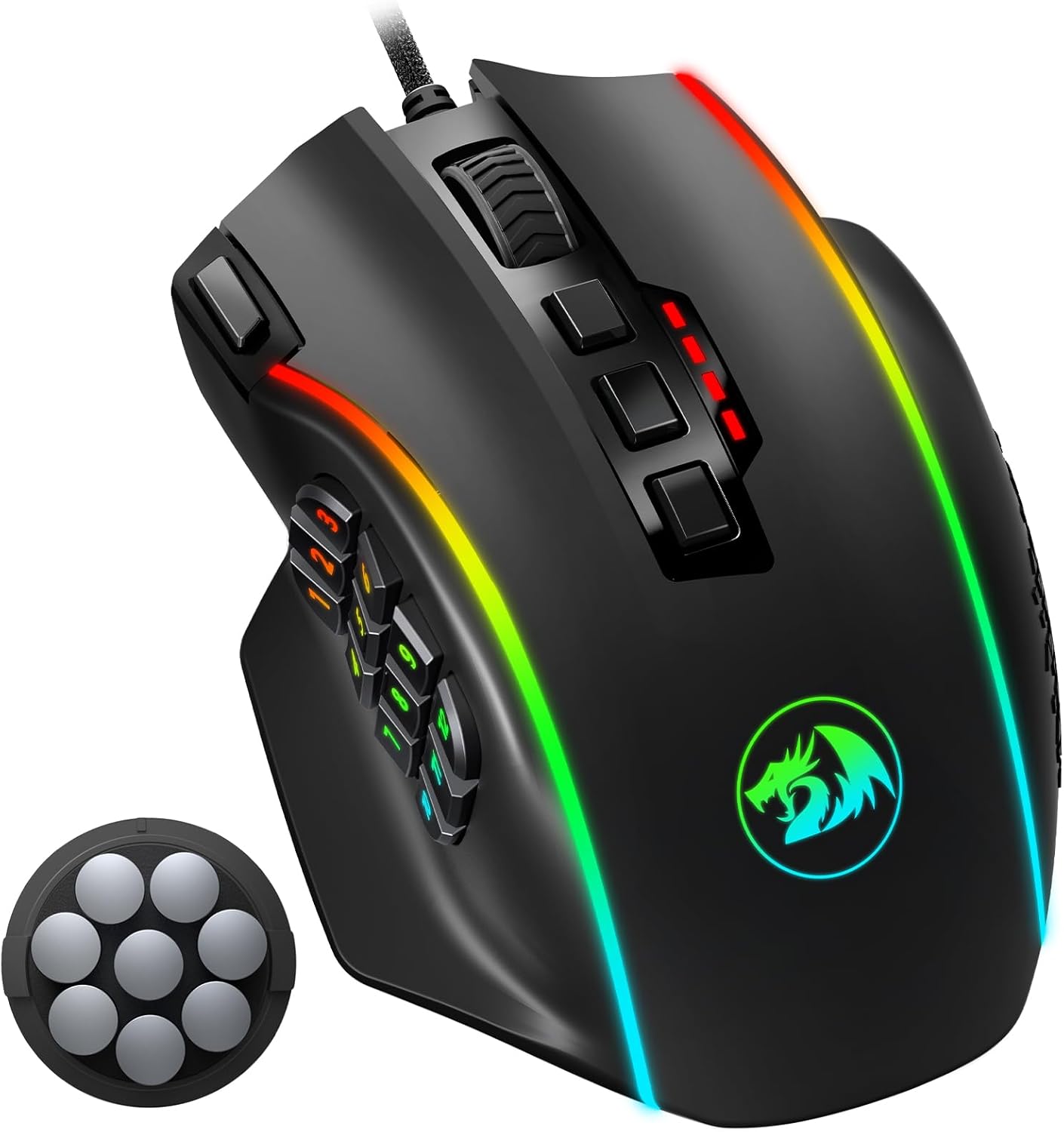
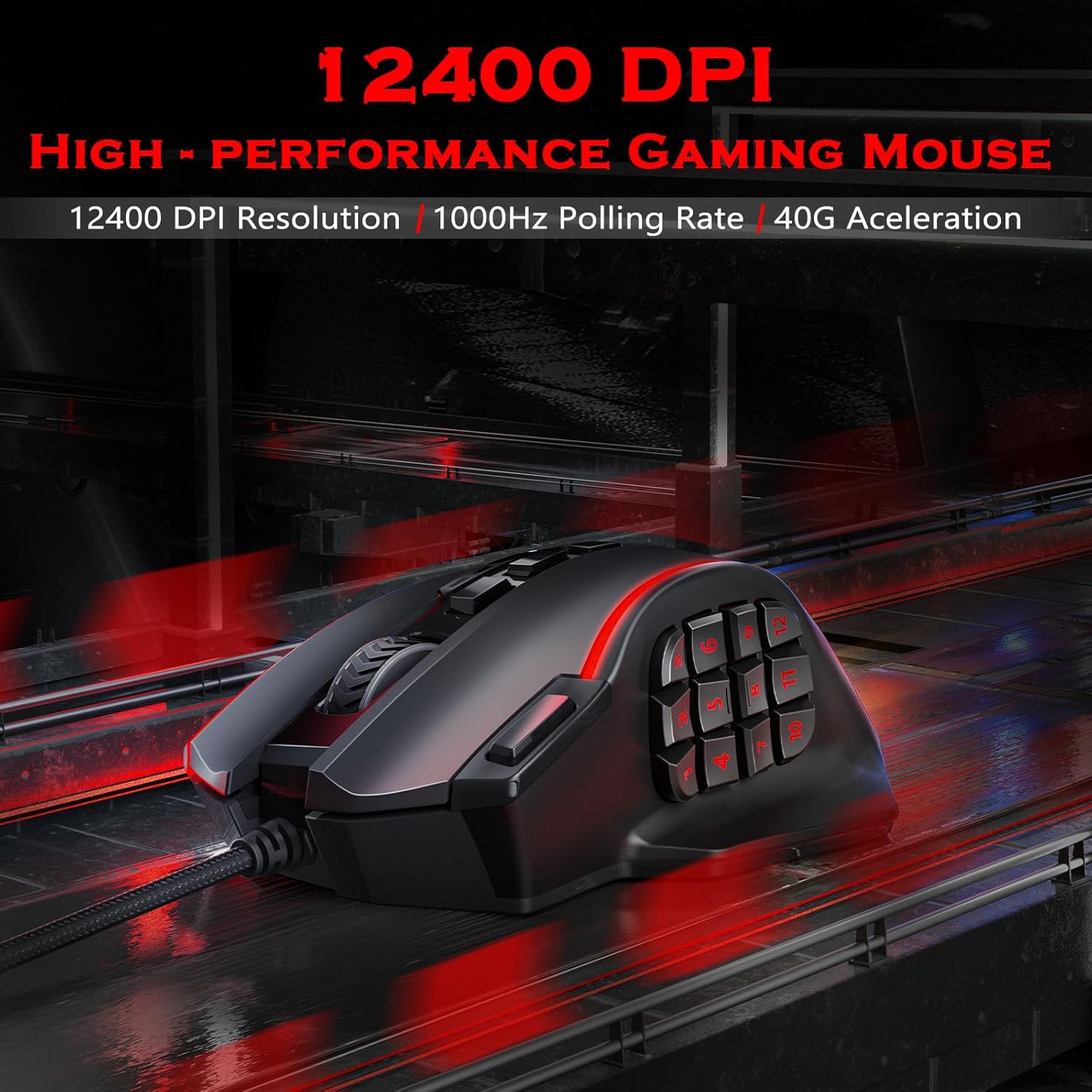
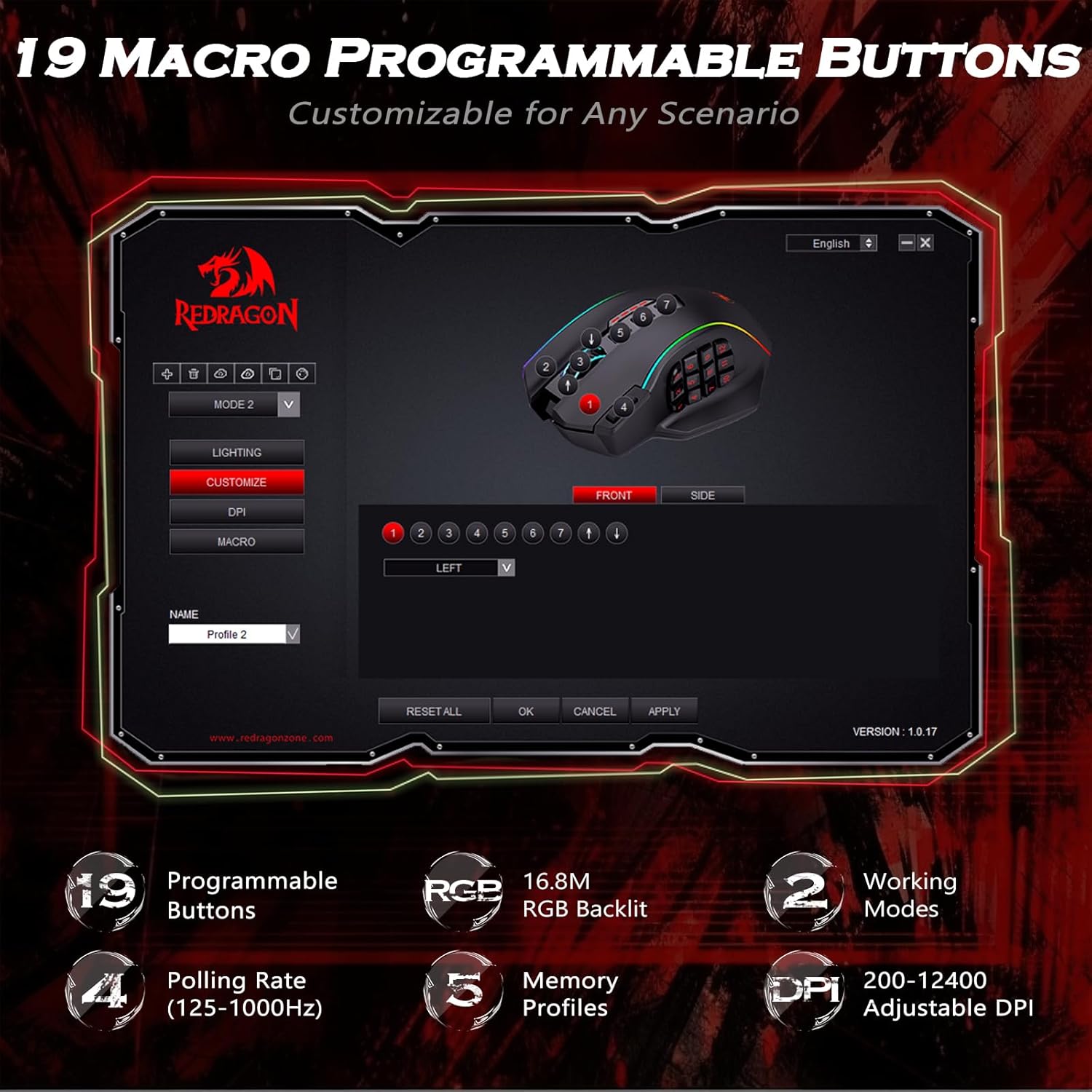
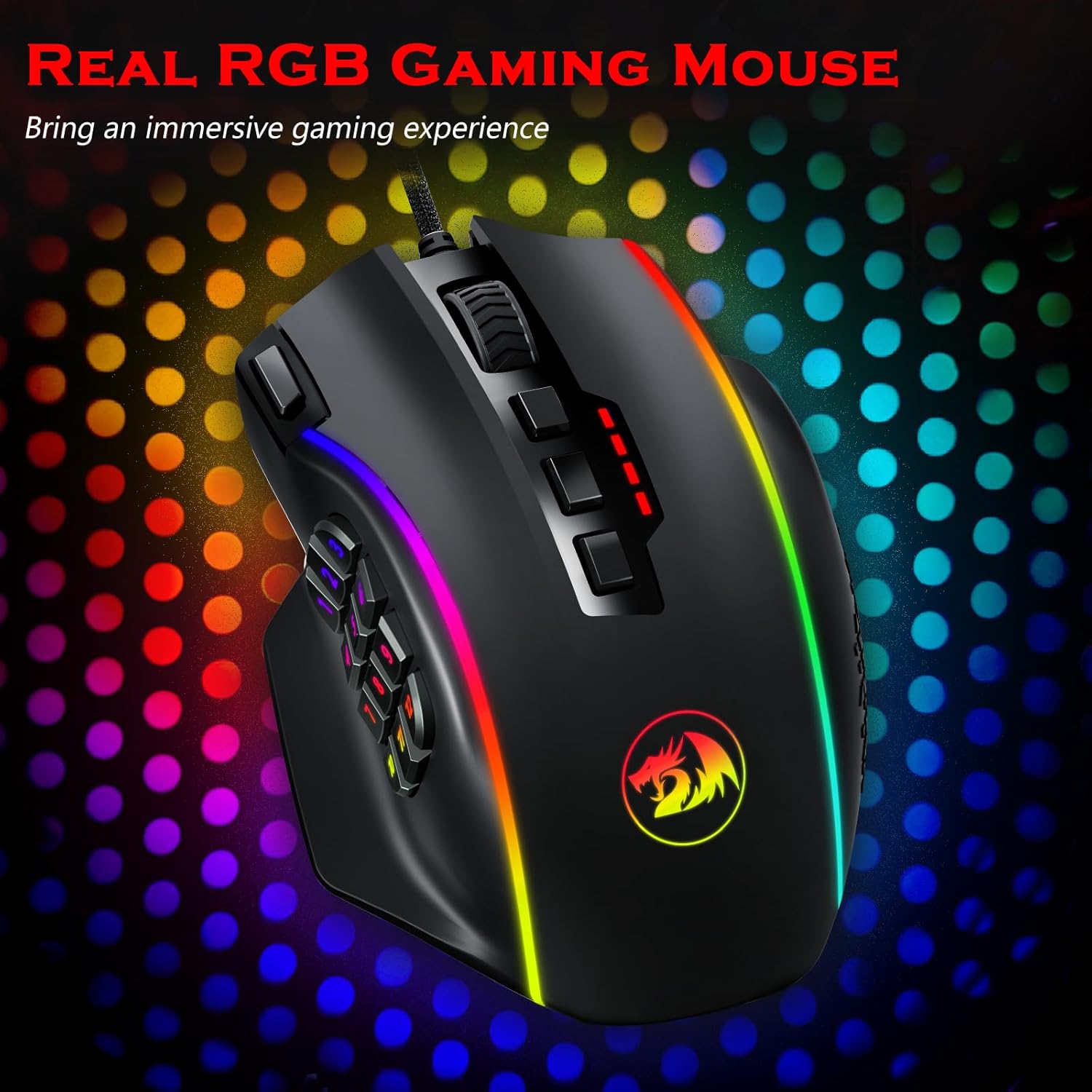
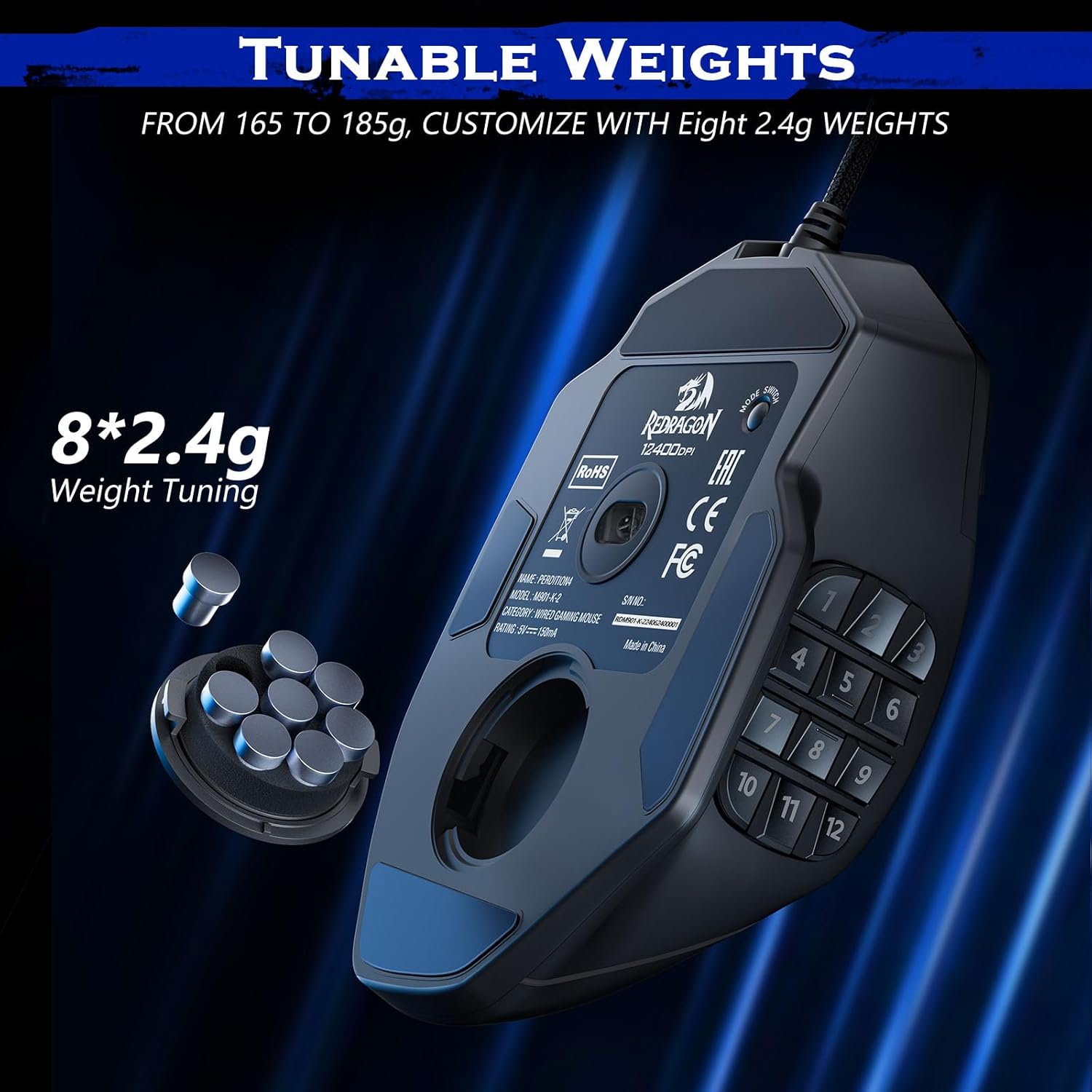
This mouse offers a wide DPI range up to 12400 with adjustable polling rate from 125Hz to 1000Hz, plus a 40G acceleration for responsive tracking. It includes 19 programmable buttons and 12 side buttons, all remappable via macro editing. You can save your settings across 5 memory profiles and switch between 2 working modes with a single click. Weight tuning is customizable with eight removable 2.4g weights for balance and feel tailored to your grip and game style. RGB illumination supports 16.8 million colors with 4 lighting modes that you can adjust through the software.
Design and comfort
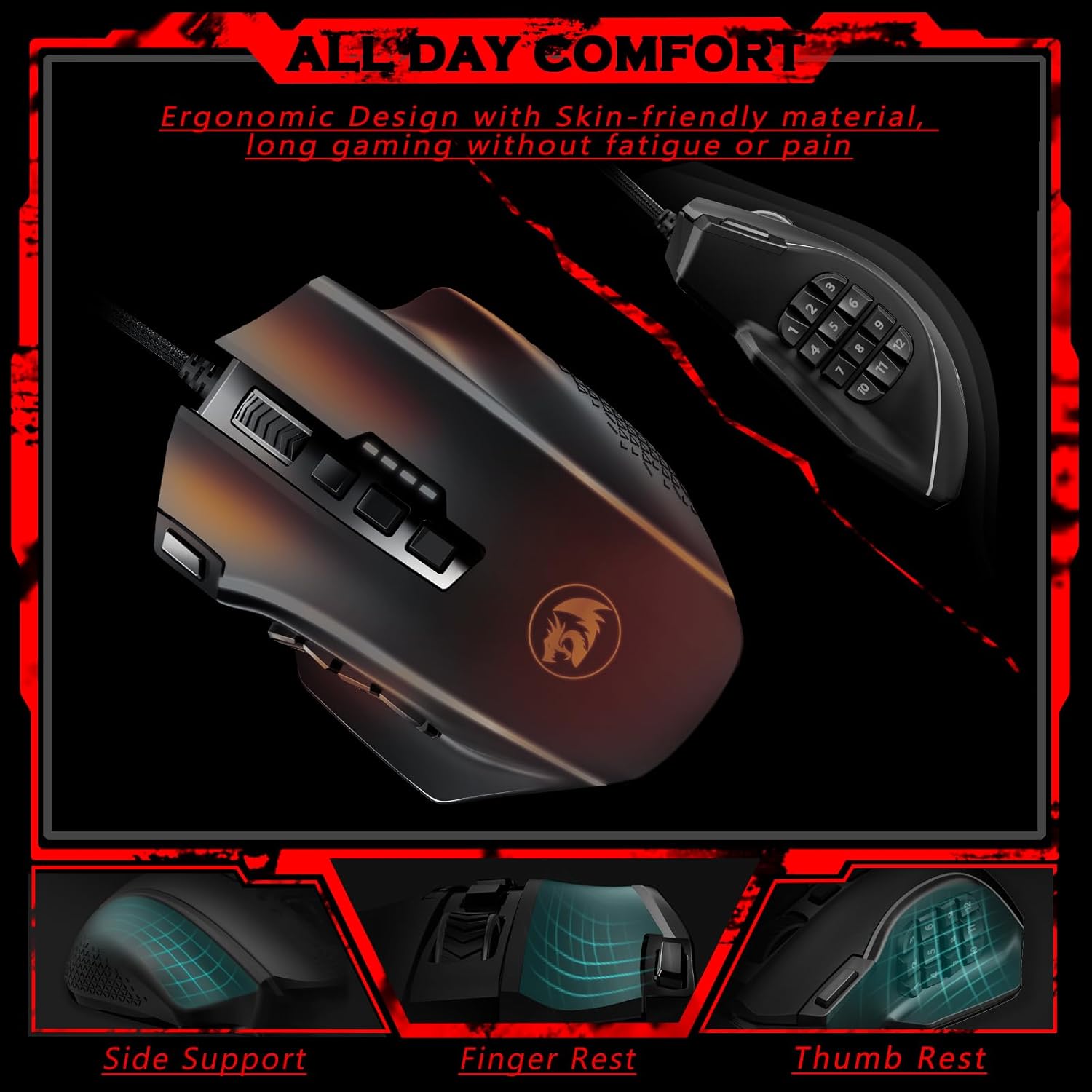
The ergonomic design aims to reduce fatigue during long gaming sessions, using skin-friendly materials. The layout of 12 side buttons supports quick keyboard-style combos, which can be mapped to in-game actions for faster responses.
How it performs in practice
On the table, you get a highly customizable device that can adapt to different genres and playstyles. If you rely on macros for complex rotations or hotkey sequences, the 19-button layout and macro editing can streamline actions without removing focus from the game. The adjustable weight system helps you find a stable feel whether you prefer a lighter fingertip grip or a heavier, anchored hold. The 40G acceleration suggests solid start-to-stop movement with reduced smoothing, which can help in fast-paced scenarios.
Who it’s for
This mouse is well-suited for shooters, MOBAs, and MMOs where you benefit from multiple hotkeys and rapid access to commands. It may appeal to players who want a highly configurable input device and are comfortable tweaking settings in software to match their preferences.
What to consider before buying
If you prioritize a simple setup or a very lightweight, minimal button layout, this model may feel overwhelming. The wealth of programmable functions requires some initial customization which can take time. Also, since you adjust weights, you’ll want to experiment with balance to avoid fatigue during long sessions.
Practical use case
Imagine a raid boss fight in an MMO: you can map class abilities to the side buttons and keep essential buffs on easy-to-reach macros, reducing keystroke fatigue while maintaining situational awareness. In FPS, you can tailor the DPI and polling rate for precise aiming, then switch profiles mid-game for different maps or modes.
What to review before purchase
- Confirm that the software (Redragon Zone) is compatible with your operating system and allows precise macro configuration.
- Test the weight balance with a few 2.4g weights installed to see if the grip remains comfortable across sessions.
- Consider your typical mouse grip style and whether you’ll actually use all 19 buttons and 12 side keys.
Quick comparison context
Compared to a more basic, fewer-button mouse, the UP M901K shines in multi-action scenarios where macros and rapid profile switching matter. If your use case is primarily daily work or simple gaming, a simpler model might offer a lighter learning curve.
Final verdict
Final verdict: It makes sense if you want a highly programmable MMO/FPS mouse and are ready to invest time mapping macros and adjusting weight for a personalized feel. If you prioritize simplicity or a lighter setup, you might prefer a model with fewer buttons or a more plug-and-play experience.
FAQ (practical insights)
- Do I need software to use macros? Yes, macro editing and profile saving are handled via the software.
- Can I remove weights for a lighter feel? The design includes eight removable 2.4g weights to tune balance.
- Is the DPI adjustable while playing? DPI can be adjusted, and the polling rate supports quick response changes at 125Hz–1000Hz.