

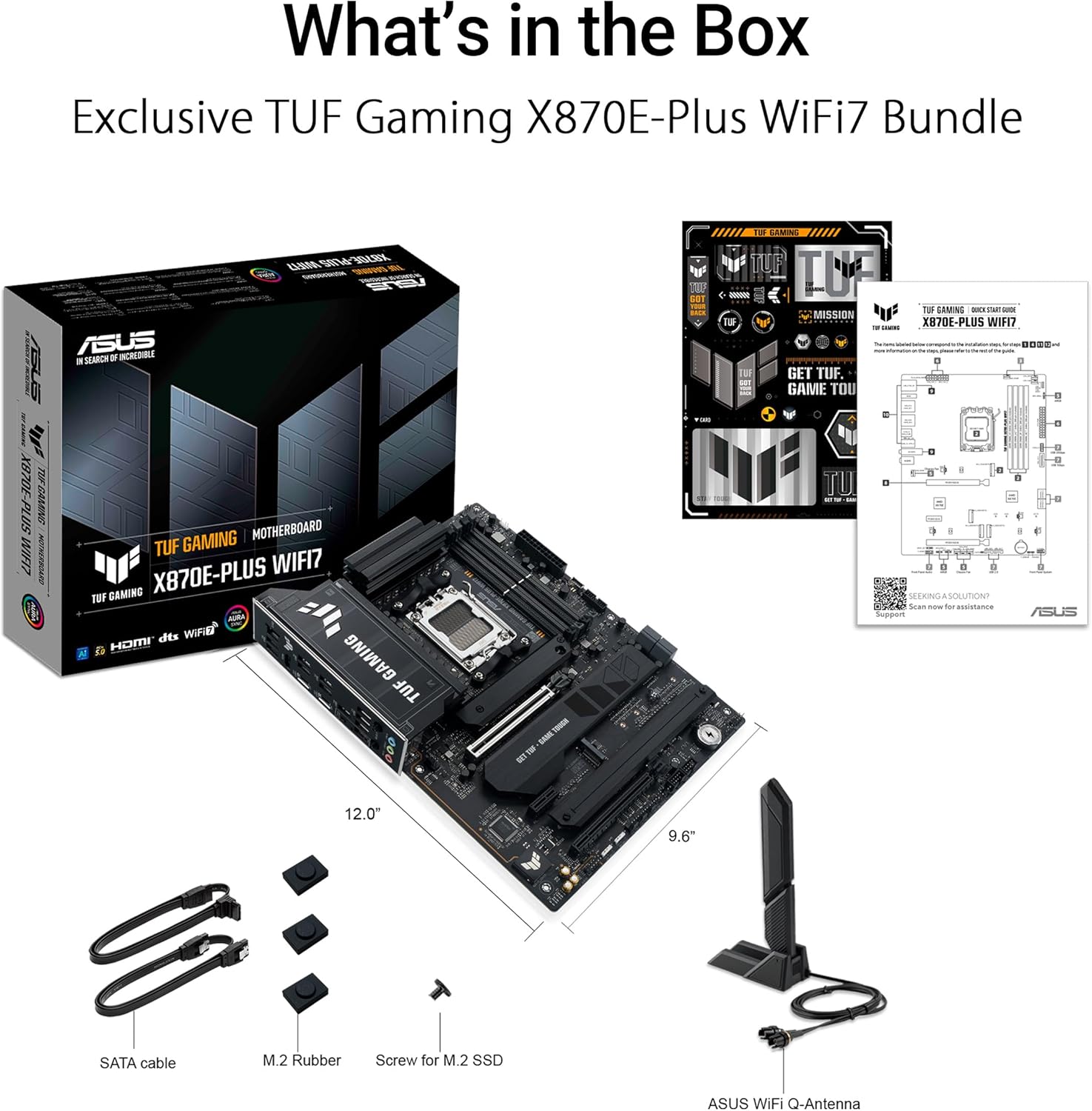
ASUS TUF Gaming X870E-PLUS WIFI7 motherboard with PCIe 5.0
Reviews
Price
Product description
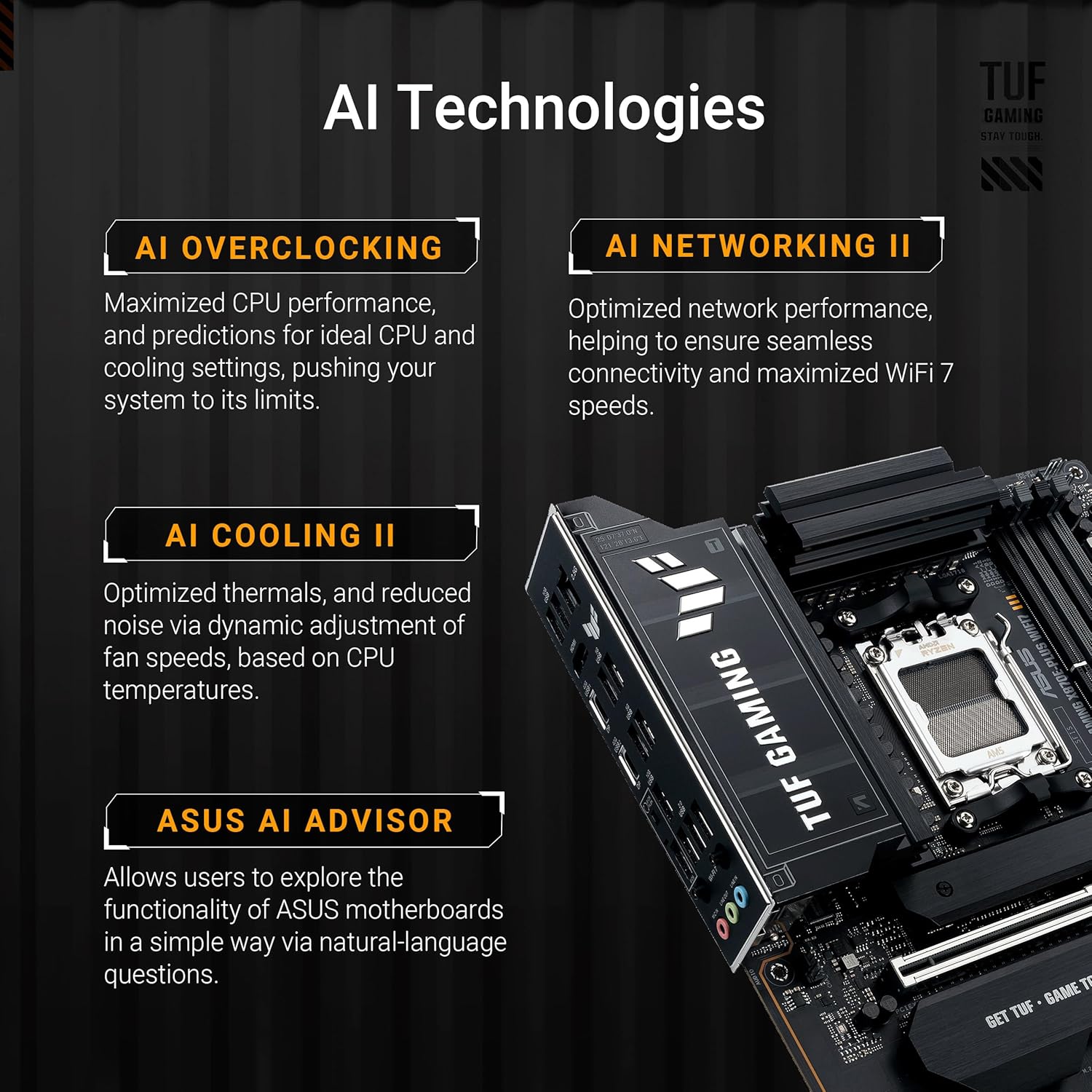
This ATX motherboard from ASUS brings robust power delivery and modern connectivity to high-end AMD builds, suited for gamers and creators who need headroom for CPU overclocking and multiple high-speed storage devices. It integrates advanced cooling and AI-assisted controls to help manage performance in demanding workloads.
Key Points
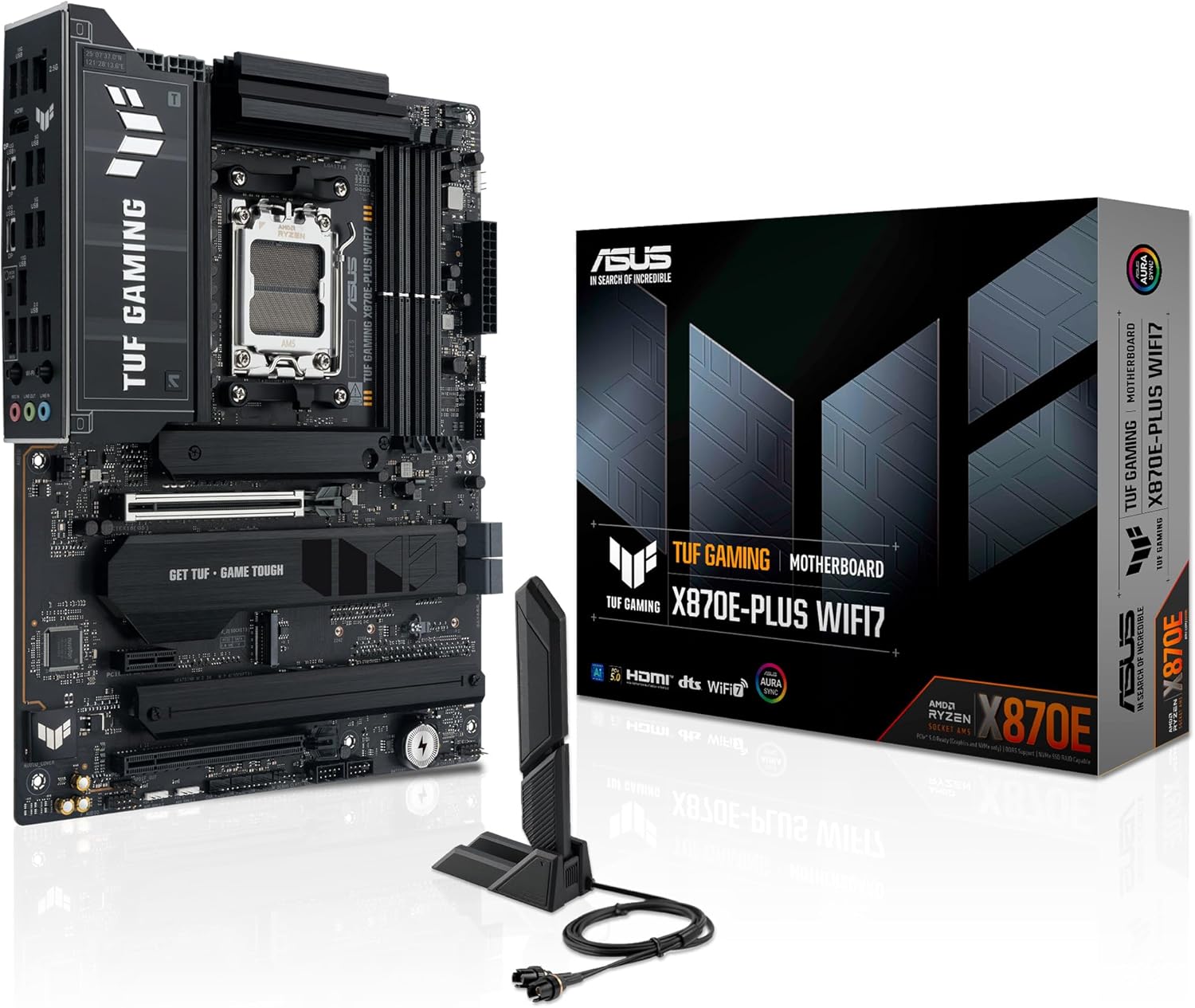
The ASUS TUF Gaming X870E-PLUS WIFI7 supports AMD Socket AM5 processors, including Ryzen 7000, 8000 and 9000 series, and focuses on sustained power and stability for heavy multitasking and gaming. It offers Wi-Fi 7 and USB 4 support for faster networking and peripheral throughput, while the extended VRM and multilayer PCB aim to keep voltages steady under load. Note that some AI tuning features operate according to the manufacturer and may require software configuration.
Technical Specifications
- Name: ASUS TUF Gaming X870E-PLUS WIFI7
- CPU Socket: AM5
- Power Stages: 16+2+1, 80A
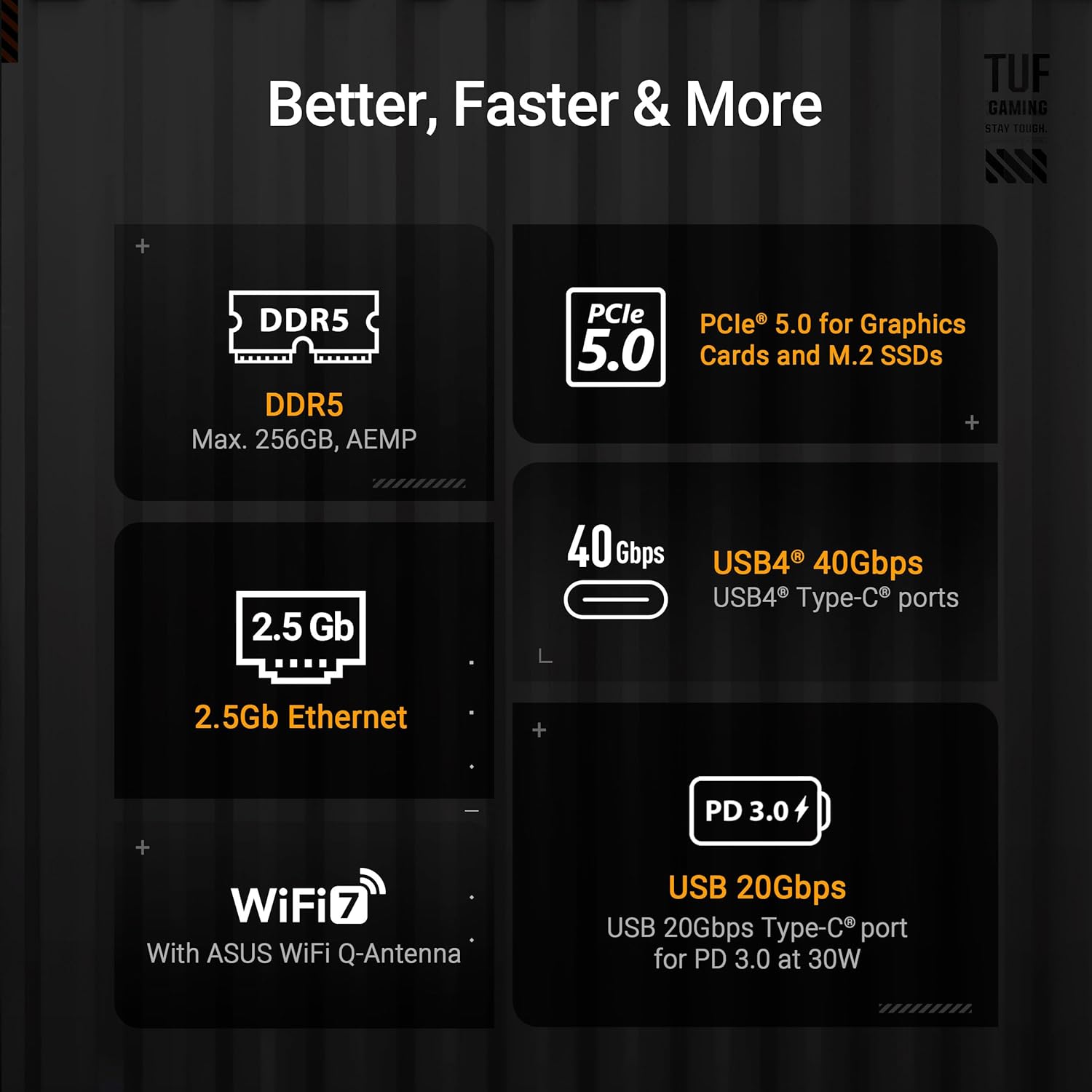
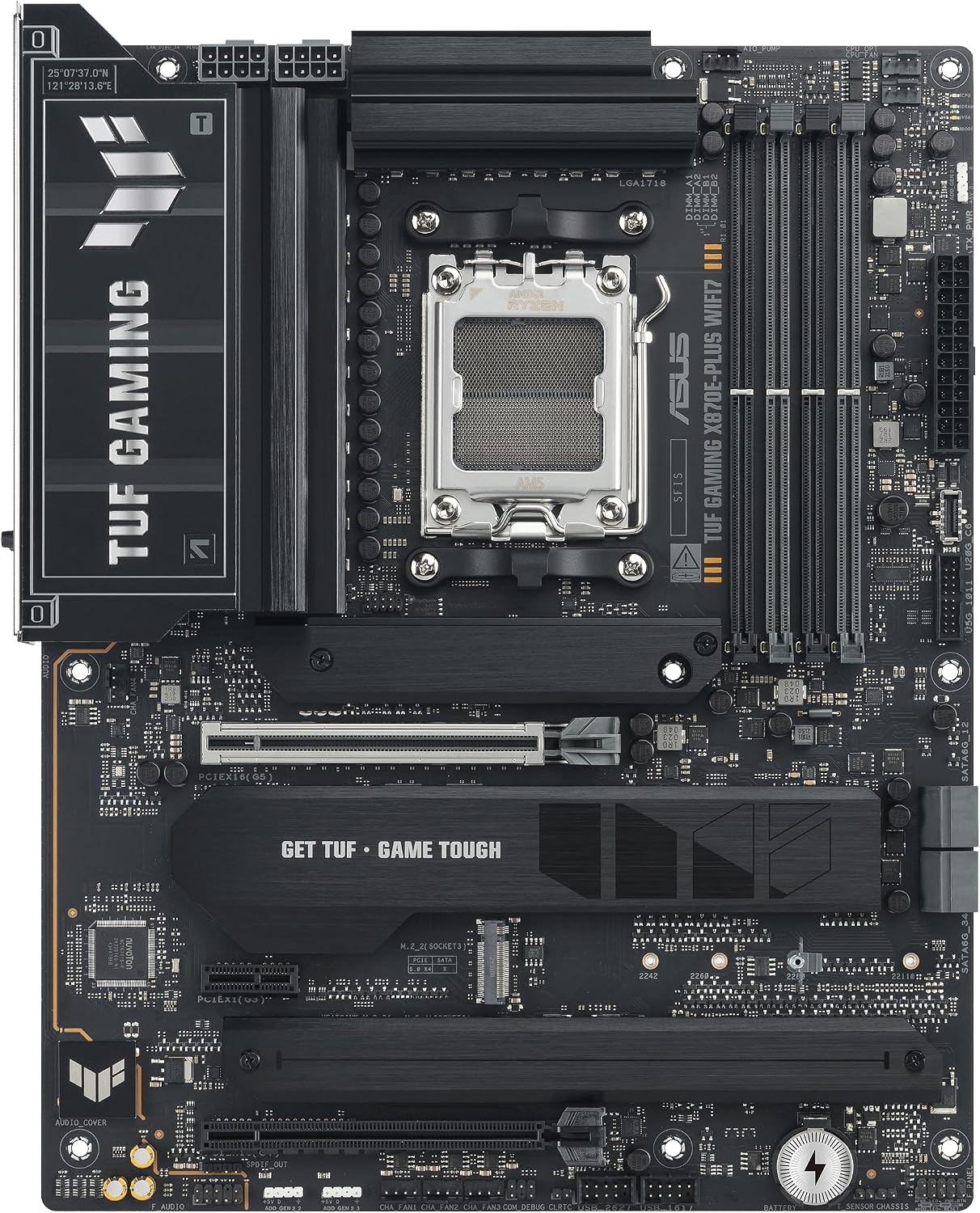
- Expansion: PCIe 5.0 x16 slot and two PCIe 5.0 M.2 slots, plus two PCIe 4.0 M.2 slots
- Networking: Wi-Fi 7 and Realtek 2.5 Gb Ethernet
- USB: Two USB4 (40 Gbps) Type-C ports and front USB 20 Gbps Type-C with PD up to 30 W
Advantages
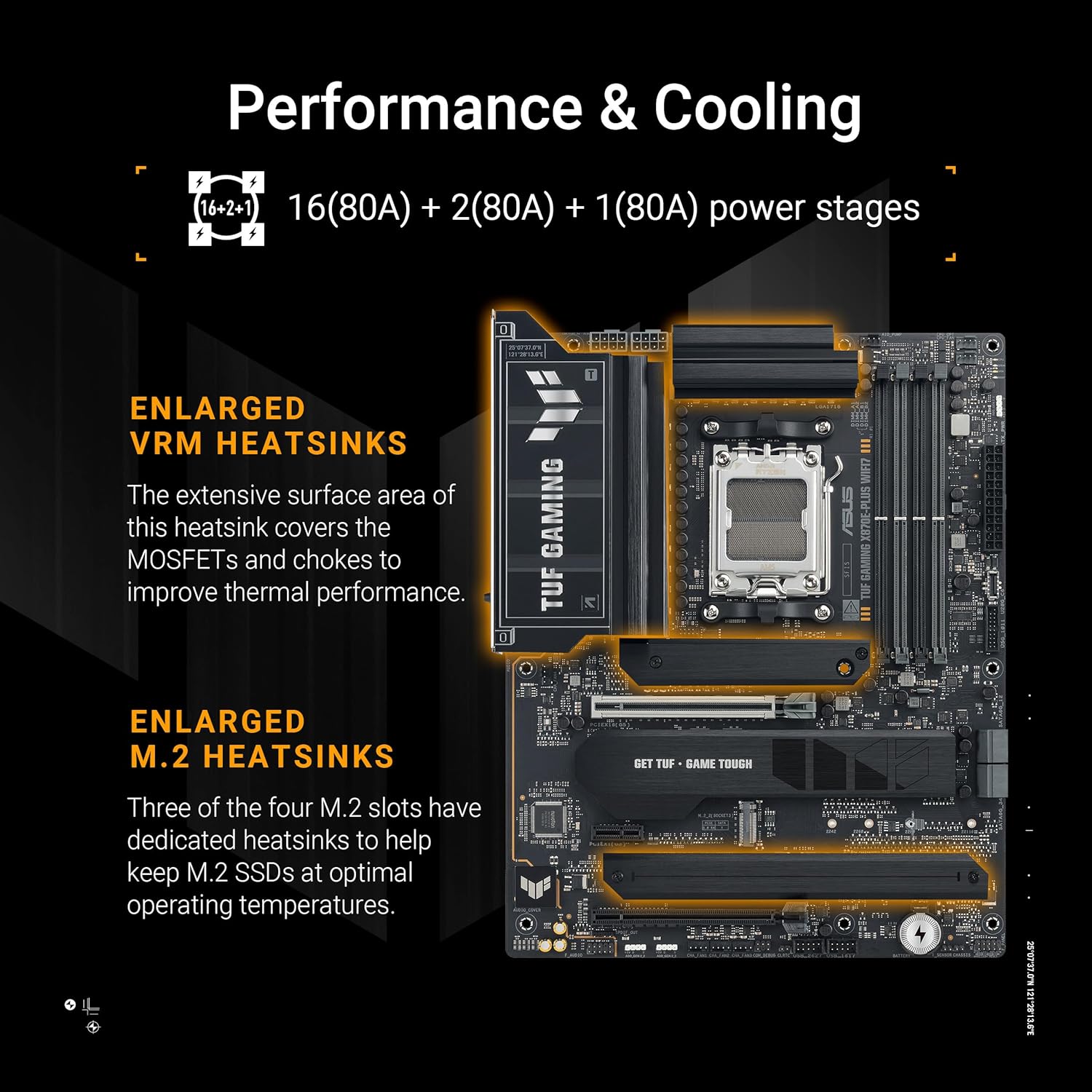
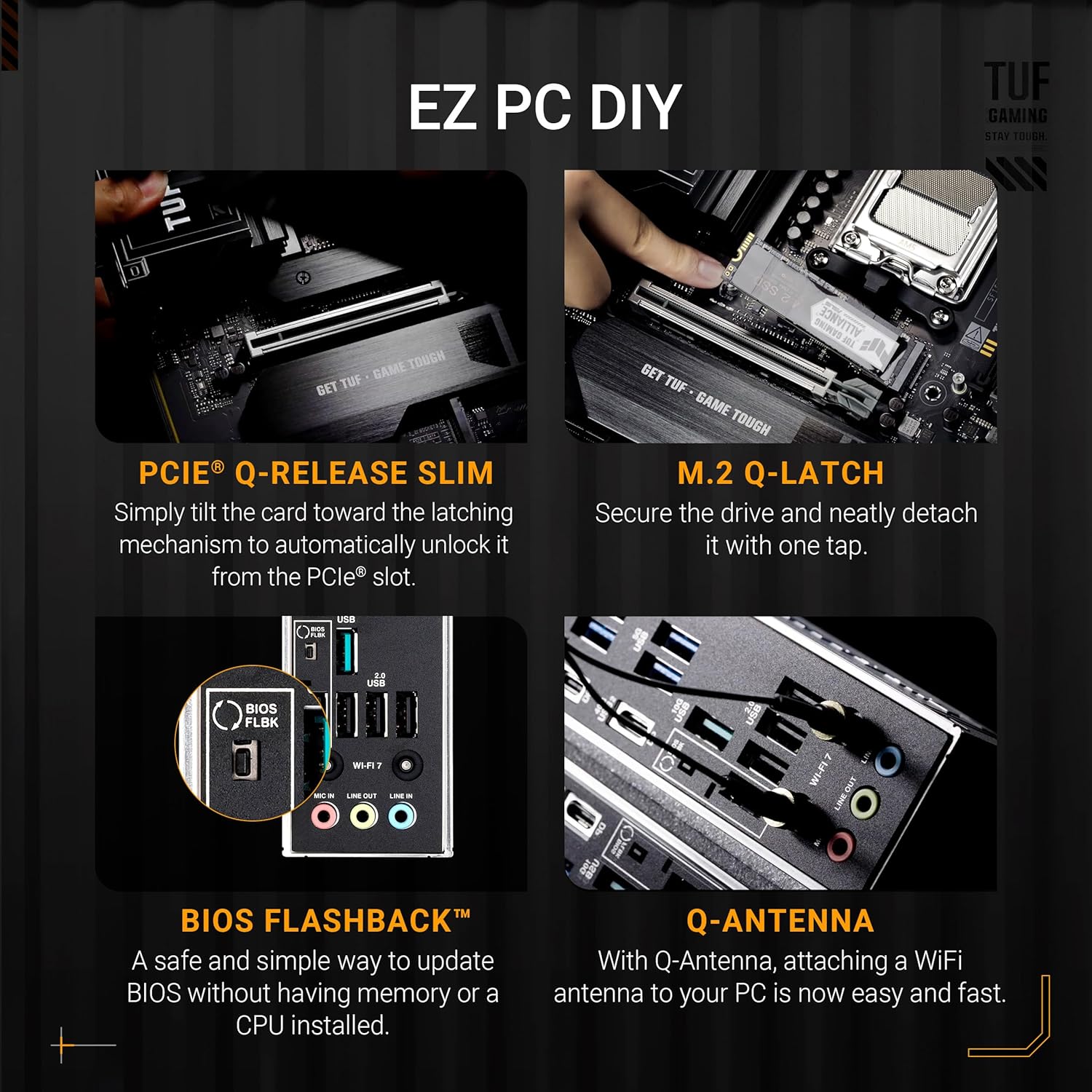
This board emphasizes durability with a reinforced 8-layer PCB, alloy chokes and long-lasting capacitors for more consistent delivery of power during intensive sessions. AI tools such as AI Cooling II and AI Networking II automate tuning and network prioritization which can simplify setup for users who prefer software-driven optimization. The suite of built-in protections and the pre-mounted I/O shield reduce setup time and help minimize handling errors during assembly.
Usage Recommendations
Install large coolers or multiple case fans using the hybrid fan headers and Fan Xpert 4 controls to take full advantage of the VRM heat sink design. Use the PCIe 5.0 M.2 slots for ultra-fast NVMe drives when maximum storage bandwidth is needed, and reserve the PCIe 4.0 M.2 slots for additional SSDs. Configure AI overclocking through the BIOS or ASUS utilities, and consider updating drivers via official ASUS tools to ensure compatibility with USB4 and Wi-Fi 7 features.