

Redragon M719 Antonium RGB Gaming Mouse
Product description
What it is and who it’s for
The Redragon M719 Antonium RGB is a wired gaming mouse designed for gamers who want customizable control without breaking the bank. It targets players who value programmable inputs, adjustable sensitivity, and a visually dynamic setup. If you’re building a battle-ready desktop or just want a reliable work mouse with macro capabilities, this model aims to balance performance and value.
Key features at a glance
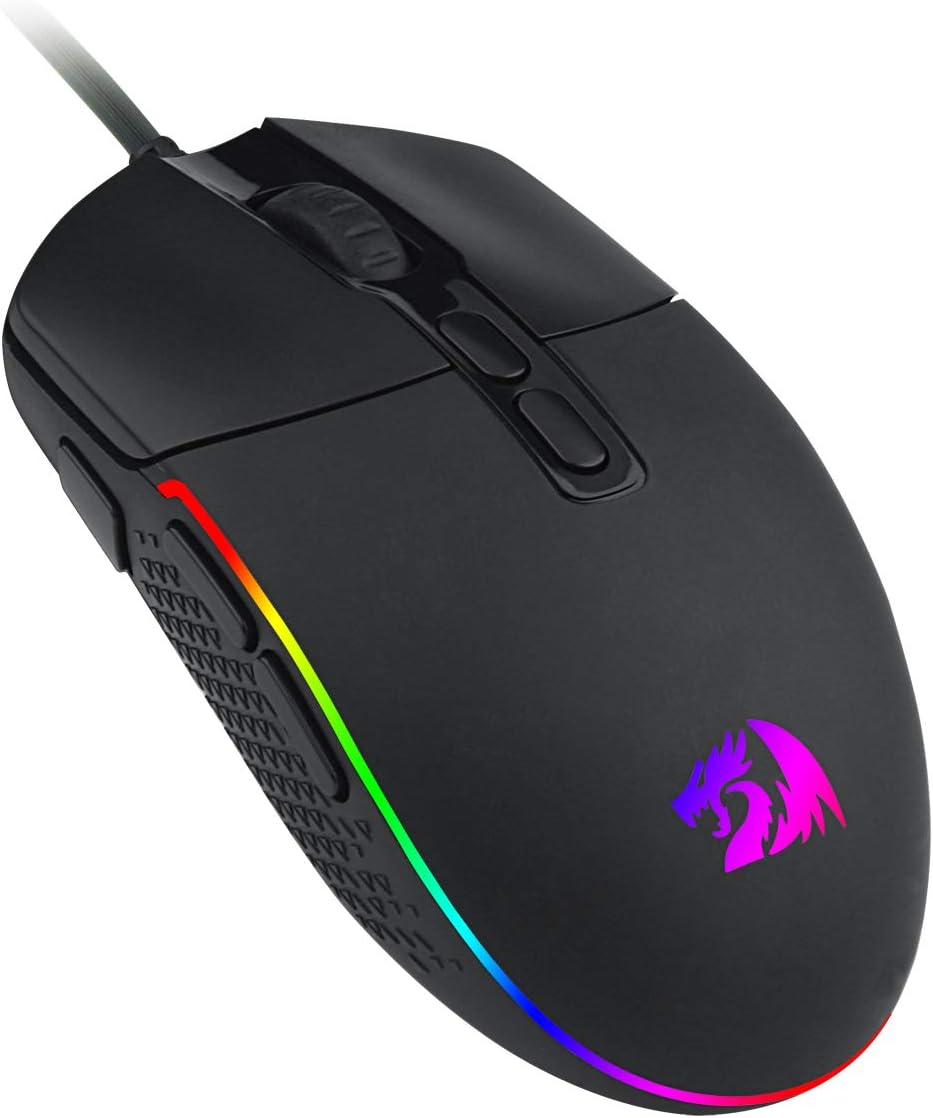
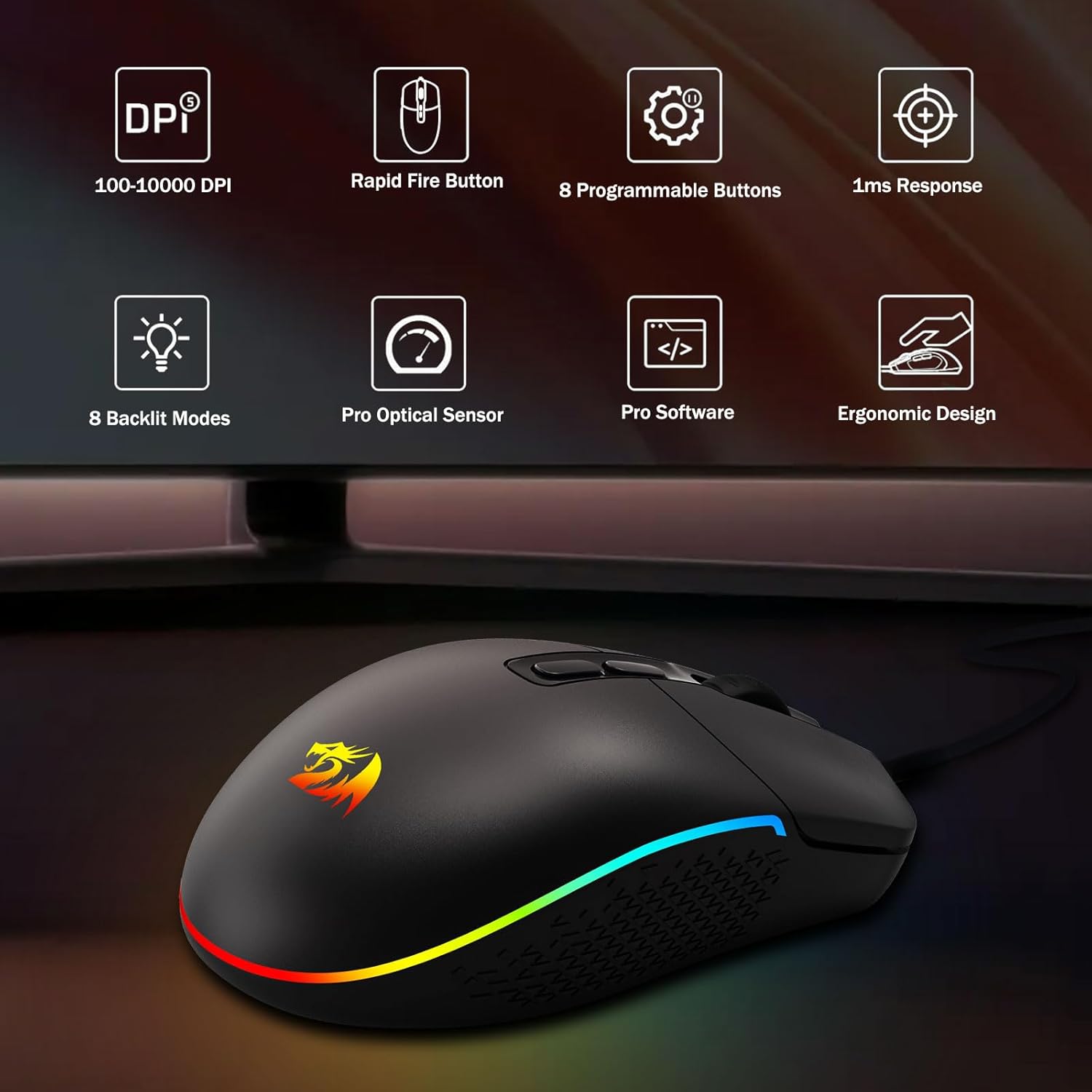
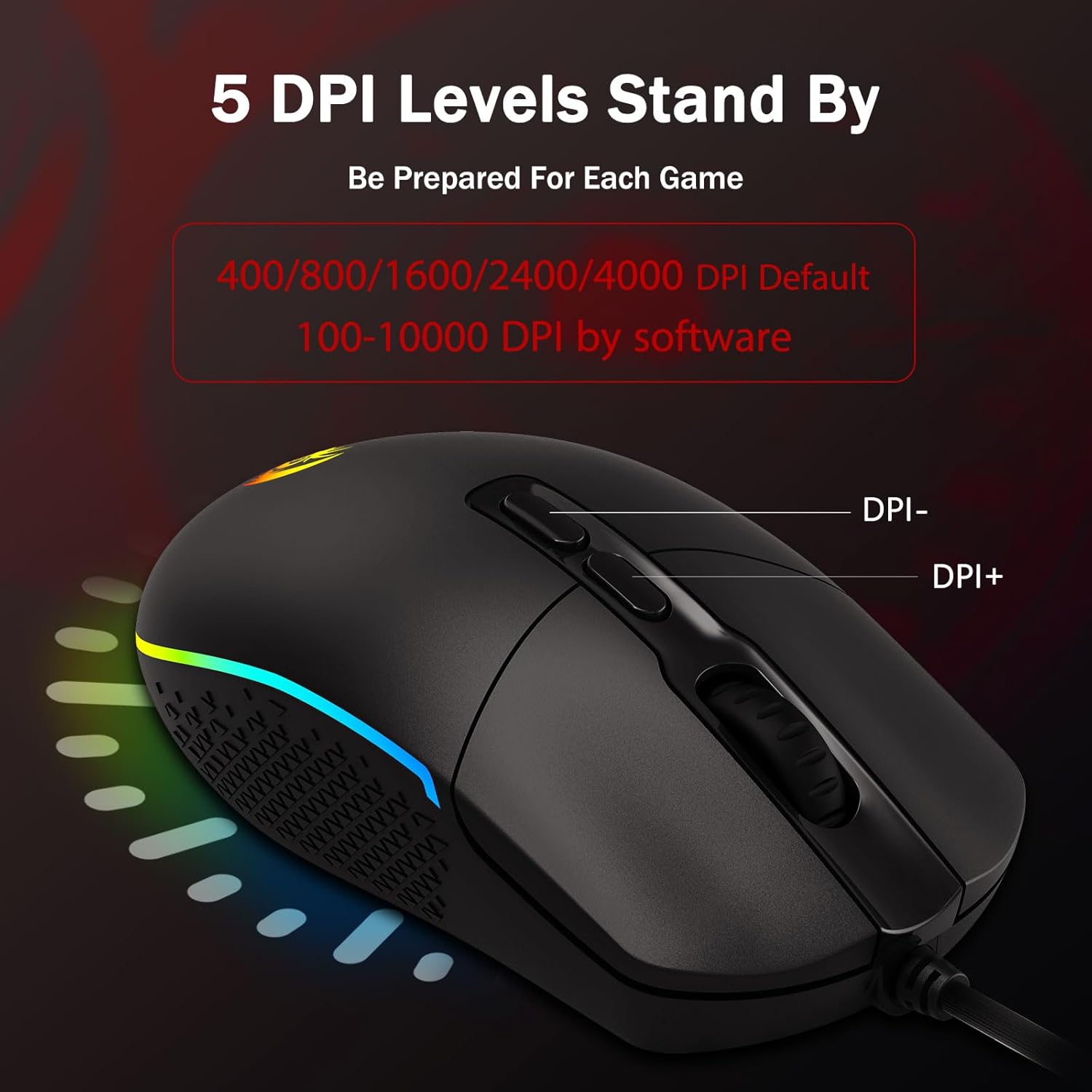
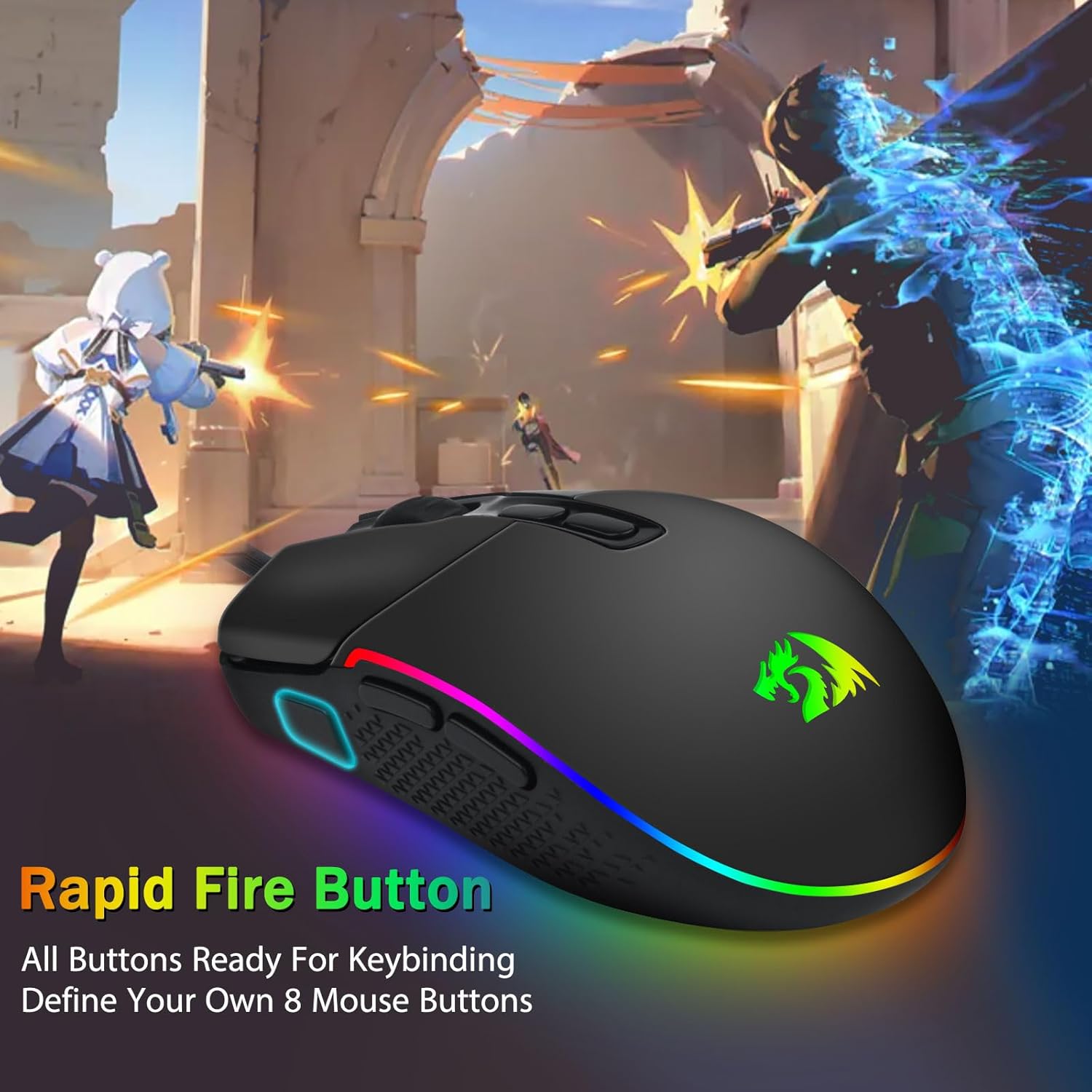
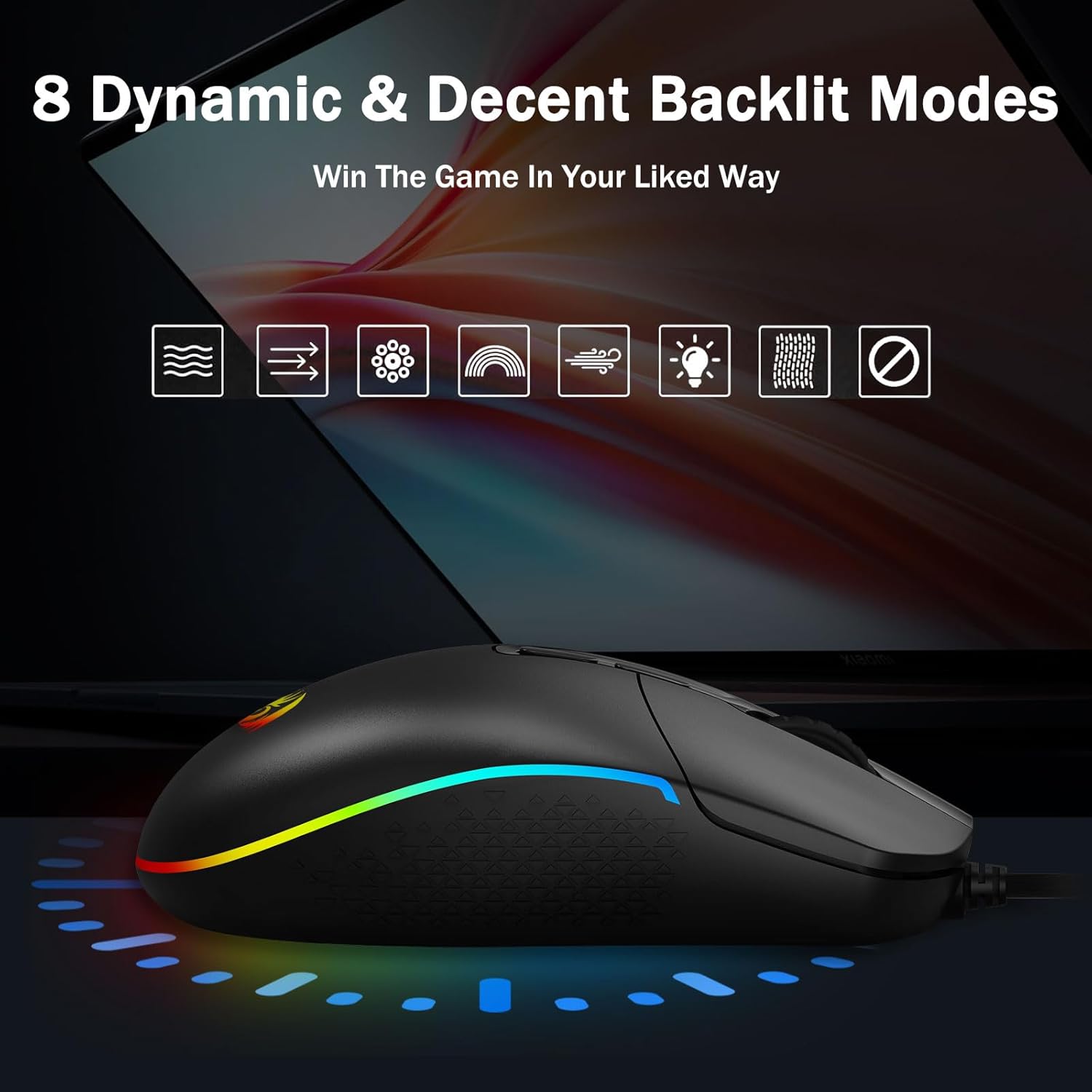
On paper, the M719 offers 5 adjustable DPI levels (400/800/1600/2400/4000) with the potential to fine-tune within the software from 100 to 10000 with a ±100 tweak. It also provides 4 polling rate options (125Hz/250Hz/500Hz/1000Hz) for smoother cursor movement, which matters in fast-paced games or precision tasks. Eight programmable buttons, including 1 rapid-fire and 2 side macro buttons, expand your customization for commands, macros, or in-game actions. Eight backlit modes give you style options to match your setup’s ambience.
Comfort and build quality
The M719 emphasizes ergonomics with side bumps intended to fit a variety of grips. The design aims to reduce fatigue during long sessions and maintain grip stability during quick lifts or swift swipes. It’s wired to avoid input latency associated with wireless mice, which can appeal to players who prefer a consistently responsive feel.
Software and customization
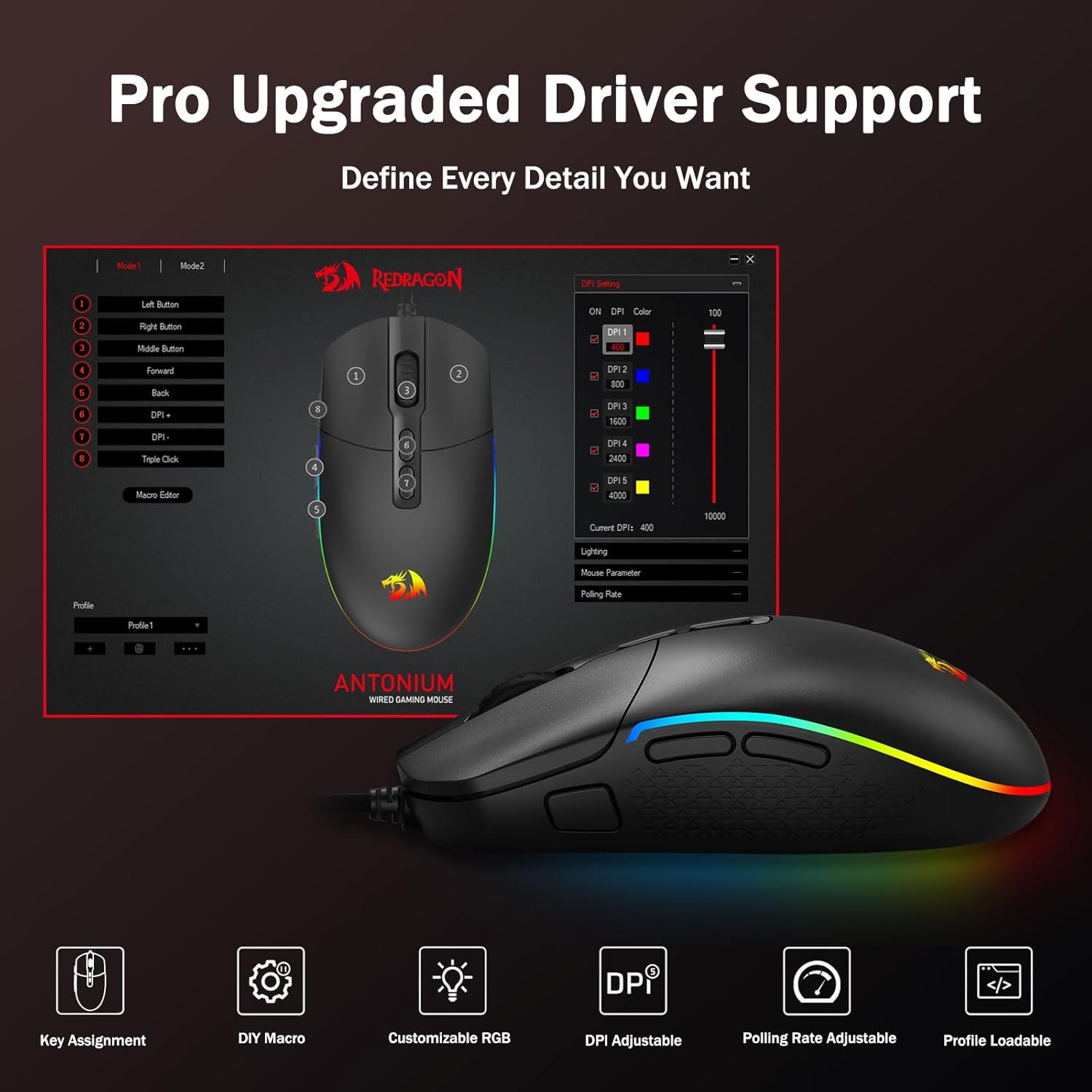
The mouse ships with software for configuring DPI, polling rate, and keybinds. You can assign macros and remap any button to suit different games or workflows. This level of customization supports both gaming scenarios—like rapid-fire or combo sequences—and productivity tasks, depending on your needs.
Performance considerations
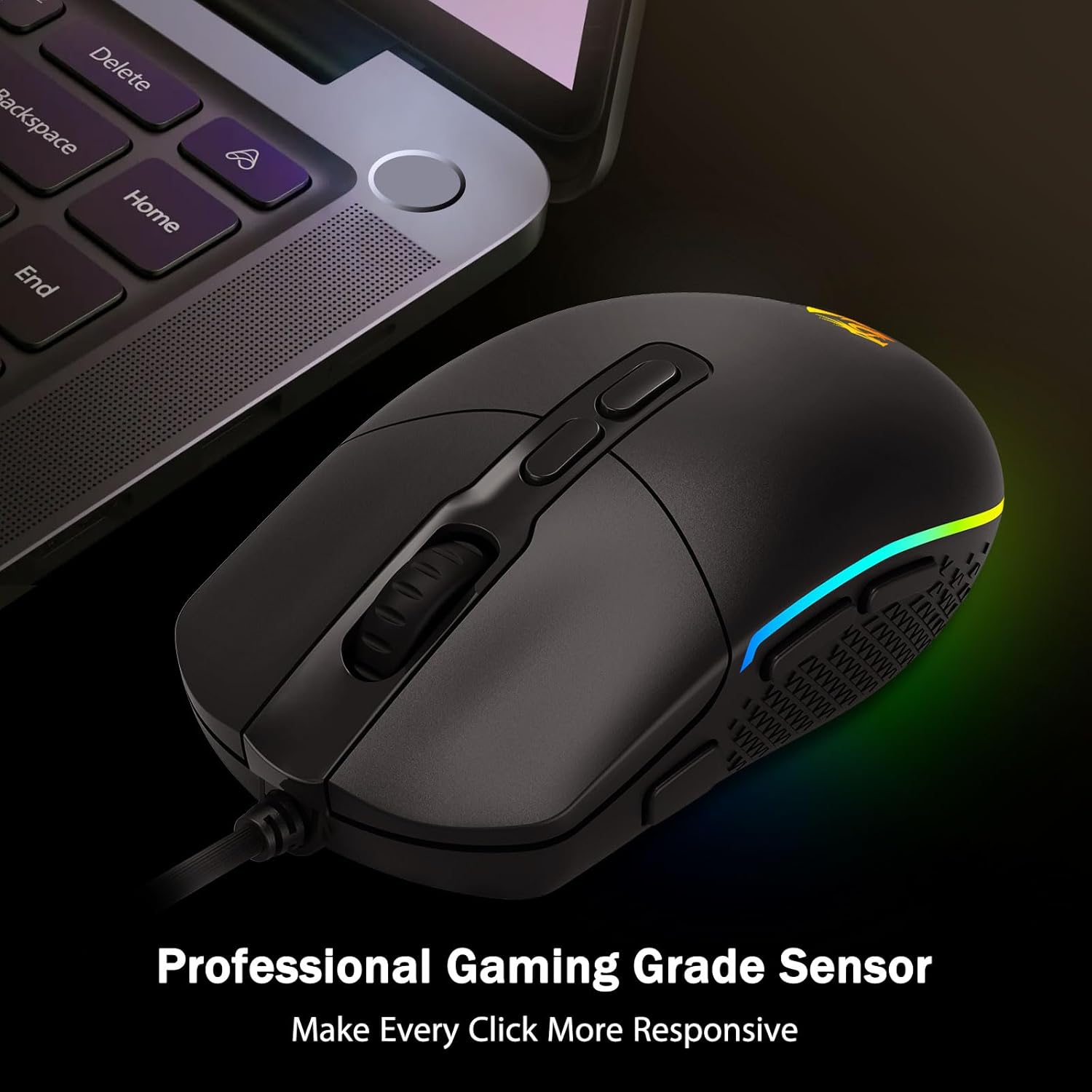
If you prioritize a wide DPI range and high polling rates, the M719 provides flexibility across titles and use cases. The ability to tweak DPI in software and the programmable button layout can help tailor aim sensitivity to different game genres. A potential limitation is that, like many budget-friendly gaming mice, you may not get the precision or durability of higher-end models under heavy, sustained usage. Also, while it supports Mac and Windows, some advanced configurations may rely on Windows software, which could influence cross-platform workflows.
What to monitor before buying
- If you rely on ultra-precise tracking for handheld or palm-grip styles, test comfort with your own grip.
- Check whether your preferred games or tools benefit most from macro keys and rapid-fire functionality.
- Consider whether you’ll frequently switch between devices or operating systems, cross-OS feel can vary with software support.
- Ensure you’re comfortable with wired latency advantages but lack of wireless convenience.
Practical use case
Imagine a shooter where you map rapid-fire to a dedicated button and assign a macro for a common attack combo. At the same time, you adjust DPI on the fly between long-range sniping and close-quarters engagements. The backlit modes can be tuned to your environment, giving you quick visual cues while you focus on the screen. In everyday productivity, you could rebind keys for macros in a scripting task or video editing shortcuts, turning the mouse into a compact control hub.
Tech specs
- DPI levels: 400/800/1600/2400/4000, adjustable in software from 100 to 10000 with ±100
- Polling rate: 125Hz/250Hz/500Hz/1000Hz
- Programmable buttons: 8 total (including 1 rapid-fire and 2 side macro buttons)
- Backlighting: 8 RGB modes
- Compatibility: Windows and Mac systems
- Connection: USB wired
- Software link: bit.ly/M719RGBDriver
What stands out
You’ll notice the flexible DPI range and the number of programmable inputs provide a solid toolkit for both gaming and customized workflows. Comfort-focused design and a wired connection contribute to dependable performance during long sessions.
Why it might not be the best pick
If you’re chasing top-tier sensor accuracy or premium build quality, you may want to compare with higher-end mice. For someone who rarely uses macros or needs wireless freedom, there are lighter or simpler options that could fit better. Also, software maturity and cross-OS consistency can vary depending on updates.
Is it worth it?
If you want a feature-rich mouse at a reasonable price, with customizable DPI, configurable polling, and macro buttons, the M719 Antonium offers a practical balance for gaming and productivity. It’s worth considering if you value flexibility and a vivid aesthetic in your setup, but if your priority is ultra-high-end precision or wireless convenience, you might want to explore other options.
FAQ
- How many DPI steps does the M719 support? Five base levels (400/800/1600/2400/4000) with software-tweakable 100–10000 range.
- Can I remap all eight buttons? Yes, all eight are programmable via the software.
- Is this suitable for Mac users? Yes, it’s compatible with Mac OS in general, though some advanced configurations may rely on Windows software.
Final thought
The Redragon M719 Antonium RGB Gaming Mouse presents a compelling mix of adjustable sensitivity, programmable controls, and a vivid lighting profile. It’s a sensible choice for players who want customization without stepping up to premium prices, as long as you don’t mind testing the software for your preferred configuration and keeping expectations in line with budget-tier hardware.