

GravaStar Mercury K1 75% Wireless Mechanical Keyboard
Product description
What it is
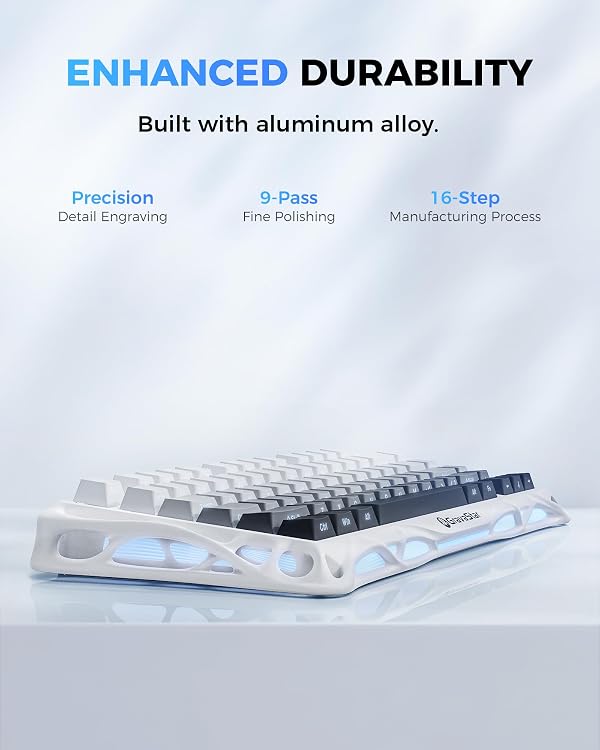
The GravaStar Mercury K1 is a compact 75% wireless mechanical keyboard built with an aluminum alloy exoskeleton. Its distinctive design combines a sturdy, lightweight frame with flowing lines, aiming to deliver both that futuristic look and reliable everyday performance for gaming and typing.
What stands out
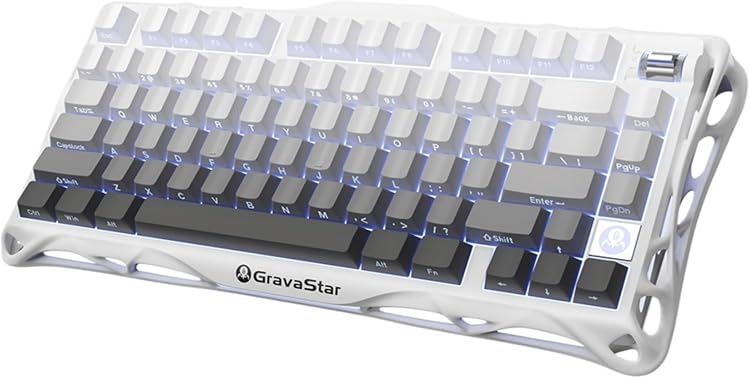
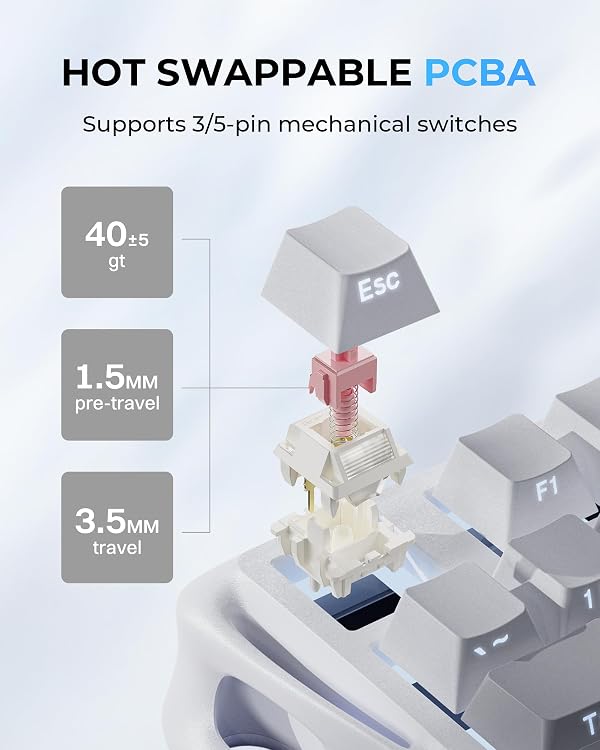
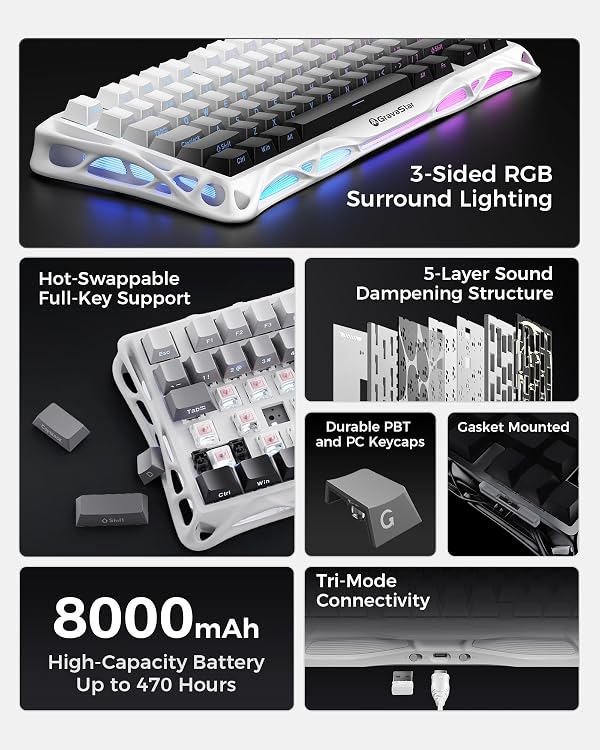
On the typing side, it uses exclusive GravaStar x Kailh linear switches rated at a 40gf actuation force, with 1.5mm pre-travel and 3.5mm total travel for a smooth, quick response that helps reduce accidental presses during intense play. The gasket-mounted chassis and a flexible polycarbonate plate work together with five layers of foam to dampen sound and minimize vibration, which matters if you’re gaming late or typing for long sessions.
Connectivity and versatility
Mercury K1 supports tri-mode connectivity: wired USB-C, Bluetooth 5.0, and 2.4GHz wireless. That kind of versatility makes it easy to switch between devices and operating systems, with compatibility for both Windows and Mac.
Lighting and software
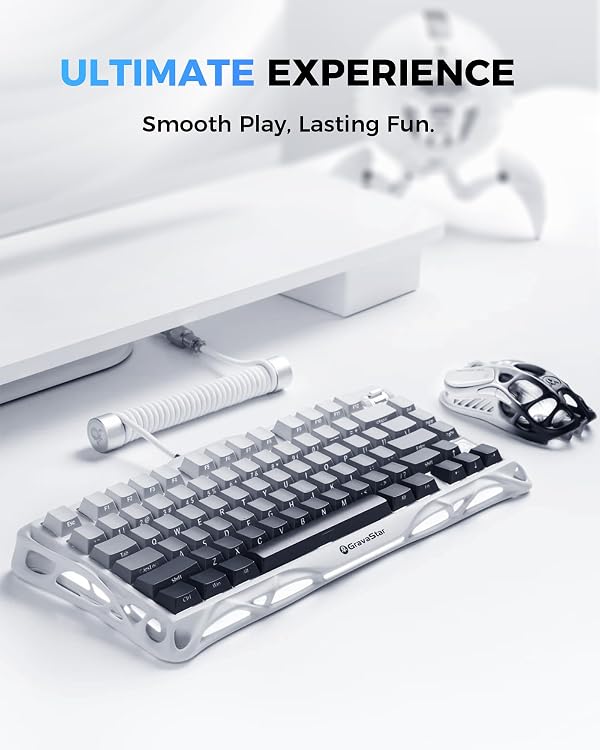
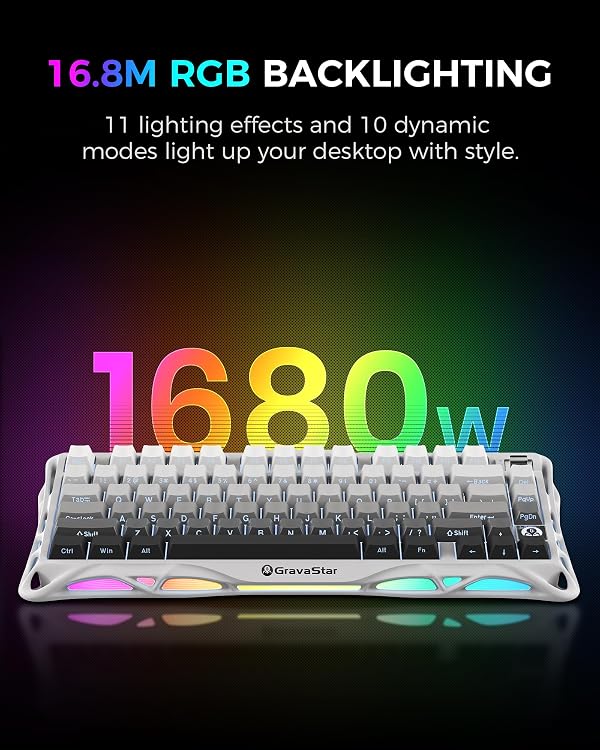
It features dual independent RGB lighting systems with up to 16.8 million colors and 13 backlight modes. The software personalization lets you tailor lighting and functions to fit your setup, which can be a nice touch if you value aesthetics as part of your gaming environment.
Build and feel
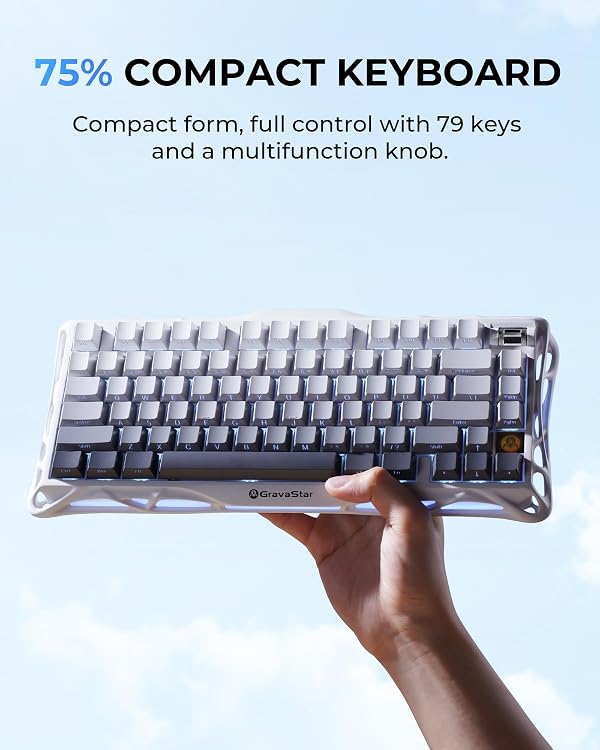
The aluminum alloy exoskeleton and gradient black finish give a premium, durable feel. The 75% layout keeps essential keys accessible while saving desk space, which can be a practical plus if you prefer a leaner setup without sacrificing function.
Who it’s for
If you value a distinctive design, solid build, a quieter keystroke, and flexible device pairing, the Mercury K1 aligns with that use case. It’s worth considering if you want a mid-sized, multi-device keyboard with software customization and strong key feel for gaming and productivity.
Potential caveats
On paper, the switches are tuned for a smooth linear feel, but favorites can be subjective—some users might prefer tactile or clicky options. The 75% form factor, while compact, means some users may miss a dedicated function row or navigation cluster depending on how you work. Also, while tri-mode is convenient, real-world performance can vary by device and environment.
Practical use example
Imagine a gaming session that hops between a PC and a laptop. You can switch seamlessly via wireless or USB-C, keep your lighting consistent, and enjoy a dampened, crisp keystroke that feels responsive yet not overly loud—helpful for late-night raids or focused coding sprints.
What to check before buying
- Confirm you’re comfortable with a 75% layout and the key arrangement it entails.
- If you heavily rely on non-standard macros, verify that the software supports your favorite profiles.
- Consider your typical desk setup: tri-mode needs clean USB-C, stable Bluetooth, and reliable 2.4GHz performance in your space.
Alternatives context
Compared to larger or fully wired boards, the Mercury K1 offers desk-space efficiency and multi-device flexibility. If you prioritize a traditional full-size keyset or prefer a different key feel (e.g., tactile or clicky), you may want to weigh those trade-offs against the premium build and the unique gasket-dampened sound profile.
Final decision
Is it worth it? It can be, if you want a premium, space-saving wireless keyboard with a distinctive design, strong build, and customization options that fit a multi-device setup. If you value a larger layout, or if you’re especially picky about switch type beyond linear, you might want to explore other options before committing.
FAQ
- Do the switches feel similar to other mechanical keyboards? They’re described as linear with a 40gf actuation force, but feel can be subjective, try to test if possible.
- Is the keyboard good for quiet environments? The five-layer foam and gasket mounting reduce noise, but sound perception varies with typing style.
- Can I use it with both Windows and Mac? Yes, it’s designed for cross-platform use and supports multiple connection methods.