


EPOMAKER Aula WIN60 HE 60% Wired Magnetic Keyboard with Adjustable Actuation
Product description
What this is and what it aims to solve
The EPOMAKER Aula WIN60 HE is a compact 60% wired magnetic keyboard built for fast-paced FPS gaming and precise typing. It brings Hall-effect switches with fully adjustable actuation points and hot-swap capability, aiming to reduce latency and tailor keystroke feel to your reflexes. If you want a space-saving board that claims near-instant input, this model presents a plausible setup to explore.
How it translates to real play
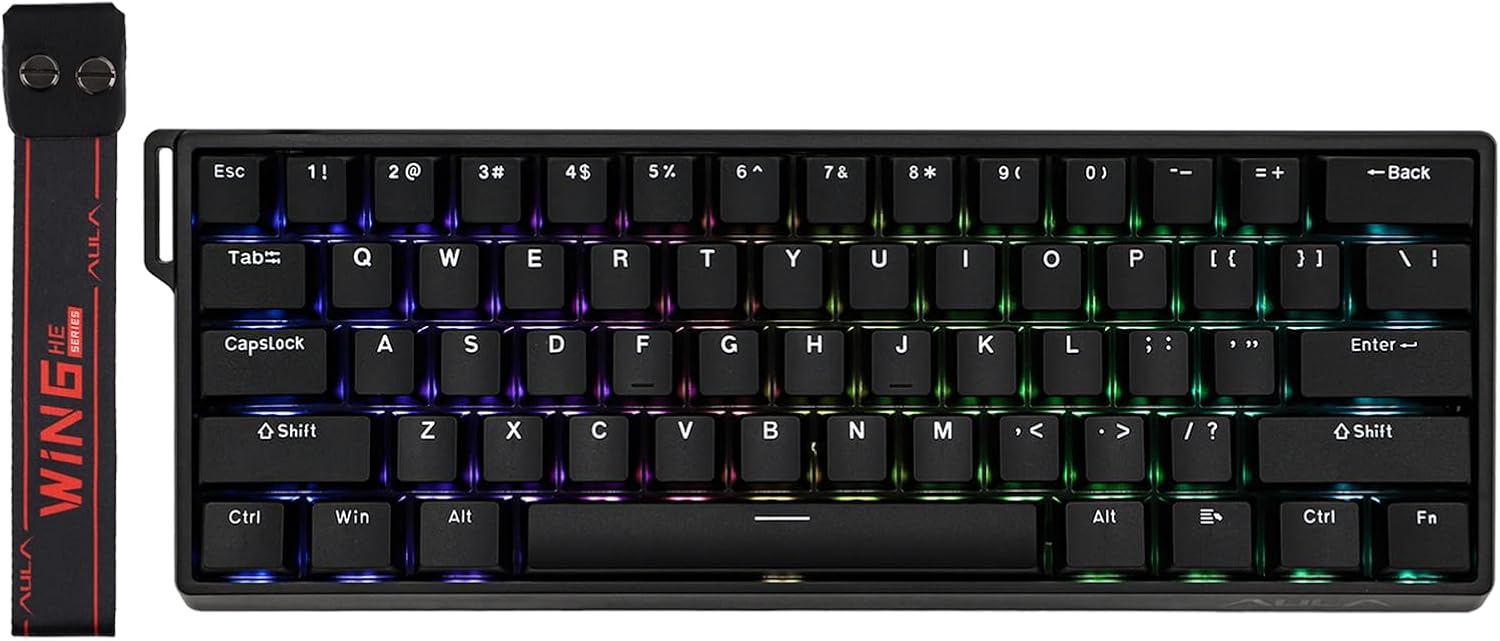
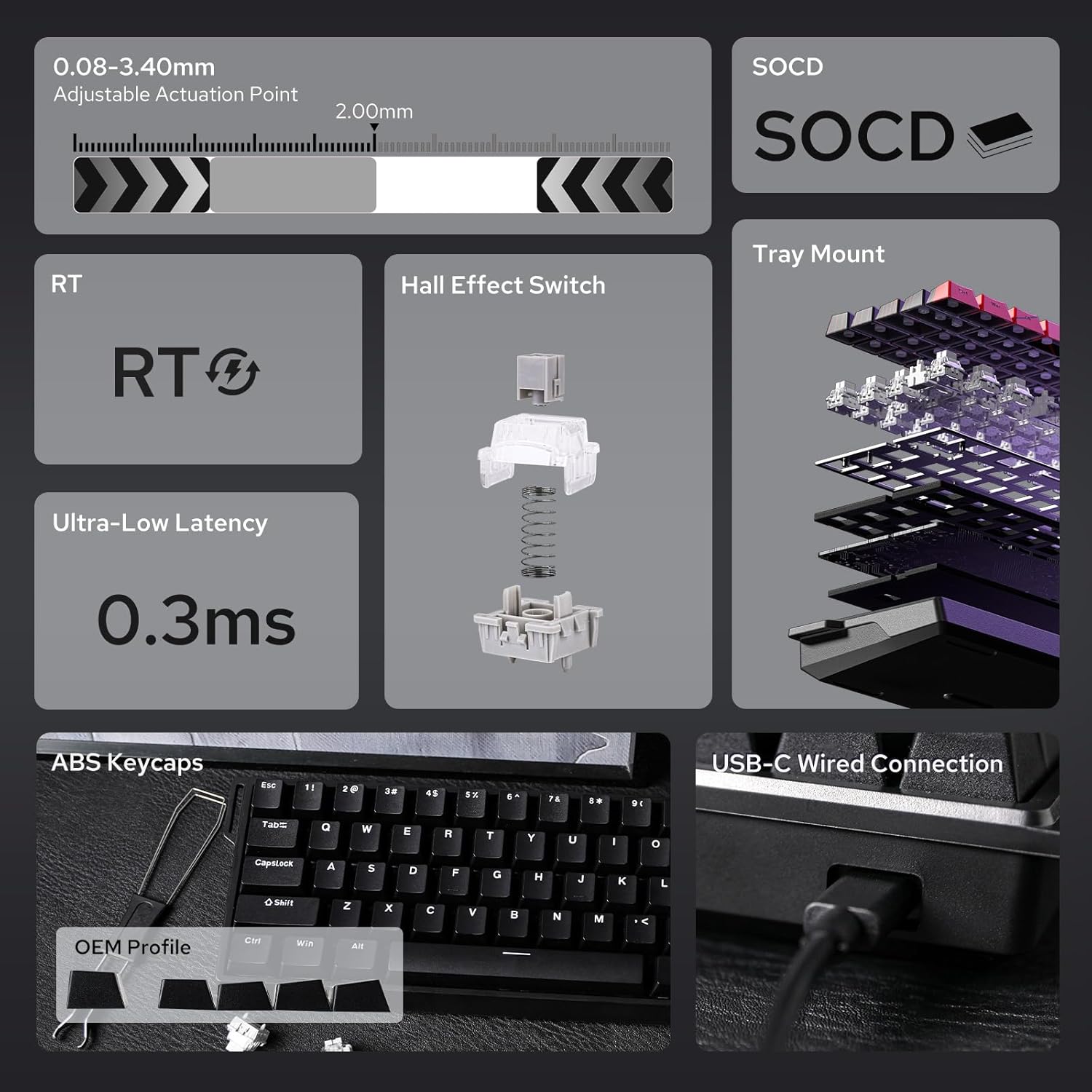
On paper, the WIN60 offers an 8000Hz polling rate and a 32KHz scan rate, which translates to ultra-low latency versus traditional keyboards. The Snap Tap and Dynamic Keystroke features are designed to speed up directional changes and enable compound inputs in a single keystroke, which can be noticeable in fast FPS sequences. The 60% layout keeps you closer to the mouse, potentially improving micro-adjustments during aiming and movement.
What stands out most
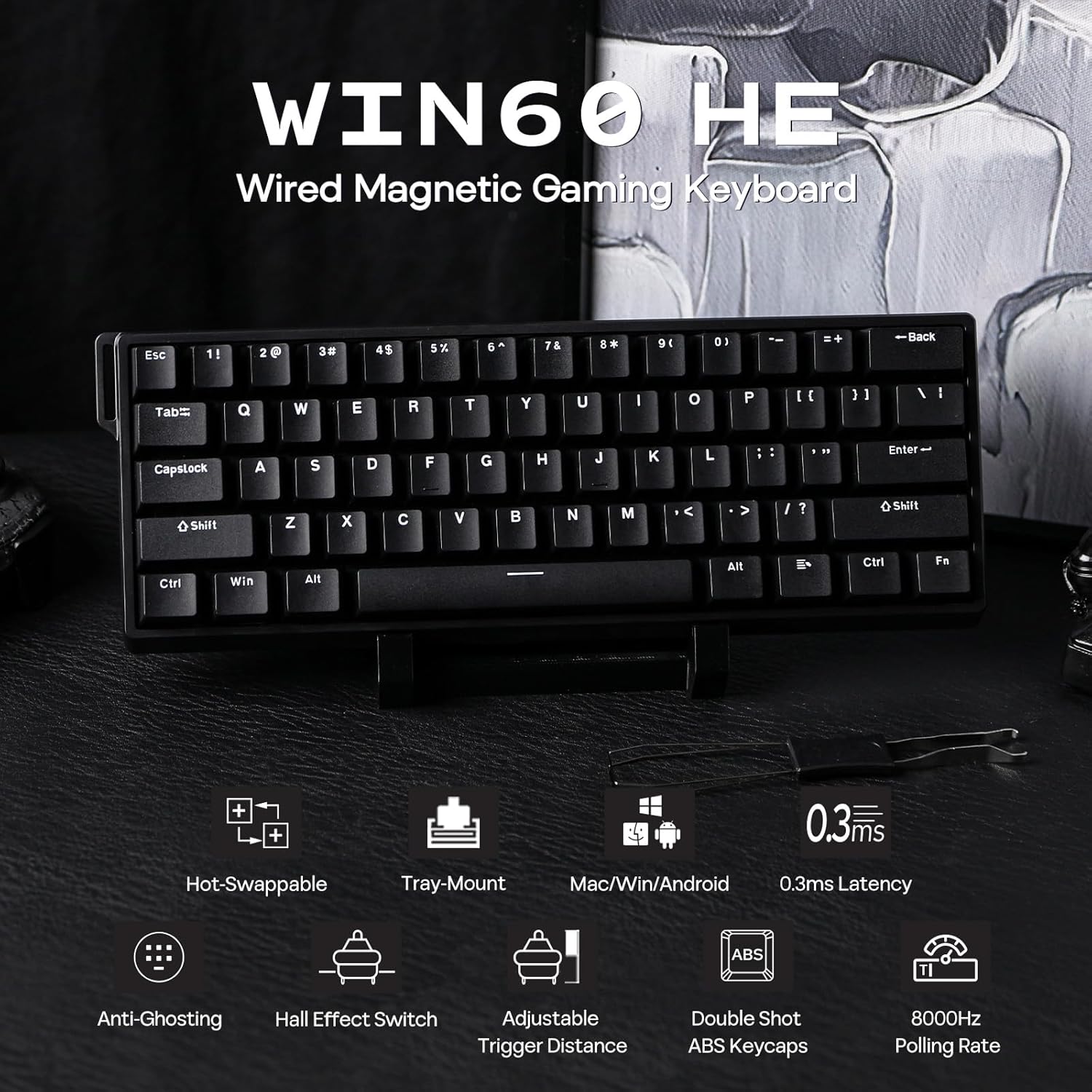
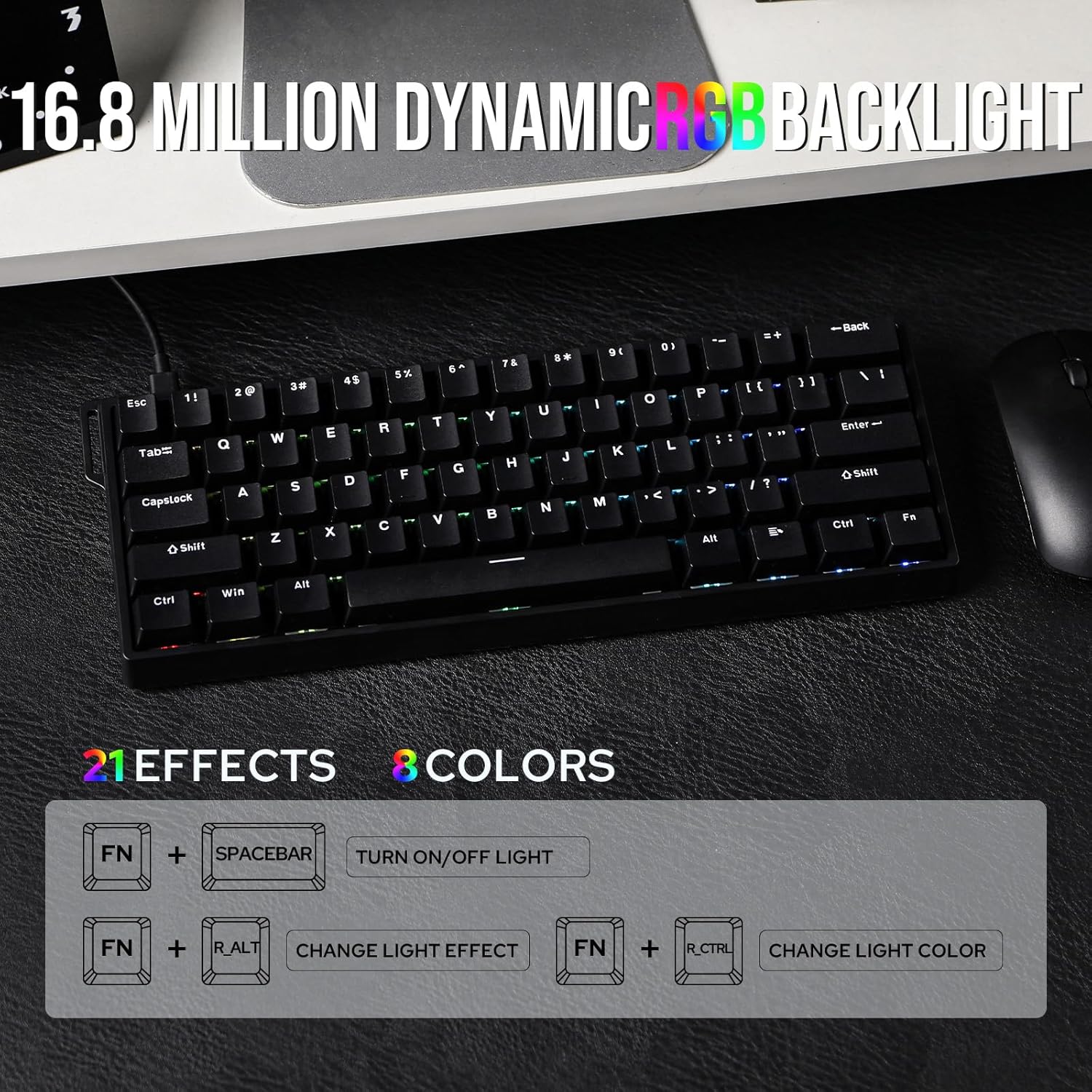
A standout feature is the fully adjustable Hall magnetic actuation, adjustable from 0.08mm up to 3.4mm (with a Max version offering 0.1mm to 3.4mm in 0.01mm increments). That level of tunability lets you dial a light touch for rapid tapping or a deeper press for more controlled actions, depending on personal preference or game requirements. The keycaps are double-shot for durability and legibility, complemented by RGB lighting with many modes, which helps in low-light setups and adds a touch of personalization.
Potential limitations to consider
If you prioritize a full-sized keyboard or a wider key layout, the 60% form factor might require adaptation, especially for key combos or macros that rely on dedicated keys. While the driver offers customization, some users may find the setup process for per-key actions and lighting more involved than on plug-and-play boards. Also, the stated latency and polling figures are impressive on paper, real-world gains depend on system performance and game optimization.
Who this is for
This board seems aimed at FPS players and power users who want rapid input with room to customize per-key behavior. It can also appeal to professionals who value a compact desk footprint without sacrificing performance. If you value switch-level adjustability, hot-swap flexibility, and a bold visual aesthetic, this could be a compelling fit.
Who might want to skip it
If you prefer traditional, non-magnetic switches or a more extensive layout with dedicated function rows, this 60% keyboard may feel too compact. Those who don’t plan to experiment with actuation tuning or rely on simple keypress functions might not fully leverage the customization.
When it makes sense to buy
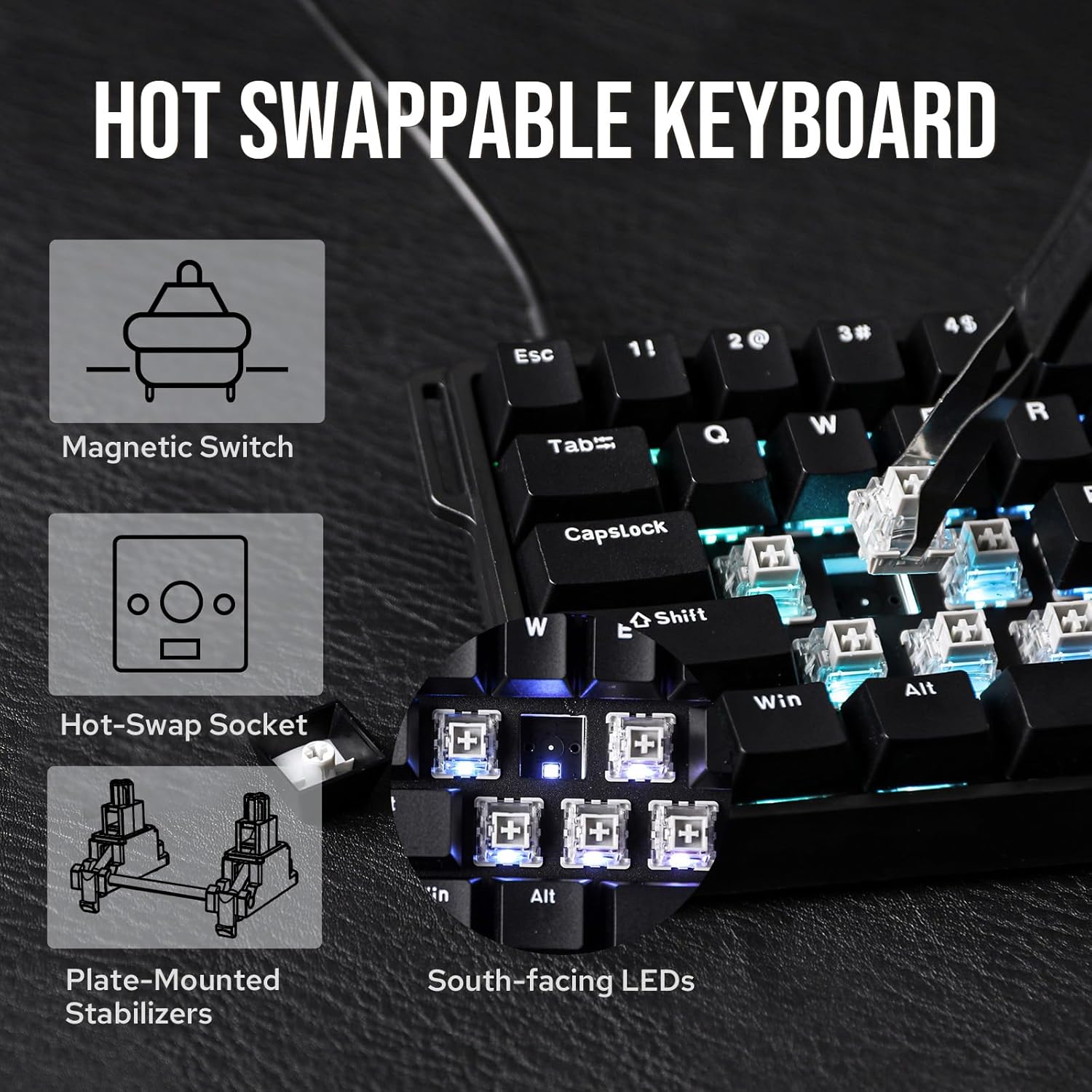
Consider this board if you’re building a high-refresh-rate gaming setup and want the ability to fine-tune actuation for faster commands, with the option to swap switches without soldering. The combination of hot-swap support, magnetic switches, and a 60% footprint can deliver both performance and a clean, minimal desk aesthetic.
What to check before buying
- Confirm your preference for 60% layouts and whether you can live without a dedicated function row.
- Consider how you’ll use per-key macros or analog-like inputs and whether the driver supports your needs.
- Check your PC compatibility and whether you’re comfortable adjusting actuation points in small increments.
How it compares to common alternatives
If you’re weighing against traditional mechanical keyboards, this model emphasizes lower latency and per-key customization via magnetic switches. It offers a more configurable experience than standard hot-swappable boards, but may require a deeper dive into software settings to unlock its full potential. For users who don’t need ultra-fast actuations or per-key adjustment, a larger, simpler board might feel more straightforward.
Buying decision: Is it worth it?
Is it worth it? If you’re after a compact, highly customizable keyboard for FPS gameplay and you’re open to tweaking actuation and lighting, the WIN60 HE presents a compelling blend of speed and personalization. It may not be the best pick if you want a traditional layout or if you’re new to per-key adjustments, in that case, a simpler option could be a better learning curve.
Quick FAQ
- How adjustable are the actuation points? The Hall switches allow 0.08mm to 3.4mm, with the Max version enabling 0.1mm to 3.4mm in 0.01mm steps.
- Does it support per-key lighting customization? Yes, via the online web driver with multiple RGB modes.
- Will I notice a latency difference day-to-day? The specs claim very low latency and high polling, but real-world gains depend on your setup and game optimization.
- Is a 60% layout limiting for macros? It can be, if your workflow depends on many dedicated keys, you may need to rely on programmable layers and software.
- What about keycap durability? Double-shot keycaps are designed to resist fading and maintain legibility over time.