

Corsair K100 RGB Mechanical Gaming Keyboard (Cherry MX Speed RGB Silver) — PBT Double-Shot, iCUE Compatible, NA QWERTY, Black
Product description
If you’re building a serious setup, the Corsair K100 RGB is one of those keyboards that looks like it’s meant to live at the center of your desk. It brings a durable aluminum frame, per-key RGB, and a strong feature set for gamers who also care about how their gear looks and feels.
That said, it’s not a “buy it and forget it” keyboard. The value depends on what you’ll actually use: the fast Cherry MX Speed RGB Silver switches, the advanced iCUE-driven customization, and the built-in controls. If your needs are simple (light typing, occasional gaming, minimal software tweaking), you may feel like you’re paying for things you won’t use.
The essentials
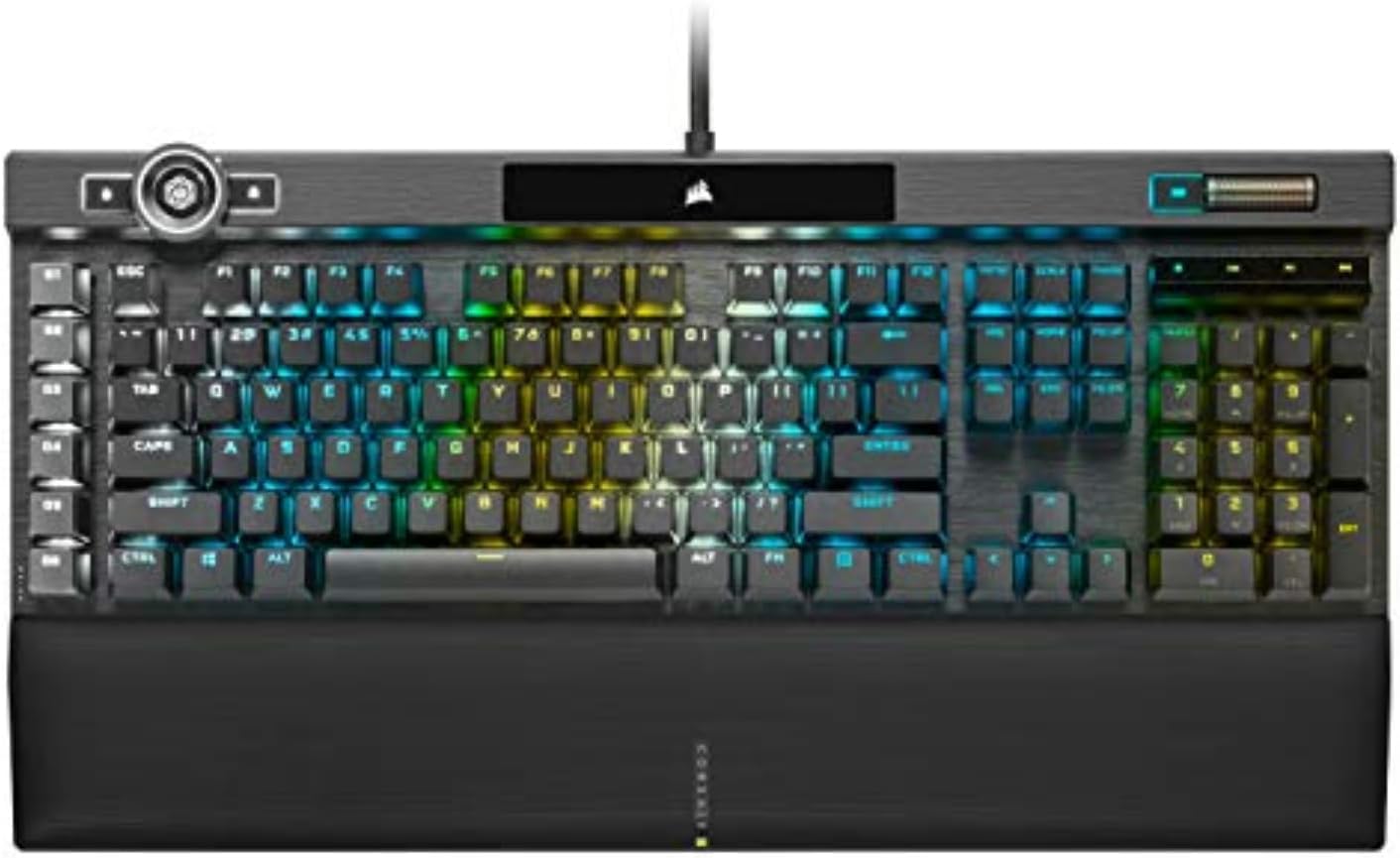
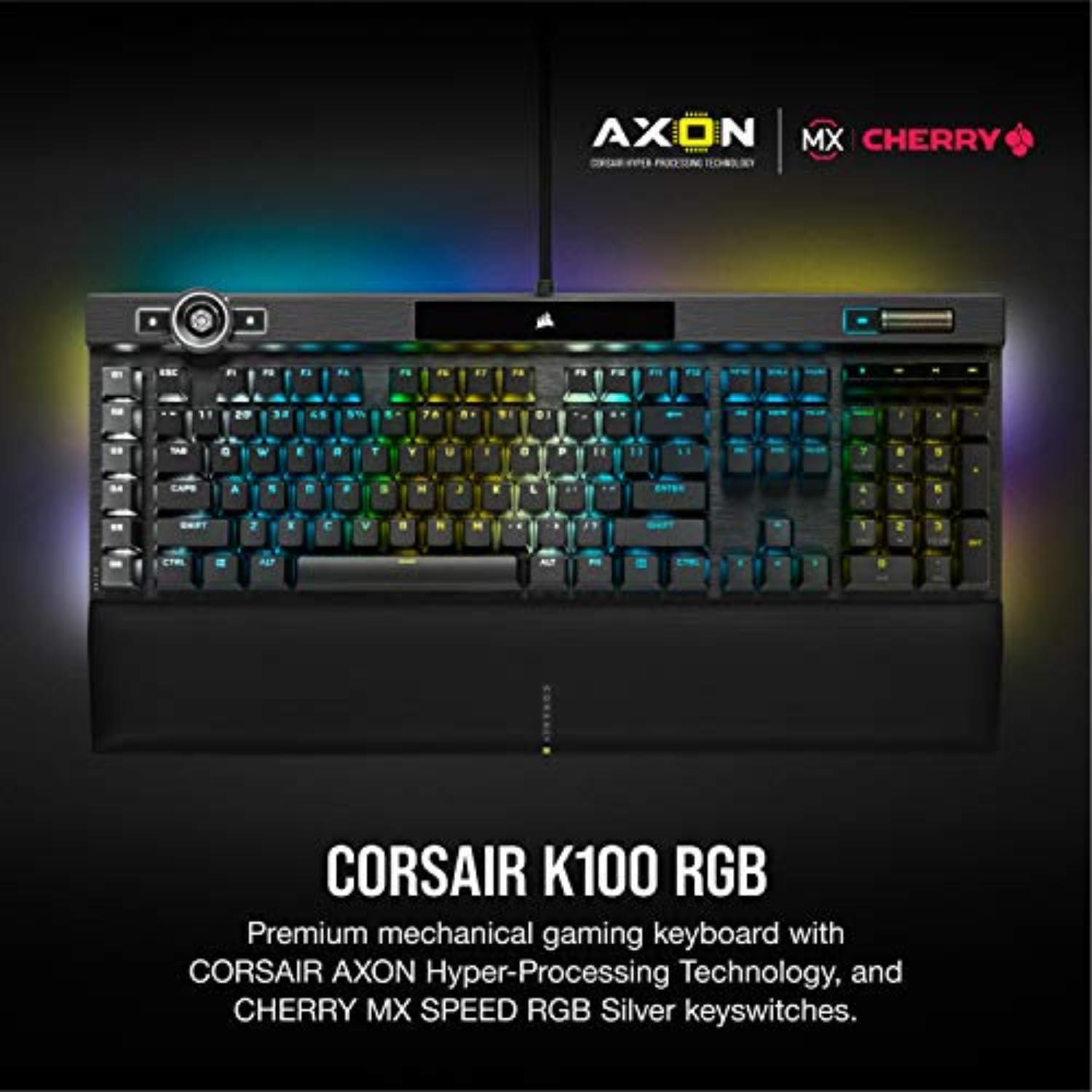
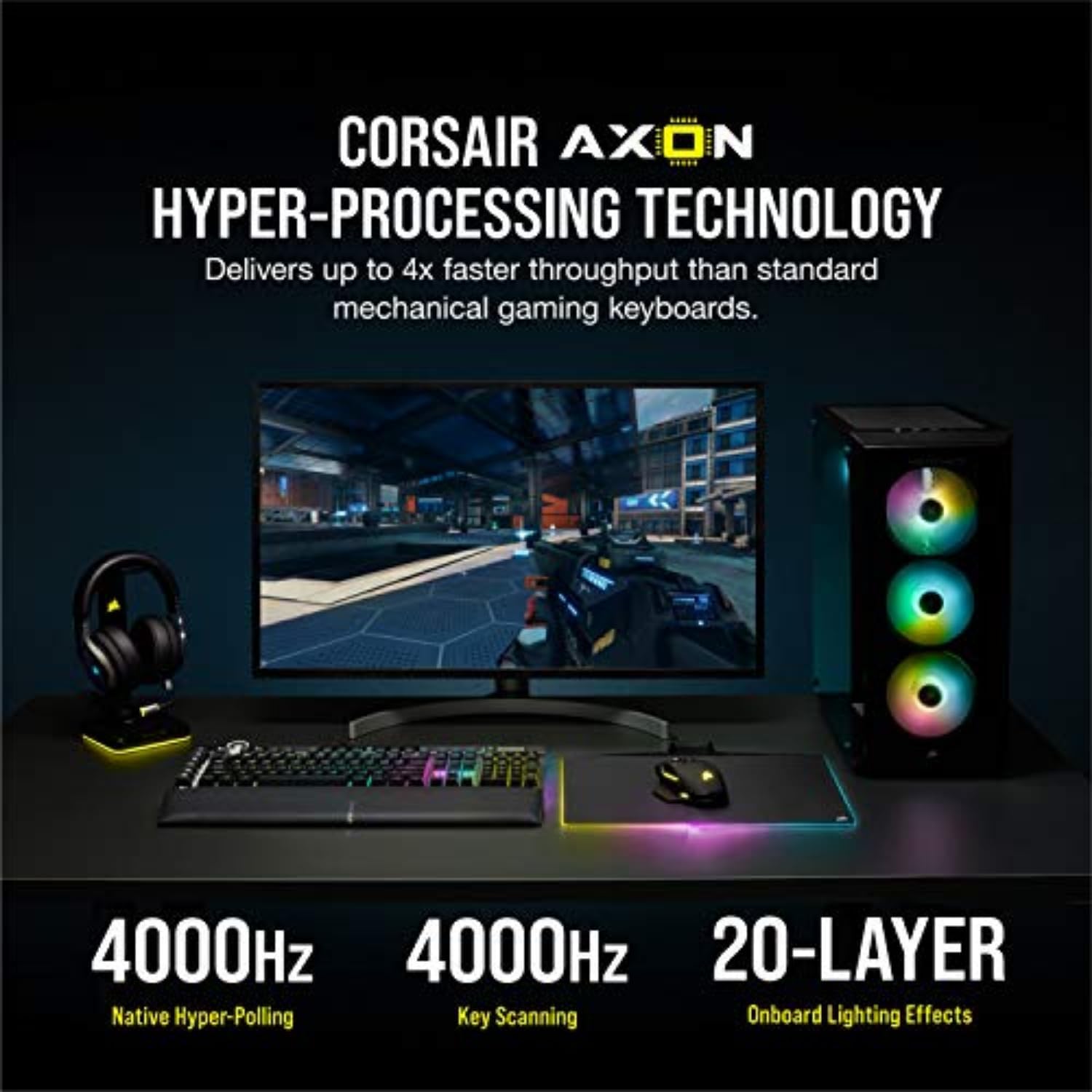
The Corsair K100 RGB is a mechanical gaming keyboard designed around speed, customization, and an eye-catching lighting experience. It uses CHERRY MX Speed RGB Silver key switches with a short actuation distance of 1.2mm and a claim of up to 4x faster keypress response versus standard mechanical gaming keyboards, paired with CORSAIR’s AXON Hyper-Processing and a 4,000Hz hyper-polling / 4,000Hz key scanning setup.
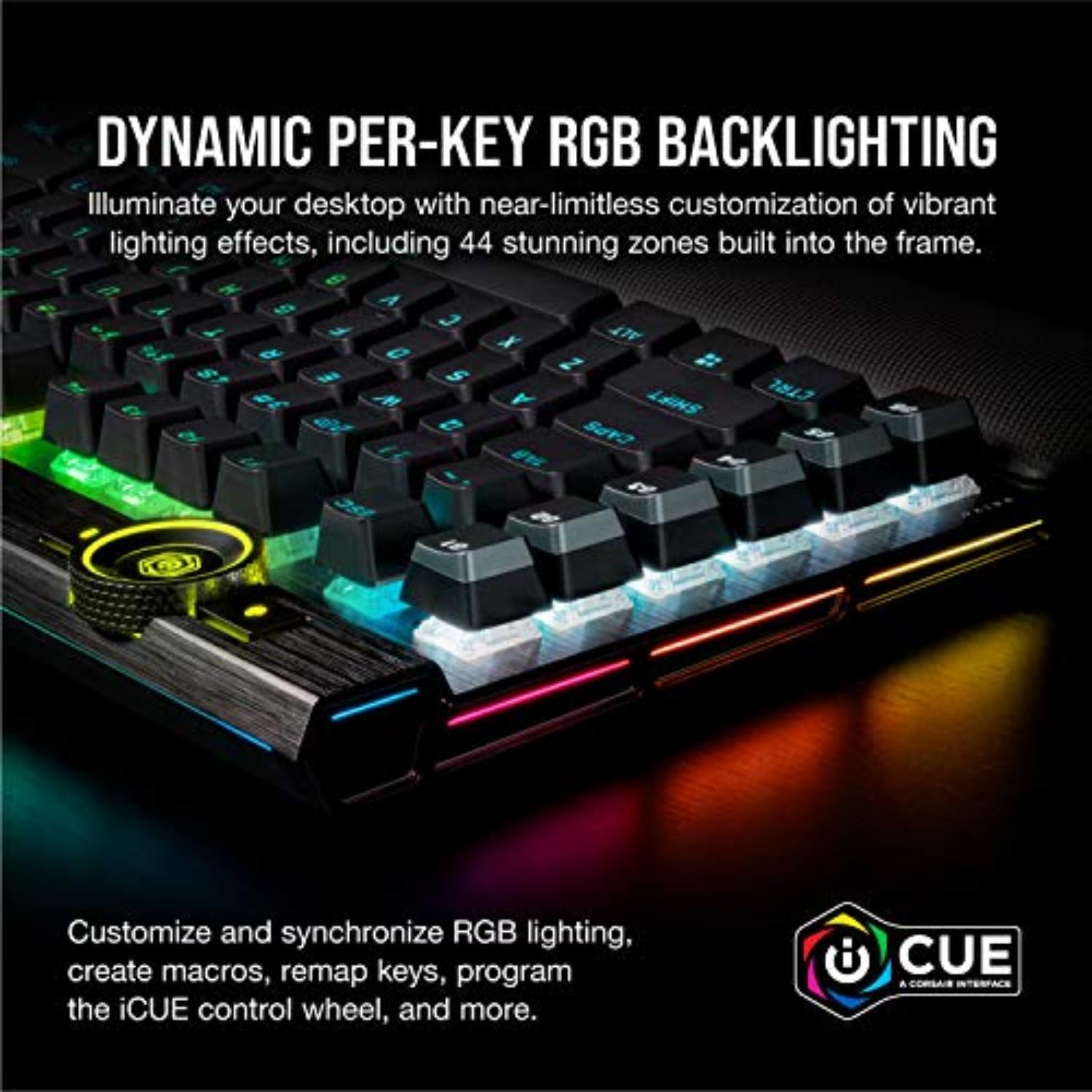
On the visuals side, you get per-key RGB and CORSAIR’s LightEdge lighting, described as a 44-zone three-sided LightEdge. The overall style is built to match a modern gaming desk, especially if you like lighting that extends beyond the keys.
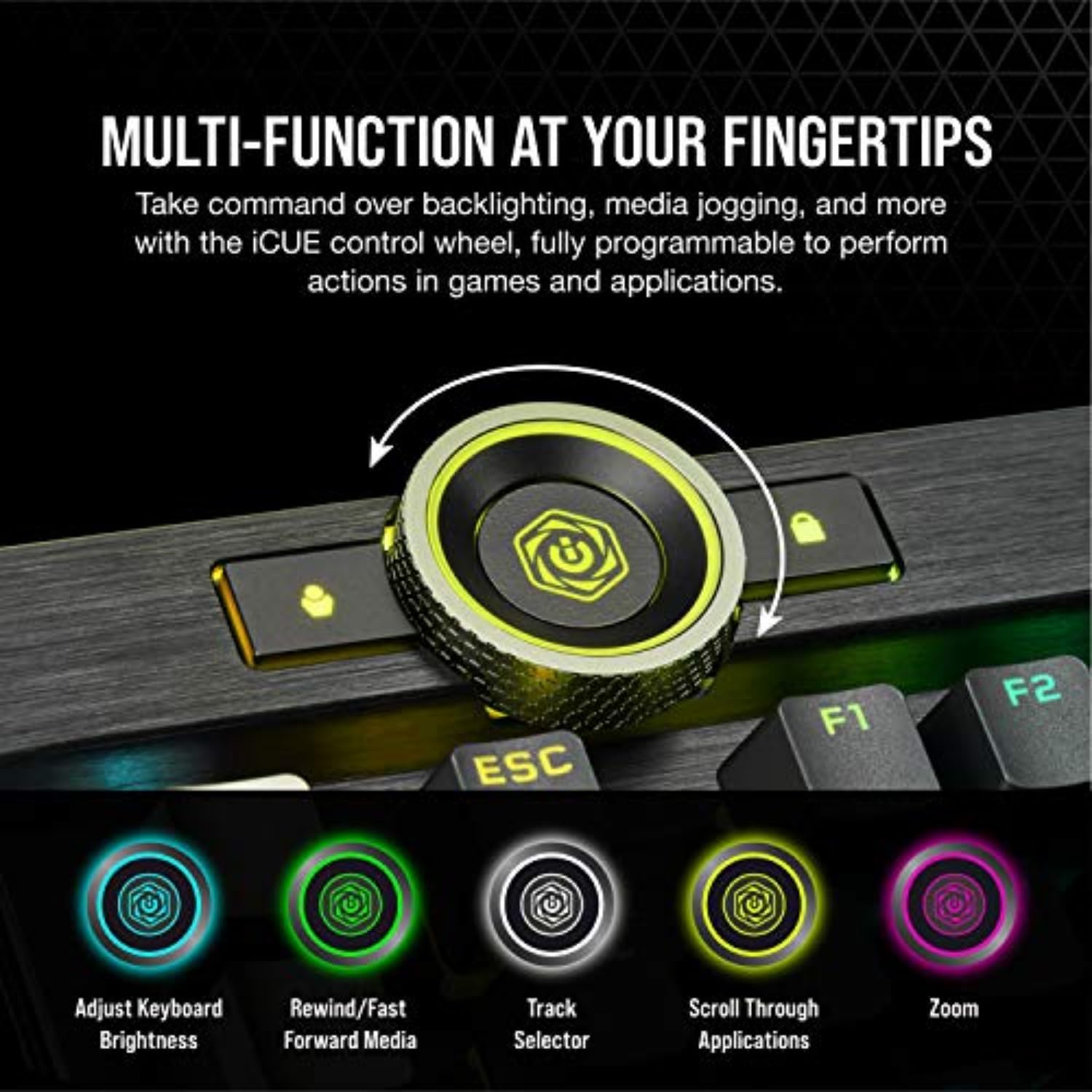
A big part of the “for gamers” pitch here is control and feedback while you play. The iCUE control wheel and media/jog controls are positioned so you can manage effects and actions without digging through menus.
What matters most in day-to-day use
In practice, keyboards like this stand or fall on two things: how quickly they react, and how usable the customization is. The K100 RGB leans hard into both.
The Cherry MX Speed RGB Silver switches are highlighted for quick response and a 100 million keystroke guarantee. The short actuation distance (1.2mm) is the kind of spec that usually appeals to players who like to “tap” and confirm inputs quickly rather than bottoming out fully. It’s the sort of setup you’d notice during fast movement and high-input games, where every tiny timing difference feels magnified.
The other everyday piece is the iCUE integration. With an iCUE control wheel that’s fully programmable, the keyboard is set up for shortcuts—things like triggering effects or mapping actions in both games and applications. If you stream, it’s also called out as Elgato Stream Deck and iCUE compatible, which is relevant when you want your keyboard controls to match your broader workflow.
Still, keep expectations grounded: fast switches and heavy customization are best when you’re willing to use the software and tune it to your preferences. If you don’t want to think about lighting layers or programmable actions, this keyboard can feel overbuilt.
Where it shines
A few things the K100 RGB does particularly well “on paper,” and it’s easy to see why gamers gravitate toward it:
- Lighting that’s more than an afterthought: per-key RGB plus the 44-zone LightEdge design.
- Speed-focused input path: AXON Hyper-Processing with up to 4x faster throughput claims and native 4,000Hz hyper-polling and 4,000Hz key scanning.
- Switch confidence: CHERRY MX Speed RGB Silver with an actuation distance of 1.2mm and a 100 million keystroke guarantee.
- Desk-friendly control: the iCUE control wheel plus programmable media/jog-type controls.
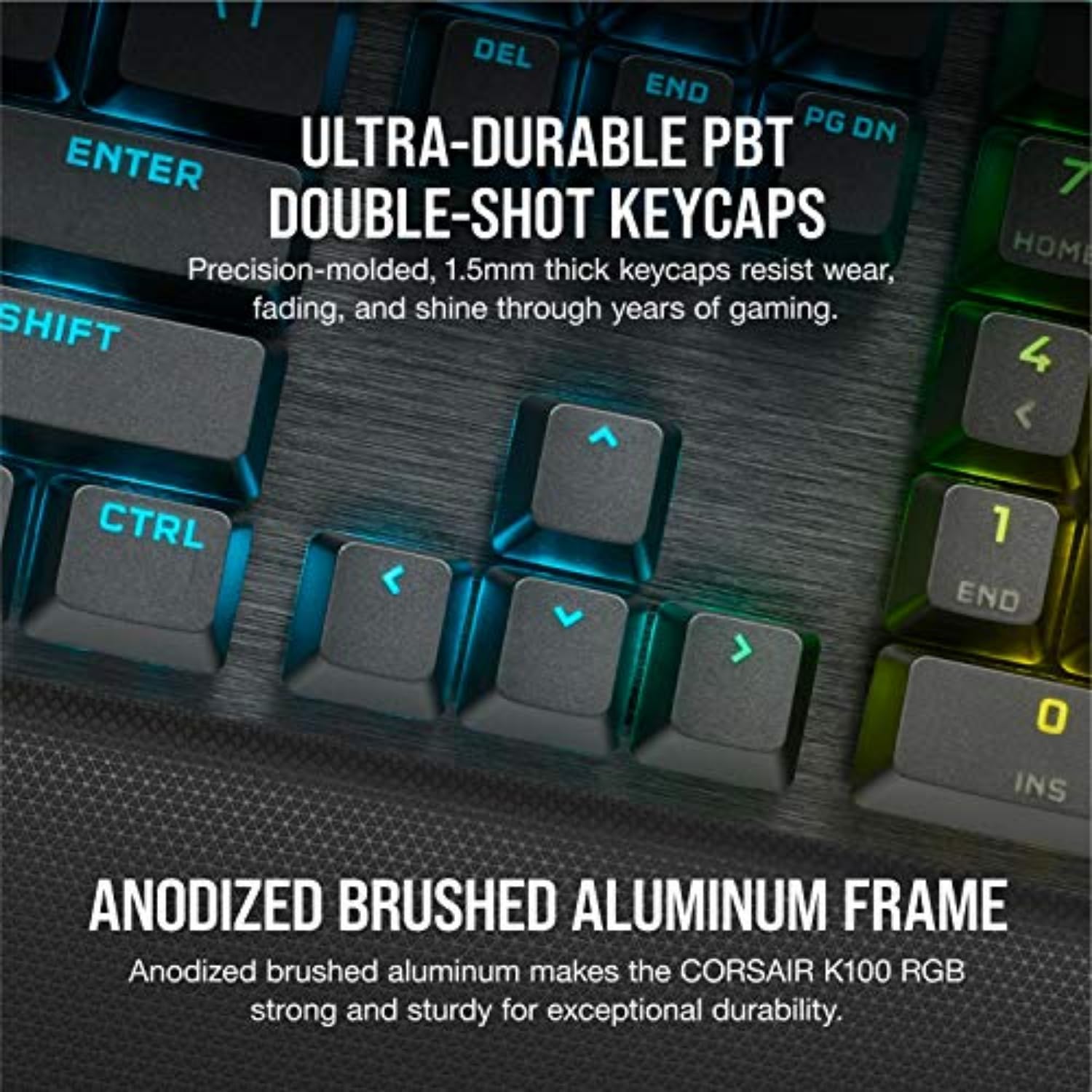
It also lands in the “premium tier” of mechanical gaming keyboards by design—aluminum frame, advanced processing, and keycap materials called out as PBT double-shot. For buyers who want a top-of-desk experience rather than just functional typing, that matters.
Tech specs
- Type: Mechanical gaming keyboard
- Switches: CHERRY MX Speed RGB Silver (actuation distance 1.2mm)
- Keycap material: PBT Double-Shot keycaps
- Polling / scanning: Native 4,000Hz hyper-polling and 4,000Hz key scanning
- Lighting: Dynamic per-key RGB backlighting, 44-zone three-sided LightEdge
- Compatibility: Elgato Stream Deck and iCUE compatible
Who it’s for (and who should skip it)

This keyboard makes sense if you: - Play competitive or fast-paced games and care about quick actuation and responsive input. - Want per-key RGB and more immersive lighting than “just backlit keys.” - Like workflow shortcuts and programmable controls (especially if you already use iCUE). - Want a premium build feel (aluminum frame) and PBT double-shot keycaps.
It might not suit you if you: - Prefer a straightforward keyboard with minimal software involvement. - Don’t care about lighting layers, programmable actions, or the iCUE control wheel. - Are looking for a basic entry point where paying for top-tier features could feel unnecessary.
There’s also a practical limitation to keep in mind: with this kind of customization-heavy design, you’ll likely want to spend a bit of time setting up iCUE to get the most out of it. If you want “plug in and done,” it may not be the easiest fit.
Final verdict
If you’re the type of buyer who notices input feel, wants fast response from CHERRY MX Speed RGB Silver switches, and plans to use iCUE for lighting and programmable controls, the Corsair K100 RGB is a strong buy. The combination of dynamic per-key RGB, a 44-zone LightEdge, AXON Hyper-Processing with native 4,000Hz hyper-polling and key scanning, and durable build elements is exactly the kind of package that justifies a premium keyboard purchase.
But if you mostly type and only casually game—and you don’t want to deal with customization and software—this one may feel like it goes beyond your needs. In that case, you can likely get plenty of satisfaction with a simpler mechanical keyboard approach and save yourself the extra complexity.