

PDF Extra Lifetime for Windows by MobiSystems: A Realistic Acrobat Pro Alternative
Product description
What this is and what it solves
PDF Extra Lifetime by MobiSystems is a one-time, lifetime-license PDF editor designed for Windows 10 and 11. On the surface it targets the same use case as Adobe Acrobat Pro—editing text and images, managing pages, and working with forms—but it positions itself as a more affordable, no-subscription alternative. If you routinely create, modify, or annotate PDFs and want a single purchase instead of ongoing fees, this product aims to cover the core workflow without forcing you into a subscription.
Core capabilities in practice
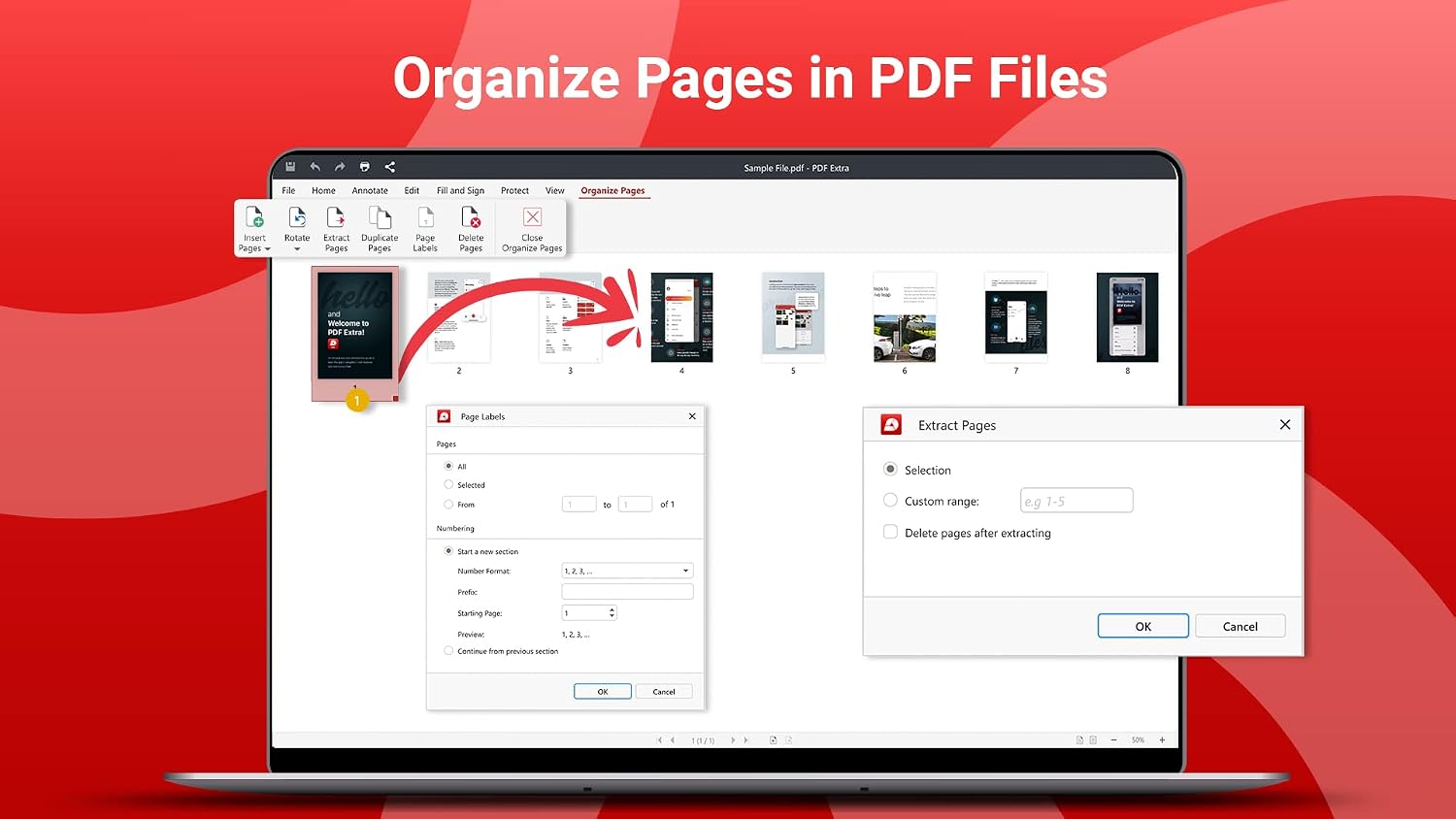
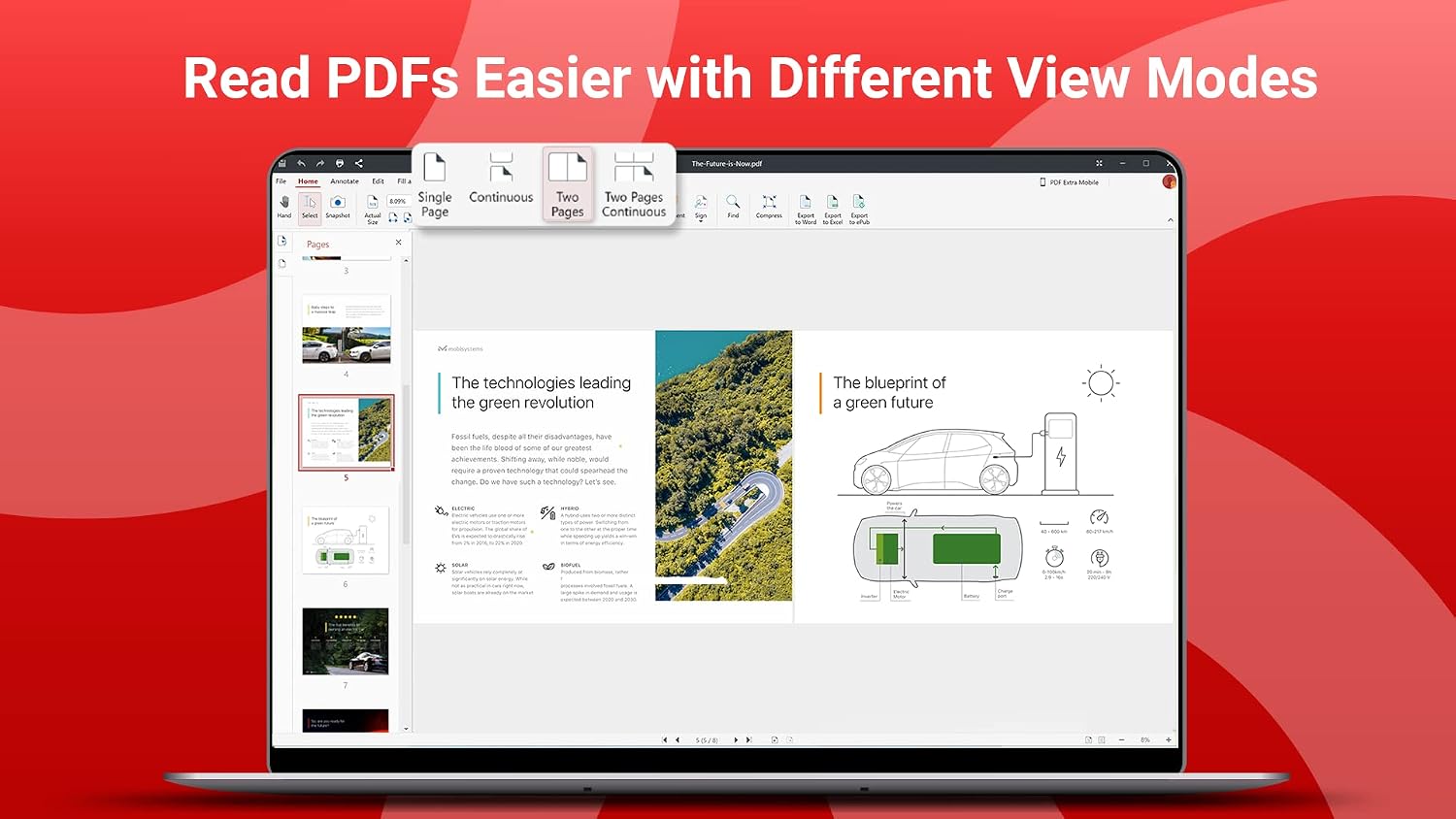
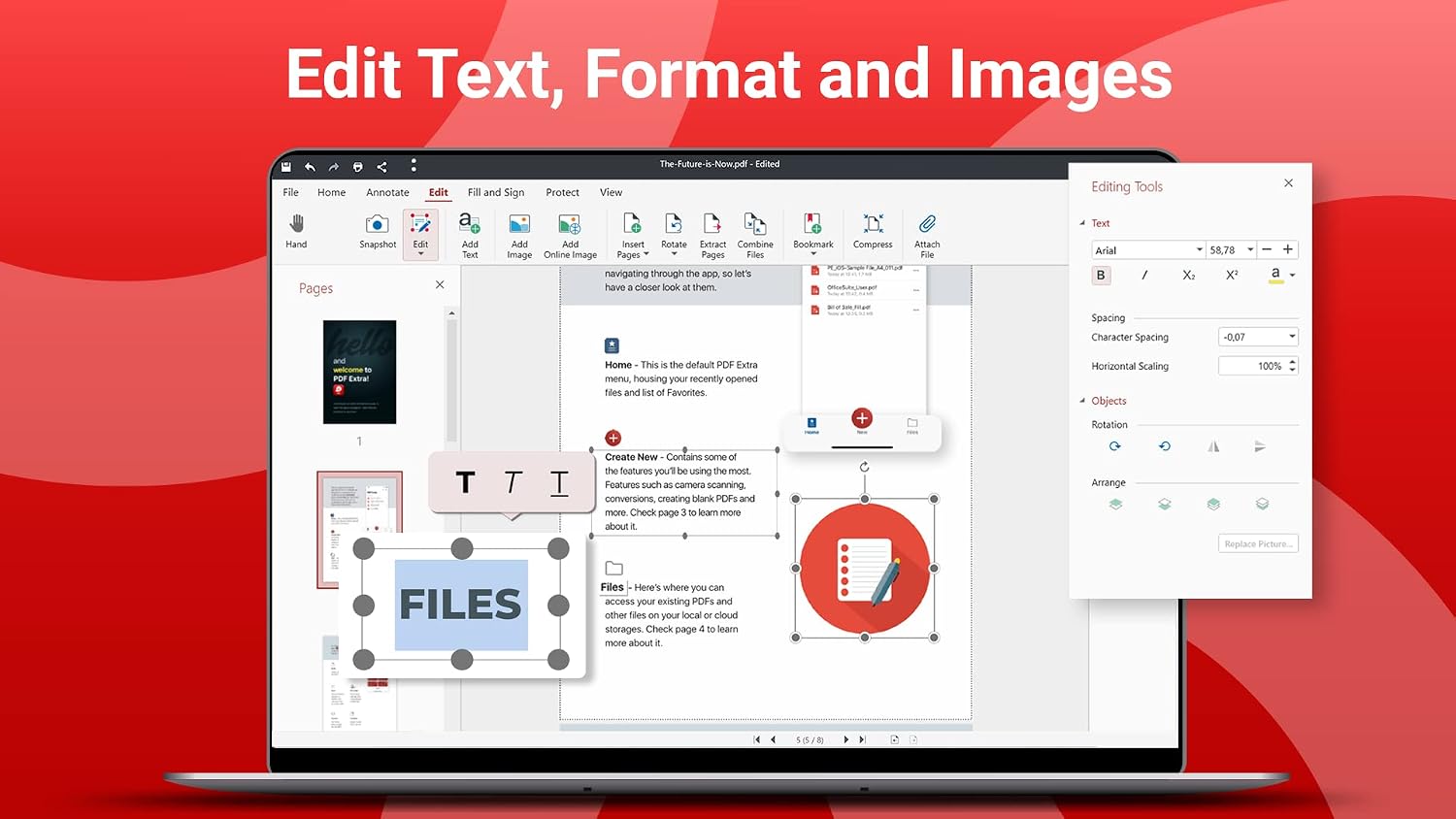
The editor allows you to modify text, images, pages, and hyperlinks inside PDFs, and it emphasizes organizing PDFs so you can arrange documents and designs in a way that fits your project flow. It also includes features to read and comment on PDFs with intuitive reading modes and markup tools, which helps during reviews or collaborative edits. Beyond editing, PDF Extra Lifetime offers creation, combining, scanning, and compressing PDFs, plus form filling and digital signing with support for digital certificates. This combination makes it a reasonable option for individuals or small teams who need a broad set of tools in one license rather than a menu of add-ons.
What stands out in use
On the paper side, the breadth of features is its main selling point: you get both editing and document assembly in one place, plus the ability to fill forms and sign PDFs. The lifetime license aspect can be appealing if you dislike ongoing subscriptions and prefer predictable costs. A practical scenario is a freelancer or a small business that handles client contracts, resumes, or project briefs in PDF and wants to streamline edits without hopping between apps.
Limitations and caveats
There is an important caveat: while the packaging year may differ from the purchased product, the listing promises the proper version and features described. Like any pro-grade tool, the interface and feature set may not feel identical to Acrobat Pro in every detail, and some advanced workflows in Acrobat might not map 1:1 to PDF Extra. If your work relies on niche Acrobat features or cloud-based collaboration ecosystems, you may notice gaps. It’s not necessarily “the best” option for every scenario, but it can cover the essentials for many users who value a single, sustainable license.
Who it’s for
This product is worth considering if you need a broad PDF toolset without subscriptions and you mainly work on Windows 10 or 11. It suits freelancers, solo professionals, and small teams who want to edit, annotate, scan, compress, and sign PDFs without paying monthly fees or juggling multiple apps.
Who it’s not ideal for
If your work depends on very specific Acrobat Pro features, high-end automation, or heavy cloud collaboration features, you may want to compare what PDF Extra offers against those needs. Also, if you regularly upgrade to the newest features via a subscription model, the lifetime license model may feel restrictive over time.
Before you buy: what to check
- Confirm the exact lifetime license terms for Windows, verify you’re getting the version advertised for your OS version.
- Ensure your typical PDFs require editing, annotation, signing, and compression in a single workflow.
- Review the form-filling and digital-signature capabilities to see if they align with your compliance needs.
- Consider how often you expect updates and whether a one-time license meets your long-term support expectations.
Practical use example
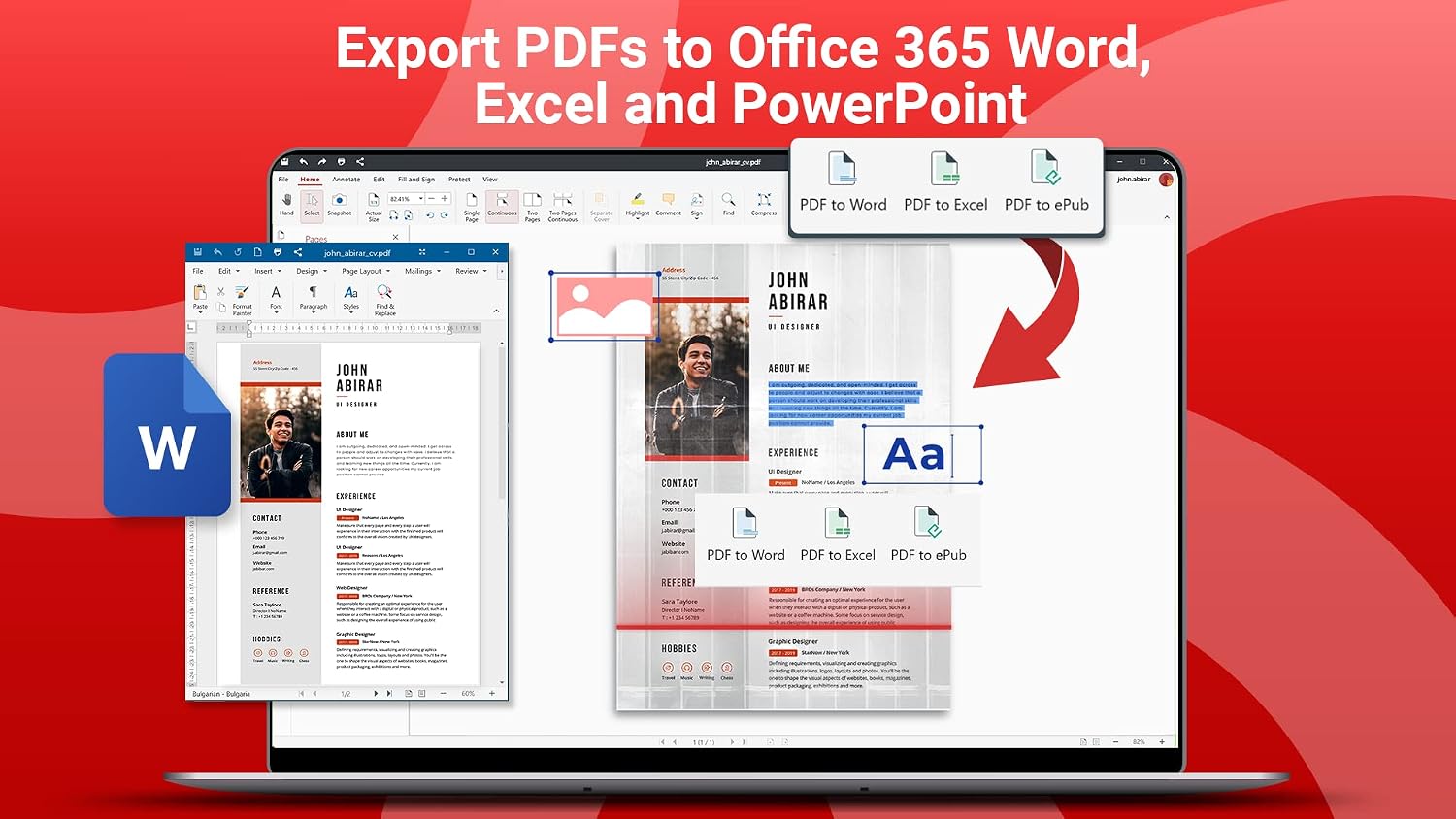
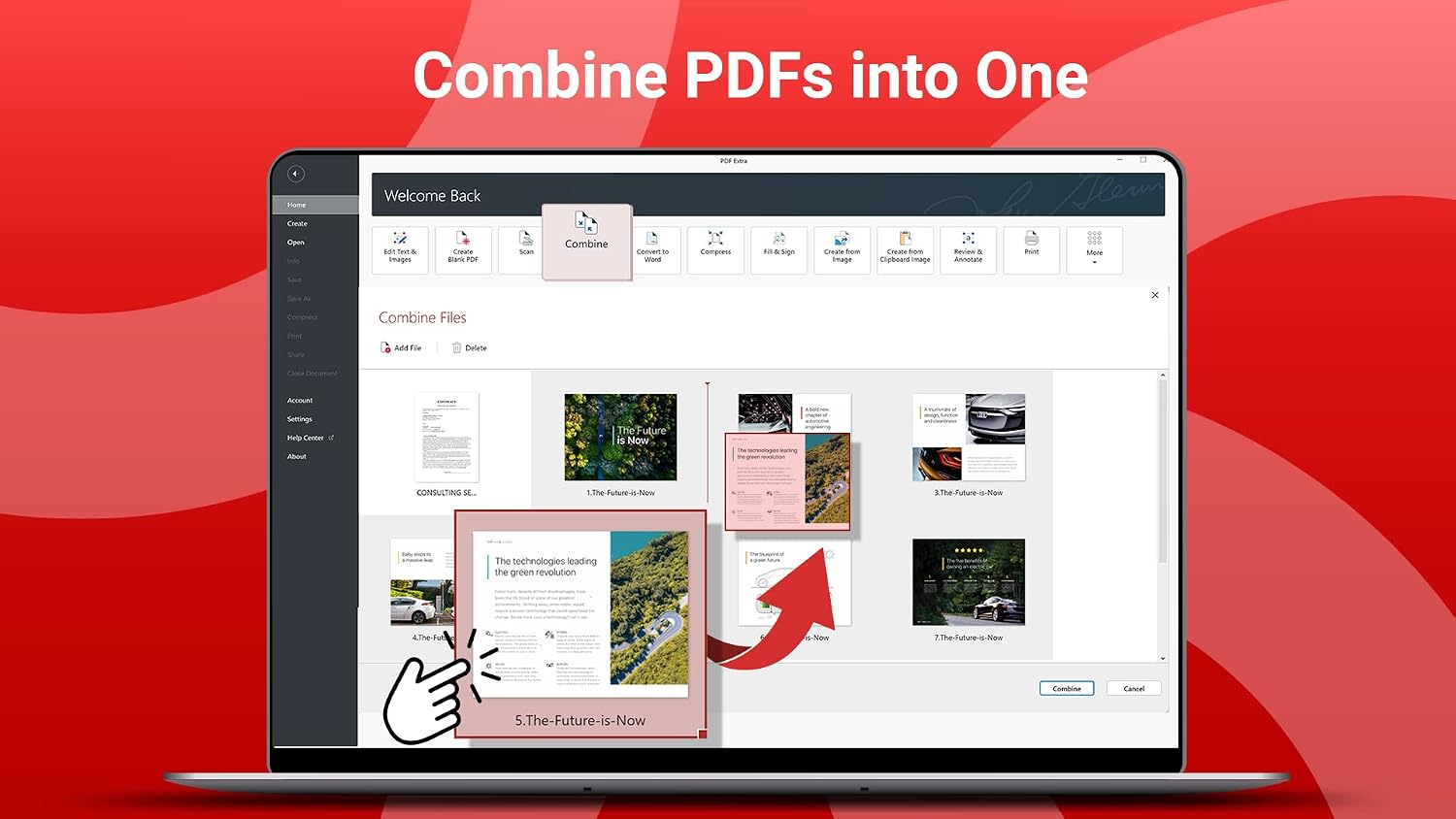
Imagine you’re preparing a proposal pack: you scan client questionnaires, merge them into a single PDF, tweak a few text blocks, add hyperlinks to your portfolio, annotate with reviewer notes, and sign the final document before sending. With PDF Extra Lifetime, you could do all of that in one app, without signing up for a separate plan or leaving your desktop workflow.
Quick comparison mindset
If you’re weighing options, think about whether you prefer a single, perpetual license versus ongoing access to new features via subscription. For some users, a one-time purchase that covers the essentials is a better fit for cost predictability and offline independence. In other cases, Acrobat Pro’s cloud-oriented features or tighter integration with other tools could tilt the decision.
FAQ at a glance
- Can I use PDF Extra Lifetime on multiple devices? The base description implies Windows compatibility, check licensing details for device limits.
- Does it support advanced editing like OCR or heavy multimedia insertion? The base mentions core editing, scanning, and compression, but OCR or rich media workflows aren’t explicitly stated.
- Is there a trial or upgrade path if my needs outgrow the product? Licensing terms aren’t specified, look for official guidance on updates or upgrades.
Is it worth it?
Final verdict: It’s a solid pick if you prioritize a broad, one-time license for core PDF editing, annotation, and document assembly on Windows, and you want to avoid subscriptions. It may not be the best fit if you rely on niche Acrobat features, advanced cloud collaboration, or ongoing feature upgrades. If those needs are moderate and you value a practical, dependable workflow, PDF Extra Lifetime stands as a credible alternative.