


Webroot Antivirus for PC Gamers 2026 — 1 Device, 1 Year + System Performance Optimizer
Product description
What it is and what it solves
Webroot Antivirus for PC Gamers 2026 is a single-device, one-year security solution designed to protect a gaming PC from viruses, ransomware, and phishing while prioritizing performance. On paper, it claims a high threat intelligence score and a lightweight footprint, aiming to avoid slowing down gameplay. If you value staying protected without sacrificing frame rate or load times, this product positions itself as a practical balance between protection and speed.
Why it matters for gamers
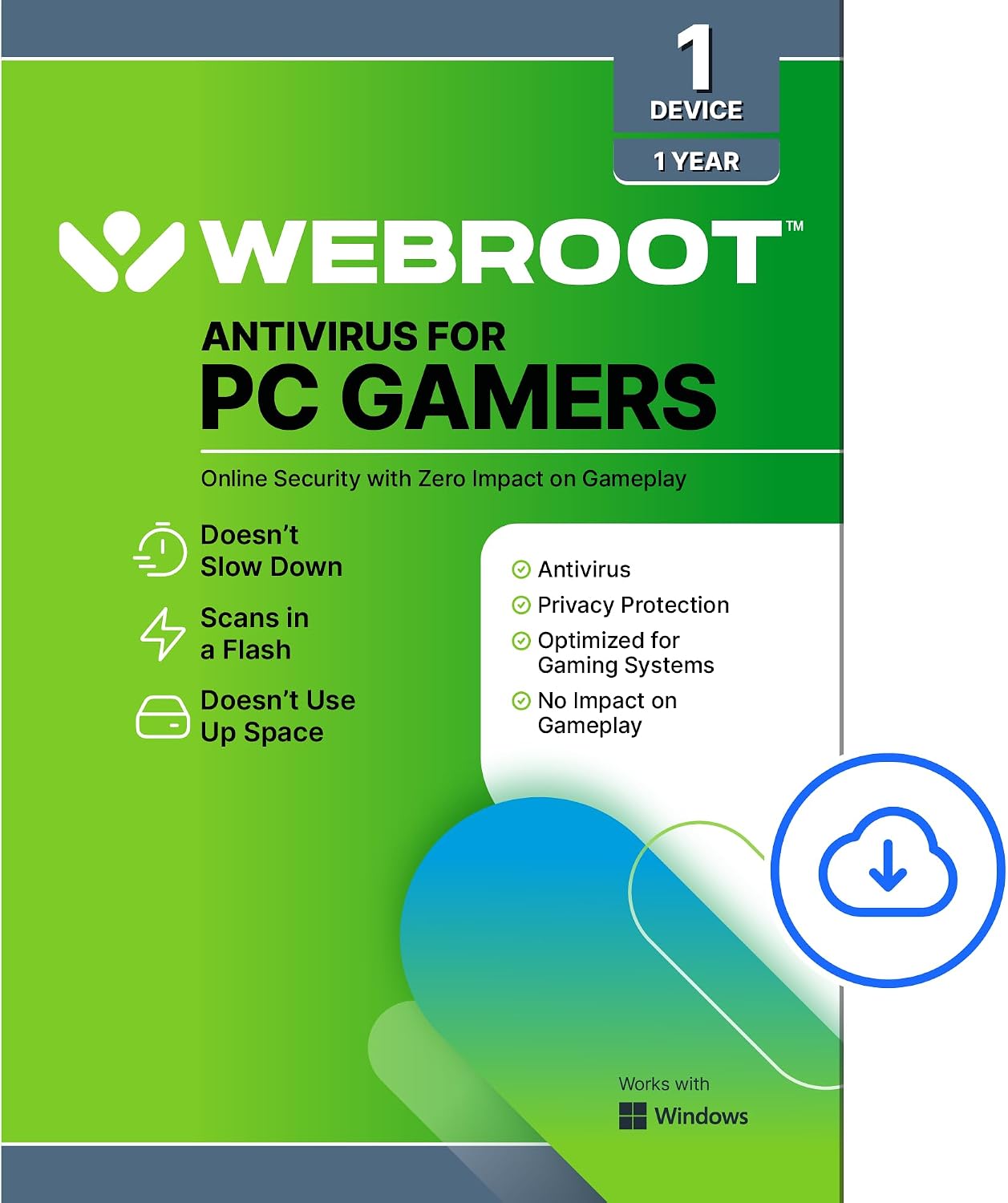
Gaming rigs demand headroom: background scans and updates that steal FPS or introduce latency can ruin raids and ranked matches. The value proposition here is a faster scan, fewer resources used, and a background update system that minimizes disruptions during play. The promise is a protection layer that doesn’t drag the system down during critical moments.
How it performs in real use
The core balance claimed revolves around speed and efficiency. In practice, you may notice quicker scans and lighter CPU/GPU load compared to heavier security suites. The included System Performance Optimizer is designed to detect issues, remove junk files, and make deleted files unrecoverable, which can contribute to a leaner startup and smoother gameplay across sessions. However, like any security suite, the actual impact depends on your hardware, game library, and background software.

What stands out and where it might fall short
What stands out is the focus on gaming performance: less overhead during gameplay and automatic background updates. This is helpful if you routinely juggle streaming, recording, or large game installs. On the flip side, the base claim of high threat intelligence is valuable, but the impact depends on real-world threat exposure and how aggressively you want the suite to defend against evolving malware. If you run an ultra-tight security setup or rely heavily on off-line play, the balance could be different for you.
Who it’s for
This product fits gamers who want steady protection without compromising frame rates, and who appreciate an integrated system optimizer to trim bloat and keep the PC responsive.
Who it’s not for
If you need deep customization, sandboxed testing of suspicious files, or are comparing multi-device licenses, this single-device solution may feel limited. If you’re seeking a heavy-duty enterprise-grade tool or one with a broader feature set (VPN, password manager, etc.), you’ll likely outgrow this offering.
When it makes sense to buy
Consider it when you want straightforward protection with low impact on gameplay, automatic background updates, and a built-in system optimizer that’s easy to enable and forget about—so you can focus on your game.
What to review before buying
Check your system resources, game library size, and whether you prefer a lightweight antivirus with an optimizer versus a bulkier security suite. If you often multitask while gaming (streaming, recording, or running mods), assess whether the reported performance improvements align with your workflow. Remember, the value hinges on real-world performance on your rig, not just marketing claims.
Practical usage example
Imagine you’re booting up a raid night and notice a slight lag during a loading screen. With Webroot, you’d expect a background update to have occurred smoothly in earlier idle moments, keeping resources free for the game. The optimizer can help reclaim storage and trim unnecessary files so that boot times and loading screens feel snappier over time.

Quick comparison lens
If you’re weighing this against other approaches, you’ll likely consider a balance between protection and performance. A lightweight antivirus with a focused set of gamer-friendly features may outperform heavier suites during long gaming sessions. If you prioritize full feature suites or family-wide licenses, you might prefer alternatives that bundle more utilities.
FAQ (practical and minimal)
- Does the protection affect FPS? It aims to minimize overhead, but impact varies with hardware and game load.
- Is it easy to install and keep updated? Yes, updates run in the background to avoid interrupting play.
- Can the System Performance Optimizer speed up my PC? It’s designed to detect issues and remove unnecessary files to improve flow, though results depend on the system state.
- How long is the license? It covers 1 device for 1 year.
Is it worth it?
A solid pick if you want a gaming-focused antivirus with a built-in optimizer and minimal in-game impact. If your priority is aggressive customization or multi-device coverage, you may want to look elsewhere.