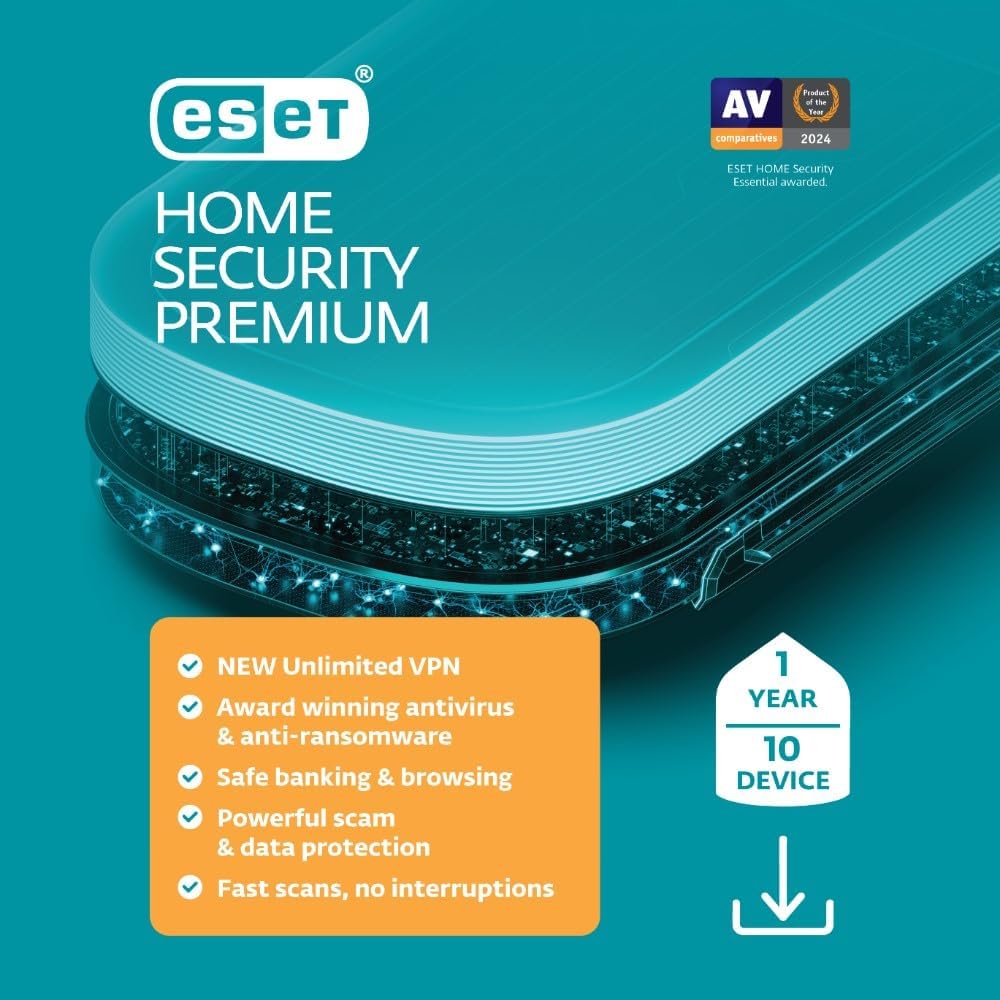
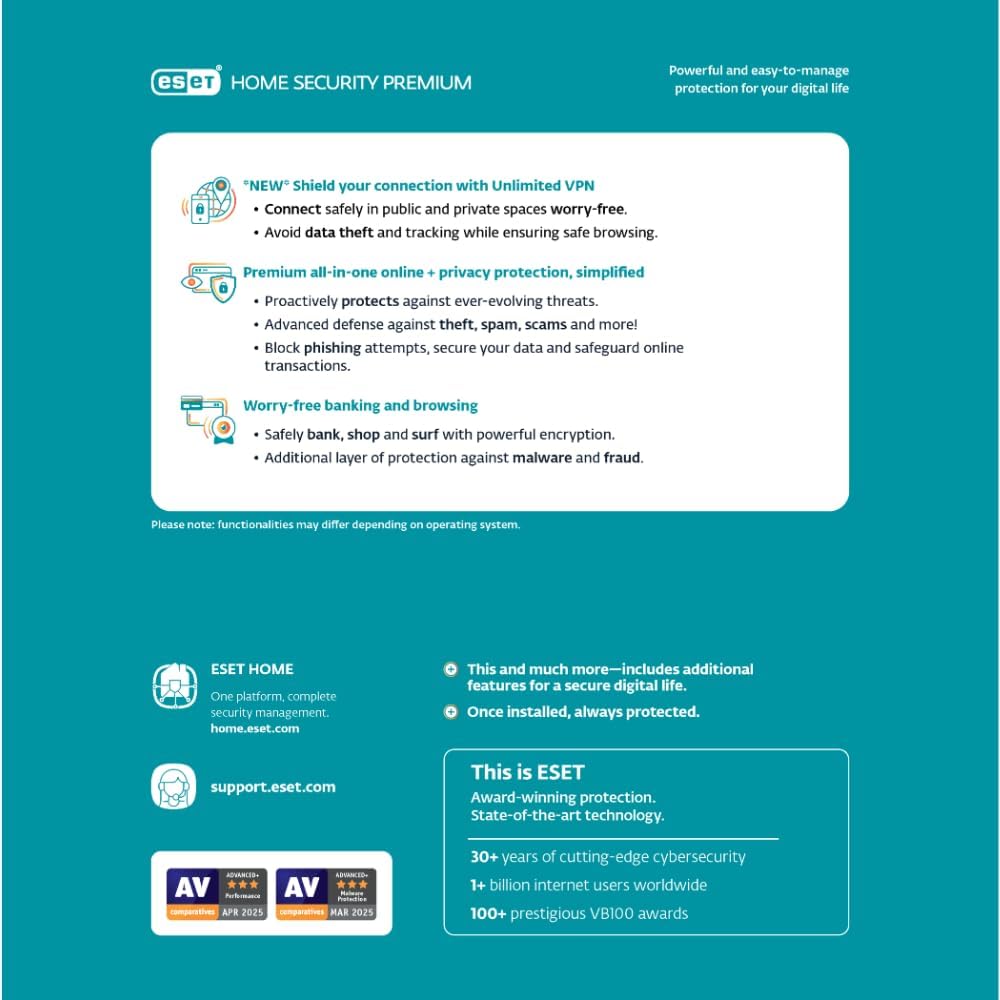
What it is and what it solves\nESET Home Security Premium is a comprehensive antivirus and privacy suite designed for households that want multi-device protection without juggling multiple apps. It covers PCs, Macs, and Android devices, offering core antivirus protection along with additional features aimed at safeguarding data, privacy, and online activities. If you’re looking for a single subscription that tackles malware, ransomware, phishing, and some network-level security, this package aims to deliver that in one place.\n\n## How the package stands on paper\nOn the surface, the offer includes protection for up to 10 devices for one year, plus an unlimited VPN to secure connections both at home and on the go. There’s also a data protection layer: Folder Guard to prevent unauthorized modifications to protected folders, and File/Drive encryption to keep sensitive data under military-grade protection. The included secured browser mode and Browser Privacy & Security extension add an extra shield when banking, shopping, or searching. Finally, there’s a network sanity feature that checks your home router for weak passwords and outdated firmware, with a view to reducing entry points for attackers.\n\n## The best parts worth noting\n- Multi-device coverage (up to 10 devices) with a single license.\n- Unlimited VPN to help hide your IP and protect data in transit across 40 countries.\n- Ransomware defense through Folder Guard and encryption to keep files safe from extortion attempts.\n- Safe browsing mode and a dedicated privacy extension to reduce phishing and tracking.\n- Home network health checks to identify weak passwords or vulnerable devices.\nThese features together can be compelling for households that want practical privacy without juggling separate subscriptions.\n\n## What could be less convincing\n- The value hinges on the VPN and privacy extensions meeting your expectations, if you already rely on a different security stack or VPN provider, this might feel like overlap. The VPN offering is described as unlimited bandwidth across 40 countries on up to 3 devices in the base lines, but the exact performance and speed you experience can vary by location and internet plan.\n- The feature set is broad, but it’s important to verify that you actually need all components (Folder Guard, encryption, browser extension) for your typical workflow.\n- No price or independent performance metrics are provided here, so you’ll want to compare the overall cost and your security needs before committing.\n\n## Ideal user profile\nThis product is well-suited for families or small offices with mixed devices who want a centralized security solution that includes antivirus, ransomware protection, data privacy, and some network protection. If you value an all-in-one approach and don’t want to manage several separate tools, it can be a practical pick.\n\n## When it might not be the best fit\n- If you only need basic antivirus and do not require VPN or data ownership features, a lighter package or single-purpose security product might be more cost-efficient.\n- If your workflow relies heavily on alternative VPNs or specialized enterprise-grade privacy tools, you may prefer to tailor your setup rather than adopt the bundled suite.\n\n## What to check before buying\n- Confirm the 10-device limit and how it’s counted (OS vs. platform).\n- Review whether the VPN coverage aligns with your typical usage locations and speed expectations.\n- Look at the browser extension’s capabilities to ensure it covers the sites and banking experiences you care about.\n- Check compatibility with your current hardware and operating systems, especially if you have older devices.\n\n## Practical usage example\nA family member uses ESET Home Security Premium on a Windows laptop, a Mac, and a couple of Android devices. They enable Browser Privacy for safe online banking from a café, run Folder Guard on documents that contain work notes, and rely on the VPN when traveling to keep data protected on public Wi-Fi. The router scan helps spot a weak password in the home network, prompting a quick change.\n\n## What stands out in daily use\nIt’s noticeable when you manage multiple devices under one license and you don’t have to juggle separate subscriptions. The security signals for ransomware protection feel tangible when a protected folder or file is considered. You’ll also get a sense of relief from the privacy layer during routine browsing, though the actual browsing experience depends on VPN routing and server load.\n\n## Final decision: Is it worth it?\nYou’ll appreciate it if you want an All-in-One security solution for a household with up to 10 devices, with added privacy tools and network checks. It may not be the best fit if your priority is a lightweight setup or you already pay separately for VPN and data protection tools. If you prioritize a bundled approach that covers antivirus, ransomware, privacy, and network health in one package, this edition deserves careful consideration.\n\n## Quick FAQ\n- Q: How many devices can be protected with one license? A: Up to 10 devices.\n- Q: Does it include VPN and ransomware protection? A: Yes, unlimited VPN and ransomware protection via Folder Guard and encryption features.\n- Q: Is the VPN available on all platforms? A: The base text notes VPN across up to 3 devices, verify platform support at purchase.\n- Q: What happens after the 1-year license ends? A: You’d typically need to renew to maintain protection and VPN access.\n- Q: Does it cover iOS devices? A: The base description lists PC/Mac/Android, iOS isn’t specified here.\n