

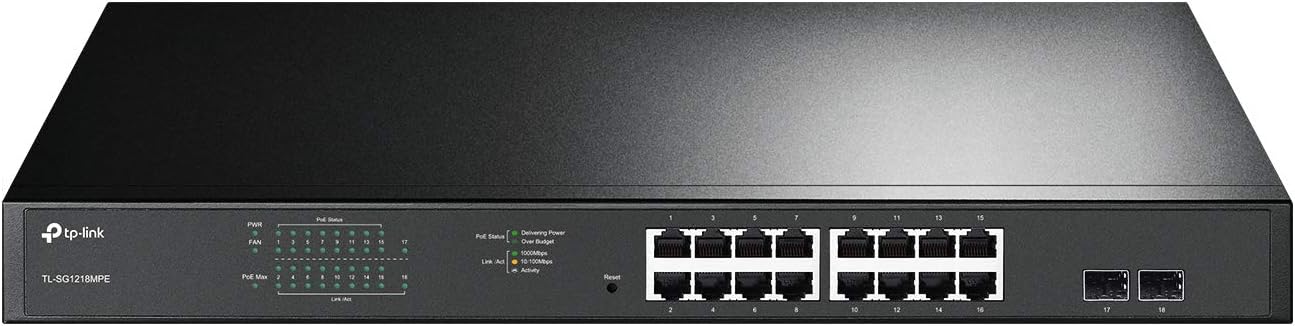
TP-Link TL-SG1008MP 8-Port Gigabit PoE Switch (8 PoE+ ports, 126W) with Plug-and-Play
Product description
If you need wired networking plus power in one box, the TP-Link TL-SG1008MP is built for that job. It gives you eight Gigabit Ethernet ports that can also provide PoE+ power, aiming to simplify installation for devices like access points or IP cameras.
That said, PoE switches aren’t magic: the real-world experience depends on how much power your connected devices draw. The good news is this model includes port prioritization to help manage overload, but it still helps to sanity-check your power needs before you commit.
The essentials (what it is and what it solves)
The TL-SG1008MP is an 8-port Gigabit PoE+ switch designed for desktop or rack use. In practice, that means fewer runs and fewer adapters: each PoE-capable RJ45 port can both carry data and deliver PoE+ power to the right kind of powered device.
It’s a “plug it in” style switch too—no software installation or configuration required—so setup is mostly about physical placement, connecting uplinks, and plugging in your PoE devices.
If your current plan involves separate power supplies for multiple devices, this switch is the type of product that can clean that up quickly.
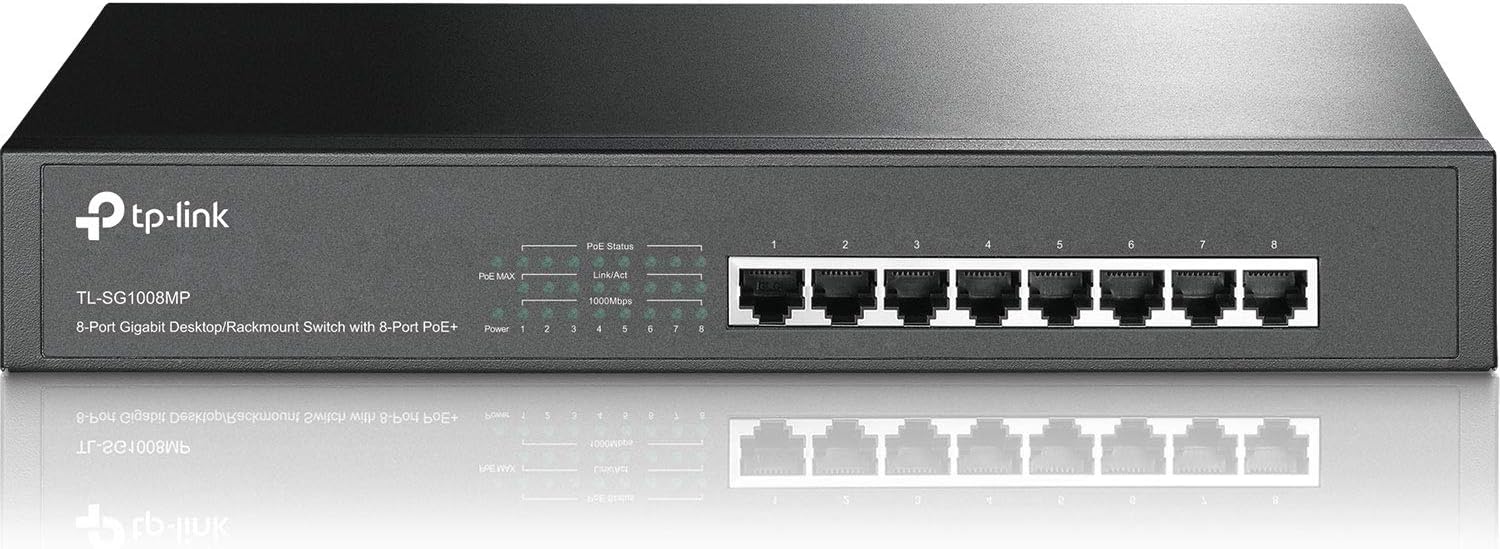
What you’ll notice day to day
On paper, the experience is straightforward: Gigabit Ethernet on all ports plus IEEE 802.3X flow control for reliable data transfer. Flow control matters when you care about stable throughput, especially on networks handling video or other steady traffic.
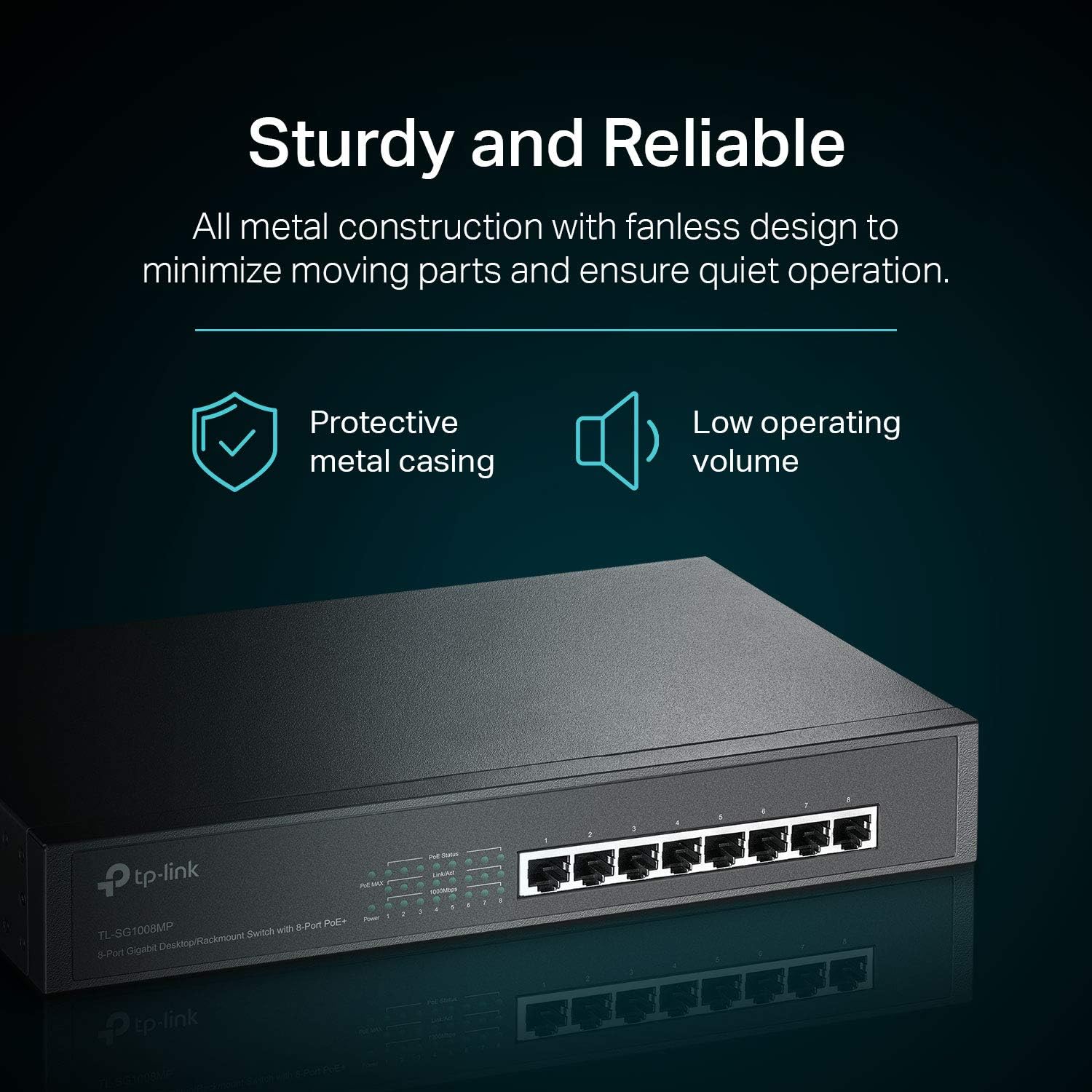
The casing is described as sturdy metal, and the design supports both desktop and rackmount installations. That combination is often what you want when the switch may live in a closet, an office rack, or an environment where it can’t be treated like a disposable gadget.
One more detail that can reduce headaches: shielded ports are mentioned, which is a sensible feature if your cabling environment is noisy or you simply want the physical layer to be less fragile.
Power management: where it helps—and where you must pay attention
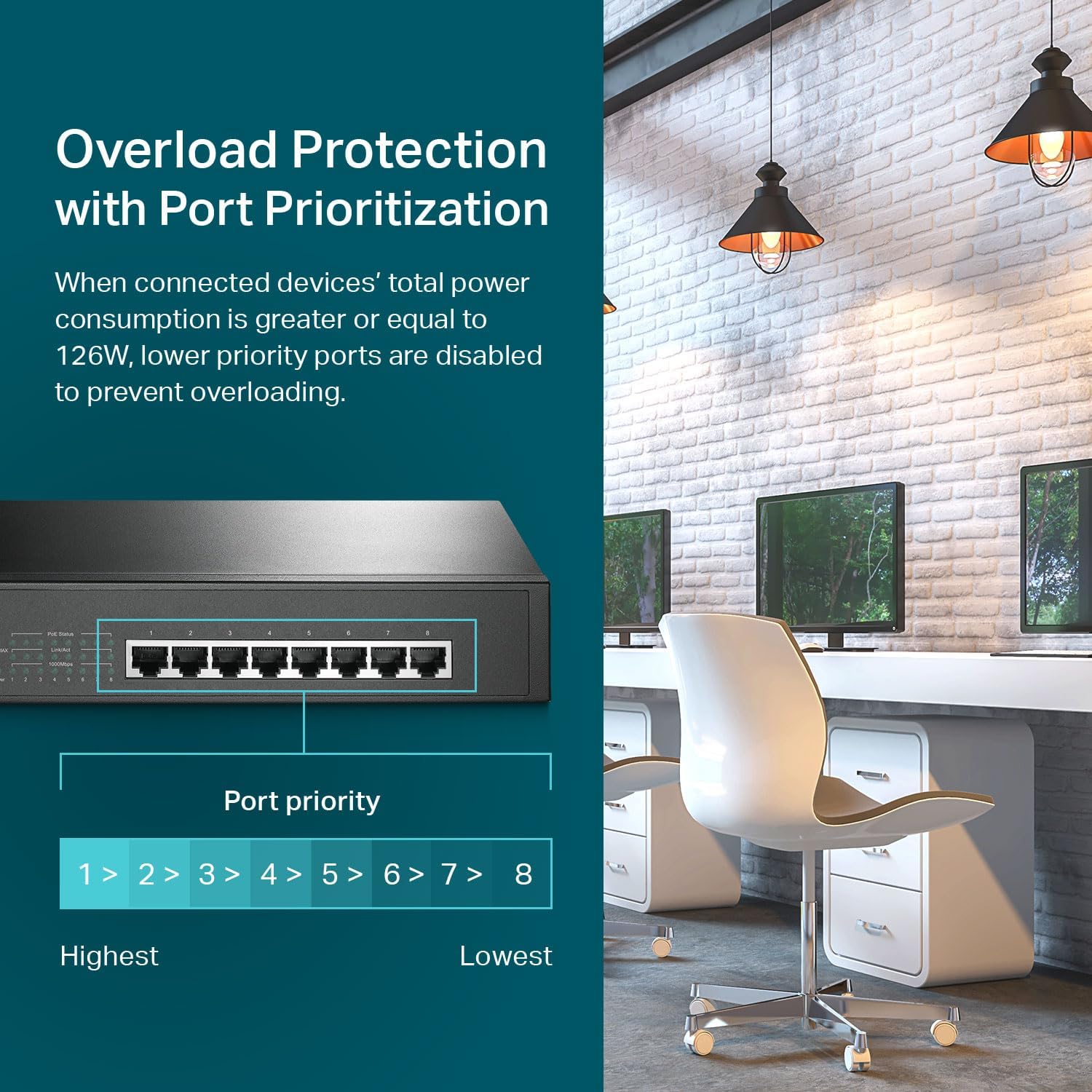
This model is listed with an 8 PoE+ configuration and a PoE power budget figure in the input (the description also mentions an overload protection behavior based on port priority). In plain terms, when the connected devices’ total draw is at or above the budget, lower-priority ports can be disabled to prevent overloading.
That’s a practical safety net, but it comes with an important limitation: if you attach too many power-hungry devices, not everything may stay powered. In other words, it’s not perfect for “expand forever” scenarios without re-checking your total PoE needs.
If you already know roughly how many PoE devices you’ll run at once, this switch looks like the kind of product that stays out of your way.
Key features that matter in real setups
Port priority is the headline practical feature because it’s directly tied to uptime when you’re close to the budget. “Plug and Play” also matters if your goal is quick deployment rather than ongoing network tinkering.
There’s also an “Overload Protection” angle called out in the description, plus a prioritized power supply mention. Even if you’re not actively configuring anything, those design choices can reduce the chance of sudden instability during installation.
And if you’re thinking about how to mount it, it’s positioned as both desktop and rackmount capable, so you’re not forced into one physical workflow.
Tech specs that are worth a quick scan
- Type: Gigabit PoE+ Ethernet switch (8 ports)
- Power delivery: 8 PoE+ ports supporting 802.3at/af
- Data rate: 10/100/1000 Mbps RJ45 ports
- Power allocation: total PoE power budget and per-port PoE+ capability are referenced in the product description
- Power handling behavior: port priority overload protection is described as disabling lower-priority ports when total power draw meets or exceeds the budget
- Mounting: desktop and rackmount
- Enclosure: sturdy metal
- Reliability feature: IEEE 802.3X flow control
- Ports: shielded ports are mentioned
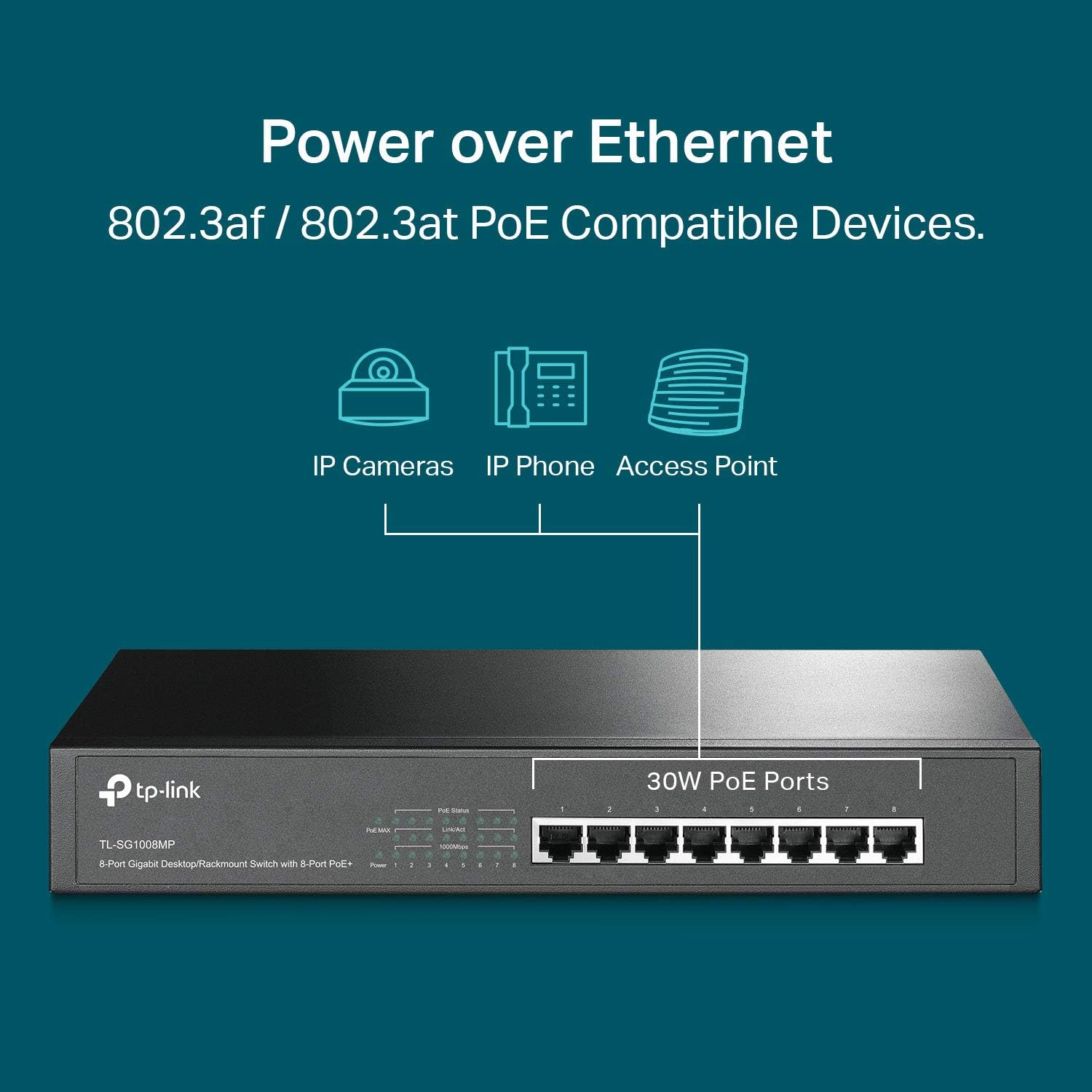
Note: the description includes multiple power-related figures, so it’s smart to confirm the exact total budget and per-port capability before you plan device counts.
Who it’s for (and who may want to skip it)
It makes sense if you want a single switch to handle both data and power for a small to mid-size setup—think multiple wired PoE devices deployed in an office, small network, or a rack where power-adapter clutter is the real pain.
It may not be a great match if you expect to keep adding higher-power PoE devices without doing any planning. The prioritization/disabling behavior is there for protection, but it also means you can’t treat it like unlimited headroom.
It’s also not the kind of switch you choose if you’re aiming for deep customization—this one emphasizes easy setup over software-driven control.
Maintenance, warranty, and support
A “Limited Lifetime Protection” is listed, along with a 3-year warranty and free US-based technical support (6am to 6pm PST, Monday to Friday). That combination is worth noting if you want some coverage and a human support channel during troubleshooting.
For day-to-day care, you’re mainly looking at keeping it in a suitable environment (the metal build helps) and making sure cables are seated well—PoE installs are often simple, but connection quality still matters.
Mini FAQ
Is this switch really plug-and-play?
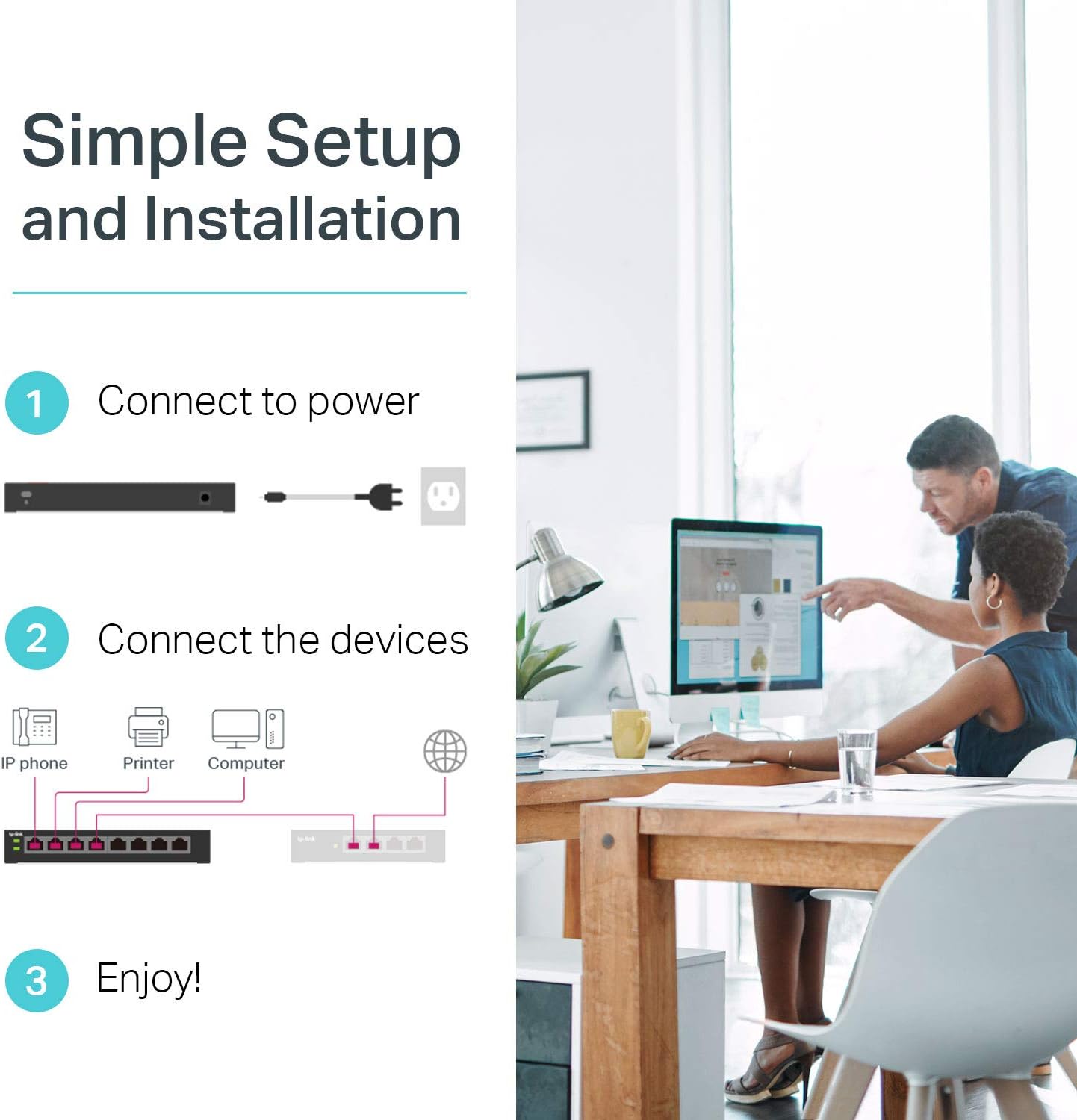
The description says easy setup with no software installation or configuration needed, which typically translates to a straightforward install where you just connect the network and PoE devices.
What happens if my devices use too much PoE power?
The input describes overload protection with port priority: when total power draw meets or exceeds the budget, lower-priority ports can be disabled to prevent overloading. That’s helpful protection, but it means you should budget PoE power.
Can it be used on a desk or in a rack?
Yes. The product is described as supporting both desktop and rackmount design.
Does it support Gigabit speeds?
Yes, the RJ45 ports are listed as 10/100/1000 Mbps.
Is it suitable for video or steady data traffic?
It mentions IEEE 802.3X flow control, which is designed to help with reliable data transfer—so it can be a sensible fit when you care about stable throughput.
Should you buy it?
Buy the TP-Link TL-SG1008MP if you want eight Gigabit PoE+ ports with an easy setup experience, and you’re comfortable planning your device power usage so the switch stays within its budget. It’s a practical choice when installation simplicity and clean wiring matter, and when you’ll benefit from port priority overload protection.
Skip it if your use case is likely to push beyond the PoE budget frequently—because even with protection, some ports may be disabled under overload. It’s also less compelling if you specifically need a highly configurable or software-managed switch, since the focus here is plug-and-play deployment rather than advanced tuning.