

MEETION Vibekey68 Gaming Keyboard: 68-Key Tri-Mode Membrane Keyboard with RGB Light Bar
Product description
What this keyboard is and what it solves
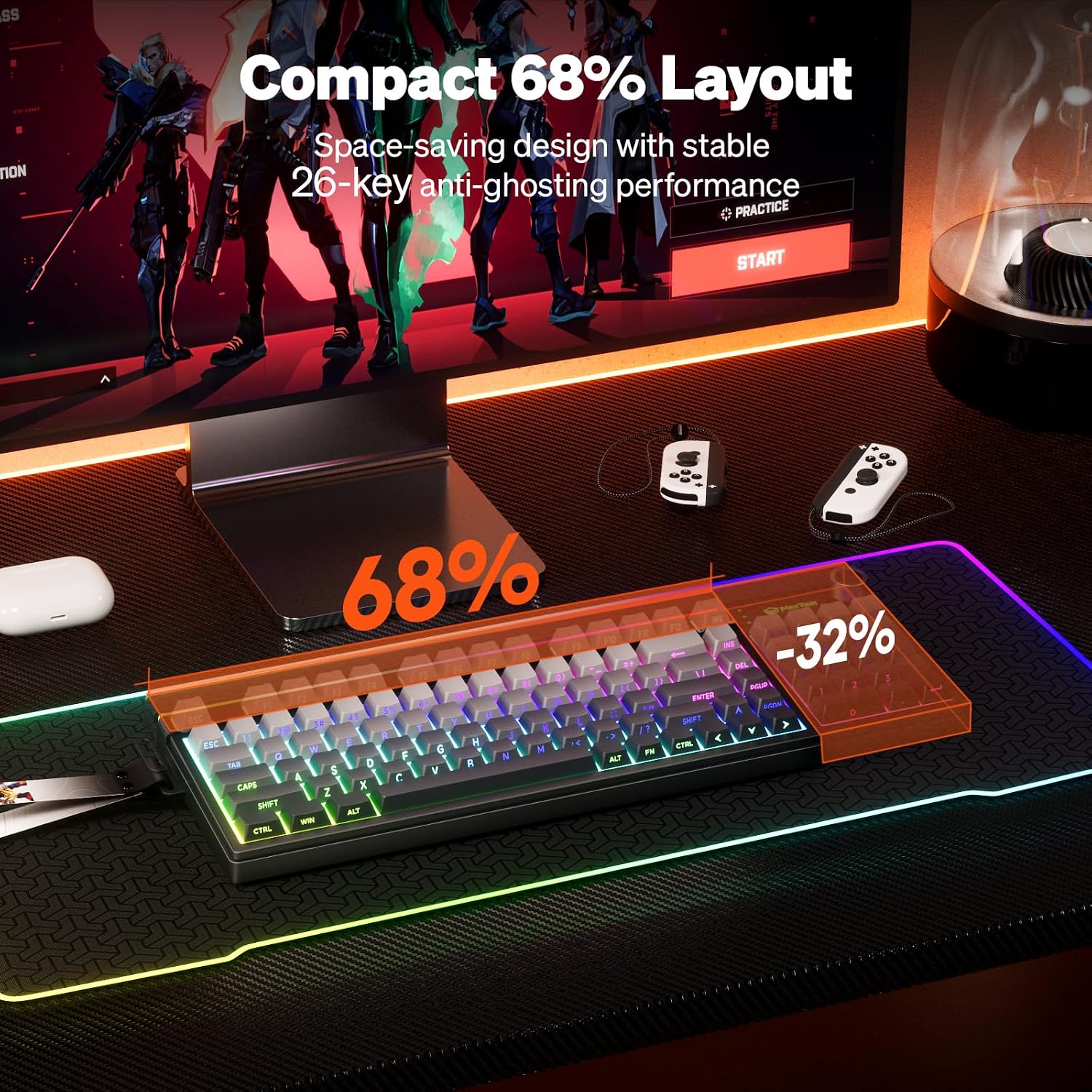
The MEETION Vibekey68 is a compact 68-key membrane gaming keyboard designed to save desk space without sacrificing essential gaming functionality. It targets gamers and everyday multitaskers who want reliable multi-key input, a compact footprint, and flexible connectivity. On paper, its 26-key anti-ghosting means you can press multiple keys at once with minimal input loss, which matters during fast-paced games or when juggling keyboard shortcuts in productivity tasks. It’s not a full-size board, but it packs a surprisingly capable feature set into a small form factor that can help you reclaim surface area on crowded desks.
How the tri-mode setup helps in real life
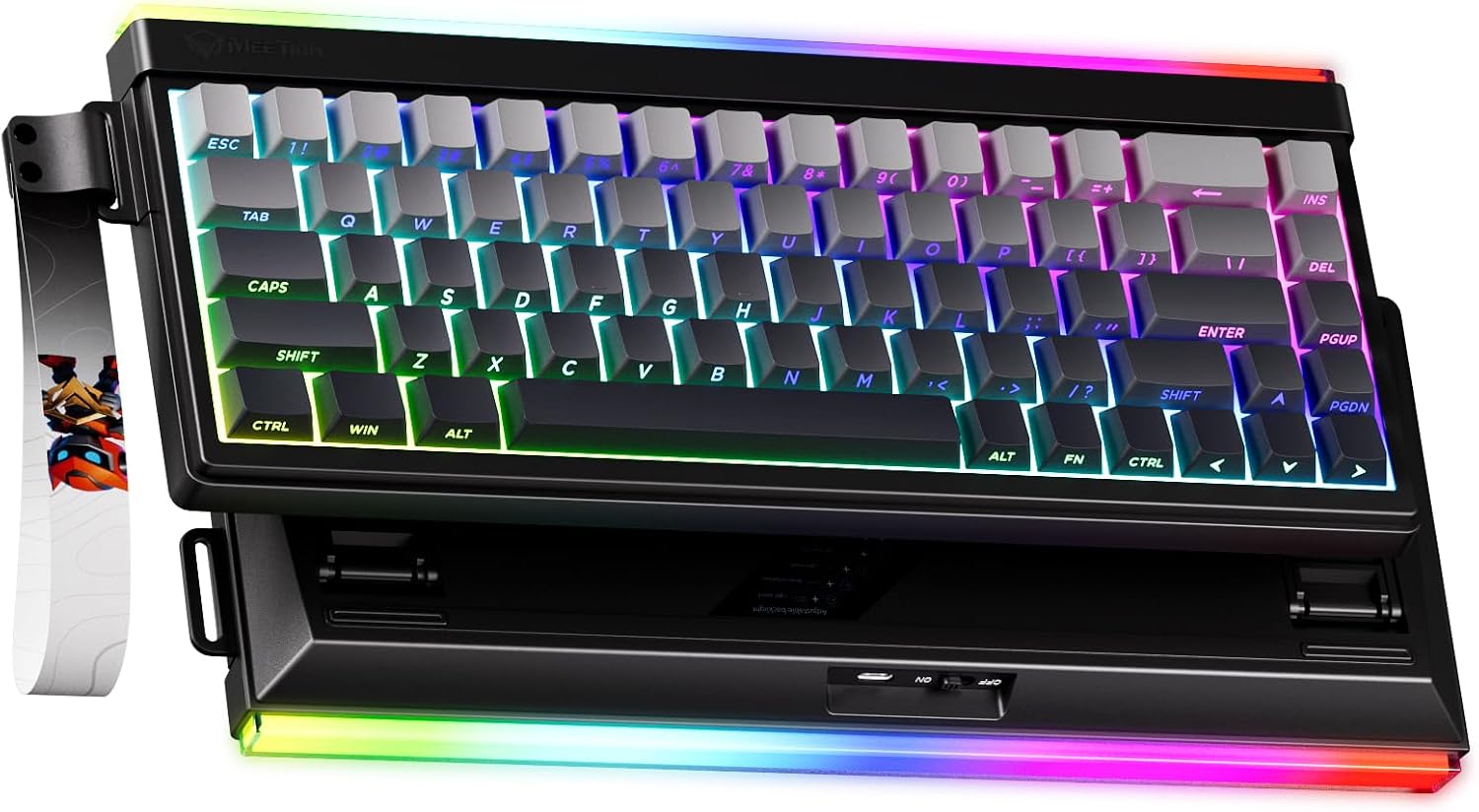
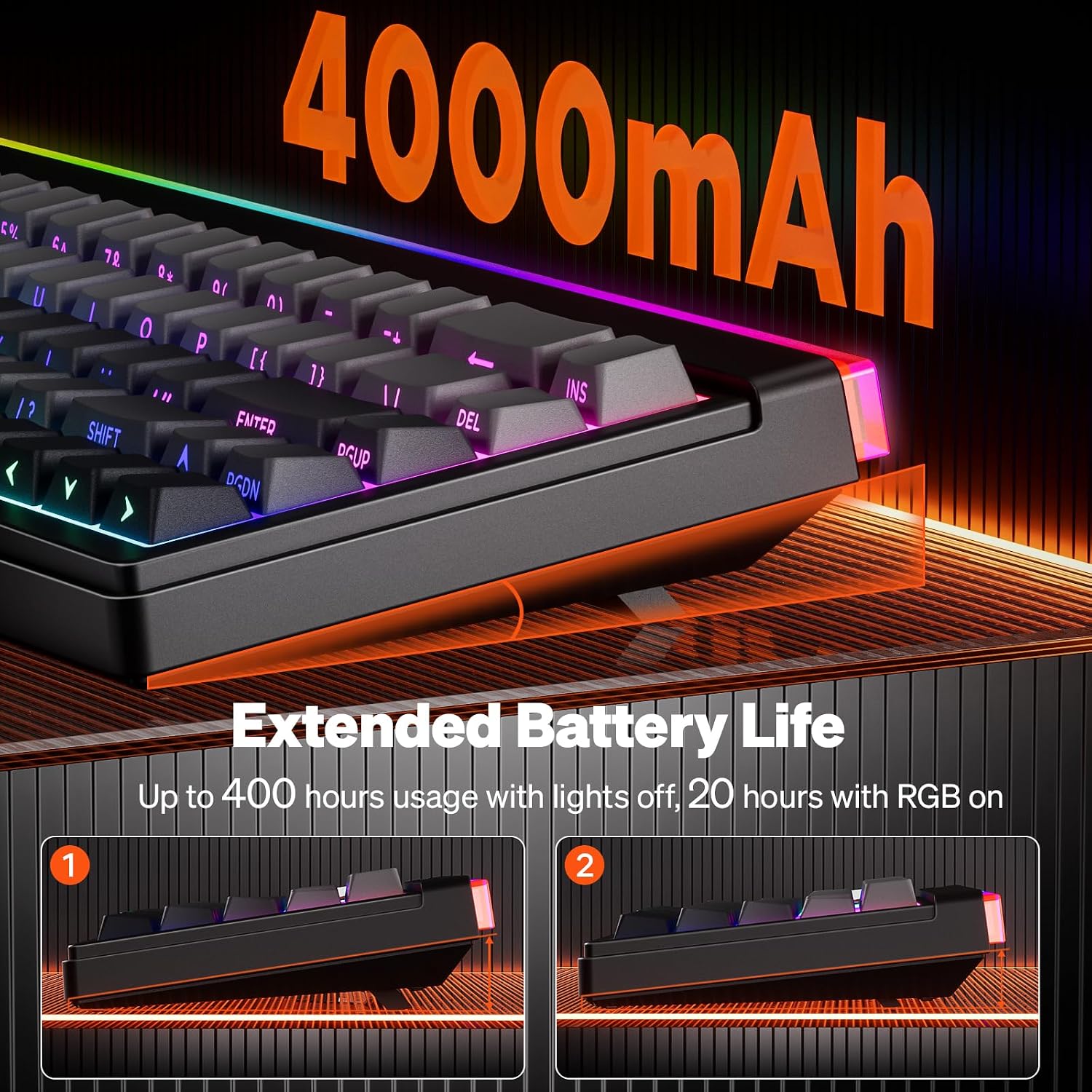
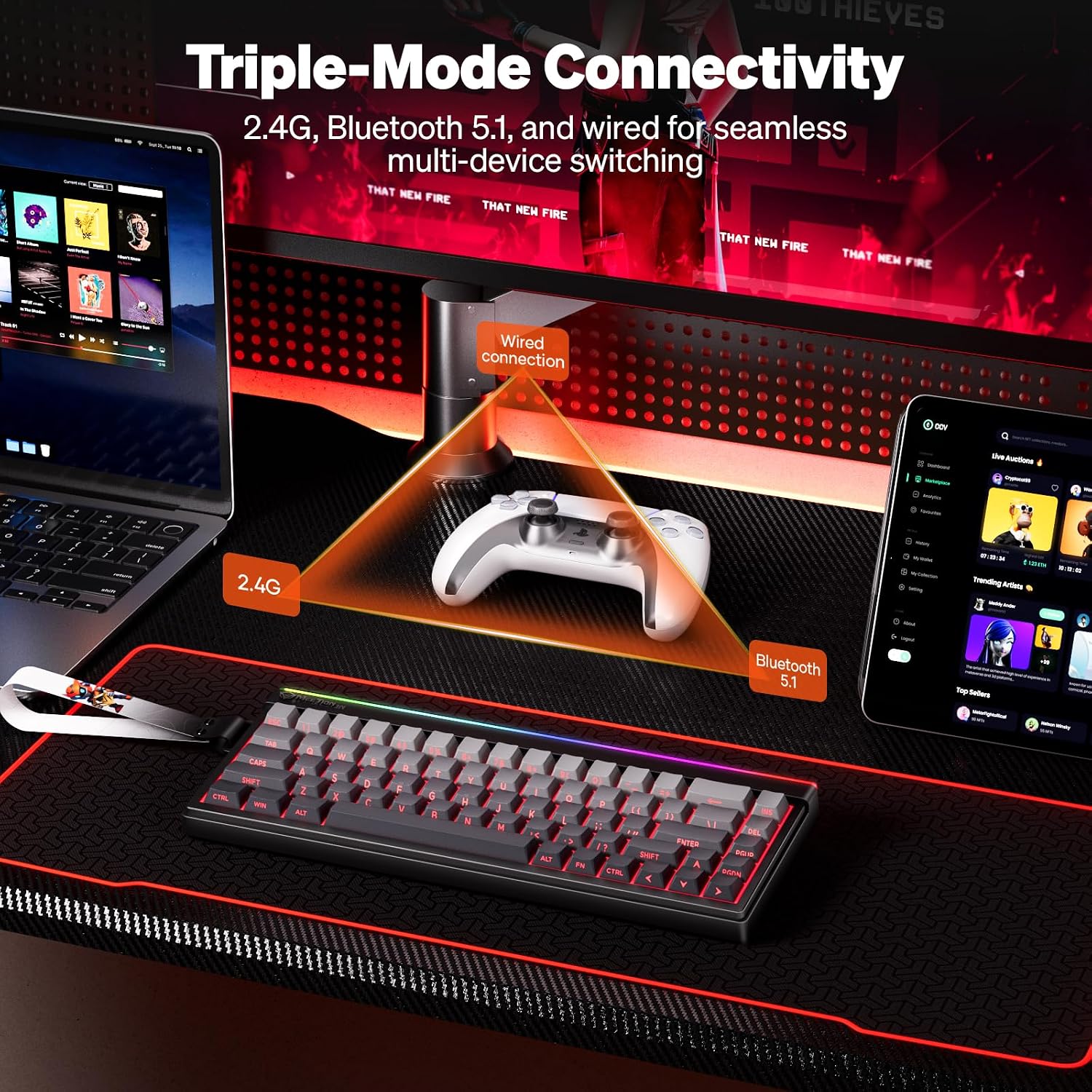
With three connection options—2.4G wireless, Bluetooth 5.0, and USB-C wired—this keyboard is meant to stay responsive across laptops, desktops, and tablets. If you switch between work and gaming spaces, or if you travel with a single keyboard, the Vibekey68 aims to keep latency and setup friction low. The built-in 4000mAh battery promises longer sessions between charges, which can be a real convenience during long gaming marathons or dense workdays.
What stands out visually and tactically
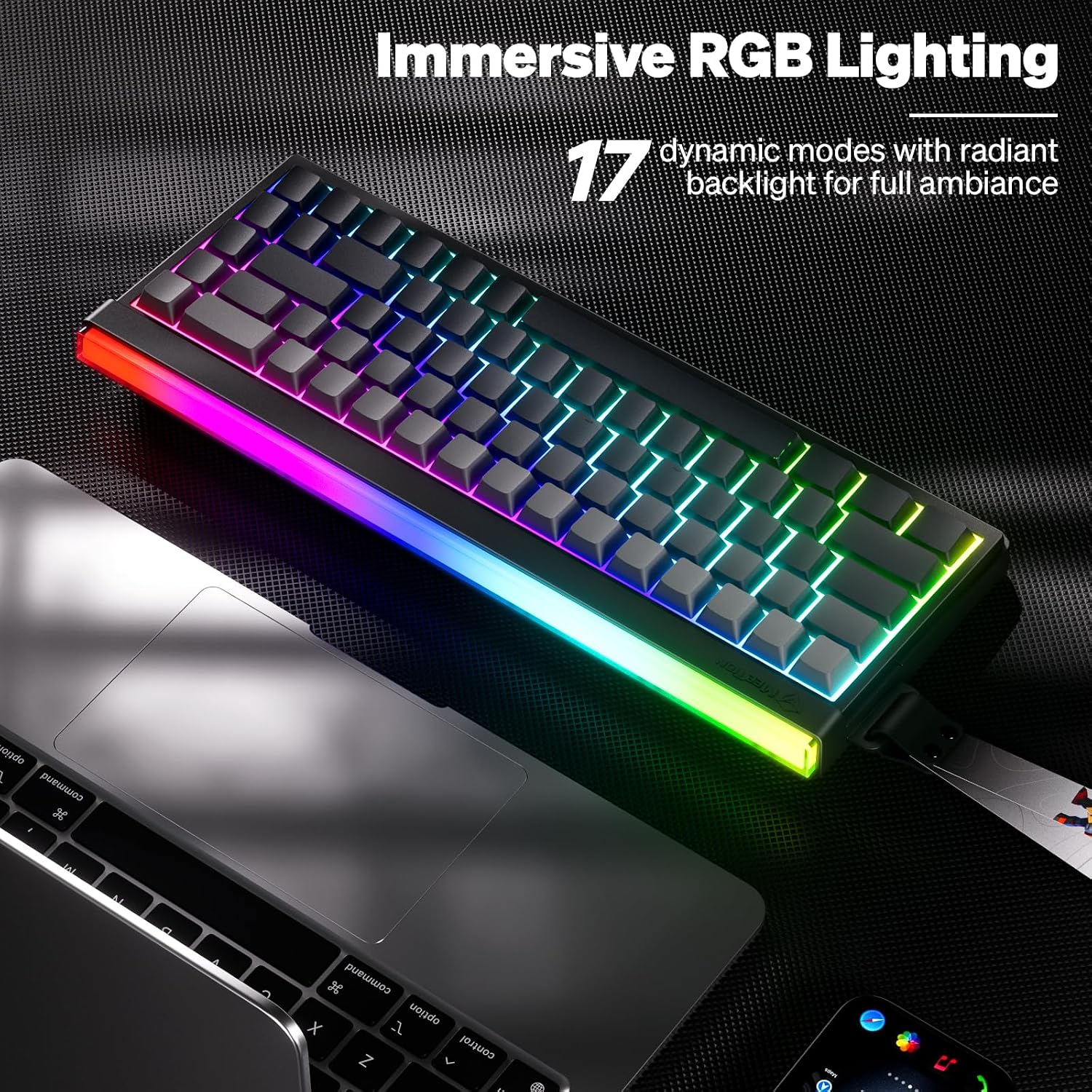
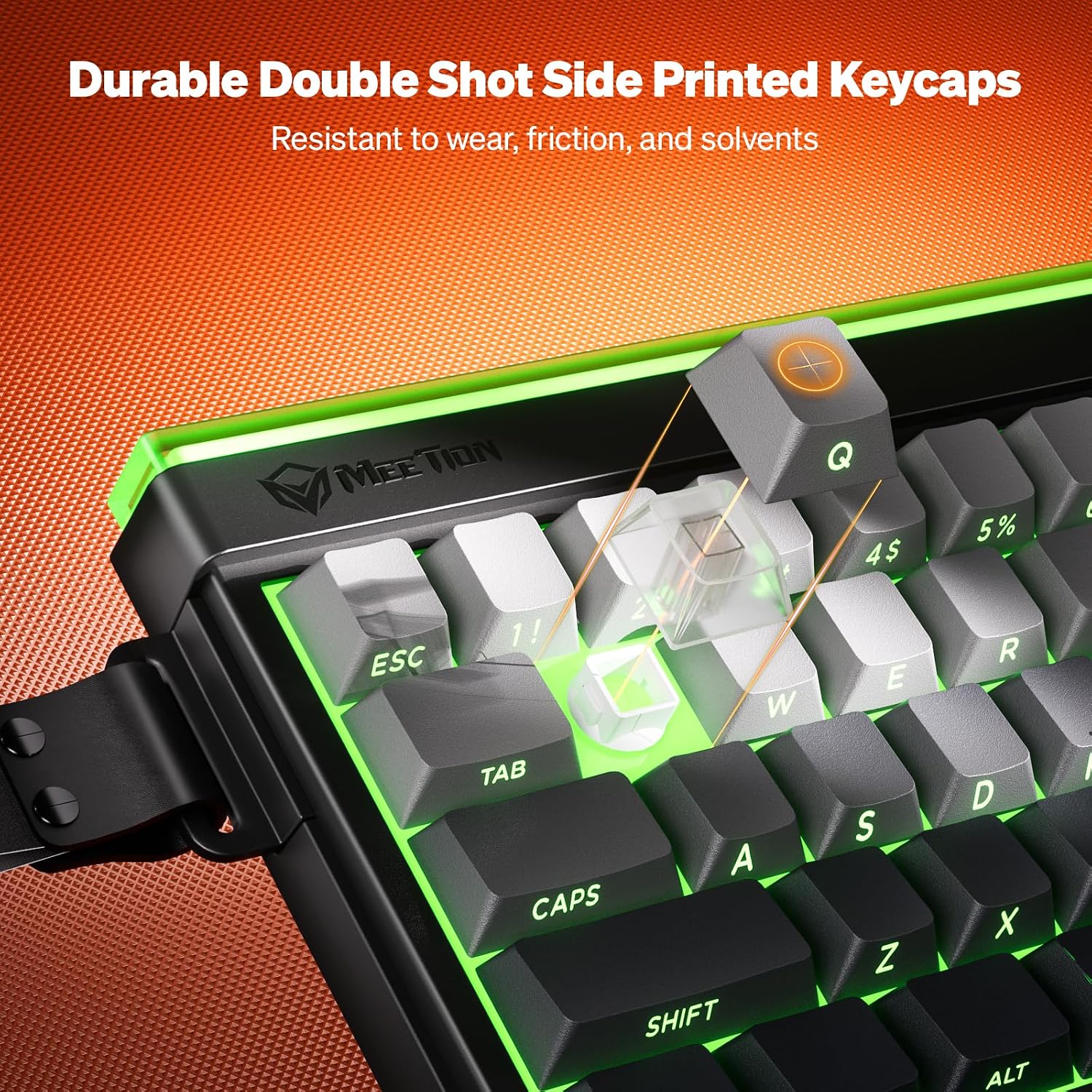
The keyboard features a unique light bar on the top and full RGB backlighting, with multiple preset modes including breathing effects. The keycaps use ABS double-shot design with clear side laser engraving, which should resist fading and maintain legibility over time. The package even includes free pink replacement keycaps and a keycap puller, which is a thoughtful touch for quick personalization.
Practical strengths and potential limits
On the plus side, the Vibekey68 offers a compact footprint, a legitimate anti-ghosting approach for a 68-key layout, and flexible connectivity—all of which align well with modern multi-device workflows. The tri-mode approach means you’re rarely stuck with one setup. On the downside, the board relies on a membrane switch rather than mechanical switches, which may affect reach and the overall tactile feedback some gamers prefer. If you prioritize a traditional mechanical feel or ultra-low latency, this model may fall short of those expectations.
Who it’s for
- Players who want a space-efficient keyboard without sacrificing multi-key input during games.
- Users who rotate between different devices (PC, laptop, tablet) and need a seamless switch between wired and wireless modes.
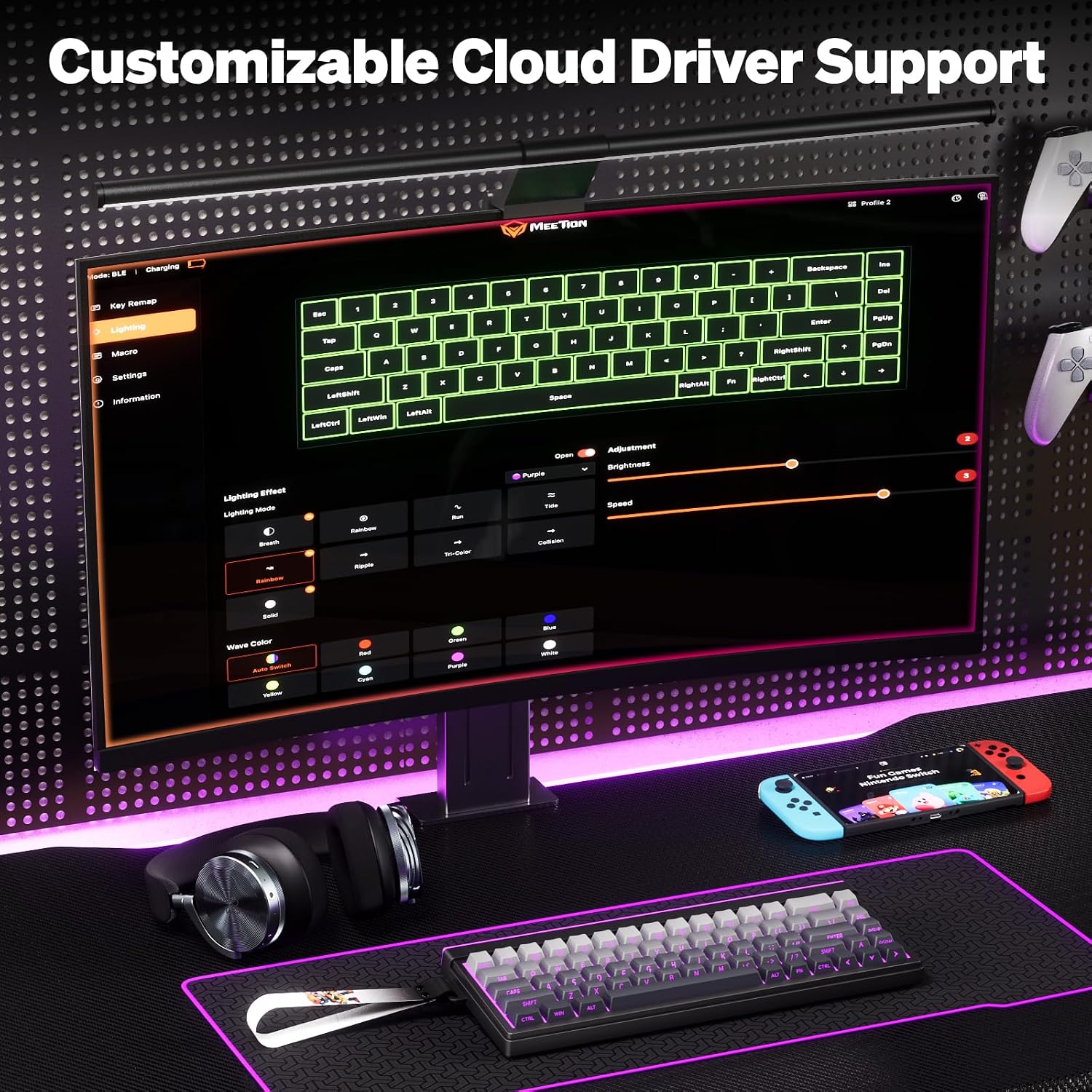
- Anyone who values customizable RGB lighting and personalizable shortcuts via a Windows-based driver (Mac users will need Chrome to access the driver).
Who it might not be the best fit
- If you’re after a full-size, tactile mechanical keyboard with distinct key feel, this 68-key membrane option is unlikely to satisfy those expectations.
- If you don’t plan to take advantage of the Windows driver for remapping and macros, you may not maximize the keyboard’s customization potential.
- If you prefer ultra-long battery life in wired mode, you’ll want to verify that 4000mAh meets your typical session length without frequent recharges.
What to check before you buy
- Confirm you’ll use all three connection modes regularly, multi-device users typically benefit most.
- Consider whether a membrane switch aligns with your typing and gaming preferences if you’re picky about feedback and sound.
- Review the driver availability for your OS and whether Chrome is acceptable for Mac needs.
- Think about lighting preferences: the top light bar plus full RGB should offer room for personalization, but verify driver support for advanced effects you want.
How this compares to other approaches
If you’re weighing a compact keyboard against a full-size or a purely mechanical model, the Vibekey68 trades some tactile feel for portability and tri-mode flexibility. It can be a sensible middle ground for gamers who don’t want to compromise on key combination support while keeping a smaller desk footprint. For users who never move between devices or who demand top-tier mechanical switches, a different setup could be a better fit.
Practical usage example
Imagine coding late at night on a laptop, then grabbing the same keyboard to game on a desktop without re-pairing or reconfiguring. The Vibekey68’s tri-mode setup and the included driver-based remapping let you craft efficient shortcuts and macros on the fly, while the RGB bar offers a mood that matches your current activity—focused coding by day, immersive battle scenes by night.
Is it worth it?
Is it worth it if you value desk space, device versatility, and customizable lighting? For many, yes, especially if you want a compact keyboard with multi-device compatibility and a robust software layer for personalization. It may not be the best pick if you require a purely mechanical switch experience or peak sensitivity for ultra-competitive gaming. In short, it makes sense for multi-device users who want a space-efficient, feature-rich membrane keyboard with room to customize.
FAQ
- How many keys can you press at once? Up to 26-key anti-ghosting support helps with simultaneous key presses.
- What devices does it connect to? It supports 2.4G wireless, Bluetooth 5.0, and USB-C wired connections.
- Can you customize RGB lighting? Yes via the Windows driver, Mac users should use Google Chrome to access the driver.
Final note
If you prioritize a flexible, compact setup with room for personalization and multi-device use, the Vibekey68 offers a practical balance between portability and function. Consider your preferred switch feel, how often you’ll switch devices, and how much you value the included customization features when deciding.