

Texas Instruments TI-84 Plus Graphics Calculator (Black, 2.8-inch, 320x240)
Reviews
Price
Product description
What it is
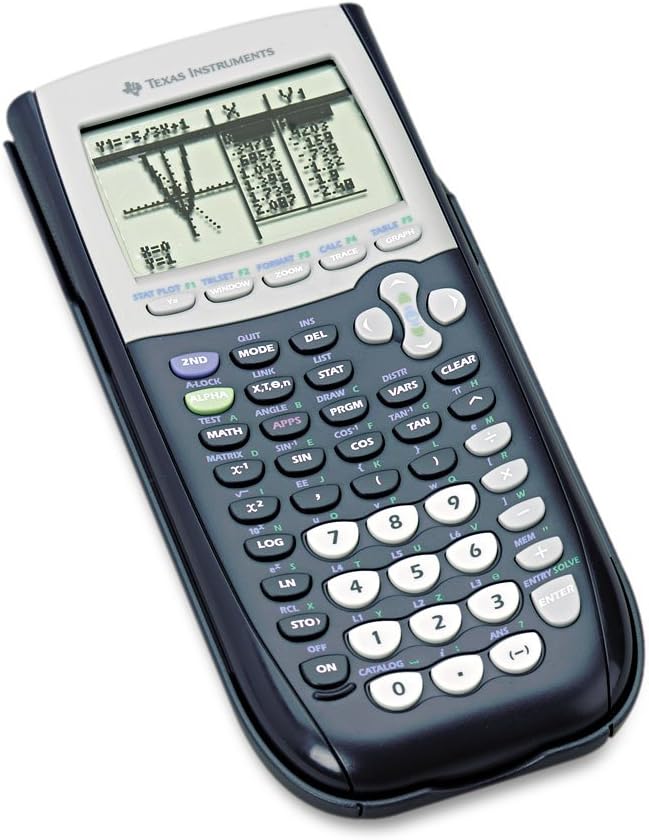
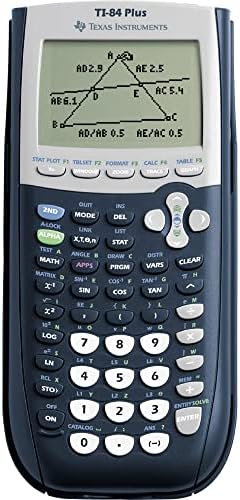
The Texas Instruments TI-84 Plus Graphics Calculator is a handheld math tool designed for graphing functions, geometry, and analysis. It ships preloaded with software, including Cabri Jr. interactive geometry software, and supports multiple graphs at once. Its color backlit display helps you differentiate graphs and read results clearly.
What matters most
On paper, the TI-84 Plus stands out for multitasking graphing: you can define, save, graph, and analyze up to ten graphing functions simultaneously. The pull-down menus make access to advanced functions straightforward, while the horizontal and vertical split screen options help you compare graphs side by side. Seven graph styles provide visual differentiation, and fourteen interactive zoom features support focused exploration of functions.
How it helps you day to day
If your goal is to visualize several functions in a single session, this calculator offers a practical workflow: define and save functions, switch between graph styles, and zoom interactively to inspect intersections, maxima, and behavior. The color backlit screen improves readability in varying lighting conditions, which can make studying and completing homework feel a bit more efficient.
Who it’s for
This device fits students and professionals who frequently work with multiple graphing functions and need a feature-rich calculator without relying on a computer for graphing tasks. It’s a sensible option if you value a large set of built-in graphing tools and a clear, color-enhanced display for quick visual distinctions.
What to watch out for
The description emphasizes robust graphing capabilities, but there isn’t information here about battery life, programming flexibility beyond the listed functions, or compatibility with other platforms. If you prioritize ultra-high-speed computation or advanced programming customization, you may want to compare with other models that highlight those aspects.
When it makes sense to buy
Consider this TI-84 Plus if you want a proven, graphing-focused device with a color screen and the ability to manage several graphs at once. It’s particularly appealing if you value visual clarity through multiple graph styles and interactive zoom features for in-depth analysis.
When it may not be the best fit
If your needs lean toward symbolic algebra, computer-like performance, or touchscreen interaction, you might find alternatives that emphasize those strengths more than graph management. Also, if you require details not provided here—like battery specifics or exact programming capabilities—this entry leaves those questions open.
What to review before buying
- Confirm you’re comfortable with a physical calculator interface and the color display as described.
- Check that the preloaded software and graphing features align with your usual coursework or projects.
- Consider how important multi-graph management, split-screen workflow, and graph style differentiation are for your study routine.
Practical use example
Imagine you’re comparing three functions to identify where they intersect. You can define each function, display them with distinct colors, switch to a side-by-side split screen, and zoom in on the intersection area to pinpoint the x-value with precision. The Cabri Jr geometry integration also opens up visual geometry exploration alongside algebraic graphs.
FAQ (based on available data)
- Does it support saving multiple graphs at once? Yes, up to ten graphing functions can be defined, saved, graphed, and analyzed simultaneously.
- What kind of display does it have? A vibrant backlit color screen with 320 x 240 pixels on a 2.8" diagonal.
- Is there geometry software included? Cabri Jr. interactive geometry software is preloaded.