

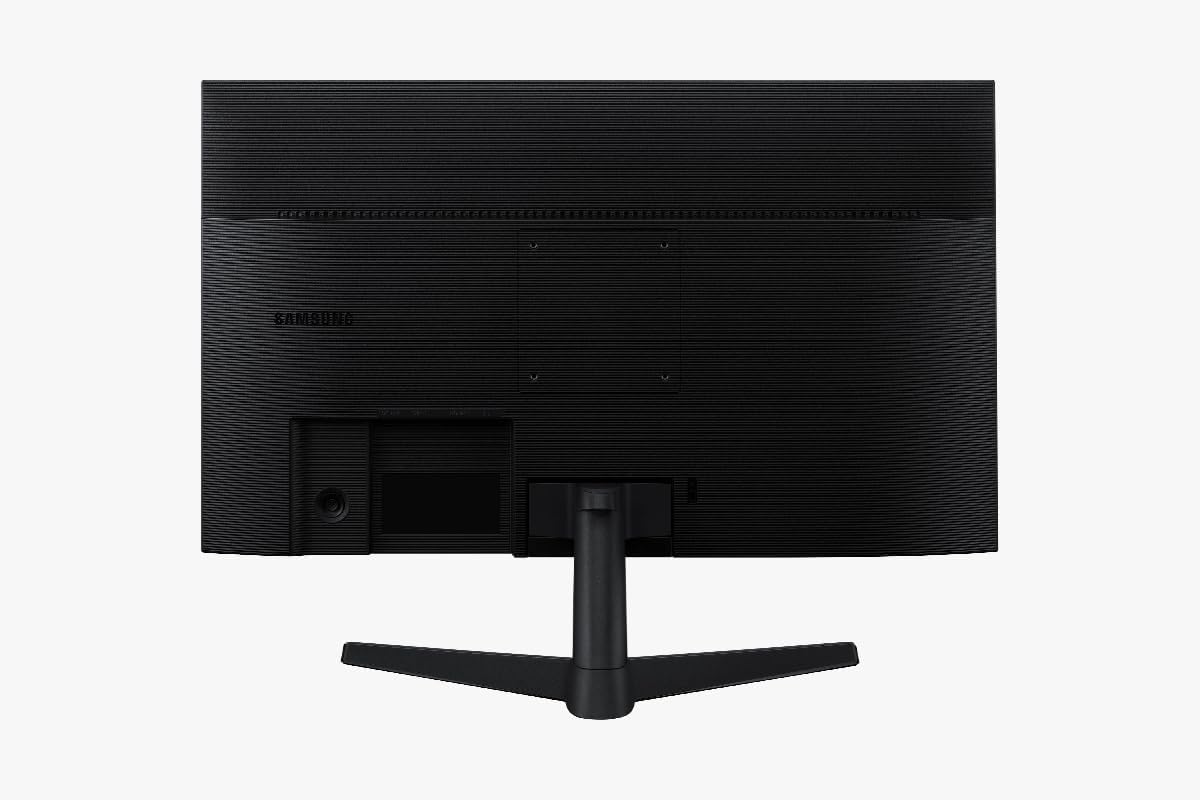
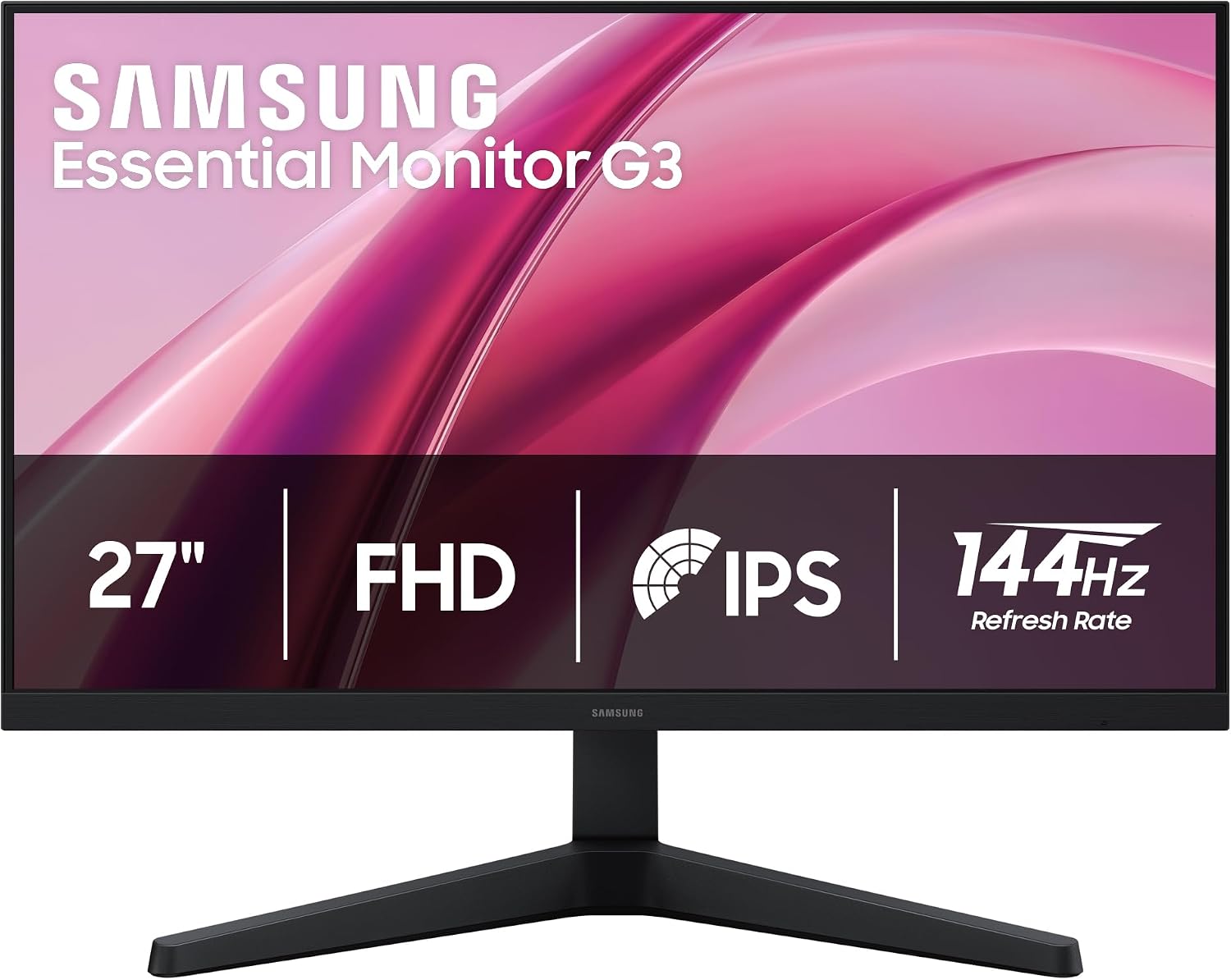
Samsung Essential G3 (G31H) 27-inch FHD 144Hz IPS Monitor
Product description
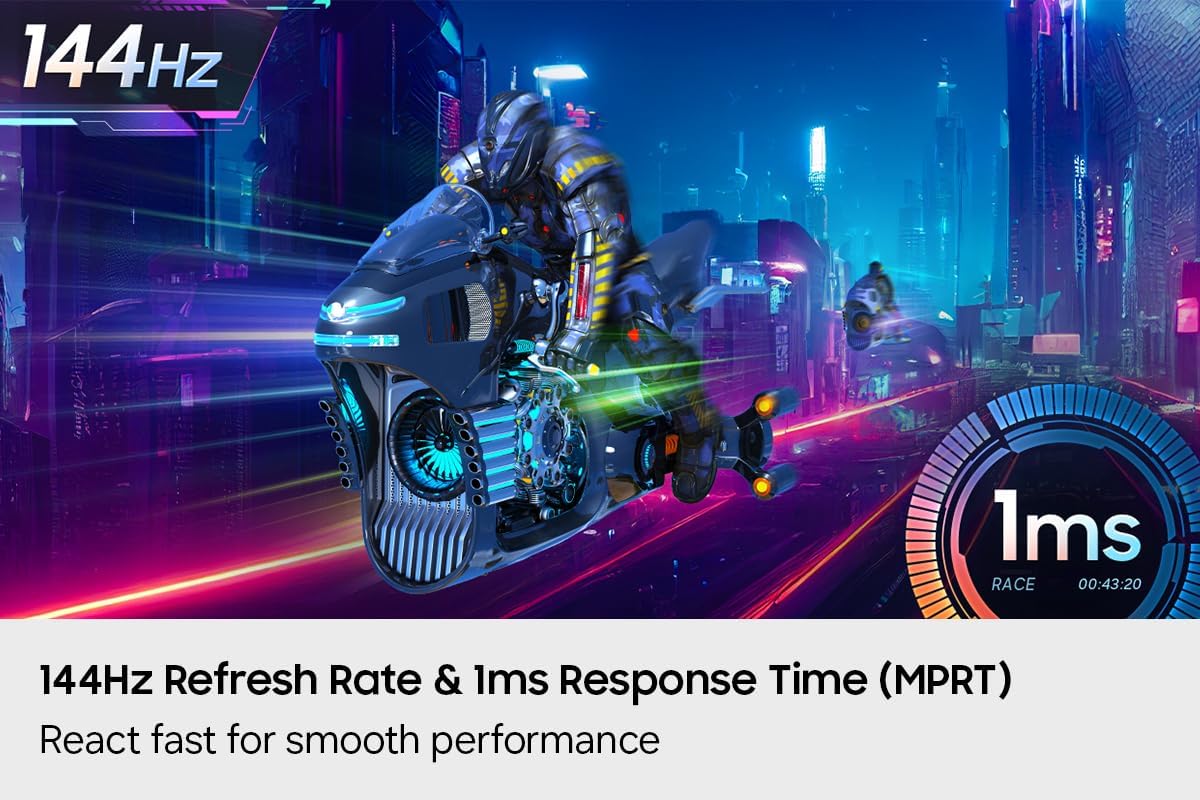
The 144Hz refresh rate and 1ms MPRT response time help keep fast on-screen action smooth and clear, while the IPS panel maintains bright, consistent colors across wide viewing angles. The Samsung Essential G3 (G31H) pairs those gaming-focused features with a 27-inch Full HD screen for entertainment and everyday use.
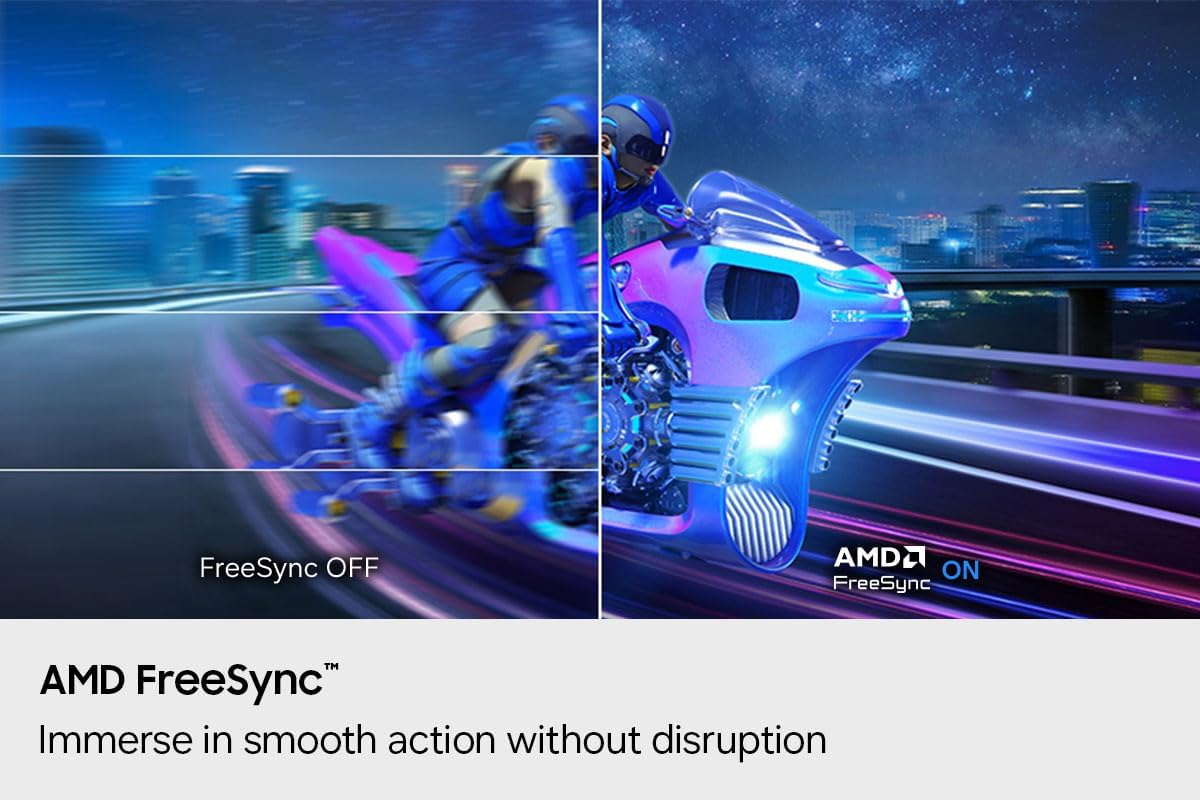
For fast-paced games, AMD FreeSync and variable refresh rate help reduce screen tearing and choppiness by synchronizing the display with the GPU. For a broader mix of work, browsing, and video, the matte screen and wide viewing angle make the flat display easy to share and view from different positions.
Tech specs
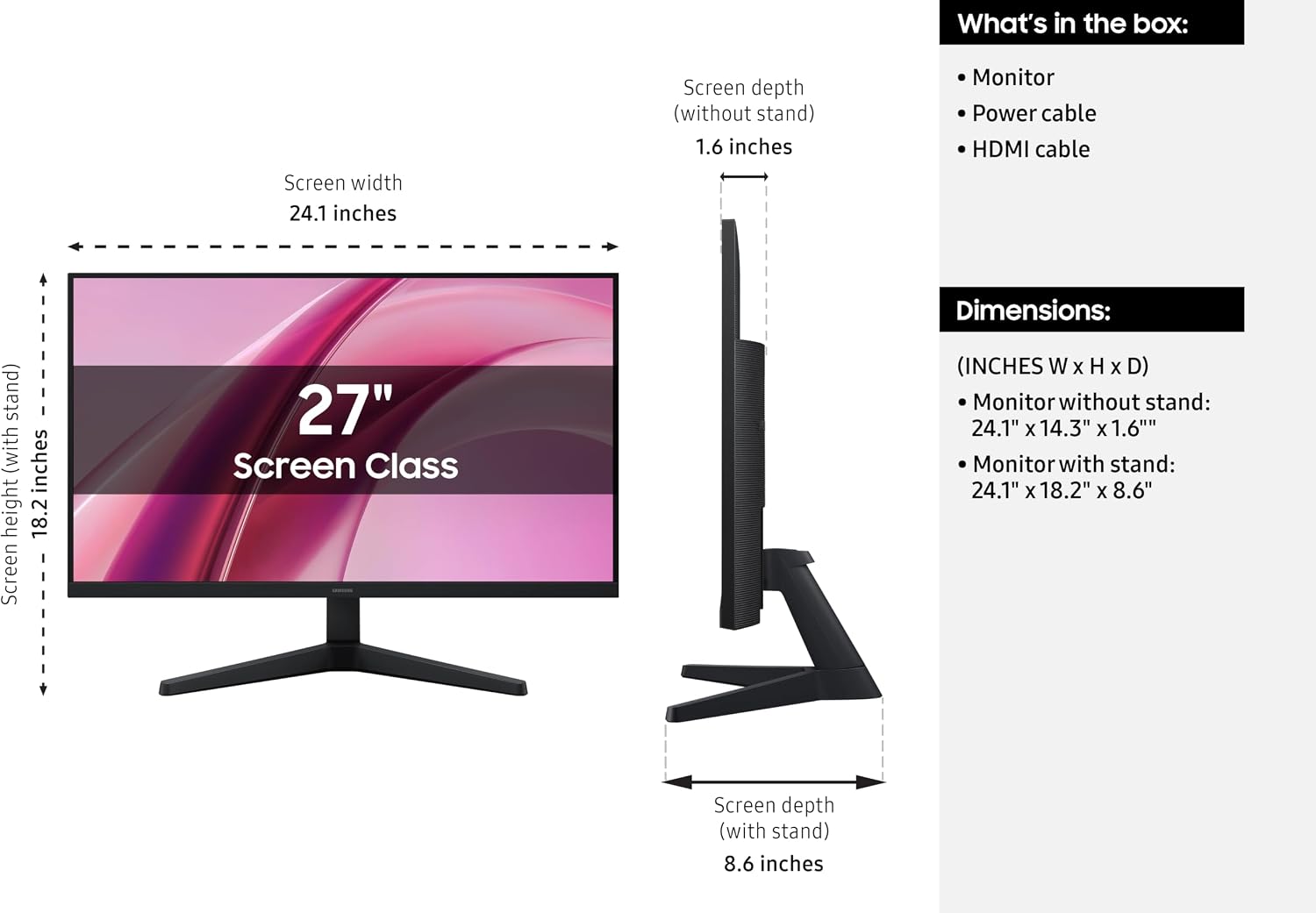
- Screen size: 27 inches
- Resolution: 1920 x 1080 (Full HD)
- Panel: IPS
- Refresh rate: 144Hz
- Response time: 1ms MPRT
- Adaptive sync: AMD FreeSync Premium, VRR
- Screen surface: Matte
- Viewing angle: 178 degrees
- Brightness: 250 cd/m²
- Contrast ratio: 1000:1
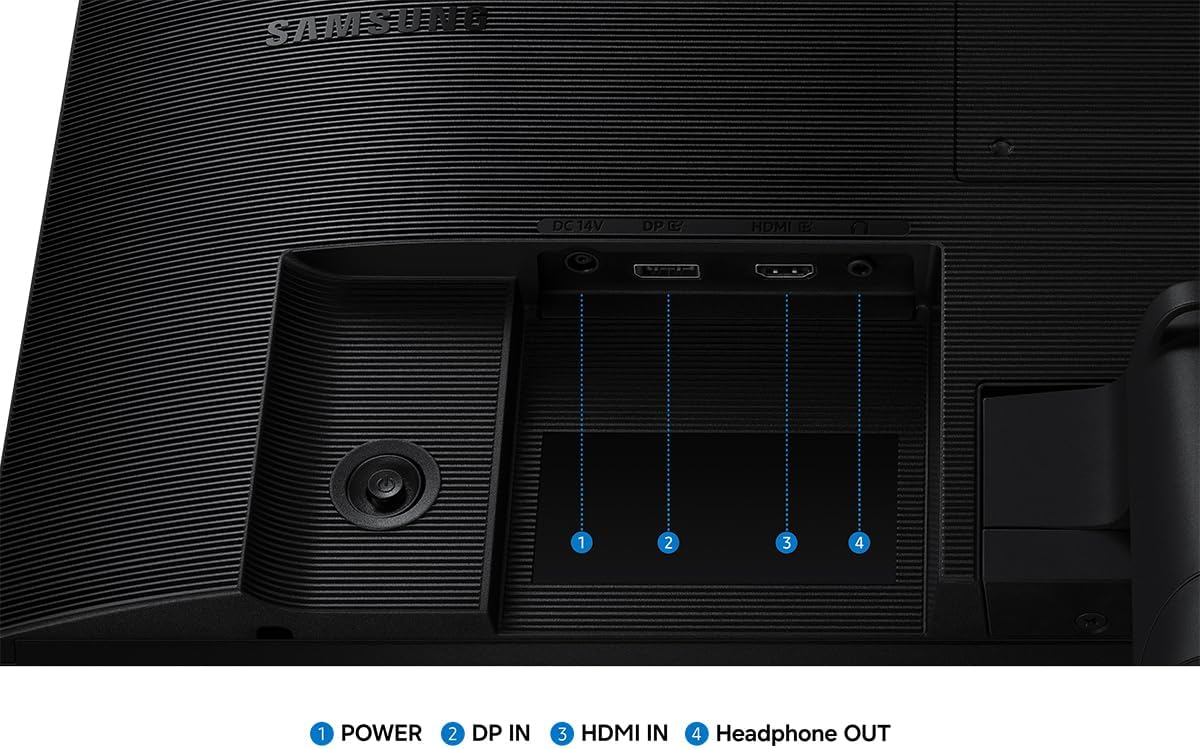
- Ports: HDMI and DisplayPort
- Color: Black
Usage tips
Connect a gaming PC through HDMI or DisplayPort, then use the display’s Game Mode to adjust color and contrast settings for the game on screen. With a compatible GPU, FreeSync and VRR can synchronize the monitor and graphics output to help reduce tearing and stutter during gameplay. The 144Hz refresh rate and 1ms MPRT response time are geared toward quick on-screen movement, making the monitor a practical fit for action games and other content with frequent motion.
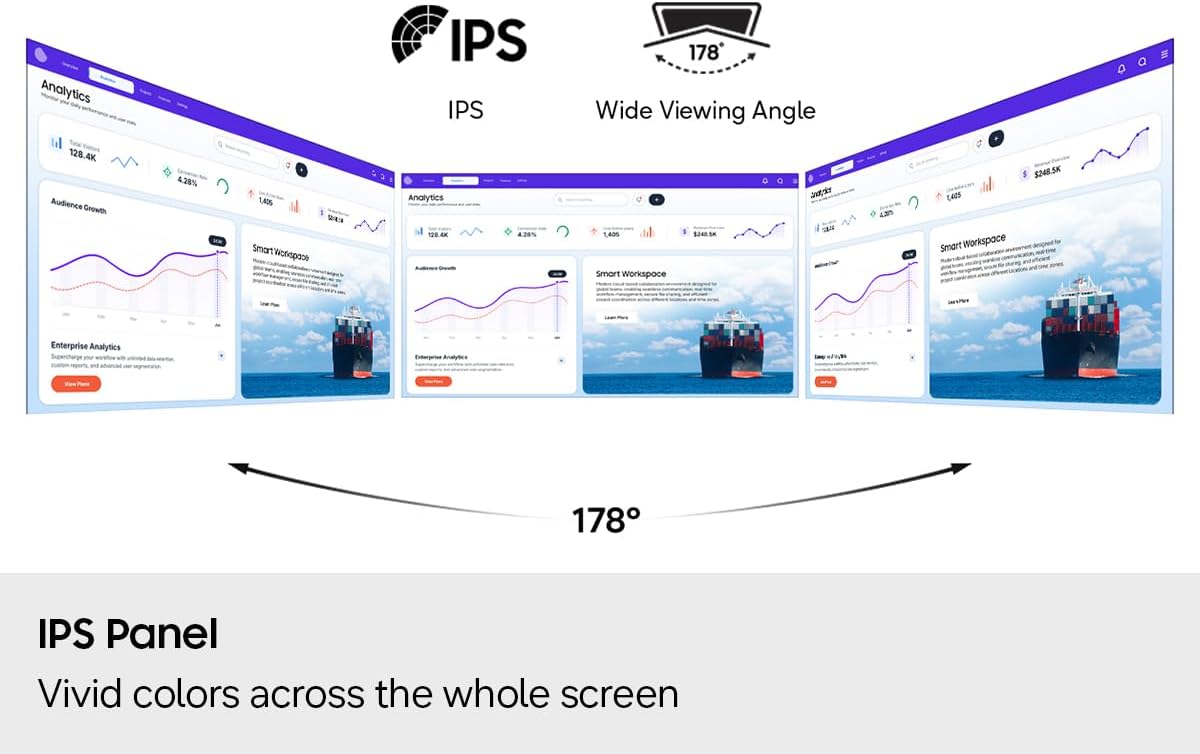
For longer sessions that mix gaming with general computer use, Eye Saver Mode and Less Screen Flickering provide display settings designed to reduce blue light and minimize flicker. The matte finish helps keep the screen comfortable to view in a variety of everyday settings, while the IPS panel’s 178-degree viewing angle supports clear viewing when you are not seated directly in front of the monitor. If your priority is a large screen for everyday media and work, Full HD resolution keeps the setup straightforward, if you also play fast-moving games, the high refresh rate and adaptive sync add gaming-focused features to that same display.
In the box
The package includes the monitor, an HDMI cable, a DisplayPort cable, and a power cable, giving you the main connections for setting up a compatible computer. Choose HDMI or DisplayPort according to the output available on your device.
Practical questions
Does this monitor support Full HD? Yes. Its native resolution is 1920 x 1080, also known as Full HD or 1080p.
Can it help reduce screen tearing in games? AMD FreeSync and variable refresh rate synchronize the monitor with the GPU to help reduce tearing, choppiness, and screen lag. The feature is intended for use with a compatible GPU.
What display settings are available for gaming and longer viewing sessions? Game Mode lets you adjust color and contrast, while Eye Saver Mode and Less Screen Flickering are designed to reduce blue light and minimize screen flicker.
When it makes sense
This Samsung monitor suits a setup that needs to handle both gaming and everyday entertainment on one 27-inch screen. Its Full HD IPS display offers wide-angle viewing, while 144Hz, 1ms MPRT, and AMD FreeSync bring specific benefits for fast-moving gameplay. Choose it when those responsive gaming features matter alongside a matte screen, familiar HDMI and DisplayPort connections, and practical viewing modes.