

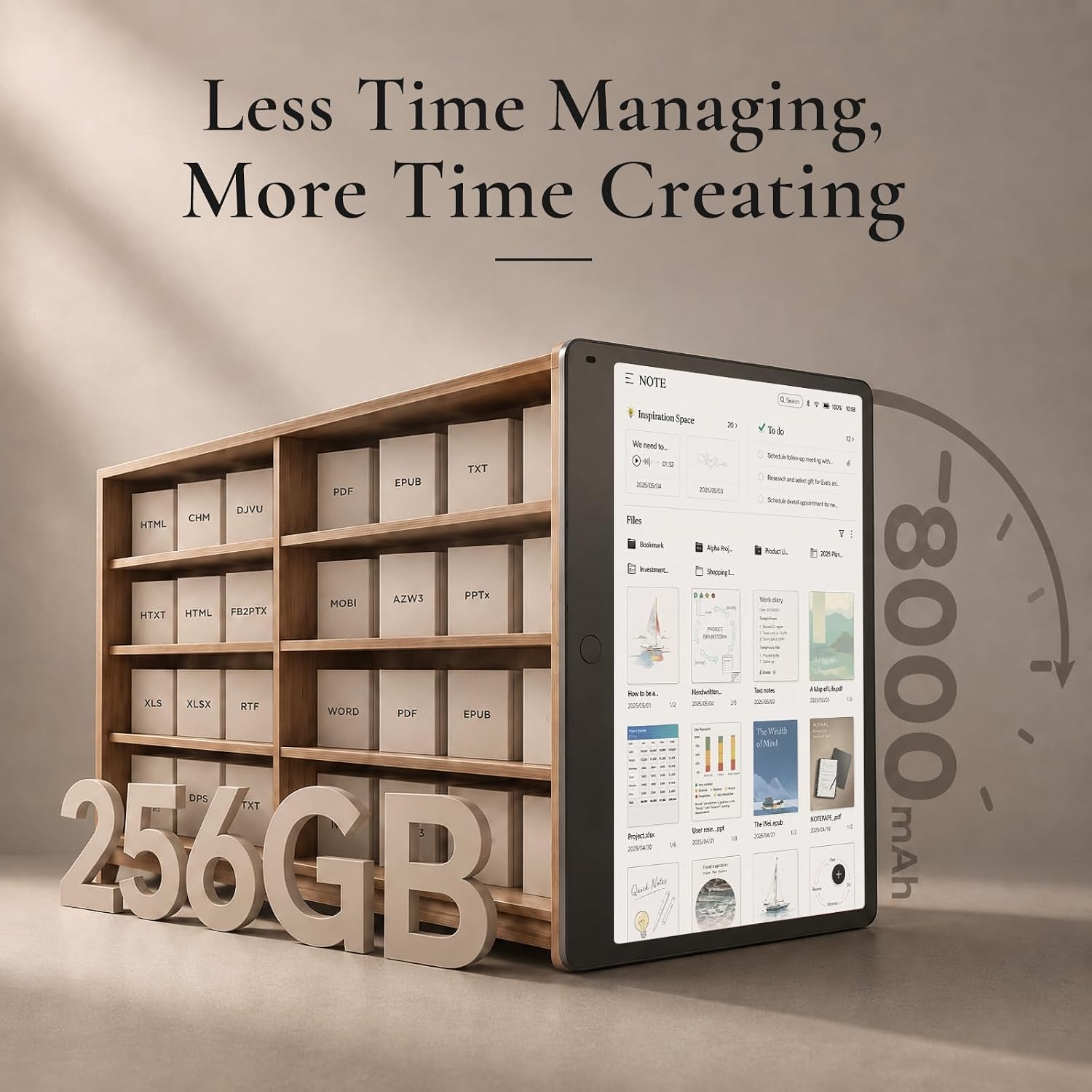
TCL NXTPAPER 11 Gen 2 Android Tablet review: a versatile 11-inch drawing pad and digital notebook
Product description
What this device is and who it’s for
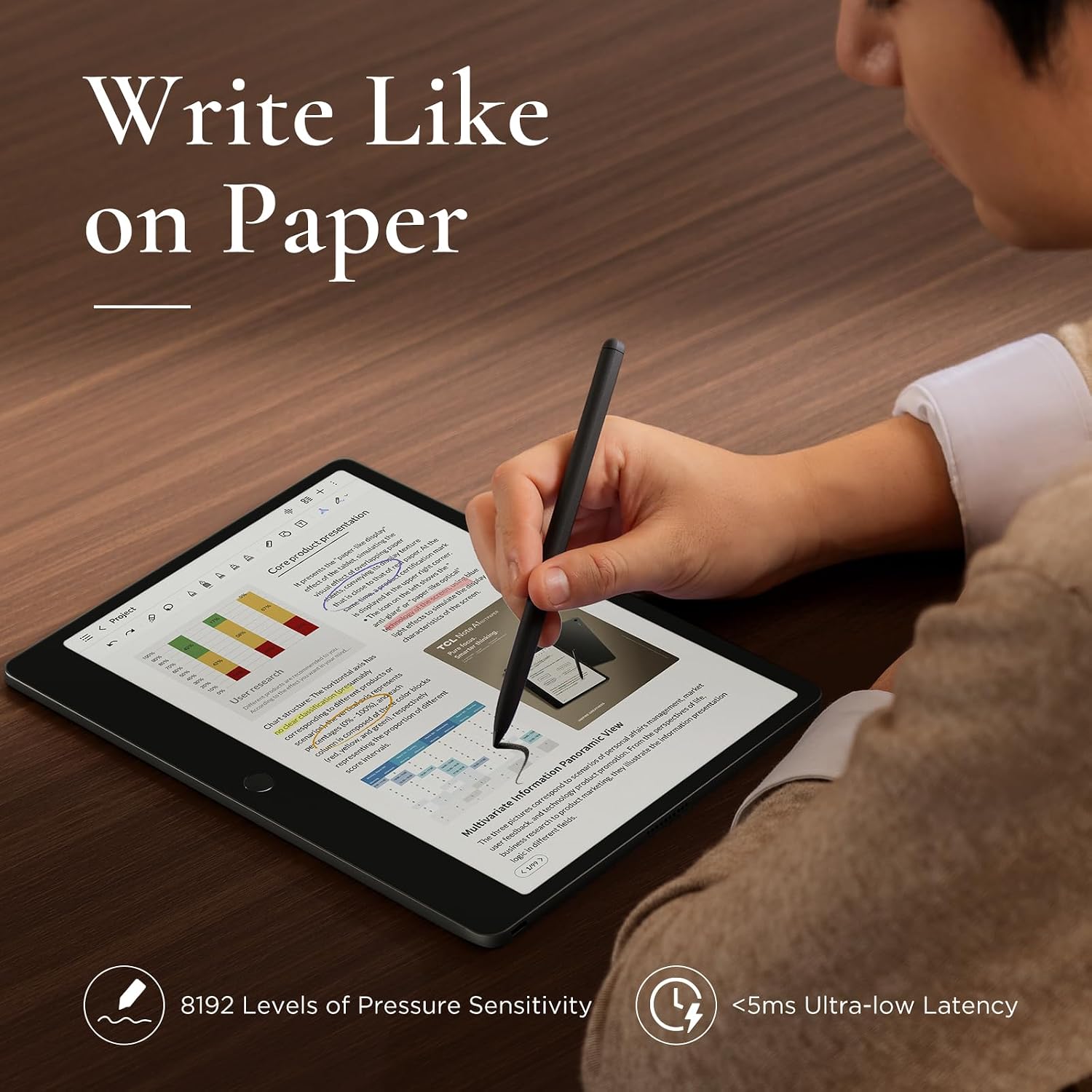
The TCL NXTPAPER 11 Gen 2 is an 11-inch Android tablet designed to blend drawing, note-taking, reading, and everyday use in a single device. With a stylus (T-PEN) that supports 4096 levels of pressure, it aims to appeal to artists, students, professionals, and casual users who want a lightweight, all-in-one companion for ideas, classes, and media consumption. If you value a tablet that can switch between sketching, journaling, and media viewing without juggling multiple devices, this model attempts to cover that broad set of needs.
Display and eye comfort you can actually notice
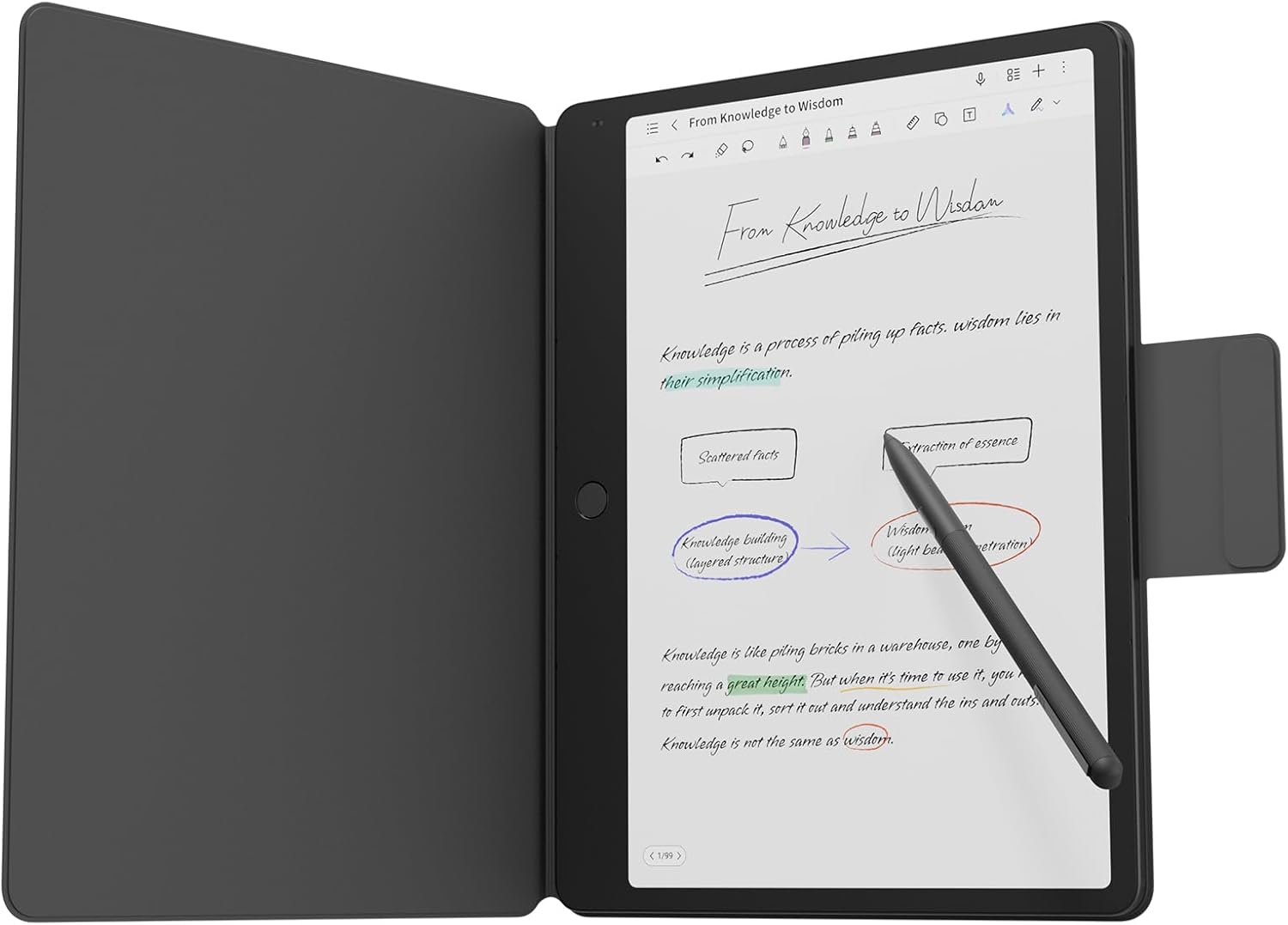
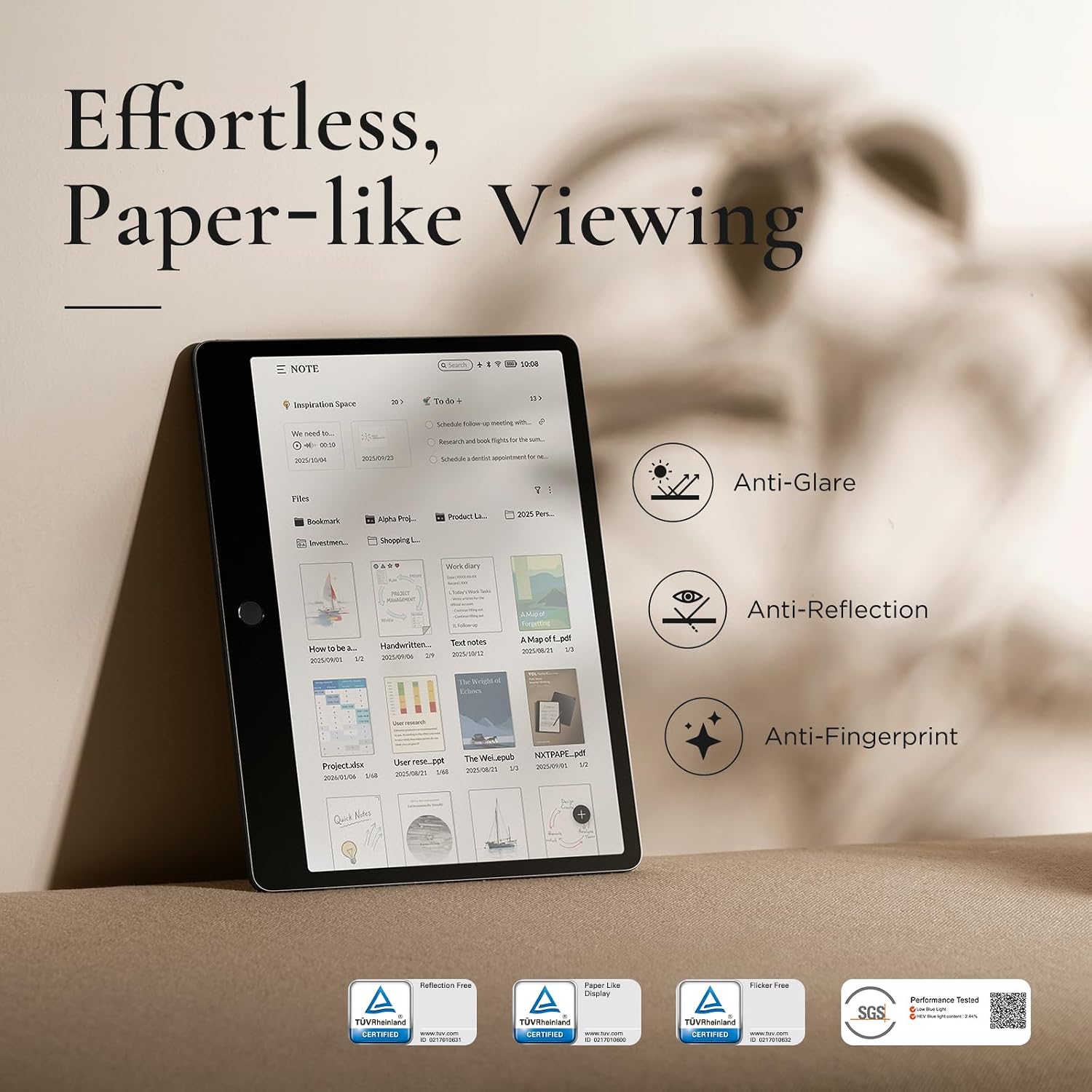
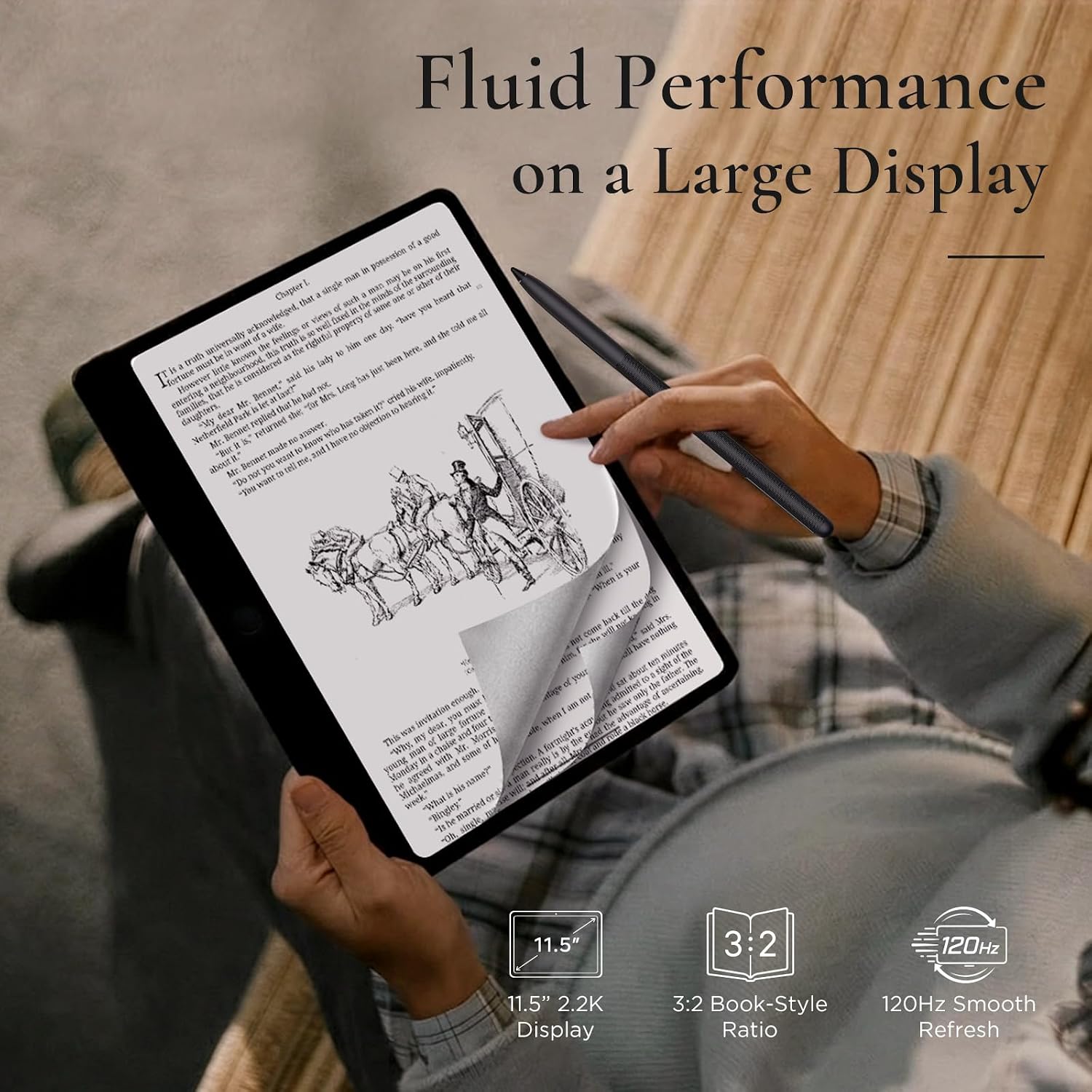
The NXTPAPER 4.0 display is marketed as easier on the eyes compared to traditional displays. It features reduced blue light, an anti-reflective surface, and a flicker-free brightness system. In practice, this can translate to longer comfortable reading sessions and less eye strain during extended study or work blocks. The three display modes—Regular, Ink Paper, and Color Paper—offer different visual textures to suit reading, writing by hand, or drawing with more vibrant or muted tones.
Performance and multitasking you can feel
Powered by a MediaTek Helio G80 processor, with 6 GB of RAM plus 6 GB of virtual RAM and Android 15 customized by TCL, the tablet aims for smooth everyday multitasking. Features like display duplication, extended view, floating windows, and split screen are supported to help manage multiple tasks at once. If you frequently switch between notes, web research, and media, this setup aims to keep pace without obvious slowdowns.
Storage and expandability in context
Storage is listed as 64GB in the model name, with TCL mentioning the option to expand storage up to a substantial capacity via memory expansion. For users who collect drawings, documents, or large media files, the plan to enlarge storage can be a decisive factor—but remember to check the exact expansion path and any limits for this model.
Battery life and charging
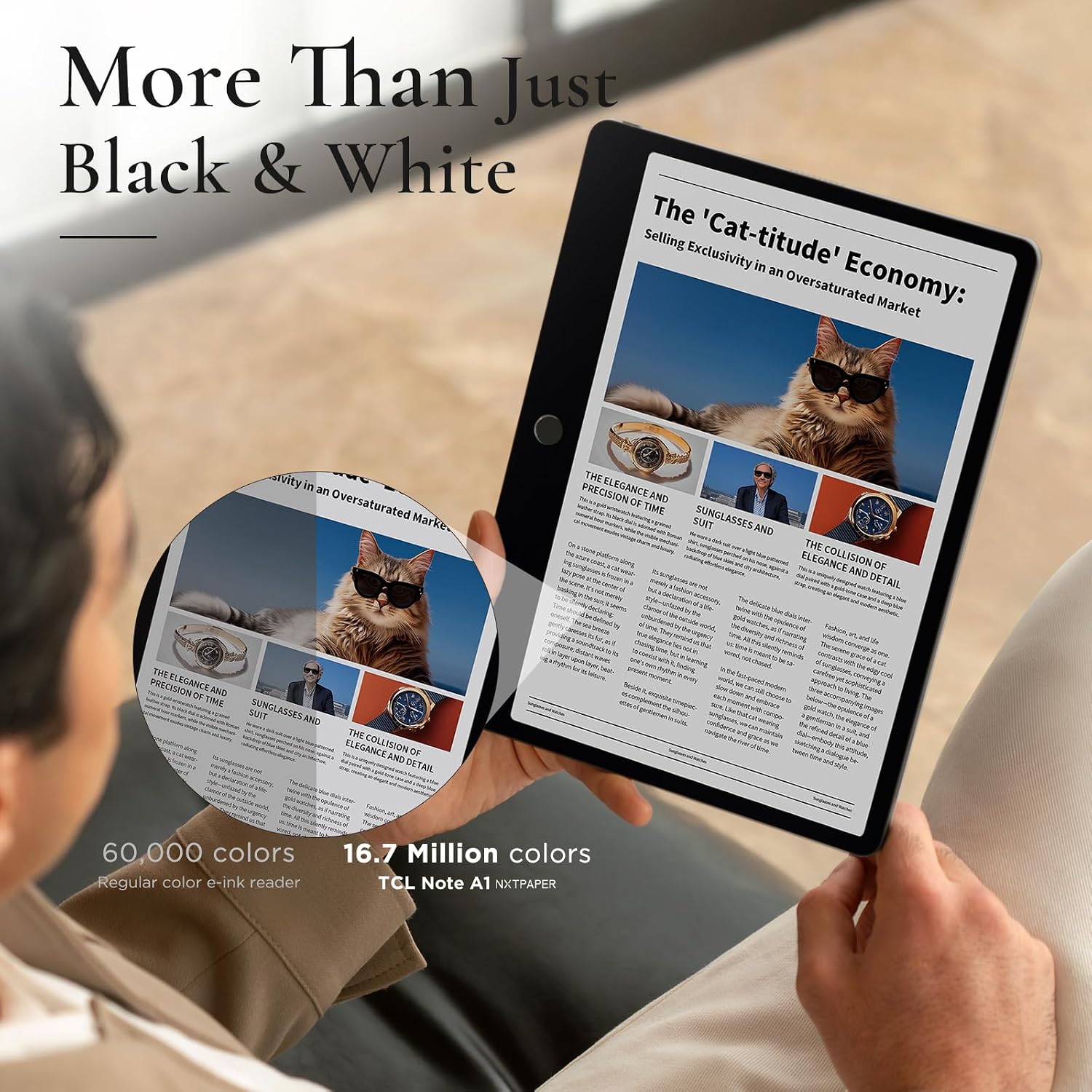
An 8000 mAh battery is paired with 18W fast charging, which should enable a full day of light to moderate use like note-taking, streaming, and light drawing. The claim of all-day use will depend on brightness, active features (like AI tools and background tasks), and whether you’re streaming or drawing for extended periods.
AI features and practical benefits
The tablet includes AI-assisted tools for productivity, such as voice notes, handwriting-to-text, real-time subtitles, and translation. Circle to Search with Google helps surface information quickly. These capabilities can streamline writing, studying, and collaboration, especially if you frequently convert speech to text or need quick access to online references while you work.
What stands out and where it may fall short
- Pros: a single device that supports drawing, note-taking, and media consumption, eye-friendly NXTPAPER 4.0 display, stylus with high pressure sensitivity, AI tools to enhance productivity, flexible display modes for different tasks.
- Cons: the value hinges on real-world battery life and software polish. Some buyers may find the 64GB storage limiting unless expansion is straightforward, and performance may feel mid-range for power users who run heavy app workloads or multitask heavily.
For whom this makes the most sense
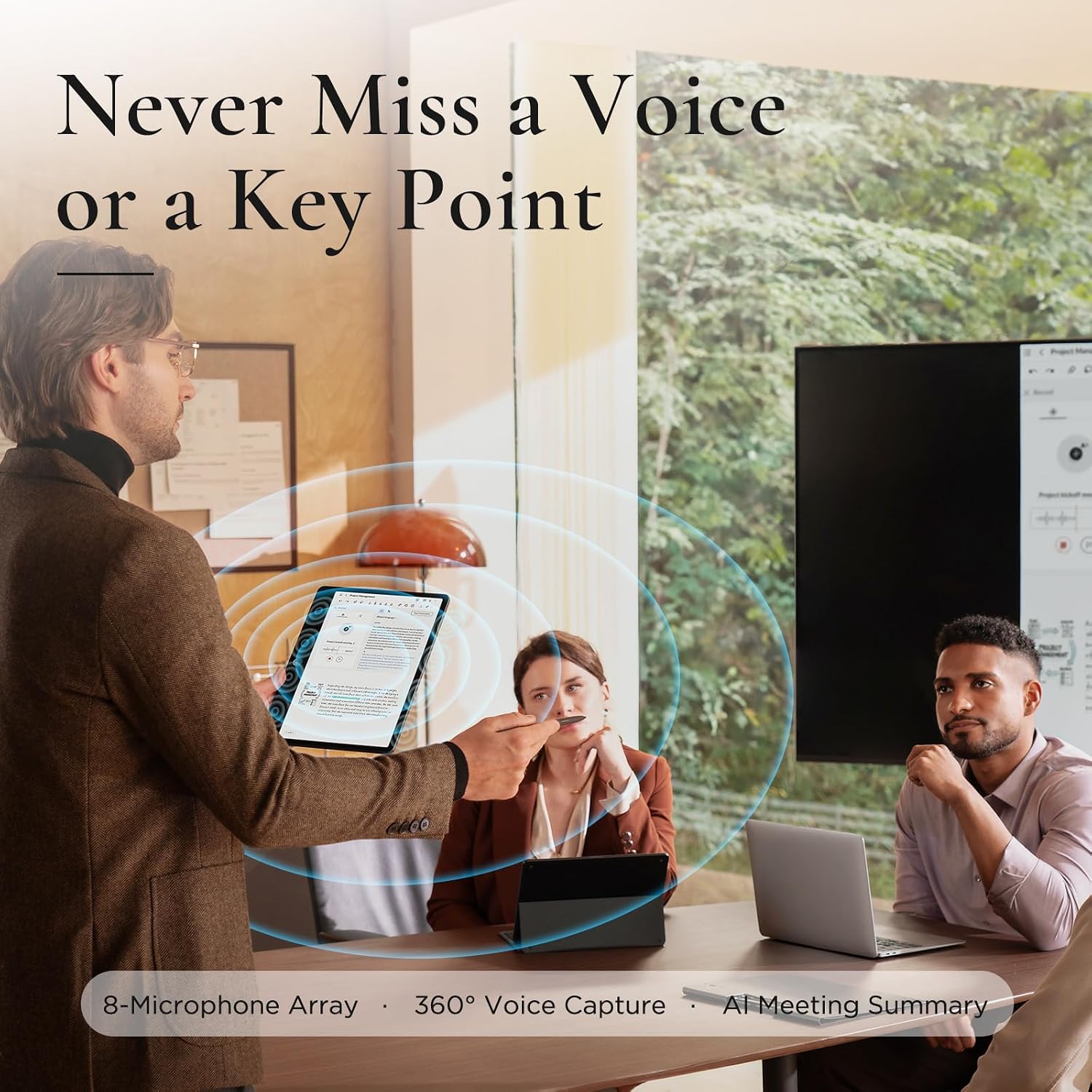
If you’re a student who wants to annotate PDFs, sketch ideas, and take quick notes without carrying extra devices, or a creator who likes a compact digital notebook with ink-like writing and a decent display, or a professional who benefits from real-time translation and voice-to-text in a portable form factor, this tablet is worth considering.
When it might not be the best fit
If your priority is raw processing power for demanding apps, or you need substantial onboard storage without relying on expansion, you might want to compare other options. Also, if you require an exceptionally vivid screen for photo/video editing at a pro level, you could outgrow the display capabilities here.
What to check before buying
- Confirm the exact storage configuration and the expansion path (how much external storage is supported and via which port).
- Review how the three display modes align with your typical tasks (reading, writing by hand, or color drawing).
- Consider your typical daily usage to gauge whether 8000 mAh will cover your sessions between charges, especially with AI features enabled.
- Verify software updates and the availability of Android 15 features on TCL’s UI for long-term usability.
Practical use case example
Imagine you’re in a lecture, jotting notes with the T-PEN while a fellow student searches a term. You can switch to Ink Paper to summarize ideas by hand, then use Circle to Search to pull up a reference without leaving the app you’re in. Later, you can flip to a comfortable reading mode for the textbook, and when you’re ready to share, you can export notes or drawings for a class project.
FAQ
- Q: Can I rely on the tablet for heavy drawing sessions? A: It offers a capable stylus and multiple display modes, but heavy-duty professional-grade drawing might demand more specialized hardware.
- Q: Is storage upgrade straightforward? A: Storage is expandable to a higher capacity according to the manufacturer, but check the exact expansion method and limits for this model.
- Q: How effective are the AI features in daily use? A: They’re designed to streamline writing, translation, and transcription, which can save time on school or work tasks, though real-world results vary by use case.
Is it worth it?
This TCL NXTPAPER 11 Gen 2 tries to be a compact, all-in-one tool for drawing, learning, and light productivity. It can be a solid fit if you value eye-friendly reading and note-taking in a single device and you don’t mind checking the storage expansion options. If you need top-tier processing power or the utmost color accuracy for professional-grade media work, you may want to compare options before deciding.