

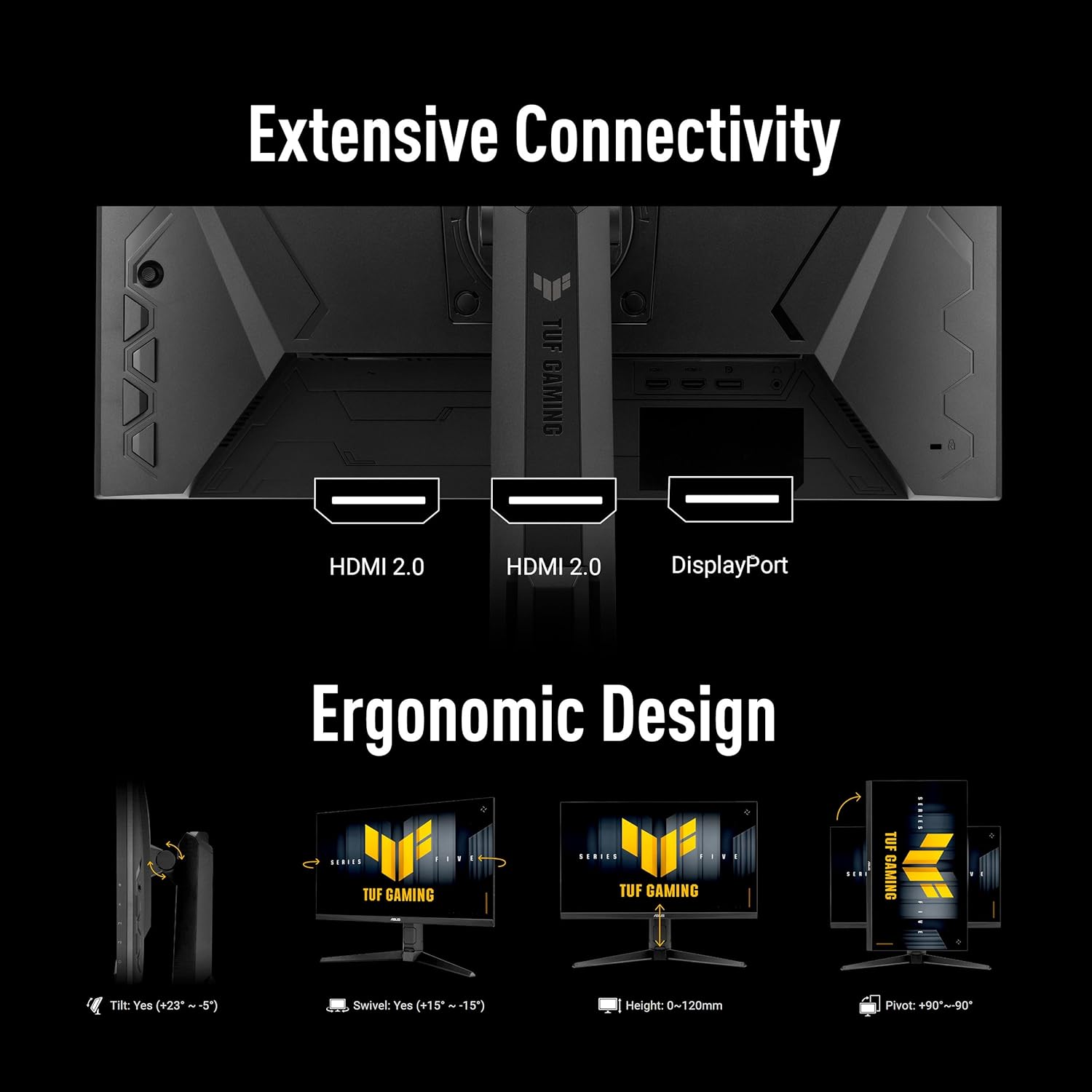
ASUS TUF Gaming VG259QMRL5A 24.5-Inch Fast IPS 1080P Gaming Monitor (310Hz, 0.3ms)
Reviews
Price
Product description
Quick overview
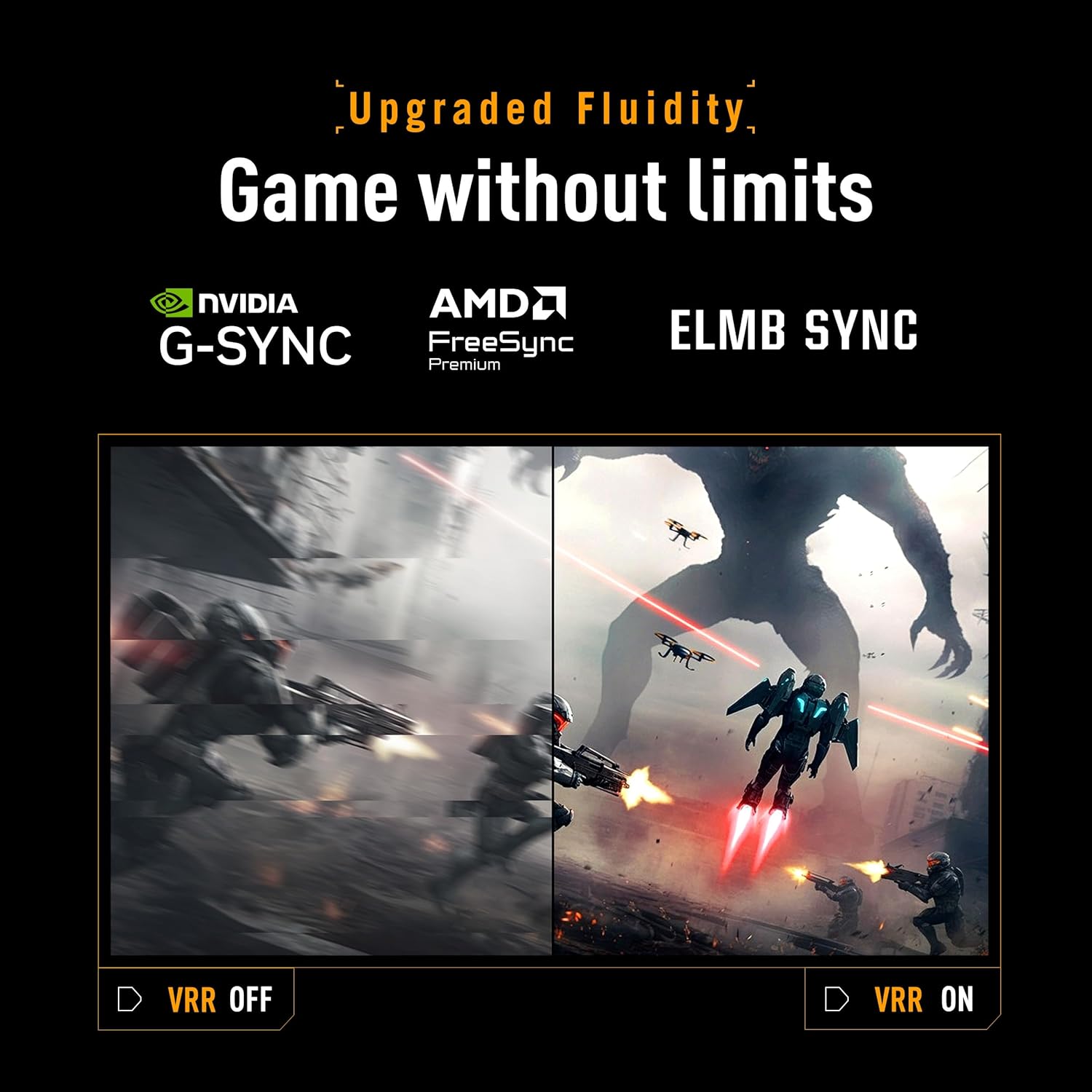
If you’re chasing smooth, high-frame gameplay on a 24.5-inch Full HD setup, the ASUS TUF Gaming Series 5 (VG259QMRL5A) is built for exactly that lane. On paper, it leans hard into fast motion performance: a Fast-IPS panel, a top refresh rate of 310Hz via overclock, and a 0.3ms (GTG) response time. Add in variable refresh support (FreeSync Premium and G-Sync compatibility) and motion-blur tools like ELMB SYNC, and you can see the intent: reduce tearing and ghosting so fast scenes stay crisp.
It’s not a one-size-fits-everyone monitor, though. The feature set reads more like a competitive gamer’s wishlist than a “do everything” desk display. If you mainly watch content, browse slowly changing pages, or care more about color-critical work than responsiveness, you may find the performance focus doesn’t fully match your priorities.
The essentials
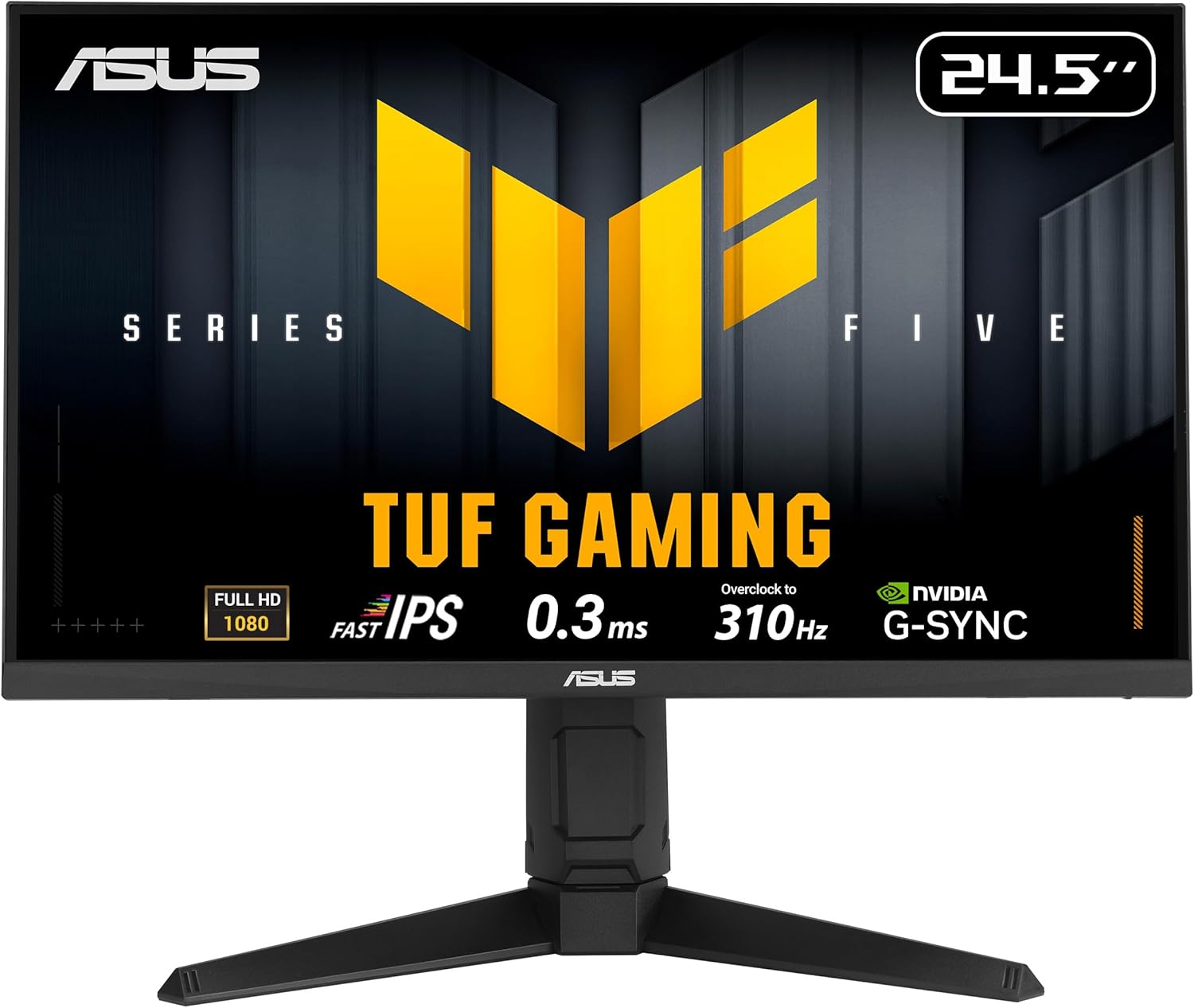
This is a 24.5-inch Full HD (1920x1080) gaming monitor, designed to feel responsive when frames rise. The panel uses ASUS Fast IPS technology, which is where the speed claims come from: a 0.3ms (GTG) response time (minimum). The monitor also supports DisplayHDR400, so it can deliver some HDR-style contrast for compatible content, but keep expectations realistic—HDR on gaming monitors is often “good for gaming,” not “studio-grade.”
For smooth motion, it combines variable refresh support (FreeSync Premium and G-Sync compatible) with Extreme Low Motion Blur Sync (ELMB SYNC). That combination is meant to help eliminate ghosting and tearing during fast gameplay, especially when your frame rate is moving around.
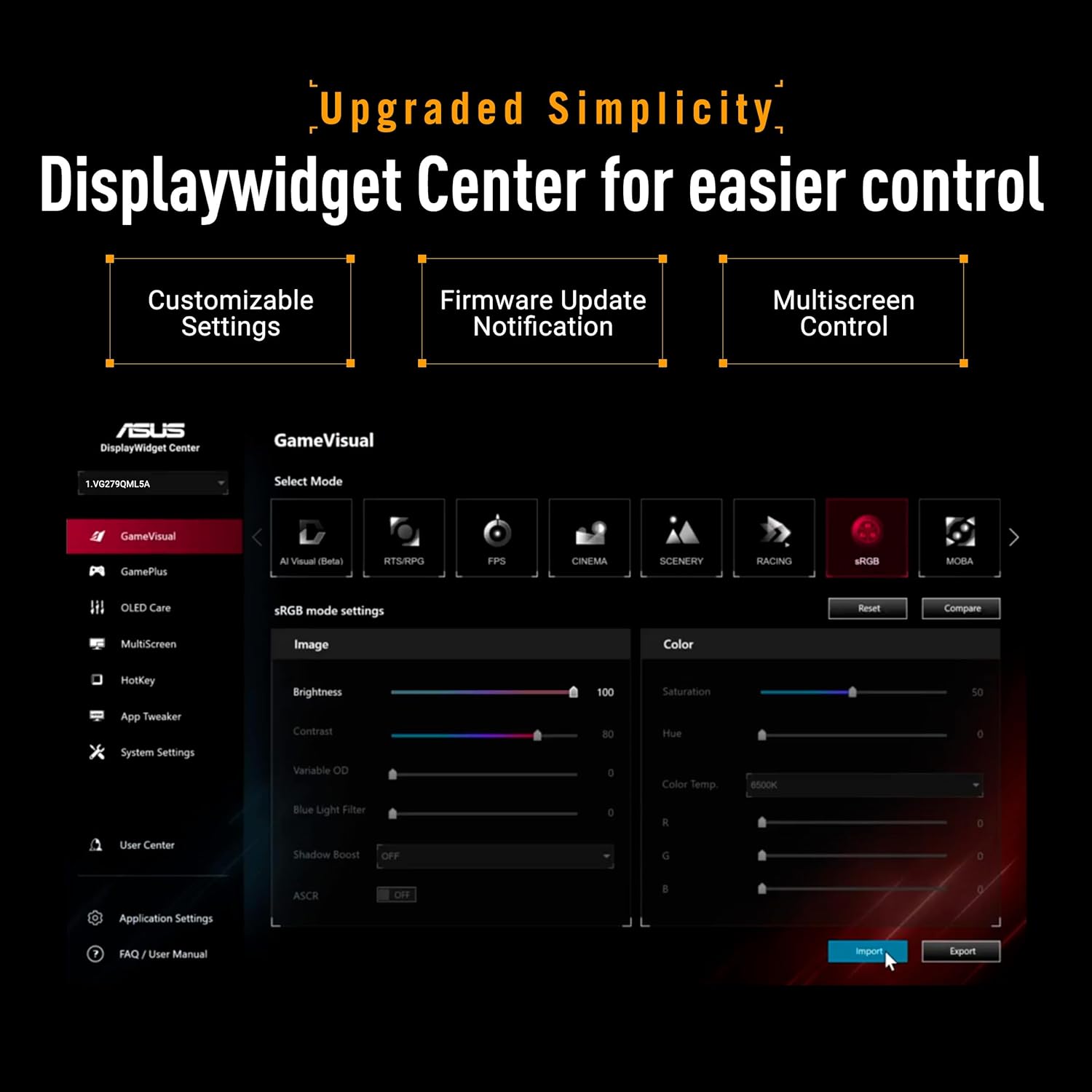
There’s also the practical side: DisplayWidget Center gives easier on-screen display (OSD) access and monitor settings adjustments through a mouse. That’s the kind of small quality-of-life feature that matters if you’re frequently tuning settings mid-season.
What stands out in everyday play
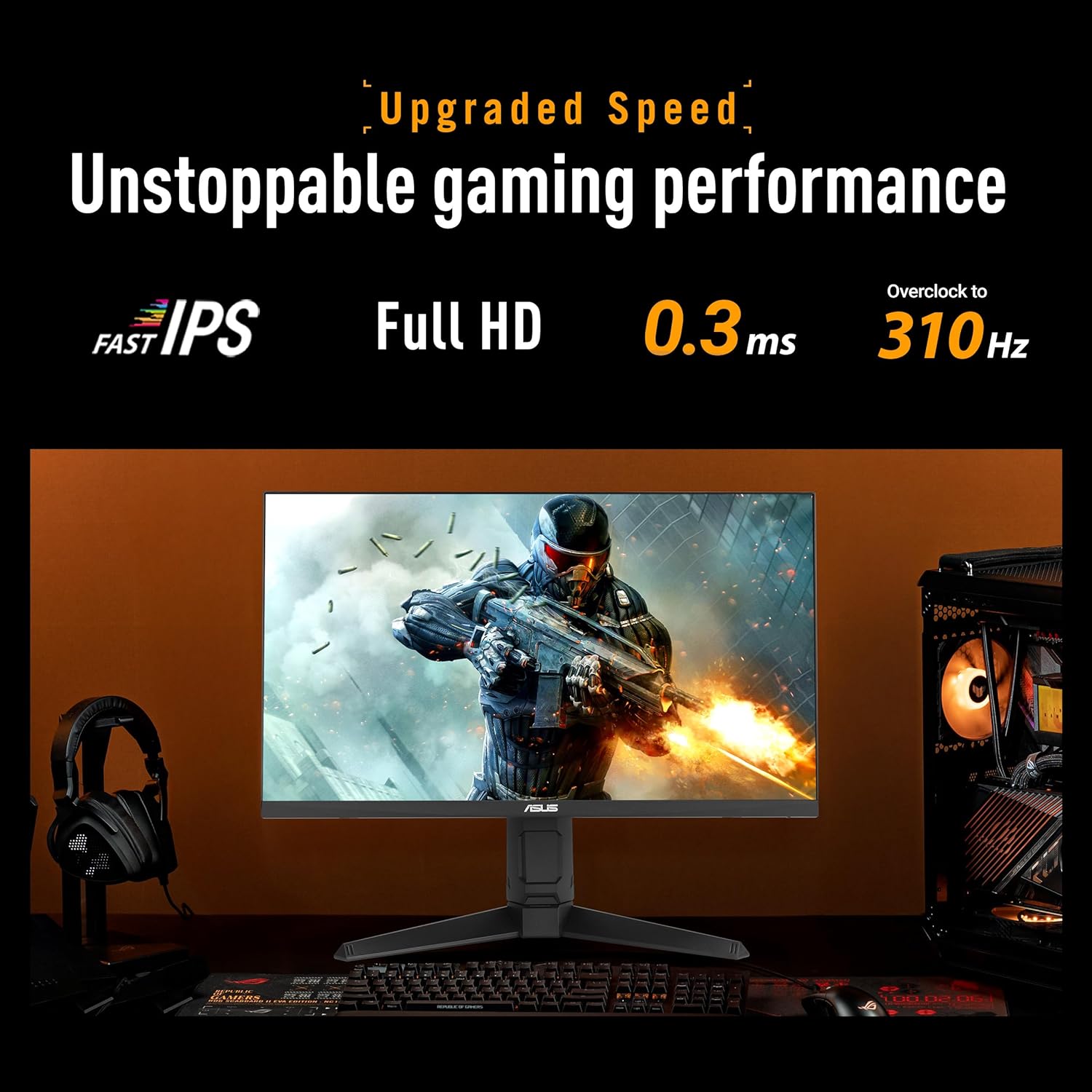
The headline here is speed and motion clarity. A 310Hz refresh rate (with overclock) is the sort of spec that can make high-FPS games feel noticeably more responsive—particularly if your PC can realistically push frames. The monitor’s approach is also built around consistency: variable refresh support to reduce tearing, plus ELMB SYNC to tackle motion blur.
One practical way to think about it: imagine you’re in a fast shooter with lots of quick strafing and recoil control. Instead of smear during movement or screen artifacts when your FPS fluctuates, you’re targeting cleaner motion and fewer distractions—so your aim and timing can feel tighter.
Tech specs
- Name: VG259QMRL5A (ASUS TUF Gaming Series 5)
- Type: Gaming monitor
- Display: 24.5-inch Full HD (1920x1080)
- Panel: Fast IPS
- Refresh rate: up to 310Hz (overclock)
- Response time: 0.3ms (GTG) minimum
- Sync support: FreeSync Premium and G-Sync compatible
- Motion blur tech: ELMB SYNC
- Display features: DisplayHDR400
- Color coverage: 99% sRGB
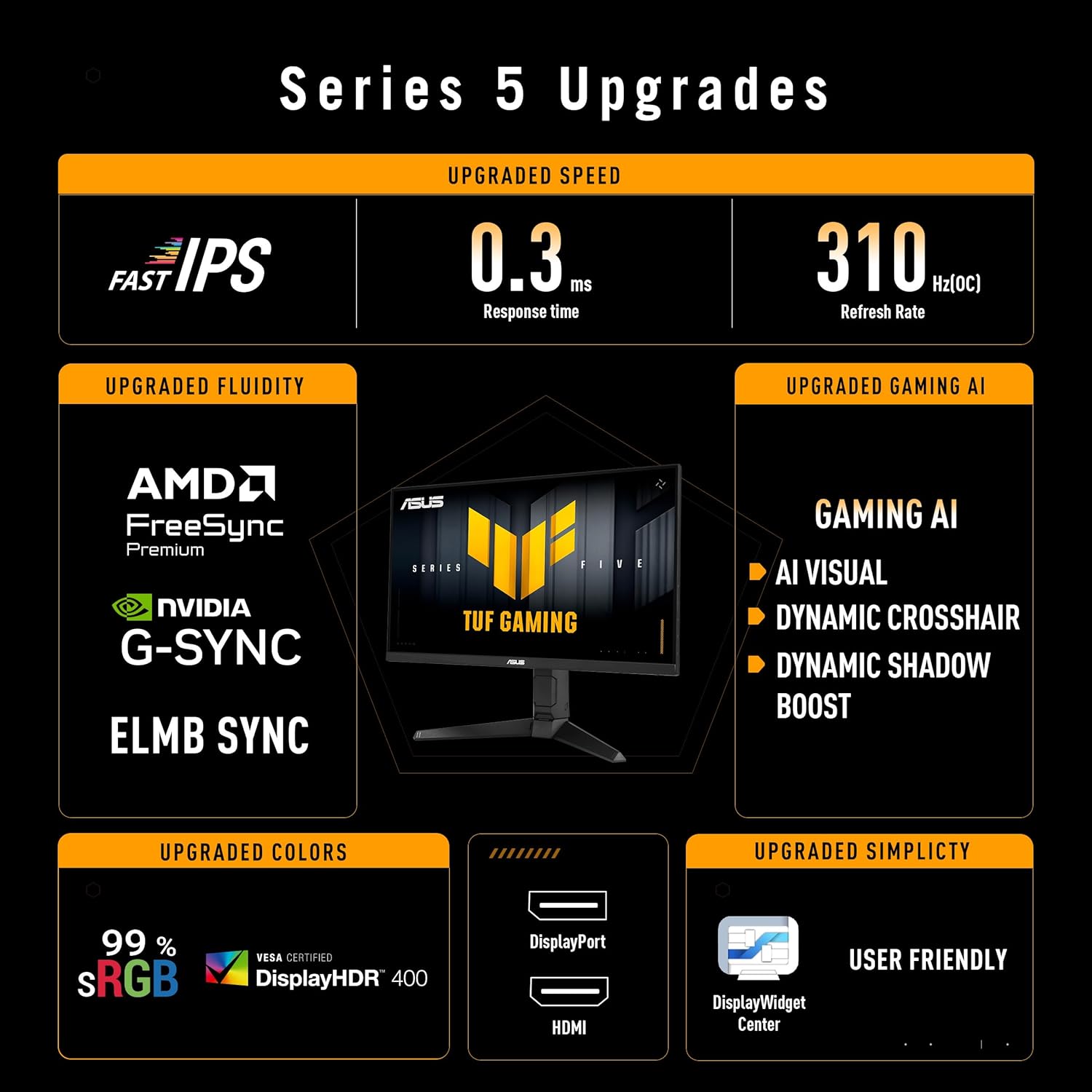
- Height adjustment: Height Adjustable
- Special controls: DisplayWidget Center with mouse-based OSD access and settings adjustments
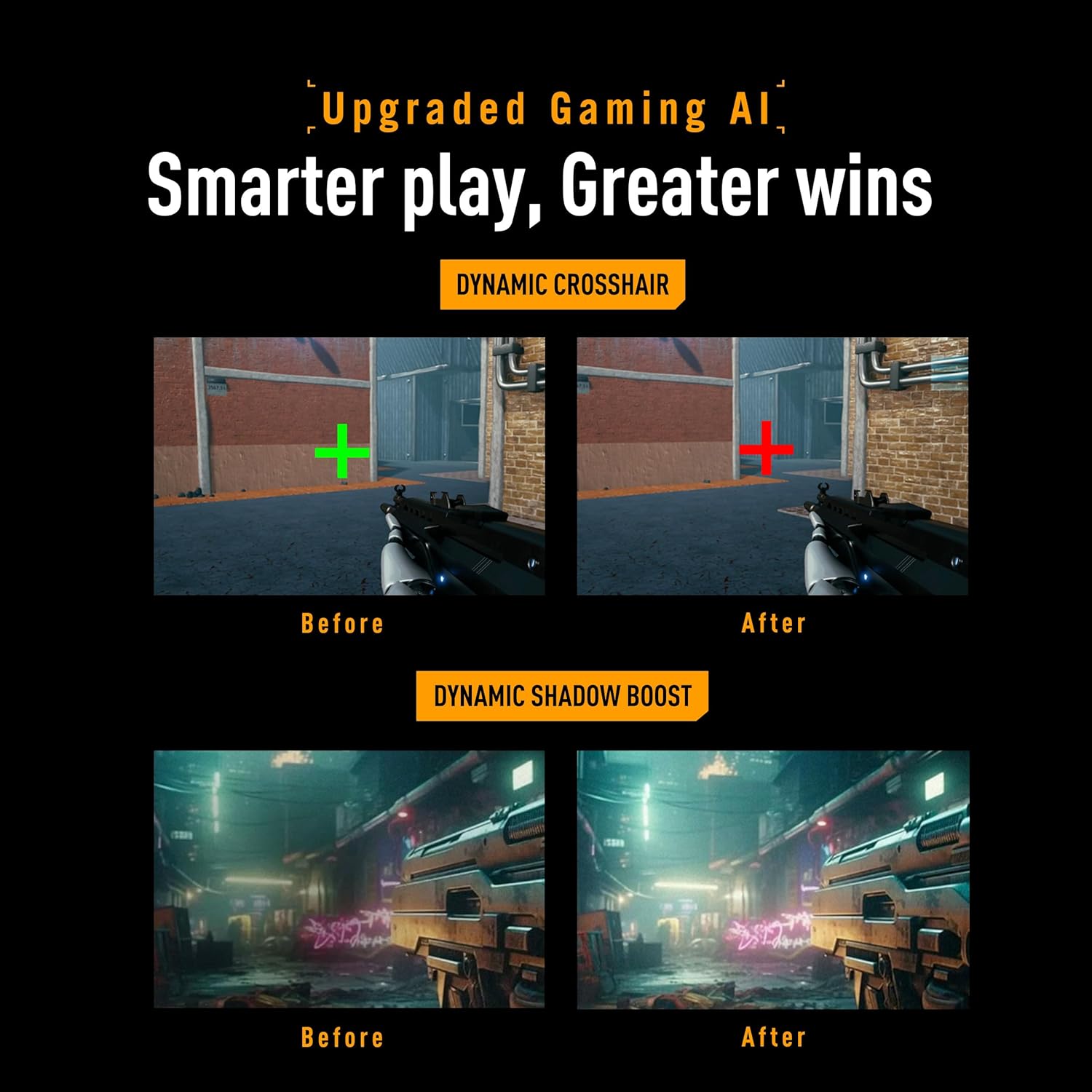
- AI features: TUF Gaming A.I
- Warranty: 3 yr Warranty
- In the box: DisplayPort cable, L-shaped Screwdriver, Power cord, Quick start guide, Warranty Card
Strengths and limitations to keep in mind
Strengths are straightforward: fast panel performance for high-frame gaming, variable refresh compatibility to reduce tearing, and ELMB SYNC aimed at cleaner motion. The 99% sRGB rating also suggests the colors are aimed at a broad “everyday + gaming” standard, not total color-exact production.
The part to take with caution is that “up to 310Hz” is tied to overclock. Depending on your setup and game settings, you may not consistently live at the top figure. Also, while it includes DisplayWidget Center and gaming AI features, those benefits can vary—some people will love the workflow, while others will barely notice after the initial setup. It’s not perfect, but it’s clearly built around competitive responsiveness.
Who it’s for (and who should skip it)
It makes sense if you’re prioritizing fast, smooth gameplay at Full HD and you like monitors that support both variable refresh and motion blur reduction. You’ll probably appreciate the height adjust feature too if you want a better desk and eye-level setup.
It may not suit you if your use is mostly movie watching, casual gaming at lower frame rates, or color/creative work where you’d want more information than “99% sRGB” to feel fully confident. And if you’re expecting a premium all-round display experience, you might find this monitor’s focus stays more firmly in the gaming lane.
When it makes sense?
Buy this monitor if you want a Fast IPS 1080P gaming screen built for high refresh performance, with FreeSync Premium + G-Sync compatibility and ELMB SYNC for motion clarity. It’s especially compelling if your PC can drive high FPS and you care about keeping gameplay visually clean during rapid action.
Skip it if your priorities are more about general-purpose productivity or you don’t plan to chase high frame rates—because the headline specs won’t fully matter without the gameplay side to match.
Mini FAQ
Display and refresh rate: what should I expect?
You’re getting a 24.5-inch Full HD (1920x1080) display with Fast IPS, plus a refresh rate up to 310Hz through overclock. If your system can run high FPS, that higher refresh target can help motion feel smoother.
Is it good for tearing-free gaming?
The monitor is FreeSync Premium and G-Sync compatible, which is designed to help reduce tearing when frame rates fluctuate.
Does ELMB SYNC actually matter?
ELMB SYNC is intended to combine low motion blur behavior with variable refresh support to help minimize ghosting and tearing during fast gameplay.
What’s the point of DisplayWidget Center?
It’s meant to make OSD access and monitor settings adjustments easier through a mouse, which can be convenient if you tweak settings often.
What’s in the box?
You should find a DisplayPort cable, an L-shaped screwdriver, a power cord, quick start guide, and a warranty card.
Final verdict
The ASUS TUF Gaming VG259QMRL5A is a strong pick if you’re shopping specifically for a responsive Full HD gaming monitor that targets high-FPS performance and cleaner motion. It’s the kind of display that makes sense when competitive play and frame-rate consistency are part of your routine. Just keep in mind that the “310Hz” headline is overclocked, so your real-world experience depends on your setup—and if you don’t care about fast-motion performance, you may be overbuying for your needs.