

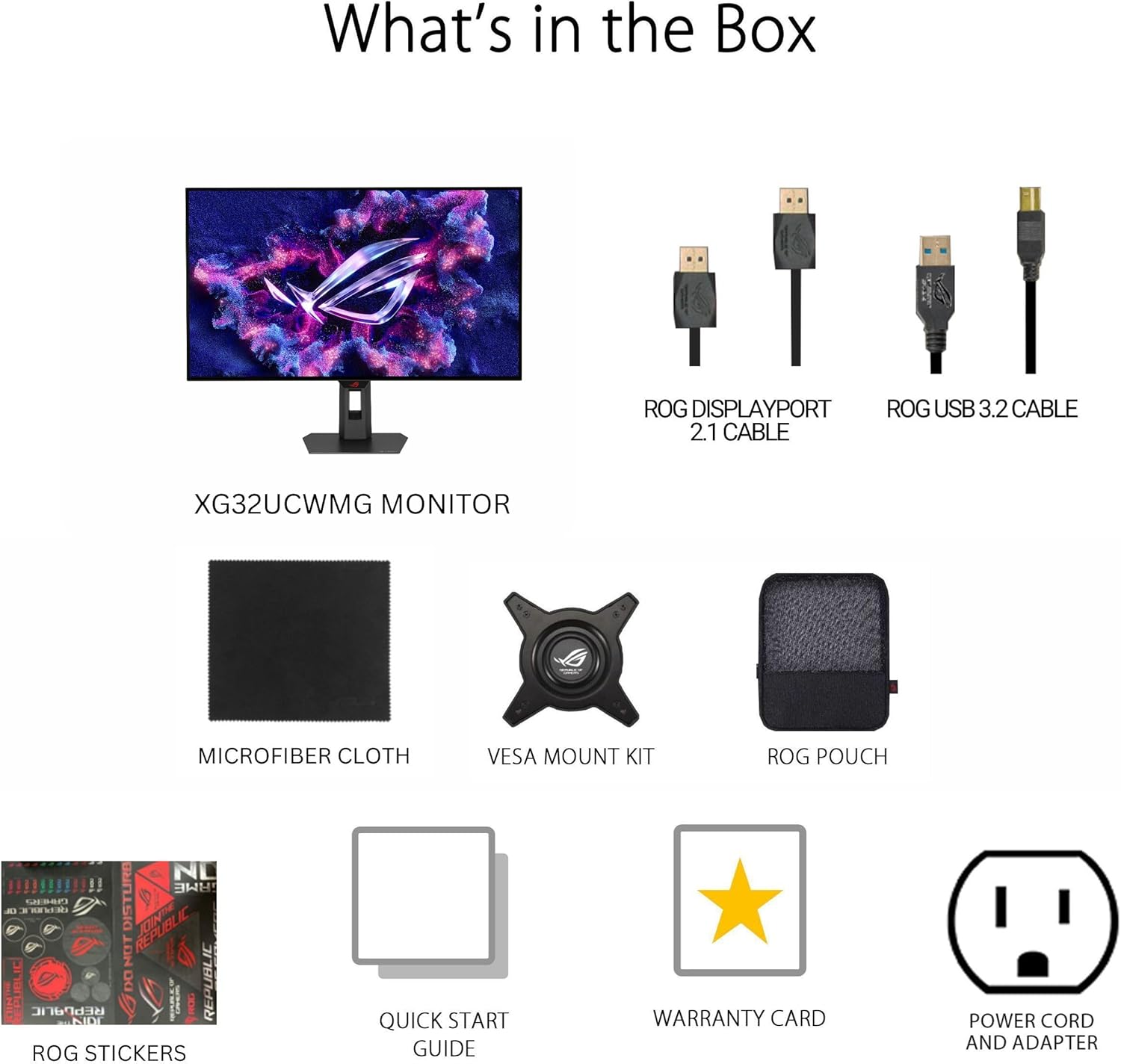
ASUS ROG Strix 32” 4K OLED Gaming Monitor (XG32UCWMG) with Dual Mode 4K@240Hz / FHD@480Hz
Product description
If you’re shopping for a big-screen gaming monitor that can do both high-resolution visuals and high refresh-rate performance, the ASUS ROG Strix 32” 4K OLED (XG32UCWMG) is built around that exact idea. It’s a 32-inch 4K WOLED display with ASUS’s TrueBlack Glossy panel approach, plus a “dual mode” setup that shifts performance depending on what you want to prioritize.
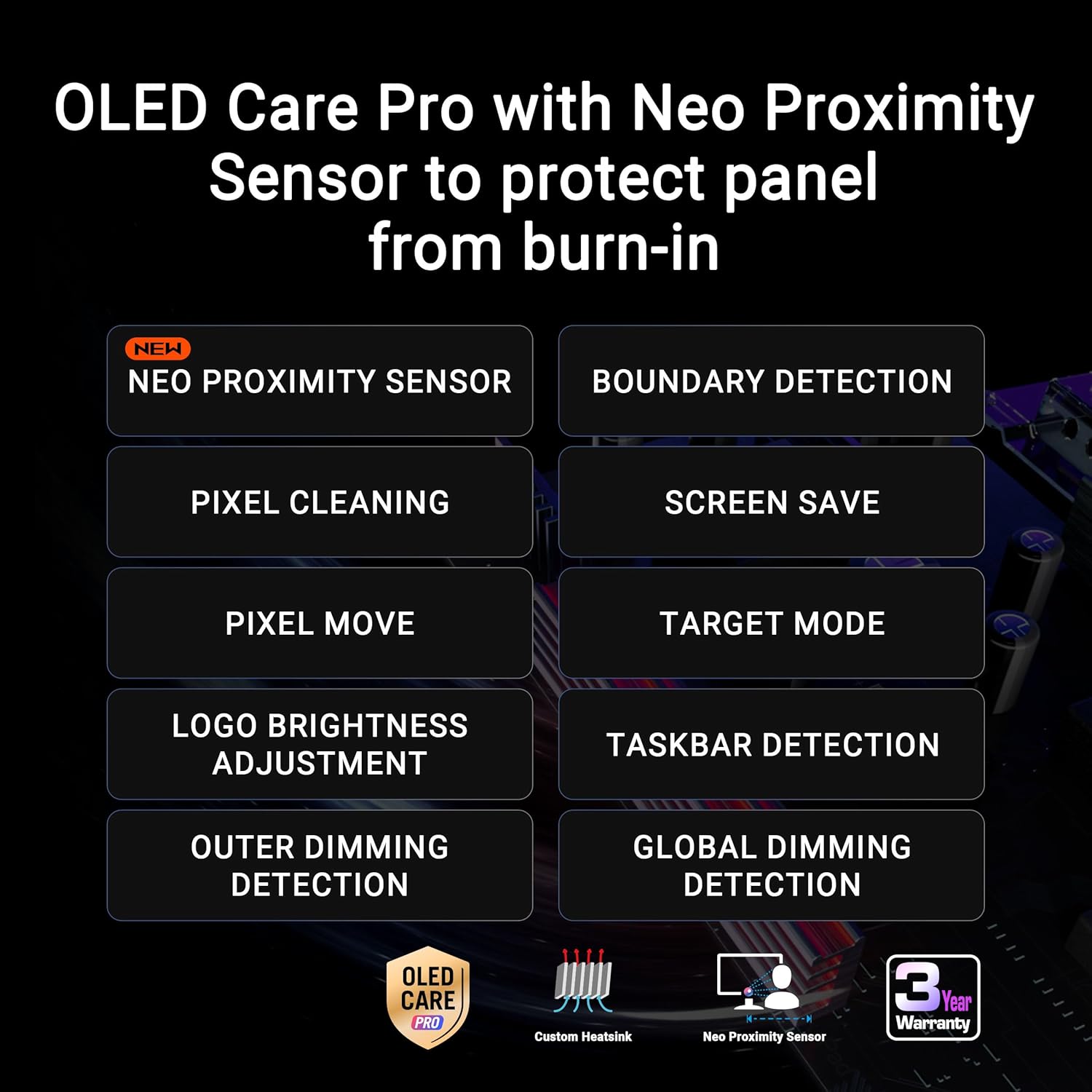
That said, OLED always comes with a little extra “be thoughtful” factor compared with standard LCDs. This one tries to address that with OLED Care Pro and a Neo Proximity Sensor that can switch to a black screen when you step away. On paper, it’s one of the more practical ways to keep an OLED gaming monitor feeling safe for everyday use.
The essentials
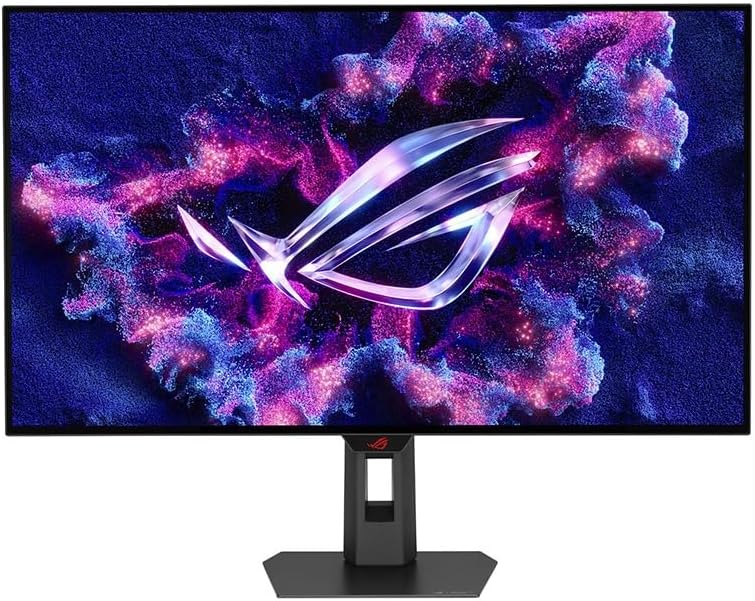
This ROG Strix monitor focuses on sharp gaming visuals at 32 inches, with a resolution of 3840 x 2160 and a stated 99% DCI-P3 gamut, true 10-bit color, and VESA DisplayHDR 400 True Black compliance. For gaming, the big headline is dual mode:
- 4K at 240Hz for when image detail matters
- FHD at 480Hz for when smoothness and responsiveness are the priority
It’s also G-SYNC Compatible, which is relevant if you want smoother motion with supported setups. Add in an AI Assistant with features like Dynamic Crosshair and Dynamic Shadow Boost, and the monitor is clearly aimed at players who like tweaking on-screen behavior.
Where it shines in real use
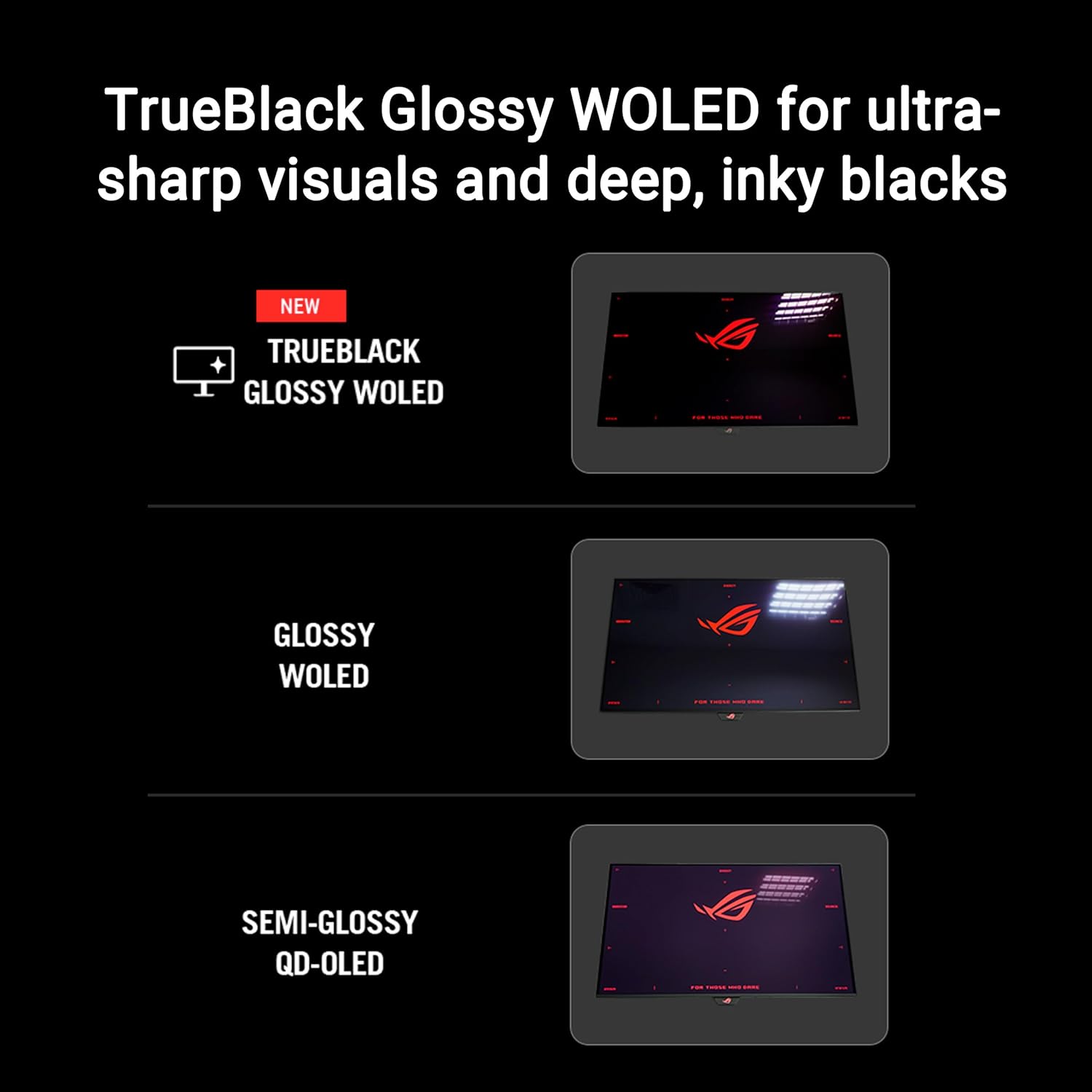
The TrueBlack Glossy WOLED panel is the heart of the experience here. ASUS describes it as a “zero-haze” surface designed to deliver exceptionally sharp imagery, which is the kind of difference you notice when you’re scanning for targets or reading small UI elements in-game.
Then there’s the dual mode approach. In practice, you’d typically pick your mode based on the session:

If you’re playing a visually detailed campaign or photo-real style game, sticking with 4K@240Hz keeps the picture crisp at the monitor’s native resolution. If you’re hopping into fast, competitive matches and you care more about motion clarity, switching to FHD@480Hz is the more responsive-feeling path.
It’s not “one-size-fits-all” magic—because dual mode means you’re also making tradeoffs—but it gives you a way to align the display with what you’re doing at the moment.
Key takeaways about picture quality and HDR
For content creators and editors, the monitor’s HDR and color claims are aimed directly at work that depends on tone and accuracy. You get VESA DisplayHDR 400 True Black compliance, plus 99% DCI-P3 and true 10-bit color. ASUS also references Delta E under 2 for color difference, which is the kind of spec that matters when you’re trying to keep edits consistent.
For gaming HDR, the combination of OLED’s True Black orientation and ASUS’s “True Black” display standards is meant to deliver striking contrast rather than washed-out highlights.
Note: the entry-level HDR reality check is that “HDR-capable” doesn’t automatically mean every HDR workflow will be identical to a dedicated reference-grade grading display. Still, for a gaming monitor that also wants to pull its weight in photo and video editing, the spec sheet is meaningfully targeted.
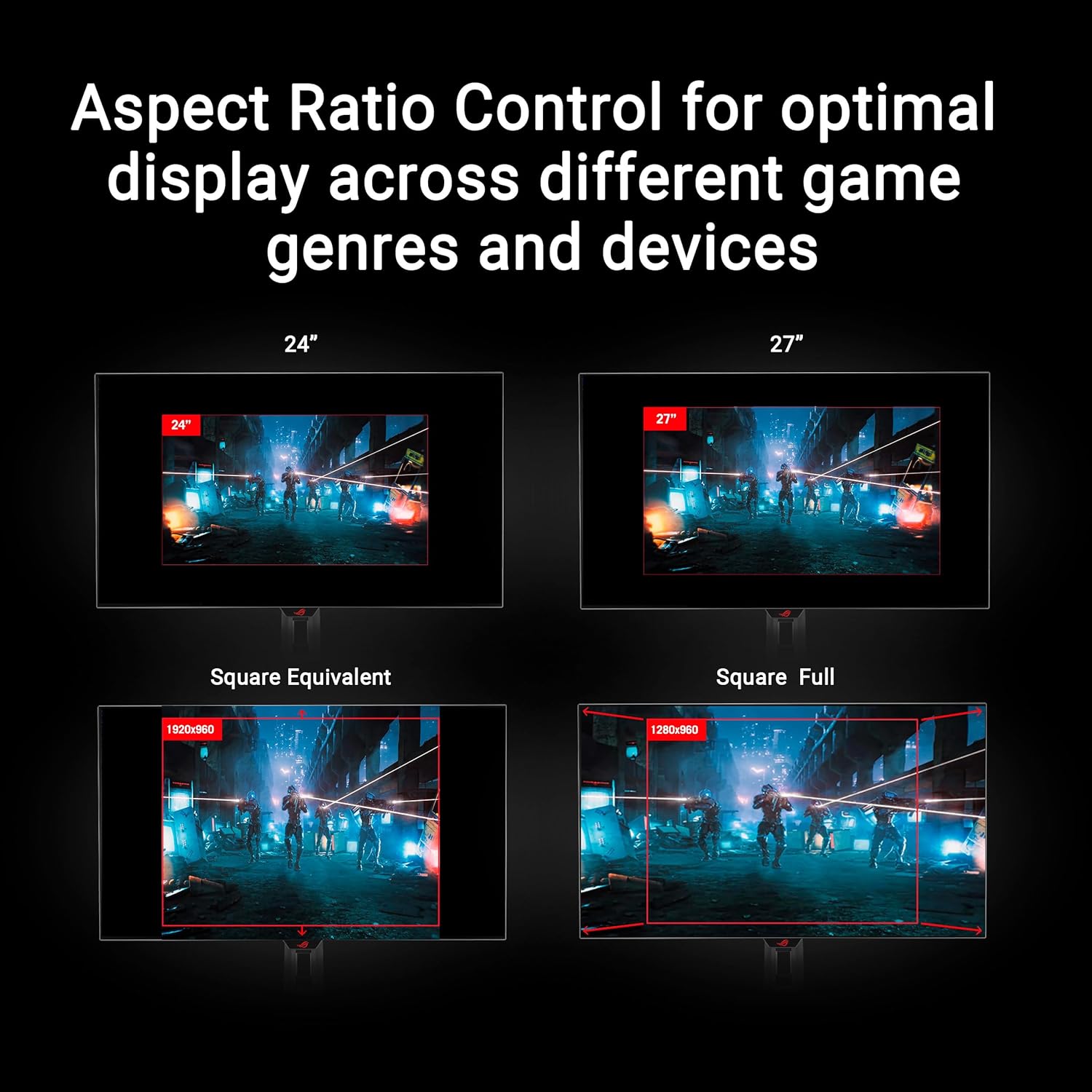
Connectivity and everyday setup
The I/O selection is broad enough for common setups. You get DisplayPort 1.4 (with DSC), HDMI 2.1, and USB-C with 15W Power Delivery. That’s helpful if you want simpler desk cabling—especially when your PC setup and peripherals are all part of the same workspace.
It’s also built with a DisplayWidget Center. ASUS positions this as a mouse-accessible control hub for OLED Care Pro functions and monitor settings. The practical benefit is that you’re not forced into complicated button-menu navigation just to manage OLED maintenance.
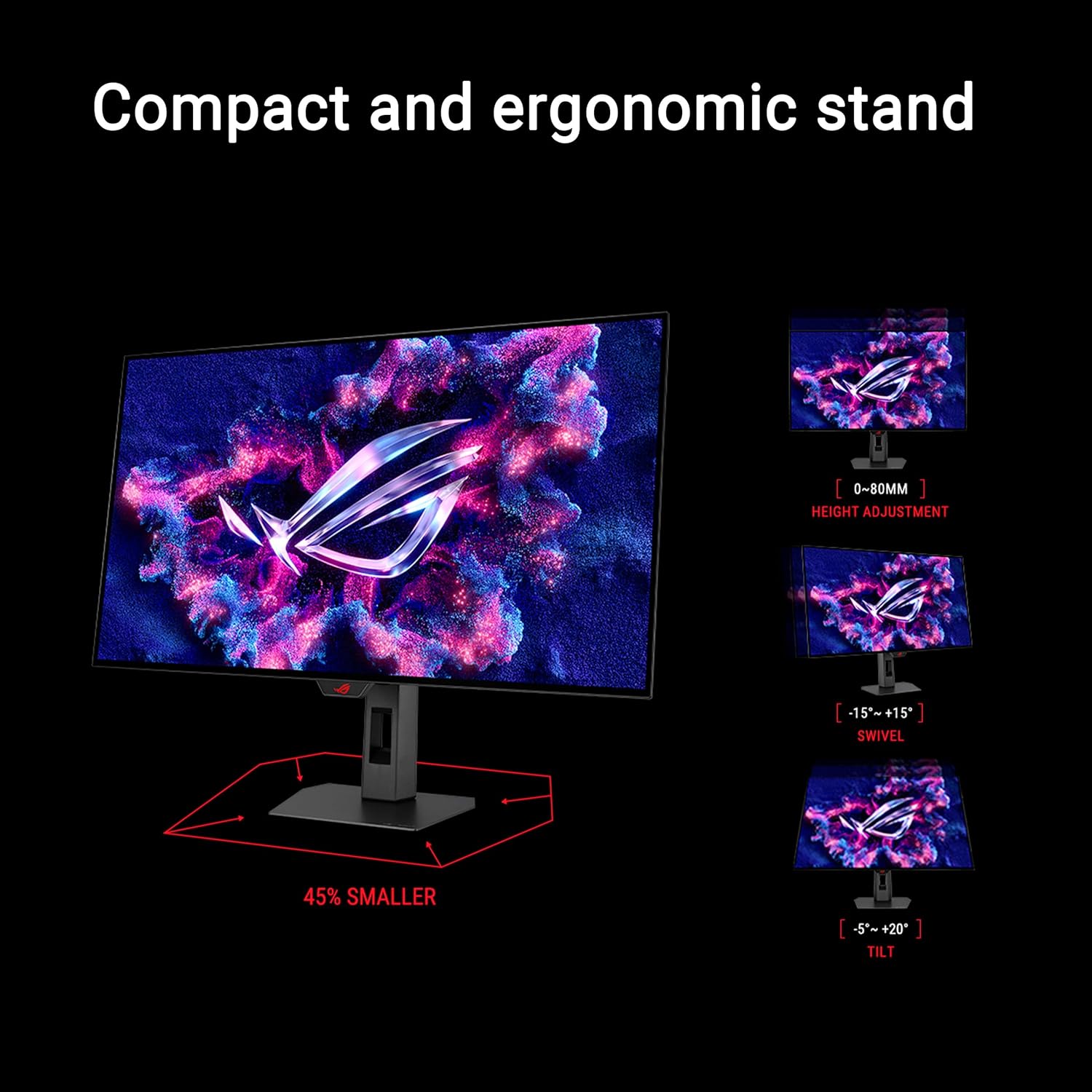
One limitation to keep in mind: the monitor includes several performance and software-oriented features, so it’s worth double-checking your device outputs (like which ports you’ll use) to make sure you’re feeding it the signal modes you want.
Tech specs
- Name: ASUS ROG Strix 32” 4K OLED Gaming Monitor (XG32UCWMG)
- Type: OLED gaming monitor
- Size: 32-inch
- Resolution: 3840 x 2160 (4K)
- Refresh rate (dual mode): 4K@240Hz, FHD@480Hz
- Response time: 0.03ms
- G-SYNC: G-SYNC Compatible
- HDR standard: VESA DisplayHDR 400 True Black
- Color gamut: 99% DCI-P3
- Color depth: true 10-bit color
- USB-C Power Delivery: 15W
- Inputs/ports mentioned: DisplayPort 1.4 (DSC), HDMI 2.1, USB-C
- Warranty: 3 yr Warranty
Is it worth it?
Buy it if you want a 32-inch OLED gaming monitor that can switch between high-detail 4K (240Hz) and super-smooth FHD (480Hz) depending on the game or your priorities. It also makes sense if you care about HDR and color for photo/video work, because the stated 99% DCI-P3 and true 10-bit positioning are aimed at more than just FPS gaming.
You may want to skip it if you’re looking for an “OLED-free maintenance life” experience or if you don’t want to think about OLED longevity at all—OLED Care Pro and the Neo Proximity Sensor help, but OLED is still a different category than basic LCDs. Also, if you’re not planning to use the specific performance modes (or you mainly play slower titles where refresh rate matters less), you could feel like you’re paying for features you won’t fully use.
Mini FAQ - Does it support both 4K and higher refresh rates? Yes, the dual mode is designed for 4K@240Hz and FHD@480Hz. - Is it good for HDR and creative work? It’s positioned with VESA DisplayHDR 400 True Black compliance, 99% DCI-P3, and true 10-bit color, which are relevant for photo/video editing. - How does OLED Care Pro help? ASUS includes OLED Care Pro functions and uses a Neo Proximity Sensor to switch to a black screen when you’re away, aiming to reduce burn-in risk. - What connections are available? The monitor lists DisplayPort 1.4 (DSC), HDMI 2.1, and USB-C with 15W Power Delivery. - Is G-SYNC supported? Yes, it’s G-SYNC Compatible.