

Gawfolk 28 Inch 4K UHD Monitor ⚙
Product description
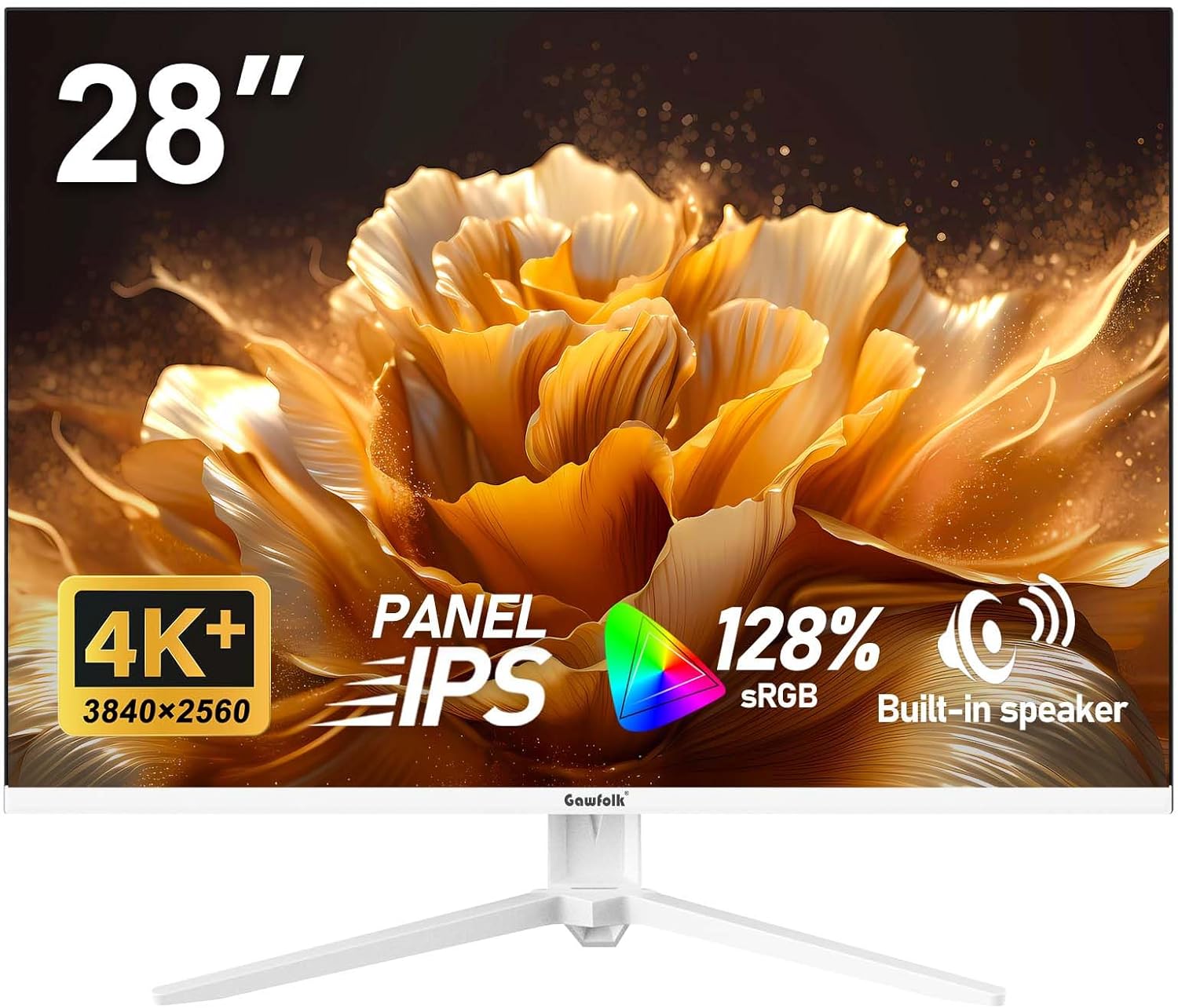
This Gawfolk 28-inch 4K UHD monitor delivers sharp visuals and clear detail for everyday tasks like browsing, working, or streaming content. With a bright, high-resolution display, it helps users see text and images more clearly, making it a solid choice for home offices or small workspaces.
Key Points
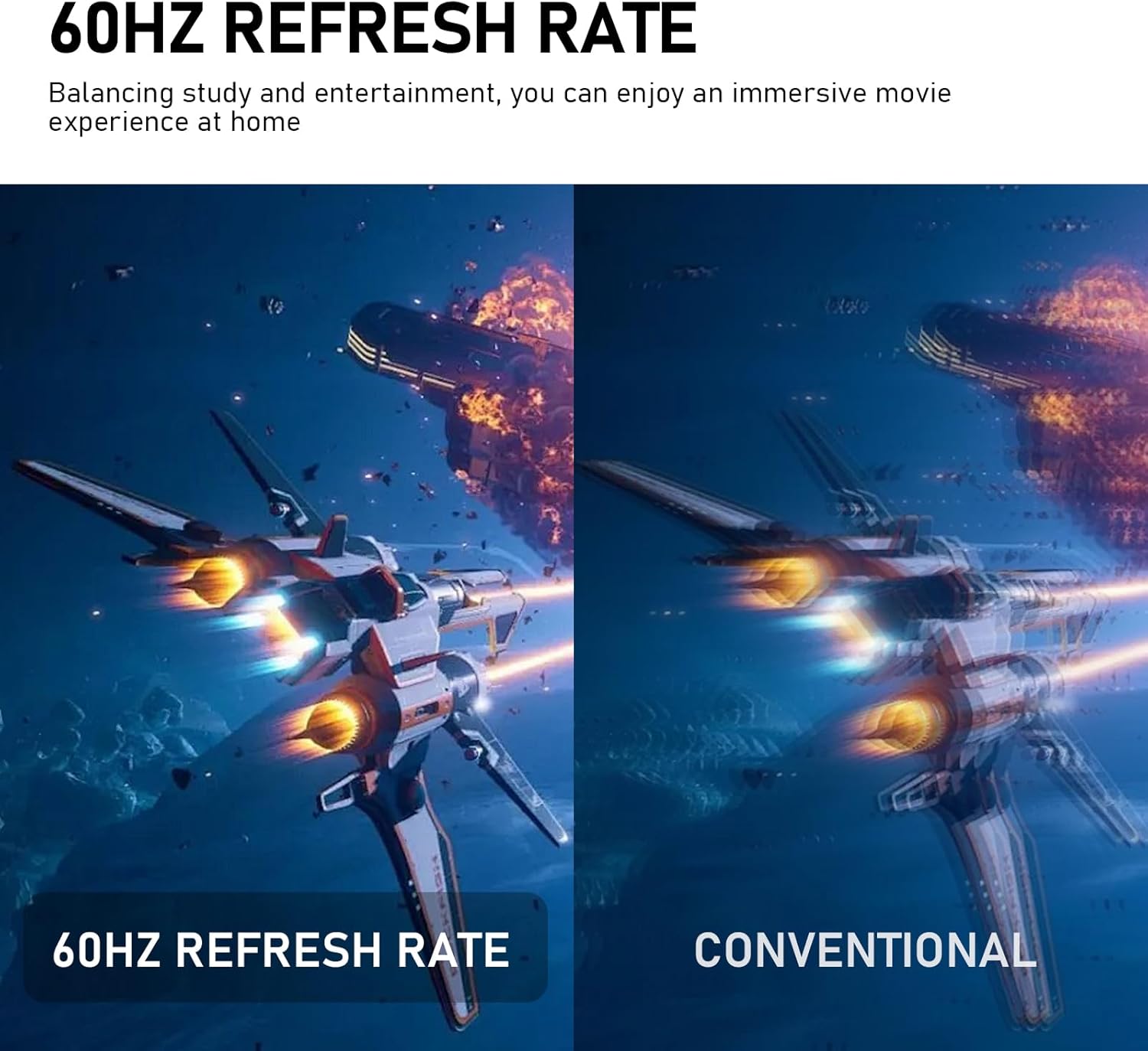
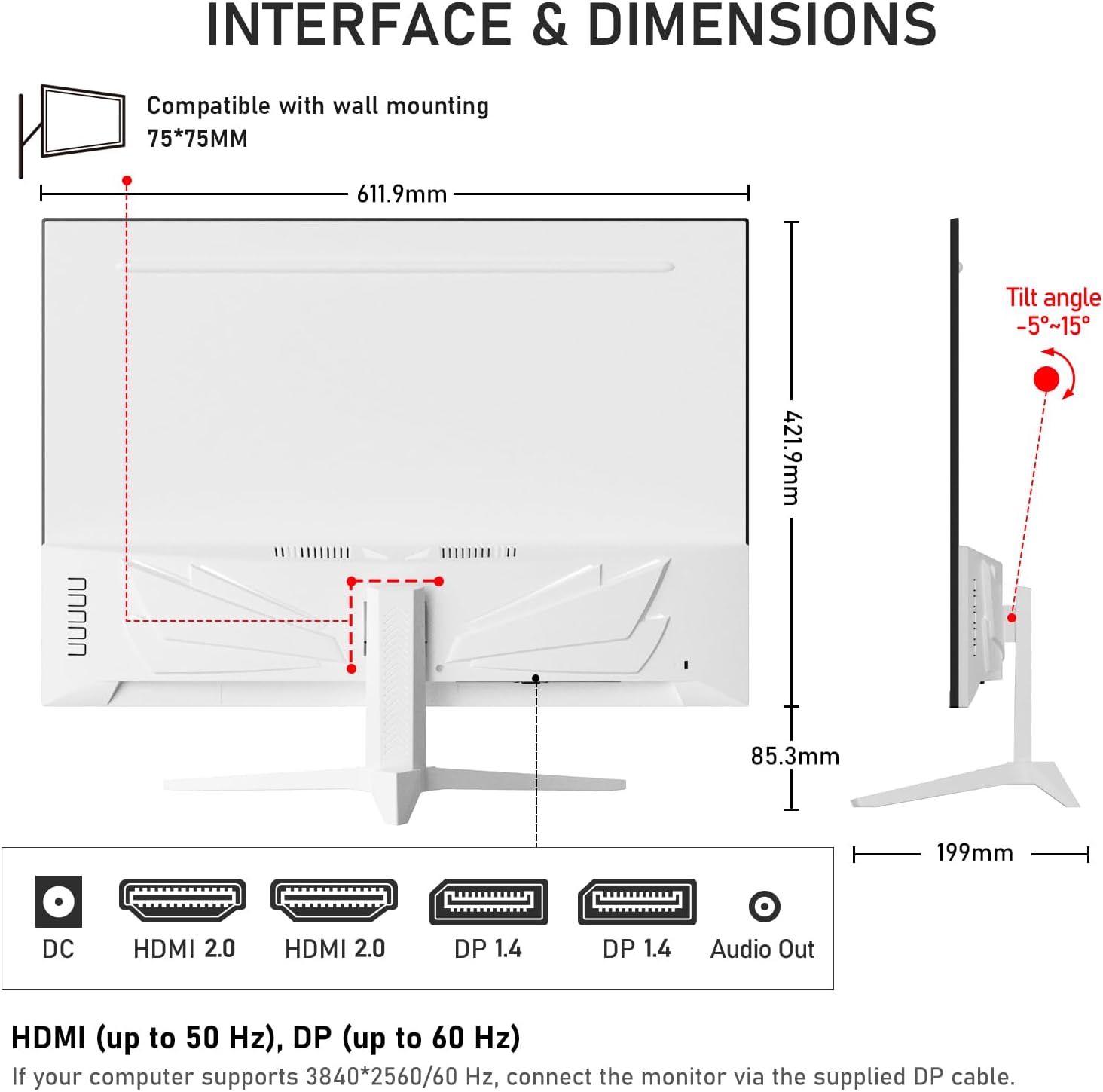
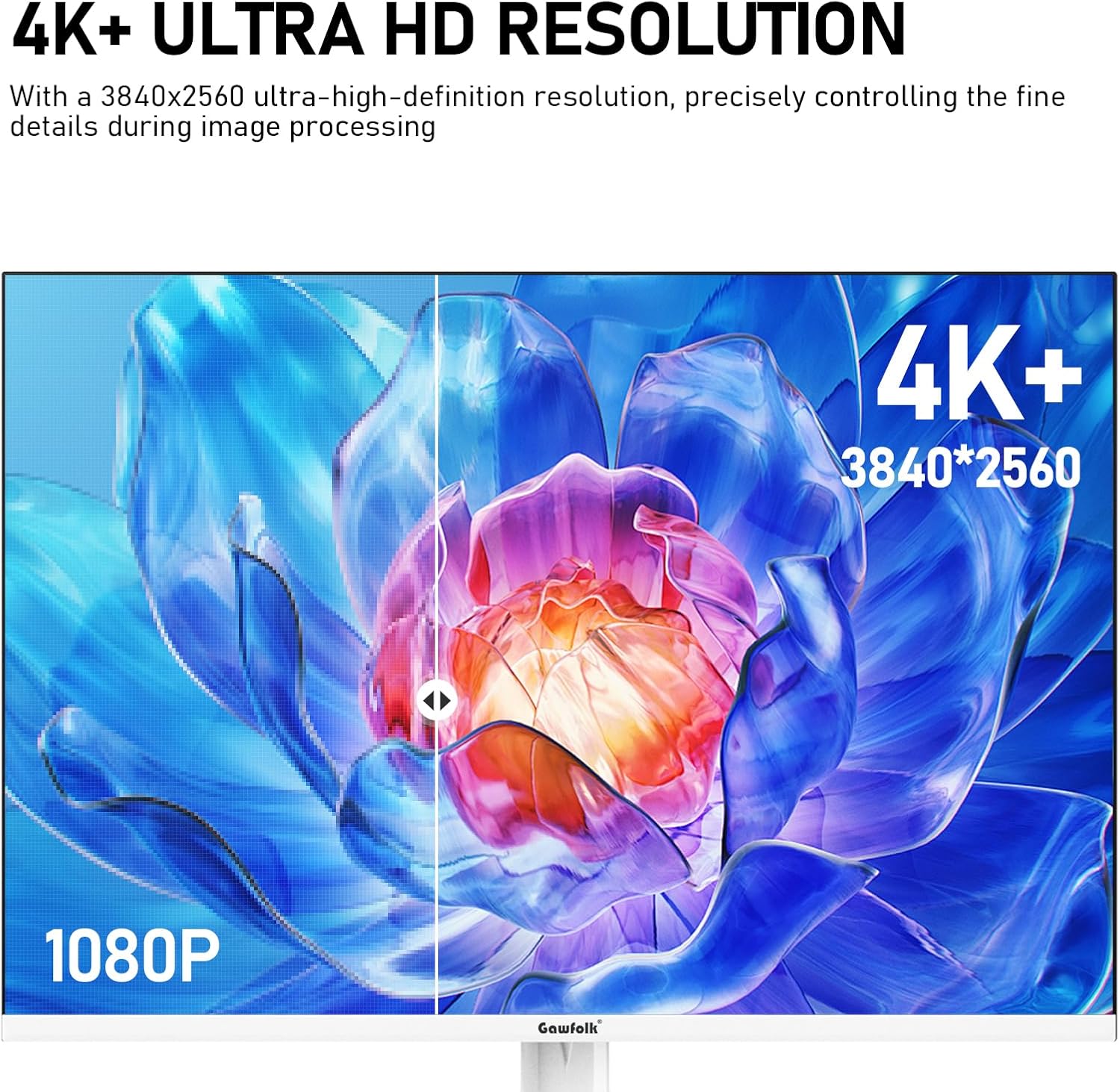
The Gawfolk 28-inch 4K UHD monitor offers a detailed picture with 3840 x 2160 resolution, ideal for users who value clarity on screens. It supports a 60 Hz refresh rate, which ensures smooth performance during video playback or light productivity work. The built-in stand allows for adjustable height and tilt, helping users find a comfortable viewing angle. It connects via HDMI and DisplayPort, making it easy to pair with a variety of devices. The screen features a matte finish that reduces glare, which improves visibility in different lighting conditions.
Technical Specifications
- Display Size: 28 inches
- Resolution: 3840 x 2160 (4K UHD)
- Refresh Rate: 60 Hz
- Connectivity: HDMI, DisplayPort
- Panel Type: IPS
- Brightness: 300 nits
- Color Gamut: 100% sRGB
Benefits
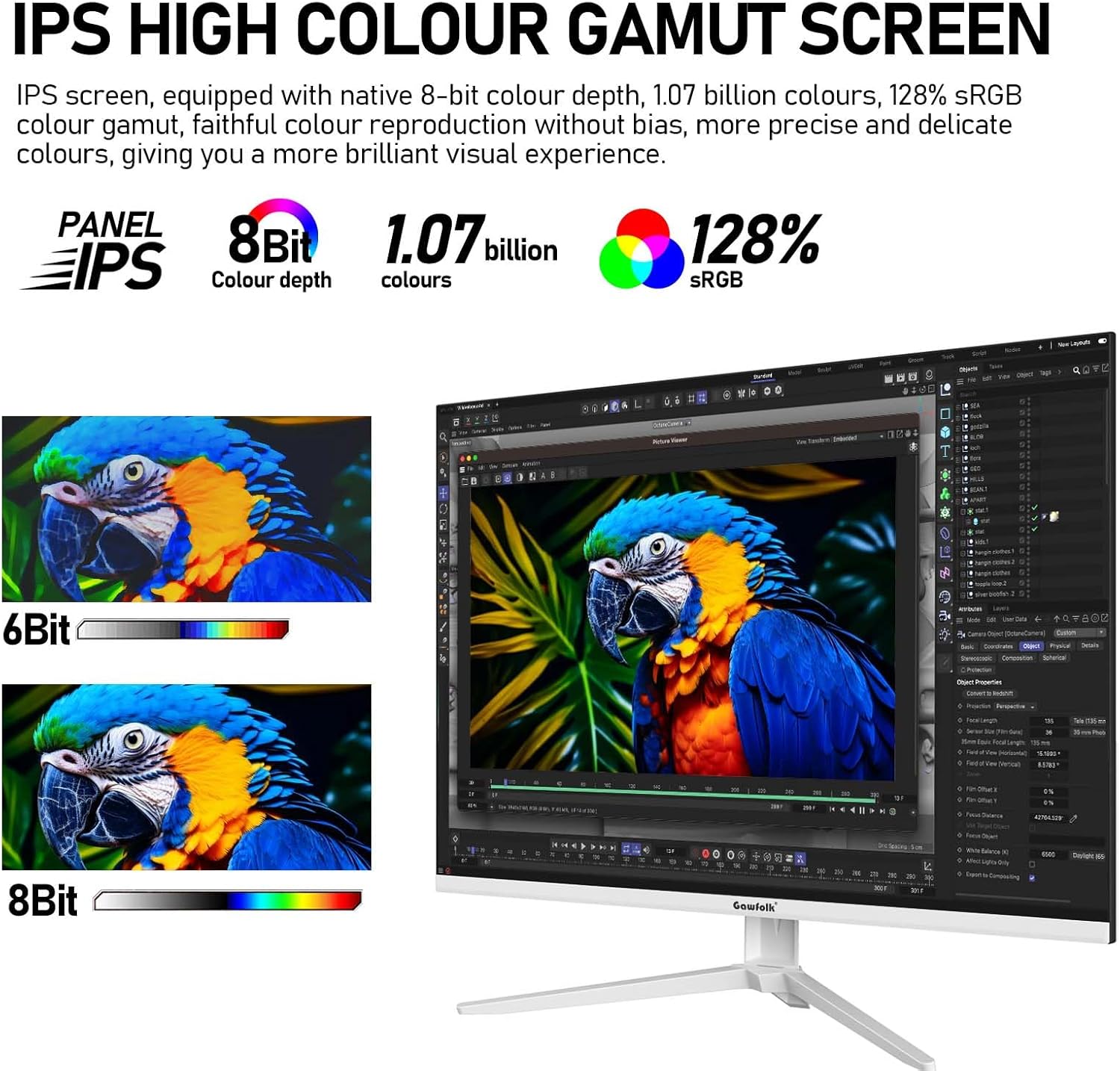
This monitor provides a balanced blend of resolution and affordability, making it accessible for users who want a clear and responsive screen without a large price tag. The 4K UHD resolution enhances image detail, especially when viewing photos or videos on a standard-sized screen. The IPS panel ensures accurate color reproduction, which matters for general use and basic design work. The matte finish minimizes reflections, helping maintain visual comfort in rooms with bright windows or overhead lights.
Usage Recommendations
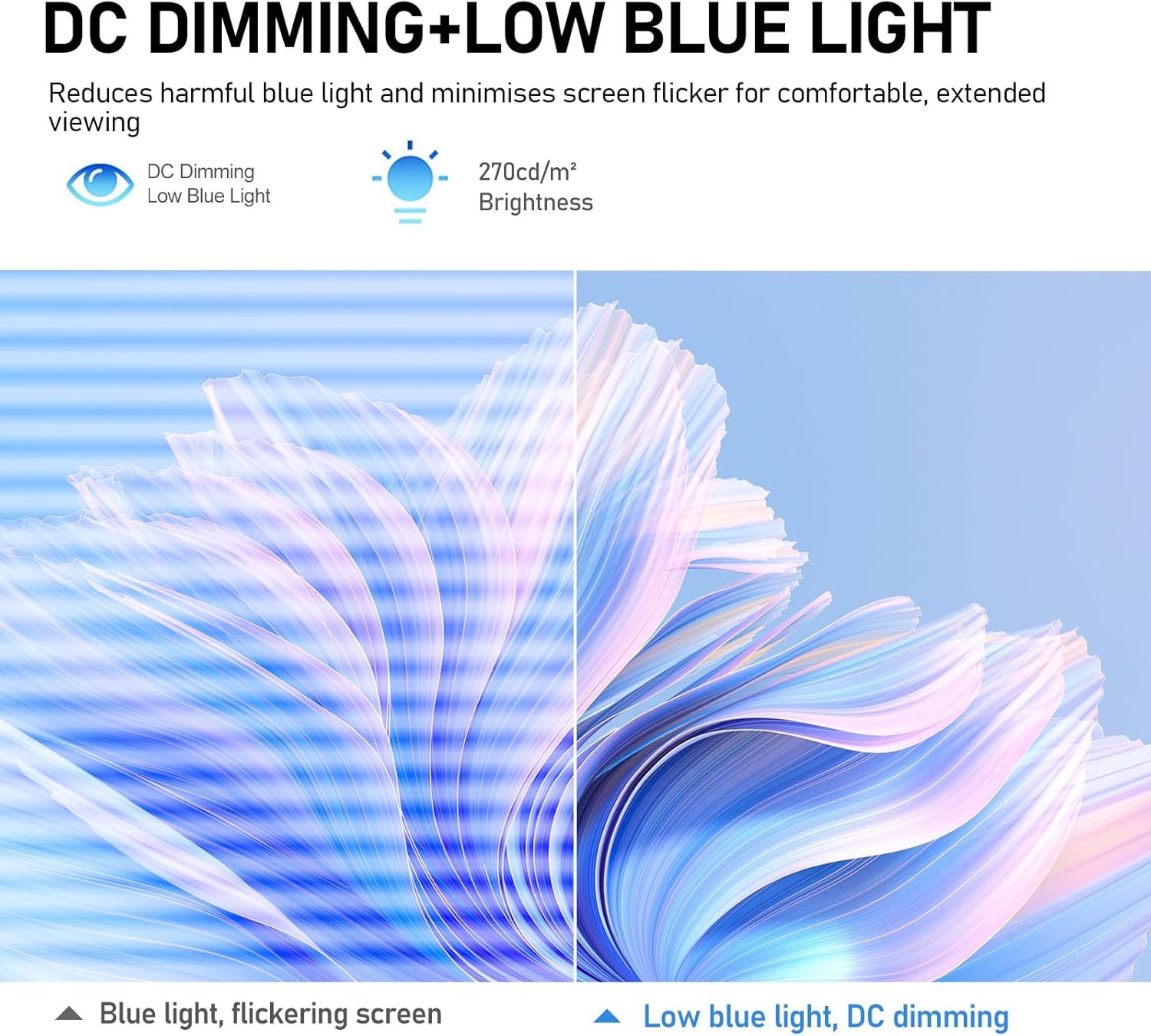
Place the monitor at a comfortable distance—around 20 to 28 inches from your eyes—for optimal viewing. Use it with devices that support 4K input, such as laptops or streaming boxes, to get the most out of the resolution. If you're working on documents or watching videos, the high contrast and sharp detail help reduce eye strain. For environments with strong lighting, the matte finish helps avoid glare. Consider that it does not support higher refresh rates, so gaming or fast-motion content won’t benefit from a faster response time.