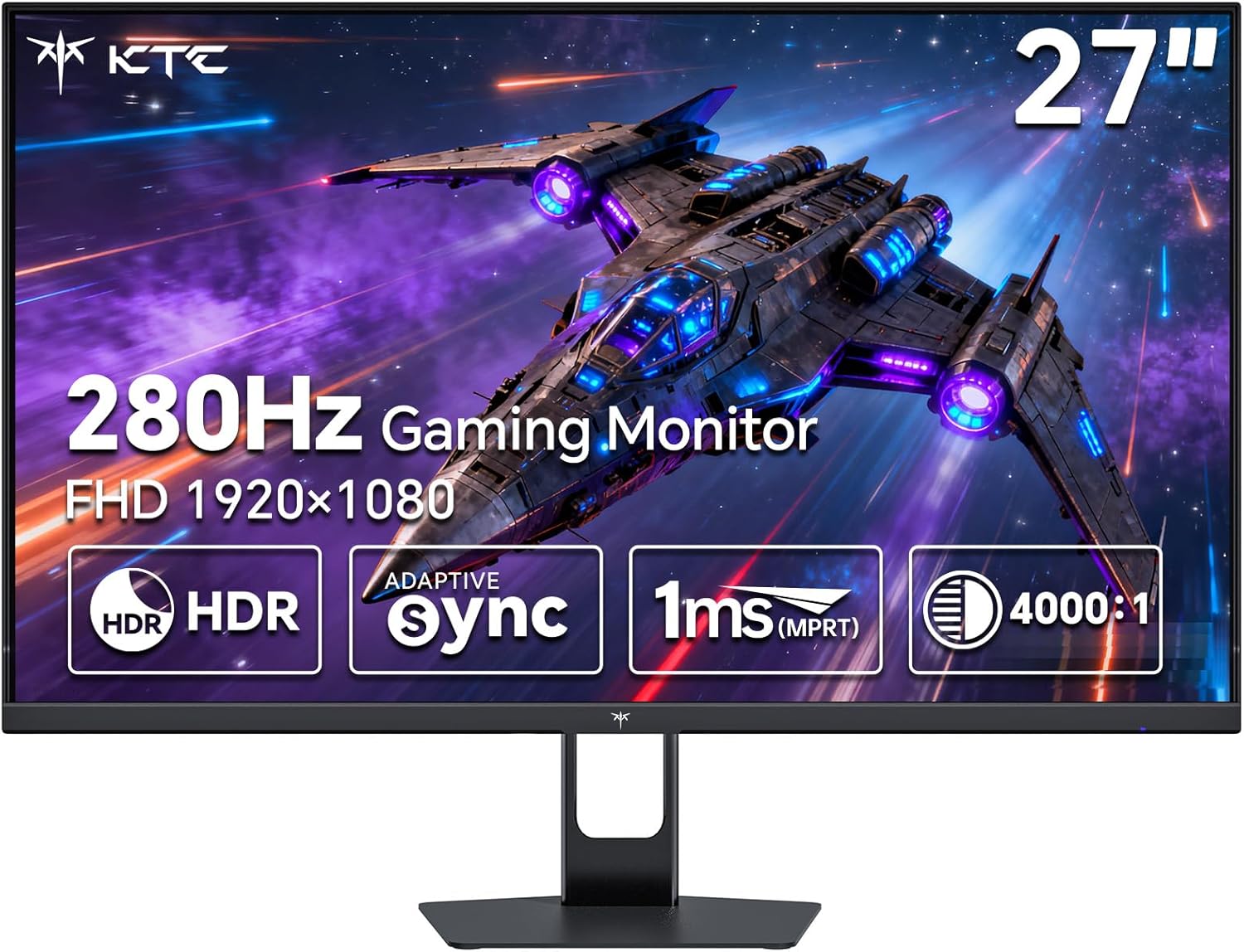
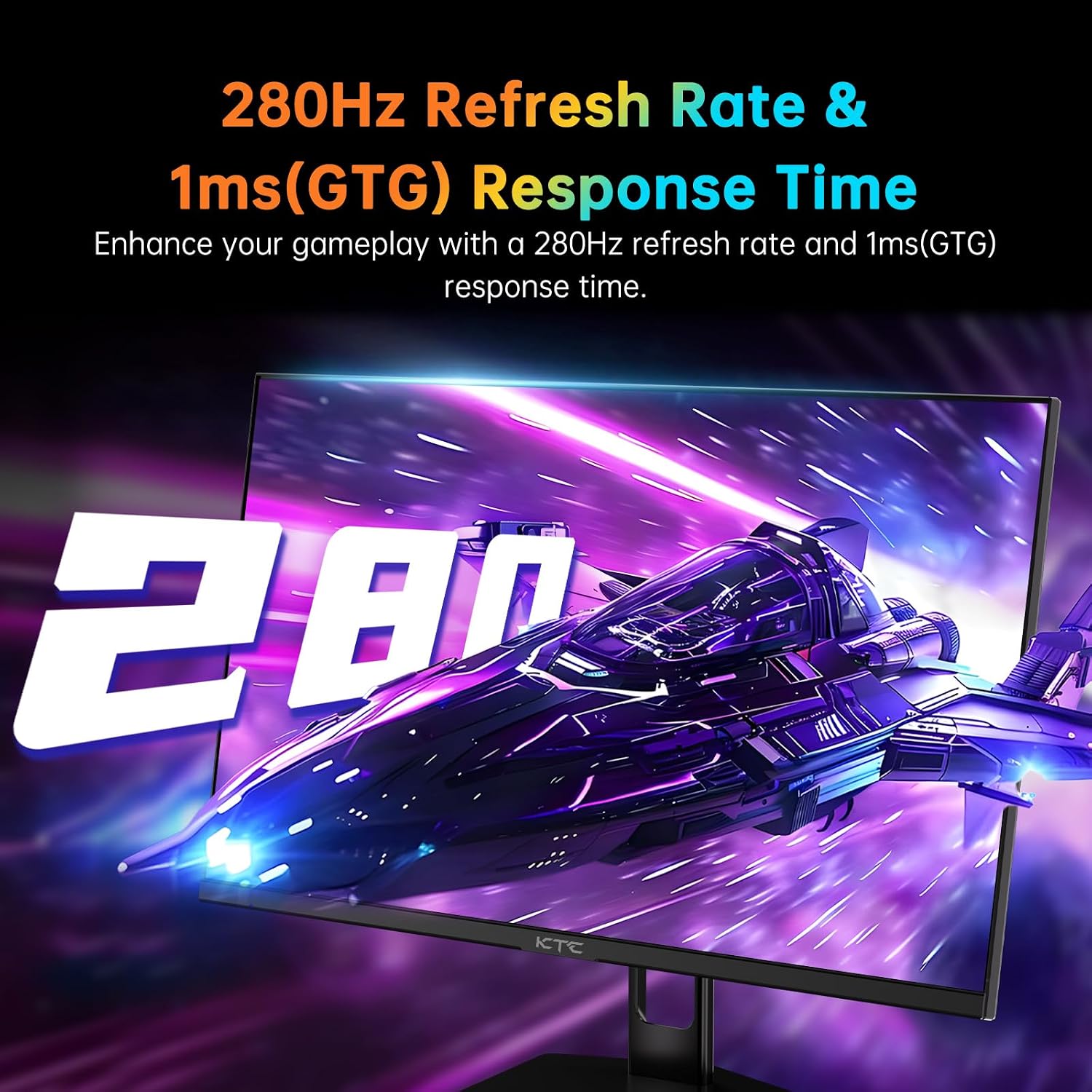
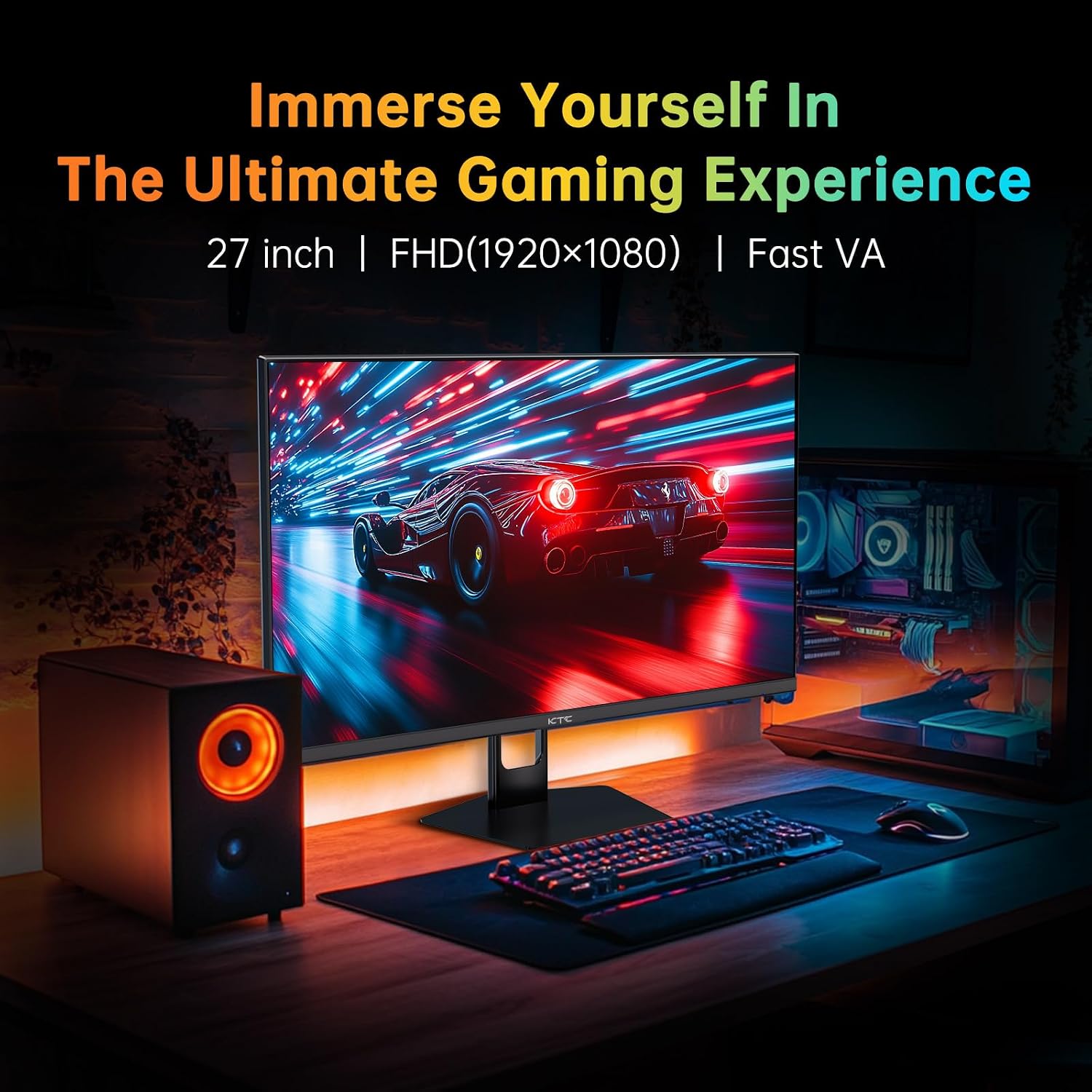
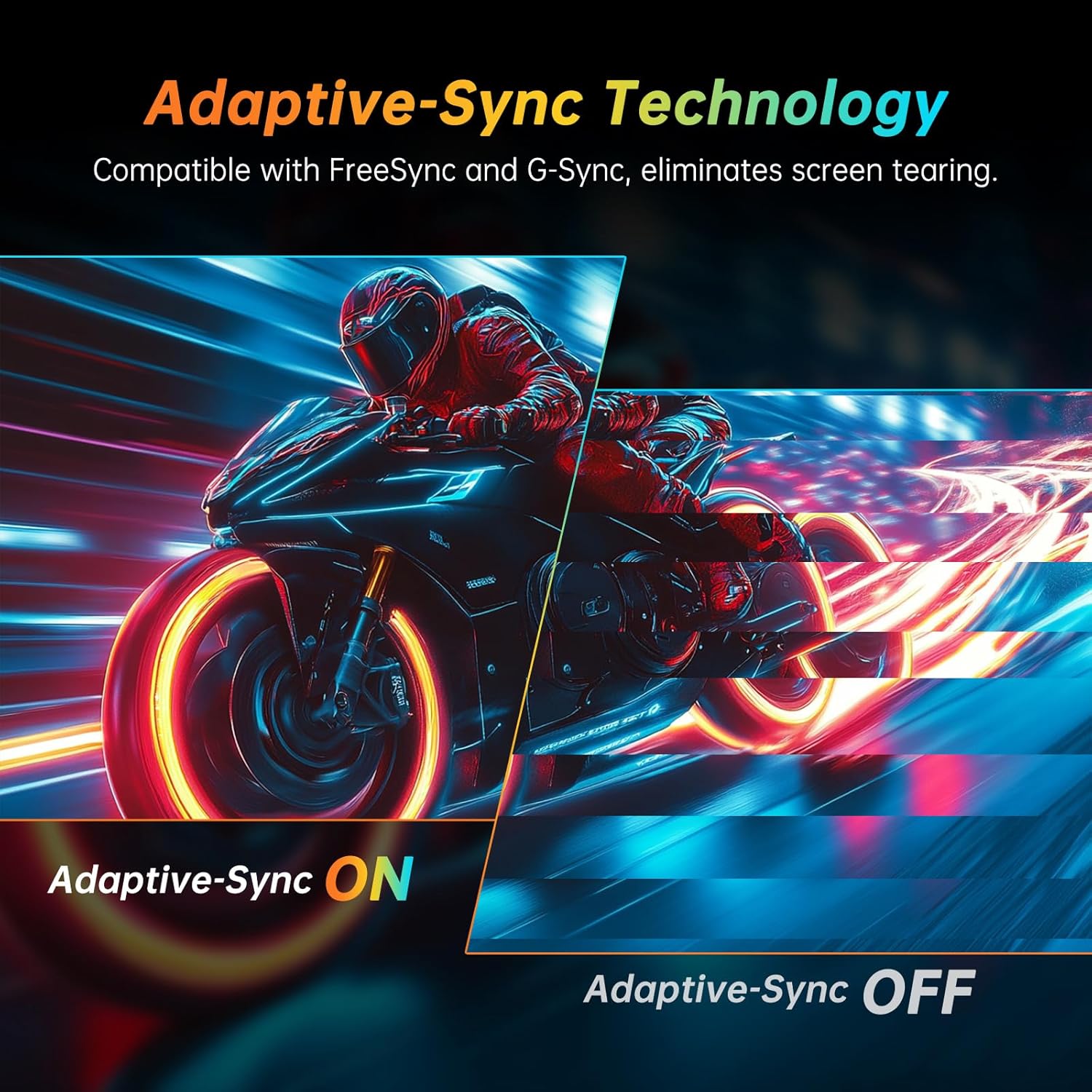
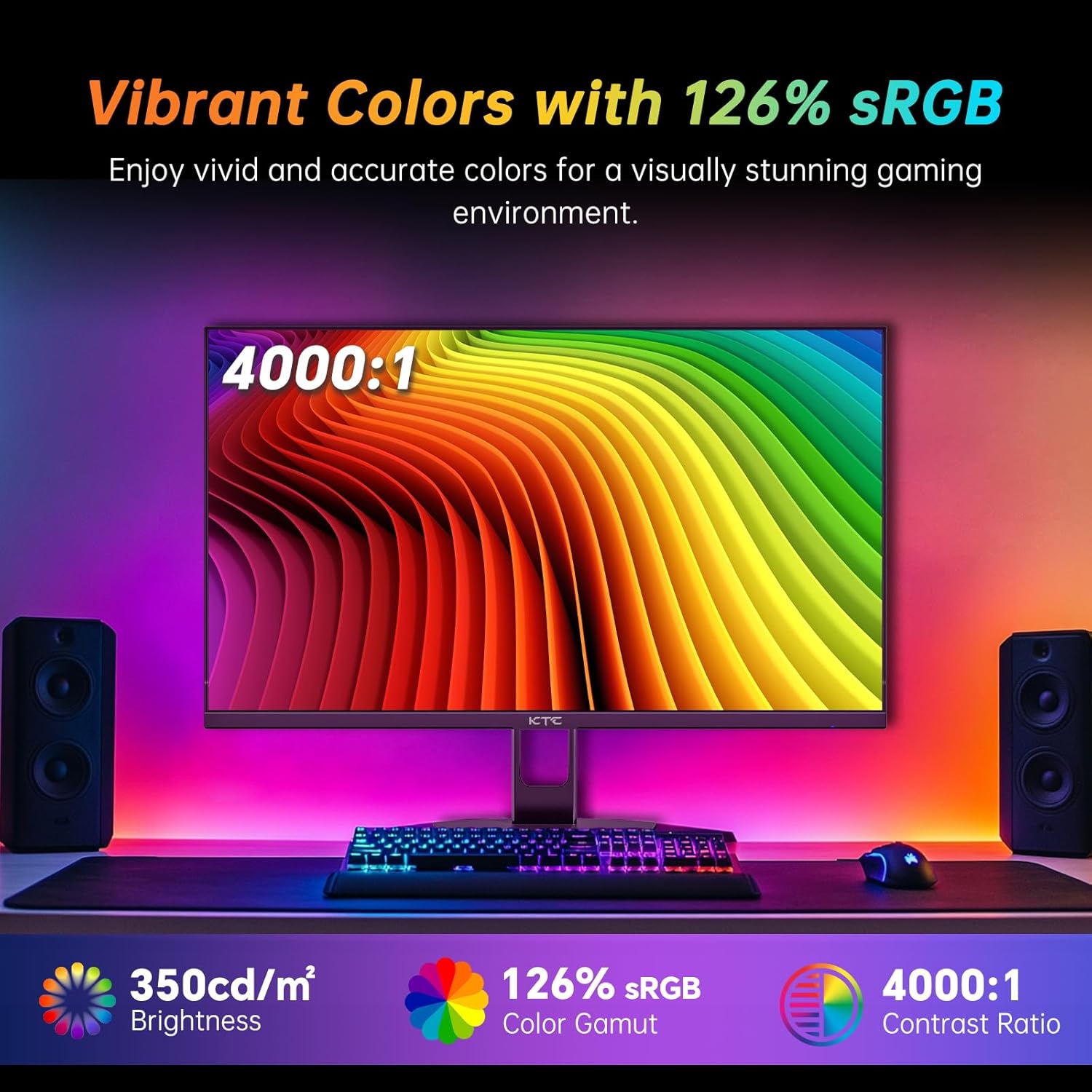
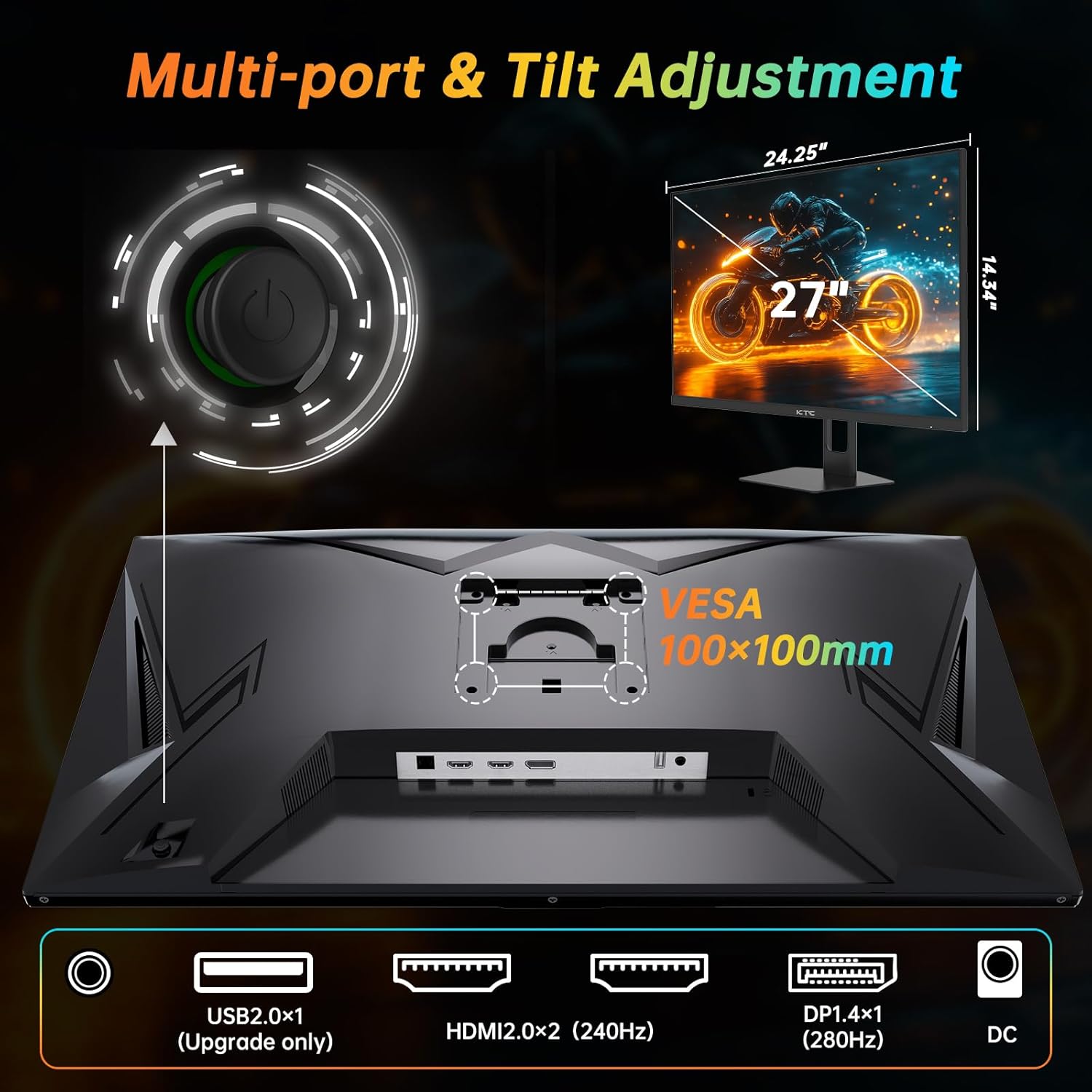
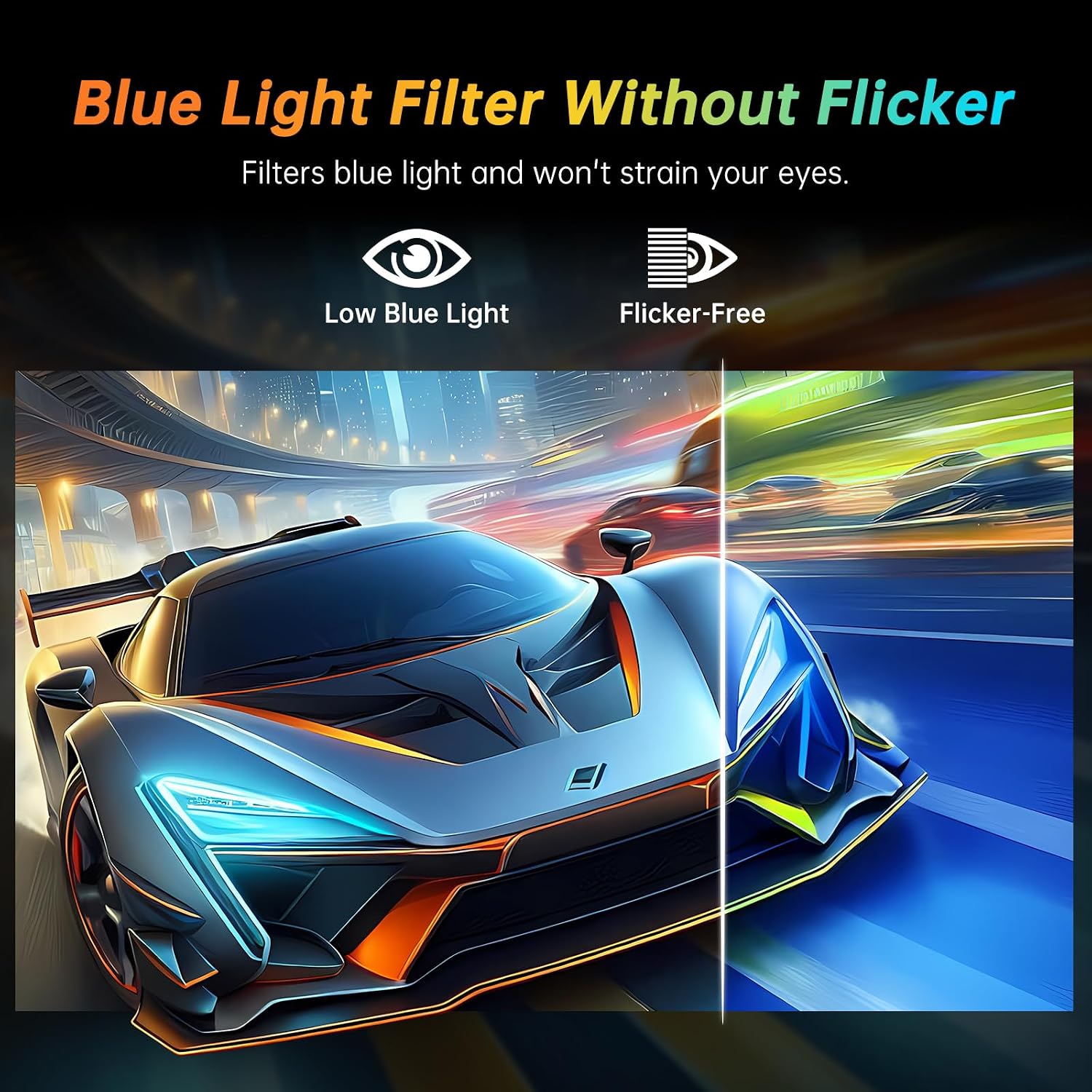
What this monitor is and who it’s for\nThe KTC H27E22P is a 27-inch Full HD gaming monitor with a Fast VA panel designed to deliver deep blacks and vivid colors. It targets competitive gamers who want high refresh rates for smooth motion and a responsive feel without stepping up to 4K. If you’re chasing fast reaction times and a solid color experience in a 1080p format, this model aims to balance speed and image quality in a single screen.\n\n## Performance on paper, practical impact\nThe standout feature is the ultra-fast refresh rate: 280Hz via DisplayPort and 240Hz via HDMI, which is geared toward high-FPS games and esports scenarios. A 1ms GTG response time helps minimize motion blur, giving you a potentially smoother experience in fast-paced shooters and racing titles. In practice, expect crisper motion when paired with a capable GPU and games set to higher frame rates. The 1080p resolution keeps GPU requirements reasonable, making it a sensible choice for setups where frame rate matters more than resolution.\n\n## Color and image accuracy in daily use\nColor performance is tuned by an 8-bit panel with a broad color gamut (1.07B colors and 126% sRGB coverage) and a 4000:1 contrast ratio. This combination aims for punchy reds and greens while maintaining dark shadows visible in darker scenes. HDR support is included to widen the color range and increase contrast in compatible content. On the desktop and non-HDR content, you’ll likely notice more pop in games, though HDR performance depends on the source and content.\n\n## Adaptive sync and system integration\nAdaptive-Sync helps reduce tearing and stuttering by aligning the monitor’s refresh with the GPU’s frame output, which can translate to smoother gameplay in FPS and RTS titles. The monitor provides multiple input options—2× HDMI 2.0 (up to 240Hz) and 1× DP 1.4 (up to 280Hz)—so you can connect a PC, laptop, or console and switch between devices without constantly swapping cables. If you value a versatile setup that supports both work and play, this flexibility is a practical benefit.\n\n## Who it’s for and who it isn’t the best fit for\nThis model suits gamers who prioritize high refresh rates, fast response, and a sizable 27-inch display without moving to high-resolution 1440p or 4K. It’s a reasonable option for esports training, competitive shooters, or racing games where your reflexes and frame timing matter more than ultra-detailed textures. If you primarily play at 60–120fps or want every detail at the highest resolution, you may find the 1080p/27-inch pairing less compelling than higher-res alternatives. It also isn’t ideal if you need color-critical work or the widest HDR bandwidth in non-gaming tasks.\n\n## Practical considerations before you buy\n- Make sure your GPU can sustain high frame rates to truly benefit from 280Hz or 240Hz listening.\n- Check your desk space and stand ergonomics, a 27-inch screen benefits from a comfortable viewing distance to avoid eye strain.\n- Look for support for the specific HDR content you expect to watch or play, since HDR experience can vary by game and source.\n- If you plan to use multiple devices, confirm the HDMI and DP cables are one you already own or ready to purchase.\n\n## Ways this compares to other approaches\nIf you want a balance between speed and cost, a 1080p 27-inch panel with high refresh rates like this typically undercuts pricier 1440p or 4K gaming monitors while still providing a responsive feel. For users who can justify higher resolution, stepping up to 1440p or 4K may deliver crisper text and more detailed scenes, but at the cost of requiring a stronger GPU and potentially lower native refresh if you’re not running at extremely high frames.\n\n## What to inspect before pulling the trigger\n- Verify the actual tested refresh rates in your typical game titles and whether the DP port consistently hits 280Hz.\n- Confirm color calibration and panel uniformity if you plan to use it for creative tasks beyond gaming.\n- Ensure the monitor’s on-device settings—FPS, RTS, and HDR modes—align with your preferred gaming profile.\n\n## The decision moment: should you buy it?\nIs it worth it? If your main goal is ultra-smooth gameplay with exceptionally fast response in a 27-inch form factor and you’re comfortable with Full HD, this monitor offers a compelling set of features at a more approachable tier than higher-resolution gaming displays. It factors well for players prioritizing reaction time and motion clarity, provided you have a system capable of delivering high frame rates.\n\n## Quick FAQ\n- Does this monitor support FreeSync and G-Sync? Yes, it’s advertised as FreeSync with G-Sync compatibility, aimed at reducing screen tearing.\n- What resolution will I get at 240–280Hz? It’s Full HD 1080p (1920 × 1080).\n- Can I use this with a console? The HDMI 2.0 input supports high frame rates for compatible consoles, though actual performance depends on the title and system.\n- Is HDR worth it on 1080p? HDR can improve color and contrast in supported content, but the impact varies by game and source.\n- How adjustable is the stand? Practical details aren’t provided in the base information, consider checking tilt/height options when evaluating placement needs.