

KTC H24T27 24" QHD IPS Monitor
Reviews
Price
Product description
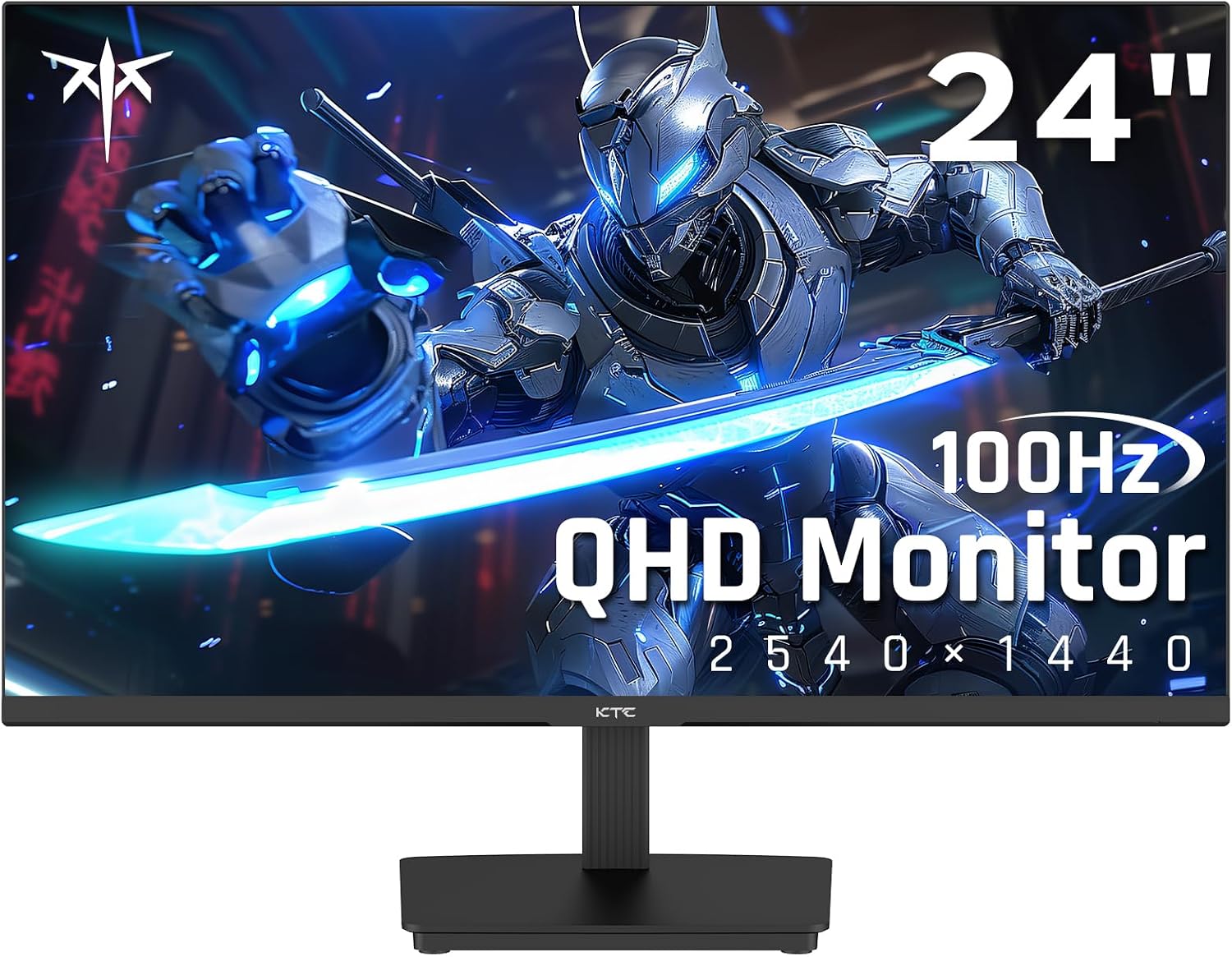
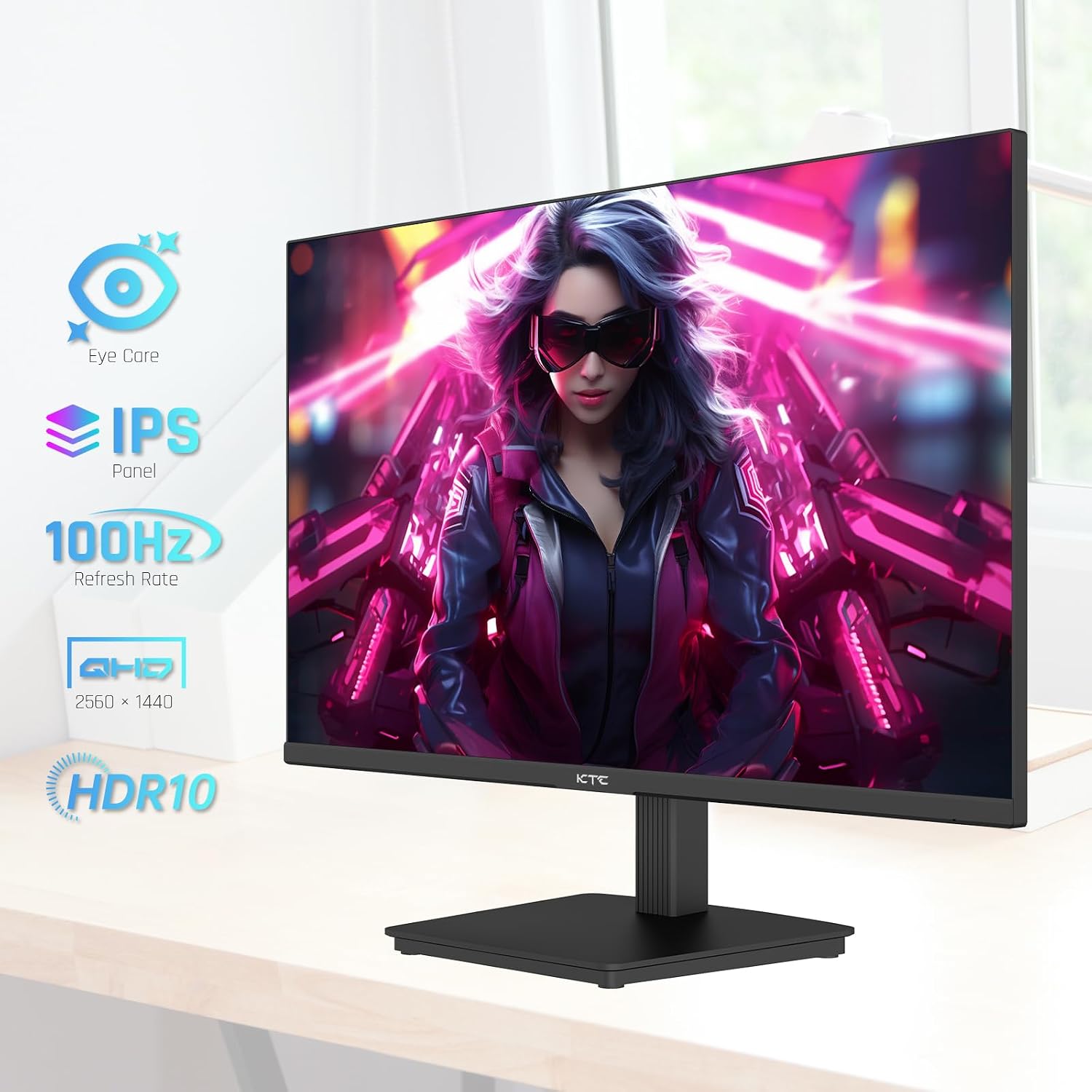
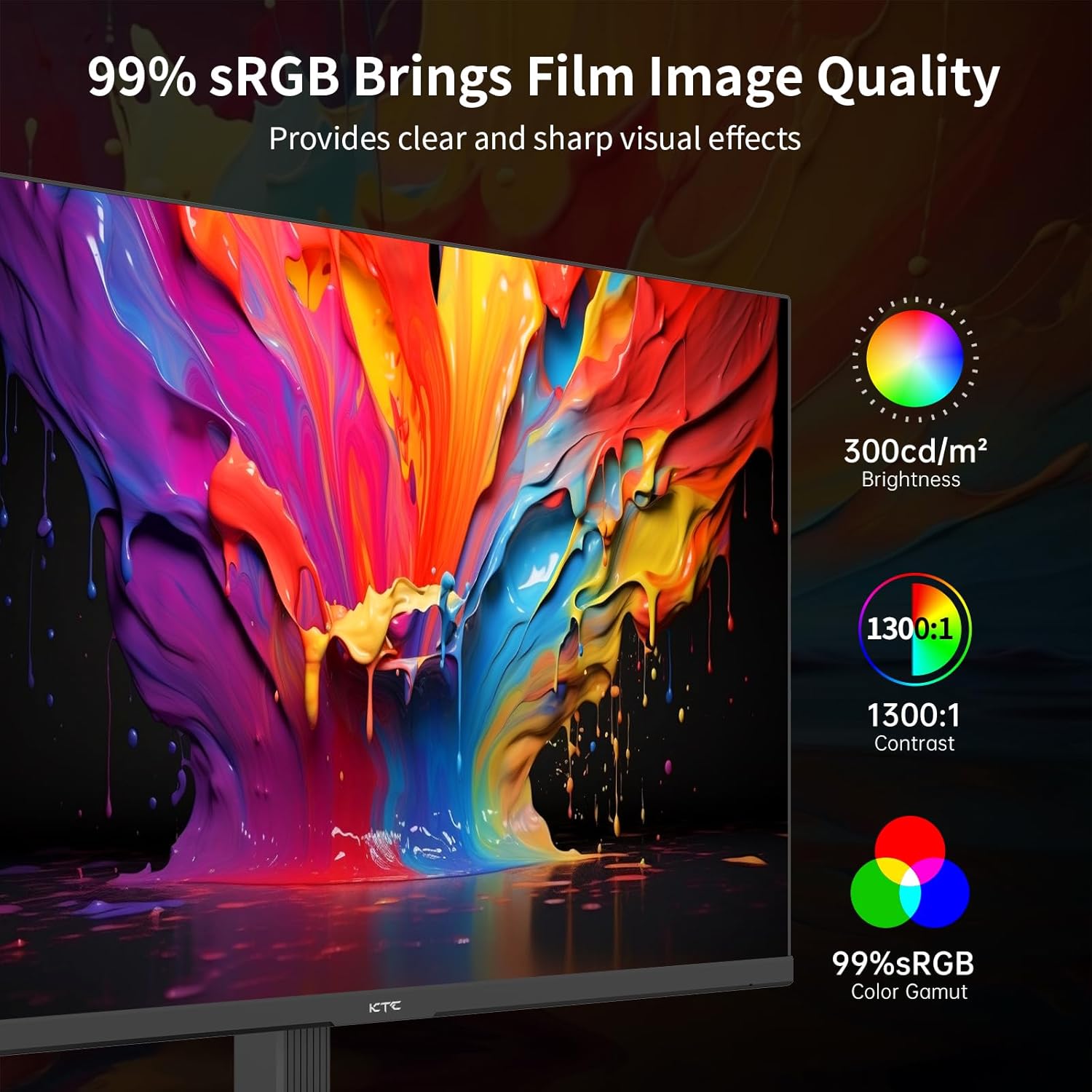
This KTC 24-inch QHD 2560x1440 IPS monitor brings sharper detail and more desktop space for mixed work and gaming, making it easier to see fine text and game environments. If you are looking for a compact 24 inch QHD gaming monitor that balances clarity with smooth motion, this model emphasizes crisp color reproduction and adaptive sync support for fewer screen tears.
Key Points
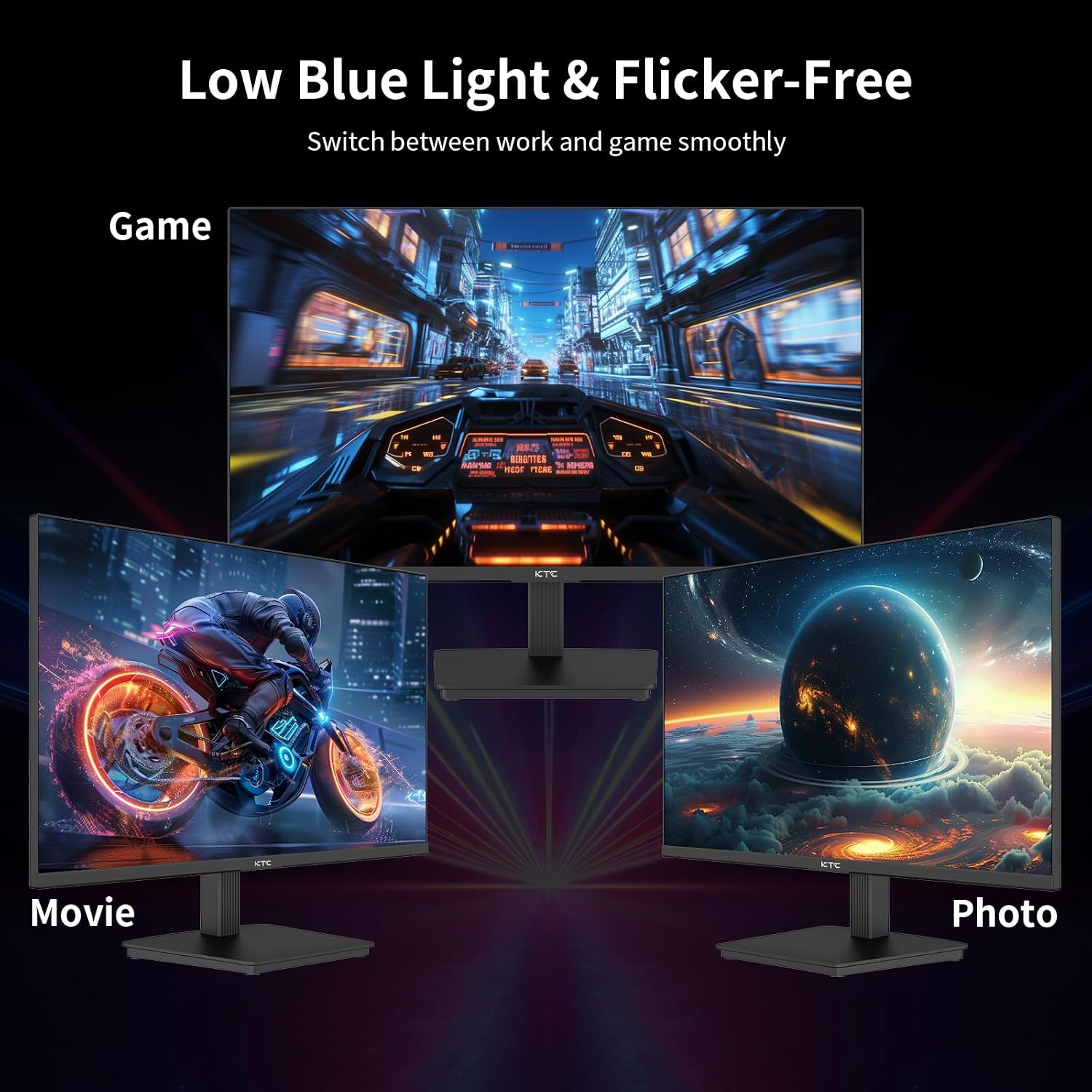
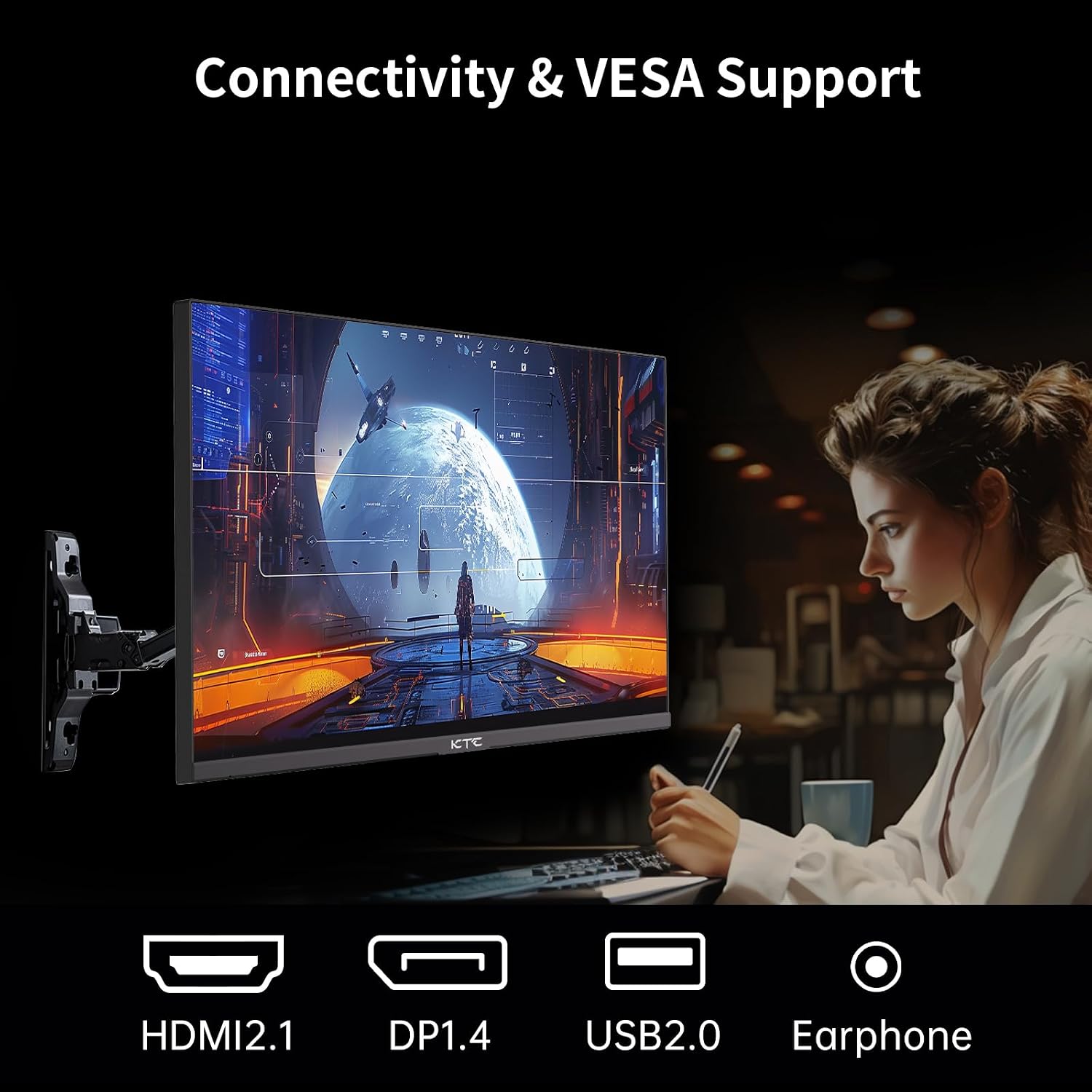
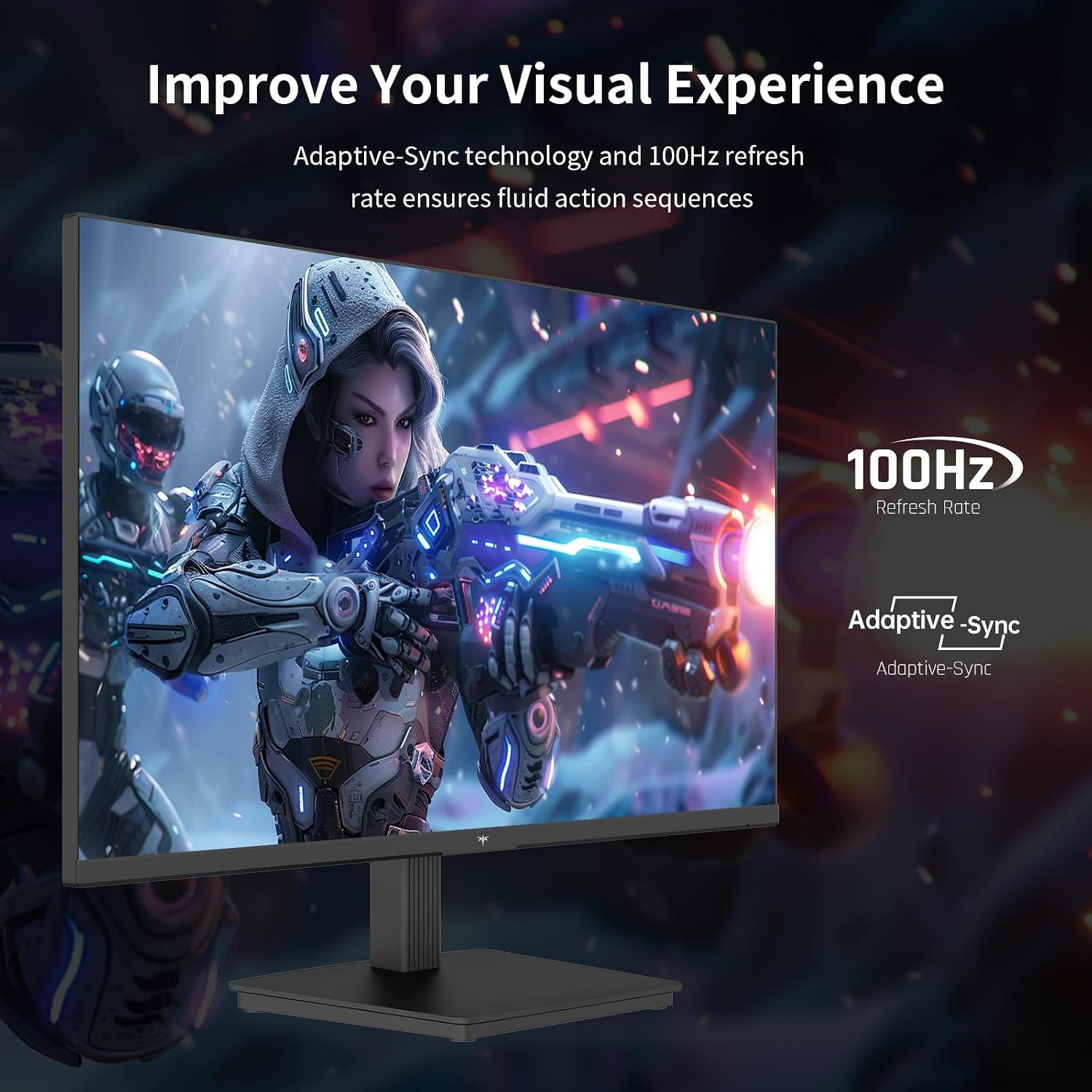
The screen features an IPS panel that keeps color consistent at wide viewing angles and supports HDR10 for increased contrast and more vivid highlights. Adaptive Sync compatibility helps reduce stutter and tearing when paired with a compatible GPU, and the zero-frame design maximizes visible area while keeping the monitor footprint compact. The stand allows tilt adjustment and the monitor includes VESA mounts for alternative mounting options. Low Blue Light technology aims to reduce eye strain during long sessions. 🎮🖥️
Technical Specifications
- Name: KTC H24T27
- Screen size: 24 inches
- Resolution: 2560 x 1440 (QHD)
- Refresh rate: 100 Hz
- Panel type: IPS
- Features: Adaptive Sync, HDR10, Low Blue Light, VESA mountable, Tilt adjustable
- Inputs: DisplayPort, HDMI
Usage Recommendations
For gamers, using DisplayPort when your system supports it can help take advantage of the monitor's higher bandwidth features and smoother frame pacing. For office work, the QHD resolution gives extra screen real estate for spreadsheets and multiple windows, which can improve productivity. Adjust the Low Blue Light mode for extended reading or editing sessions to reduce visual fatigue. Note that HDR performance depends on the source content and graphics card capabilities, and perceived brightness and contrast will vary according to room lighting. 🔧
The Best of This Model
This monitor combines a dense 2K resolution with practical ergonomics, offering a neutral color base that is easy to calibrate for photo editing or creative tasks. The zero-frame bezel provides a near-seamless multi-monitor look when paired with identical units, and the tilt-adjustable stand simplifies quick alignment on a desk. Adaptive Sync and the 100 Hz refresh rate help deliver a smoother feel in fast-paced games according to the manufacturer, though competitive players seeking the absolute highest refresh rates may look elsewhere. 🎯