

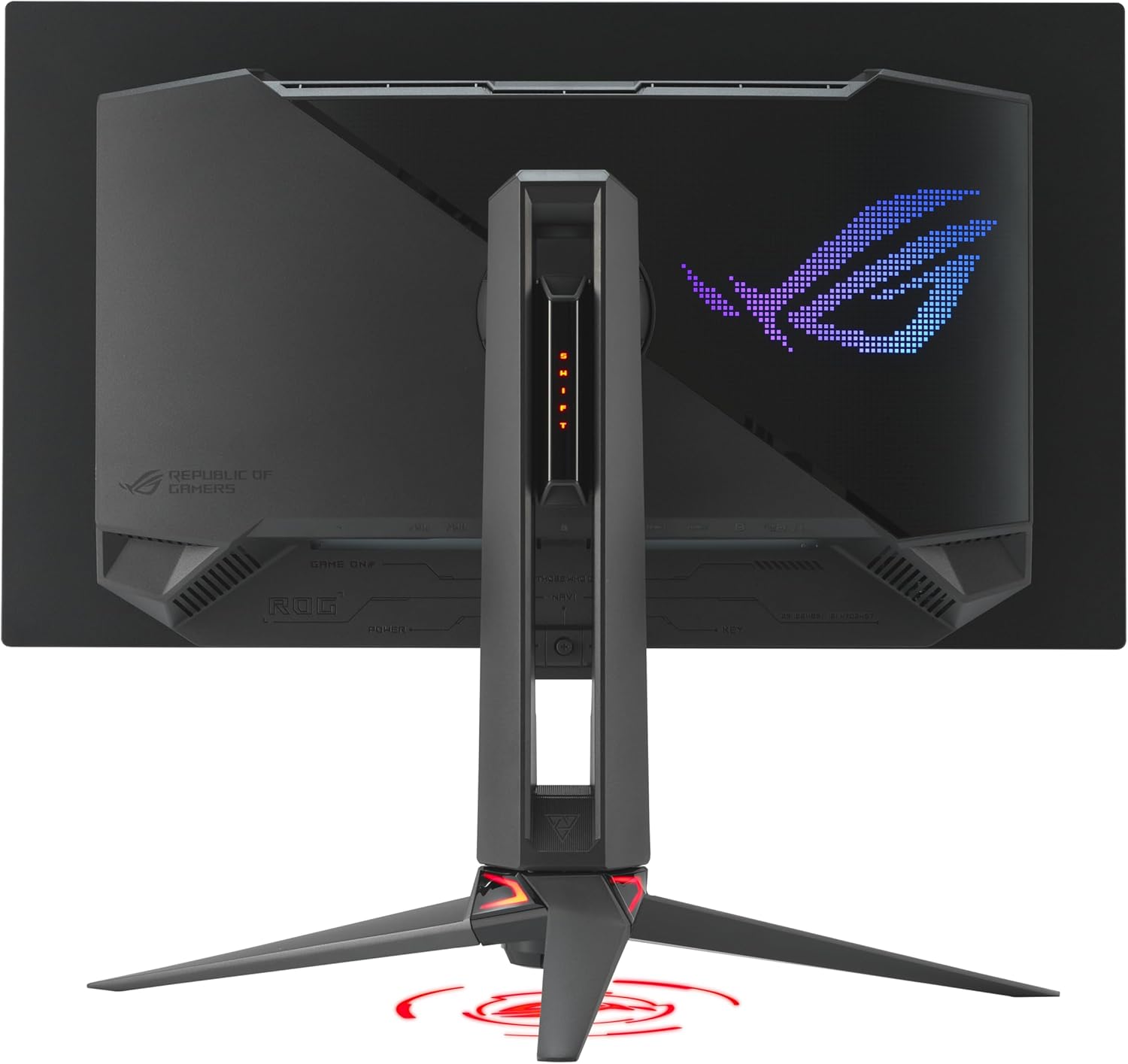
ASUS ROG Swift PG27UCDM: 27” 4K QD-OLED with 240Hz for serious gaming
Reviews
Price
Product description
What this is and what problem it aims to solve
The ASUS ROG Swift PG27UCDM is a 27-inch gaming monitor built around a 4K QD-OLED panel, designed to deliver sharp text, vivid HDR, and very fast motion for competitive play. It combines a high-resolution image with an ultra-fast 240Hz refresh rate and a 0.03ms response time, addressing the desire for smooth gameplay and clear, low-latency visuals during fast-paced titles. If you’re chasing crisper details and more precise color for gaming and content work, this model centers on those needs.
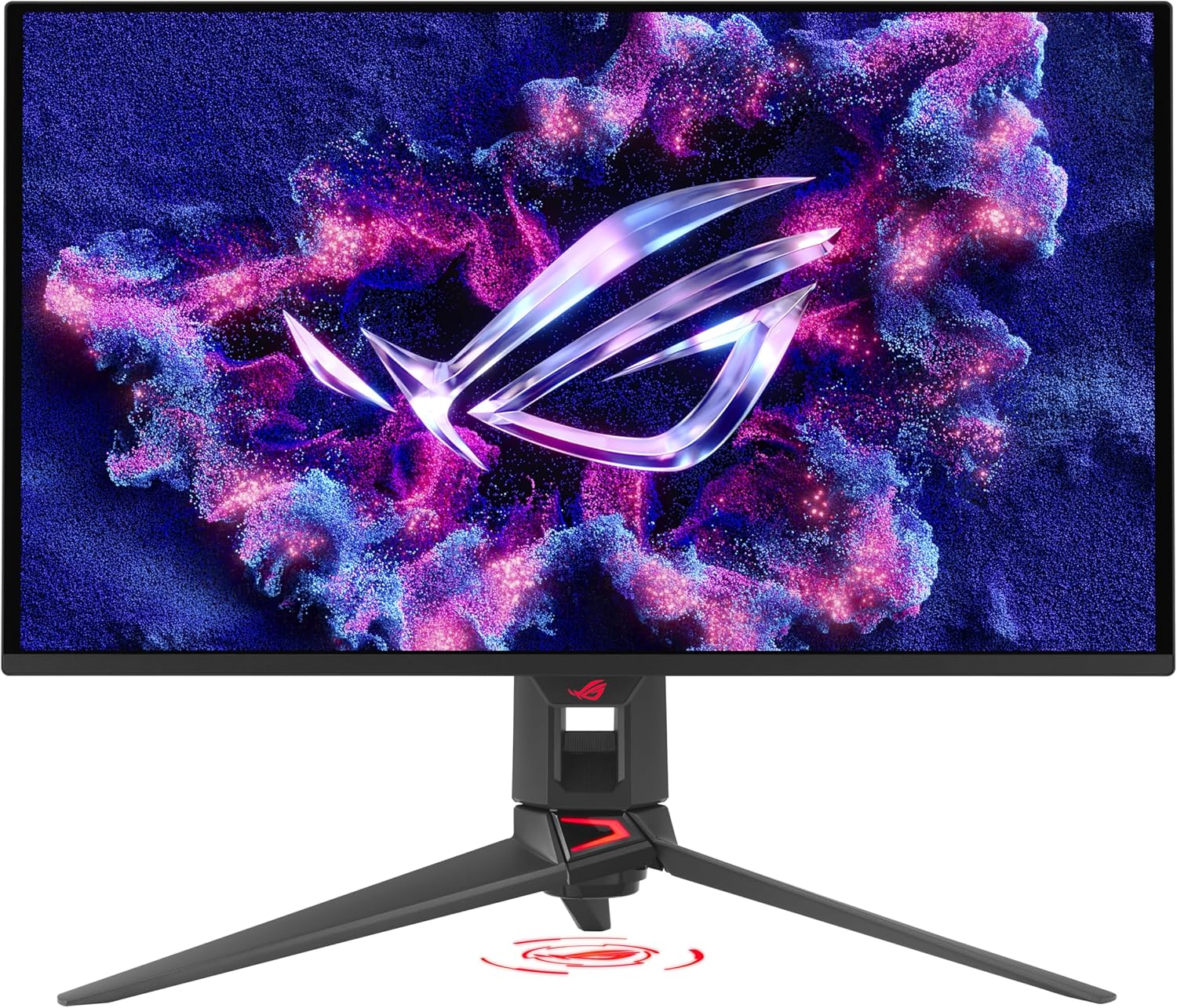
Core strengths you’ll notice in use
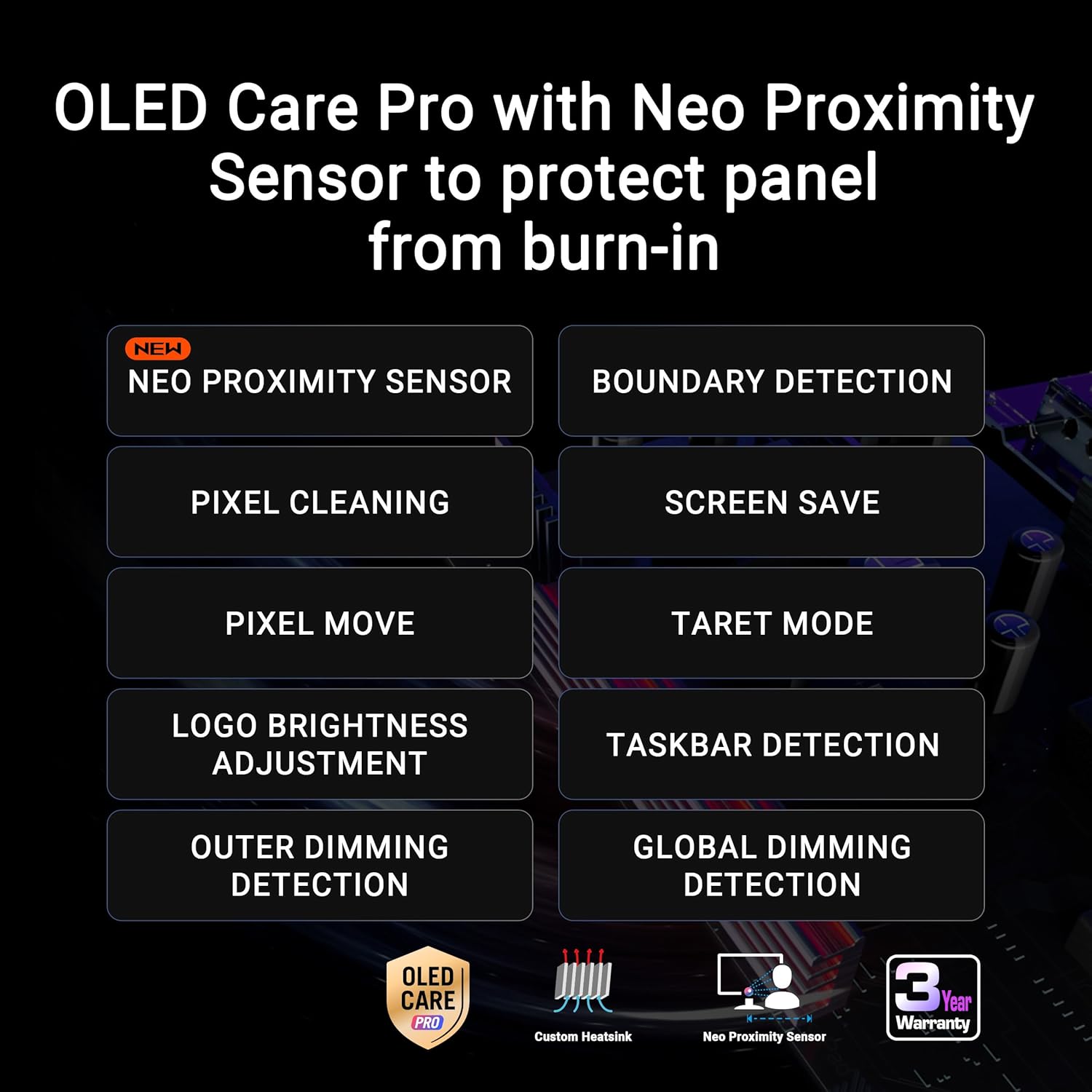
On paper, the most notable strengths are the 4K resolution paired with QD-OLED’s brightness and color reproduction, the 240Hz refresh rate, and a true 10-bit color pipeline that aims to minimize banding. The 99% DCI-P3 color gamut and Delta E < 2 color accuracy support HDR workflows and photo/video editing. For long sessions, the OLED Care Pro features plus a Neo Proximity Sensor can help reduce burn-in risk by dimming or turning off the panel when you’re away, which is a thoughtful touch for longevity.
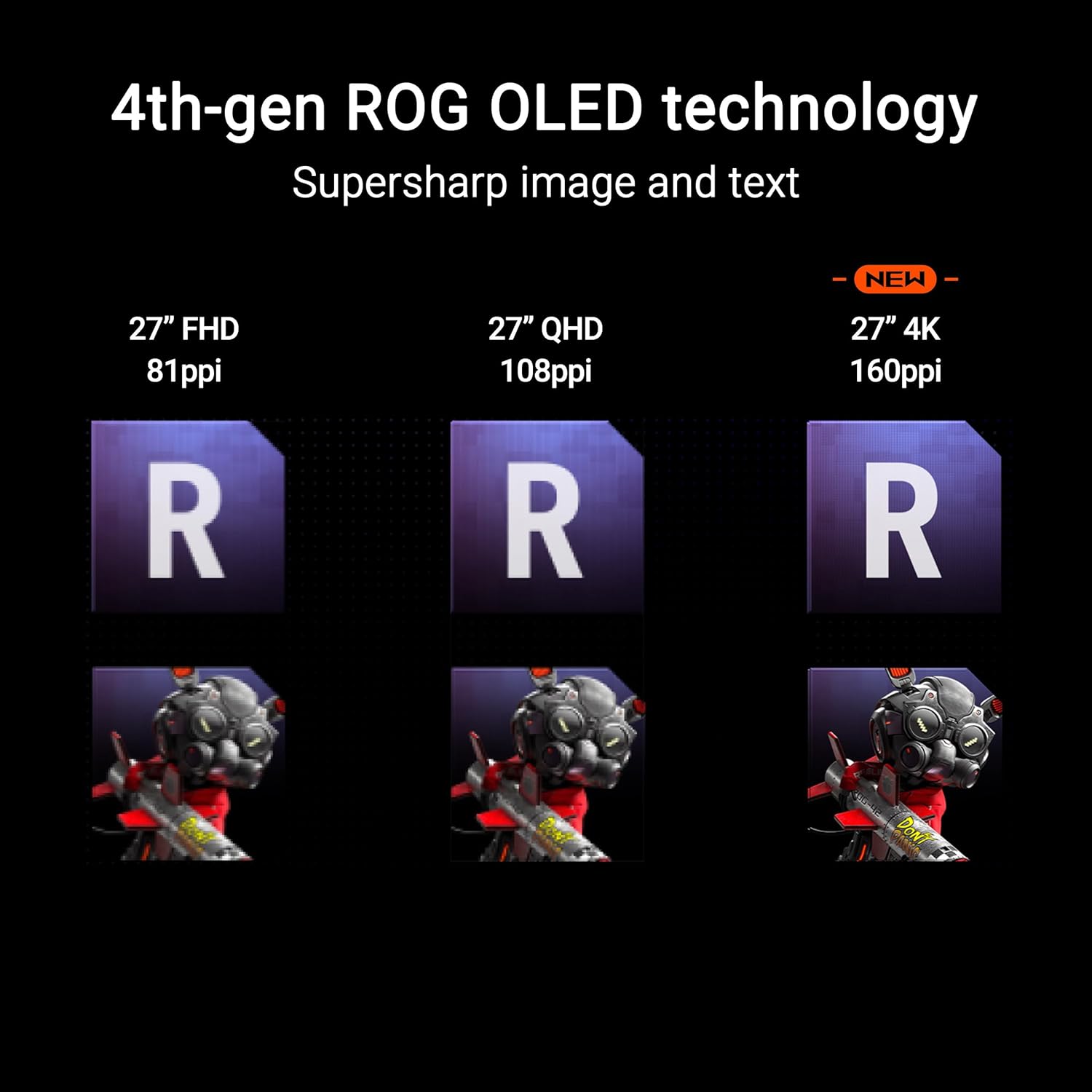
What stands out in terms of tech and inputs
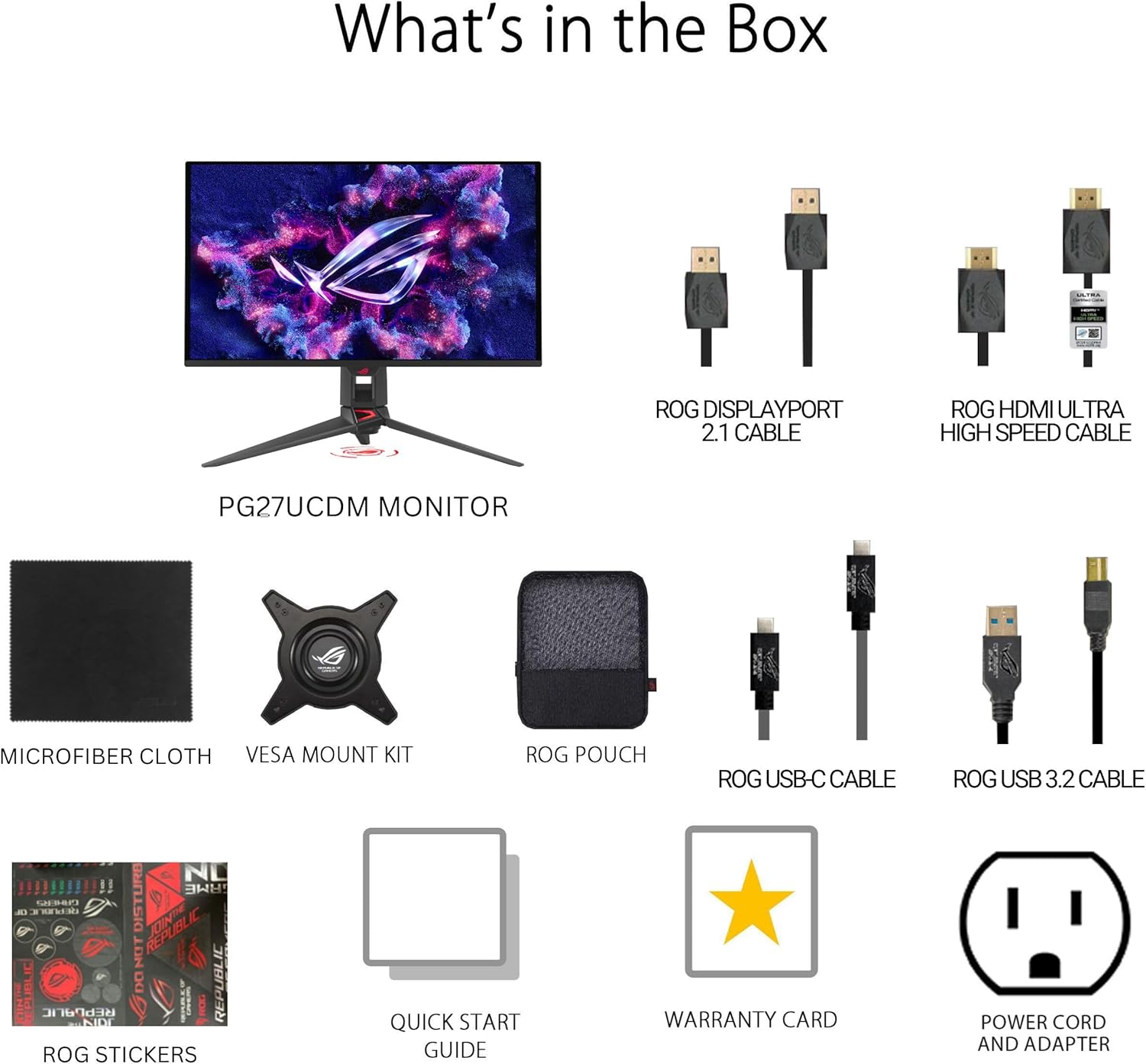
Connectivity is broad: DisplayPort 2.1a UHBR20 with up to 80Gbps bandwidth, USB-C (90W PD), and HDMI 2.1 all in one package. This gives flexibility for high-end PCs, laptops, and consoles that support the latest video interfaces. The inclusion of a tripod socket adds mounting versatility, which can be helpful for desk setups or broadcast-style arrangements. Dolby Vision support and VESA DisplayHDR 400 True Black indicate a strong HDR-capable experience for both games and media work.
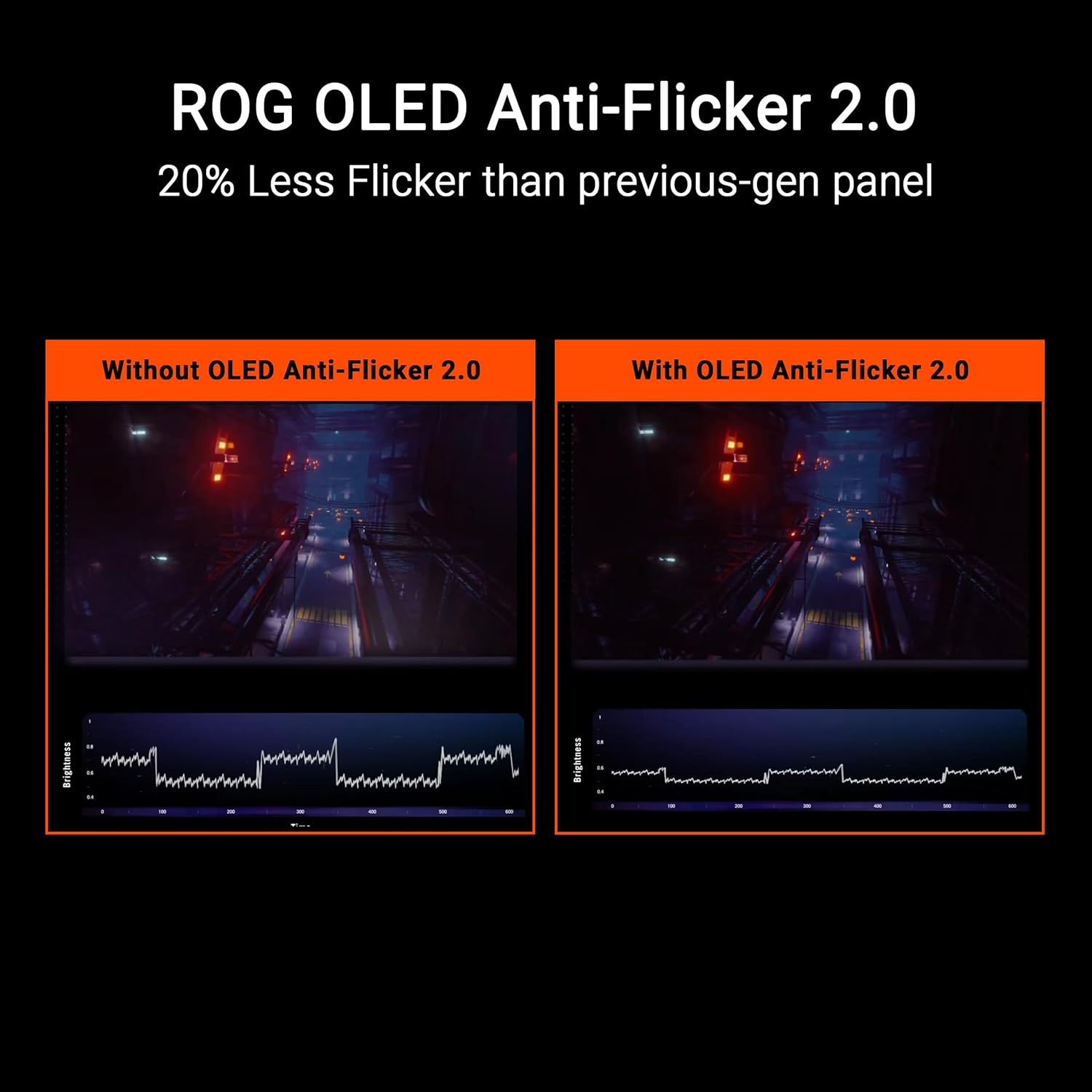
Realistic view of performance and limitations
If you prioritize top-tier color and motion, this panel’s 240Hz in 4K is compelling, but it’s important to note that OLED technology can present unique considerations, such as burn-in risk under certain conditions. The Neo proximity sensor is a smart feature, yet its effectiveness depends on usage patterns. The 4K resolution is excellent for productivity and media work, but it demands a capable GPU to drive high refresh rates at native resolution in demanding titles. For those who game at high frame rates but don’t need 4K, a lower-resolution alternative might deliver higher sustained frame rates with less GPU demand.
Who it’s for
This monitor tends to fit enthusiasts and professionals who want both high-fidelity HDR editing capability and competitive gaming performance in one screen. It’s particularly appealing if you value accurate 10-bit color, a wide gamut, and the flexibility of modern ports for a mixed workflow (gaming, streaming, content creation).
Who it’s not ideal for
If you’re sensitive to OLED burn-in concerns or you mostly game at 1080p with far lower GPU headroom, you may not get the most out of the 4K/240Hz pairing. Also, if you don’t have a system capable of pushing 4K at very high frame rates, the perceived advantage may be muted. For those who strictly need a pure gaming monitor with ultra-long brightness endurance, alternatives focused on LCD-based HDR might feel more reliable.
What to check before buying
- Ensure your PC or console can leverage HDMI 2.1 or DisplayPort 2.1 to approach high refresh scenarios.
- Consider your typical workflow: if you do color-critical work, verify the true 10-bit color and delta color accuracy align with your standards.
- Review your desk space and GPU capacity to sustain high frame rates at 4K, in some titles and settings, performance will vary.
- Think about burn-in risk and daily usage patterns, the proximity sensor helps, but it’s not a substitute for mindful OLED usage.
How this compares to other approaches
If your priority is pure response time in a 4K-era panel, you’ll find this model’s combination of 240Hz plus OLED visuals compelling. However, if you don’t require 4K or if you want consistently predictable brightness over many years with minimal burn-in considerations, a high-quality LCD HDR monitor could be a more conservative choice. This model sits at an ambitious middle ground: premium color and HDR for content work, plus strong esports motion handling for gaming.
Final verdict
Is it worth it? It makes sense if you’re after a flagship 4K OLED experience with high refresh and a broad set of modern inputs, and you’re prepared to invest in a capable system to drive it. It isn’t a blanket must-buy for every setup, but for a user who wants both creator-grade color and competitive gaming performance in one screen, this monitor stands out in its niche. If burn-in sensitivity or hardware requirements are a concern, you may want to weigh alternatives or use it where you can balance usage.
Quick FAQ
- Does it truly deliver 4K at 240Hz? The spec supports 4K with a 240Hz refresh rate, though real-world performance depends on the system and game optimizations.
- Can I use it for color-critical editing? Yes, with 99% DCI-P3 coverage and true 10-bit color, it’s positioned for HDR and color work, but verify calibration for your pipeline.
- Is burn-in a major risk? OLED has burn-in considerations, the Neo Proximity Sensor is designed to mitigate risk by dimming or turning off when unused, but daily usage patterns still matter.
- Are the ports future-proof? DisplayPort 2.1a UHBR20 and HDMI 2.1 provide ample bandwidth for current high-end rigs and future-proofing to some extent.